
Student Success Dashboards Deans and Chairs Student Data
Student Success Dashboards Deans and Chairs Student Data Warehouse Training, Session 3 Jose Lema – Student Success Business Analyst jose. lema@sjsu. edu Ravi Alladi – Data Warehouse ETL/BI Developer ravi. alladi@sjsu. edu Ravi Pisupati – Tech Lead, Student Data Warehouse ravi. pisupati@sjsu. edu Scott Heil – Director, Institutional Effectiveness and Analytics scott. heil@sjsu. edu
Overview • Questions to explore using Student Success data • Quick Refresher of Dashboard layouts including prompts, report data, and filters • An introduction to the Course Grade Distribution, Student Success, Graduate Student Tracker, and Student Profile Dashboards • Q & A

Questions to Explore Using Student Success Data • In which courses have students been the most/least successful? • Which colleges/departments/courses/sections have the highest failure rates? • How have graduation rates varied across cohorts? (by admit term/majors/demographics) • How can I generate student and recent alumni contact lists? • How can I generate a current student list for a particular college/major? • Other questions?
Dashboards containing Student Success/Degree Progress Data • Course Grade Distribution Dashboard – Distribution of grades by course, college, department, and faculty member • Student Success Dashboard - Graduation and retention data by cohort • Graduate Student Tracker Dashboard - Graduate student degree progress data • Student Profile Dashboard – Individual student degree progress data (GPA, units earned, unofficial transcript)

Course Grade Distribution Dashboard • Grades by Section – Percentage of students earning each grade • Faculty View – Grade Distribution organized by faculty member • College Summary –Grade Distribution by Department and/or College • High Failure Rate Courses – Identifies courses by failure rate percentage – (WU, NC, F, D-, D, D+ grades) • Academic Standing Report – count of students in each Academic Standing status by term

Course Grade Distribution Grades by Section • Percentage of each grade awarded by section. • May be filtered by college, department, term, course subject
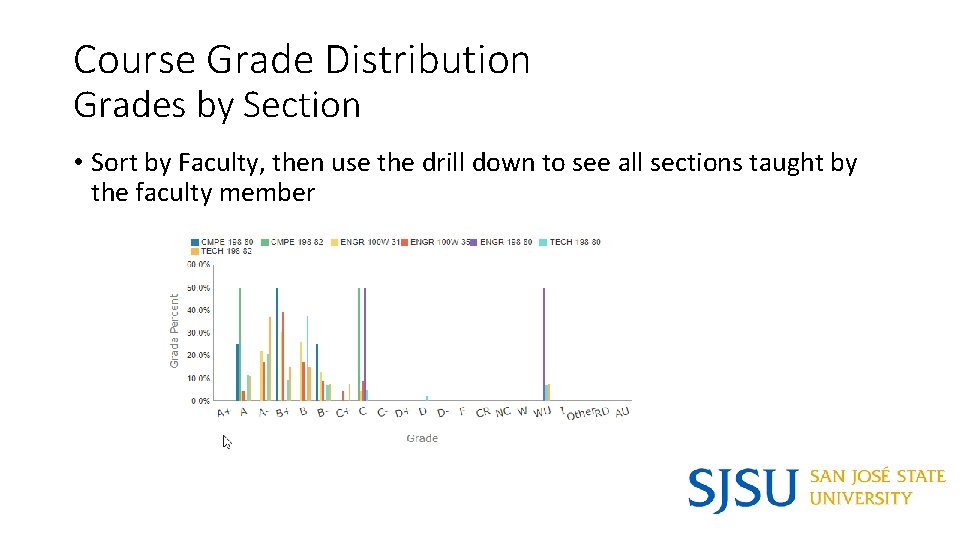
Course Grade Distribution Grades by Section • Sort by Faculty, then use the drill down to see all sections taught by the faculty member
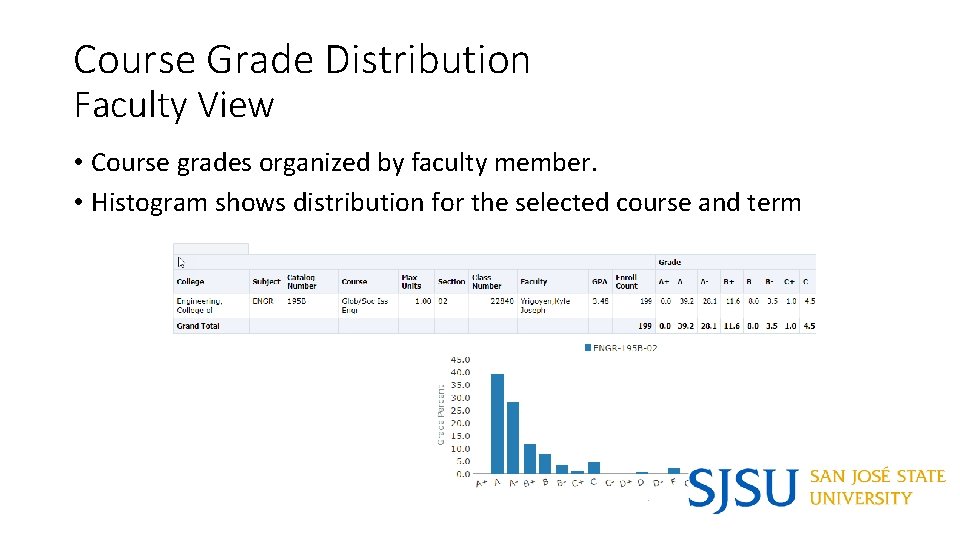
Course Grade Distribution Faculty View • Course grades organized by faculty member. • Histogram shows distribution for the selected course and term
Student Success Dashboard • Cohort Comparison – Graduation and retention rates by cohort • Cohort Details – Degree progress data aggregation by multiple demographic dimensions and academic background • Student Search – Individual student degree progress information • Comparison by Cohort Type – focus on students in the 2. 2 – 2. 5 GPA range. Graduation rates by major and academic level.

Student Success Dashboard – Cohort Comparison • Cohort Comparisons by may be filtered and/or sliced by College, Ethnicity, Parent’s highest education level, or CA residency for tuition purposes.
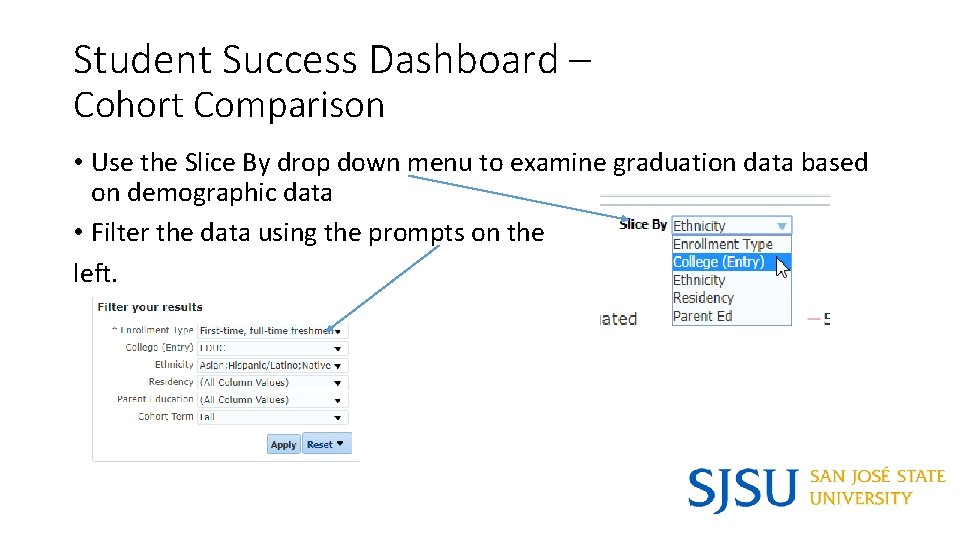
Student Success Dashboard – Cohort Comparison • Use the Slice By drop down menu to examine graduation data based on demographic data • Filter the data using the prompts on the left.
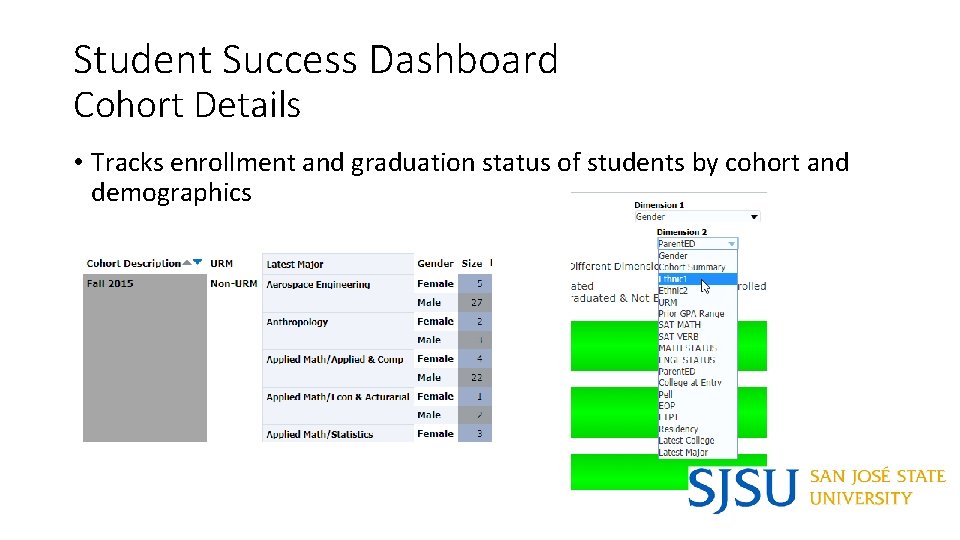
Student Success Dashboard Cohort Details • Tracks enrollment and graduation status of students by cohort and demographics

Student Success Dashboard Student Search • Search for specific students by Student ID number or by Institution of Origin • Contains degree progress information, demographics, contact information and majors (at entry and latest major)
Graduate Student Tracker - Detail • Identifying Information/Demographics: SJSU ID, Name, Gender, Ethnicity, Visa Permit Type, Residency (for tuition purposes) • Contact Details: Preferred E-mail • Enrollment: Academic Program, Last Term Attended, College, Plan Code This Term • Academic Performance/ Degree Progress: Grad App Status, Leave Indicator, Term Units Attempted, Term Units Earned, Cumulative GPA
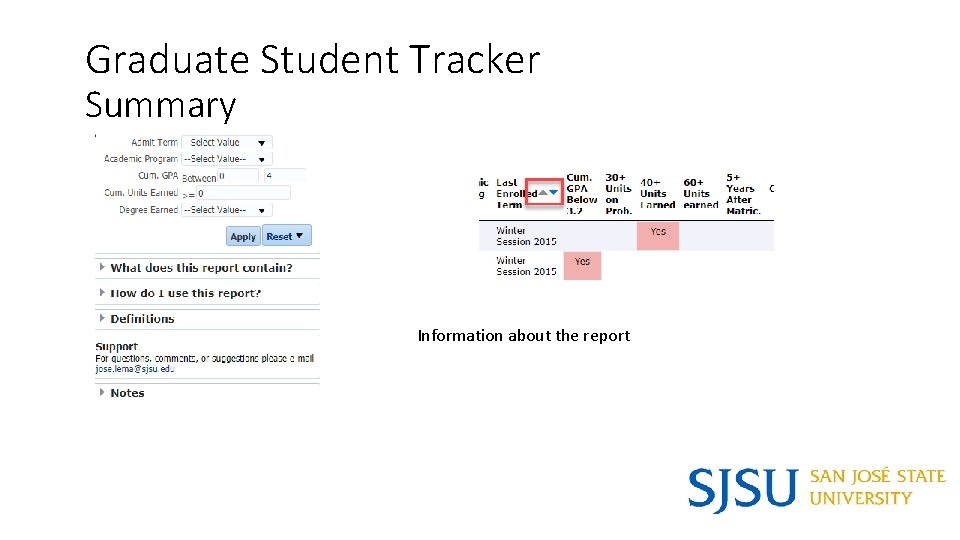
Graduate Student Tracker Summary Information about the report
Graduate Student Tracker Summary • Identifying Information: SJSU ID, Name • Contact Details: Preferred E-mail, Phone • Enrollment: Major, College, Last Enrolled Term, Degree Earned • Academic Performance/ Degree Progress: GPA, Units Earned, Indicators: GPA Below 3. 2, 30+ Units on Prob. , 40+ Units Earned, 60+ Units Earned, 5+ Years After Matric
1290 R Report • Lists students who have completed all required coursework but still need to complete culminating experience thesis or project • Identifying Information: SJSU ID, Name • Demographics: Residence for tuition purposes, Visa permit type • Contact Details: Preferred E-mail, Phone • Enrollment: Term Description (of semester taking 1290 R), Subject Code, Subject Description
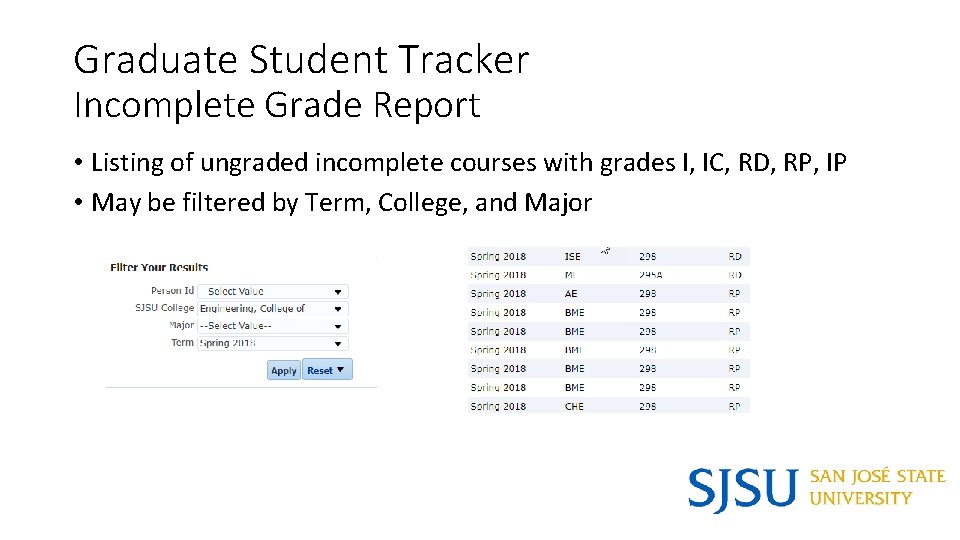
Graduate Student Tracker Incomplete Grade Report • Listing of ungraded incomplete courses with grades I, IC, RD, RP, IP • May be filtered by Term, College, and Major
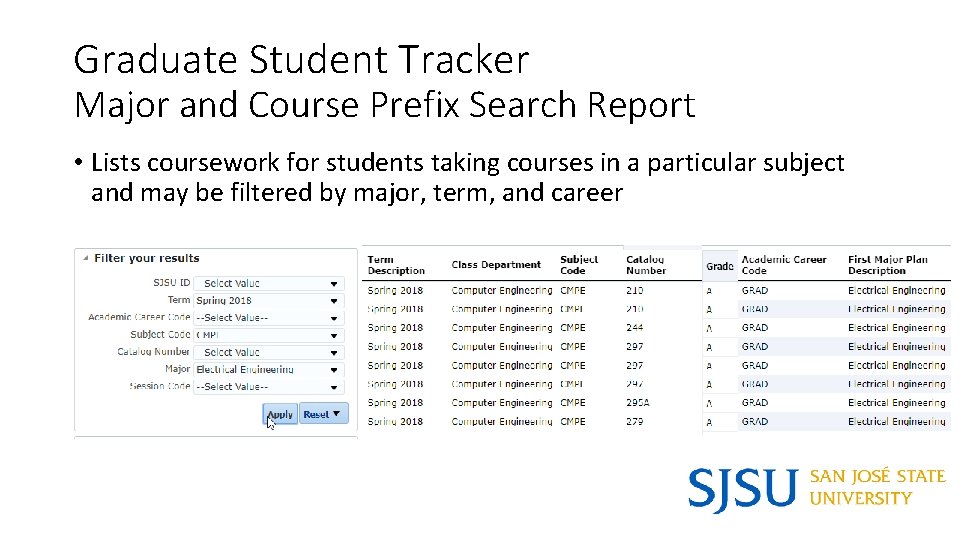
Graduate Student Tracker Major and Course Prefix Search Report • Lists coursework for students taking courses in a particular subject and may be filtered by major, term, and career
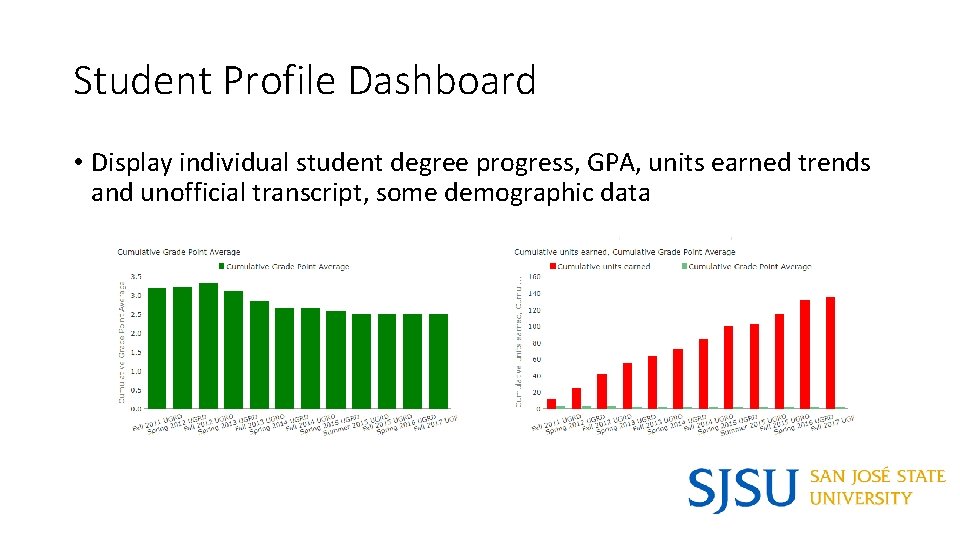
Student Profile Dashboard • Display individual student degree progress, GPA, units earned trends and unofficial transcript, some demographic data
Additional Training and Support • Monthly Brown Bag Lunch Sessions to share best practices with other advisors, offer feedback on new features/enhancements (monthly 11: 00 AM - 12: 00 PM in Clark 505) • E-mail jose. lema@sjsu. edu to schedule a one-on-one appointment or small group session. • To Request Access to the Dashboard, complete the form located at Student Data Warehouse Access Request • Student Data Warehouse Blog • Review User Guides and information on the left panel of the dashboards
Questions? • Jose Lema – Student Success Business Analyst jose. lema@sjsu. edu • Ravi Alladi – ETL/Business Intelligence Developer ravi. alladi@sjsu. edu • Ravi Pisupati – Tech Lead, Student Data Warehosue ravi. pisupati@sjsu. edu • Scott Heil – Director, Institutional Effectiveness and Analytics scott. heil@sjsu. edu
- Slides: 22