
Student Expectations for Visible Testing When you log
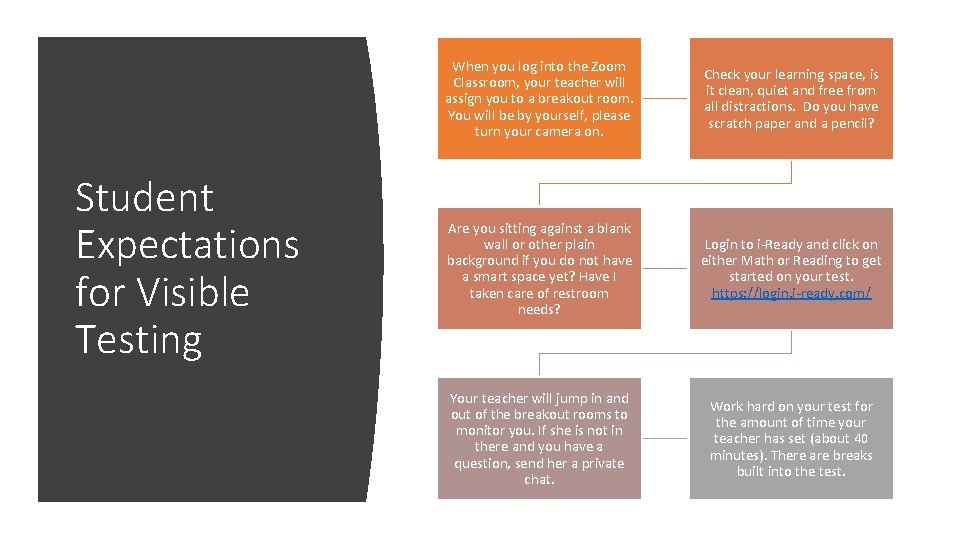
Student Expectations for Visible Testing When you log into the Zoom Classroom, your teacher will assign you to a breakout room. You will be by yourself, please turn your camera on. Check your learning space, is it clean, quiet and free from all distractions. Do you have scratch paper and a pencil? Are you sitting against a blank wall or other plain background if you do not have a smart space yet? Have I taken care of restroom needs? Login to i-Ready and click on either Math or Reading to get started on your test. https: //login. i-ready. com/ Your teacher will jump in and out of the breakout rooms to monitor you. If she is not in there and you have a question, send her a private chat. Work hard on your test for the amount of time your teacher has set (about 40 minutes). There are breaks built into the test.
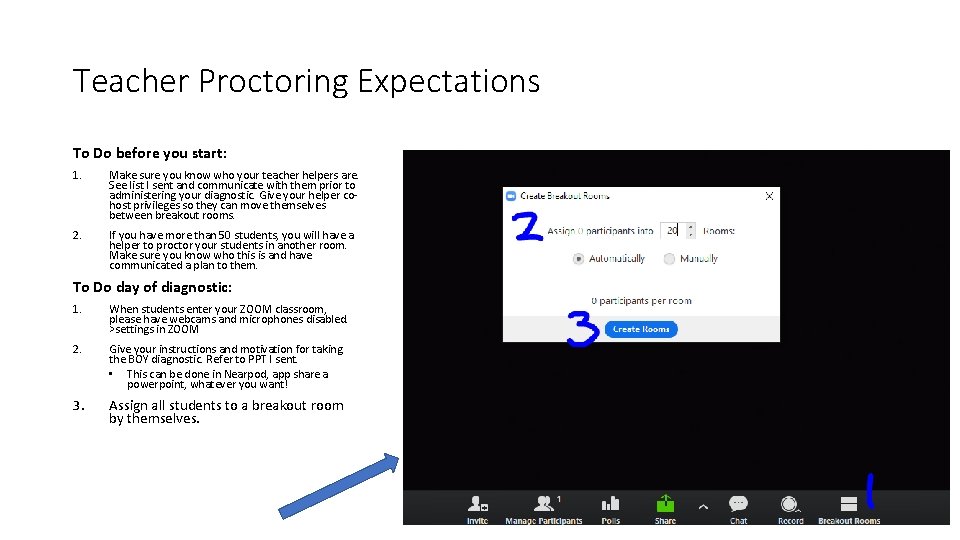
Teacher Proctoring Expectations To Do before you start: 1. Make sure you know who your teacher helpers are. See list I sent and communicate with them prior to administering your diagnostic. Give your helper cohost privileges so they can move themselves between breakout rooms. 2. If you have more than 50 students, you will have a helper to proctor your students in another room. Make sure you know who this is and have communicated a plan to them. To Do day of diagnostic: 1. When students enter your ZOOM classroom, please have webcams and microphones disabled. >settings in ZOOM 2. Give your instructions and motivation for taking the BOY diagnostic. Refer to PPT I sent. • This can be done in Nearpod, app share a powerpoint, whatever you want! 3. Assign all students to a breakout room by themselves.
To Do during the diagnostic: 1. 2. 3. 4. 5. 6. You and your co-host(s) hop between all the breakout rooms to monitor students. Students DO NOT have to app share unless you want them to show you something. Look for on-task and/or distracted behavior: • • parents/siblings helping them—ask them to stop and explain why Not in a quiet space—have them move or have the noise leave. Not looking at computer screen—find out why, redirect their attention Not working on test (can check status in i-Ready > Reports > Diagnostic Status) pg. 55 in Teacher success guide—can see in real time who is working or not. Teacher is checking for RUSH flags and talking to students about slowing down, taking their time. Reset tests if necessary only after talking to student and parent about it. We want reliable and accurate data to start the year so this is KEY! Give students about 40 -50 minutes to work on the test. This will depend on age of student and attention span, use your teacher judgment. There are brain breaks built into the diagnostic. Send all students a chat message with a 5 minute warning before you pull them back to the main room to end class. Instruct them to finish the question they are on and then pause the i-Ready test and log out. Bring students back to the main room and instruct them that you will work on it again tomorrow. They are not to work on it at home. Encourage them by helping them to see this allows their brain a break and time to do other things at home. The time to take the test is in class.
- Slides: 3