
Student Email HOW TO PROPERLY USE YOUR STUDENT
- Slides: 24
Student Email HOW TO PROPERLY USE YOUR STUDENT EMAIL ACCOUNT.
Why Do We Have Email? LPS has provided all students with a district email account. This account will be used for educational purposes. Examples include:
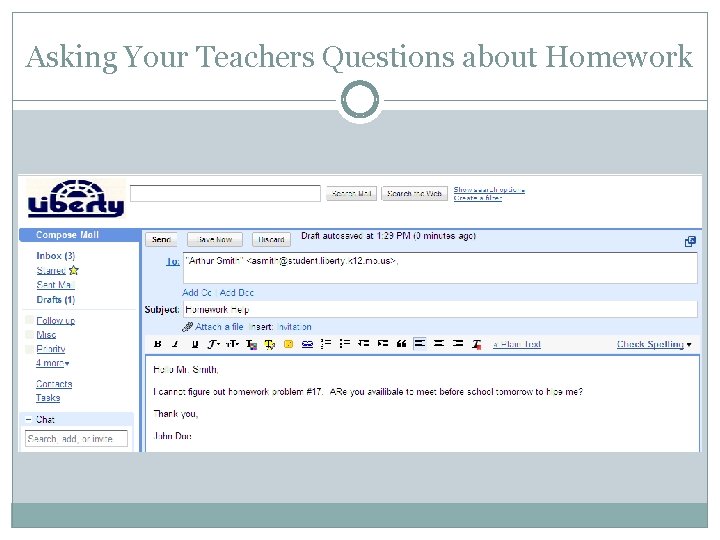
Asking Your Teachers Questions about Homework
Teachers Communicating with You Some of your teachers will email you about: Grade Reports Classroom Newsletters Makeup Work Test Reminders Paper Edits And many other topics!
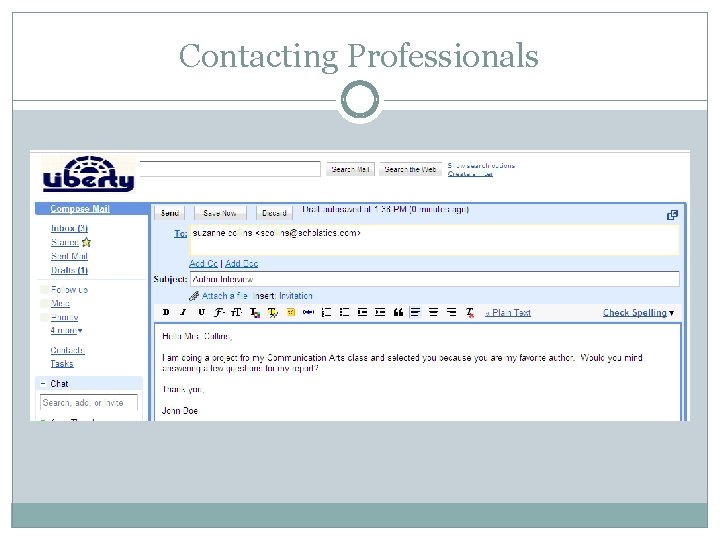
Contacting Professionals
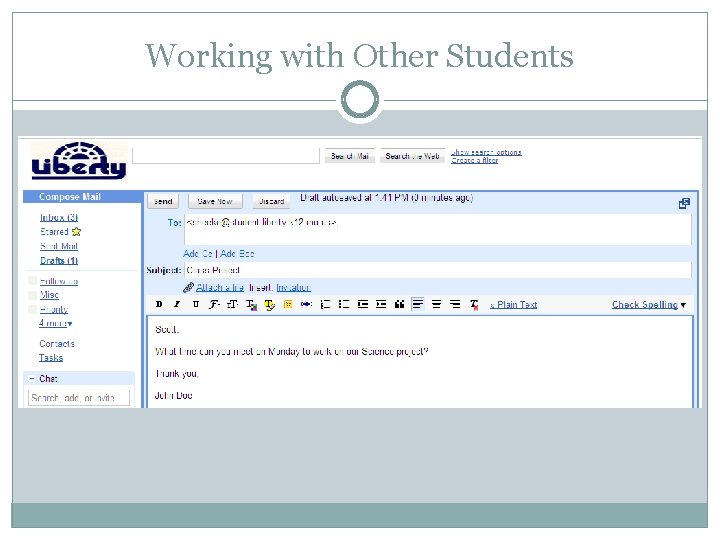
Working with Other Students
Communicating with Students You can email your peers about: Class activities School clubs Projects and Presentations You should not use your email for: Wasting time Gossiping Spamming This email is for school use, it is not for personal/social use.
Other Reasons for Email Required part of the Technology Curriculum Teach students professional and educational uses for email
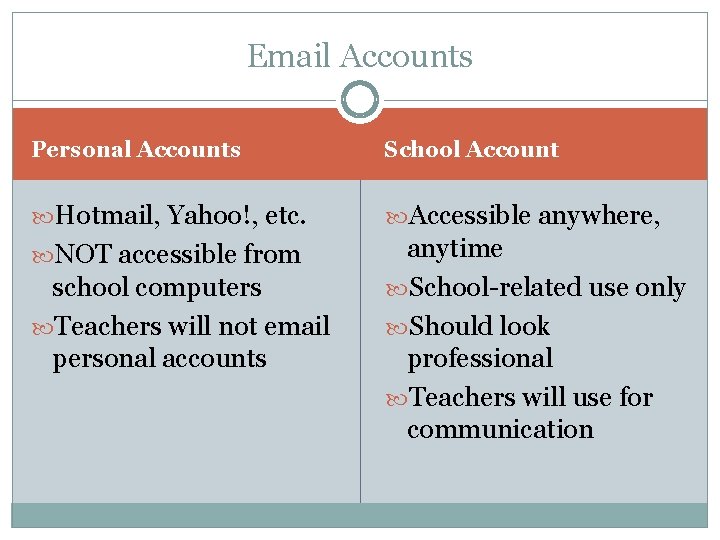
Email Accounts Personal Accounts School Account Hotmail, Yahoo!, etc. Accessible anywhere, NOT accessible from anytime School-related use only Should look professional Teachers will use for communication school computers Teachers will not email personal accounts
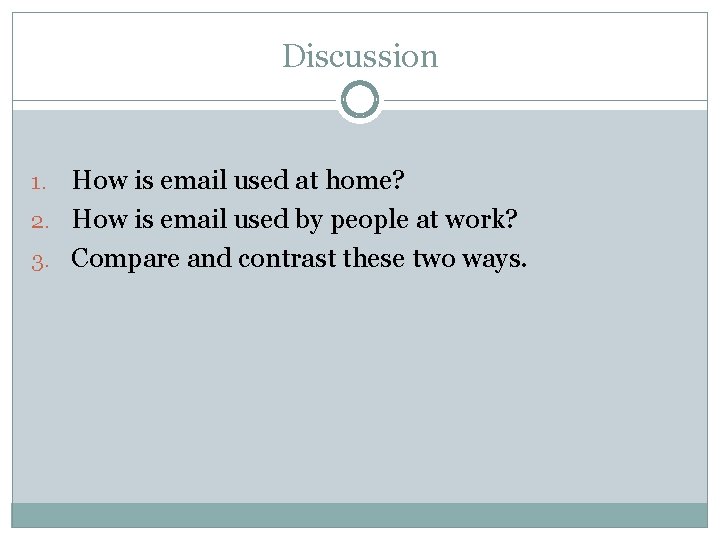
Discussion How is email used at home? 2. How is email used by people at work? 3. Compare and contrast these two ways. 1.
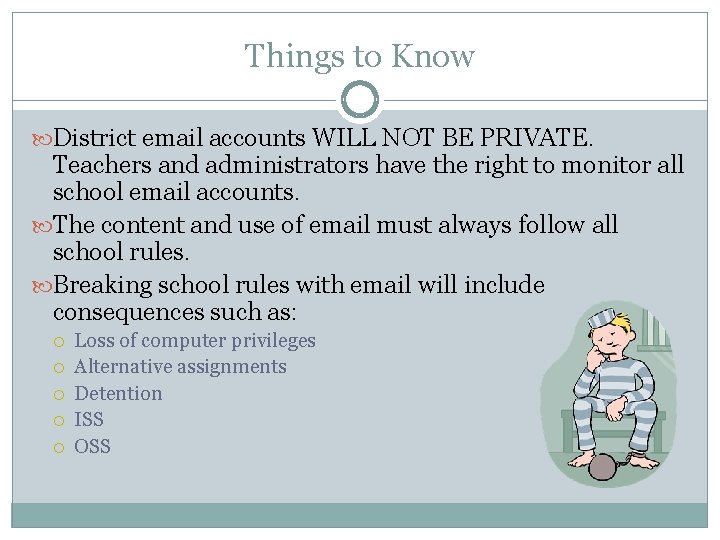
Things to Know District email accounts WILL NOT BE PRIVATE. Teachers and administrators have the right to monitor all school email accounts. The content and use of email must always follow all school rules. Breaking school rules with email will include consequences such as: Loss of computer privileges Alternative assignments Detention ISS OSS
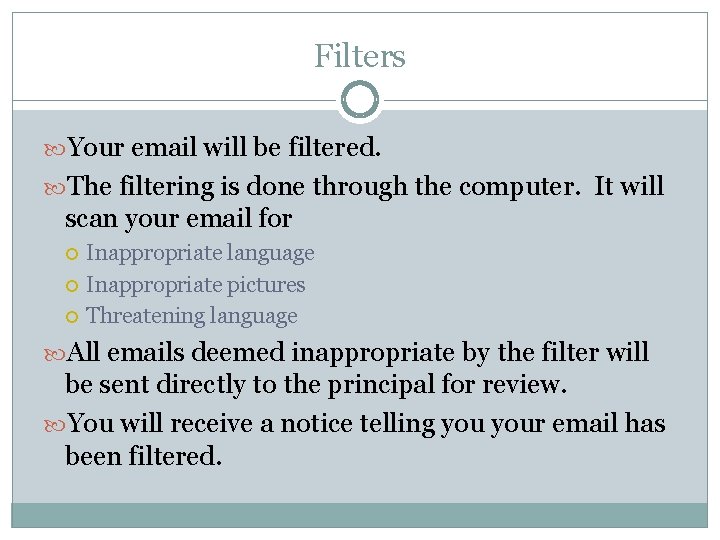
Filters Your email will be filtered. The filtering is done through the computer. It will scan your email for Inappropriate language Inappropriate pictures Threatening language All emails deemed inappropriate by the filter will be sent directly to the principal for review. You will receive a notice telling your email has been filtered.
Signatures You can change your signature Your signature, at the most, can include: Name Team School DO NOT INCLUDE Quotes Nicknames Pictures or Symbols Slang Unprofessional Material
The DO NOTs Your Email should not be used: As a timely way to contact your family or have them contact you during the day For forwarding “e-junk” including chain letters, urban myths, free offers, jokes, spam, etc. For registering on unapproved websites (game sites, social networking sites, etc)
Netiquette of Email Communication on district email should: 1. Use standard English instead of short cuts and abbreviations used in I. M. and text messaging. 2. Use standard spelling. 3. Follow rules of grammar for punctuation, capitalization and sentence structure.
Discussion What are the appropriate uses of email? What are the consequences of breaking rules with email? Why shouldn’t parents use email as a way to leave important messages for their child? Why is it important for students to keep their email professional?
Where to go to Access Your Email Your school’s website Your school’s LMC website The district website (www. liberty. k 12. mo. us) Click on For Students Click on Student Email
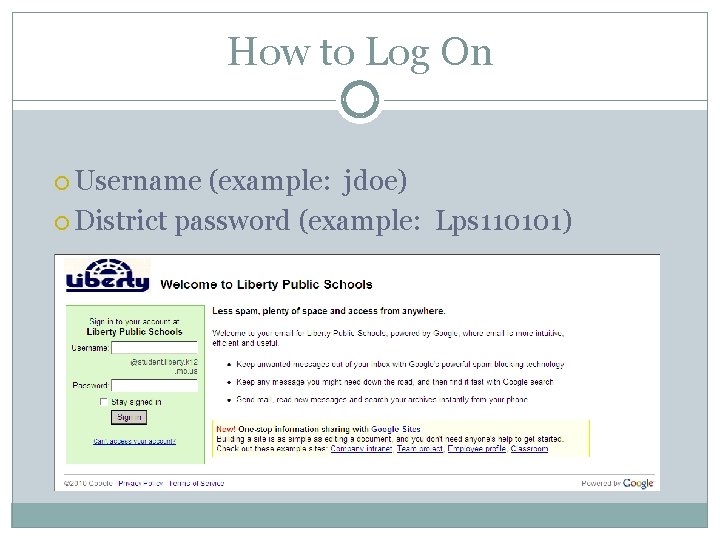
How to Log On Username (example: jdoe) District password (example: Lps 110101)
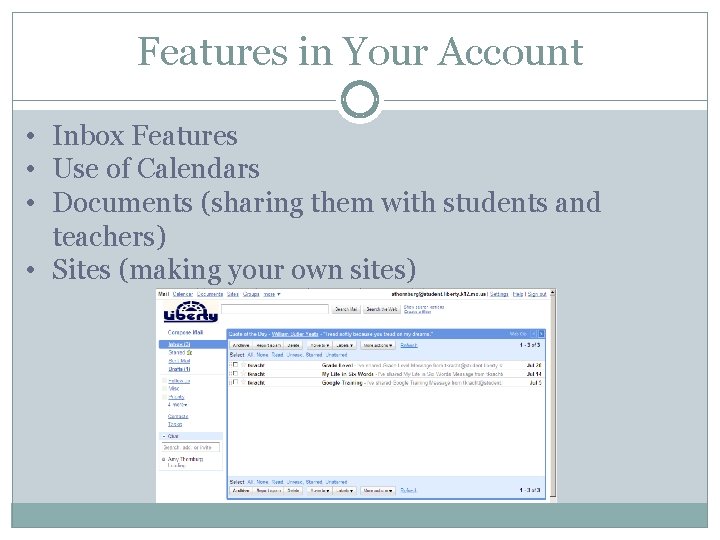
Features in Your Account • Inbox Features • Use of Calendars • Documents (sharing them with students and teachers) • Sites (making your own sites)
Finding Your Teacher’s Email Address Teachers will have two email accounts. You may use the standard account (teacherusername@liberty. k 12. mo. us) You may use the account in Google (teacherusername@student. liberty. k 12. mo. us) NOTE: Your teachers prefer you to contact them on their standard account.
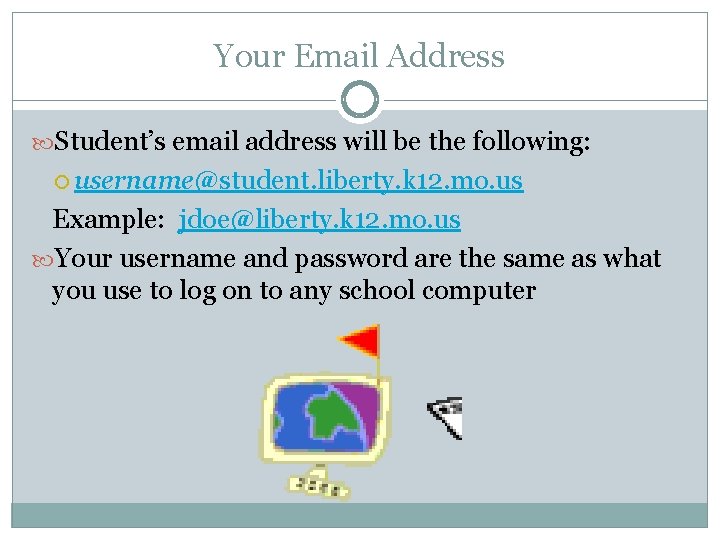
Your Email Address Student’s email address will be the following: username@student. liberty. k 12. mo. us Example: jdoe@liberty. k 12. mo. us Your username and password are the same as what you use to log on to any school computer
Discussion How has email changed communications in today’s world? What are the benefits of email? What are some of the potential dangers of email use? How can people keep themselves safe from email dangers? How can email help you learn?
AUP REMINDERS You will not use computers to harm other people or their work Do not violate copyright laws Do not access, keep, or send material or email that would not be appropriate for teachers or parents to see Do not share your passwords Do not trespass in anyone else’s disks, folder, work, files, or email. Use of district technology to threaten or harass another person or to violate any state or federal law could result in prosecution Do not change settings/background on computers
Final Reminders School rules do apply to email Your email is NOT private Use appropriate language and netiquette in your email Keep a professional appearance to your email