
Structures Collection of several variables under a single
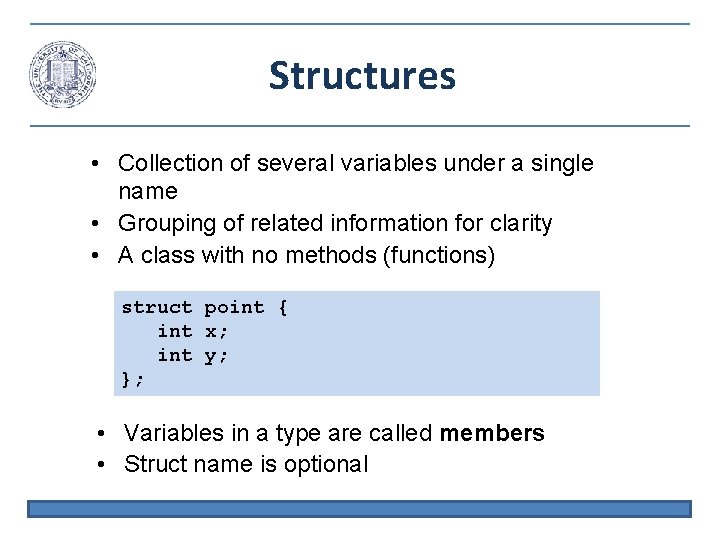
Structures • Collection of several variables under a single name • Grouping of related information for clarity • A class with no methods (functions) struct point { int x; int y; }; • Variables in a type are called members • Struct name is optional
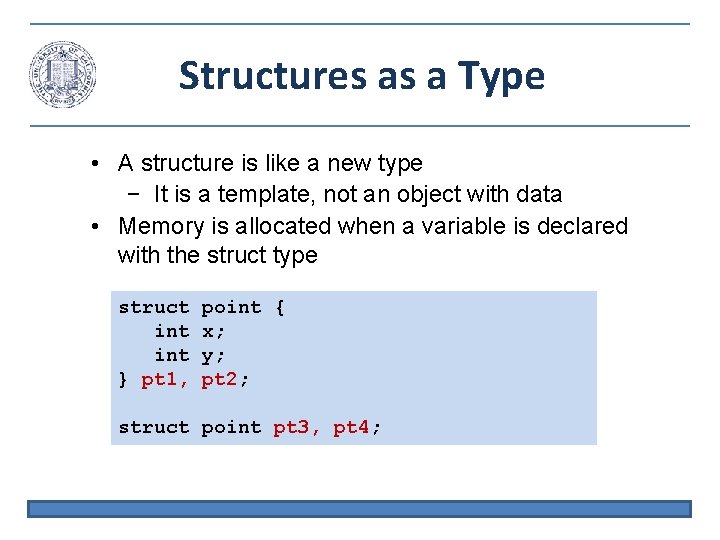
Structures as a Type • A structure is like a new type − It is a template, not an object with data • Memory is allocated when a variable is declared with the struct type struct int } pt 1, point { x; y; pt 2; struct point pt 3, pt 4;
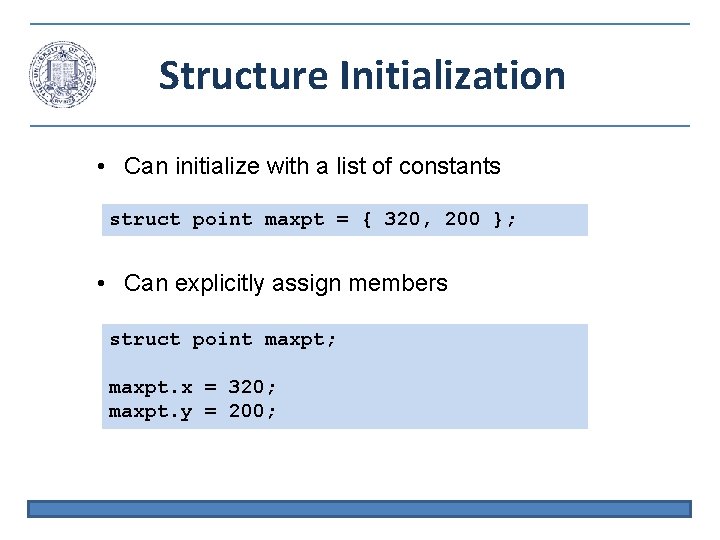
Structure Initialization • Can initialize with a list of constants struct point maxpt = { 320, 200 }; • Can explicitly assign members struct point maxpt; maxpt. x = 320; maxpt. y = 200;
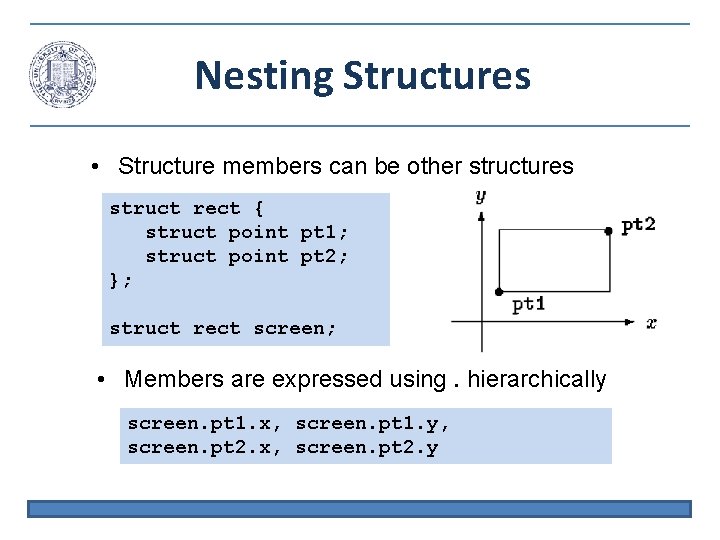
Nesting Structures • Structure members can be other structures struct rect { struct point pt 1; struct point pt 2; }; struct rect screen; • Members are expressed using. hierarchically screen. pt 1. x, screen. pt 1. y, screen. pt 2. x, screen. pt 2. y
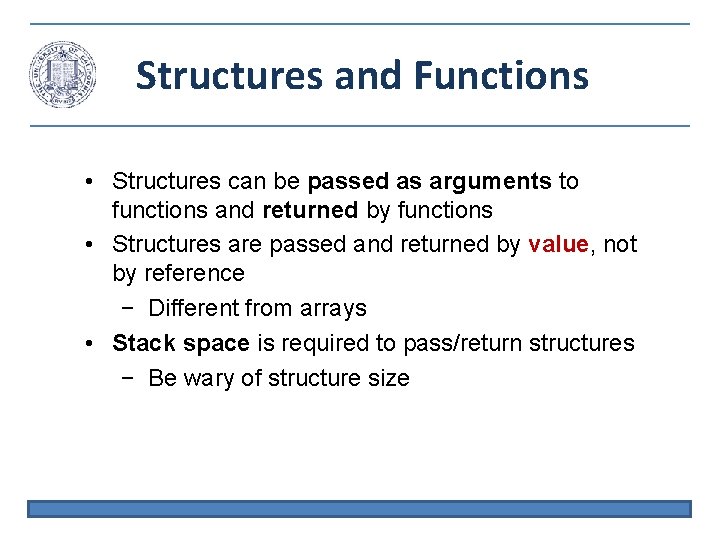
Structures and Functions • Structures can be passed as arguments to functions and returned by functions • Structures are passed and returned by value, not by reference − Different from arrays • Stack space is required to pass/return structures − Be wary of structure size

Returning Structures • Local structure is copied to output struct point makepoint(int x, int y) // LEGAL { struct point temp; temp. x = x; temp. y = y; return temp; } int *makearray(int x, int y) // ILLEGAL { int temp[2]; temp[0] = x; temp[1] = y; return temp; }
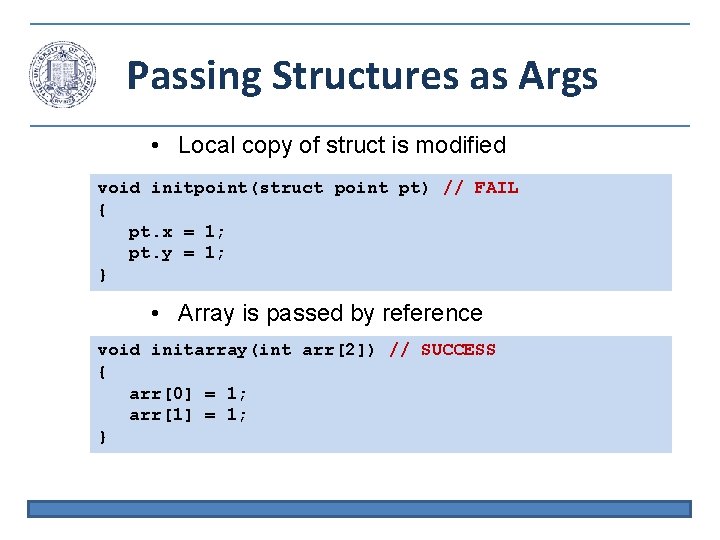
Passing Structures as Args • Local copy of struct is modified void initpoint(struct point pt) // FAIL { pt. x = 1; pt. y = 1; } • Array is passed by reference void initarray(int arr[2]) // SUCCESS { arr[0] = 1; arr[1] = 1; }
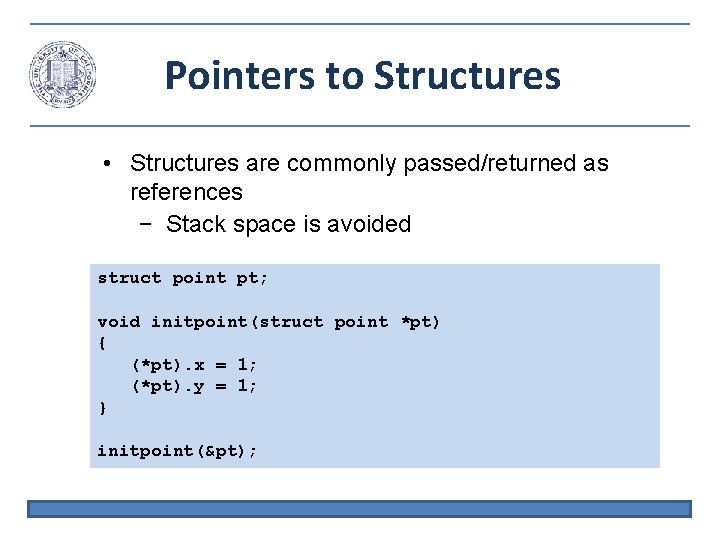
Pointers to Structures • Structures are commonly passed/returned as references − Stack space is avoided struct point pt; void initpoint(struct point *pt) { (*pt). x = 1; (*pt). y = 1; } initpoint(&pt);
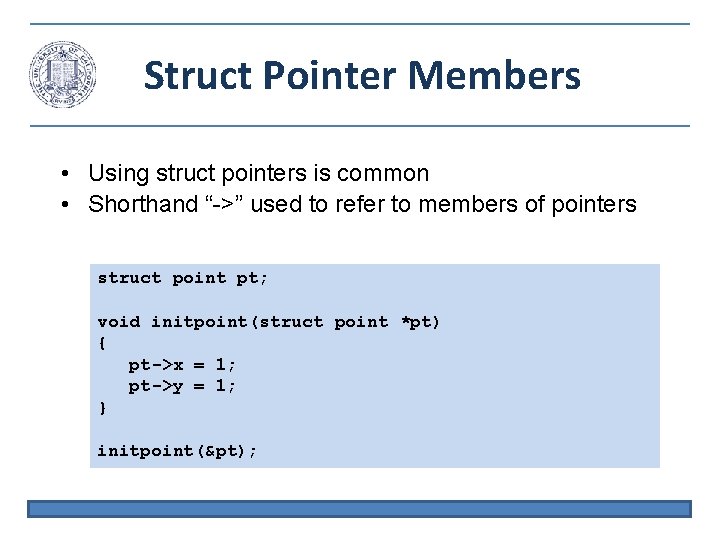
Struct Pointer Members • Using struct pointers is common • Shorthand “->” used to refer to members of pointers struct point pt; void initpoint(struct point *pt) { pt->x = 1; pt->y = 1; } initpoint(&pt);
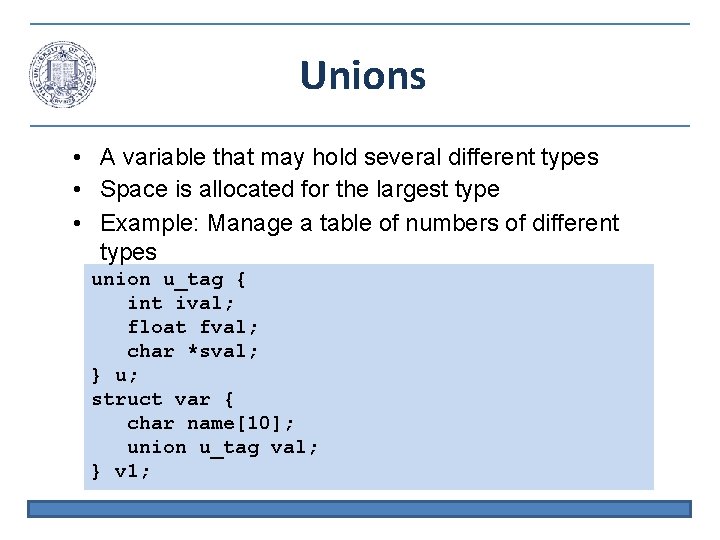
Unions • A variable that may hold several different types • Space is allocated for the largest type • Example: Manage a table of numbers of different types union u_tag { int ival; float fval; char *sval; } u; struct var { char name[10]; union u_tag val; } v 1;
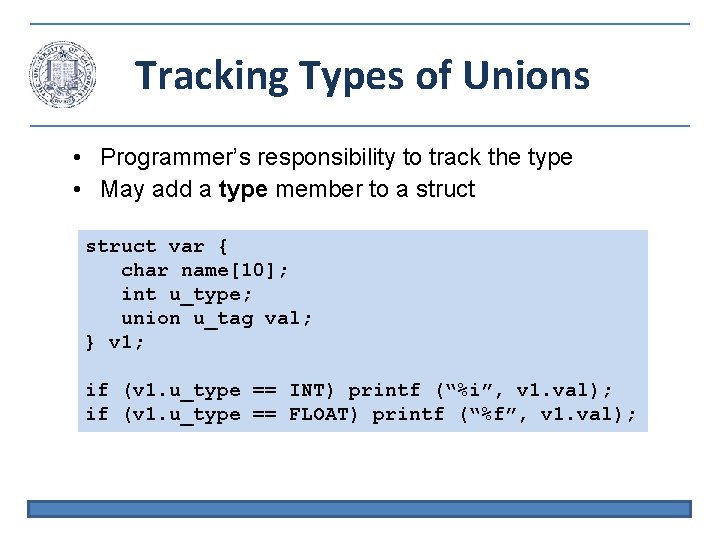
Tracking Types of Unions • Programmer’s responsibility to track the type • May add a type member to a struct var { char name[10]; int u_type; union u_tag val; } v 1; if (v 1. u_type == INT) printf (“%i”, v 1. val); if (v 1. u_type == FLOAT) printf (“%f”, v 1. val);
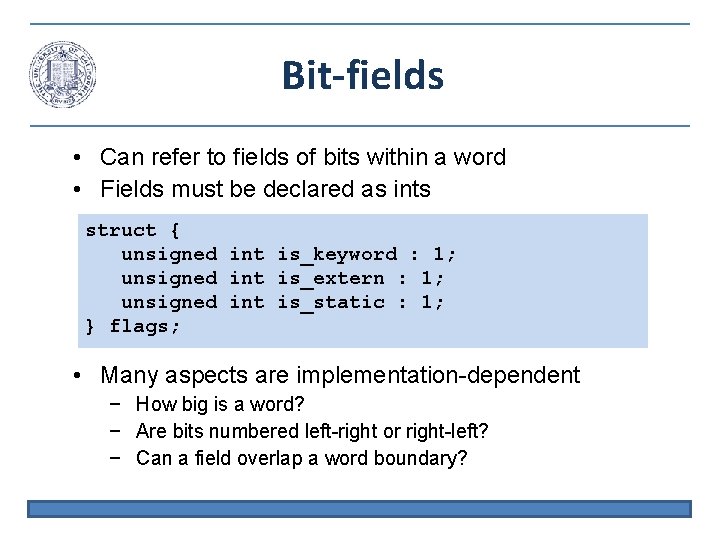
Bit-fields • Can refer to fields of bits within a word • Fields must be declared as ints struct { unsigned int is_keyword : 1; unsigned int is_extern : 1; unsigned int is_static : 1; } flags; • Many aspects are implementation-dependent − How big is a word? − Are bits numbered left-right or right-left? − Can a field overlap a word boundary?
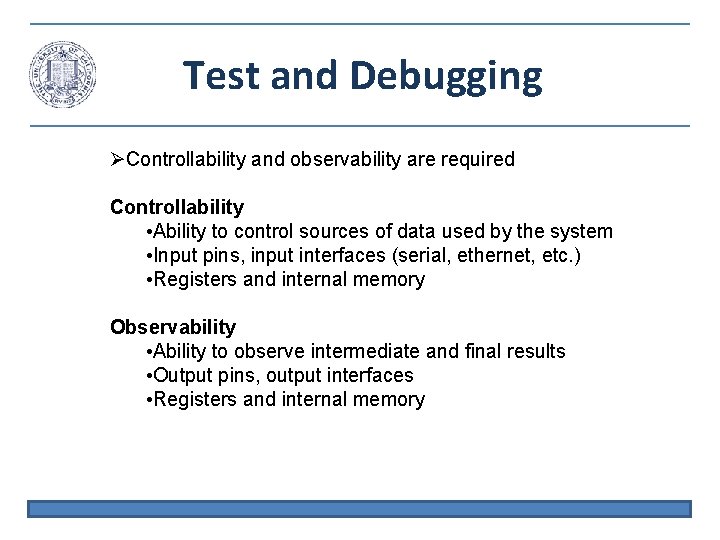
Test and Debugging Controllability and observability are required Controllability • Ability to control sources of data used by the system • Input pins, input interfaces (serial, ethernet, etc. ) • Registers and internal memory Observability • Ability to observe intermediate and final results • Output pins, output interfaces • Registers and internal memory
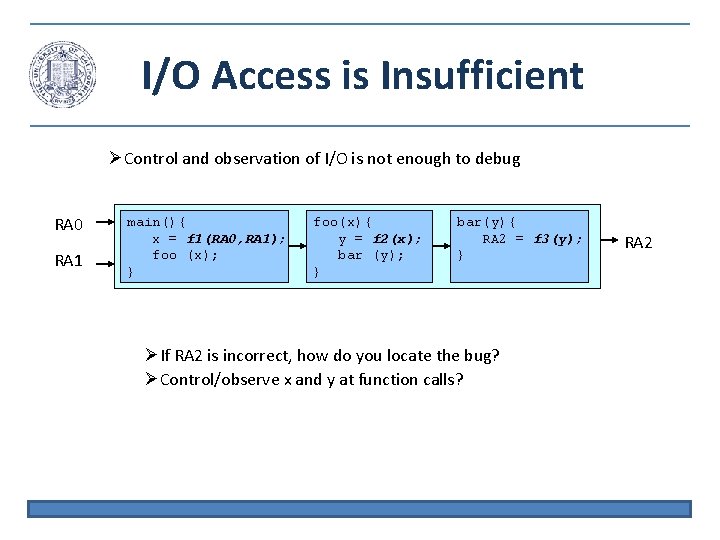
I/O Access is Insufficient Control and observation of I/O is not enough to debug RA 0 RA 1 main(){ x = f 1(RA 0, RA 1); foo (x); } foo(x){ y = f 2(x); bar (y); } bar(y){ RA 2 = f 3(y); } If RA 2 is incorrect, how do you locate the bug? Control/observe x and y at function calls? RA 2
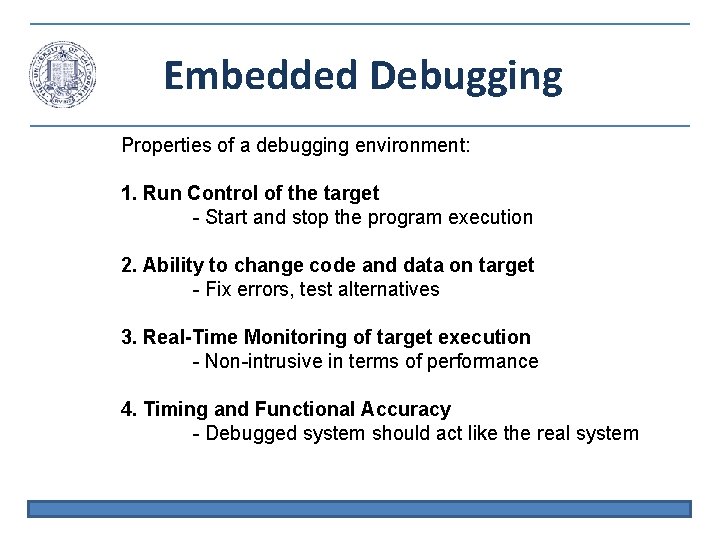
Embedded Debugging Properties of a debugging environment: 1. Run Control of the target - Start and stop the program execution 2. Ability to change code and data on target - Fix errors, test alternatives 3. Real-Time Monitoring of target execution - Non-intrusive in terms of performance 4. Timing and Functional Accuracy - Debugged system should act like the real system
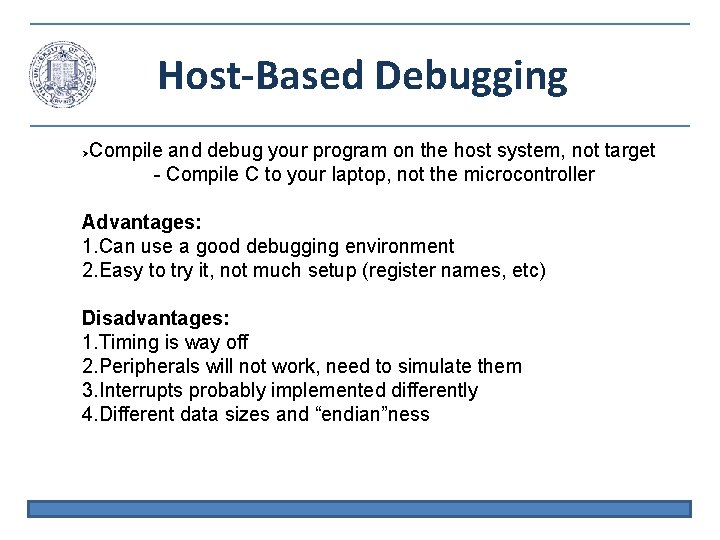
Host-Based Debugging Compile and debug your program on the host system, not target - Compile C to your laptop, not the microcontroller Advantages: 1. Can use a good debugging environment 2. Easy to try it, not much setup (register names, etc) Disadvantages: 1. Timing is way off 2. Peripherals will not work, need to simulate them 3. Interrupts probably implemented differently 4. Different data sizes and “endian”ness
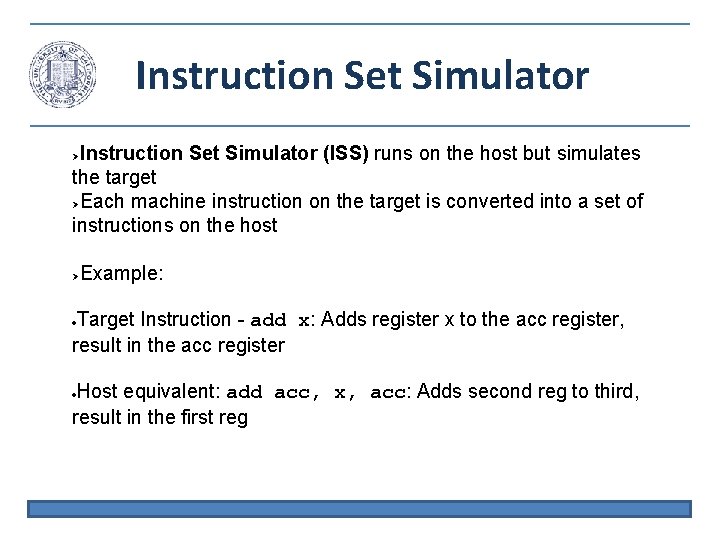
Instruction Set Simulator (ISS) runs on the host but simulates the target Each machine instruction on the target is converted into a set of instructions on the host Example: Target Instruction - add x: Adds register x to the acc register, result in the acc register Host equivalent: add acc, x, acc: Adds second reg to third, result in the first reg
ISS Tradeoffs Advantages: 1. Total run control 2. Can change code and data easily Disadvantages: 1. Simulator assumptions can cause inaccuracies 2. Timing is off, no real-time monitoring - initial register values, timing assumptions 3. “Hardware environment” of target cannot be easily modeled
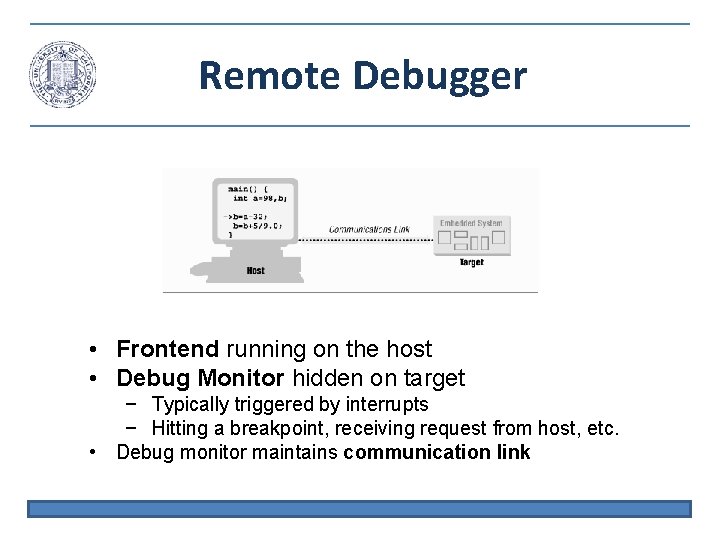
Remote Debugger • Frontend running on the host • Debug Monitor hidden on target − Typically triggered by interrupts − Hitting a breakpoint, receiving request from host, etc. • Debug monitor maintains communication link
Remote Debug Tradeoffs Advantages: 1. Good run control using interrupts to stop execution 2. Debug kernel can alter memory and registers 3. Perfect functional accuracy Disadvantages: 1. Debug interrupts alter timing so real-time monitoring is not possible 2. Need a spare communication channel 3. Need program in RAM (not flash) to add breakpoints
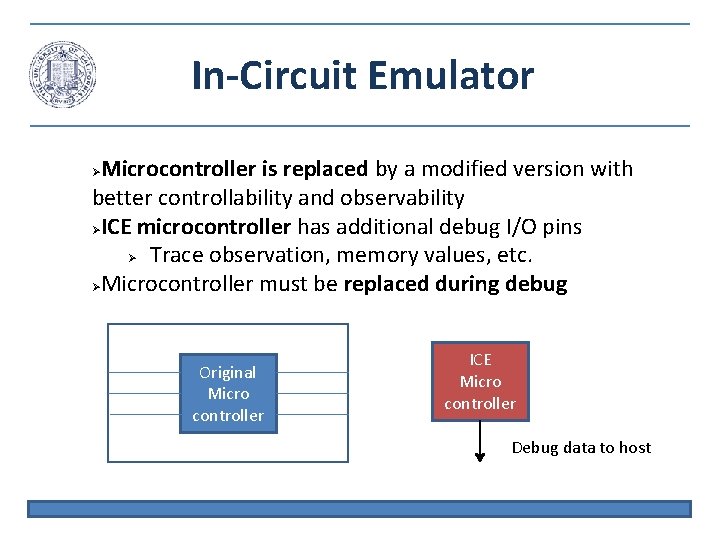
In-Circuit Emulator Microcontroller is replaced by a modified version with better controllability and observability ICE microcontroller has additional debug I/O pins Trace observation, memory values, etc. Microcontroller must be replaced during debug Original Micro controller ICE Micro controller Debug data to host
ICE Advantages ICE can always maintain control of the program - Interrupt cannot be masked Works even if system ROM is broken Generally a good solution, but costly ~$2000
Embedded Debug Interfaces • Many modern processors include embedded debug logic • Typically an optional IP block • Embedded Trace Macrocell (ARM) • Background Debug Mode (Freescale) • ICE functions permanently built into the processor • A few dedicated debug pins are added
Meeting Timing Constraints Certain tasks must be performed on time for correct operation • Sampling audio/video • anti-lock braking • avionics Wait for time (I. e. sampling) or events (I. e. ABS) May require an understanding of the HW/SW specifics • Clock frequency of microcontroller • Understand the assembly code • Understand the microcontroller architecture (I. e. pipelining)
Busy-Wait Loops Write a loop which just waits for fixed time, or for event for (I=0; I<25000; I++); Wait loops waste processor resources • Doing nothing useful while waiting • This is not reasonable for complicated systems Timing loops are sensitive to compiler and to HW parameters • What if clock frequency is changed? • What about compiler optimizations?
Interrupts An interrupt is an interesting event which can occur and needs to be handled by a program Interrupt service routine (ISR) is a function which is automatically executed when an event occurs • Timer expires, input set to 1, ADC completes, etc. Main program can continue to execute until the event occurs • No time is wasted waiting Main program is not aware of the interrupt • Interrupt is invoked by the HW, not the main program • Programmer does not need to worry about triggering the interrupt
Interrupt Sources Interrupts can be triggered by many soruces • • External Interrupt - RA 2 assigned to 1 PORTChange Interrupt - A change on any PORTA pin Timer 0 Overflow - Timer 0 expires A/D Converter - Conversion completes Comparators - Comparators return 1 Oscillator fail - System oscillator no longer detected EEPROM - EEPROM write operation completes Timers 1 and 2 - Timers expire Interrupts are grouped into primary and peripheral Primary interrupt sources are External, PORTChange, and Timer 0
Interrupt Masks and Flags Interrupts are often disabled so that uninteresting events can be ignored • Disable timer interrupt when the timer is not needed An interrupt is masked if it is disabled Each interrupt source is associated with an enable bit and a flag bit Flag bit is set to 1 when the event occurs Ex. When Timer 0 overflows the Timer 0 flag bit is automatically set Enable bit must be set by your code on order to have the interrupt service routine (ISR) invoked when the interrupt event occurs Ex. If Timer 0 enable bit is set then ISR will start when Timer 0 overflows
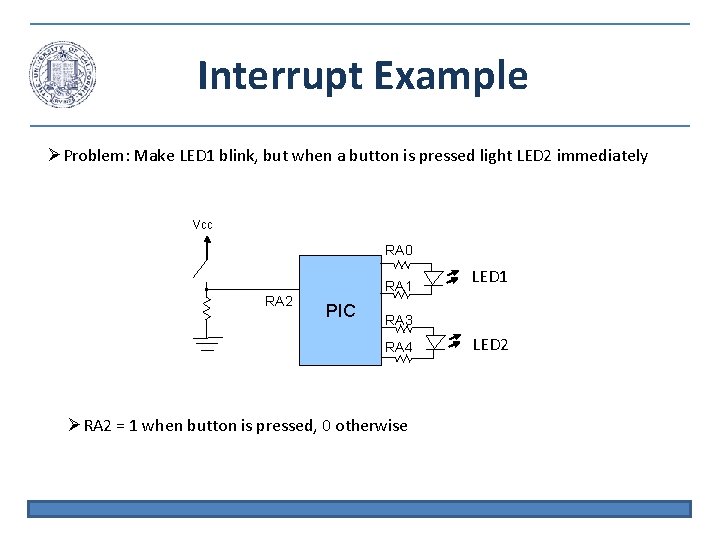
Interrupt Example Problem: Make LED 1 blink, but when a button is pressed light LED 2 immediately Vcc RA 0 RA 2 RA 1 PIC LED 1 RA 3 RA 4 RA 2 = 1 when button is pressed, 0 otherwise LED 2
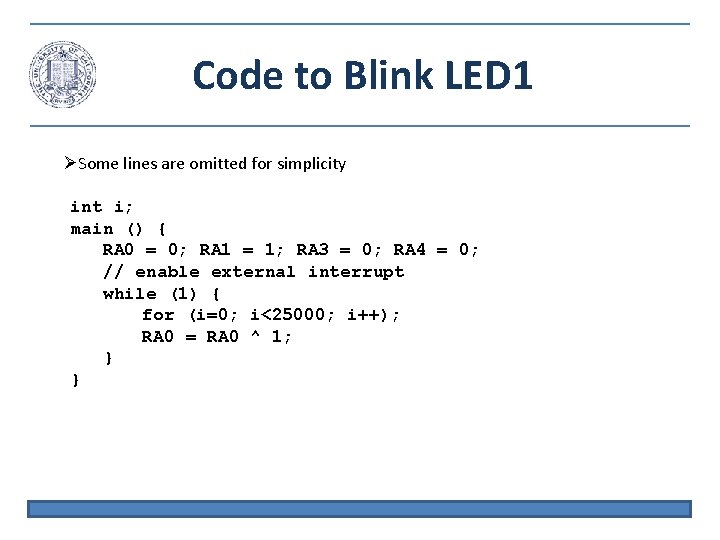
Code to Blink LED 1 Some lines are omitted for simplicity int i; main () { RA 0 = 0; RA 1 = 1; RA 3 = 0; RA 4 = 0; // enable external interrupt while (1) { for (i=0; i<25000; i++); RA 0 = RA 0 ^ 1; } }
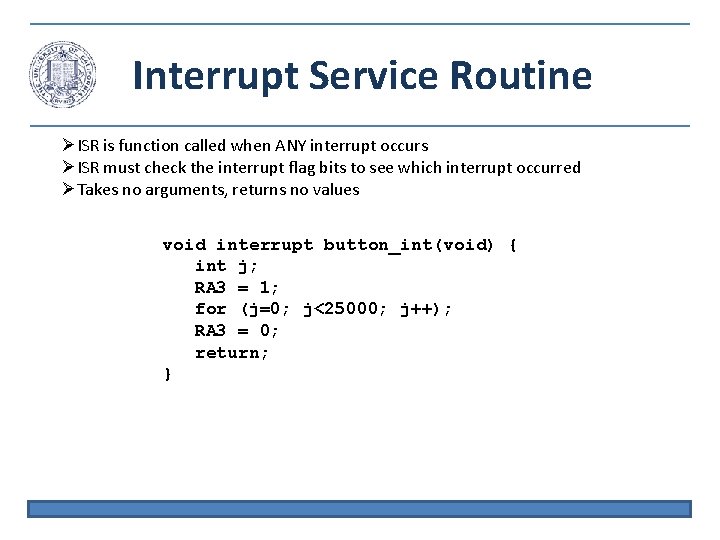
Interrupt Service Routine ISR is function called when ANY interrupt occurs ISR must check the interrupt flag bits to see which interrupt occurred Takes no arguments, returns no values void interrupt button_int(void) { int j; RA 3 = 1; for (j=0; j<25000; j++); RA 3 = 0; return; }
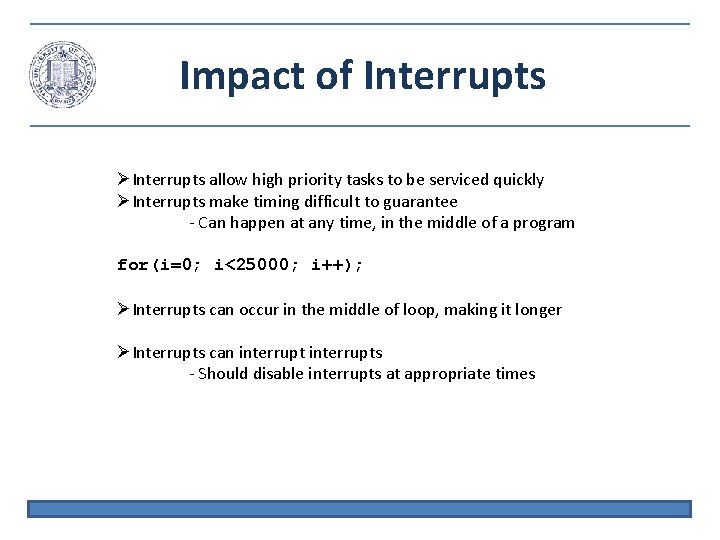
Impact of Interrupts allow high priority tasks to be serviced quickly Interrupts make timing difficult to guarantee - Can happen at any time, in the middle of a program for(i=0; i<25000; i++); Interrupts can occur in the middle of loop, making it longer Interrupts can interrupts - Should disable interrupts at appropriate times
- Slides: 32