
Structured Query Language The main reference of this
- Slides: 85
Structured Query Language The main reference of this presentation is the textbook and PPT from : Elmasri & Navathe, Fundamental of Database Systems, 4 th edition, 2004, Chapter 8 Additional resources: presentation prepared by Prof Steven A. Demurjian, Sr (http: //www. engr. uconn. edu/~steve/courses. html)
History of SQL stand for Structured Query Language SQL is based on the Relational Tuple Calculus Evolved from SEQUEL: Structured English QUEry Language - part of IBM’s SYSTEM R, 1974 SQL 2 Supported by ORACLE, SYBASE, INFORMIX, IBM DB 2, SQL SERVER, … MS Access, My. SQL, … SQL 2 also called SQL/92 is evolved from SQL/86, SQL/89, all were ANSI & ISO standard Currently Working on SQL 3/SQL-99 with OO Extensions Now – SQL is standard language for commercial relational DBMS Elmasri and Navathe, Fundamentals of Database Systems, Fourth Edition Revised by IB & SAM, Fasilkom UI, 2005 2
SQL Components Data Definition Language (DDL) For External and Conceptual Schemas Views - DDL for External Schemas Data Manipulation Language (DML) Interactive DML Against External and Conceptual Schemas Embedded DML in Host PLs (EQL, JDBC, etc. ) Others Integrity (Allowable Values/Referential) Catalog and Dictionary Facilities Transaction Control (Long-Duration and Batch) Authorization (Who can Do What When) Elmasri and Navathe, Fundamentals of Database Systems, Fourth Edition Revised by IB & SAM, Fasilkom UI, 2005 3
SQL DDL and DML Data Definition Language (DDL) Defining the Relational Schema - Relations, Attributes, Domains - The Meta-Data CREATE TABLE Student: Name(CHAR(30)), SSN(CHAR(9)), GPA(FLOAT(2)) CREATE TABLE Courses: Course#(CHAR(6)), Title(CHAR(20)), Descrip(CHAR(100)), PCourse#(CHAR(6)) Data Manipulation Language (DML) Defining the Queries Against the Schema SELECT Name, SSN From Student Where GPA > 3. 00 Elmasri and Navathe, Fundamentals of Database Systems, Fourth Edition Revised by IB & SAM, Fasilkom UI, 2005 4
Data Definition Language - DDL A Pre-Defined set of Primitive Types Numeric Character-string Bit-string Additional Types Defining Domains Defining Schema Defining Tables Defining Views Note: Each DBMS May have their Own DBMS Specific Data Types - Is this Good or Bad? Elmasri and Navathe, Fundamentals of Database Systems, Fourth Edition Revised by IB & SAM, Fasilkom UI, 2005 5
DDL - Primitive Types Numeric INTEGER (or INT), SMALLINT REAL, DOUBLE PRECISION FLOAT(N) Floating Point with at Least N Digits DECIMAL(P, D) (DEC(P, D) or NUMERIC(P, D)) have P Total Digits with D to Right of Decimal Note that INTs and REALs are Machine Dependent (Based on Hardware/OS Platform) Elmasri and Navathe, Fundamentals of Database Systems, Fourth Edition Revised by IB & SAM, Fasilkom UI, 2005 6
DDL - Primitive Types Character-String CHAR(N) or CHARACTER(N) - Fixed VARCHAR(N), CHAR VARYING(N), or CHARACTER VARYING(N) Variable with at Most N Characters Bit-Strings BIT(N) Fixed VARBIT(N) or BIT VARYING(N) Variable with at Most N Bits Elmasri and Navathe, Fundamentals of Database Systems, Fourth Edition Revised by IB & SAM, Fasilkom UI, 2005 7
Additional Data Types in SQL 2 and SQL-99 Has DATE, TIME, and TIMESTAMP data types DATE: Made up of year-month-day in the format yyyy-mm-dd TIME: Made up of hour: minute: second in the format hh: mm: ss TIME(i): Made up of hour: minute: second plus i additional digits specifying fractions of a second format is hh: mm: ss: ii. . . i TIMESTAMP: Has both DATE and TIME components Elmasri and Navathe, Fundamentals of Database Systems, Fourth Edition Revised by IB & SAM, Fasilkom UI, 2005 8
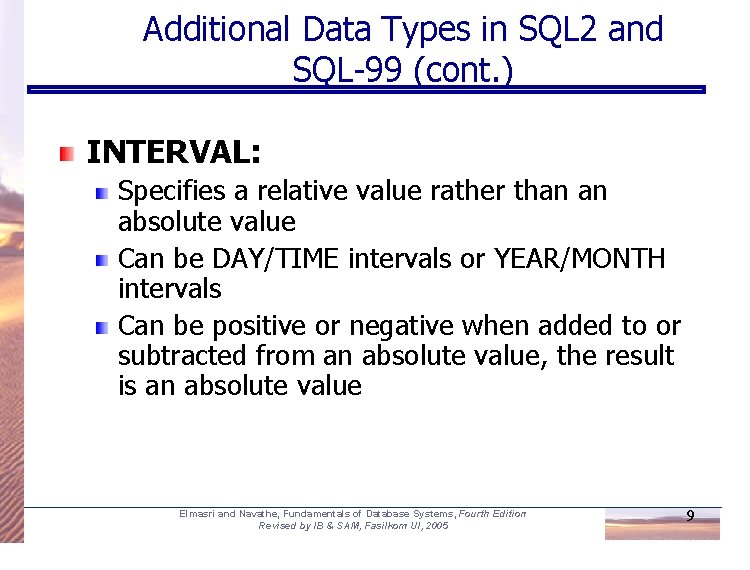
Additional Data Types in SQL 2 and SQL-99 (cont. ) INTERVAL: Specifies a relative value rather than an absolute value Can be DAY/TIME intervals or YEAR/MONTH intervals Can be positive or negative when added to or subtracted from an absolute value, the result is an absolute value Elmasri and Navathe, Fundamentals of Database Systems, Fourth Edition Revised by IB & SAM, Fasilkom UI, 2005 9
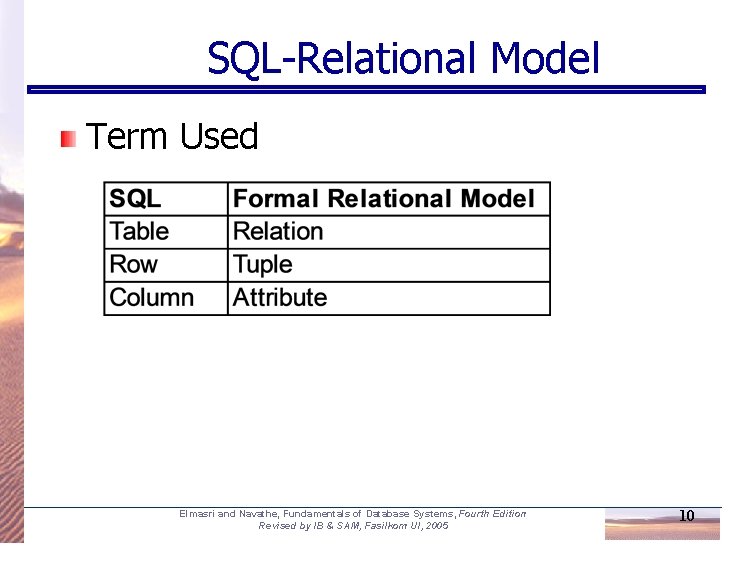
SQL-Relational Model Term Used Elmasri and Navathe, Fundamentals of Database Systems, Fourth Edition Revised by IB & SAM, Fasilkom UI, 2005 10
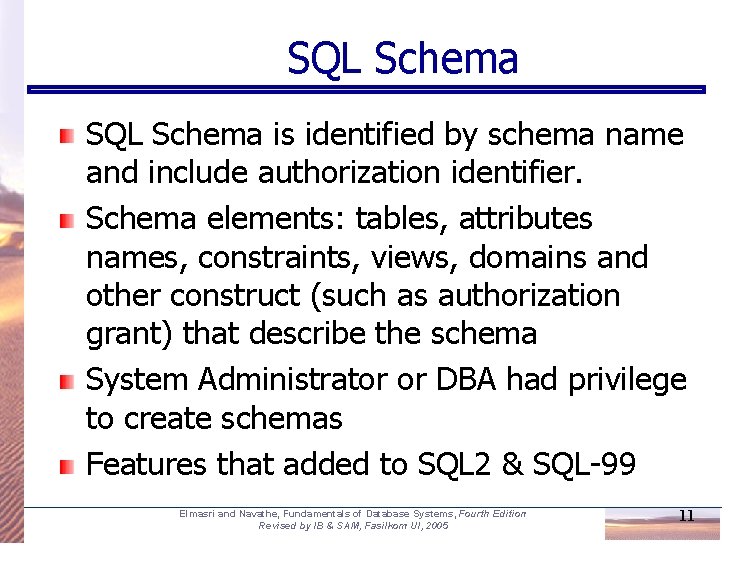
SQL Schema is identified by schema name and include authorization identifier. Schema elements: tables, attributes names, constraints, views, domains and other construct (such as authorization grant) that describe the schema System Administrator or DBA had privilege to create schemas Features that added to SQL 2 & SQL-99 Elmasri and Navathe, Fundamentals of Database Systems, Fourth Edition Revised by IB & SAM, Fasilkom UI, 2005 11
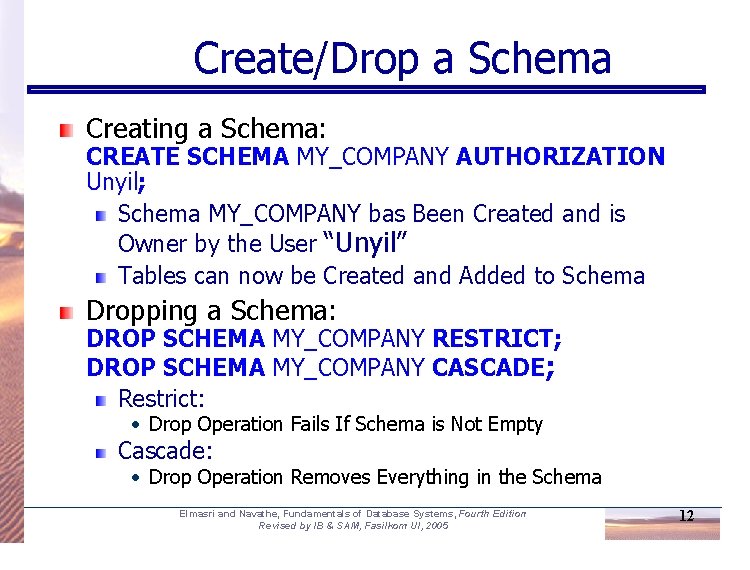
Create/Drop a Schema Creating a Schema: CREATE SCHEMA MY_COMPANY AUTHORIZATION Unyil; Schema MY_COMPANY bas Been Created and is Owner by the User “Unyil” Tables can now be Created and Added to Schema Dropping a Schema: DROP SCHEMA MY_COMPANY RESTRICT; DROP SCHEMA MY_COMPANY CASCADE; Restrict: • Drop Operation Fails If Schema is Not Empty Cascade: • Drop Operation Removes Everything in the Schema Elmasri and Navathe, Fundamentals of Database Systems, Fourth Edition Revised by IB & SAM, Fasilkom UI, 2005 12
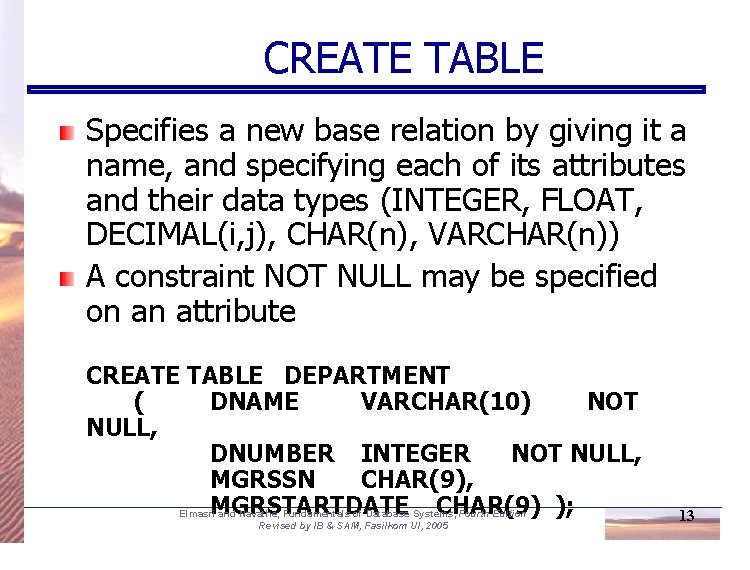
CREATE TABLE Specifies a new base relation by giving it a name, and specifying each of its attributes and their data types (INTEGER, FLOAT, DECIMAL(i, j), CHAR(n), VARCHAR(n)) A constraint NOT NULL may be specified on an attribute CREATE TABLE DEPARTMENT ( DNAME VARCHAR(10) NOT NULL, DNUMBER INTEGER NOT NULL, MGRSSN CHAR(9), MGRSTARTDATE CHAR(9) ); Elmasri and Navathe, Fundamentals of Database Systems, Fourth Edition Revised by IB & SAM, Fasilkom UI, 2005 13
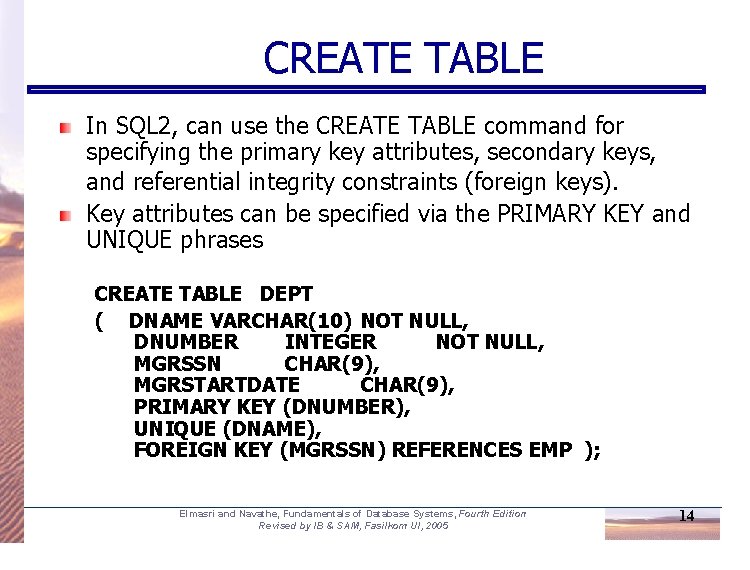
CREATE TABLE In SQL 2, can use the CREATE TABLE command for specifying the primary key attributes, secondary keys, and referential integrity constraints (foreign keys). Key attributes can be specified via the PRIMARY KEY and UNIQUE phrases CREATE TABLE DEPT ( DNAME VARCHAR(10) NOT NULL, DNUMBER INTEGER NOT NULL, MGRSSN CHAR(9), MGRSTARTDATE CHAR(9), PRIMARY KEY (DNUMBER), UNIQUE (DNAME), FOREIGN KEY (MGRSSN) REFERENCES EMP ); Elmasri and Navathe, Fundamentals of Database Systems, Fourth Edition Revised by IB & SAM, Fasilkom UI, 2005 14
DROP TABLE Used to remove a relation (base table) and its definition The relation can no longer be used in queries, updates, or any other commands since its description no longer exists Example: DROP TABLE DEPENDENT; Elmasri and Navathe, Fundamentals of Database Systems, Fourth Edition Revised by IB & SAM, Fasilkom UI, 2005 15
ALTER TABLE Used to add an attribute to one of the base relations The new attribute will have NULLs in all the tuples of the relation right after the command is executed; hence, the NOT NULL constraint is not allowed for such an attribute Example: ALTER TABLE EMPLOYEE ADD JOB VARCHAR(12); The database users must still enter a value for the new attribute JOB for each EMPLOYEE tuple. This can be done using the UPDATE command. Elmasri and Navathe, Fundamentals of Database Systems, Fourth Edition Revised by IB & SAM, Fasilkom UI, 2005 16
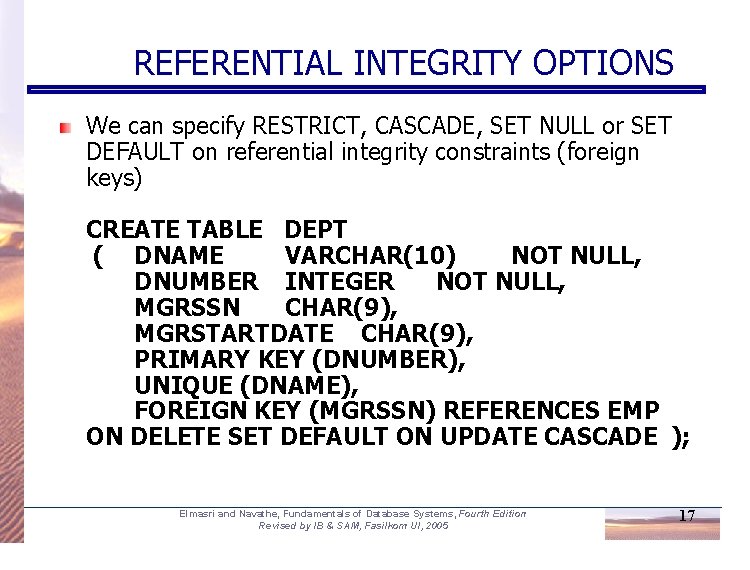
REFERENTIAL INTEGRITY OPTIONS We can specify RESTRICT, CASCADE, SET NULL or SET DEFAULT on referential integrity constraints (foreign keys) CREATE TABLE DEPT ( DNAME VARCHAR(10) NOT NULL, DNUMBER INTEGER NOT NULL, MGRSSN CHAR(9), MGRSTARTDATE CHAR(9), PRIMARY KEY (DNUMBER), UNIQUE (DNAME), FOREIGN KEY (MGRSSN) REFERENCES EMP ON DELETE SET DEFAULT ON UPDATE CASCADE ); Elmasri and Navathe, Fundamentals of Database Systems, Fourth Edition Revised by IB & SAM, Fasilkom UI, 2005 17
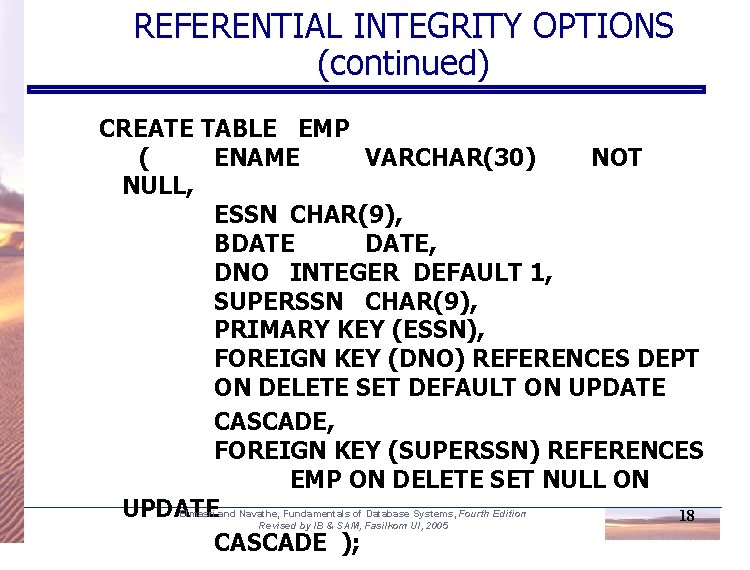
REFERENTIAL INTEGRITY OPTIONS (continued) CREATE TABLE EMP ( ENAME VARCHAR(30) NOT NULL, ESSN CHAR(9), BDATE, DNO INTEGER DEFAULT 1, SUPERSSN CHAR(9), PRIMARY KEY (ESSN), FOREIGN KEY (DNO) REFERENCES DEPT ON DELETE SET DEFAULT ON UPDATE CASCADE, FOREIGN KEY (SUPERSSN) REFERENCES EMP ON DELETE SET NULL ON Elmasri and Navathe, Fundamentals of Database Systems, Fourth Edition UPDATE 18 Revised by IB & SAM, Fasilkom UI, 2005 CASCADE );
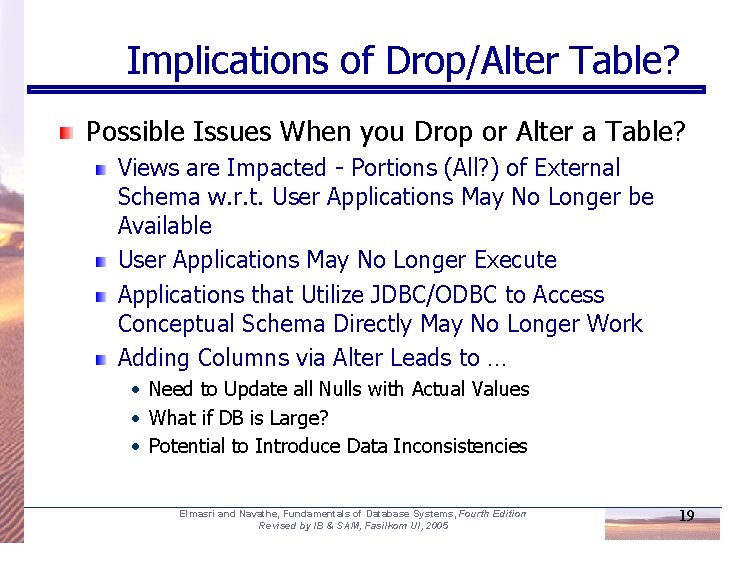
Implications of Drop/Alter Table? Possible Issues When you Drop or Alter a Table? Views are Impacted - Portions (All? ) of External Schema w. r. t. User Applications May No Longer be Available User Applications May No Longer Execute Applications that Utilize JDBC/ODBC to Access Conceptual Schema Directly May No Longer Work Adding Columns via Alter Leads to … • Need to Update all Nulls with Actual Values • What if DB is Large? • Potential to Introduce Data Inconsistencies Elmasri and Navathe, Fundamentals of Database Systems, Fourth Edition Revised by IB & SAM, Fasilkom UI, 2005 19
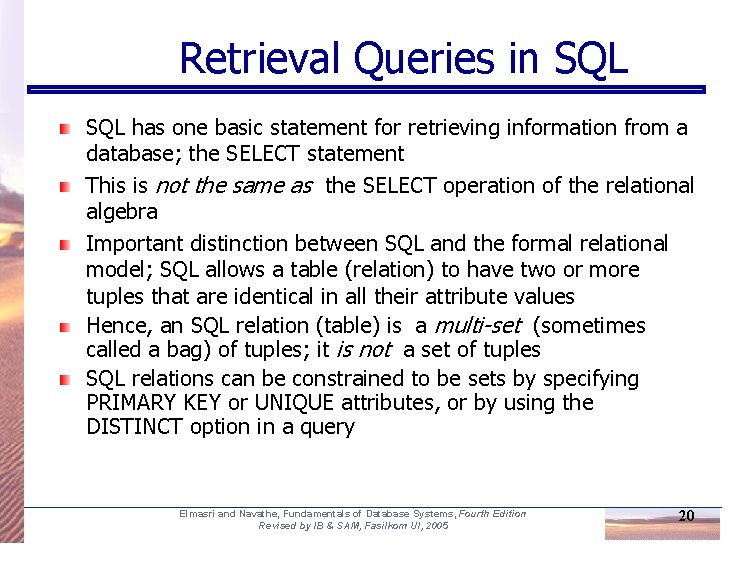
Retrieval Queries in SQL has one basic statement for retrieving information from a database; the SELECT statement This is not the same as the SELECT operation of the relational algebra Important distinction between SQL and the formal relational model; SQL allows a table (relation) to have two or more tuples that are identical in all their attribute values Hence, an SQL relation (table) is a multi-set (sometimes called a bag) of tuples; it is not a set of tuples SQL relations can be constrained to be sets by specifying PRIMARY KEY or UNIQUE attributes, or by using the DISTINCT option in a query Elmasri and Navathe, Fundamentals of Database Systems, Fourth Edition Revised by IB & SAM, Fasilkom UI, 2005 20
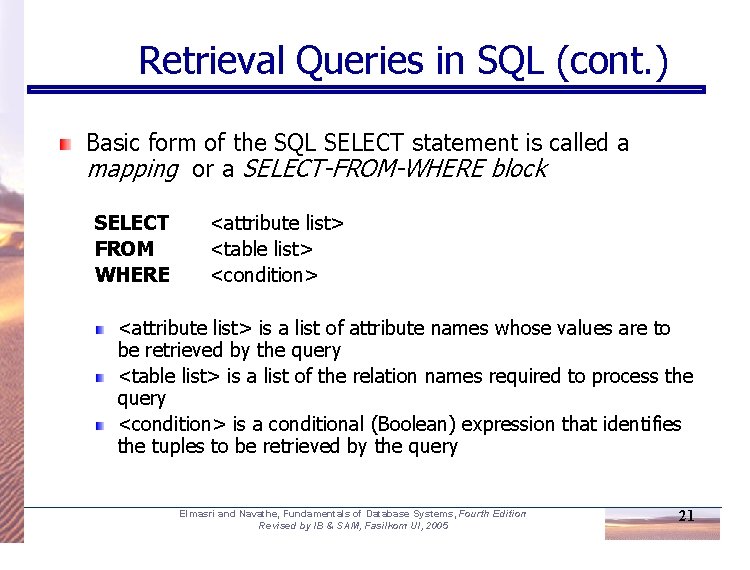
Retrieval Queries in SQL (cont. ) Basic form of the SQL SELECT statement is called a mapping or a SELECT-FROM-WHERE block SELECT FROM WHERE <attribute list> <table list> <condition> <attribute list> is a list of attribute names whose values are to be retrieved by the query <table list> is a list of the relation names required to process the query <condition> is a conditional (Boolean) expression that identifies the tuples to be retrieved by the query Elmasri and Navathe, Fundamentals of Database Systems, Fourth Edition Revised by IB & SAM, Fasilkom UI, 2005 21
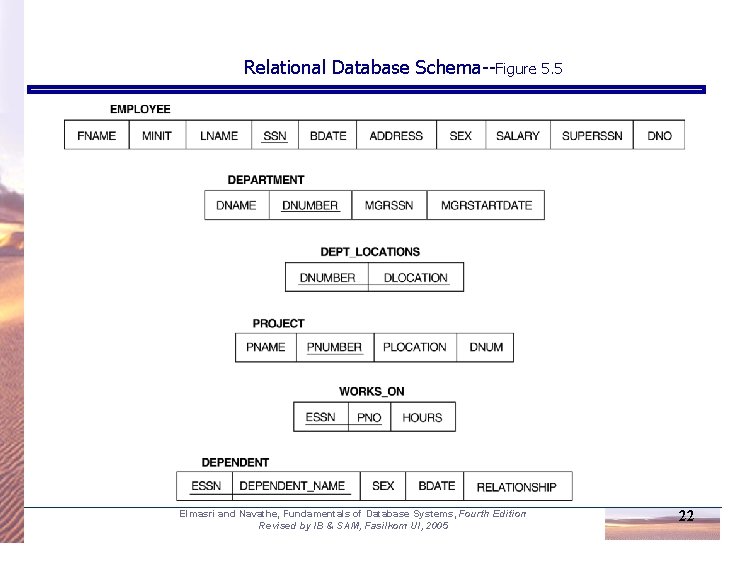
Relational Database Schema--Figure 5. 5 Elmasri and Navathe, Fundamentals of Database Systems, Fourth Edition Revised by IB & SAM, Fasilkom UI, 2005 22
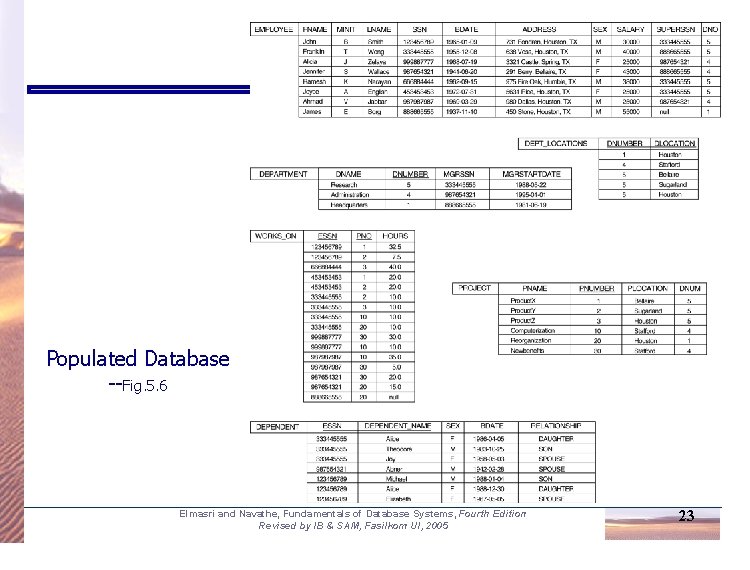
Populated Database --Fig. 5. 6 Elmasri and Navathe, Fundamentals of Database Systems, Fourth Edition Revised by IB & SAM, Fasilkom UI, 2005 23
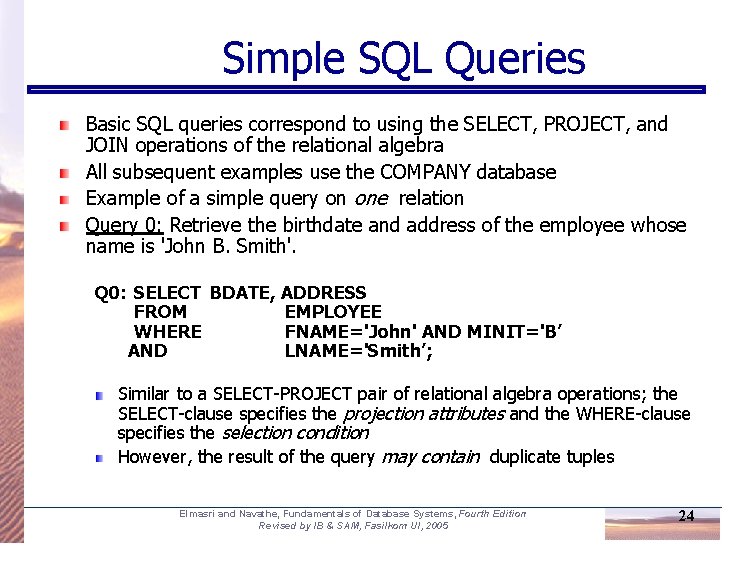
Simple SQL Queries Basic SQL queries correspond to using the SELECT, PROJECT, and JOIN operations of the relational algebra All subsequent examples use the COMPANY database Example of a simple query on one relation Query 0: Retrieve the birthdate and address of the employee whose name is 'John B. Smith'. Q 0: SELECT BDATE, ADDRESS FROM EMPLOYEE WHERE FNAME='John' AND MINIT='B’ AND LNAME='Smith’; Similar to a SELECT-PROJECT pair of relational algebra operations; the SELECT-clause specifies the projection attributes and the WHERE-clause specifies the selection condition However, the result of the query may contain duplicate tuples Elmasri and Navathe, Fundamentals of Database Systems, Fourth Edition Revised by IB & SAM, Fasilkom UI, 2005 24
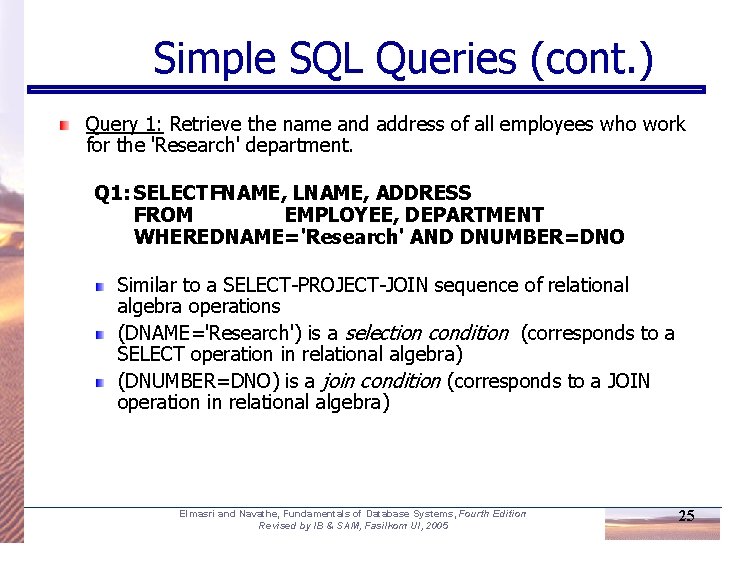
Simple SQL Queries (cont. ) Query 1: Retrieve the name and address of all employees who work for the 'Research' department. Q 1: SELECTFNAME, LNAME, ADDRESS FROM EMPLOYEE, DEPARTMENT WHEREDNAME='Research' AND DNUMBER=DNO Similar to a SELECT-PROJECT-JOIN sequence of relational algebra operations (DNAME='Research') is a selection condition (corresponds to a SELECT operation in relational algebra) (DNUMBER=DNO) is a join condition (corresponds to a JOIN operation in relational algebra) Elmasri and Navathe, Fundamentals of Database Systems, Fourth Edition Revised by IB & SAM, Fasilkom UI, 2005 25
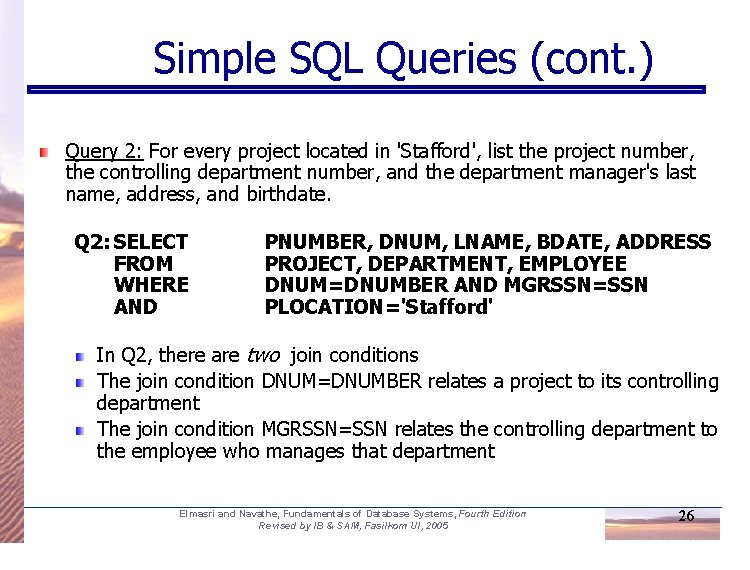
Simple SQL Queries (cont. ) Query 2: For every project located in 'Stafford', list the project number, the controlling department number, and the department manager's last name, address, and birthdate. Q 2: SELECT FROM WHERE AND PNUMBER, DNUM, LNAME, BDATE, ADDRESS PROJECT, DEPARTMENT, EMPLOYEE DNUM=DNUMBER AND MGRSSN=SSN PLOCATION='Stafford' In Q 2, there are two join conditions The join condition DNUM=DNUMBER relates a project to its controlling department The join condition MGRSSN=SSN relates the controlling department to the employee who manages that department Elmasri and Navathe, Fundamentals of Database Systems, Fourth Edition Revised by IB & SAM, Fasilkom UI, 2005 26
Aliases, * and DISTINCT, Empty WHERE-clause In SQL, we can use the same name for two (or more) attributes as long as the attributes are in different relations A query that refers to two or more attributes with the same name must qualify the attribute name with the relation name by prefixing the relation name to the attribute name Example: EMPLOYEE. NAME, DEPARTMENT. NAME Elmasri and Navathe, Fundamentals of Database Systems, Fourth Edition Revised by IB & SAM, Fasilkom UI, 2005 27
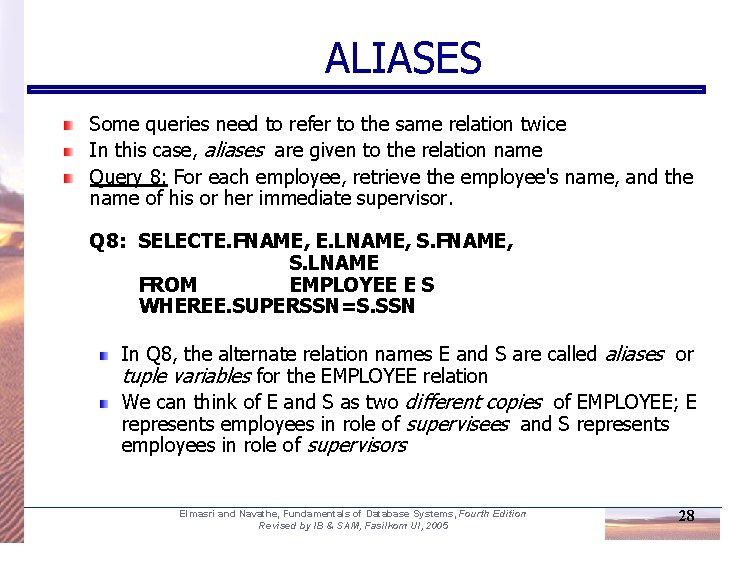
ALIASES Some queries need to refer to the same relation twice In this case, aliases are given to the relation name Query 8: For each employee, retrieve the employee's name, and the name of his or her immediate supervisor. Q 8: SELECTE. FNAME, E. LNAME, S. FNAME, S. LNAME FROM EMPLOYEE E S WHEREE. SUPERSSN=S. SSN In Q 8, the alternate relation names E and S are called aliases or tuple variables for the EMPLOYEE relation We can think of E and S as two different copies of EMPLOYEE; E represents employees in role of supervisees and S represents employees in role of supervisors Elmasri and Navathe, Fundamentals of Database Systems, Fourth Edition Revised by IB & SAM, Fasilkom UI, 2005 28
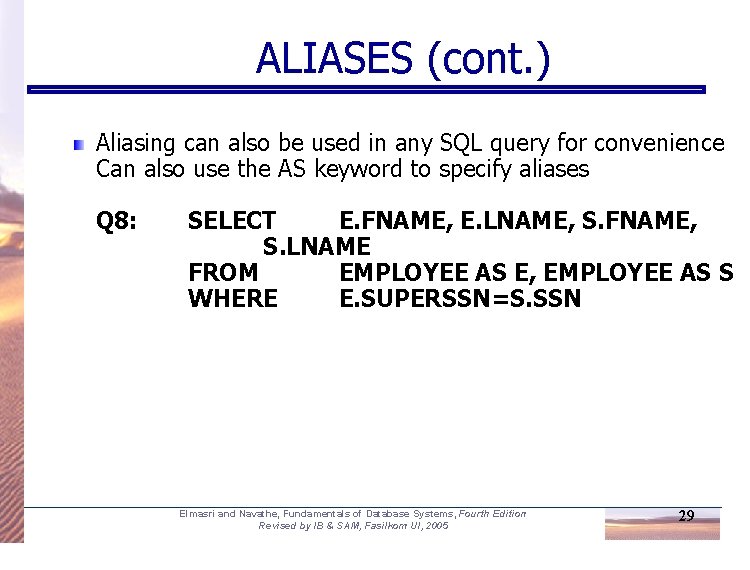
ALIASES (cont. ) Aliasing can also be used in any SQL query for convenience Can also use the AS keyword to specify aliases Q 8: SELECT E. FNAME, E. LNAME, S. FNAME, S. LNAME FROM EMPLOYEE AS E, EMPLOYEE AS S WHERE E. SUPERSSN=S. SSN Elmasri and Navathe, Fundamentals of Database Systems, Fourth Edition Revised by IB & SAM, Fasilkom UI, 2005 29
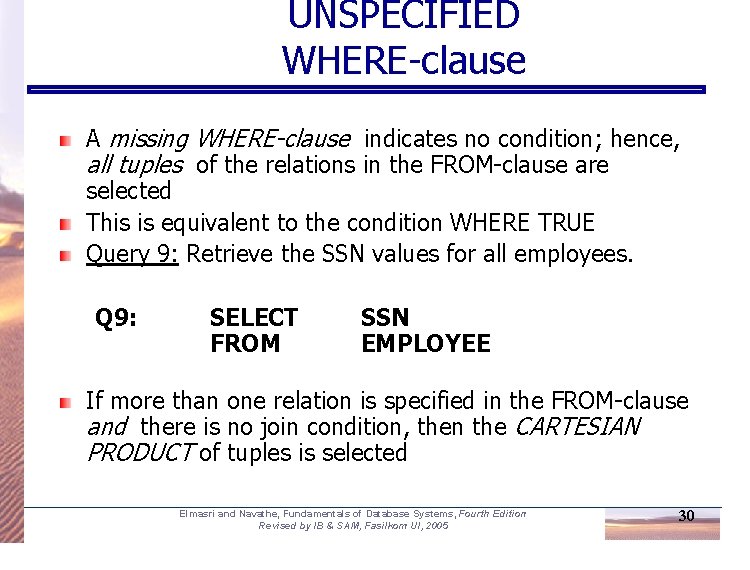
UNSPECIFIED WHERE-clause A missing WHERE-clause indicates no condition; hence, all tuples of the relations in the FROM-clause are selected This is equivalent to the condition WHERE TRUE Query 9: Retrieve the SSN values for all employees. Q 9: SELECT FROM SSN EMPLOYEE If more than one relation is specified in the FROM-clause and there is no join condition, then the CARTESIAN PRODUCT of tuples is selected Elmasri and Navathe, Fundamentals of Database Systems, Fourth Edition Revised by IB & SAM, Fasilkom UI, 2005 30
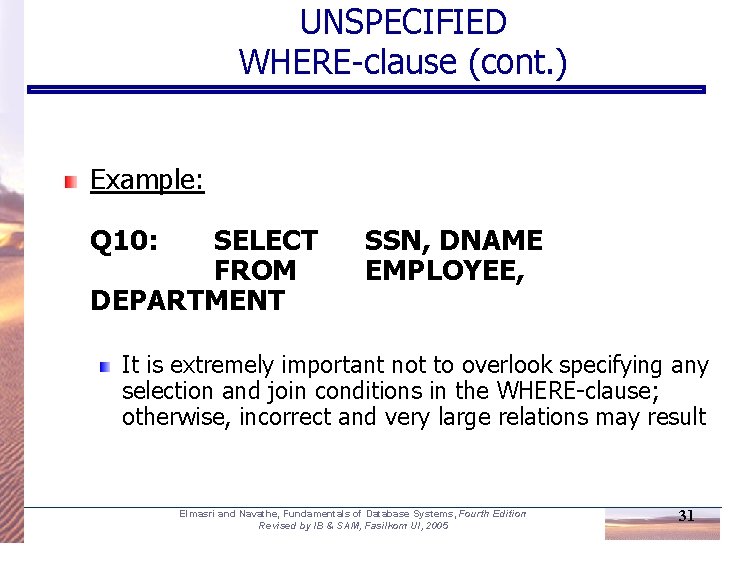
UNSPECIFIED WHERE-clause (cont. ) Example: Q 10: SELECT FROM DEPARTMENT SSN, DNAME EMPLOYEE, It is extremely important not to overlook specifying any selection and join conditions in the WHERE-clause; otherwise, incorrect and very large relations may result Elmasri and Navathe, Fundamentals of Database Systems, Fourth Edition Revised by IB & SAM, Fasilkom UI, 2005 31
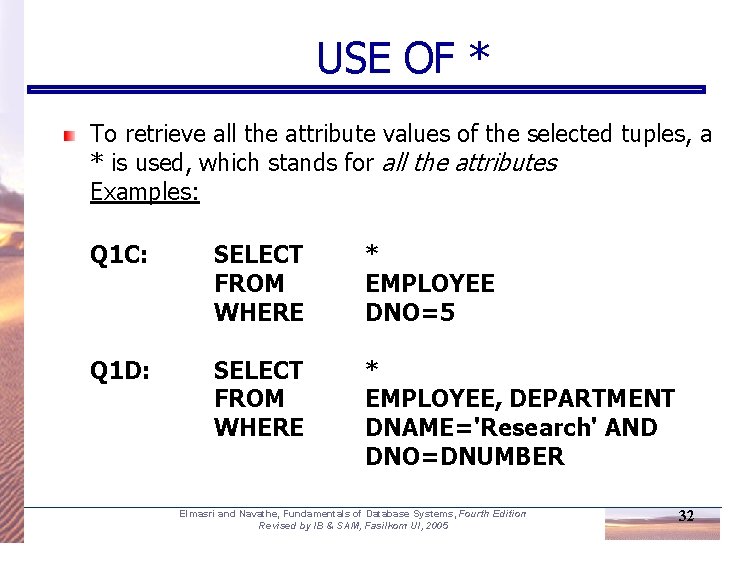
USE OF * To retrieve all the attribute values of the selected tuples, a * is used, which stands for all the attributes Examples: Q 1 C: SELECT FROM WHERE * EMPLOYEE DNO=5 Q 1 D: SELECT FROM WHERE * EMPLOYEE, DEPARTMENT DNAME='Research' AND DNO=DNUMBER Elmasri and Navathe, Fundamentals of Database Systems, Fourth Edition Revised by IB & SAM, Fasilkom UI, 2005 32
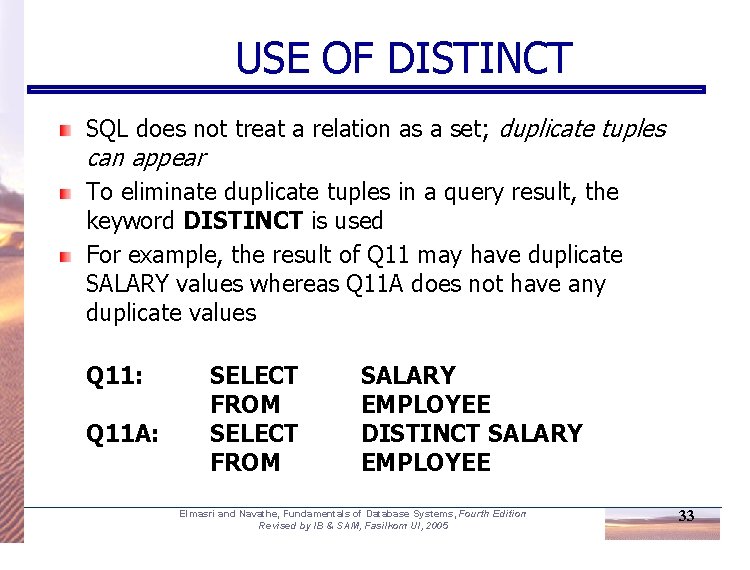
USE OF DISTINCT SQL does not treat a relation as a set; duplicate tuples can appear To eliminate duplicate tuples in a query result, the keyword DISTINCT is used For example, the result of Q 11 may have duplicate SALARY values whereas Q 11 A does not have any duplicate values Q 11: Q 11 A: SELECT FROM SALARY EMPLOYEE DISTINCT SALARY EMPLOYEE Elmasri and Navathe, Fundamentals of Database Systems, Fourth Edition Revised by IB & SAM, Fasilkom UI, 2005 33
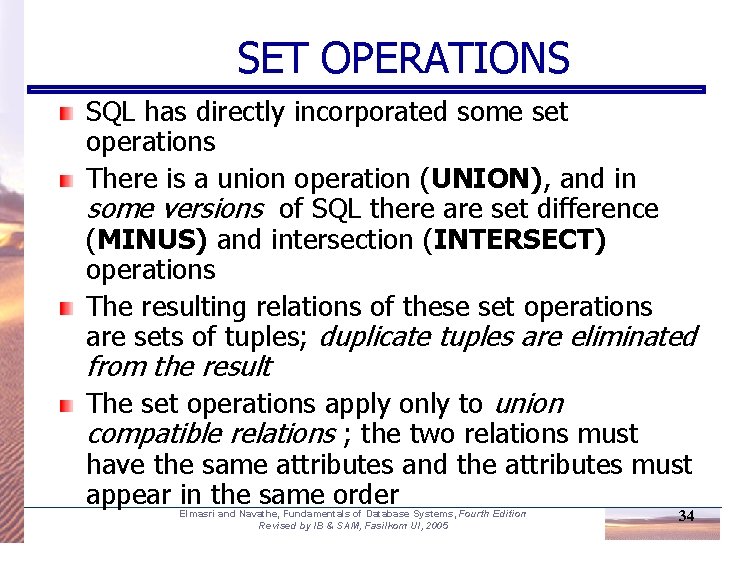
SET OPERATIONS SQL has directly incorporated some set operations There is a union operation (UNION), and in some versions of SQL there are set difference (MINUS) and intersection (INTERSECT) operations The resulting relations of these set operations are sets of tuples; duplicate tuples are eliminated from the result The set operations apply only to union compatible relations ; the two relations must have the same attributes and the attributes must appear in the same order Elmasri and Navathe, Fundamentals of Database Systems, Fourth Edition Revised by IB & SAM, Fasilkom UI, 2005 34
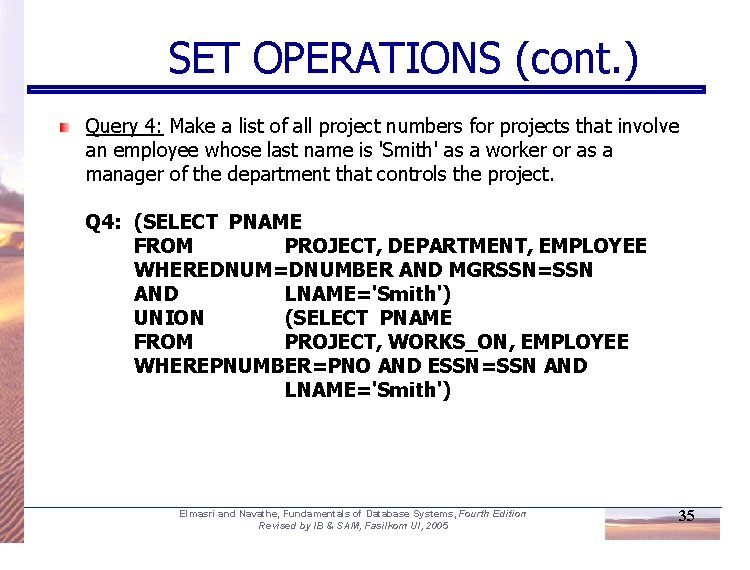
SET OPERATIONS (cont. ) Query 4: Make a list of all project numbers for projects that involve an employee whose last name is 'Smith' as a worker or as a manager of the department that controls the project. Q 4: (SELECT PNAME FROM PROJECT, DEPARTMENT, EMPLOYEE WHEREDNUM=DNUMBER AND MGRSSN=SSN AND LNAME='Smith') UNION (SELECT PNAME FROM PROJECT, WORKS_ON, EMPLOYEE WHEREPNUMBER=PNO AND ESSN=SSN AND LNAME='Smith') Elmasri and Navathe, Fundamentals of Database Systems, Fourth Edition Revised by IB & SAM, Fasilkom UI, 2005 35
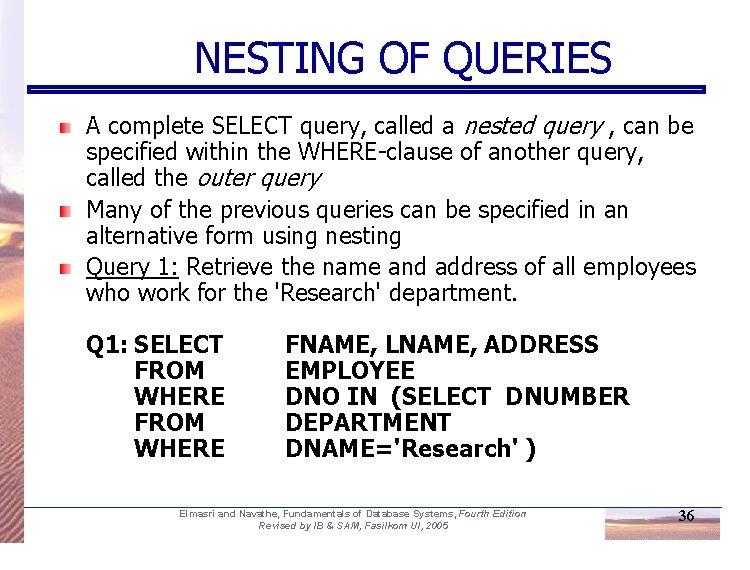
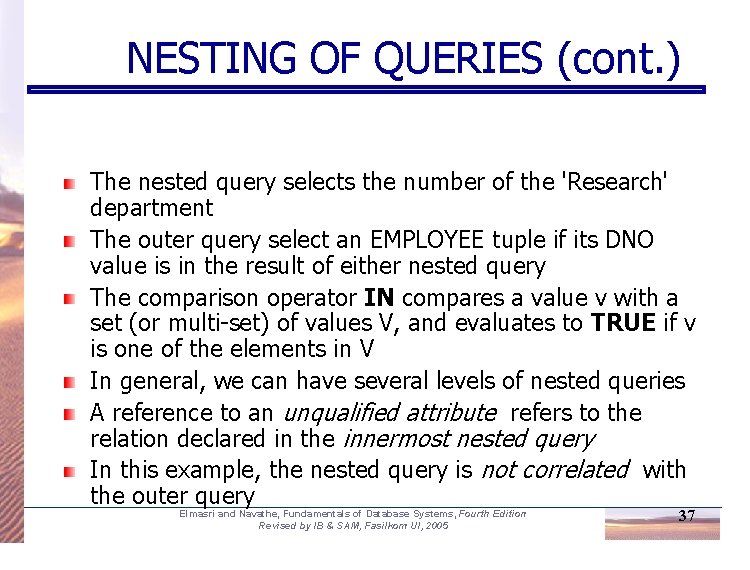
NESTING OF QUERIES A complete SELECT query, called a nested query , can be specified within the WHERE-clause of another query, called the outer query Many of the previous queries can be specified in an alternative form using nesting Query 1: Retrieve the name and address of all employees who work for the 'Research' department. Q 1: SELECT FROM WHERE FNAME, LNAME, ADDRESS EMPLOYEE DNO IN (SELECT DNUMBER DEPARTMENT DNAME='Research' ) Elmasri and Navathe, Fundamentals of Database Systems, Fourth Edition Revised by IB & SAM, Fasilkom UI, 2005 36
NESTING OF QUERIES (cont. ) The nested query selects the number of the 'Research' department The outer query select an EMPLOYEE tuple if its DNO value is in the result of either nested query The comparison operator IN compares a value v with a set (or multi-set) of values V, and evaluates to TRUE if v is one of the elements in V In general, we can have several levels of nested queries A reference to an unqualified attribute refers to the relation declared in the innermost nested query In this example, the nested query is not correlated with the outer query Elmasri and Navathe, Fundamentals of Database Systems, Fourth Edition Revised by IB & SAM, Fasilkom UI, 2005 37
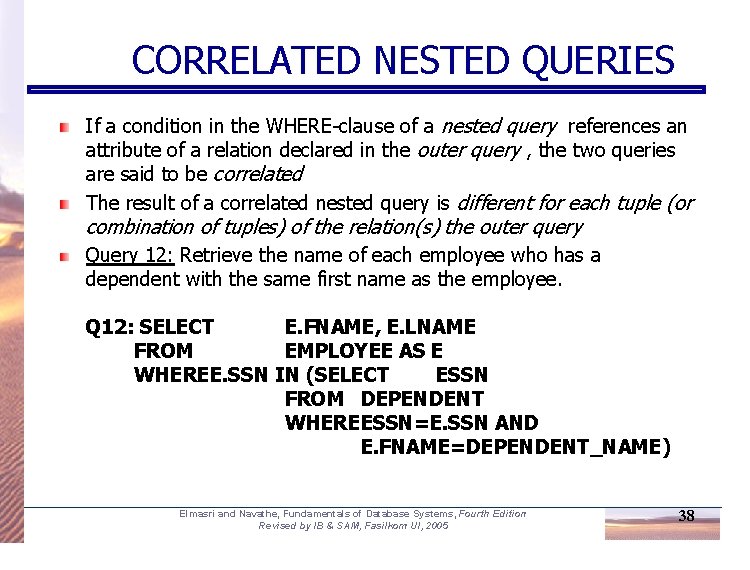
CORRELATED NESTED QUERIES If a condition in the WHERE-clause of a nested query references an attribute of a relation declared in the outer query , the two queries are said to be correlated The result of a correlated nested query is different for each tuple (or combination of tuples) of the relation(s) the outer query Query 12: Retrieve the name of each employee who has a dependent with the same first name as the employee. Q 12: SELECT E. FNAME, E. LNAME FROM EMPLOYEE AS E WHEREE. SSN IN (SELECT ESSN FROM DEPENDENT WHEREESSN=E. SSN AND E. FNAME=DEPENDENT_NAME) Elmasri and Navathe, Fundamentals of Database Systems, Fourth Edition Revised by IB & SAM, Fasilkom UI, 2005 38
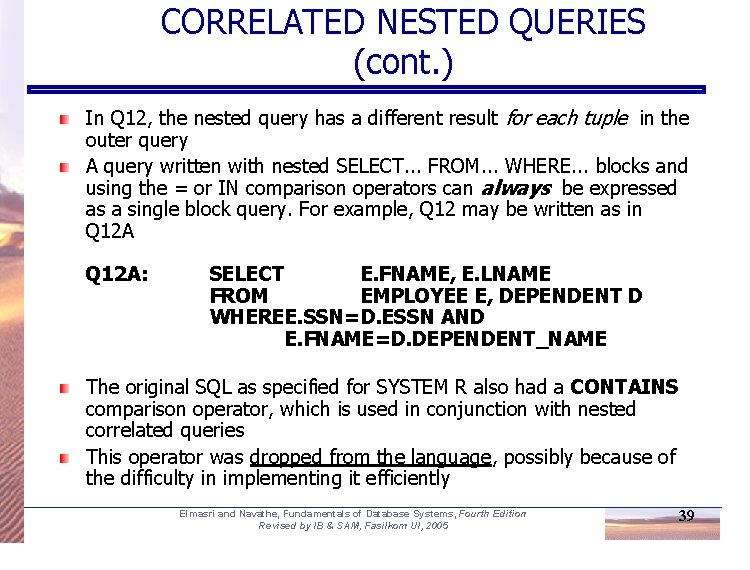
CORRELATED NESTED QUERIES (cont. ) In Q 12, the nested query has a different result for each tuple in the outer query A query written with nested SELECT. . . FROM. . . WHERE. . . blocks and using the = or IN comparison operators can always be expressed as a single block query. For example, Q 12 may be written as in Q 12 A: SELECT E. FNAME, E. LNAME FROM EMPLOYEE E, DEPENDENT D WHEREE. SSN=D. ESSN AND E. FNAME=D. DEPENDENT_NAME The original SQL as specified for SYSTEM R also had a CONTAINS comparison operator, which is used in conjunction with nested correlated queries This operator was dropped from the language, possibly because of the difficulty in implementing it efficiently Elmasri and Navathe, Fundamentals of Database Systems, Fourth Edition Revised by IB & SAM, Fasilkom UI, 2005 39
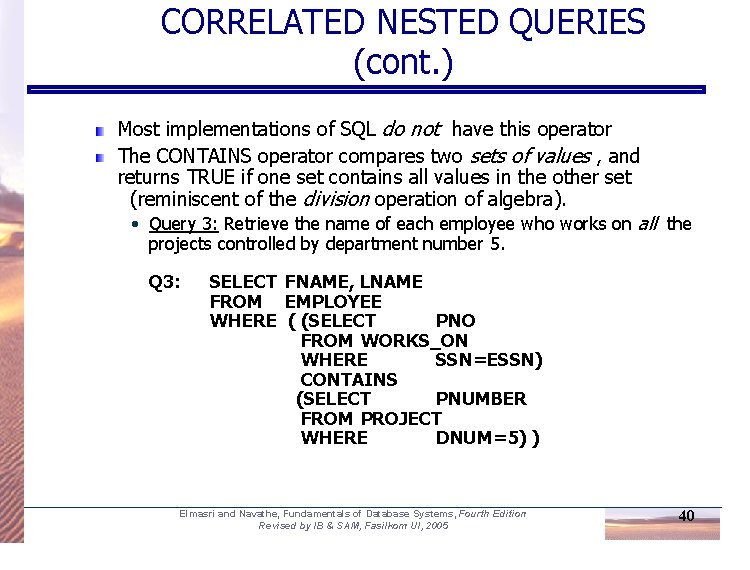
CORRELATED NESTED QUERIES (cont. ) Most implementations of SQL do not have this operator The CONTAINS operator compares two sets of values , and returns TRUE if one set contains all values in the other set (reminiscent of the division operation of algebra). • Query 3: Retrieve the name of each employee who works on all the projects controlled by department number 5. Q 3: SELECT FNAME, LNAME FROM EMPLOYEE WHERE ( (SELECT PNO FROM WORKS_ON WHERE SSN=ESSN) CONTAINS (SELECT PNUMBER FROM PROJECT WHERE DNUM=5) ) Elmasri and Navathe, Fundamentals of Database Systems, Fourth Edition Revised by IB & SAM, Fasilkom UI, 2005 40
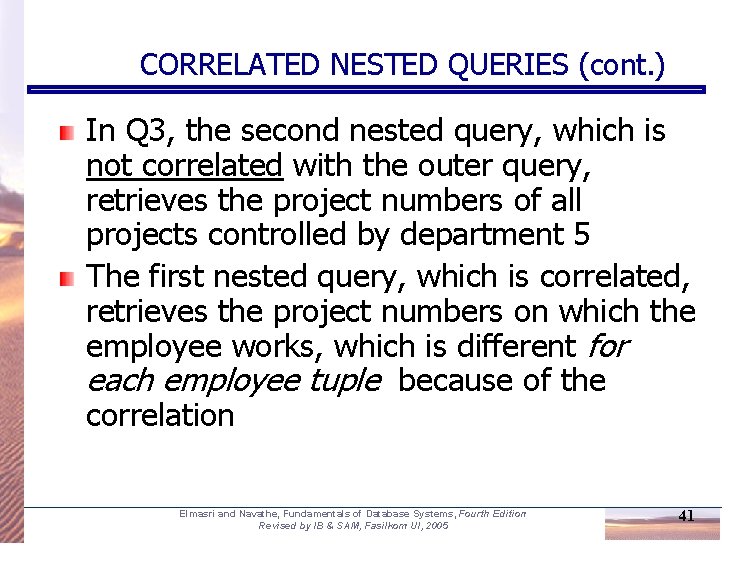
CORRELATED NESTED QUERIES (cont. ) In Q 3, the second nested query, which is not correlated with the outer query, retrieves the project numbers of all projects controlled by department 5 The first nested query, which is correlated, retrieves the project numbers on which the employee works, which is different for each employee tuple because of the correlation Elmasri and Navathe, Fundamentals of Database Systems, Fourth Edition Revised by IB & SAM, Fasilkom UI, 2005 41
THE EXISTS FUNCTION EXISTS is used to check whether the result of a correlated nested query is empty (contains no tuples) or not We can formulate Query 12 in an alternative form that uses EXISTS as Q 12 B below Elmasri and Navathe, Fundamentals of Database Systems, Fourth Edition Revised by IB & SAM, Fasilkom UI, 2005 42
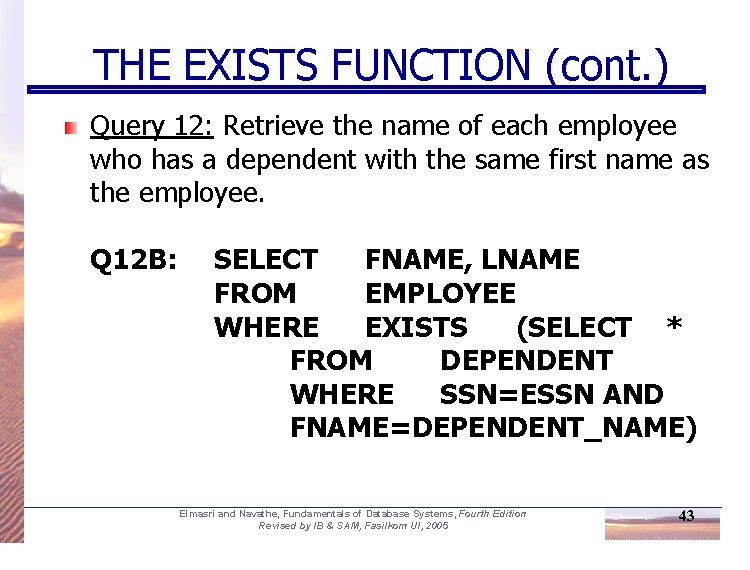
THE EXISTS FUNCTION (cont. ) Query 12: Retrieve the name of each employee who has a dependent with the same first name as the employee. Q 12 B: SELECT FNAME, LNAME FROM EMPLOYEE WHERE EXISTS (SELECT * FROM DEPENDENT WHERE SSN=ESSN AND FNAME=DEPENDENT_NAME) Elmasri and Navathe, Fundamentals of Database Systems, Fourth Edition Revised by IB & SAM, Fasilkom UI, 2005 43
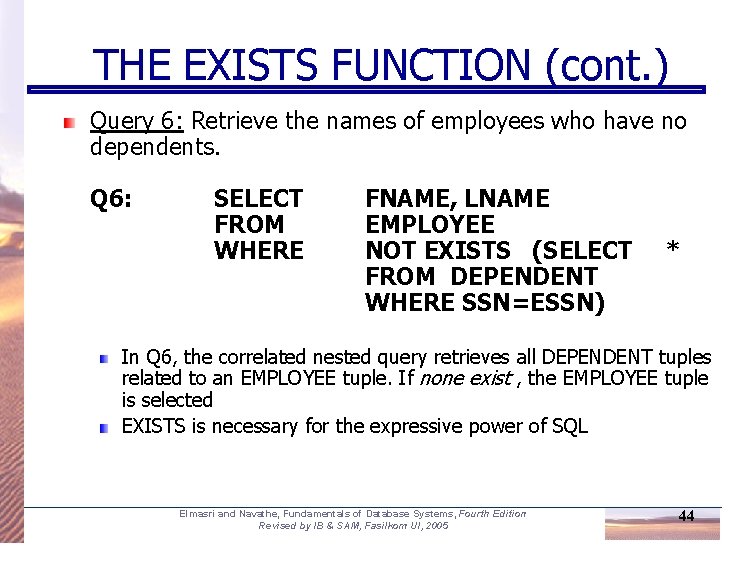
THE EXISTS FUNCTION (cont. ) Query 6: Retrieve the names of employees who have no dependents. Q 6: SELECT FROM WHERE FNAME, LNAME EMPLOYEE NOT EXISTS (SELECT FROM DEPENDENT WHERE SSN=ESSN) * In Q 6, the correlated nested query retrieves all DEPENDENT tuples related to an EMPLOYEE tuple. If none exist , the EMPLOYEE tuple is selected EXISTS is necessary for the expressive power of SQL Elmasri and Navathe, Fundamentals of Database Systems, Fourth Edition Revised by IB & SAM, Fasilkom UI, 2005 44
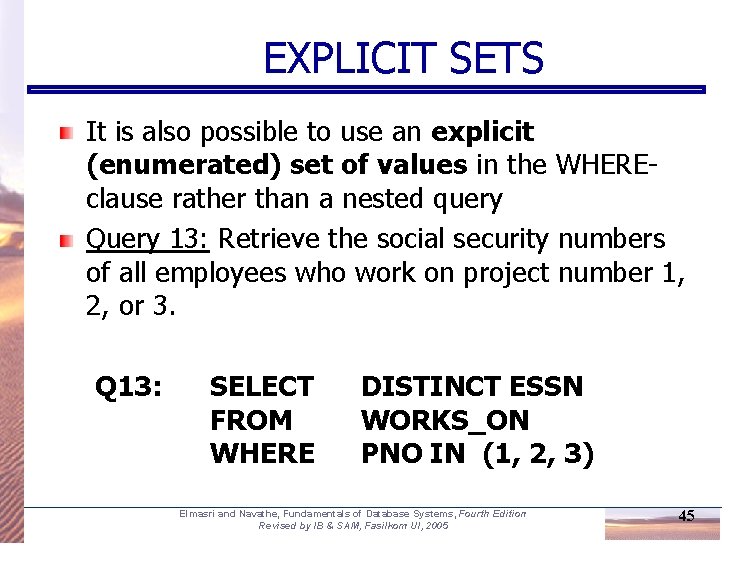
EXPLICIT SETS It is also possible to use an explicit (enumerated) set of values in the WHEREclause rather than a nested query Query 13: Retrieve the social security numbers of all employees who work on project number 1, 2, or 3. Q 13: SELECT FROM WHERE DISTINCT ESSN WORKS_ON PNO IN (1, 2, 3) Elmasri and Navathe, Fundamentals of Database Systems, Fourth Edition Revised by IB & SAM, Fasilkom UI, 2005 45
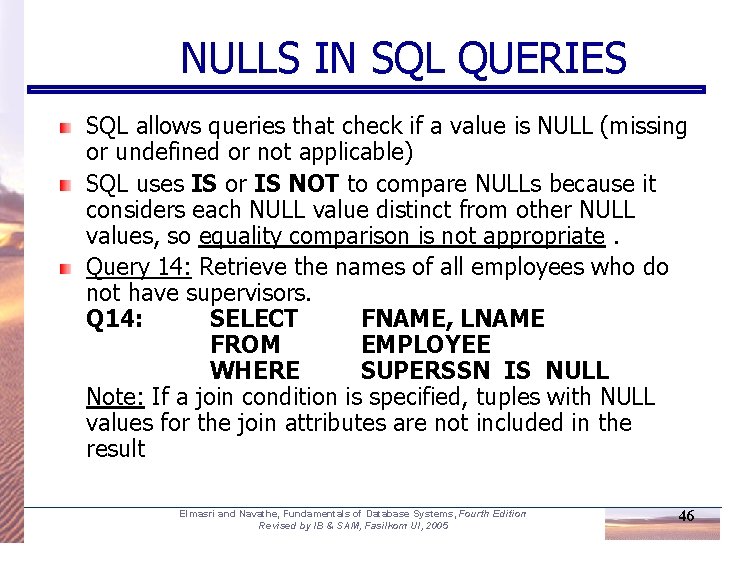
NULLS IN SQL QUERIES SQL allows queries that check if a value is NULL (missing or undefined or not applicable) SQL uses IS or IS NOT to compare NULLs because it considers each NULL value distinct from other NULL values, so equality comparison is not appropriate. Query 14: Retrieve the names of all employees who do not have supervisors. Q 14: SELECT FNAME, LNAME FROM EMPLOYEE WHERE SUPERSSN IS NULL Note: If a join condition is specified, tuples with NULL values for the join attributes are not included in the result Elmasri and Navathe, Fundamentals of Database Systems, Fourth Edition Revised by IB & SAM, Fasilkom UI, 2005 46
Joined Relations Feature in SQL 2 Can specify a "joined relation" in the FROMclause Looks like any other relation but is the result of a join Allows the user to specify different types of joins (regular "theta" JOIN, NATURAL JOIN, LEFT OUTER JOIN, RIGHT OUTER JOIN, CROSS JOIN, etc) Elmasri and Navathe, Fundamentals of Database Systems, Fourth Edition Revised by IB & SAM, Fasilkom UI, 2005 47
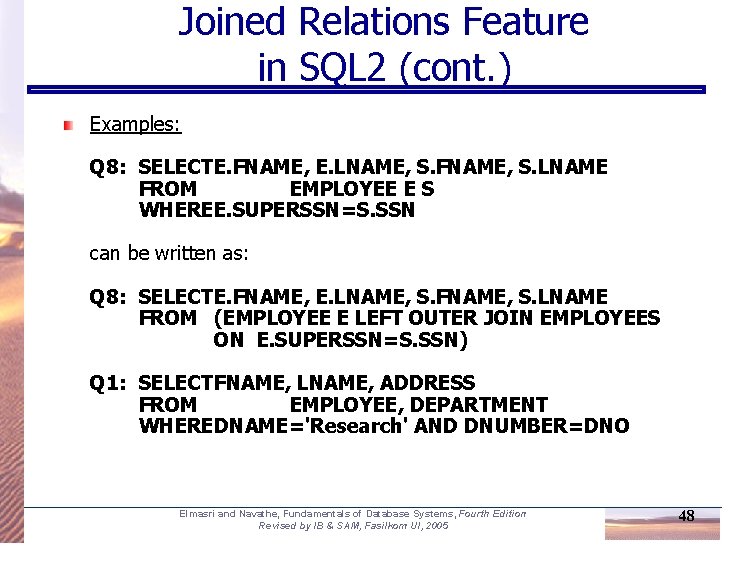
Joined Relations Feature in SQL 2 (cont. ) Examples: Q 8: SELECTE. FNAME, E. LNAME, S. FNAME, S. LNAME FROM EMPLOYEE E S WHEREE. SUPERSSN=S. SSN can be written as: Q 8: SELECTE. FNAME, E. LNAME, S. FNAME, S. LNAME FROM (EMPLOYEE E LEFT OUTER JOIN EMPLOYEES ON E. SUPERSSN=S. SSN) Q 1: SELECTFNAME, LNAME, ADDRESS FROM EMPLOYEE, DEPARTMENT WHEREDNAME='Research' AND DNUMBER=DNO Elmasri and Navathe, Fundamentals of Database Systems, Fourth Edition Revised by IB & SAM, Fasilkom UI, 2005 48
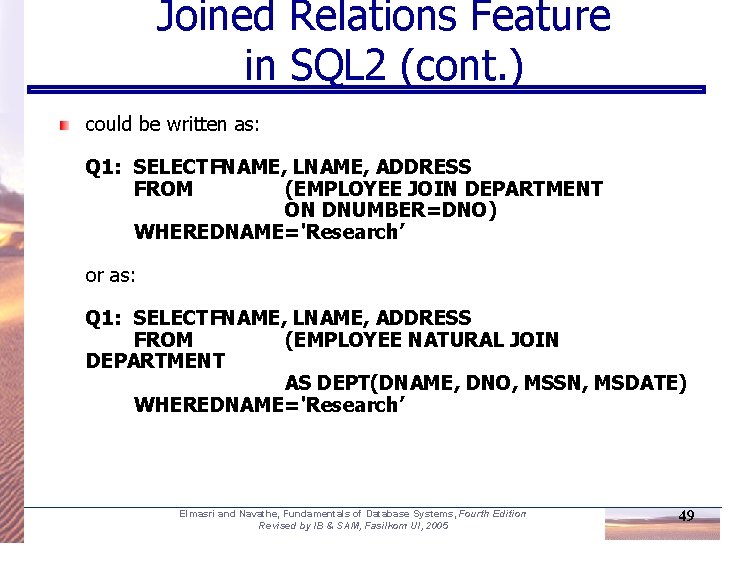
Joined Relations Feature in SQL 2 (cont. ) could be written as: Q 1: SELECTFNAME, LNAME, ADDRESS FROM (EMPLOYEE JOIN DEPARTMENT ON DNUMBER=DNO) WHEREDNAME='Research’ or as: Q 1: SELECTFNAME, LNAME, ADDRESS FROM (EMPLOYEE NATURAL JOIN DEPARTMENT AS DEPT(DNAME, DNO, MSSN, MSDATE) WHEREDNAME='Research’ Elmasri and Navathe, Fundamentals of Database Systems, Fourth Edition Revised by IB & SAM, Fasilkom UI, 2005 49
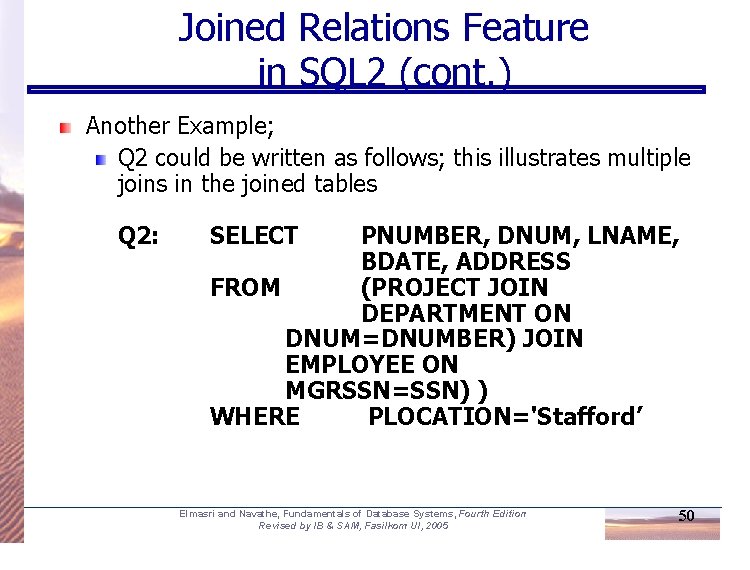
Joined Relations Feature in SQL 2 (cont. ) Another Example; Q 2 could be written as follows; this illustrates multiple joins in the joined tables Q 2: SELECT PNUMBER, DNUM, LNAME, BDATE, ADDRESS FROM (PROJECT JOIN DEPARTMENT ON DNUM=DNUMBER) JOIN EMPLOYEE ON MGRSSN=SSN) ) WHERE PLOCATION='Stafford’ Elmasri and Navathe, Fundamentals of Database Systems, Fourth Edition Revised by IB & SAM, Fasilkom UI, 2005 50
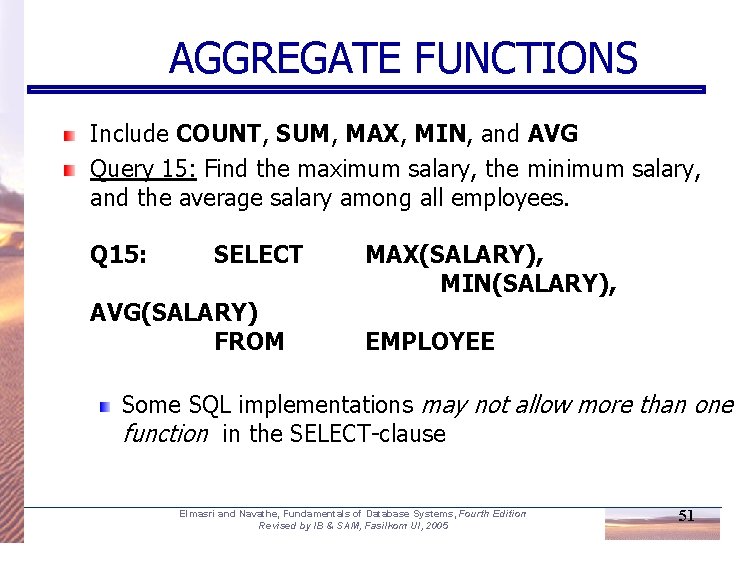
AGGREGATE FUNCTIONS Include COUNT, SUM, MAX, MIN, and AVG Query 15: Find the maximum salary, the minimum salary, and the average salary among all employees. Q 15: SELECT AVG(SALARY) FROM MAX(SALARY), MIN(SALARY), EMPLOYEE Some SQL implementations may not allow more than one function in the SELECT-clause Elmasri and Navathe, Fundamentals of Database Systems, Fourth Edition Revised by IB & SAM, Fasilkom UI, 2005 51
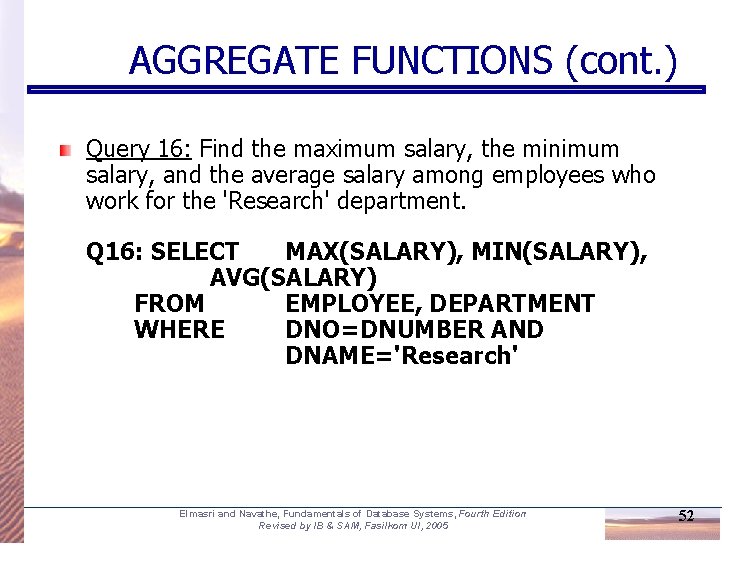
AGGREGATE FUNCTIONS (cont. ) Query 16: Find the maximum salary, the minimum salary, and the average salary among employees who work for the 'Research' department. Q 16: SELECT MAX(SALARY), MIN(SALARY), AVG(SALARY) FROM EMPLOYEE, DEPARTMENT WHERE DNO=DNUMBER AND DNAME='Research' Elmasri and Navathe, Fundamentals of Database Systems, Fourth Edition Revised by IB & SAM, Fasilkom UI, 2005 52
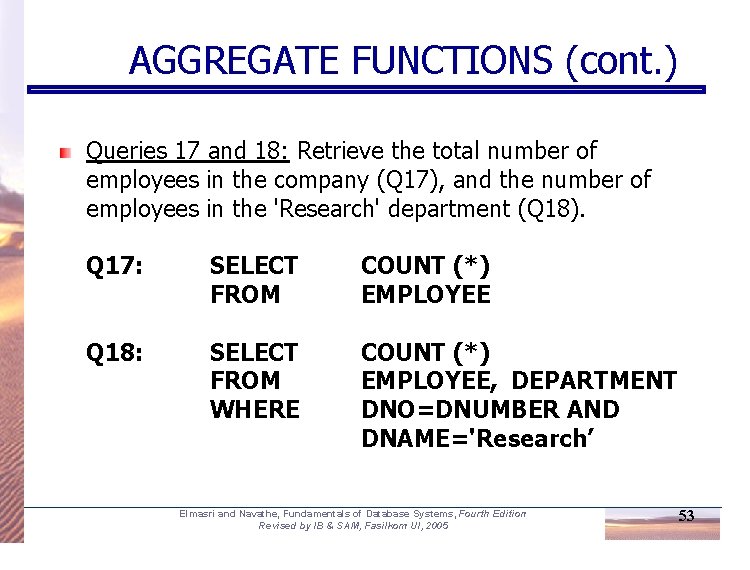
AGGREGATE FUNCTIONS (cont. ) Queries 17 and 18: Retrieve the total number of employees in the company (Q 17), and the number of employees in the 'Research' department (Q 18). Q 17: SELECT FROM COUNT (*) EMPLOYEE Q 18: SELECT FROM WHERE COUNT (*) EMPLOYEE, DEPARTMENT DNO=DNUMBER AND DNAME='Research’ Elmasri and Navathe, Fundamentals of Database Systems, Fourth Edition Revised by IB & SAM, Fasilkom UI, 2005 53
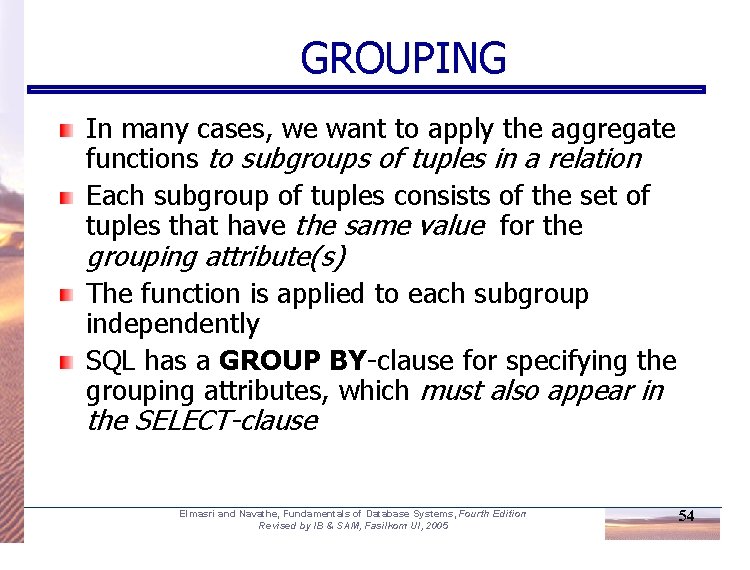
GROUPING In many cases, we want to apply the aggregate functions to subgroups of tuples in a relation Each subgroup of tuples consists of the set of tuples that have the same value for the grouping attribute(s) The function is applied to each subgroup independently SQL has a GROUP BY-clause for specifying the grouping attributes, which must also appear in the SELECT-clause Elmasri and Navathe, Fundamentals of Database Systems, Fourth Edition Revised by IB & SAM, Fasilkom UI, 2005 54
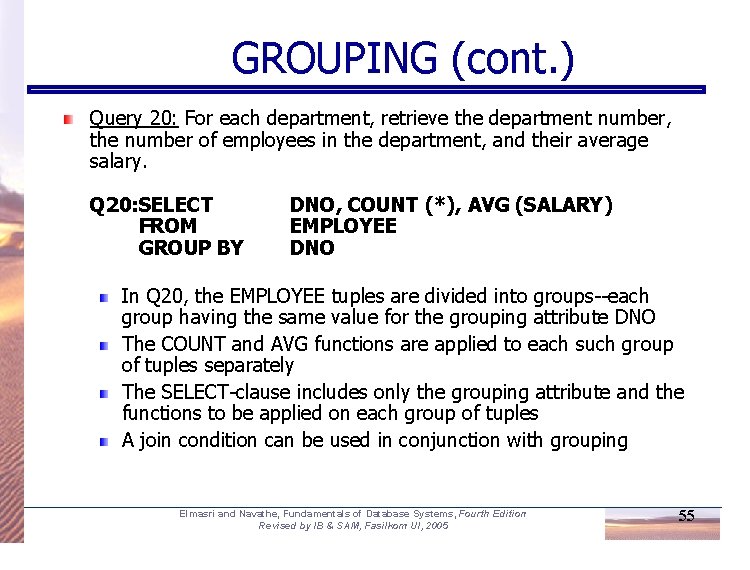
GROUPING (cont. ) Query 20: For each department, retrieve the department number, the number of employees in the department, and their average salary. Q 20: SELECT FROM GROUP BY DNO, COUNT (*), AVG (SALARY) EMPLOYEE DNO In Q 20, the EMPLOYEE tuples are divided into groups--each group having the same value for the grouping attribute DNO The COUNT and AVG functions are applied to each such group of tuples separately The SELECT-clause includes only the grouping attribute and the functions to be applied on each group of tuples A join condition can be used in conjunction with grouping Elmasri and Navathe, Fundamentals of Database Systems, Fourth Edition Revised by IB & SAM, Fasilkom UI, 2005 55
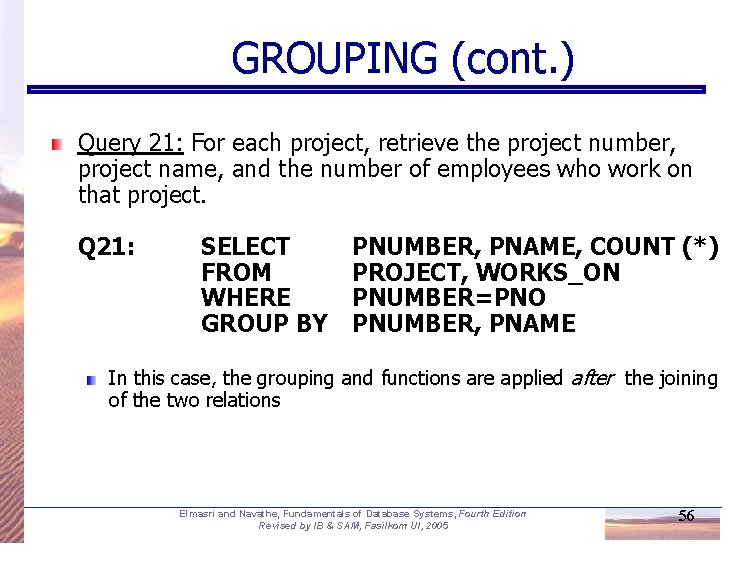
GROUPING (cont. ) Query 21: For each project, retrieve the project number, project name, and the number of employees who work on that project. Q 21: SELECT FROM WHERE GROUP BY PNUMBER, PNAME, COUNT (*) PROJECT, WORKS_ON PNUMBER=PNO PNUMBER, PNAME In this case, the grouping and functions are applied after the joining of the two relations Elmasri and Navathe, Fundamentals of Database Systems, Fourth Edition Revised by IB & SAM, Fasilkom UI, 2005 56
THE HAVING-CLAUSE Sometimes we want to retrieve the values of these functions for only those groups that satisfy certain conditions The HAVING-clause is used for specifying a selection condition on groups (rather than on individual tuples) Elmasri and Navathe, Fundamentals of Database Systems, Fourth Edition Revised by IB & SAM, Fasilkom UI, 2005 57
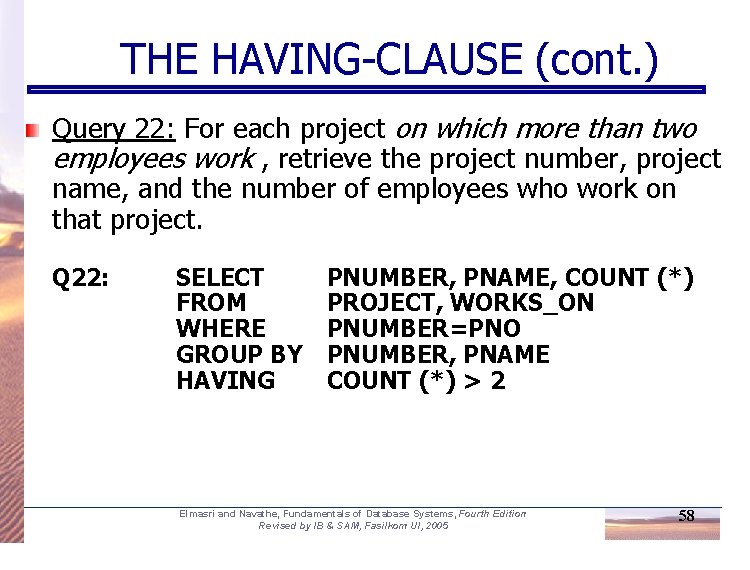
THE HAVING-CLAUSE (cont. ) Query 22: For each project on which more than two employees work , retrieve the project number, project name, and the number of employees who work on that project. Q 22: SELECT FROM WHERE GROUP BY HAVING PNUMBER, PNAME, COUNT (*) PROJECT, WORKS_ON PNUMBER=PNO PNUMBER, PNAME COUNT (*) > 2 Elmasri and Navathe, Fundamentals of Database Systems, Fourth Edition Revised by IB & SAM, Fasilkom UI, 2005 58
SUBSTRING COMPARISON The LIKE comparison operator is used to compare partial strings Two reserved characters are used: '%' (or '*' in some implementations) replaces an arbitrary number of characters, and '_' replaces a single arbitrary character Elmasri and Navathe, Fundamentals of Database Systems, Fourth Edition Revised by IB & SAM, Fasilkom UI, 2005 59
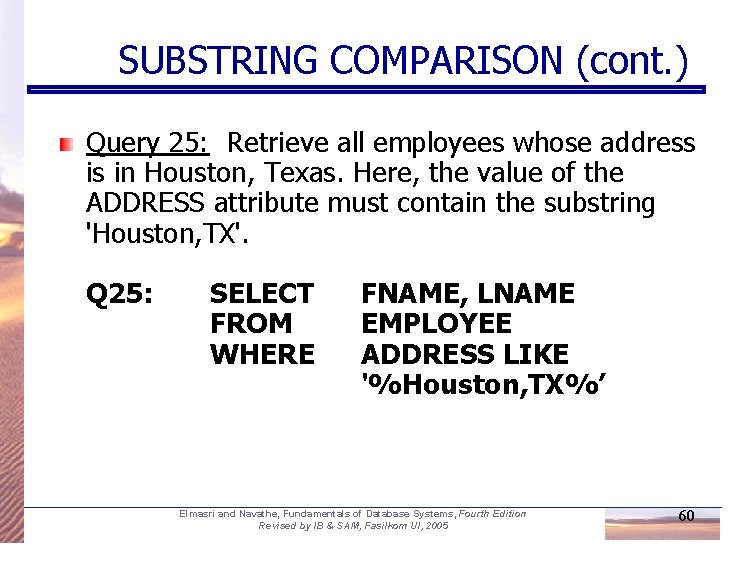
SUBSTRING COMPARISON (cont. ) Query 25: Retrieve all employees whose address is in Houston, Texas. Here, the value of the ADDRESS attribute must contain the substring 'Houston, TX'. Q 25: SELECT FROM WHERE FNAME, LNAME EMPLOYEE ADDRESS LIKE '%Houston, TX%’ Elmasri and Navathe, Fundamentals of Database Systems, Fourth Edition Revised by IB & SAM, Fasilkom UI, 2005 60
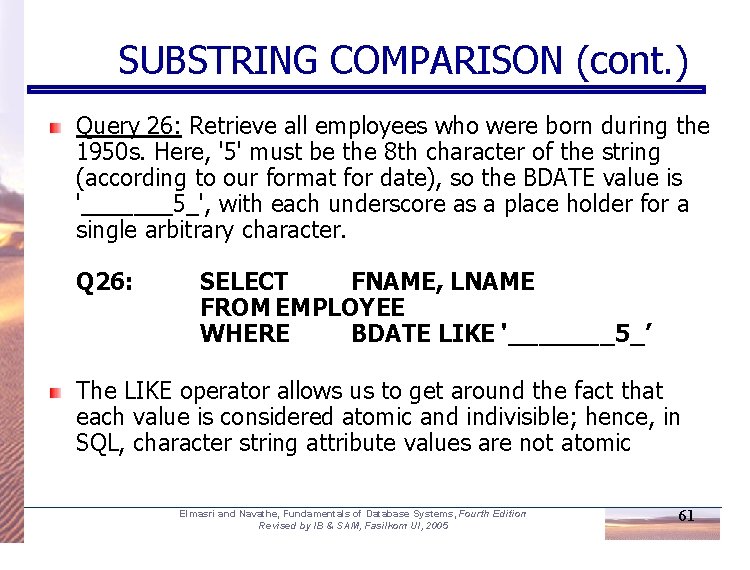
SUBSTRING COMPARISON (cont. ) Query 26: Retrieve all employees who were born during the 1950 s. Here, '5' must be the 8 th character of the string (according to our format for date), so the BDATE value is '_______5_', with each underscore as a place holder for a single arbitrary character. Q 26: SELECT FNAME, LNAME FROM EMPLOYEE WHERE BDATE LIKE '_______5_’ The LIKE operator allows us to get around the fact that each value is considered atomic and indivisible; hence, in SQL, character string attribute values are not atomic Elmasri and Navathe, Fundamentals of Database Systems, Fourth Edition Revised by IB & SAM, Fasilkom UI, 2005 61
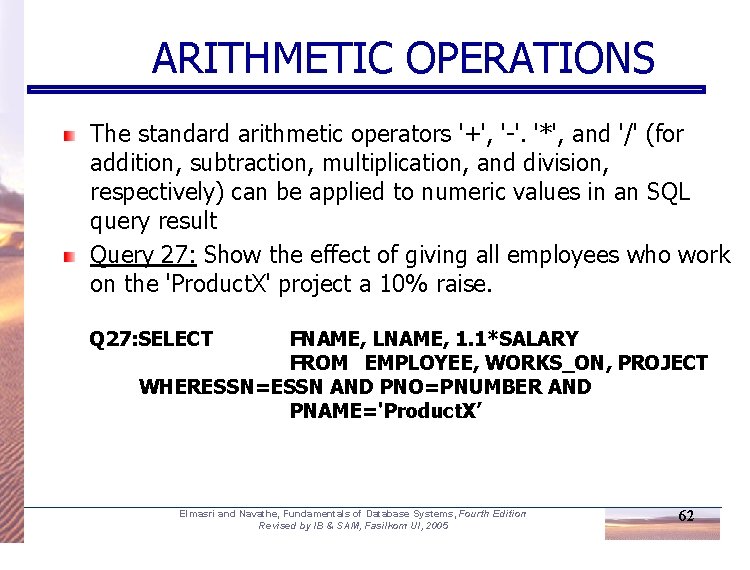
ARITHMETIC OPERATIONS The standard arithmetic operators '+', '-'. '*', and '/' (for addition, subtraction, multiplication, and division, respectively) can be applied to numeric values in an SQL query result Query 27: Show the effect of giving all employees who work on the 'Product. X' project a 10% raise. Q 27: SELECT FNAME, LNAME, 1. 1*SALARY FROM EMPLOYEE, WORKS_ON, PROJECT WHERESSN=ESSN AND PNO=PNUMBER AND PNAME='Product. X’ Elmasri and Navathe, Fundamentals of Database Systems, Fourth Edition Revised by IB & SAM, Fasilkom UI, 2005 62
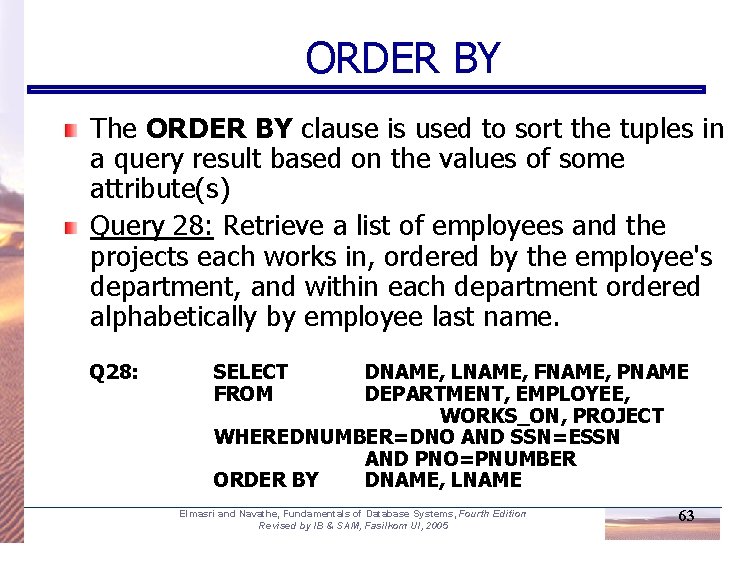
ORDER BY The ORDER BY clause is used to sort the tuples in a query result based on the values of some attribute(s) Query 28: Retrieve a list of employees and the projects each works in, ordered by the employee's department, and within each department ordered alphabetically by employee last name. Q 28: SELECT FROM DNAME, LNAME, FNAME, PNAME DEPARTMENT, EMPLOYEE, WORKS_ON, PROJECT WHEREDNUMBER=DNO AND SSN=ESSN AND PNO=PNUMBER ORDER BY DNAME, LNAME Elmasri and Navathe, Fundamentals of Database Systems, Fourth Edition Revised by IB & SAM, Fasilkom UI, 2005 63
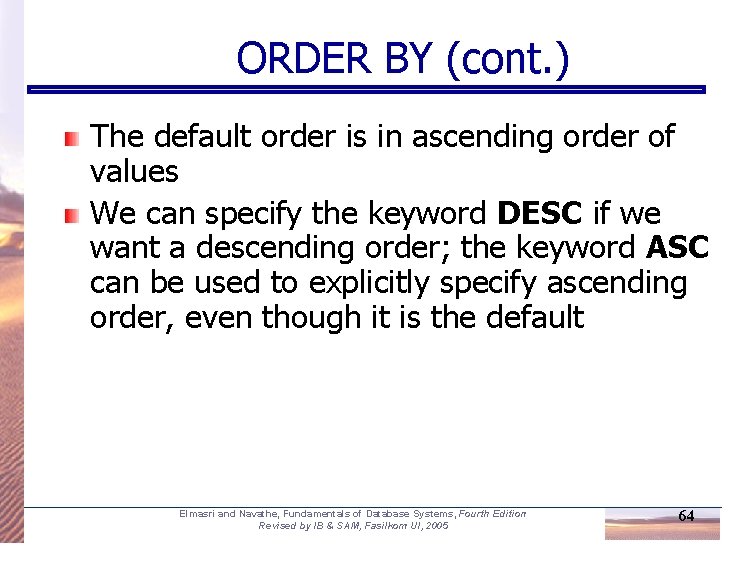
ORDER BY (cont. ) The default order is in ascending order of values We can specify the keyword DESC if we want a descending order; the keyword ASC can be used to explicitly specify ascending order, even though it is the default Elmasri and Navathe, Fundamentals of Database Systems, Fourth Edition Revised by IB & SAM, Fasilkom UI, 2005 64
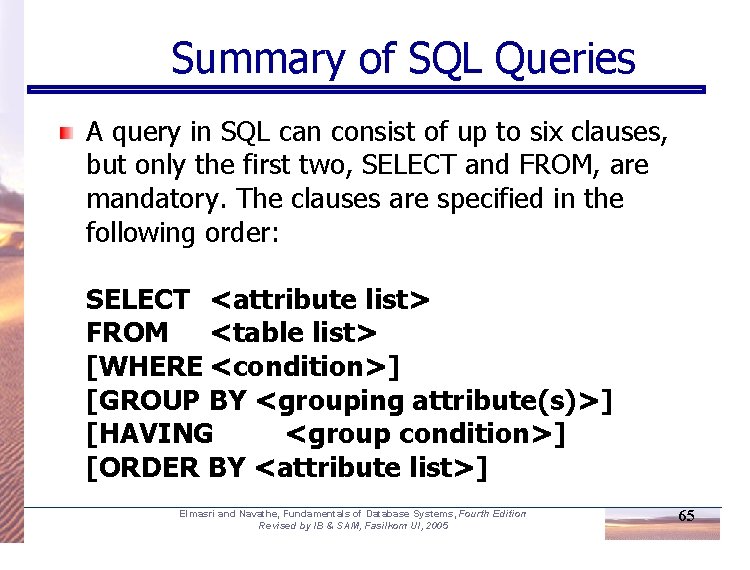
Summary of SQL Queries A query in SQL can consist of up to six clauses, but only the first two, SELECT and FROM, are mandatory. The clauses are specified in the following order: SELECT <attribute list> FROM <table list> [WHERE <condition>] [GROUP BY <grouping attribute(s)>] [HAVING <group condition>] [ORDER BY <attribute list>] Elmasri and Navathe, Fundamentals of Database Systems, Fourth Edition Revised by IB & SAM, Fasilkom UI, 2005 65
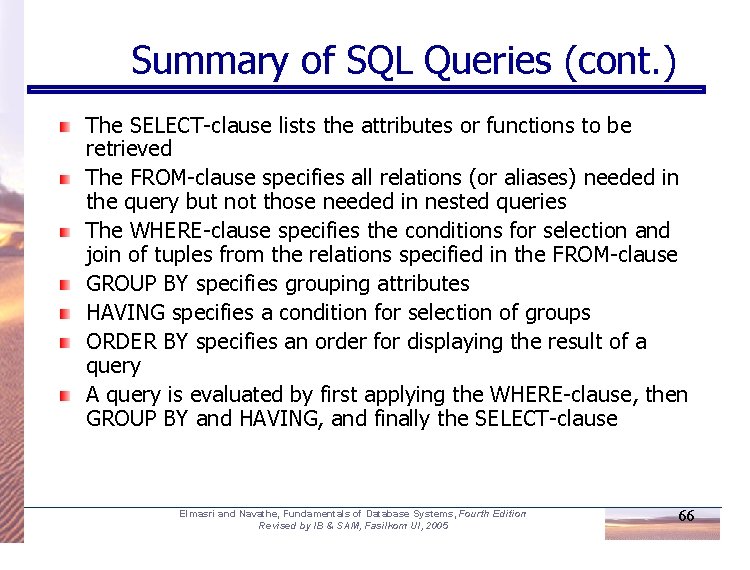
Summary of SQL Queries (cont. ) The SELECT-clause lists the attributes or functions to be retrieved The FROM-clause specifies all relations (or aliases) needed in the query but not those needed in nested queries The WHERE-clause specifies the conditions for selection and join of tuples from the relations specified in the FROM-clause GROUP BY specifies grouping attributes HAVING specifies a condition for selection of groups ORDER BY specifies an order for displaying the result of a query A query is evaluated by first applying the WHERE-clause, then GROUP BY and HAVING, and finally the SELECT-clause Elmasri and Navathe, Fundamentals of Database Systems, Fourth Edition Revised by IB & SAM, Fasilkom UI, 2005 66
Specifying Updates in SQL There are three SQL commands to modify the database; INSERT, DELETE, and UPDATE Elmasri and Navathe, Fundamentals of Database Systems, Fourth Edition Revised by IB & SAM, Fasilkom UI, 2005 67
INSERT In its simplest form, it is used to add one or more tuples to a relation Attribute values should be listed in the same order as the attributes were specified in the CREATE TABLE command Elmasri and Navathe, Fundamentals of Database Systems, Fourth Edition Revised by IB & SAM, Fasilkom UI, 2005 68
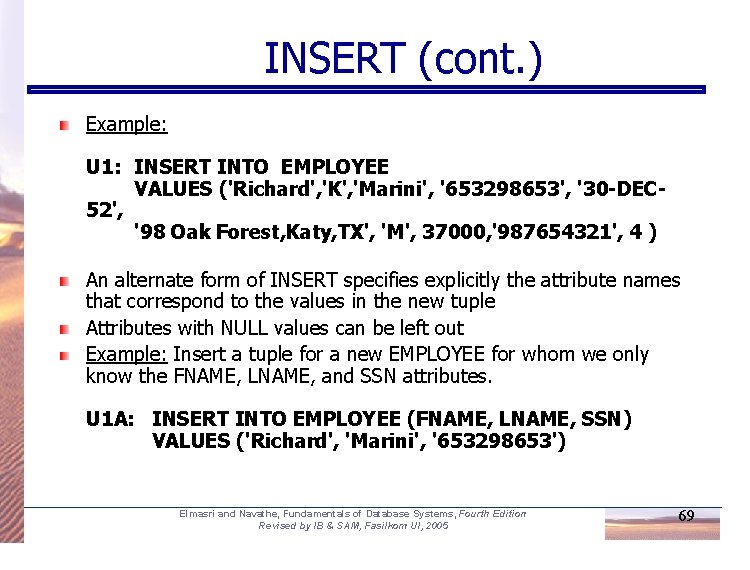
INSERT (cont. ) Example: U 1: INSERT INTO EMPLOYEE VALUES ('Richard', 'K', 'Marini', '653298653', '30 -DEC 52', '98 Oak Forest, Katy, TX', 'M', 37000, '987654321', 4 ) An alternate form of INSERT specifies explicitly the attribute names that correspond to the values in the new tuple Attributes with NULL values can be left out Example: Insert a tuple for a new EMPLOYEE for whom we only know the FNAME, LNAME, and SSN attributes. U 1 A: INSERT INTO EMPLOYEE (FNAME, LNAME, SSN) VALUES ('Richard', 'Marini', '653298653') Elmasri and Navathe, Fundamentals of Database Systems, Fourth Edition Revised by IB & SAM, Fasilkom UI, 2005 69
INSERT (cont. ) Important Note: Only the constraints specified in the DDL commands are automatically enforced by the DBMS when updates are applied to the database Another variation of INSERT allows insertion of multiple tuples resulting from a query into a relation Elmasri and Navathe, Fundamentals of Database Systems, Fourth Edition Revised by IB & SAM, Fasilkom UI, 2005 70
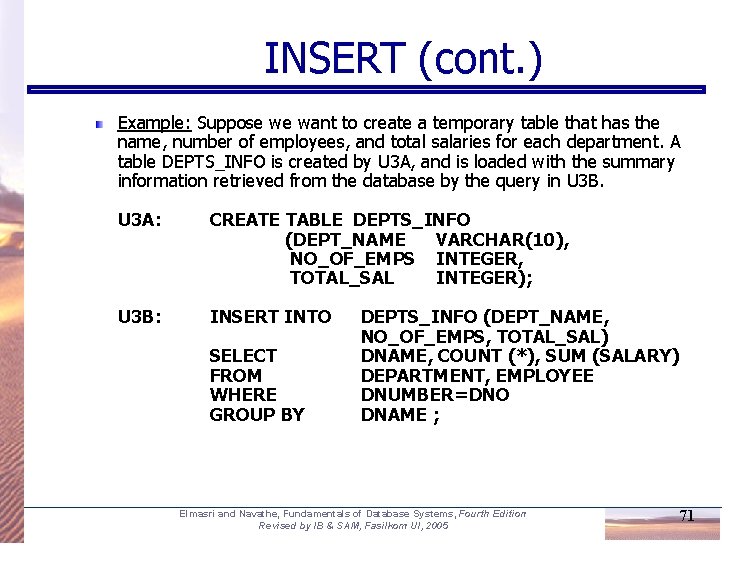
INSERT (cont. ) Example: Suppose we want to create a temporary table that has the name, number of employees, and total salaries for each department. A table DEPTS_INFO is created by U 3 A, and is loaded with the summary information retrieved from the database by the query in U 3 B. U 3 A: CREATE TABLE DEPTS_INFO (DEPT_NAME VARCHAR(10), NO_OF_EMPS INTEGER, TOTAL_SAL INTEGER); U 3 B: INSERT INTO SELECT FROM WHERE GROUP BY DEPTS_INFO (DEPT_NAME, NO_OF_EMPS, TOTAL_SAL) DNAME, COUNT (*), SUM (SALARY) DEPARTMENT, EMPLOYEE DNUMBER=DNO DNAME ; Elmasri and Navathe, Fundamentals of Database Systems, Fourth Edition Revised by IB & SAM, Fasilkom UI, 2005 71
INSERT (cont. ) Note: The DEPTS_INFO table may not be up-todate if we change the tuples in either the DEPARTMENT or the EMPLOYEE relations after issuing U 3 B. We have to create a view (see later) to keep such a table up to date. Elmasri and Navathe, Fundamentals of Database Systems, Fourth Edition Revised by IB & SAM, Fasilkom UI, 2005 72
DELETE Removes tuples from a relation Includes a WHERE-clause to select the tuples to be deleted Tuples are deleted from only one table at a time (unless CASCADE is specified on a referential integrity constraint) A missing WHERE-clause specifies that all tuples in the relation are to be deleted; the table then becomes an empty table The number of tuples deleted depends on the number of tuples in the relation that satisfy the WHERE-clause Referential integrity should be enforced Elmasri and Navathe, Fundamentals of Database Systems, Fourth Edition Revised by IB & SAM, Fasilkom UI, 2005 73
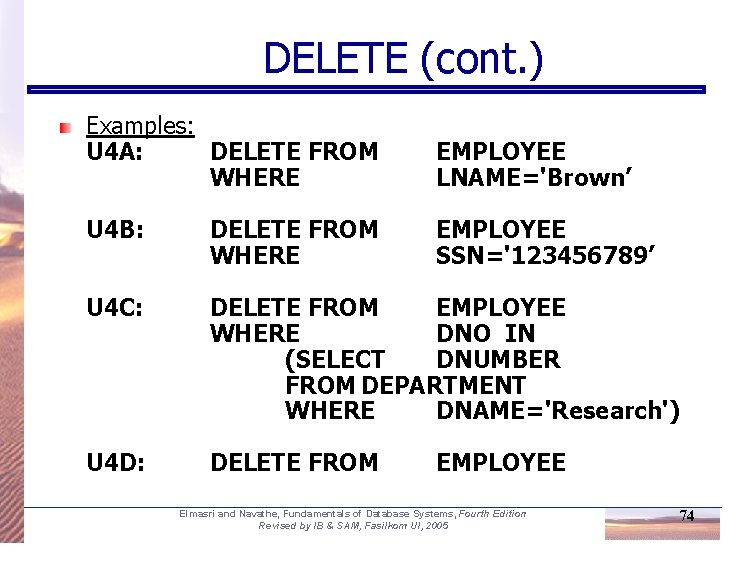
DELETE (cont. ) Examples: U 4 A: DELETE FROM WHERE EMPLOYEE LNAME='Brown’ U 4 B: DELETE FROM WHERE EMPLOYEE SSN='123456789’ U 4 C: DELETE FROM EMPLOYEE WHERE DNO IN (SELECT DNUMBER FROM DEPARTMENT WHERE DNAME='Research') U 4 D: DELETE FROM EMPLOYEE Elmasri and Navathe, Fundamentals of Database Systems, Fourth Edition Revised by IB & SAM, Fasilkom UI, 2005 74
UPDATE Used to modify attribute values of one or more selected tuples A WHERE-clause selects the tuples to be modified An additional SET-clause specifies the attributes to be modified and their new values Each command modifies tuples in the same relation Referential integrity should be enforced Elmasri and Navathe, Fundamentals of Database Systems, Fourth Edition Revised by IB & SAM, Fasilkom UI, 2005 75
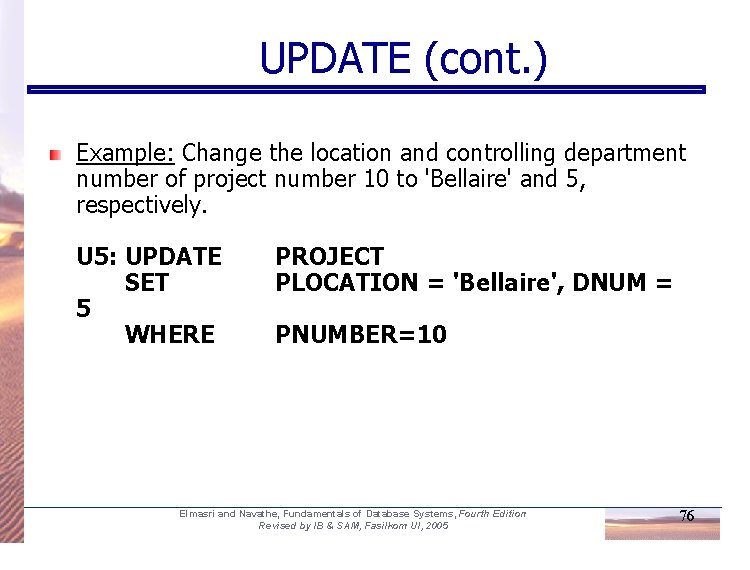
UPDATE (cont. ) Example: Change the location and controlling department number of project number 10 to 'Bellaire' and 5, respectively. U 5: UPDATE SET 5 WHERE PROJECT PLOCATION = 'Bellaire', DNUM = PNUMBER=10 Elmasri and Navathe, Fundamentals of Database Systems, Fourth Edition Revised by IB & SAM, Fasilkom UI, 2005 76
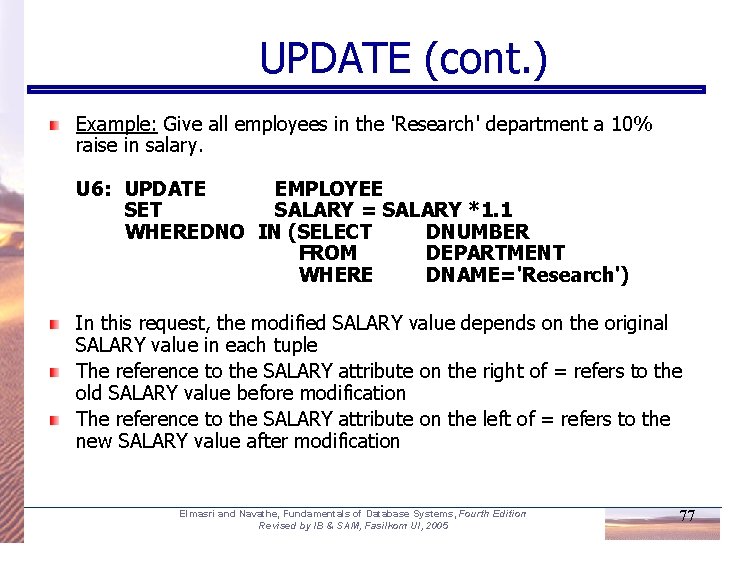
UPDATE (cont. ) Example: Give all employees in the 'Research' department a 10% raise in salary. U 6: UPDATE EMPLOYEE SET SALARY = SALARY *1. 1 WHEREDNO IN (SELECT DNUMBER FROM DEPARTMENT WHERE DNAME='Research') In this request, the modified SALARY value depends on the original SALARY value in each tuple The reference to the SALARY attribute on the right of = refers to the old SALARY value before modification The reference to the SALARY attribute on the left of = refers to the new SALARY value after modification Elmasri and Navathe, Fundamentals of Database Systems, Fourth Edition Revised by IB & SAM, Fasilkom UI, 2005 77
Views in SQL A view is a “virtual” table that is derived from other tables Allows for limited update operations (since the table may not physically be stored) Allows full query operations A convenience for expressing certain operations Elmasri and Navathe, Fundamentals of Database Systems, Fourth Edition Revised by IB & SAM, Fasilkom UI, 2005 78
Specification of Views SQL command: CREATE VIEW a table (view) name a possible list of attribute names (for example, when arithmetic operations are specified or when we want the names to be different from the attributes in the base relations) a query to specify the table contents Elmasri and Navathe, Fundamentals of Database Systems, Fourth Edition Revised by IB & SAM, Fasilkom UI, 2005 79
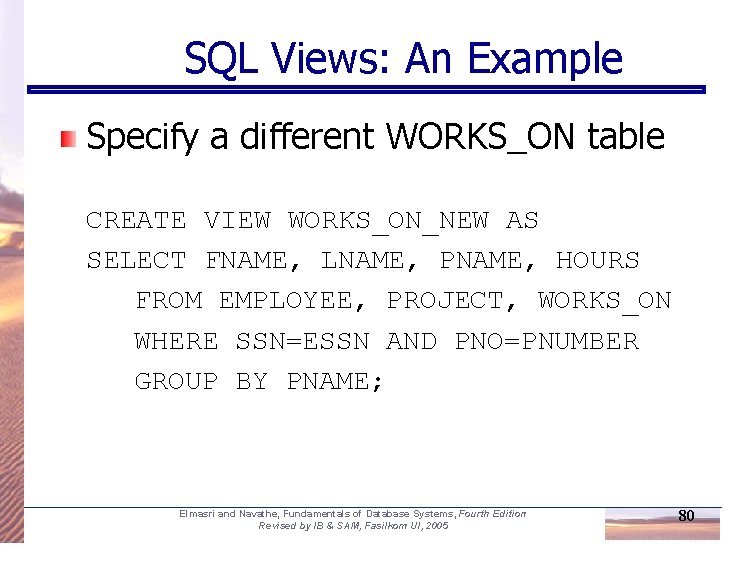
SQL Views: An Example Specify a different WORKS_ON table CREATE VIEW WORKS_ON_NEW AS SELECT FNAME, LNAME, PNAME, HOURS FROM EMPLOYEE, PROJECT, WORKS_ON WHERE SSN=ESSN AND PNO=PNUMBER GROUP BY PNAME; Elmasri and Navathe, Fundamentals of Database Systems, Fourth Edition Revised by IB & SAM, Fasilkom UI, 2005 80
Using a Virtual Table We can specify SQL queries on a newly create table (view): SELECT FNAME, LNAME FROM WORKS_ON_NEW WHERE PNAME=‘Seena’; When no longer needed, a view can be dropped: DROP WORKS_ON_NEW; Elmasri and Navathe, Fundamentals of Database Systems, Fourth Edition Revised by IB & SAM, Fasilkom UI, 2005 81
Efficient View Implementation Query modification: present the view query in terms of a query on the underlying base tables disadvantage: inefficient for views defined via complex queries (especially if additional queries are to be applied to the view within a short time period) Elmasri and Navathe, Fundamentals of Database Systems, Fourth Edition Revised by IB & SAM, Fasilkom UI, 2005 82
Efficient View Implementation View materialization: involves physically creating and keeping a temporary table assumption: other queries on the view will follow concerns: maintaining correspondence between the base table and the view when the base table is updated strategy: incremental update Elmasri and Navathe, Fundamentals of Database Systems, Fourth Edition Revised by IB & SAM, Fasilkom UI, 2005 83
View Update on a single view without aggregate operations: update may map to an update on the underlying base table Views involving joins: an update may map to an update on the underlying base relations not always possible Elmasri and Navathe, Fundamentals of Database Systems, Fourth Edition Revised by IB & SAM, Fasilkom UI, 2005 84
Un-updatable Views defined using groups and aggregate functions are not updateable Views defined on multiple tables using joins are generally not updateable WITH CHECK OPTION: must be added to the definition of a view if the view is to be updated to allow check for updatability and to plan for an execution strategy Elmasri and Navathe, Fundamentals of Database Systems, Fourth Edition Revised by IB & SAM, Fasilkom UI, 2005 85