
Structured Query Language SQL SQL is Structured Query

- Slides: 31
Structured Query Language
SQL • SQL is Structured Query Language – Some people pronounce SQL as “sequel” – Other people insist that only “ess-cue-ell” is the only correct pronunciation
SQL • SQL is a language for accessing and updating databases – SQL is an ANSI (American National Standards Institute) standard • Just about every relational database supports SQL – Most also extend it in various incompatible ways
Java and SQL • Although SQL is a language in its own right, it can be used from within Java • Here’s the general outline: – Get and install a database program that supports SQL • My. SQL is the most commonly used open source database • Oracle is the most commonly used commercial database – Install a driver that lets Java talk to your database • For example, My. SQL Connector/J – import javax. sql. *; to make the JDBC API available • JDBC used to stand for “Java Data. Base Connectivity, ” but no longer stands for anything – Use the JDBC API to talk to your database
Databases • A database contains one or more tables – Each table has a name – A table consists of rows and columns – A row is a record: it contains information about a single entity (such as a person) – Columns have names that tell what kind of information is stored in that column (for example, “Address”) – The information in a cell may be of various types: string, integer, floating point number, date, blank, etc. • A value of null means the data for that cell is missing • Two null values are not considered to be equal
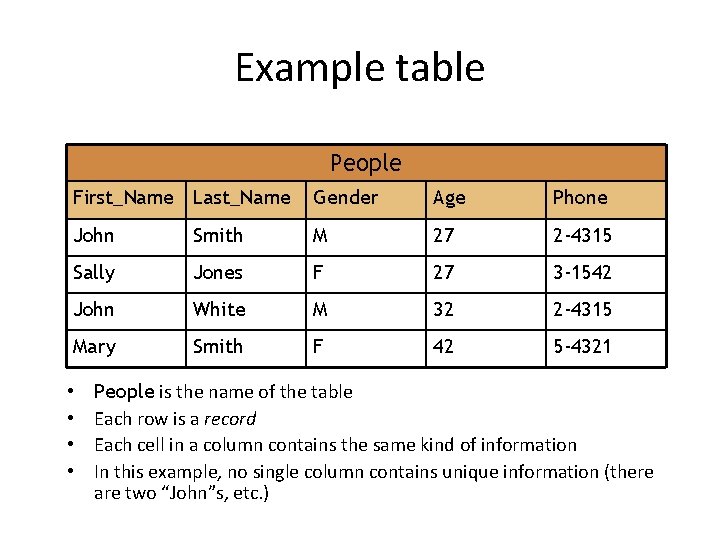
Example table People First_Name Last_Name Gender Age Phone John Smith M 27 2 -4315 Sally Jones F 27 3 -1542 John White M 32 2 -4315 Mary Smith F 42 5 -4321 • • People is the name of the table Each row is a record Each cell in a column contains the same kind of information In this example, no single column contains unique information (there are two “John”s, etc. )
Primary Keys • We will want to look things up in a table – To do that, we need a way of choosing a particular row • A primary key is a column, or group of columns, whose values uniquely identify each row – Example: In the previous table, no single column could be used as a primary key • Multiple people had the same first name, same last name, same gender, same age, and same telephone number • No two people had the same first name and last name • First_name and Last_name could be used as a primary key • It’s a lot more convenient to have a single column as a primary key
Integrity • Tables must follow certain integrity rules: – No two rows may be completely identical – Any column that is a primary key, or part of a primary key, cannot contain null values – There are some other rules about arrays and repeating groups that need not concern us here
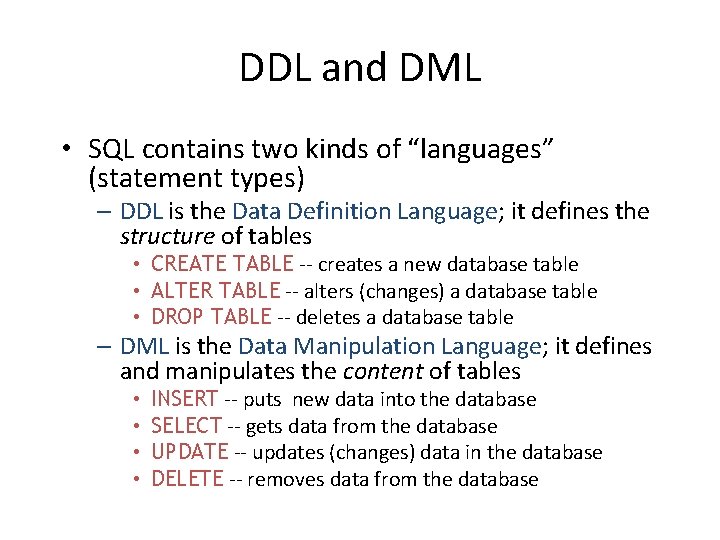
DDL and DML • SQL contains two kinds of “languages” (statement types) – DDL is the Data Definition Language; it defines the structure of tables • CREATE TABLE -- creates a new database table • ALTER TABLE -- alters (changes) a database table • DROP TABLE -- deletes a database table – DML is the Data Manipulation Language; it defines and manipulates the content of tables • • INSERT -- puts new data into the database SELECT -- gets data from the database UPDATE -- updates (changes) data in the database DELETE -- removes data from the database
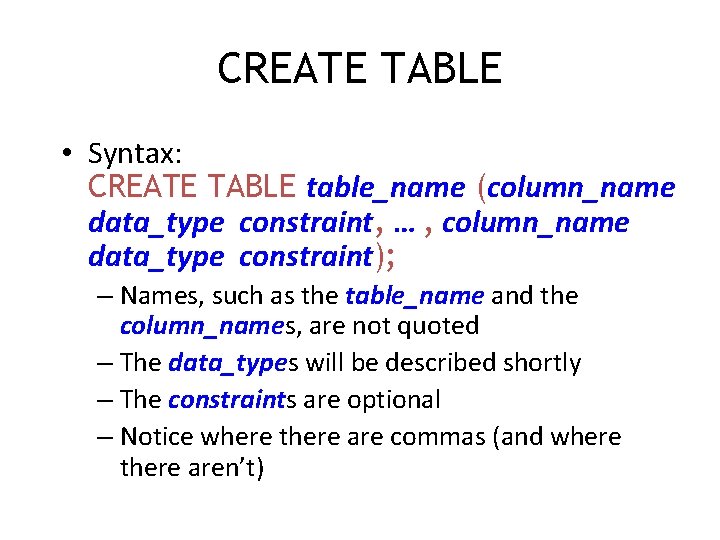
CREATE TABLE • Syntax: CREATE TABLE table_name (column_name data_type constraint, … , column_name data_type constraint); – Names, such as the table_name and the column_names, are not quoted – The data_types will be described shortly – The constraints are optional – Notice where there are commas (and where there aren’t)
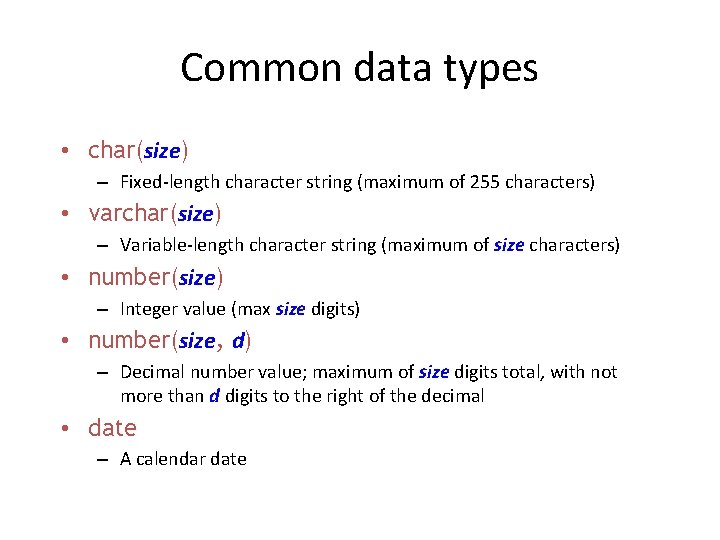
Common data types • char(size) – Fixed-length character string (maximum of 255 characters) • varchar(size) – Variable-length character string (maximum of size characters) • number(size) – Integer value (max size digits) • number(size, d) – Decimal number value; maximum of size digits total, with not more than d digits to the right of the decimal • date – A calendar date
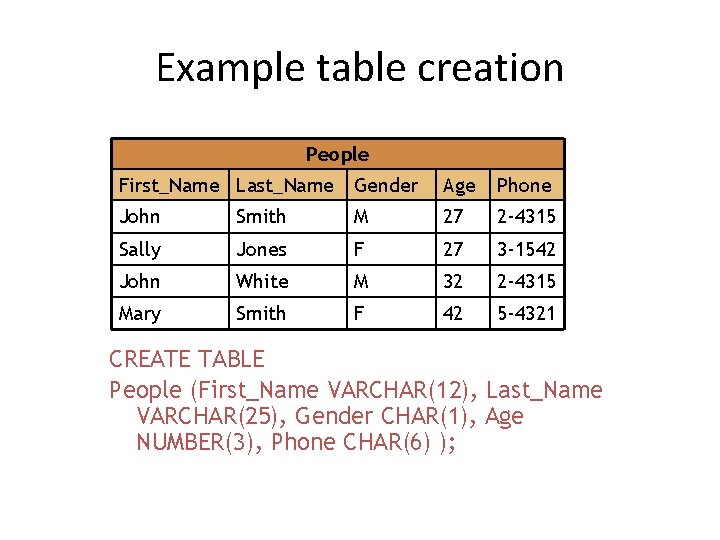
Example table creation People First_Name Last_Name Gender Age Phone John Smith M 27 2 -4315 Sally Jones F 27 3 -1542 John White M 32 2 -4315 Mary Smith F 42 5 -4321 CREATE TABLE People (First_Name VARCHAR(12), Last_Name VARCHAR(25), Gender CHAR(1), Age NUMBER(3), Phone CHAR(6) );
Constraints • When a table is created, constraints can be put on the columns – unique -- no repeated values in this column – primary key -- unique and used to choose rows – not null -- must have a value
ALTER TABLE • ALTER TABLE table_name ADD column_name datatype – Adds a column to the table • ALTER TABLE table_name DROP COLUMN column_name – Removes a column (and all its data) from the table – DROP COLUMN is not available on all SQL platforms
DROP TABLE • Syntax: DROP TABLE table_name; • Just deleting all the rows from a table leaves a “blank” table with column names and types • The DROP TABLE command removes the table from the database completely
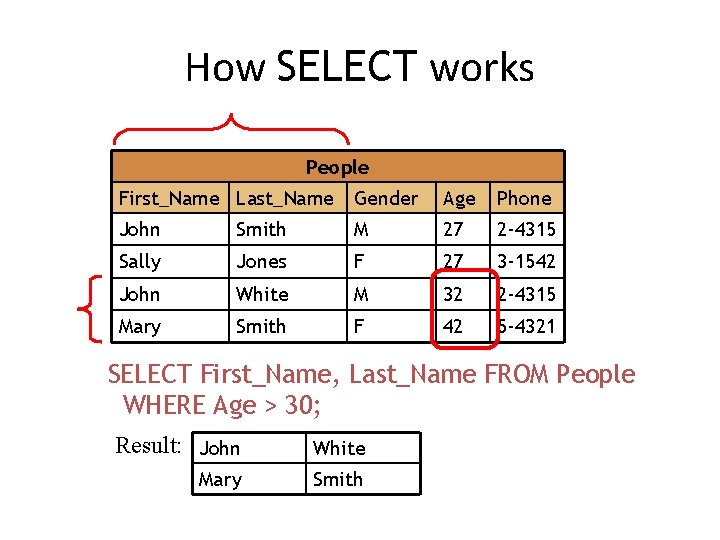
SELECT • Syntax: SELECT columns FROM table WHERE condition – columns is: a comma-separated list of column names, or * to indicate “all columns” – table is the name of the table – condition is an optional condition to be satisfied • Examples: – SELECT First_Name, Last_Name FROM People; – SELECT * FROM People WHERE age < 40;
How SELECT works People First_Name Last_Name Gender Age Phone John Smith M 27 2 -4315 Sally Jones F 27 3 -1542 John White M 32 2 -4315 Mary Smith F 42 5 -4321 SELECT First_Name, Last_Name FROM People WHERE Age > 30; Result: John White Mary Smith
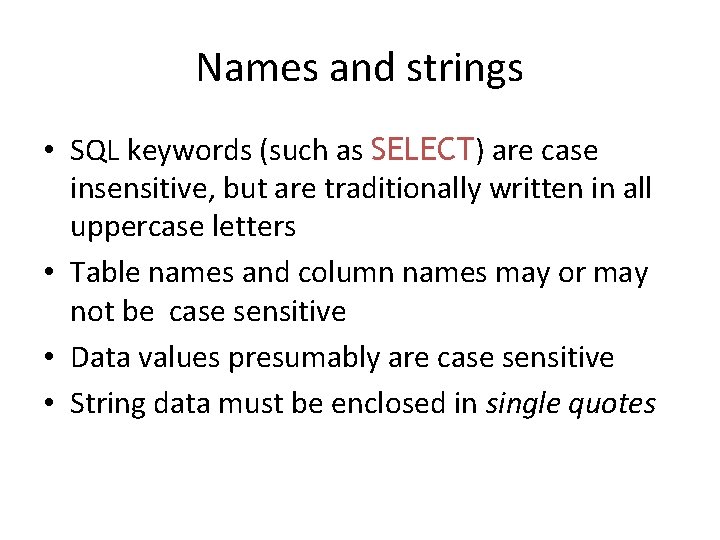
Names and strings • SQL keywords (such as SELECT) are case insensitive, but are traditionally written in all uppercase letters • Table names and column names may or may not be case sensitive • Data values presumably are case sensitive • String data must be enclosed in single quotes
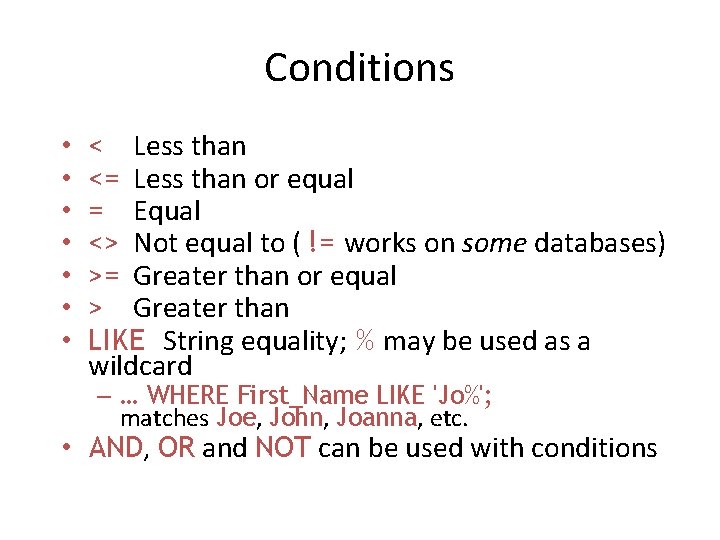
Conditions • • < Less than <= Less than or equal = Equal <> Not equal to ( != works on some databases) >= Greater than or equal > Greater than LIKE String equality; % may be used as a wildcard – … WHERE First_Name LIKE 'Jo%'; matches Joe, John, Joanna, etc. • AND, OR and NOT can be used with conditions
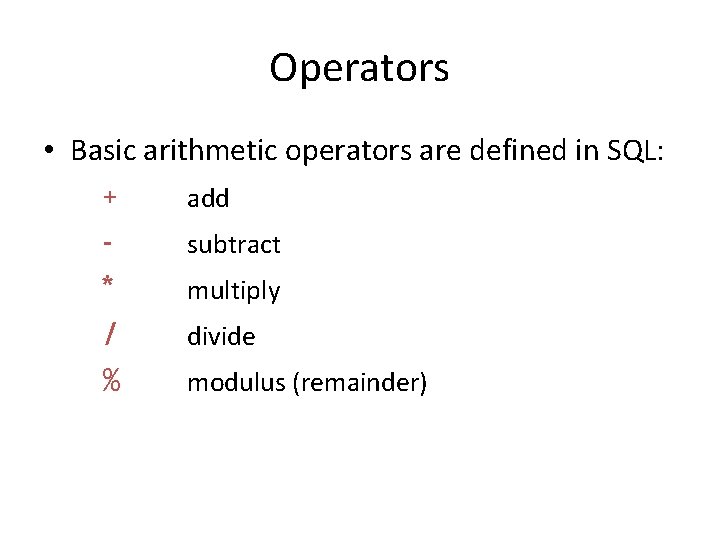
Operators • Basic arithmetic operators are defined in SQL: + add subtract * multiply / divide % modulus (remainder)
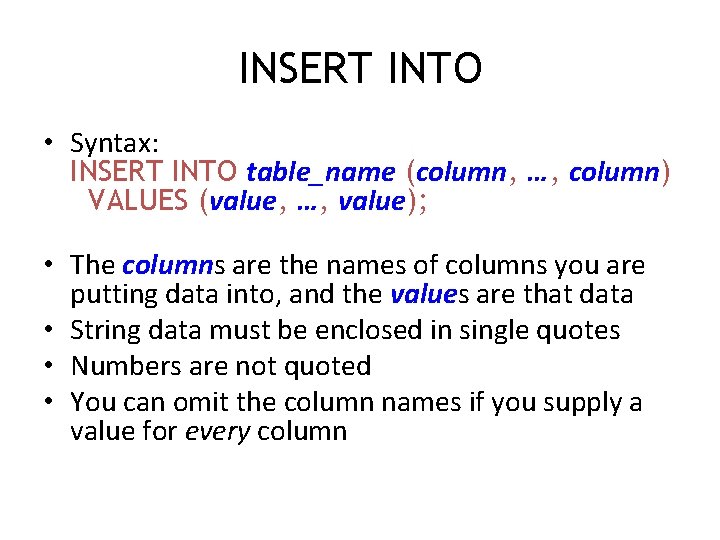
INSERT INTO • Syntax: INSERT INTO table_name (column, …, column) VALUES (value, …, value); • The columns are the names of columns you are putting data into, and the values are that data • String data must be enclosed in single quotes • Numbers are not quoted • You can omit the column names if you supply a value for every column
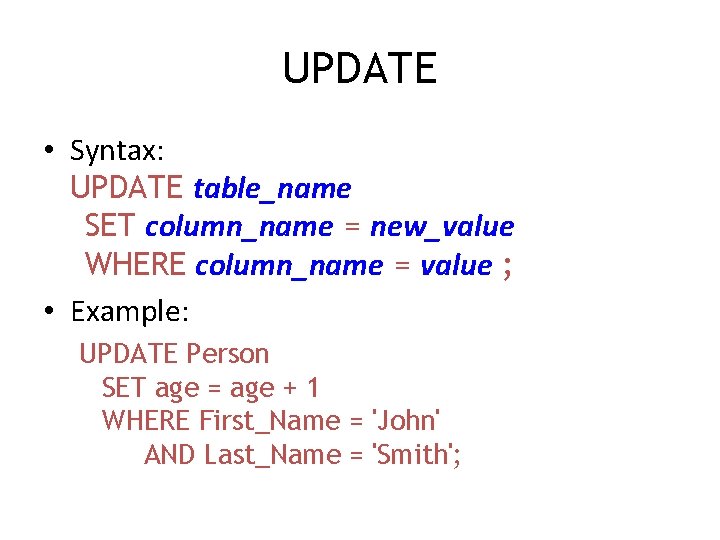
UPDATE • Syntax: UPDATE table_name SET column_name = new_value WHERE column_name = value ; • Example: UPDATE Person SET age = age + 1 WHERE First_Name = 'John' AND Last_Name = 'Smith';
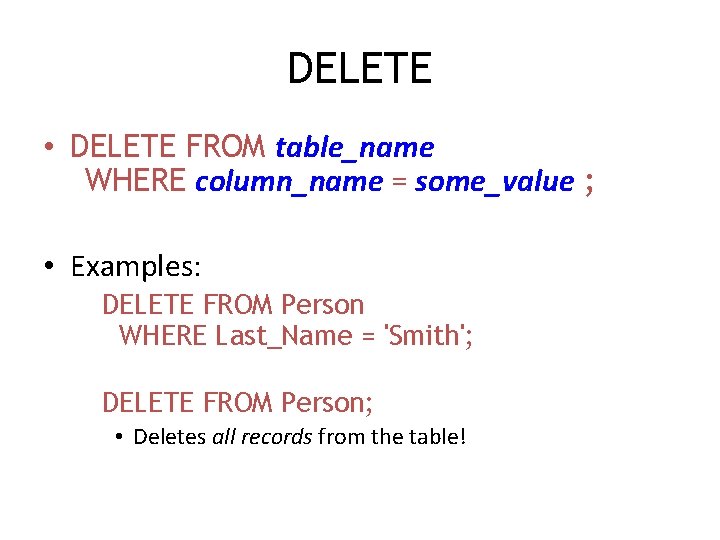
DELETE • DELETE FROM table_name WHERE column_name = some_value ; • Examples: DELETE FROM Person WHERE Last_Name = 'Smith'; DELETE FROM Person; • Deletes all records from the table!
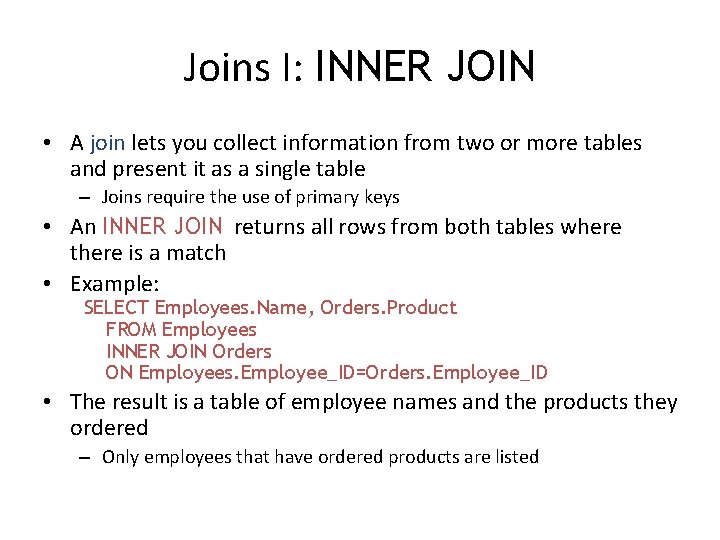
Joins I: INNER JOIN • A join lets you collect information from two or more tables and present it as a single table – Joins require the use of primary keys • An INNER JOIN returns all rows from both tables where there is a match • Example: SELECT Employees. Name, Orders. Product FROM Employees INNER JOIN Orders ON Employees. Employee_ID=Orders. Employee_ID • The result is a table of employee names and the products they ordered – Only employees that have ordered products are listed
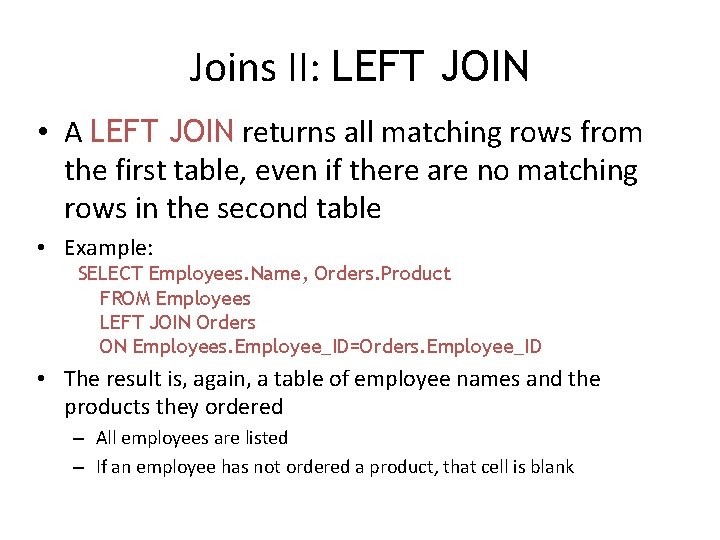
Joins II: LEFT JOIN • A LEFT JOIN returns all matching rows from the first table, even if there are no matching rows in the second table • Example: SELECT Employees. Name, Orders. Product FROM Employees LEFT JOIN Orders ON Employees. Employee_ID=Orders. Employee_ID • The result is, again, a table of employee names and the products they ordered – All employees are listed – If an employee has not ordered a product, that cell is blank
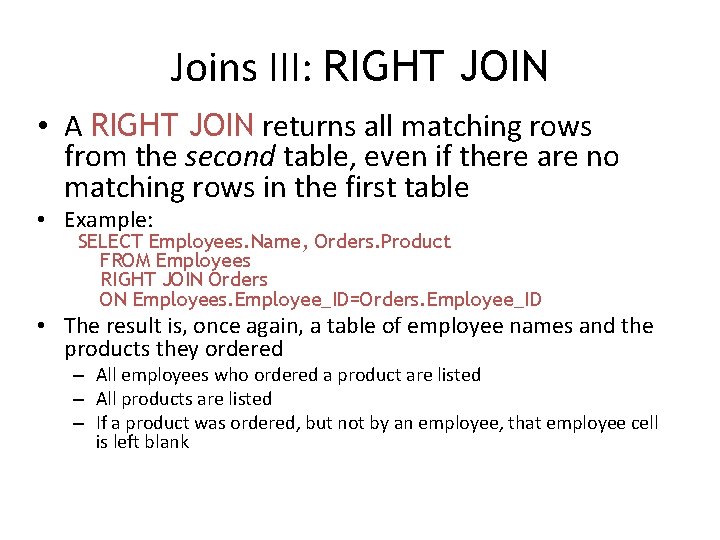
Joins III: RIGHT JOIN • A RIGHT JOIN returns all matching rows from the second table, even if there are no matching rows in the first table • Example: SELECT Employees. Name, Orders. Product FROM Employees RIGHT JOIN Orders ON Employees. Employee_ID=Orders. Employee_ID • The result is, once again, a table of employee names and the products they ordered – All employees who ordered a product are listed – All products are listed – If a product was ordered, but not by an employee, that employee cell is left blank
My. SQL • My. SQL is an open source database – Like much open source software, My. SQL is a very solid, stable product – Also like much open source software, My. SQL hasn’t been well productized (made easy for end user to install and configure) – My. SQL doesn’t give you all the features of Oracle • For most jobs you don’t need these features anyway • If you don’t use implementation-specific features, it’s easy to move from one SQL database to another • http: //dev. mysql. com/downloads/
JDBC • JDBC lets you talk to databases from within a Java program • To use JDBC: – Install and configure a bridge that connects Java to the database – Write Java statements that connect via the bridge – Write Java statements that talk to the database • Each SQL command is written as a String and passed in to a Java method as an argument
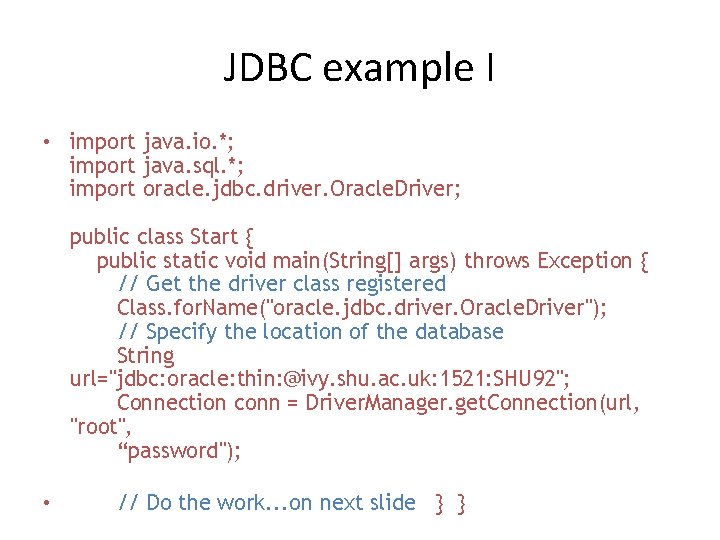
JDBC example I • import java. io. *; import java. sql. *; import oracle. jdbc. driver. Oracle. Driver; public class Start { public static void main(String[] args) throws Exception { // Get the driver class registered Class. for. Name("oracle. jdbc. driver. Oracle. Driver"); // Specify the location of the database String url="jdbc: oracle: thin: @ivy. shu. ac. uk: 1521: SHU 92"; Connection conn = Driver. Manager. get. Connection(url, "root", “password"); • // Do the work. . . on next slide } }
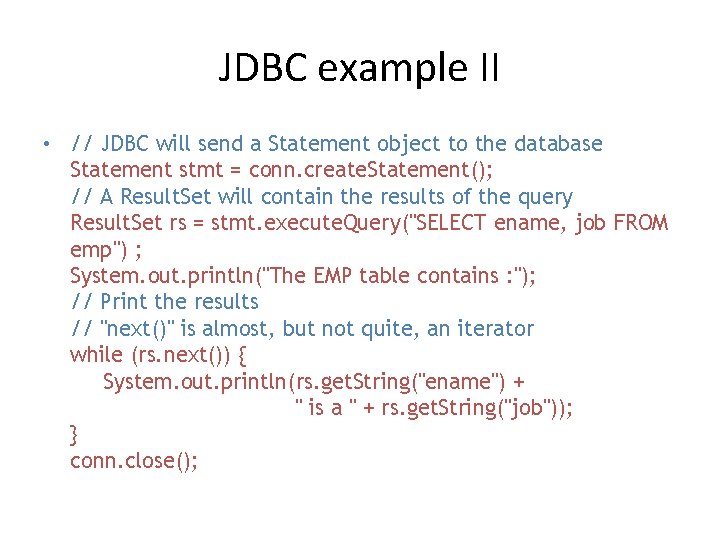
JDBC example II • // JDBC will send a Statement object to the database Statement stmt = conn. create. Statement(); // A Result. Set will contain the results of the query Result. Set rs = stmt. execute. Query("SELECT ename, job FROM emp") ; System. out. println("The EMP table contains : "); // Print the results // "next()" is almost, but not quite, an iterator while (rs. next()) { System. out. println(rs. get. String("ename") + " is a " + rs. get. String("job")); } conn. close();
The End