
Structured Data Abstract data types ADTs are data
Structured Data • Abstract data types (ADTs) are data types created by the programmer. ADTs have their own range (or domain) of data and their own set of operations that may be performed on them. 1 Starting Out with C++, 3 rd Edition
Abstraction • An abstraction is a general model of something. 2 Starting Out with C++, 3 rd Edition
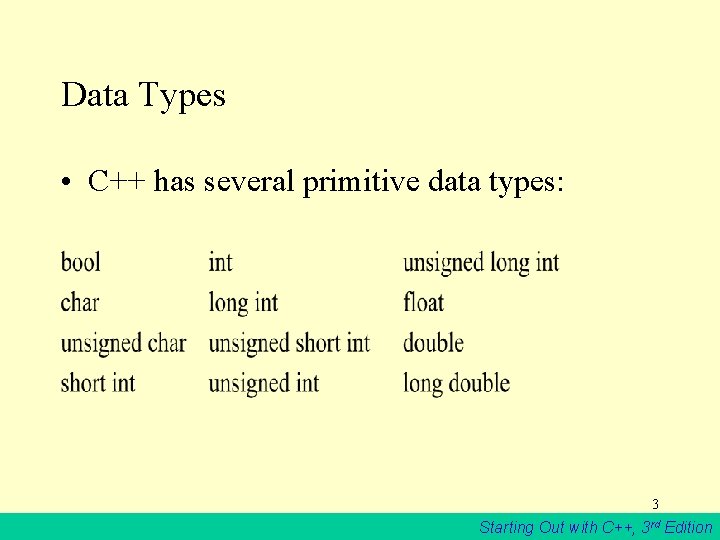
Data Types • C++ has several primitive data types: 3 Starting Out with C++, 3 rd Edition
Abstract Data Types • A data type created by the programmer – The programmer decides what values are acceptable for the data type – The programmer decides what operations may be performed on the data type 4 Starting Out with C++, 3 rd Edition

Combining Data into Structures • C++ allows you to group several variables together into a single item known as a structure. 5 Starting Out with C++, 3 rd Edition
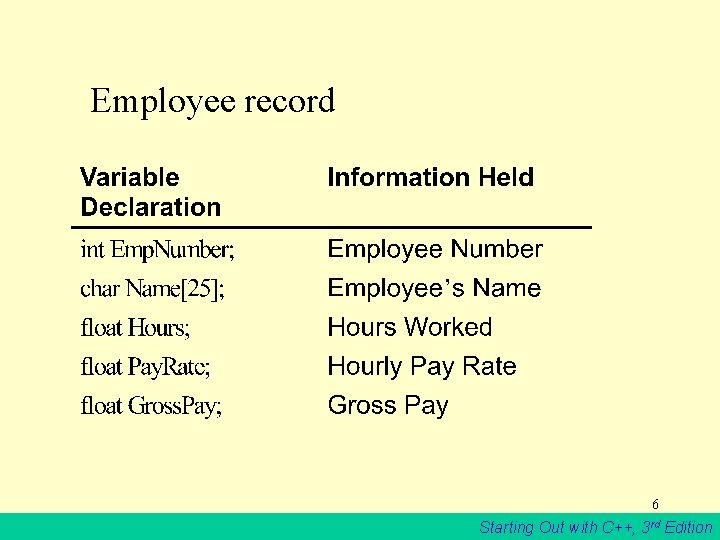
Employee record 6 Starting Out with C++, 3 rd Edition
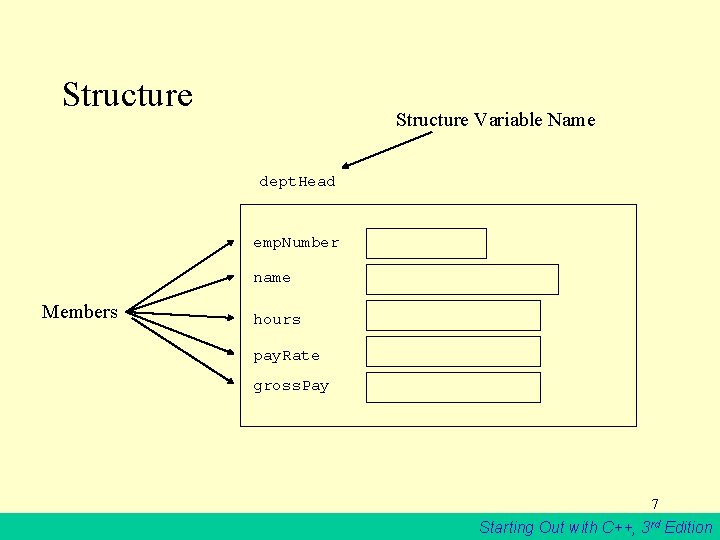
Structure Variable Name dept. Head emp. Number name Members hours pay. Rate gross. Pay 7 Starting Out with C++, 3 rd Edition
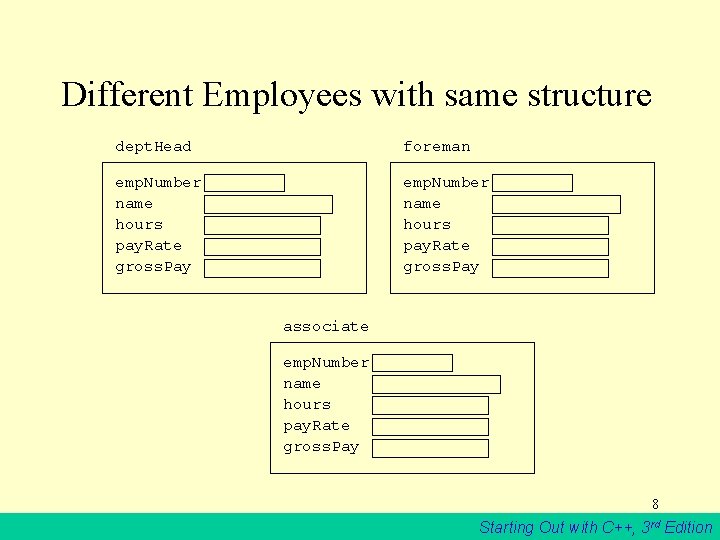
Different Employees with same structure dept. Head foreman emp. Number name hours pay. Rate gross. Pay associate emp. Number name hours pay. Rate gross. Pay 8 Starting Out with C++, 3 rd Edition
![As a Structure Syntax: struct Pay. Roll { int Emp. Number; char Name[25]; float](http://slidetodoc.com/presentation_image_h2/f5af5dfcf2c2ff3ad88cd39da7c14624/image-9.jpg "As a Structure Syntax: struct Pay. Roll { int Emp. Number; char Name[25]; float")
As a Structure Syntax: struct Pay. Roll { int Emp. Number; char Name[25]; float Hours; float Pay. Rate; float Gross. Pay; }; 9 Starting Out with C++, 3 rd Edition
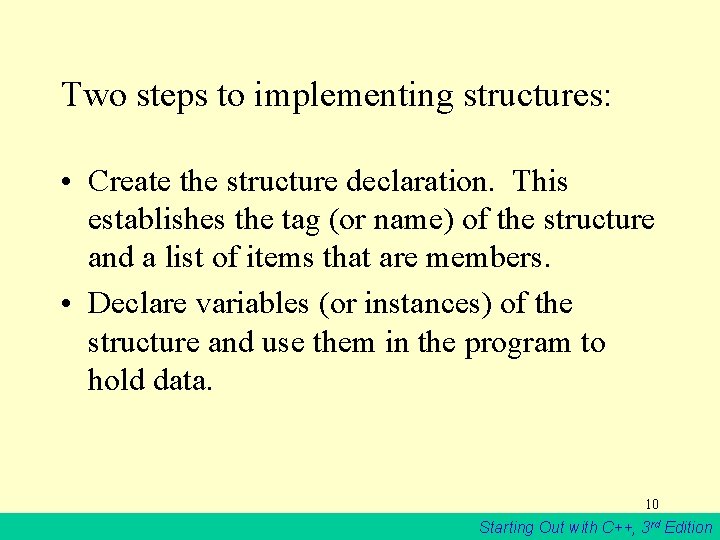
Two steps to implementing structures: • Create the structure declaration. This establishes the tag (or name) of the structure and a list of items that are members. • Declare variables (or instances) of the structure and use them in the program to hold data. 10 Starting Out with C++, 3 rd Edition

Accessing Structure Members • The dot operator (. ) allows you to access structure members in a program 11 Starting Out with C++, 3 rd Edition
Displaying a Structure • The contents of a structure variable cannot be displayed by passing he entire variable to cout. For example, assuming employee is a Pay. Roll structure variable, the following statement will not work: cout << employee << endl; //won’t work! 12 Starting Out with C++, 3 rd Edition
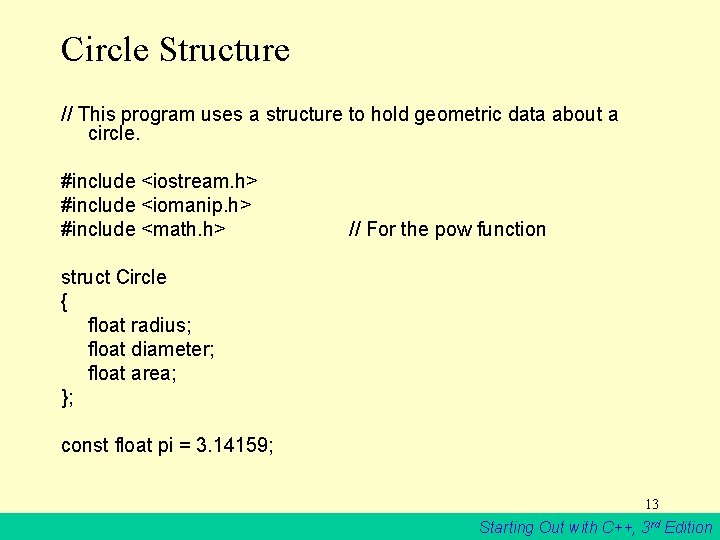
Circle Structure // This program uses a structure to hold geometric data about a circle. #include <iostream. h> #include <iomanip. h> #include <math. h> // For the pow function struct Circle { float radius; float diameter; float area; }; const float pi = 3. 14159; 13 Starting Out with C++, 3 rd Edition

Program continues void main(void) { Circle c; cout << "Enter the diameter of a circle: "; cin >> c. Diameter; c. Radius = C. Diameter / 2; c. Area = pi * pow(c. Radius, 2. 0); cout << "The radius and area of the circle are: n"; cout. precision(2); cout. setf(ios: : fixed | ios: : showpoint); cout << "Radius: " << c. radius << endl; cout << "Area: " << c. area << endl; } 14 Starting Out with C++, 3 rd Edition
![Program Output with Example Input Enter the diameter of a circle: 10 [Enter] The](http://slidetodoc.com/presentation_image_h2/f5af5dfcf2c2ff3ad88cd39da7c14624/image-15.jpg "Program Output with Example Input Enter the diameter of a circle: 10 [Enter] The")
Program Output with Example Input Enter the diameter of a circle: 10 [Enter] The radius and area of the circle are: Radius: 5 Area: 78. 54 15 Starting Out with C++, 3 rd Edition
Character Srrays as Structure Members • When a character array is a structure member, use the same sting manipulation techniques with it as you would with any other character array. 16 Starting Out with C++, 3 rd Edition
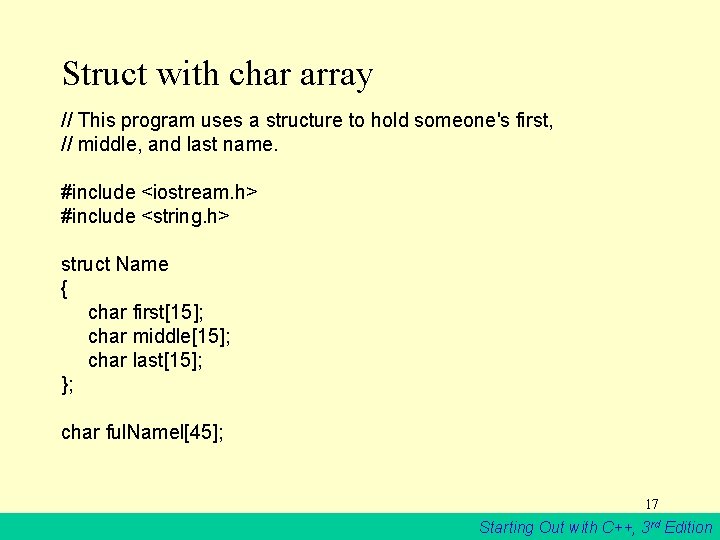
Struct with char array // This program uses a structure to hold someone's first, // middle, and last name. #include <iostream. h> #include <string. h> struct Name { char first[15]; char middle[15]; char last[15]; }; char ful. Namel[45]; 17 Starting Out with C++, 3 rd Edition
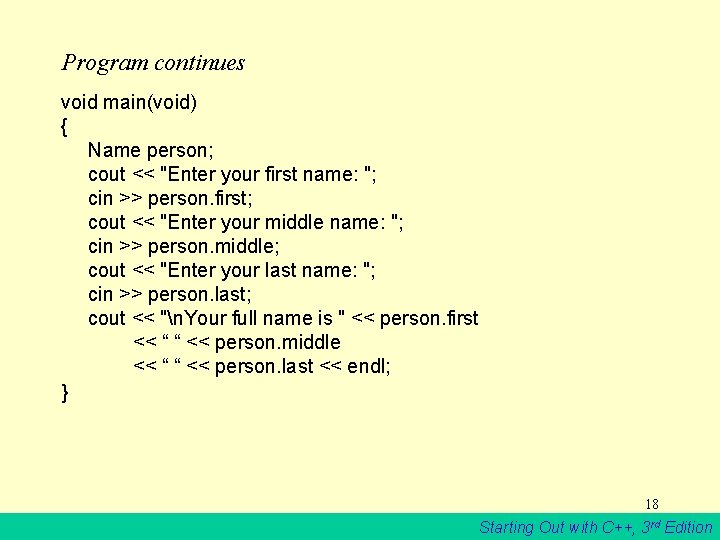
Program continues void main(void) { Name person; cout << "Enter your first name: "; cin >> person. first; cout << "Enter your middle name: "; cin >> person. middle; cout << "Enter your last name: "; cin >> person. last; cout << "n. Your full name is " << person. first << “ “ << person. middle << “ “ << person. last << endl; } 18 Starting Out with C++, 3 rd Edition
![Program Output with Example Input Enter your first name: Josephine [Enter] Enter your middle](http://slidetodoc.com/presentation_image_h2/f5af5dfcf2c2ff3ad88cd39da7c14624/image-19.jpg "Program Output with Example Input Enter your first name: Josephine [Enter] Enter your middle")
Program Output with Example Input Enter your first name: Josephine [Enter] Enter your middle name: Yvonne [Enter] Enter your last name: Smith [Enter] Your full name is Josephine Yvonne Smith 19 Starting Out with C++, 3 rd Edition
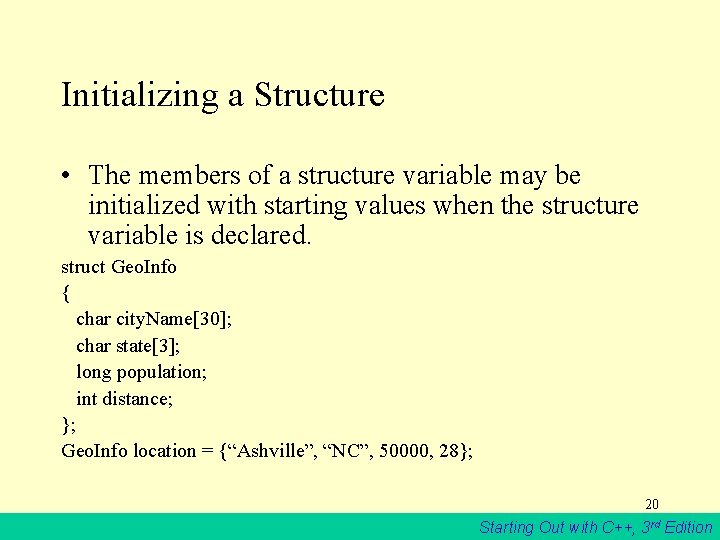
Initializing a Structure • The members of a structure variable may be initialized with starting values when the structure variable is declared. struct Geo. Info { char city. Name[30]; char state[3]; long population; int distance; }; Geo. Info location = {“Ashville”, “NC”, 50000, 28}; 20 Starting Out with C++, 3 rd Edition
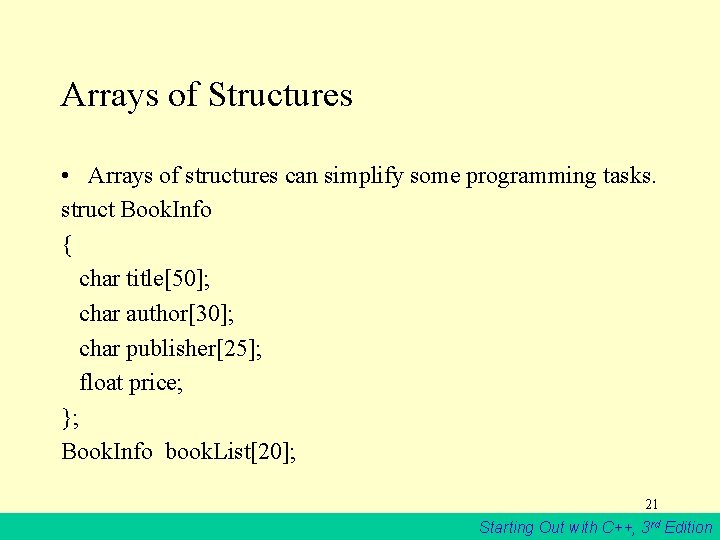
Arrays of Structures • Arrays of structures can simplify some programming tasks. struct Book. Info { char title[50]; char author[30]; char publisher[25]; float price; }; Book. Info book. List[20]; 21 Starting Out with C++, 3 rd Edition

Array example // This program stores, in an array of structures, // the hours worked by 5 employees, and their hourly // pay rates. (This is a modification of Program 7 -11. ) #include <iostream. h> struct Pay. Info { int hours; float pay. Rate; }; // Hours Worked // Hourly Pay Rate 22 Starting Out with C++, 3 rd Edition
![Program continues void main(void) { Pay. Info workers[5]; // Array of 5 structures cout](http://slidetodoc.com/presentation_image_h2/f5af5dfcf2c2ff3ad88cd39da7c14624/image-23.jpg "Program continues void main(void) { Pay. Info workers[5]; // Array of 5 structures cout")
Program continues void main(void) { Pay. Info workers[5]; // Array of 5 structures cout << "Enter the hours worked by 5 employees and theirn"; cout << "hourly rates. n"; for (int index = 0; index < 5; index++) { cout << "Hours worked by employee #" << (Index + 1); cout << ": "; cin >> workers[index]. hours; cout << "Hourly pay rate for employee #"; cout << (index + 1) << ": "; cin >> workers[index]. pay. Rate; } 23 Starting Out with C++, 3 rd Edition
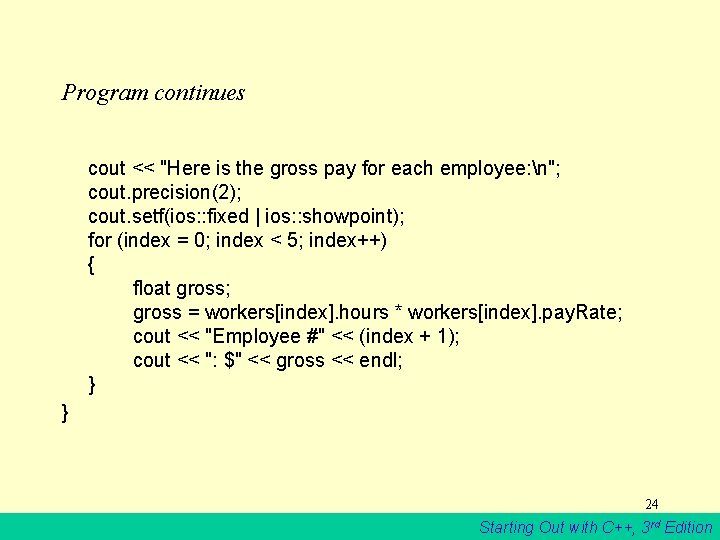
Program continues cout << "Here is the gross pay for each employee: n"; cout. precision(2); cout. setf(ios: : fixed | ios: : showpoint); for (index = 0; index < 5; index++) { float gross; gross = workers[index]. hours * workers[index]. pay. Rate; cout << "Employee #" << (index + 1); cout << ": $" << gross << endl; } } 24 Starting Out with C++, 3 rd Edition
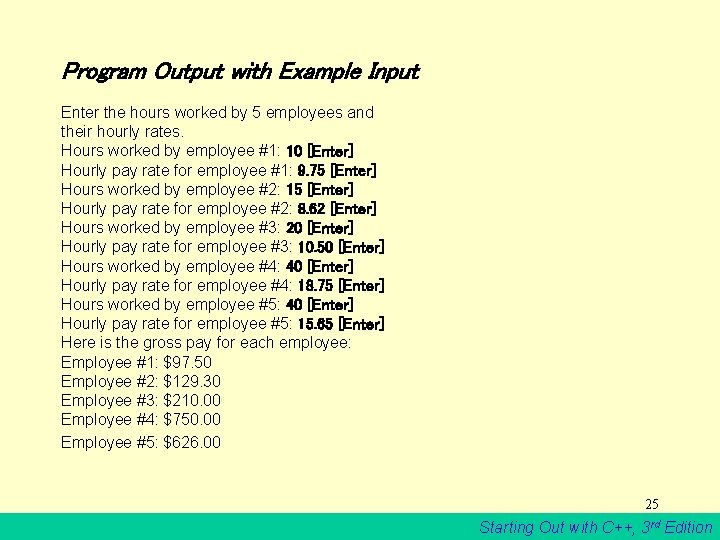
Program Output with Example Input Enter the hours worked by 5 employees and their hourly rates. Hours worked by employee #1: 10 [Enter] Hourly pay rate for employee #1: 9. 75 [Enter] Hours worked by employee #2: 15 [Enter] Hourly pay rate for employee #2: 8. 62 [Enter] Hours worked by employee #3: 20 [Enter] Hourly pay rate for employee #3: 10. 50 [Enter] Hours worked by employee #4: 40 [Enter] Hourly pay rate for employee #4: 18. 75 [Enter] Hours worked by employee #5: 40 [Enter] Hourly pay rate for employee #5: 15. 65 [Enter] Here is the gross pay for each employee: Employee #1: $97. 50 Employee #2: $129. 30 Employee #3: $210. 00 Employee #4: $750. 00 Employee #5: $626. 00 25 Starting Out with C++, 3 rd Edition
![Initializing a Structure Array Pay. Info workers[5] = {{ 10, 9. 75}, {15, 8.](http://slidetodoc.com/presentation_image_h2/f5af5dfcf2c2ff3ad88cd39da7c14624/image-26.jpg "Initializing a Structure Array Pay. Info workers[5] = {{ 10, 9. 75}, {15, 8.")
Initializing a Structure Array Pay. Info workers[5] = {{ 10, 9. 75}, {15, 8. 62}, {20, 10. 50}, {40, 18. 75}, {40, 15. 65}}; 26 Starting Out with C++, 3 rd Edition
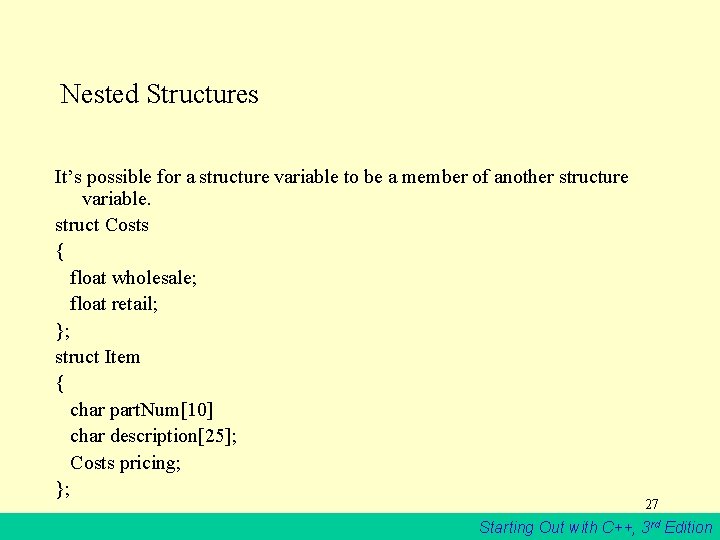
Nested Structures It’s possible for a structure variable to be a member of another structure variable. struct Costs { float wholesale; float retail; }; struct Item { char part. Num[10] char description[25]; Costs pricing; }; 27 Starting Out with C++, 3 rd Edition
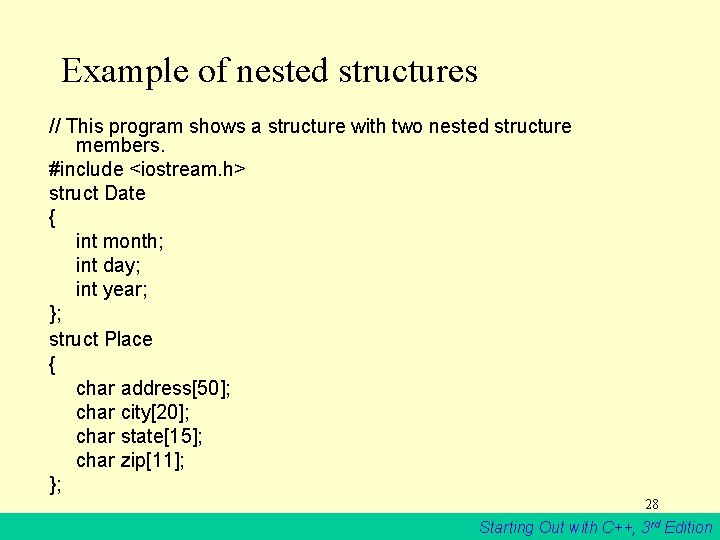
Example of nested structures // This program shows a structure with two nested structure members. #include <iostream. h> struct Date { int month; int day; int year; }; struct Place { char address[50]; char city[20]; char state[15]; char zip[11]; }; 28 Starting Out with C++, 3 rd Edition
![Program continues struct Emp. Info { char name[50]; int emp. Number; Date birth. Date;](http://slidetodoc.com/presentation_image_h2/f5af5dfcf2c2ff3ad88cd39da7c14624/image-29.jpg "Program continues struct Emp. Info { char name[50]; int emp. Number; Date birth. Date;")
Program continues struct Emp. Info { char name[50]; int emp. Number; Date birth. Date; Place residence; }; void main(void) { Emp. Info manager; // Ask for the manager's name and employee number cout << "Enter the manager's name: "; cin. getline(manager. name, 50); cout << "Enter the manager's employee number: "; cin >> manager. emp. Number; 29 Starting Out with C++, 3 rd Edition

Program continues // Get the manager's birth date cout << "Now enter the manager's date-of-birth. n"; cout << "Month (up to 2 digits): "; cin >> manager. birth. Date. month; cout << "Day (up to 2 digits): "; cin >> manager. birth. Date. day; cout << "Year (2 digits): "; cin >> manager. birth. Date. year; cin. get(); // Eat the remaining newline character // Get the manager's residence information cout << "Enter the manager's street address: "; cin. getline(manager. residence. address, 50); cout << "City: "; cin. getline(manager. residence. city, 20); cout << "State: "; cin. getline(manager. residence. state, 15); 30 Starting Out with C++, 3 rd Edition
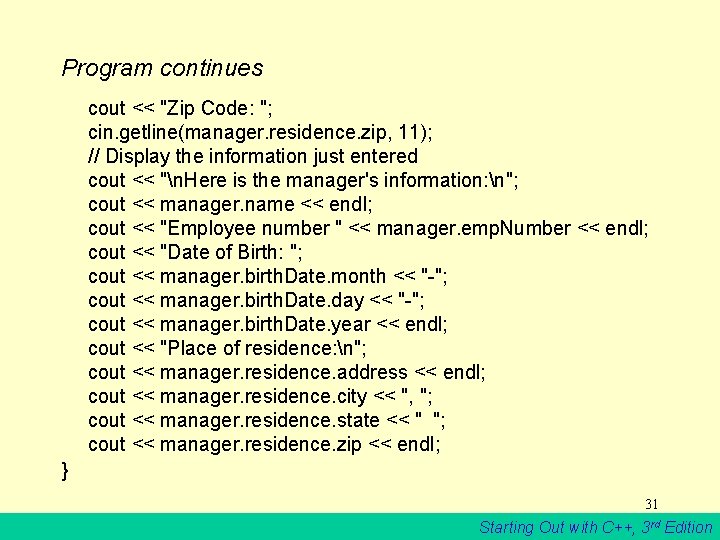
Program continues cout << "Zip Code: "; cin. getline(manager. residence. zip, 11); // Display the information just entered cout << "n. Here is the manager's information: n"; cout << manager. name << endl; cout << "Employee number " << manager. emp. Number << endl; cout << "Date of Birth: "; cout << manager. birth. Date. month << "-"; cout << manager. birth. Date. day << "-"; cout << manager. birth. Date. year << endl; cout << "Place of residence: n"; cout << manager. residence. address << endl; cout << manager. residence. city << ", "; cout << manager. residence. state << " "; cout << manager. residence. zip << endl; } 31 Starting Out with C++, 3 rd Edition
![Program Output with Example Input: Enter the manager's name: John Smith [Enter] Enter the](http://slidetodoc.com/presentation_image_h2/f5af5dfcf2c2ff3ad88cd39da7c14624/image-32.jpg "Program Output with Example Input: Enter the manager's name: John Smith [Enter] Enter the")
Program Output with Example Input: Enter the manager's name: John Smith [Enter] Enter the manager's employee number: 789 [Enter] Now enter the manager's date-of-birth Month (up to 2 digits): 10 [Enter] Day (up to 2 digits): 14 [Enter] Year (2 digits): 65 [Enter] Enter the manager's street address: 190 Disk Drive [Enter] City: Redmond [Enter] State: WA [Enter] Zip Code: 98052 [Enter] Here is the manager's information: John Smith Employee number 789 Date of birth: 10 -14 -65 Place of residence: 190 Disk Drive Redmond, WA 98052 32 Starting Out with C++, 3 rd Edition
Structures as Function Arguments Structure variables may be passed as arguments to functions. 33 Starting Out with C++, 3 rd Edition

Figure 11 -3 show. Rect(box); void show. Rect(Rectangle r) { cout << r. length << endl; cout << r. width << endl; cout << r. area << endl; } 34 Starting Out with C++, 3 rd Edition
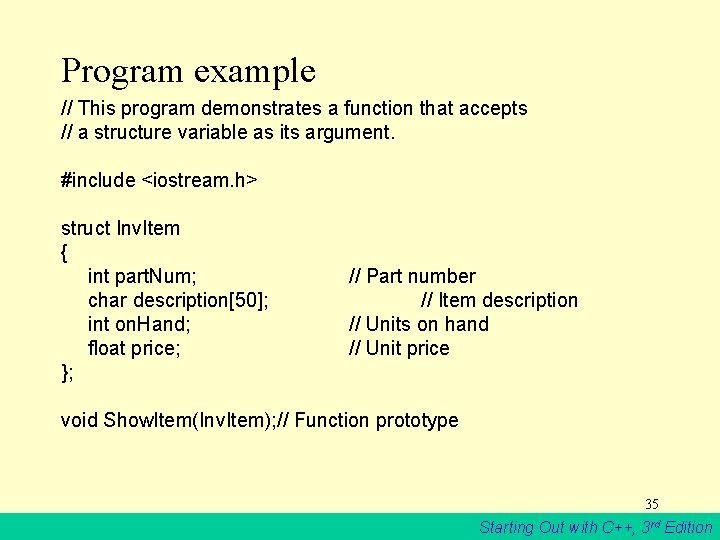
Program example // This program demonstrates a function that accepts // a structure variable as its argument. #include <iostream. h> struct Inv. Item { int part. Num; char description[50]; int on. Hand; float price; }; // Part number // Item description // Units on hand // Unit price void Show. Item(Inv. Item); // Function prototype 35 Starting Out with C++, 3 rd Edition
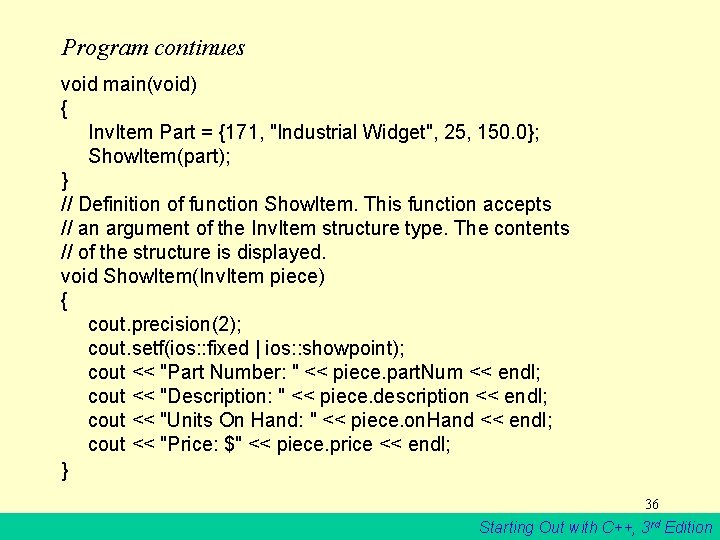
Program continues void main(void) { Inv. Item Part = {171, "Industrial Widget", 25, 150. 0}; Show. Item(part); } // Definition of function Show. Item. This function accepts // an argument of the Inv. Item structure type. The contents // of the structure is displayed. void Show. Item(Inv. Item piece) { cout. precision(2); cout. setf(ios: : fixed | ios: : showpoint); cout << "Part Number: " << piece. part. Num << endl; cout << "Description: " << piece. description << endl; cout << "Units On Hand: " << piece. on. Hand << endl; cout << "Price: $" << piece. price << endl; } 36 Starting Out with C++, 3 rd Edition
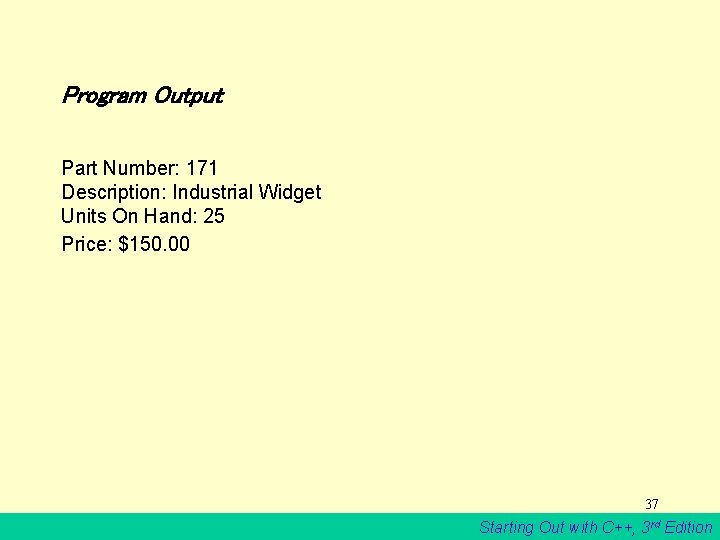
Program Output Part Number: 171 Description: Industrial Widget Units On Hand: 25 Price: $150. 00 37 Starting Out with C++, 3 rd Edition
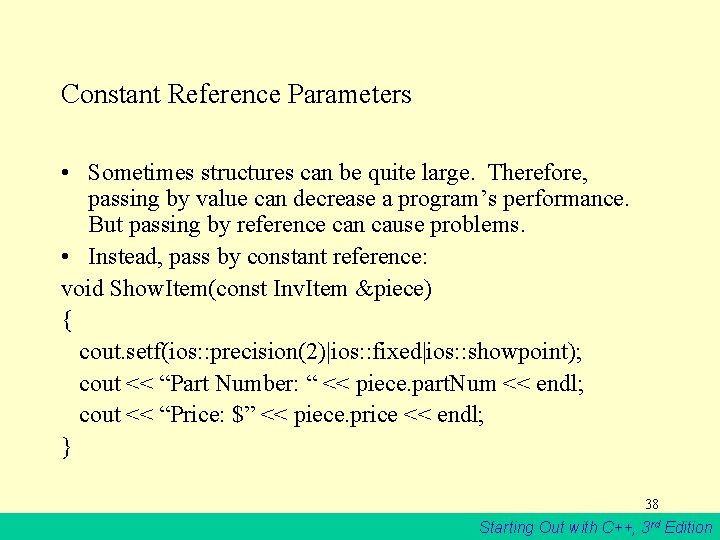
Constant Reference Parameters • Sometimes structures can be quite large. Therefore, passing by value can decrease a program’s performance. But passing by reference can cause problems. • Instead, pass by constant reference: void Show. Item(const Inv. Item &piece) { cout. setf(ios: : precision(2)|ios: : fixed|ios: : showpoint); cout << “Part Number: “ << piece. part. Num << endl; cout << “Price: $” << piece. price << endl; } 38 Starting Out with C++, 3 rd Edition
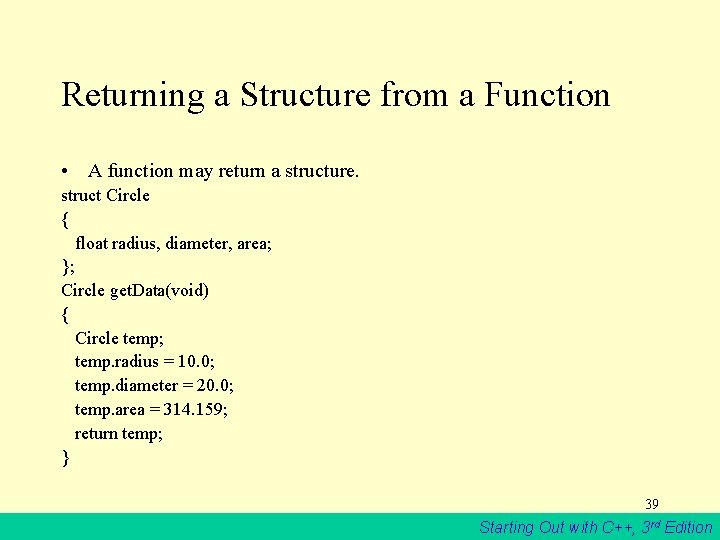
Returning a Structure from a Function • A function may return a structure. struct Circle { float radius, diameter, area; }; Circle get. Data(void) { Circle temp; temp. radius = 10. 0; temp. diameter = 20. 0; temp. area = 314. 159; return temp; } 39 Starting Out with C++, 3 rd Edition
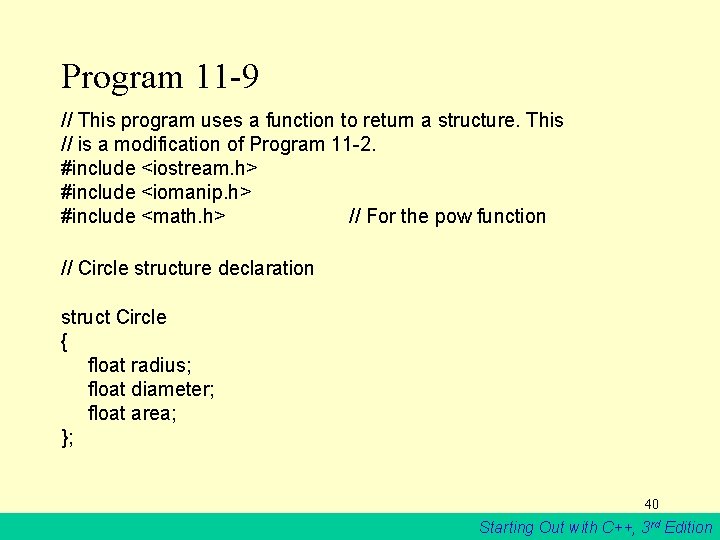
Program 11 -9 // This program uses a function to return a structure. This // is a modification of Program 11 -2. #include <iostream. h> #include <iomanip. h> #include <math. h> // For the pow function // Circle structure declaration struct Circle { float radius; float diameter; float area; }; 40 Starting Out with C++, 3 rd Edition

Program continues // Function prototype Circle get. Info(void); // Constant definition for Pi const float pi = 3. 14159; void main(void) { Circle c; c = get. Info(); c. area = pi * pow(c. radius, 2. 0); cout << "The radius and area of the circle are: n"; cout. precision(2); cout. setf(ios: : fixed | ios: : showpoint); cout << "Radius: " << c. radius << endl; cout << "Area: " << c. area << endl; } 41 Starting Out with C++, 3 rd Edition

Program continues // Definition of function Get. Info. This function uses a // local variable, Round, which is a Circle structure. // The user enters the diameter of the circle, which is // stored in Round. Diameter. The function then calculates // the radius, which is stored in Round. Radius. Round is then // returned from the function. Circle get. Info(void) { Circle Round; cout << "Enter the diameter of a circle: "; cin >> Round. Diameter; Round. Radius = Round. Diameter / 2; return Round; } 42 Starting Out with C++, 3 rd Edition
![Program Output with Example Input Enter the diameter of a circle: 10 [Enter] The](http://slidetodoc.com/presentation_image_h2/f5af5dfcf2c2ff3ad88cd39da7c14624/image-43.jpg "Program Output with Example Input Enter the diameter of a circle: 10 [Enter] The")
Program Output with Example Input Enter the diameter of a circle: 10 [Enter] The radius and area of the circle are: Radius: 5. 00 Area: 78. 54 43 Starting Out with C++, 3 rd Edition
Review • • • Structure Syntax Accessing structure members Initializing a structure Arrays of structures Nested structures Structures as parameters and return values 44 Starting Out with C++, 3 rd Edition
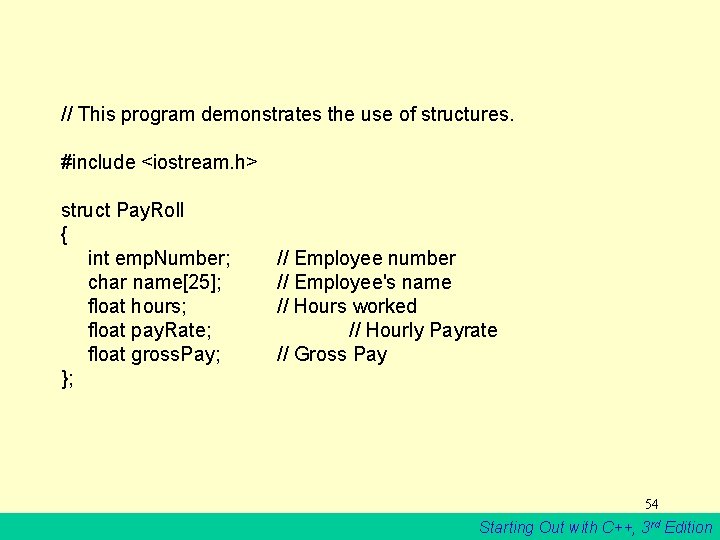
// This program demonstrates the use of structures. #include <iostream. h> struct Pay. Roll { int emp. Number; char name[25]; float hours; float pay. Rate; float gross. Pay; }; // Employee number // Employee's name // Hours worked // Hourly Payrate // Gross Pay 54 Starting Out with C++, 3 rd Edition
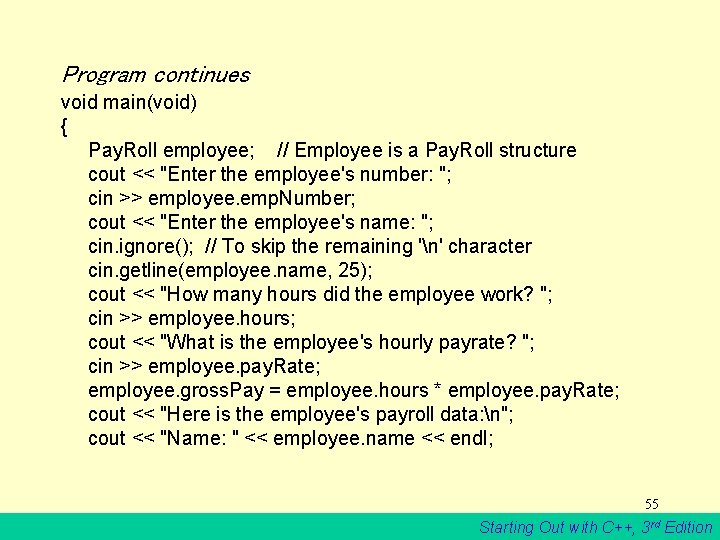
Program continues void main(void) { Pay. Roll employee; // Employee is a Pay. Roll structure cout << "Enter the employee's number: "; cin >> employee. emp. Number; cout << "Enter the employee's name: "; cin. ignore(); // To skip the remaining 'n' character cin. getline(employee. name, 25); cout << "How many hours did the employee work? "; cin >> employee. hours; cout << "What is the employee's hourly payrate? "; cin >> employee. pay. Rate; employee. gross. Pay = employee. hours * employee. pay. Rate; cout << "Here is the employee's payroll data: n"; cout << "Name: " << employee. name << endl; 55 Starting Out with C++, 3 rd Edition
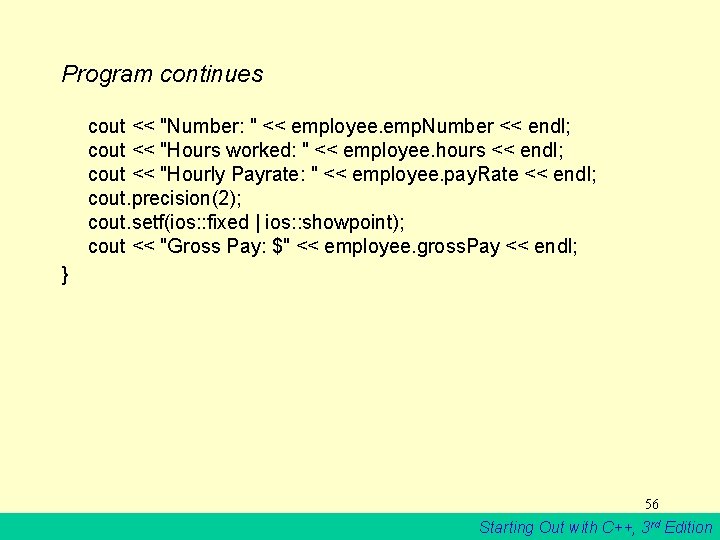
Program continues cout << "Number: " << employee. emp. Number << endl; cout << "Hours worked: " << employee. hours << endl; cout << "Hourly Payrate: " << employee. pay. Rate << endl; cout. precision(2); cout. setf(ios: : fixed | ios: : showpoint); cout << "Gross Pay: $" << employee. gross. Pay << endl; } 56 Starting Out with C++, 3 rd Edition
![Program Output with Example Input Enter the employee's number: 489 [Enter] Enter the employee's](http://slidetodoc.com/presentation_image_h2/f5af5dfcf2c2ff3ad88cd39da7c14624/image-48.jpg "Program Output with Example Input Enter the employee's number: 489 [Enter] Enter the employee's")
Program Output with Example Input Enter the employee's number: 489 [Enter] Enter the employee's name: Jill Smith [Enter] How many hours did the employee work? 40 [Enter] What is the employee's hourly payrate? 20 [Enter] Here is the employee's payroll data: Name: Jill Smith Number: 489 Hours worked: 40 Hourly Payrate: 20 Gross Pay: $800. 00 57 Starting Out with C++, 3 rd Edition
- Slides: 48