
Strings in Python COMPUTER SCIENCE 18 FEB 2011
Strings in Python COMPUTER SCIENCE 18 FEB 2011
Introduction Prior experience Defining string variables Getting user input Printing strings Lesson Objectives Understand string structure Access characters and sub-sections from a string Concatenate strings Traverse a string
Strings so far Strings are generally used to store text data sample="LEVEL" Name=input ("What is your name? ") Can also store non-natural language data e. g. telephone numbers my_tel="+1 (301) 294 4444" Q: What data should/should not be stored in strings?
Strings vs. Integers Both strings and integer variables can store numbers my_speed_str="300" my_speed_integer=300 Q: What is the difference between strings and integers?
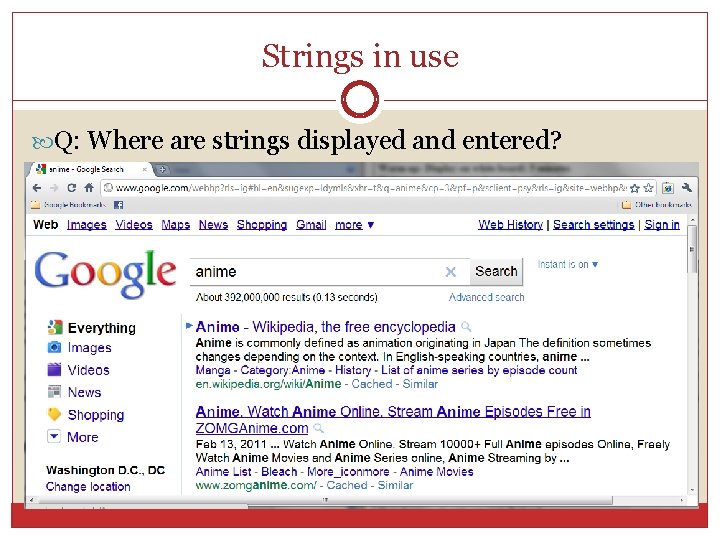
Strings in use Q: Where are strings displayed and entered?
String composition Strings are a composite data type Built from another data type, characters In a string, characters are stored in sequence. Strings can be any length (including empty). String are enclosed in quotation marks. str_var = "300 m/s" empty_str=""
Length of a string Use len(str) to return string length (# of characters) sample="SERIES" len(sample)= 6 empty_str="" len(empty_str) = 0
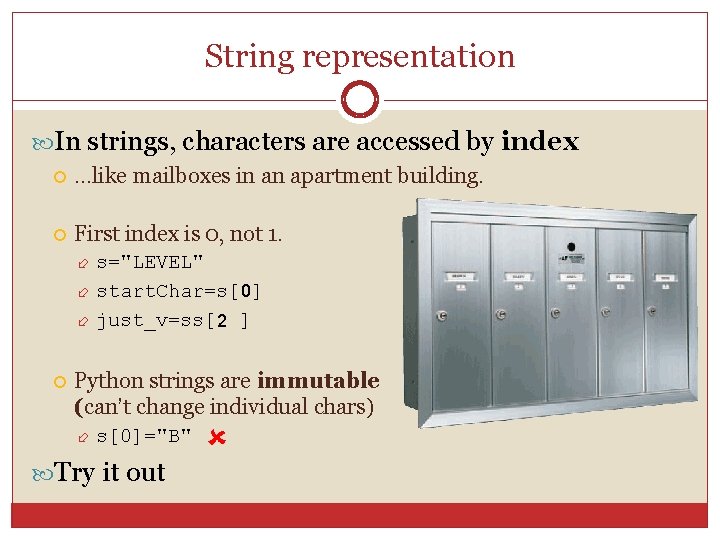
String representation In strings, characters are accessed by index …like mailboxes in an apartment building. First index is 0, not 1. s="LEVEL" start. Char=s[ 0 ] just_v=ss[ 2 ] Python strings are immutable (can’t change individual chars) s[0]="B" Try it out
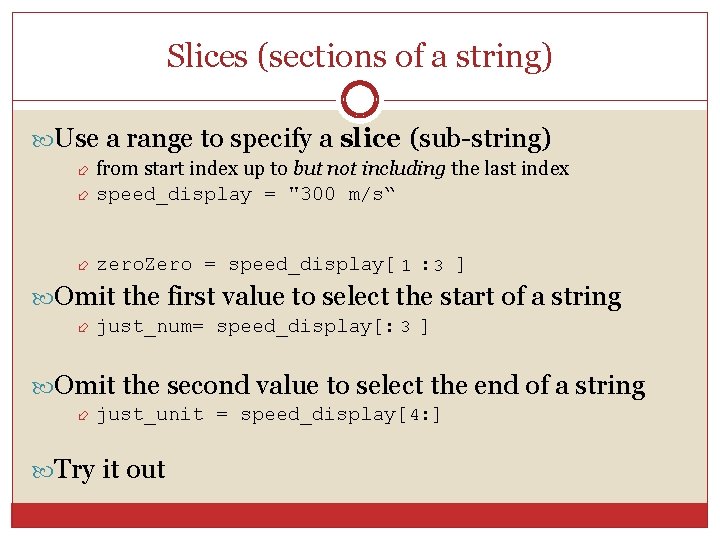
Slices (sections of a string) Use a range to specify a slice (sub-string) from start index up to but not including the last index speed_display = "300 m/s“ zero. Zero = speed_display[ 1 : 3 ] Omit the first value to select the start of a string just_num= speed_display[: 3 ] Omit the second value to select the end of a string just_unit = speed_display[ 4: ] Try it out
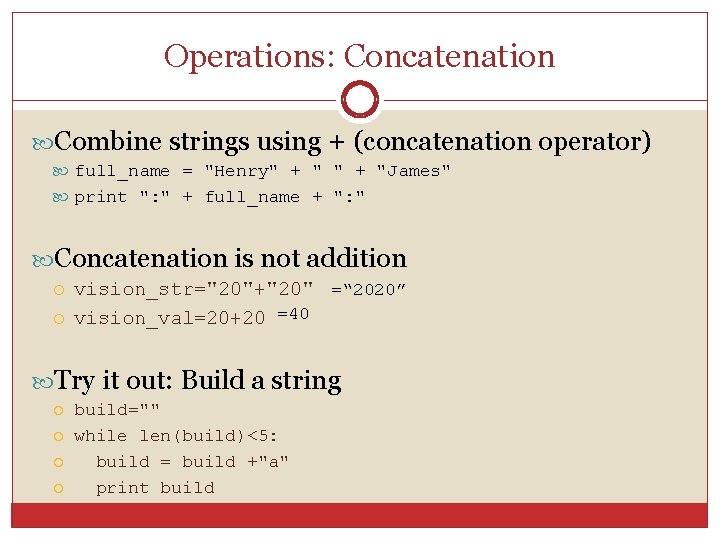
Operations: Concatenation Combine strings using + (concatenation operator) full_name = "Henry" + "James" print ": " + full_name + ": " Concatenation is not addition vision_str="20"+"20" =“ 2020” vision_val=20+20 =40 Try it out: Build a string build="" while len(build)<5: build = build +"a" print build
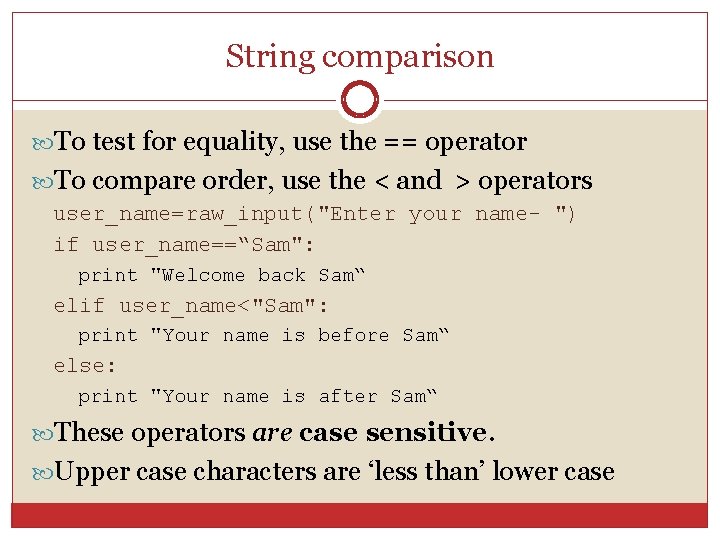
String comparison To test for equality, use the == operator To compare order, use the < and > operators user_name=raw_input("Enter your name- ") if user_name==“Sam": print "Welcome back Sam“ elif user_name<"Sam": print "Your name is before Sam“ else: print "Your name is after Sam“ These operators are case sensitive. Upper case characters are ‘less than’ lower case
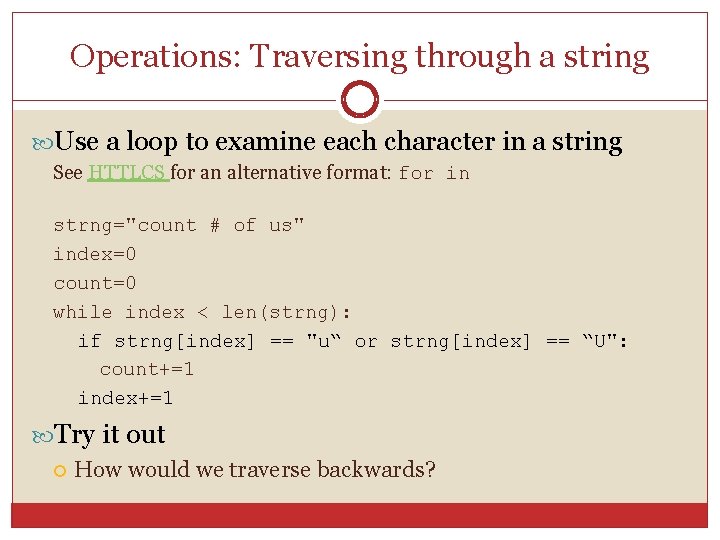
Operations: Traversing through a string Use a loop to examine each character in a string See HTTLCS for an alternative format: for in strng="count # of us" index=0 count=0 while index < len(strng): if strng[index] == "u“ or strng[index] == “U": count+=1 index+=1 Try it out How would we traverse backwards?
![Summary Strings are composed of characters String length sample[i] Character at index i sample[start:](http://slidetodoc.com/presentation_image_h2/09795bd3592f1b29fdfc3ca230abd4f0/image-13.jpg "Summary Strings are composed of characters String length sample[i] Character at index i sample[start:")
Summary Strings are composed of characters String length sample[i] Character at index i sample[start: end] Slice from start up to but not including end index sample+sample Concatenate strings sample=="test" Test for equality sample<test Test for order len(sample)
Advanced Strings
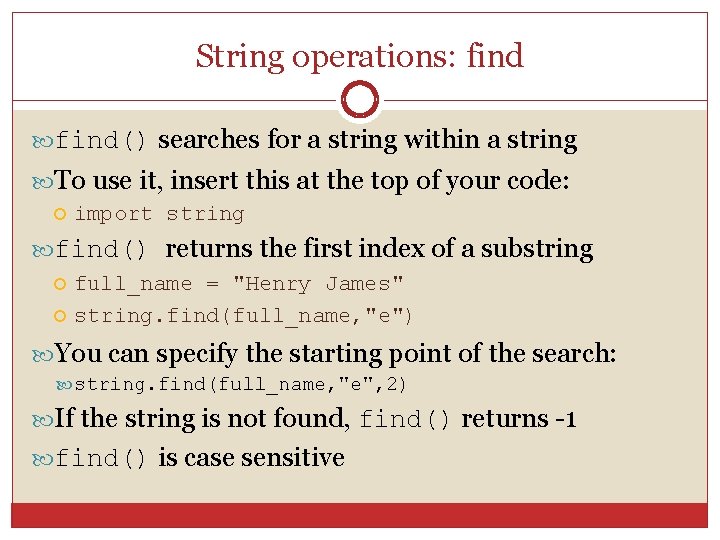
String operations: find() searches for a string within a string To use it, insert this at the top of your code: import string find() returns the first index of a substring full_name = "Henry James" string. find(full_name, "e") You can specify the starting point of the search: string. find(full_name, "e", 2) If the string is not found, find() returns -1 find() is case sensitive
- Slides: 15