
String fileputcontents filegetcontents input output b substra x

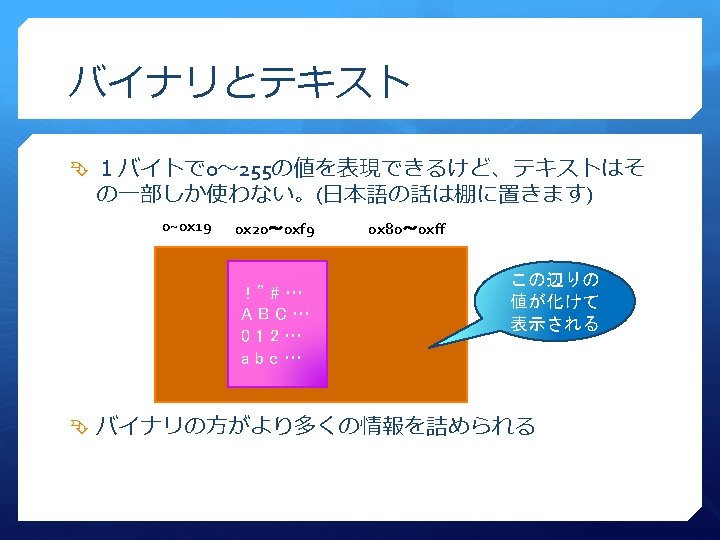
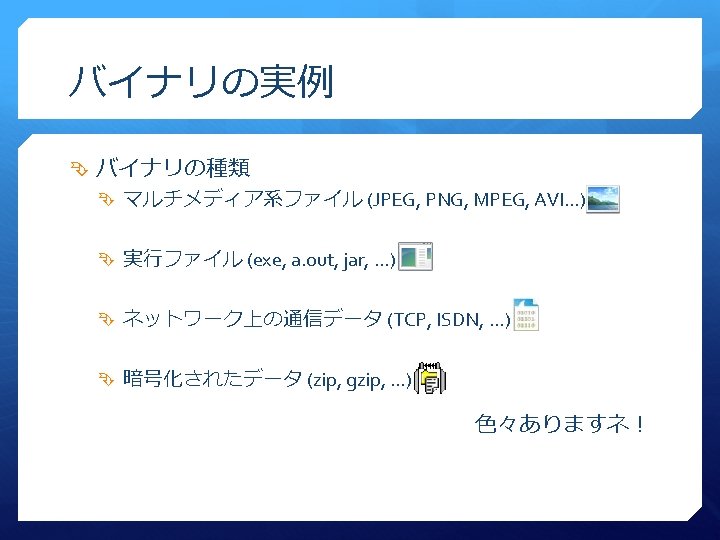
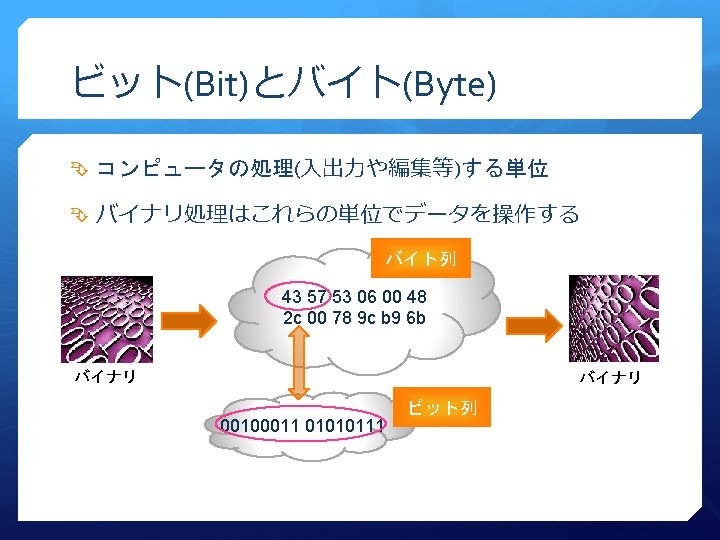
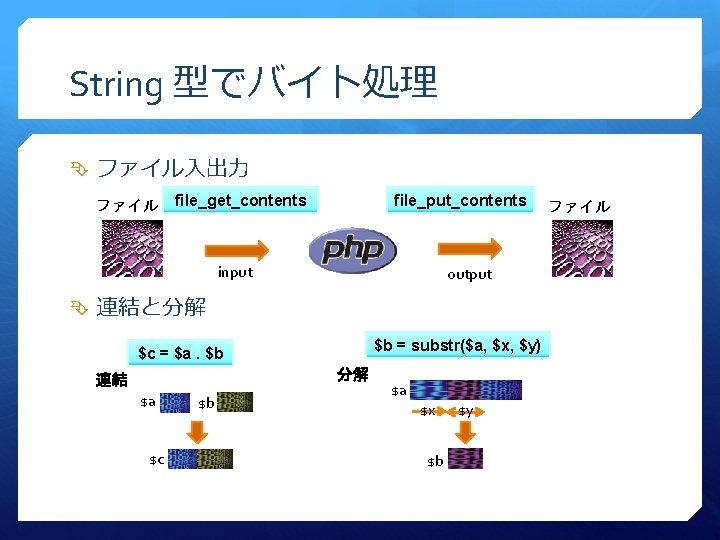
String 型でバイト処理 ファイル入出力 ファイル file_put_contents file_get_contents input output 連結と分解 $b = substr($a, $x, $y) $c = $a. $b 分解 連結 $a $c $b $a $x $b $y ファイル

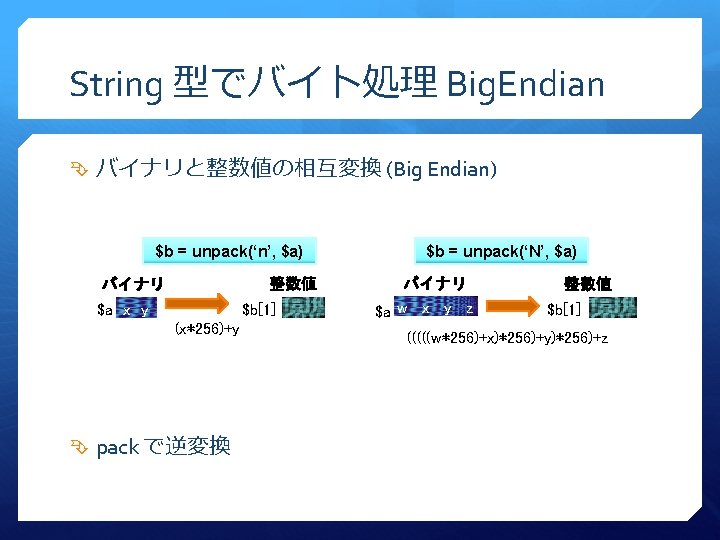
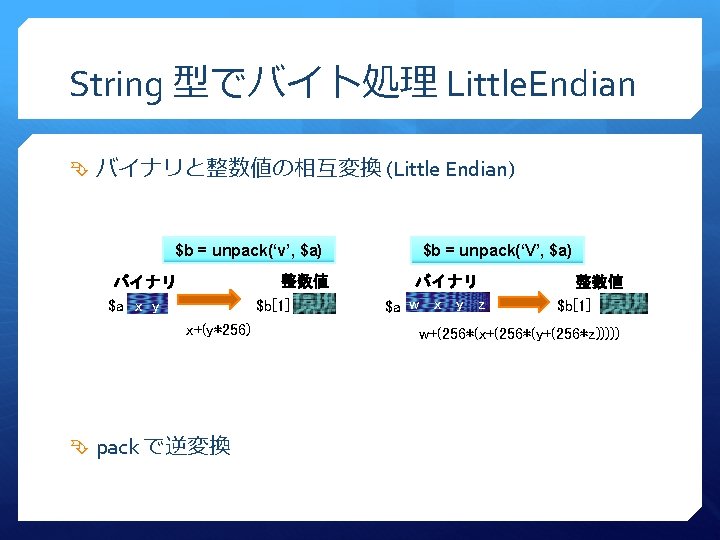
String 型でバイト処理 Endian 2バイト以上のバイナリと整数値の相互変換 Big Endian (MSB First) バイナリ 整数値 x y 12 34 (x*0 x 100)+y 0 x 1234 = 4660 Little Endian (LSB first) バイナリ 整数値 x y 12 34 x+(0 x 100*y) 0 x 3412 = 13330

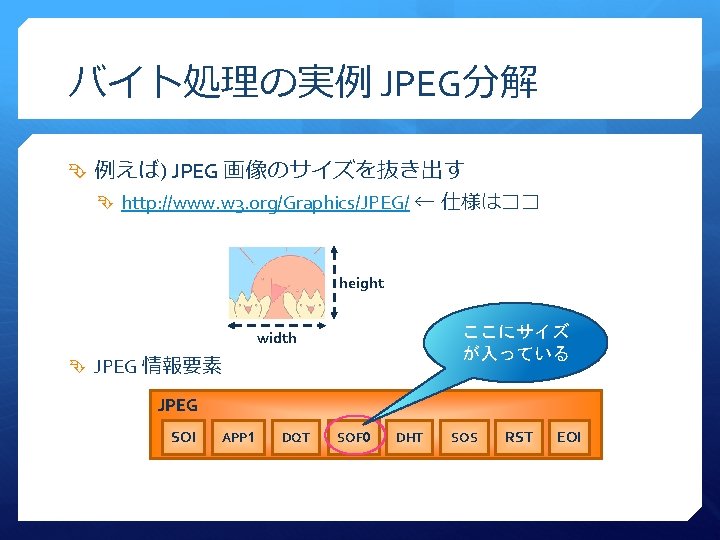
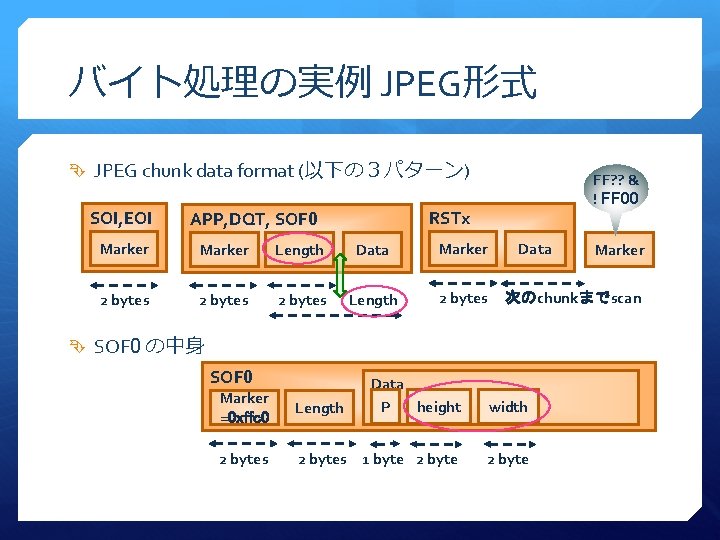
バイト処理の実例 JPEG形式 JPEG chunk data format (以下の3パターン) SOI, EOI FF? ? & ! FF 00 RSTx APP, DQT, SOF 0 Marker Length Data Marker 2 bytes Length 2 bytes Data 次のchunkまでscan SOF 0 の中身 SOF 0 Marker =0 xffc 0 Length Data P height width 2 bytes 1 byte 2 byte
![バイト処理の実例 JPEGサイズ Code Sample これで、 width, height が抽出できる <? php $data = file_get_contents($argv[1]); //](http://slidetodoc.com/presentation_image_h/c5a6f7ae523ad594fd70b74958e2bc13/image-23.jpg "バイト処理の実例 JPEGサイズ Code Sample これで、 width, height が抽出できる <? php $data = file_get_contents($argv[1]); //")
バイト処理の実例 JPEGサイズ Code Sample これで、 width, height が抽出できる <? php $data = file_get_contents($argv[1]); // JPEGfile input for ($i = 1 ; $i < strlen($data) ; $i++) { switch(ord($data[$i++])) { // chunk marker case 0 x. D 8: case 0 x. D 9: // SOI (or EOI) break; // skip default: $len = unpack('n', substr($data, $i, 2)); $i += $len[1]; break; // skip case 0 x. C 0: // SOF 0 $sof 0 = unpack('CP/n. H/n. W', substr($data, $i + 2, 5)); echo "width: {$sof 0['W']} heigth: {$sof 0['H']}n"; exit (0); // OK } }
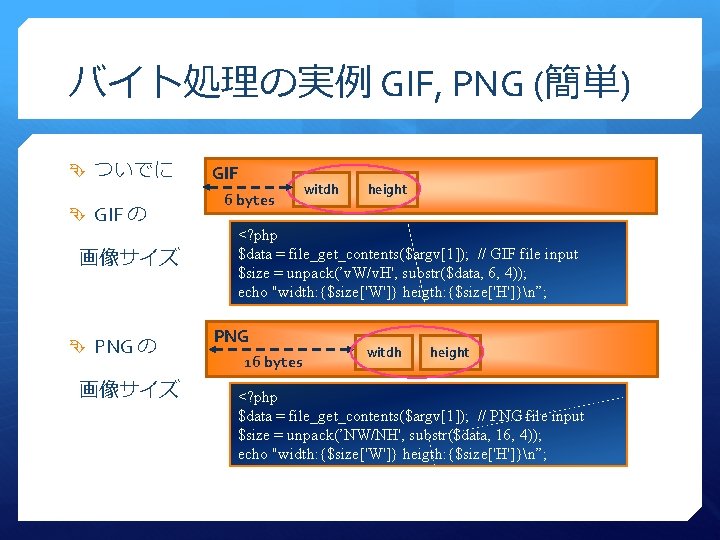
バイト処理の実例 GIF, PNG (簡単) ついでに GIF の 画像サイズ PNG の 画像サイズ GIF 6 bytes witdh height <? php $data = file_get_contents($argv[1]); // GIF file input $size = unpack(’v. W/v. H', substr($data, 6, 4)); echo "width: {$size['W']} heigth: {$size['H']}n”; PNG 16 bytes witdh height <? php $data = file_get_contents($argv[1]); // PNG file input $size = unpack(’NW/NH', substr($data, 16, 4)); echo "width: {$size['W']} heigth: {$size['H']}n”;

![IO_Bit の使い方 Byte 入出力 $binary = file_get_contents($argv[1]); $bit = new IO_Bit(); $bit->input($binary); echo $bit->get.](http://slidetodoc.com/presentation_image_h/c5a6f7ae523ad594fd70b74958e2bc13/image-30.jpg "IO_Bit の使い方 Byte 入出力 $binary = file_get_contents($argv[1]); $bit = new IO_Bit(); $bit->input($binary); echo $bit->get.")
IO_Bit の使い方 Byte 入出力 $binary = file_get_contents($argv[1]); $bit = new IO_Bit(); $bit->input($binary); echo $bit->get. UI 8(); // get unsigned integer 8 bit (=1 byte) // $bit->put. UI 8(0 x 37); // echo $bit-<output(); Bit 入出力 $binary = file_get_contents($argv[1]); $bit = new IO_Bit(); $bit->input($binary); echo $bit->get. UIBit(); // get unsigned integer bit (=1 bit) // $bit->put. UIBit(1); // echo $bit-<output();
![IO_SWF の利用例 SWF ファイルの解析 $swfdata = file_get_contents($argv[1]); $swfed = new IO_SWF_Editor(); $swfed->parse($binary); $swfed->dump(array(‘hexdump’ =>](http://slidetodoc.com/presentation_image_h/c5a6f7ae523ad594fd70b74958e2bc13/image-34.jpg "IO_SWF の利用例 SWF ファイルの解析 $swfdata = file_get_contents($argv[1]); $swfed = new IO_SWF_Editor(); $swfed->parse($binary); $swfed->dump(array(‘hexdump’ =>")
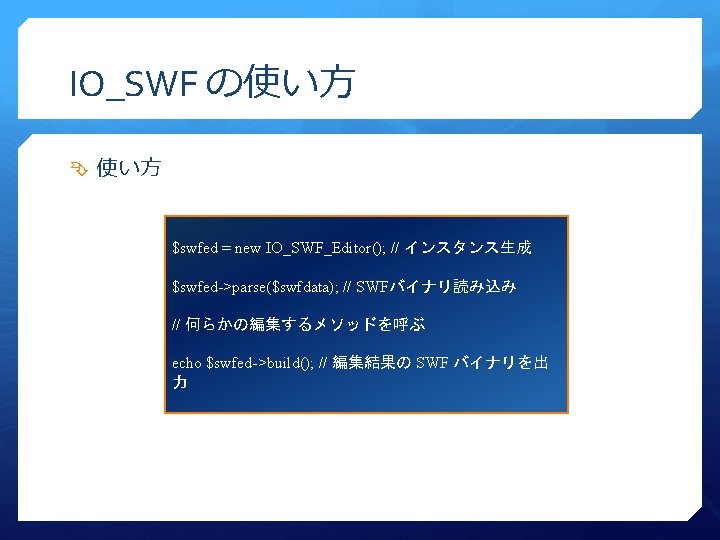
IO_SWF の利用例 SWF ファイルの解析 $swfdata = file_get_contents($argv[1]); $swfed = new IO_SWF_Editor(); $swfed->parse($binary); $swfed->dump(array(‘hexdump’ => true)); SWF 内コンテンツの入れ替え list($prog_name, $swf_file, $bitmap_id, $bitmap_file) = $argv; $swf_data = file_get_contents($swf_file); $bitmap_data = file_get_contents($bitmap_file); $swfed = new IO_SWF_Editor(); $swfed->parse($swf_data); $swfed->replace. Bitmap. Data($bitmap_id, $bitmap_data); echo $swfed->build(); // 入れ替え後のSWF バイナリ出力

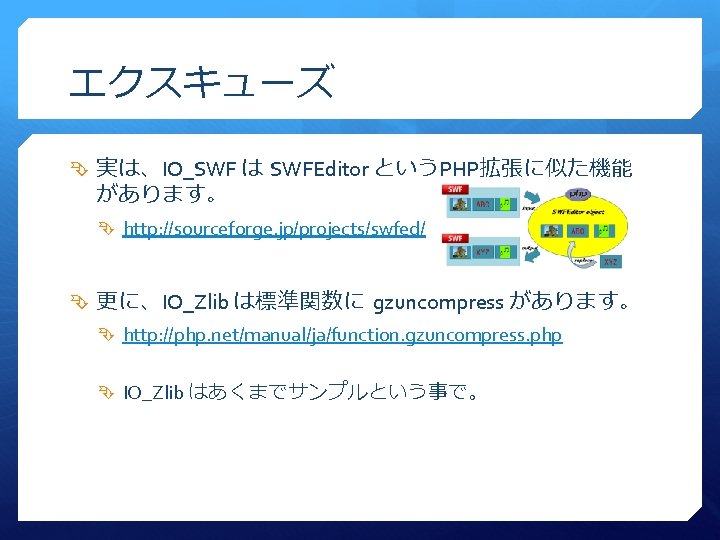
エクスキューズ 実は、IO_SWF は SWFEditor というPHP拡張に似た機能 があります。 http: //sourceforge. jp/projects/swfed/ 更に、IO_Zlib は標準関数に gzuncompress があります。 http: //php. net/manual/ja/function. gzuncompress. php IO_Zlib はあくまでサンプルという事で。
- Slides: 42