
Stream Processing and stream operations for IO Input
- Slides: 30
Stream Processing and stream operations for I/O (Input / Output) We’ll see section 6. 3 and 6. 4 (some parts excluded) Different methods of word and number input processing simple application: counting words of an input stream (most famous example is cin) a text file different characteristics of cin (mostly not in the book) section 9. 1, 9. 2 (and maybe 9. 3 in recitations) input and output operations on streams reading a full line into a string reading character by character Some stuff is not in the book.
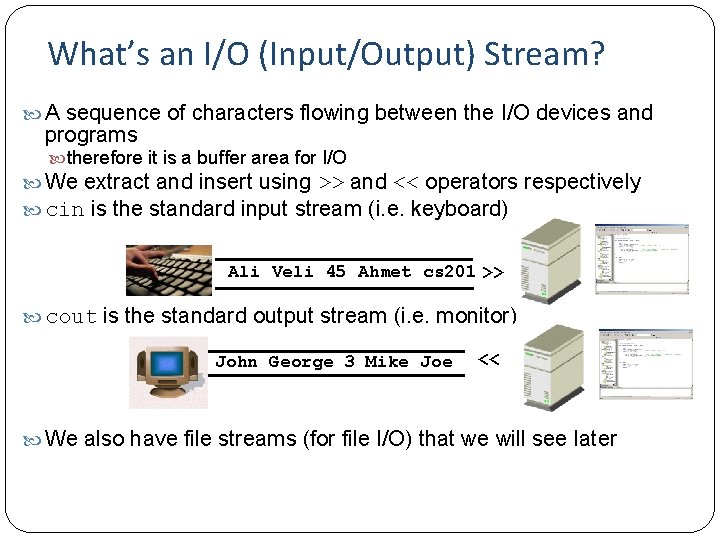
What’s an I/O (Input/Output) Stream? A sequence of characters flowing between the I/O devices and programs therefore it is a buffer area for I/O We extract and insert using >> and << operators respectively cin is the standard input stream (i. e. keyboard) Ali Veli 45 Ahmet cs 201 >> cout is the standard output stream (i. e. monitor) John George 3 Mike Joe << We also have file streams (for file I/O) that we will see later
Counting Words of Keyboard Input Problem: where to stop processing, if number of inputs is not known – 2 solutions until a sentinel value applicable to number processing as well (have seen before) until the end of input stream end-of-file indicator (Ctrl-Z in Windows) - we will see Sentinel based solution - See sentinel. cpp Input and count words until the sentinel value (in this example, "end") is entered. Input may be entered in different lines the sentinel value ("end") should not happen in the text of which you want to count words otherwise you do not count the rest can be applied to counting numbers as well without any change just enter numbers instead of words But it does not check whether the entered value is a valid number or not
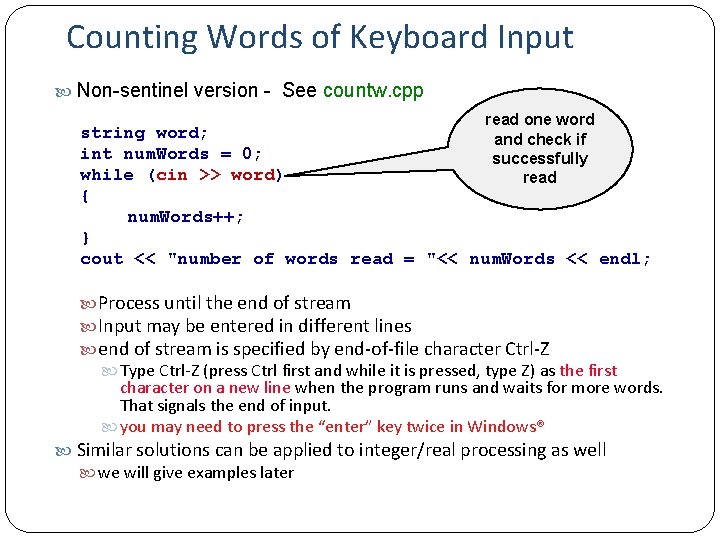
Counting Words of Keyboard Input Non-sentinel version - See countw. cpp read one word string word; and check if int num. Words = 0; successfully while (cin >> word) read { num. Words++; } cout << "number of words read = "<< num. Words << endl; Process until the end of stream Input may be entered in different lines end of stream is specified by end-of-file character Ctrl-Z Type Ctrl-Z (press Ctrl first and while it is pressed, type Z) as the first character on a new line when the program runs and waits for more words. That signals the end of input. you may need to press the “enter” key twice in Windows® Similar solutions can be applied to integer/real processing as well we will give examples later
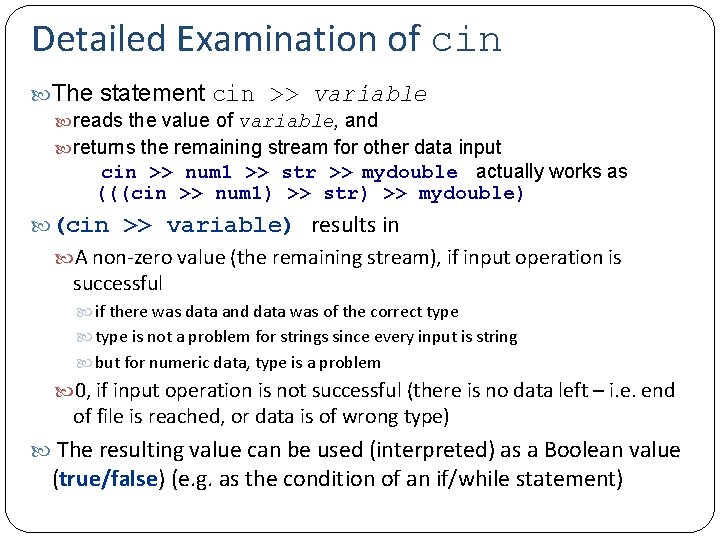
Detailed Examination of cin The statement cin >> variable reads the value of variable, and returns the remaining stream for other data input cin >> num 1 >> str >> mydouble actually works as (((cin >> num 1) >> str) >> mydouble) (cin >> variable) results in A non-zero value (the remaining stream), if input operation is successful if there was data and data was of the correct type is not a problem for strings since every input is string but for numeric data, type is a problem 0, if input operation is not successful (there is no data left – i. e. end of file is reached, or data is of wrong type) The resulting value can be used (interpreted) as a Boolean value (true/false) (e. g. as the condition of an if/while statement)
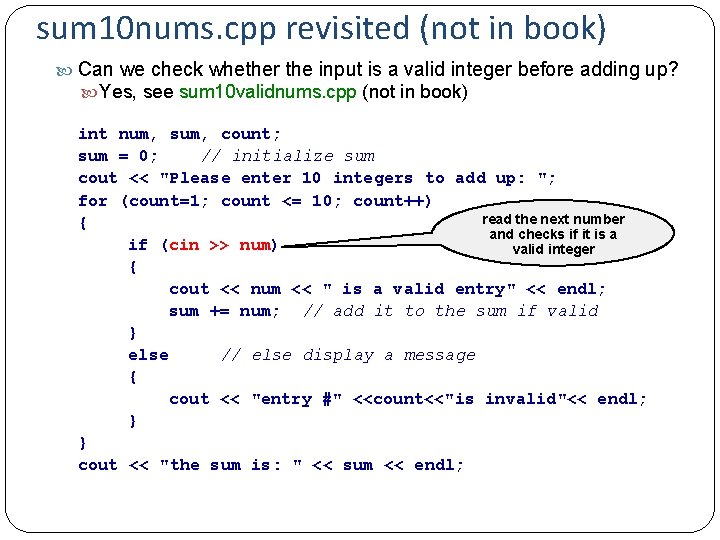
sum 10 nums. cpp revisited (not in book) Can we check whether the input is a valid integer before adding up? Yes, see sum 10 validnums. cpp (not in book) int num, sum, count; sum = 0; // initialize sum cout << "Please enter 10 integers to add up: "; for (count=1; count <= 10; count++) read the next number { and checks if it is a if (cin >> num) valid integer { cout << num << " is a valid entry" << endl; sum += num; // add it to the sum if valid } else // else display a message { cout << "entry #" <<count<<"is invalid"<< endl; } } cout << "the sum is: " << sum << endl;
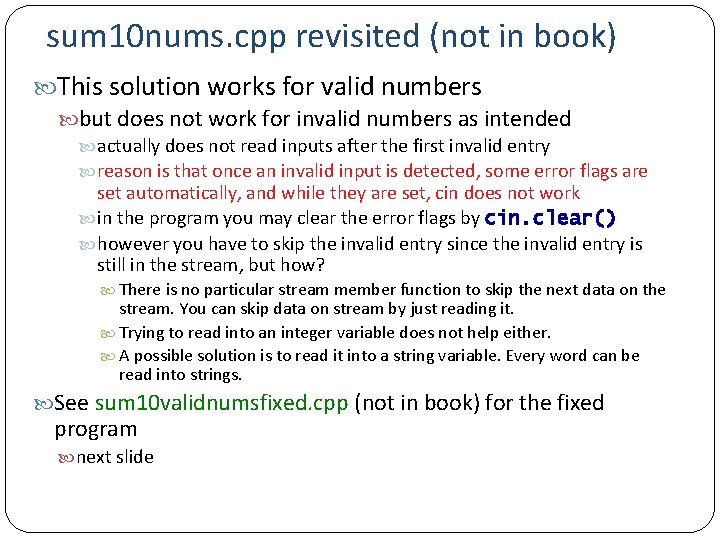
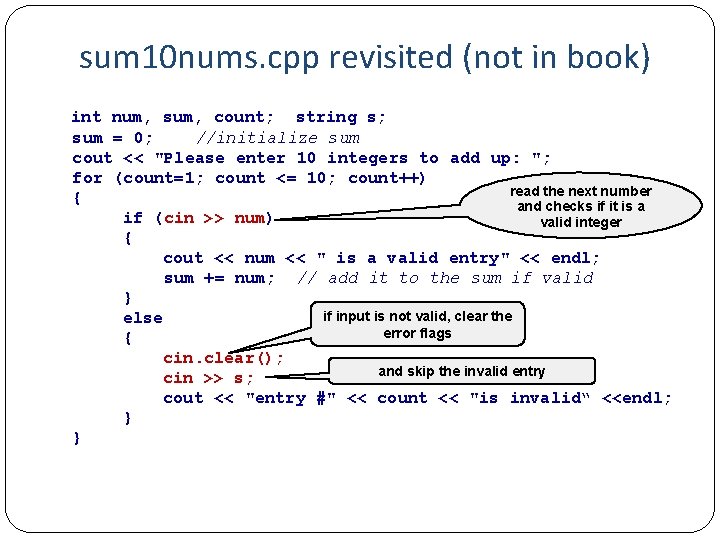
sum 10 nums. cpp revisited (not in book) This solution works for valid numbers but does not work for invalid numbers as intended actually does not read inputs after the first invalid entry reason is that once an invalid input is detected, some error flags are set automatically, and while they are set, cin does not work in the program you may clear the error flags by cin. clear() however you have to skip the invalid entry since the invalid entry is still in the stream, but how? There is no particular stream member function to skip the next data on the stream. You can skip data on stream by just reading it. Trying to read into an integer variable does not help either. A possible solution is to read it into a string variable. Every word can be read into strings. See sum 10 validnumsfixed. cpp (not in book) for the fixed program next slide
sum 10 nums. cpp revisited (not in book) int num, sum, count; string s; sum = 0; //initialize sum cout << "Please enter 10 integers to add up: "; for (count=1; count <= 10; count++) read the next number { and checks if it is a if (cin >> num) valid integer { cout << num << " is a valid entry" << endl; sum += num; // add it to the sum if valid } if input is not valid, clear the else error flags { cin. clear(); and skip the invalid entry cin >> s; cout << "entry #" << count << "is invalid“ <<endl; } }
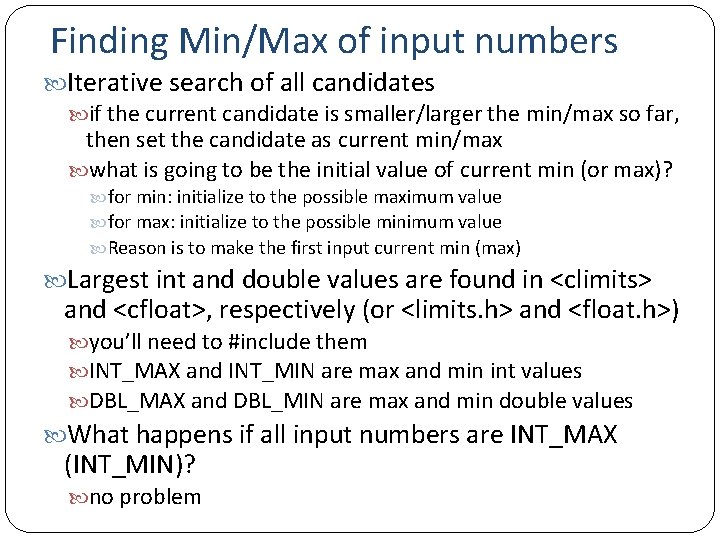
Finding Min/Max of input numbers Iterative search of all candidates if the current candidate is smaller/larger the min/max so far, then set the candidate as current min/max what is going to be the initial value of current min (or max)? for min: initialize to the possible maximum value for max: initialize to the possible minimum value Reason is to make the first input current min (max) Largest int and double values are found in <climits> and <cfloat>, respectively (or <limits. h> and <float. h>) you’ll need to #include them INT_MAX and INT_MIN are max and min int values DBL_MAX and DBL_MIN are max and min double values What happens if all input numbers are INT_MAX (INT_MIN)? no problem
Example Find min of input values until end-of-input or until an invalid input is entered see mindatainput. cpp (not in the book as is) Study yourselves Modify the program to discard invalid integers Find max repeat for double values
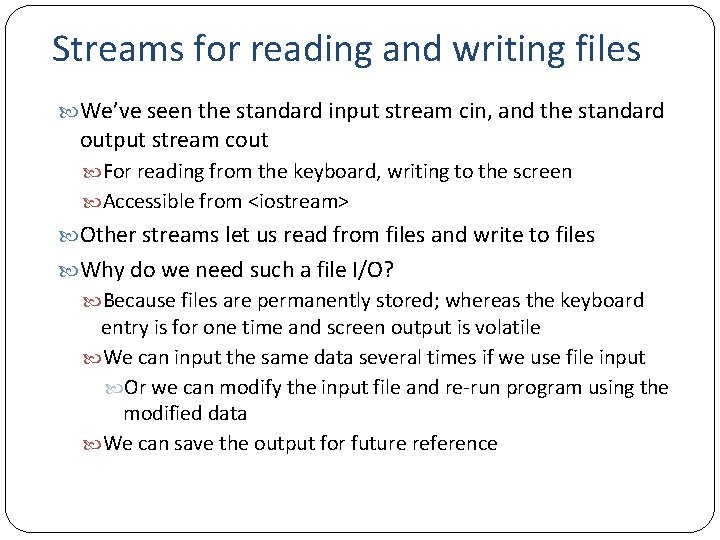
Streams for reading and writing files We’ve seen the standard input stream cin, and the standard output stream cout For reading from the keyboard, writing to the screen Accessible from <iostream> Other streams let us read from files and write to files Why do we need such a file I/O? Because files are permanently stored; whereas the keyboard entry is for one time and screen output is volatile We can input the same data several times if we use file input Or we can modify the input file and re-run program using the modified data We can save the output for future reference
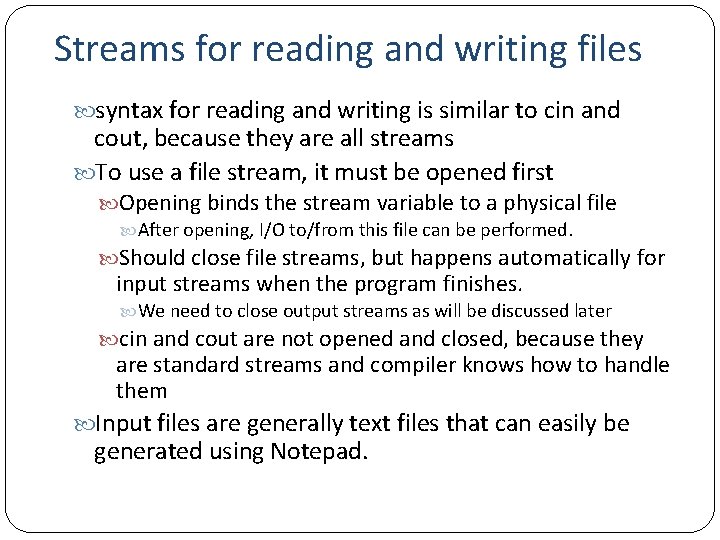
Streams for reading and writing files syntax for reading and writing is similar to cin and cout, because they are all streams To use a file stream, it must be opened first Opening binds the stream variable to a physical file After opening, I/O to/from this file can be performed. Should close file streams, but happens automatically for input streams when the program finishes. We need to close output streams as will be discussed later cin and cout are not opened and closed, because they are standard streams and compiler knows how to handle them Input files are generally text files that can easily be generated using Notepad.
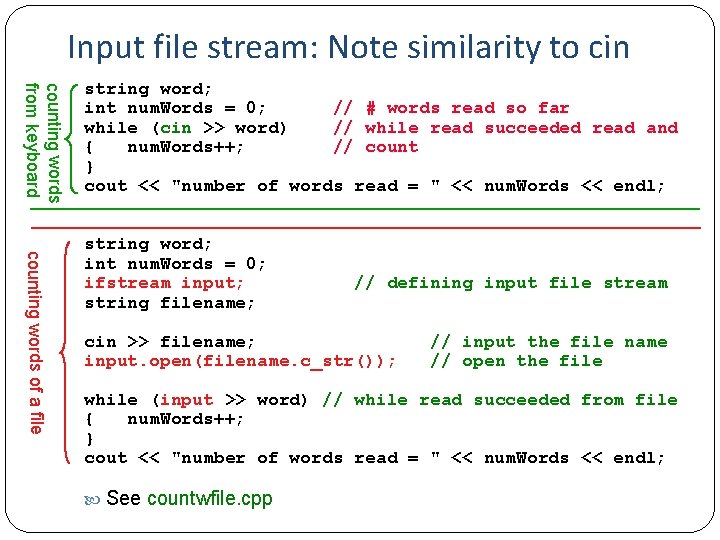
Input file stream: Note similarity to cin counting words from keyboard string word; int num. Words = 0; // # words read so far while (cin >> word) // while read succeeded read and { num. Words++; // count } cout << "number of words read = " << num. Words << endl; counting words of a file string word; int num. Words = 0; ifstream input; // defining input file stream string filename; cin >> filename; // input the file name input. open(filename. c_str()); // open the file while (input >> word) // while read succeeded from file { num. Words++; } cout << "number of words read = " << num. Words << endl; See countwfile. cpp
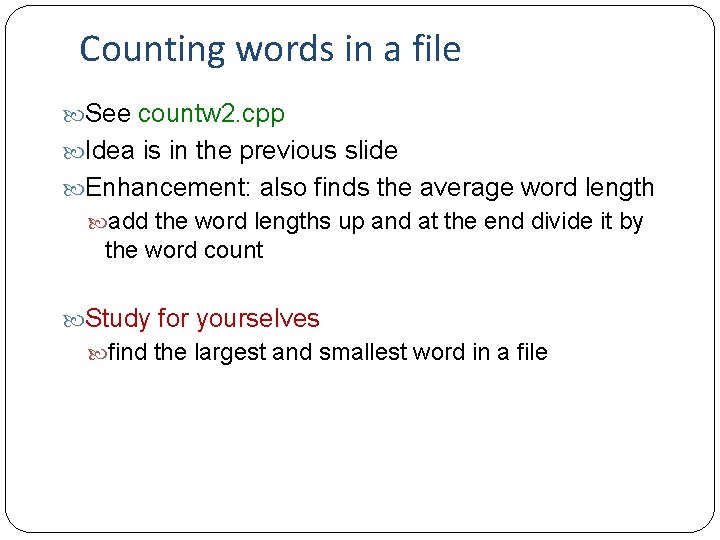
Counting words in a file See countw 2. cpp Idea is in the previous slide Enhancement: also finds the average word length add the word lengths up and at the end divide it by the word count Study for yourselves find the largest and smallest word in a file
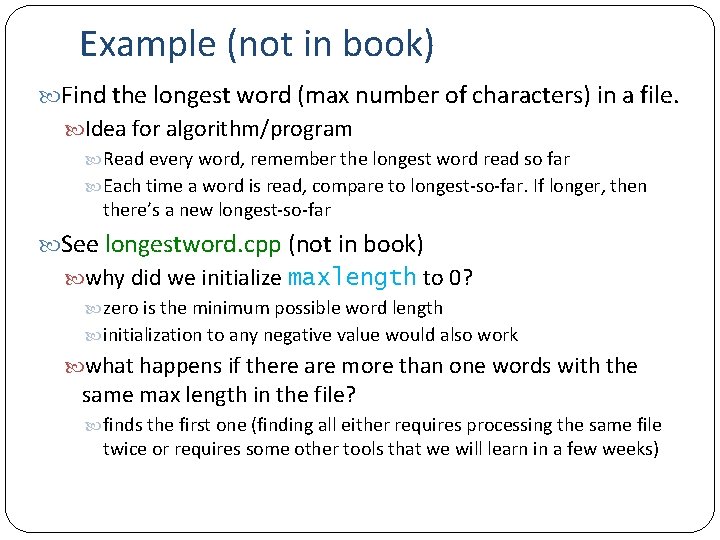
Example (not in book) Find the longest word (max number of characters) in a file. Idea for algorithm/program Read every word, remember the longest word read so far Each time a word is read, compare to longest-so-far. If longer, then there’s a new longest-so-far See longestword. cpp (not in book) why did we initialize maxlength to 0? zero is the minimum possible word length initialization to any negative value would also work what happens if there are more than one words with the same max length in the file? finds the first one (finding all either requires processing the same file twice or requires some other tools that we will learn in a few weeks)
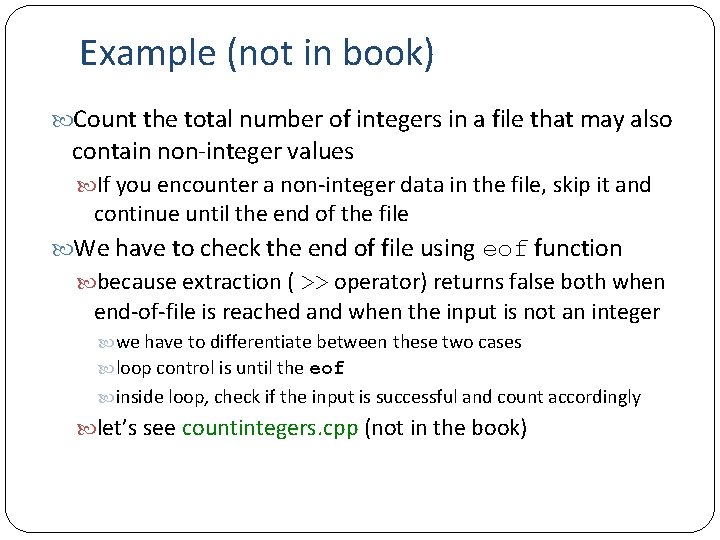
Example (not in book) Count the total number of integers in a file that may also contain non-integer values If you encounter a non-integer data in the file, skip it and continue until the end of the file We have to check the end of file using eof function because extraction ( >> operator) returns false both when end-of-file is reached and when the input is not an integer we have to differentiate between these two cases loop control is until the eof inside loop, check if the input is successful and count accordingly let’s see countintegers. cpp (not in the book)
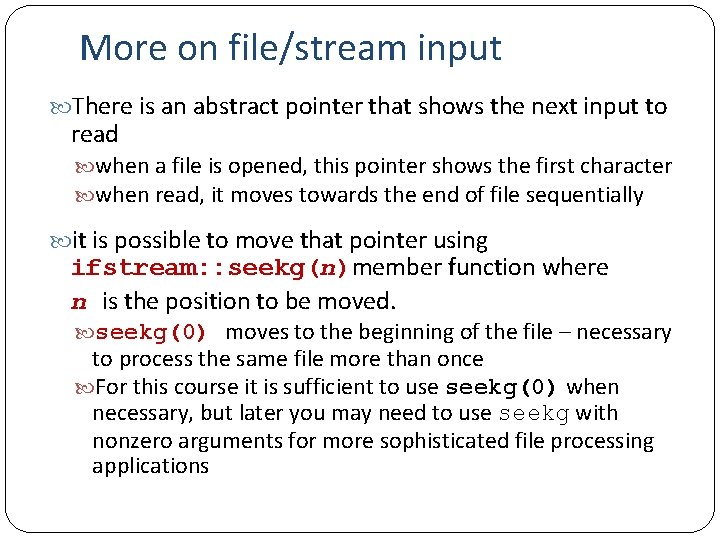
More on file/stream input There is an abstract pointer that shows the next input to read when a file is opened, this pointer shows the first character when read, it moves towards the end of file sequentially it is possible to move that pointer using ifstream: : seekg(n)member function where n is the position to be moved. seekg(0) moves to the beginning of the file – necessary to process the same file more than once For this course it is sufficient to use seekg(0) when necessary, but later you may need to use seekg with nonzero arguments for more sophisticated file processing applications
Example (not in book) Example: calculate average word length of a file and find the total number of words that have more than average word length characters we need two passes over the same file one for average, one for number of words longer than the average see longerwords. cpp (not in the book) Two important tips always pass a file stream to a function as a reference parameter use clear before calling seekg
ofstream: Output file stream We can also use files for output ofstream class use is similar to cout first open the file (as in ifstream) then use << operator to write into output file stream better if you close the file using close() member function (to be on the safe side, close all output files when done) #include <fstream> is needed (as in ifstream) When opened, the previous content of the file is automatically deleted. To append to the end of an output file without deleting the previous content, use ios: : app as the second argument of open Example (not in book) write a program to create a file and fill that file with 10 random numbers (between 1 and 100). One number per line. see outfile. cpp
More on streams and character/string processing There are several other classes, functions and facilities about streams and string/character processing I/O is an ocean, need several weeks to cover all I have explained some basics only you are responsible what I have covered and will cover, plus the reading assignments but in future, if you need something that we did not cover, refer to the book and MSDN library to see if there are ways of doing it What we did not cover from Chapter 6? Word. Stream. Iterator class introduced in 6. 3. 7 and used later a different way of using ifstream class if you are interested, read and use it, but not responsible CTimer class useful to take timings (section 6. 4. 4) – may need later Finding mostly occurred word in a file (covered in recitations) String. Set class (section 6. 5), not responsible.
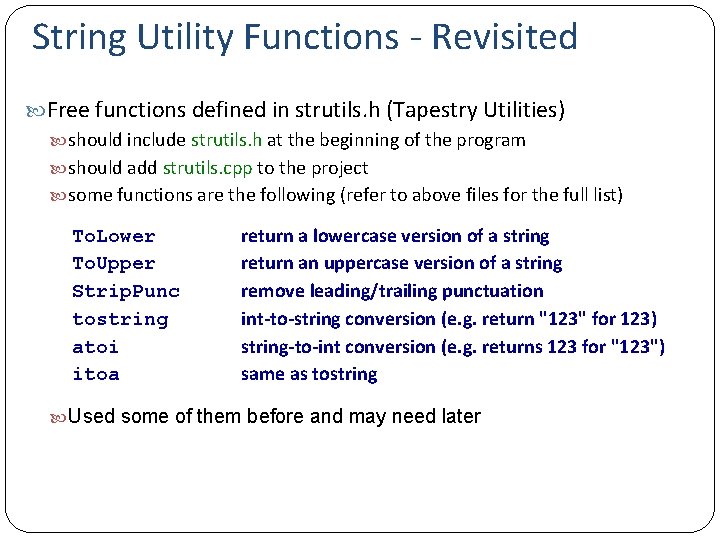
String Utility Functions - Revisited Free functions defined in strutils. h (Tapestry Utilities) should include strutils. h at the beginning of the program should add strutils. cpp to the project some functions are the following (refer to above files for the full list) To. Lower To. Upper Strip. Punc tostring atoi itoa return a lowercase version of a string return an uppercase version of a string remove leading/trailing punctuation int-to-string conversion (e. g. return "123" for 123) string-to-int conversion (e. g. returns 123 for "123") same as tostring Used some of them before and may need later
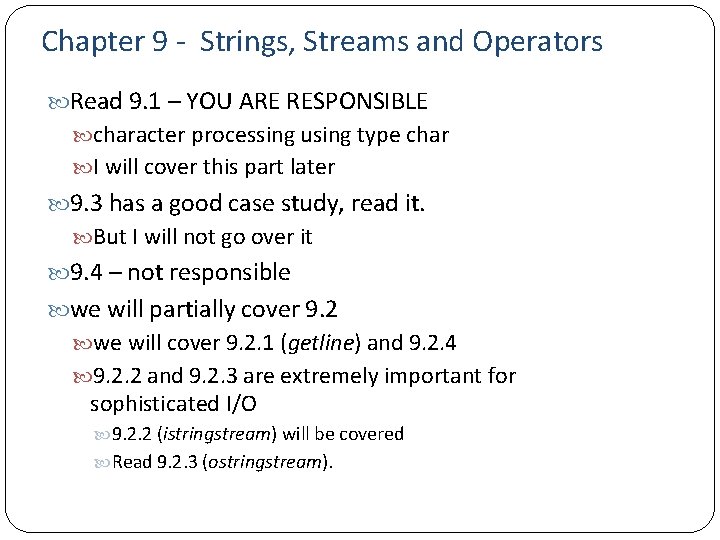
Chapter 9 - Strings, Streams and Operators Read 9. 1 – YOU ARE RESPONSIBLE character processing using type char I will cover this part later 9. 3 has a good case study, read it. But I will not go over it 9. 4 – not responsible we will partially cover 9. 2 we will cover 9. 2. 1 (getline) and 9. 2. 4 9. 2. 2 and 9. 2. 3 are extremely important for sophisticated I/O 9. 2. 2 (istringstream) will be covered Read 9. 2. 3 (ostringstream).
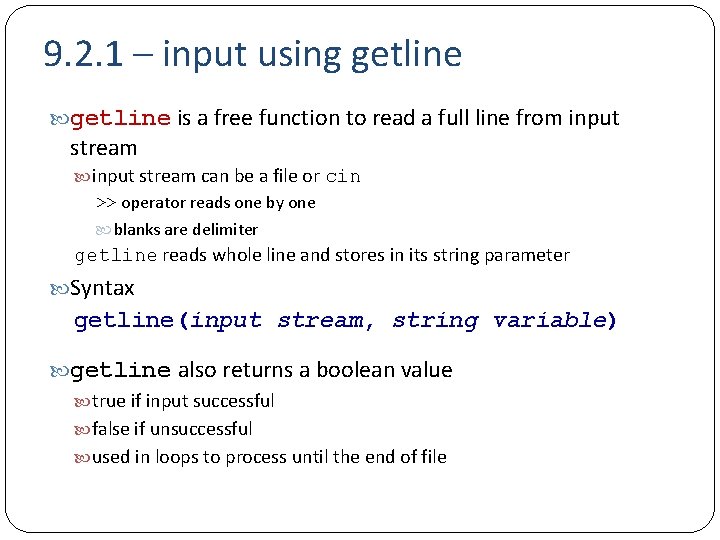
9. 2. 1 – input using getline is a free function to read a full line from input stream input stream can be a file or cin >> operator reads one by one blanks are delimiter getline reads whole line and stores in its string parameter Syntax getline(input stream, string variable) getline also returns a boolean value true if input successful false if unsuccessful used in loops to process until the end of file
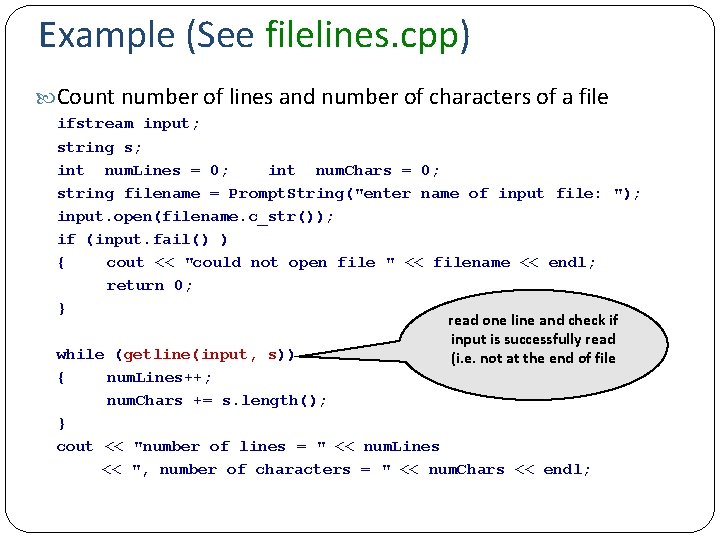
Example (See filelines. cpp) Count number of lines and number of characters of a file ifstream input; string s; int num. Lines = 0; int num. Chars = 0; string filename = Prompt. String("enter name of input file: "); input. open(filename. c_str()); if (input. fail() ) { cout << "could not open file " << filename << endl; return 0; } read one line and check if input is successfully read while (getline(input, s)) (i. e. not at the end of file { num. Lines++; num. Chars += s. length(); } cout << "number of lines = " << num. Lines << ", number of characters = " << num. Chars << endl;
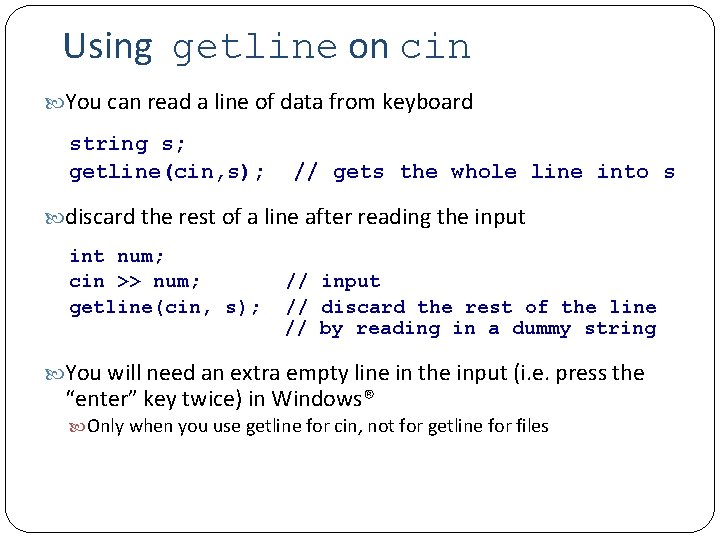
Using getline on cin You can read a line of data from keyboard string s; getline(cin, s); // gets the whole line into s discard the rest of a line after reading the input int num; cin >> num; // input getline(cin, s); // discard the rest of the line // by reading in a dummy string You will need an extra empty line in the input (i. e. press the “enter” key twice) in Windows® Only when you use getline for cin, not for getline for files
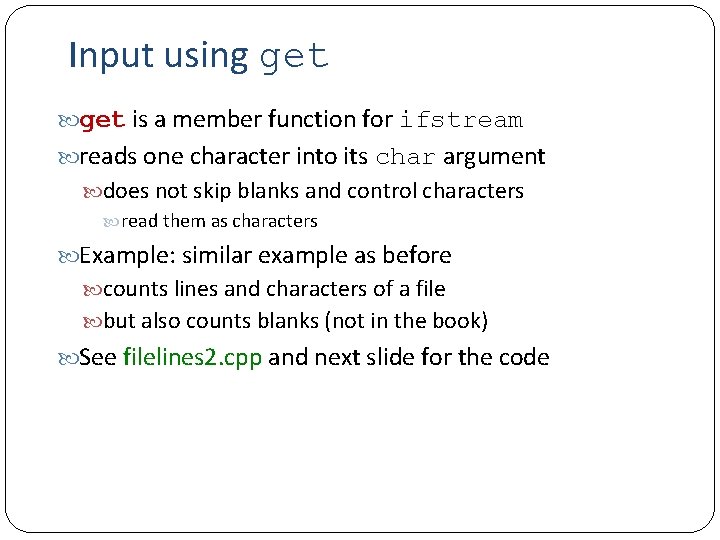
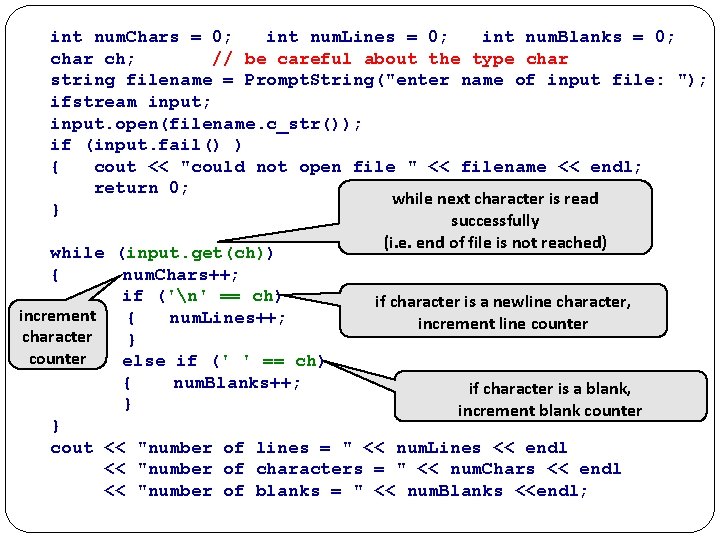
Input using get is a member function for ifstream reads one character into its char argument does not skip blanks and control characters read them as characters Example: similar example as before counts lines and characters of a file but also counts blanks (not in the book) See filelines 2. cpp and next slide for the code
int num. Chars = 0; int num. Lines = 0; int num. Blanks = 0; char ch; // be careful about the type char string filename = Prompt. String("enter name of input file: "); ifstream input; input. open(filename. c_str()); if (input. fail() ) { cout << "could not open file " << filename << endl; return 0; while next character is read } successfully (i. e. end of file is not reached) while (input. get(ch)) { num. Chars++; if ('n' == ch) if character is a newline character, increment { num. Lines++; increment line counter character } counter else if (' ' == ch) { num. Blanks++; if character is a blank, } increment blank counter } cout << "number of lines = " << num. Lines << endl << "number of characters = " << num. Chars << endl << "number of blanks = " << num. Blanks <<endl;
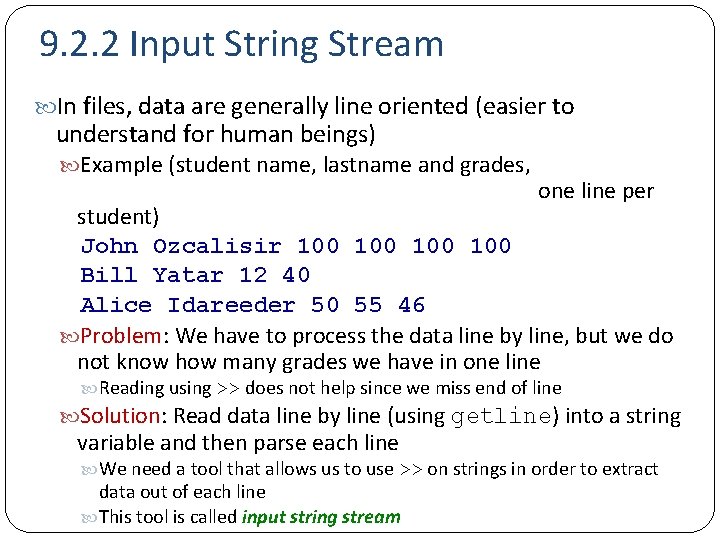
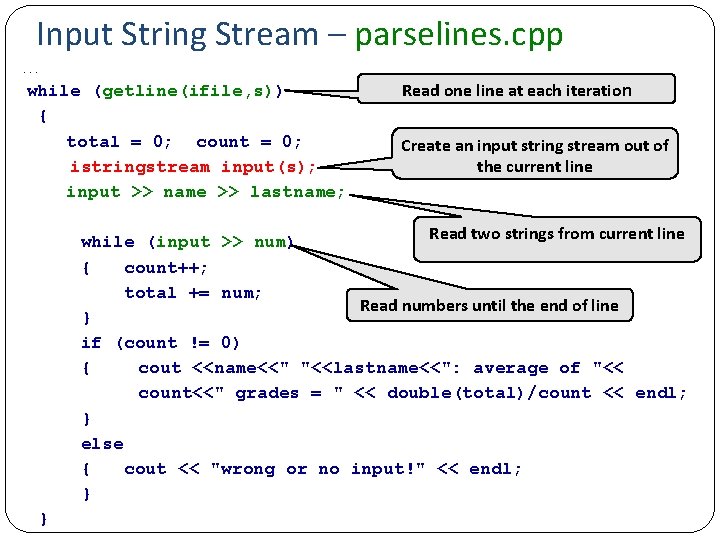
9. 2. 2 Input String Stream In files, data are generally line oriented (easier to understand for human beings) Example (student name, lastname and grades, one line per student) John Ozcalisir 100 100 Bill Yatar 12 40 Alice Idareeder 50 55 46 Problem: We have to process the data line by line, but we do not know how many grades we have in one line Reading using >> does not help since we miss end of line Solution: Read data line by line (using getline) into a string variable and then parse each line We need a tool that allows us to use >> on strings in order to extract data out of each line This tool is called input string stream
Input String Stream – parselines. cpp . . . Read one line at each iteration while (getline(ifile, s)) { total = 0; count = 0; Create an input string stream out of istringstream input(s); the current line input >> name >> lastname; Read two strings from current line while (input >> num) { count++; total += num; Read numbers until the end of line } if (count != 0) { cout <<name<<" "<<lastname<<": average of "<< count<<" grades = " << double(total)/count << endl; } else { cout << "wrong or no input!" << endl; } }
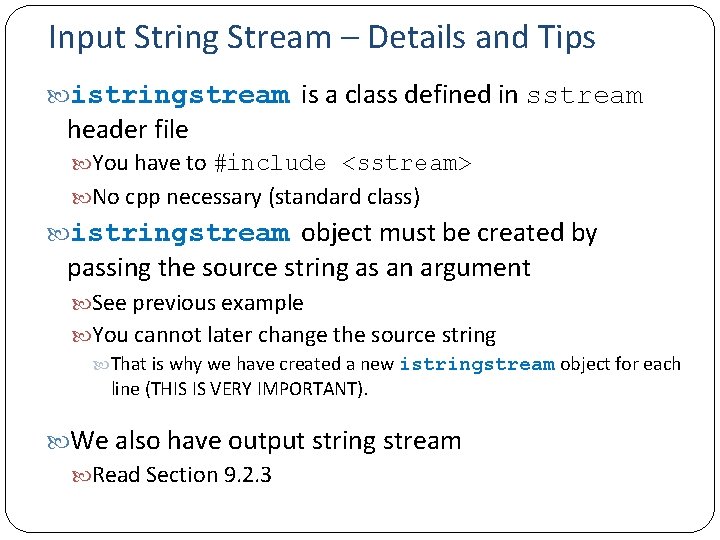
Input String Stream – Details and Tips istringstream is a class defined in sstream header file You have to #include <sstream> No cpp necessary (standard class) istringstream object must be created by passing the source string as an argument See previous example You cannot later change the source string That is why we have created a new istringstream object for each line (THIS IS VERY IMPORTANT). We also have output string stream Read Section 9. 2. 3