
Strategies for Using Instructional Technology to Support Classroom
- Slides: 47
Strategies for Using Instructional Technology to Support Classroom Education E. William Clymer NTID, USA http: //www. pen. ntid. rit. edu March 9, 2006 A workshop presented at the College of St. Benilde, De La Salle University, Manila, Philippines
Technology in the Classroom Topics for Today n n Why Use Technology in the Classroom? Pedagogy, Technology & Instructional Design Best Practices for Technology in the Classroom Technology Used in NTID Classrooms 2
Why Use Technology in the Classroom? n n Improve Access by Deaf Students Examples ¡ ¡ Materials Specially Designed for Deaf Students Captioning Notetaking Listening Technology 3
Why Use Technology in the Classroom? n n Address an Existing Deficiency or Problem Examples ¡ ¡ Organization Visual Time Communication From: “Enhancing the Craft of Teaching with Technology: The Instructional Design Factor” Power. Point Presentation, Accessed from the Internet January 25, 2006, by Les Howles, Academic Technology Solutions, Do. IT, University of Wisconsin-Madison http: //academictech. doit. wisc. edu/ORFI/pts/support%20 files/teaching. ppt 4
Why Use Technology in the Classroom? n Alternative Medium ¡ n Transfer Activities to Another Medium Examples ¡ ¡ Show Video Access the Web Share Examples Facilitate Collaboration From: “Enhancing the Craft of Teaching with Technology: The Instructional Design Factor” Power. Point Presentation, Accessed from the Internet January 25, 2006, by Les Howles, Academic Technology Solutions, Do. IT, University of Wisconsin-Madison http: //academictech. doit. wisc. edu/ORFI/pts/support%20 files/teaching. ppt 5
Why Use Technology in the Classroom? n Improve Effectiveness & Efficiency ¡ n Better Able to Follow Instructional Design Examples ¡ ¡ Better Implement Best Practices Increased Structure Improve Content Presentation Alternative Presentation of Content From: “Enhancing the Craft of Teaching with Technology: The Instructional Design Factor” Power. Point Presentation, Accessed from the Internet January 25, 2006, by Les Howles, Academic Technology Solutions, Do. IT, University of Wisconsin-Madison http: //academictech. doit. wisc. edu/ORFI/pts/support%20 files/teaching. ppt 6
Why Use Technology in the Classroom? n Only When There is a Reason ¡ n Educational Solution Before Technology Solution Examples ¡ ¡ Educational Problem Impact on Classroom Management Improve Content Presentation Alternative Presentation of Content From: “Enhancing the Craft of Teaching with Technology: The Instructional Design Factor” Power. Point Presentation, Accessed from the Internet January 25, 2006, by Les Howles, Academic Technology Solutions, Do. IT, University of Wisconsin-Madison http: //academictech. doit. wisc. edu/ORFI/pts/support%20 files/teaching. ppt 7
Pedagogy, Technology & Instructional Design n Pedagogy ¡ ¡ 1: the principles and methods of instruction [syn: teaching method, ] 2: the profession of a teacher 8
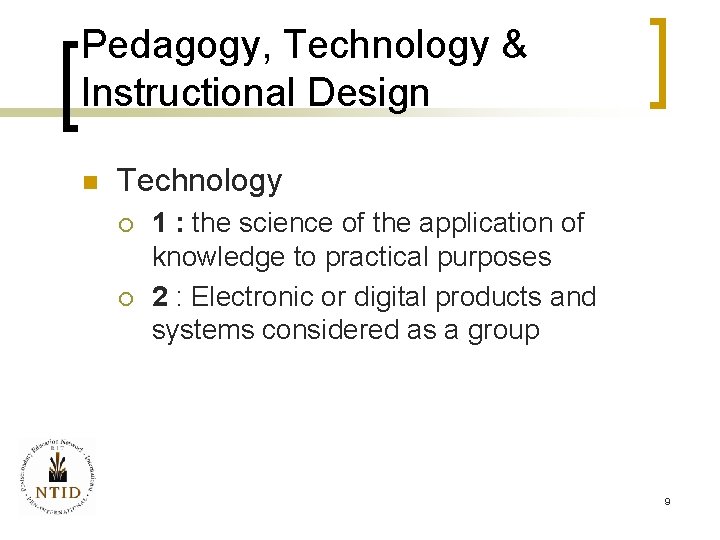
Pedagogy, Technology & Instructional Design n Technology ¡ ¡ 1 : the science of the application of knowledge to practical purposes 2 : Electronic or digital products and systems considered as a group 9
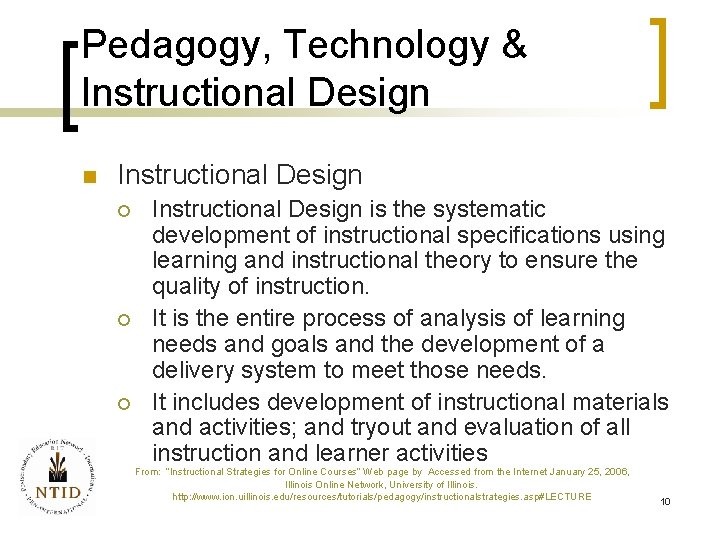
Pedagogy, Technology & Instructional Design n Instructional Design ¡ ¡ ¡ Instructional Design is the systematic development of instructional specifications using learning and instructional theory to ensure the quality of instruction. It is the entire process of analysis of learning needs and goals and the development of a delivery system to meet those needs. It includes development of instructional materials and activities; and tryout and evaluation of all instruction and learner activities From: “Instructional Strategies for Online Courses” Web page by Accessed from the Internet January 25, 2006, Illinois Online Network, University of Illinois. http: //www. ion. uillinois. edu/resources/tutorials/pedagogy/instructionalstrategies. asp#LECTURE 10
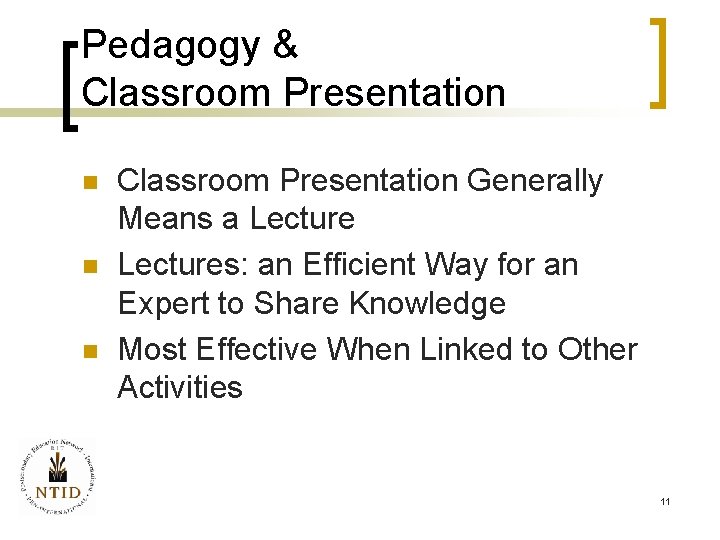
Pedagogy & Classroom Presentation n Classroom Presentation Generally Means a Lectures: an Efficient Way for an Expert to Share Knowledge Most Effective When Linked to Other Activities 11
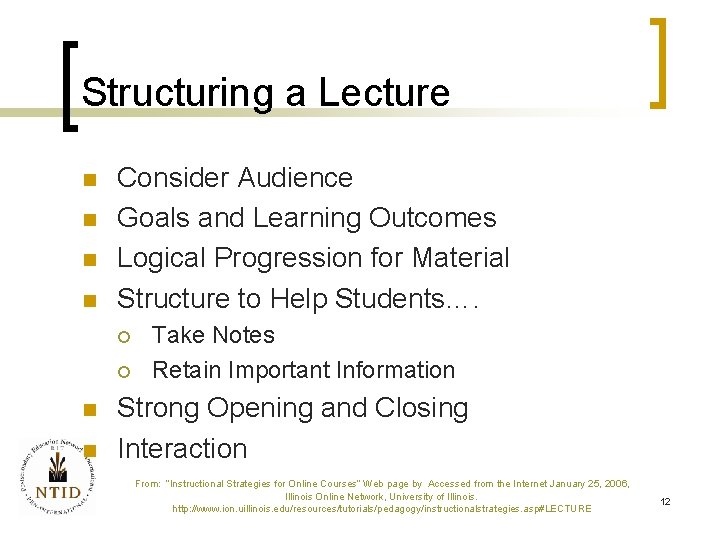
Structuring a Lecture n n Consider Audience Goals and Learning Outcomes Logical Progression for Material Structure to Help Students…. ¡ ¡ n n Take Notes Retain Important Information Strong Opening and Closing Interaction From: “Instructional Strategies for Online Courses” Web page by Accessed from the Internet January 25, 2006, Illinois Online Network, University of Illinois. http: //www. ion. uillinois. edu/resources/tutorials/pedagogy/instructionalstrategies. asp#LECTURE 12
Pedagogy, Technology & Instructional Design n Instructional Design (ID) ¡ Recall Definition? n n …learning theory…goals…. delivery system…. development of materials…. tryout & evaluation…. revision ID Can Be Employed to Improve Pedagogy for Classroom Presentations 13
Pedagogy, Technology & Instructional Design n Instructional Design* ¡ ¡ ¡ n Analysis/Objectives Instructional Strategy/Materials Formative/Summative Evaluation Educational Technology and Teaching ¡ ¡ http: //www. rit. edu/~pen 2 http: //mycourses. rit. edu *Gagne, Briggs & Wager 1992, Principles of Instructional Design. 14
Pedagogy, Technology & Instructional Design n Events of Instruction and Processes of Learning* ¡ ¡ Get Attention/Share Objectives Present Material/Guide Learning Performance/Feedback Assess Performance/Retention & Transfer *Gagne, Briggs & Wager 1992, Principles of Instructional Design. 15
Pedagogy, Technology & Instructional Design n n What do you want students to do? Not how they will spend their time or what you will cover in class; ¡ What evidence do you want to see that proves students have met the learning outcome you specified? 16
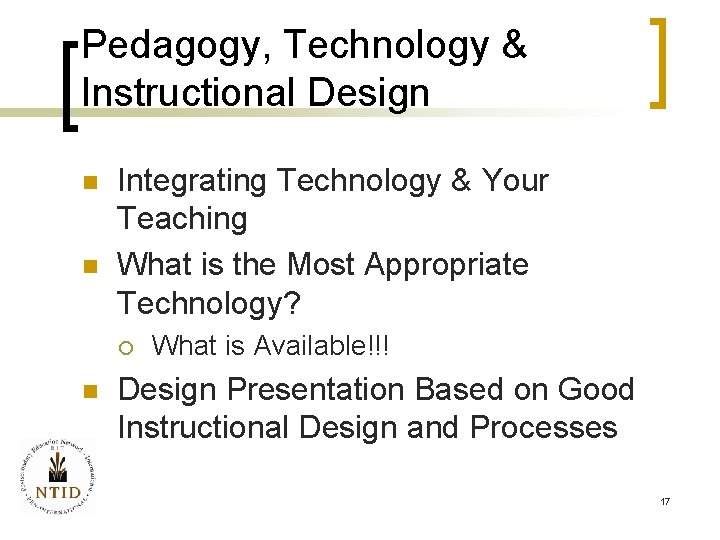
Pedagogy, Technology & Instructional Design n n Integrating Technology & Your Teaching What is the Most Appropriate Technology? ¡ n What is Available!!! Design Presentation Based on Good Instructional Design and Processes 17
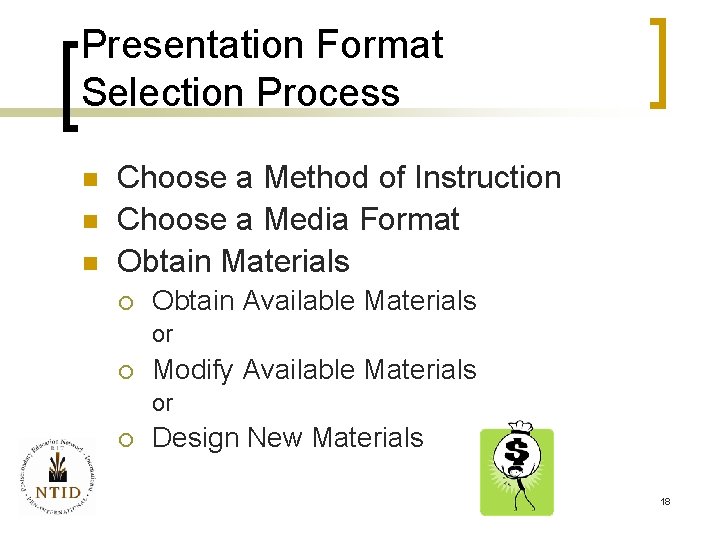
Presentation Format Selection Process n n n Choose a Method of Instruction Choose a Media Format Obtain Materials ¡ Obtain Available Materials or ¡ Modify Available Materials or ¡ Design New Materials 18
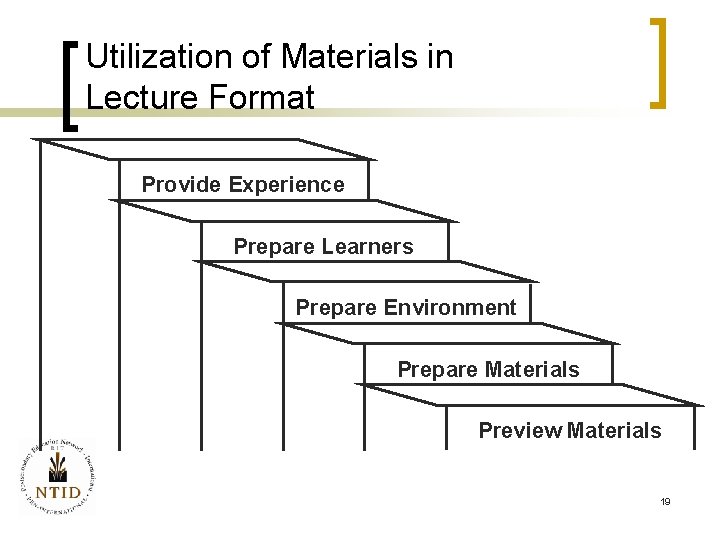
Utilization of Materials in Lecture Format Provide Experience Prepare Learners Prepare Environment Prepare Materials Preview Materials 19
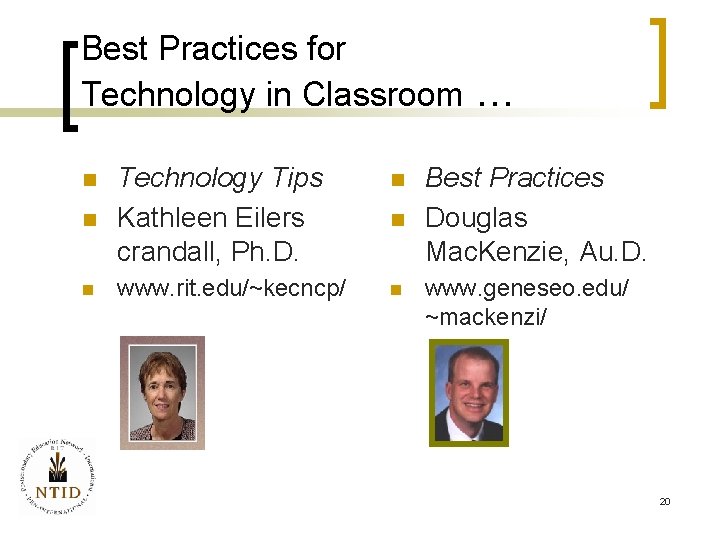
Best Practices for Technology in Classroom … n n Technology Tips Kathleen Eilers crandall, Ph. D. n www. rit. edu/~kecncp/ n n n Best Practices Douglas Mac. Kenzie, Au. D. www. geneseo. edu/ ~mackenzi/ 20
How to Prepare for Class n n n More time when first using technology; less time once technology is in place. Allow lots of set up time. Go to room the day before class & practice. Keep notes of set up steps. Have alternative plans if technology fails. From: “Technology Tips for the Classroom” by Kathleen Eilers crandall , June 1999 NTID/RIT. Used with permission of the author. 21
Technology Should Enhance. . n n n Use technology when it serves a specific purpose. If technology gets in the way of teaching, don’t use it! Technology does not make teaching better or even easier. From: “Technology Tips for the Classroom” by Kathleen Eilers crandall , June 1999 NTID/RIT. Used with permission of the author. 22
Communication Issues n n Establish a Communication Plan Equipment can Reduce Visibility Have a Plan to Regain Student Attention Keep Switching Between Computer Displays to Minimum From: “Technology Tips for the Classroom” by Kathleen Eilers crandall , June 1999 NTID/RIT. Used with permission of the author. 23
Logistical Concerns n n Scheduling a “Smart” Classroom Learning to Use and Troubleshoot Equipment Time for Equipment Set-up and Breakdown Equipment Obstacle Course From: “Deaf Students and Technology: Best Teaching Practices” Power. Point Presentation , November 9, 2001 by Sam Holcomb and Doug Mac. Kenzie. NTID/RIT 24
Logistical Concerns n n n Will Technical Help be Available? Need for a Back-up Plan Installing New Software Different Software Versions in Office vs. Classroom “Okay…Who has Been Messing with the Equipment? ” From: “Deaf Students and Technology: Best Teaching Practices” Power. Point Presentation , November 9, 2001 by Sam Holcomb and Doug Mac. Kenzie. NTID/RIT 25
Classroom Management Issues n n n Where do I Stand for Best Communication? What Lighting is Best for Communication? Lack of Writing (Whiteboard) Space Projecting More than One Source What Effect is Technology Having on Faculty Sign Skills? From: “Deaf Students and Technology: Best Teaching Practices” Power. Point Presentation , November 9, 2001 by Sam Holcomb and Doug Mac. Kenzie. NTID/RIT 26
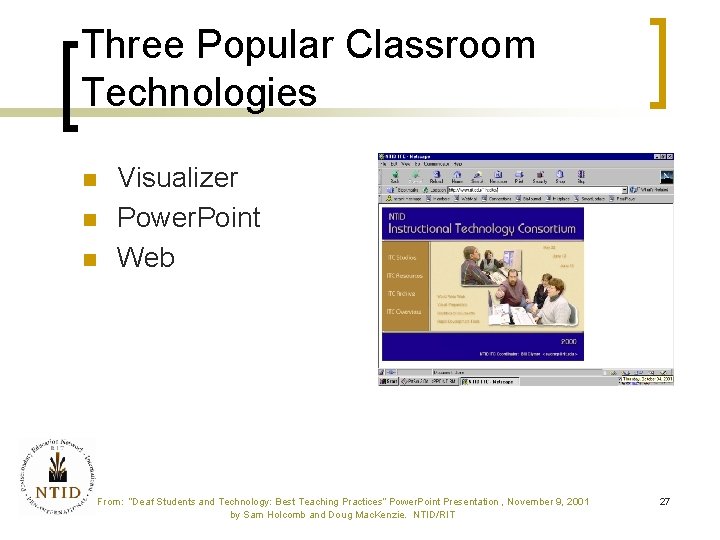
Three Popular Classroom Technologies n n n Visualizer Power. Point Web From: “Deaf Students and Technology: Best Teaching Practices” Power. Point Presentation , November 9, 2001 by Sam Holcomb and Doug Mac. Kenzie. NTID/RIT 27
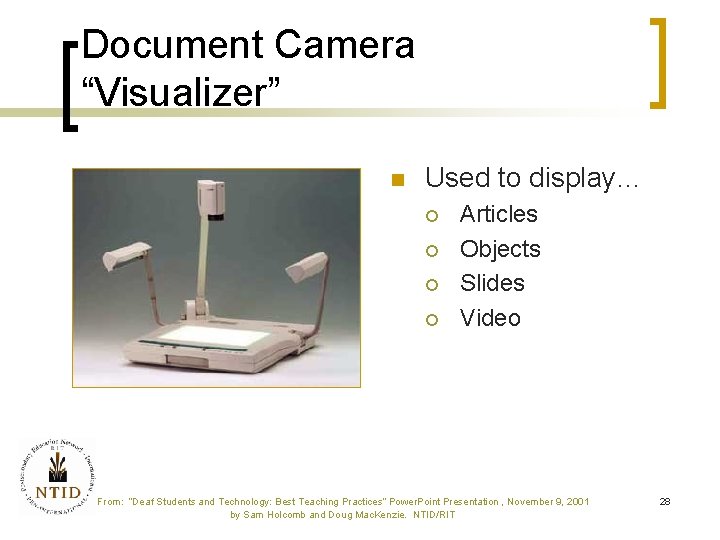
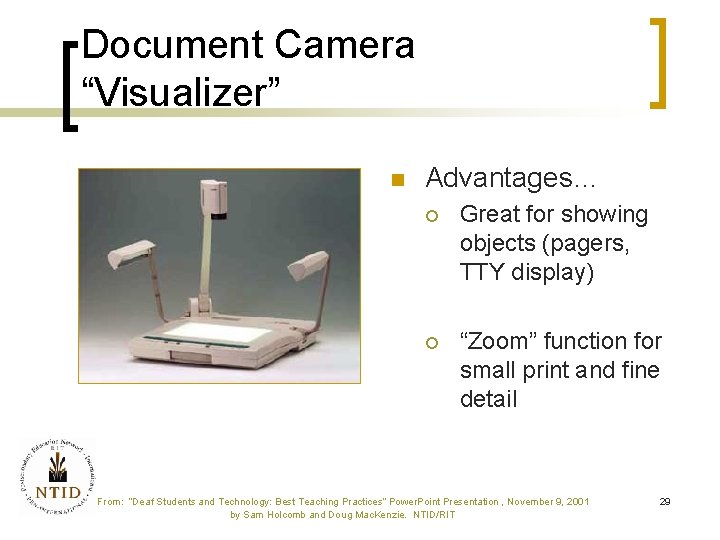
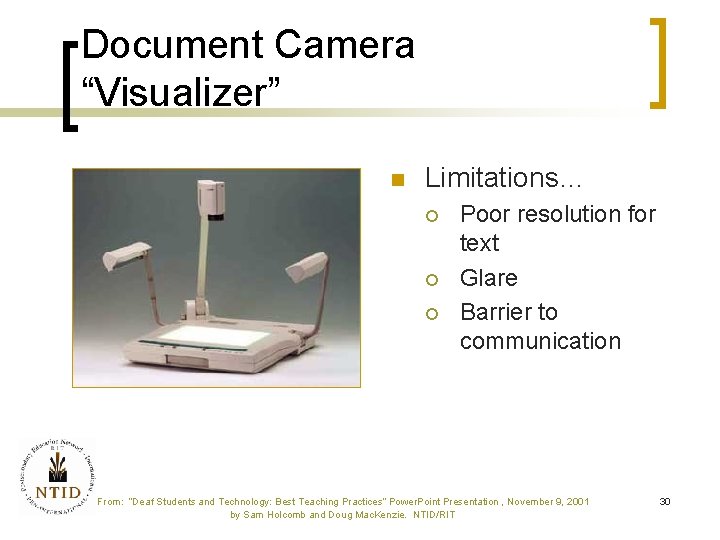
Document Camera “Visualizer” n Used to display… ¡ ¡ Articles Objects Slides Video From: “Deaf Students and Technology: Best Teaching Practices” Power. Point Presentation , November 9, 2001 by Sam Holcomb and Doug Mac. Kenzie. NTID/RIT 28
Document Camera “Visualizer” n Advantages… ¡ Great for showing objects (pagers, TTY display) ¡ “Zoom” function for small print and fine detail From: “Deaf Students and Technology: Best Teaching Practices” Power. Point Presentation , November 9, 2001 by Sam Holcomb and Doug Mac. Kenzie. NTID/RIT 29
Document Camera “Visualizer” n Limitations… ¡ ¡ ¡ Poor resolution for text Glare Barrier to communication From: “Deaf Students and Technology: Best Teaching Practices” Power. Point Presentation , November 9, 2001 by Sam Holcomb and Doug Mac. Kenzie. NTID/RIT 30
Power. Point® n Strengths… ¡ ¡ ¡ No overhead transparencies! Visual Outline format useful for preparing lectures Insert video and hot links Quick revisions From: “Deaf Students and Technology: Best Teaching Practices” Power. Point Presentation , November 9, 2001 by Sam Holcomb and Doug Mac. Kenzie. NTID/RIT 31
Power. Point® n Strengths… ¡ ¡ ¡ Easy to post on the web Handouts High-tech look Keeps students focused on topic Can send as an email attachment From: “Deaf Students and Technology: Best Teaching Practices” Power. Point Presentation , November 9, 2001 by Sam Holcomb and Doug Mac. Kenzie. NTID/RIT 32
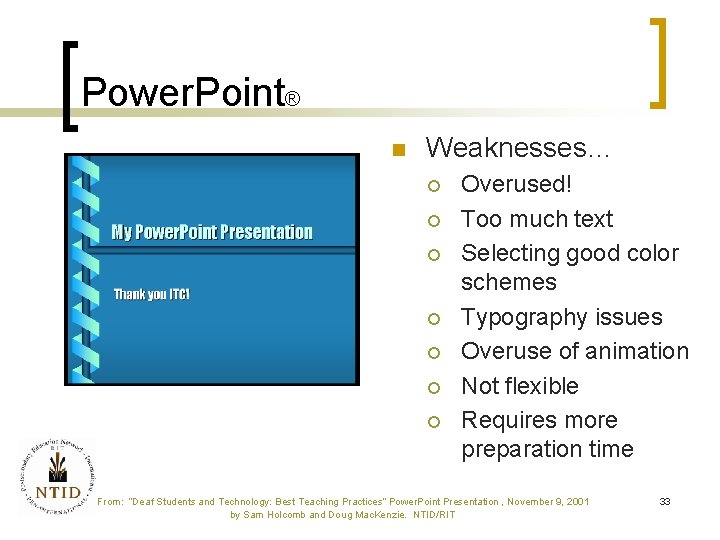
Power. Point® n Weaknesses… ¡ ¡ ¡ ¡ Overused! Too much text Selecting good color schemes Typography issues Overuse of animation Not flexible Requires more preparation time From: “Deaf Students and Technology: Best Teaching Practices” Power. Point Presentation , November 9, 2001 by Sam Holcomb and Doug Mac. Kenzie. NTID/RIT 33
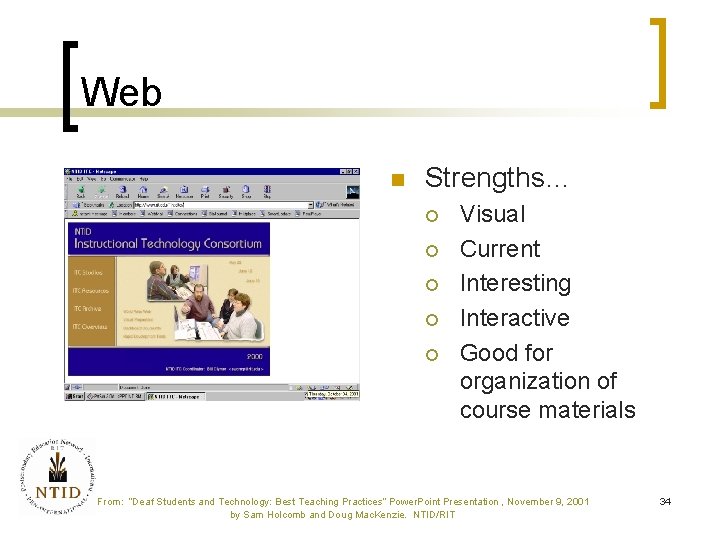
Web n Strengths… ¡ ¡ ¡ Visual Current Interesting Interactive Good for organization of course materials From: “Deaf Students and Technology: Best Teaching Practices” Power. Point Presentation , November 9, 2001 by Sam Holcomb and Doug Mac. Kenzie. NTID/RIT 34
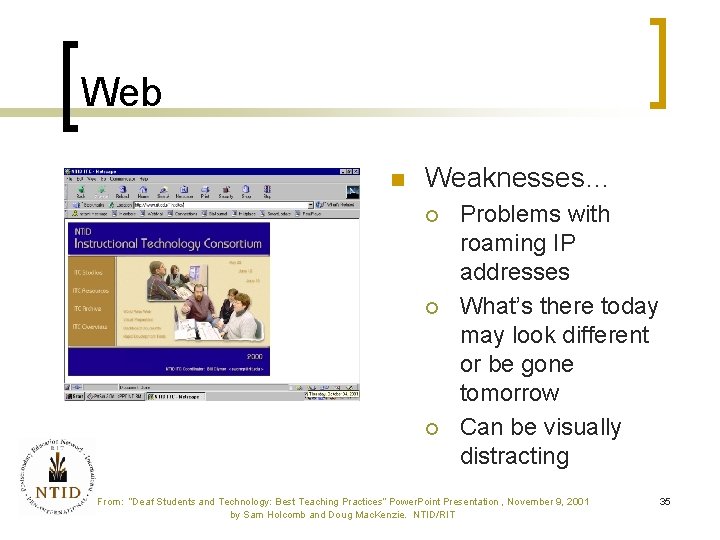
Web n Weaknesses… ¡ ¡ ¡ Problems with roaming IP addresses What’s there today may look different or be gone tomorrow Can be visually distracting From: “Deaf Students and Technology: Best Teaching Practices” Power. Point Presentation , November 9, 2001 by Sam Holcomb and Doug Mac. Kenzie. NTID/RIT 35
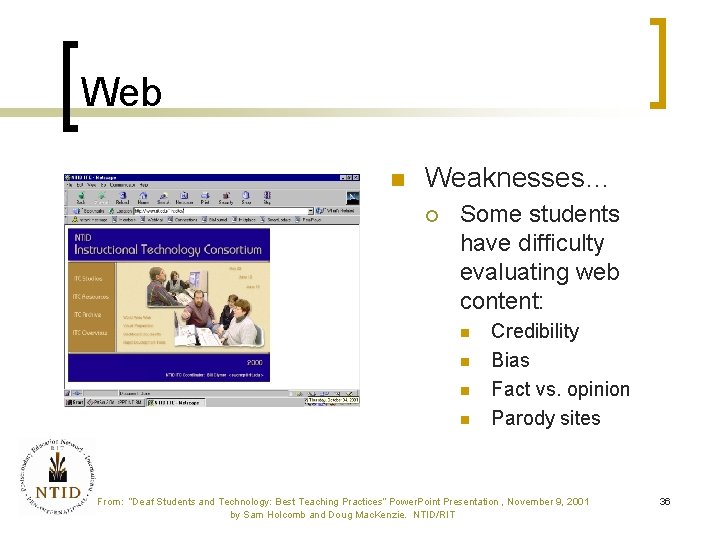
Web n Weaknesses… ¡ Some students have difficulty evaluating web content: n n Credibility Bias Fact vs. opinion Parody sites From: “Deaf Students and Technology: Best Teaching Practices” Power. Point Presentation , November 9, 2001 by Sam Holcomb and Doug Mac. Kenzie. NTID/RIT 36
Students with Vision Problems n n n Room Lighting Seating LCD Projector Individual Computer Workstations Color Choices (text and background) Glare from Projector and Visualizer From: “Deaf Students and Technology: Best Teaching Practices” Power. Point Presentation , November 9, 2001 by Sam Holcomb and Doug Mac. Kenzie. NTID/RIT 37
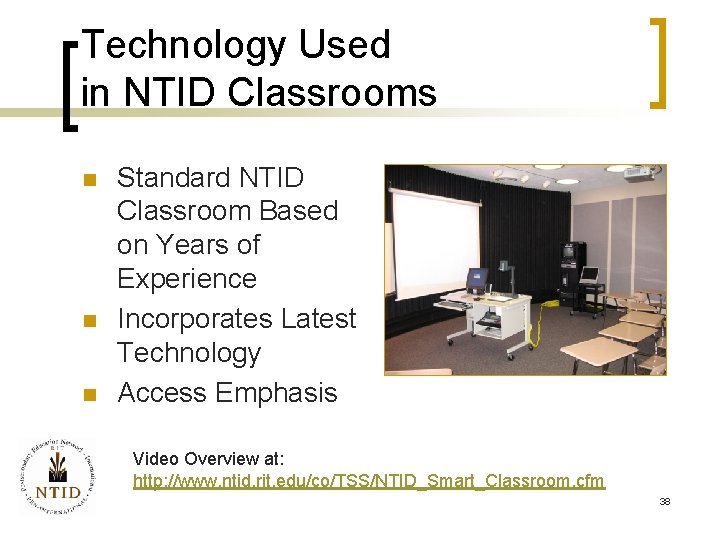
Technology Used in NTID Classrooms n n n Standard NTID Classroom Based on Years of Experience Incorporates Latest Technology Access Emphasis Video Overview at: http: //www. ntid. rit. edu/co/TSS/NTID_Smart_Classroom. cfm 38
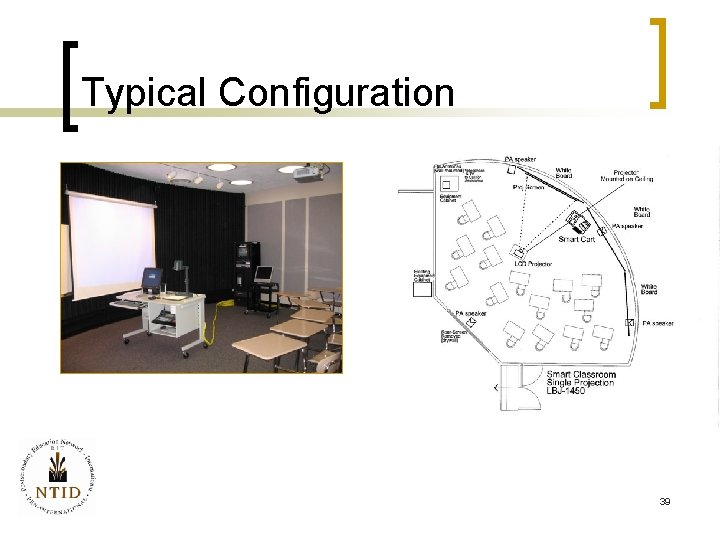
Typical Configuration 39
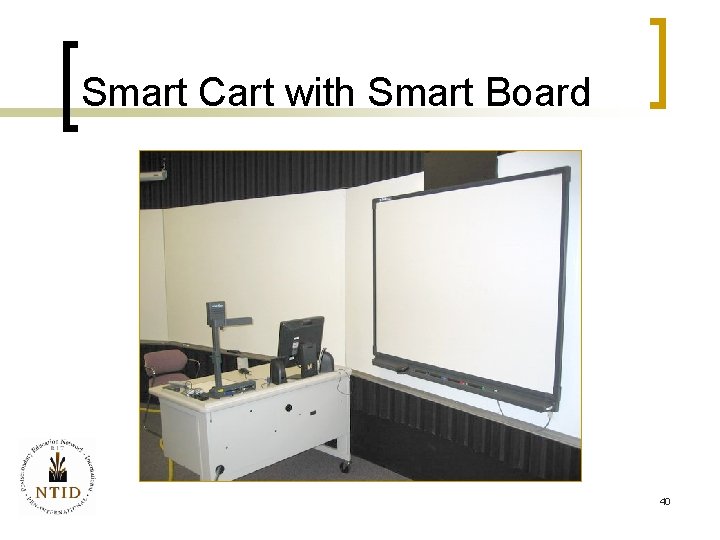
Smart Cart with Smart Board 40
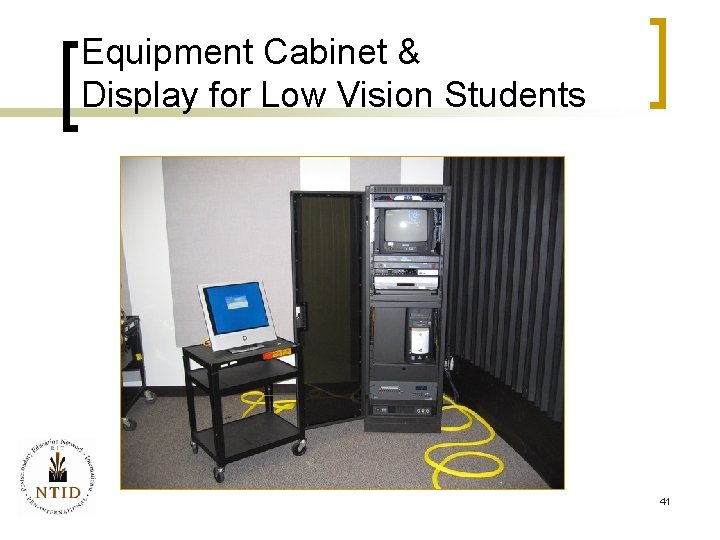
Equipment Cabinet & Display for Low Vision Students 41
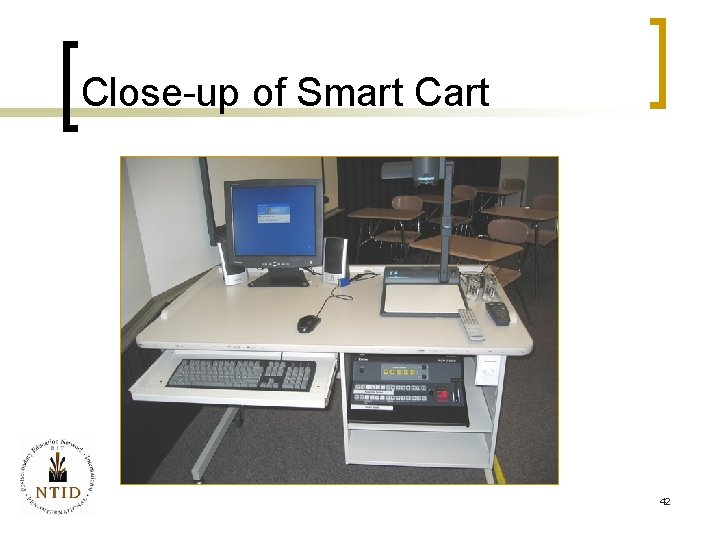
Close-up of Smart Cart 42
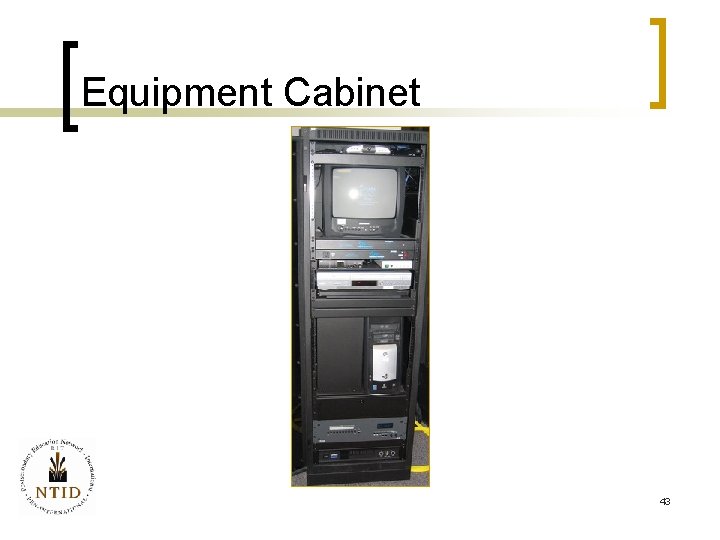
Equipment Cabinet 43
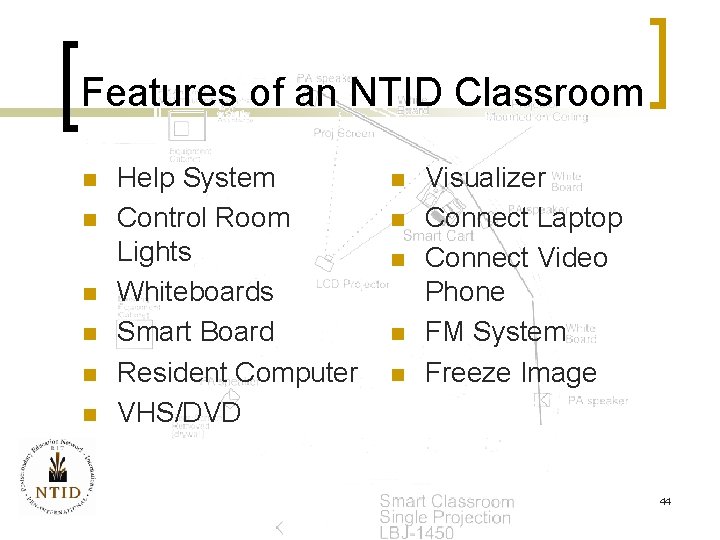
Features of an NTID Classroom n n n Help System Control Room Lights Whiteboards Smart Board Resident Computer VHS/DVD n n n Visualizer Connect Laptop Connect Video Phone FM System Freeze Image 44
Conclusion n n Use Technology When it Helps Consider Applying Instructional Design Systems to Your Teaching Follow the “Best Practices” Offered by Experienced Teachers of the Deaf Design Classrooms Based Upon Your Experience, Needs & Budget 45
Web Resources n http: //www. pen. ntid. rit. edu/ewc/csb /tech/index. htm 46
References n n “Technology Tips for the Classroom” by Kathleen Eilers crandall, June 1999 NTID/RIT. “Deaf Students and Technology: Best Teaching Practices” Power. Point Presentation , November 9, 2001 by Sam Holcomb and Doug Mac. Kenzie. NTID/RIT. 47