
Stored Procedures and Functions RoseHulman Institute of Technology
- Slides: 33
Stored Procedures and Functions Rose-Hulman Institute of Technology Curt Clifton
Outline o o o Stored Procedures or “Sprocs” Functions Statements Reference
Defining Stored Procedures o o Named Collections of Transact-SQL Statements Accept Input Parameters and Return Values Return Status Value to Indicate Success or Failure Encapsulate Repetitive Tasks
Advantages of Stored Procedures o o o Share Application Logic Shield Database Schema Details Provide Security Mechanisms Improve Performance Reduce Network Traffic
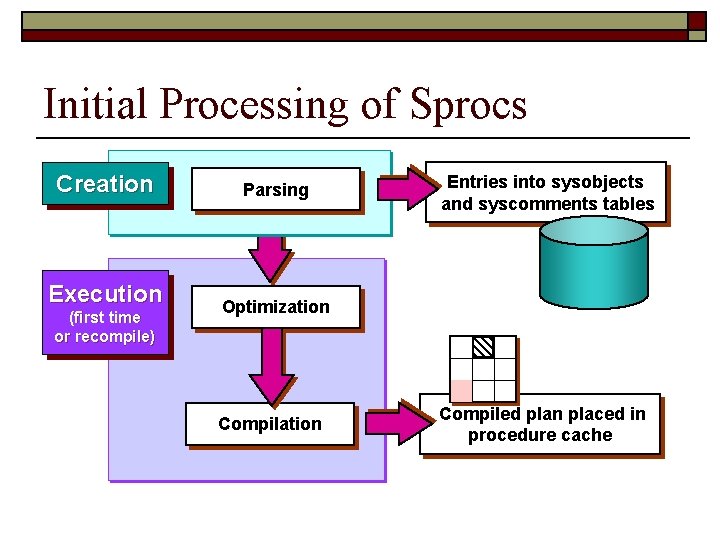
Initial Processing of Sprocs Creation Execution (first time or recompile) Parsing Entries into sysobjects and syscomments tables Optimization Compiled plan placed in procedure cache
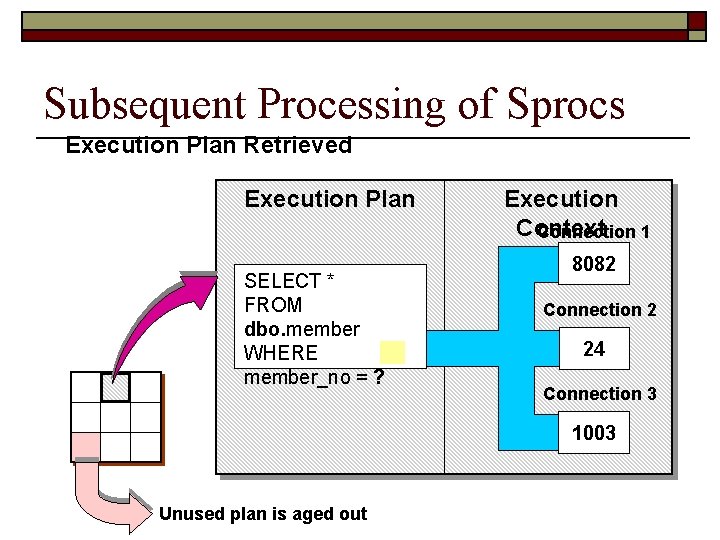
Subsequent Processing of Sprocs Execution Plan Retrieved Execution Plan SELECT * FROM dbo. member WHERE member_no = ? Execution Context Connection 1 8082 Connection 2 24 Connection 3 1003 Unused plan is aged out
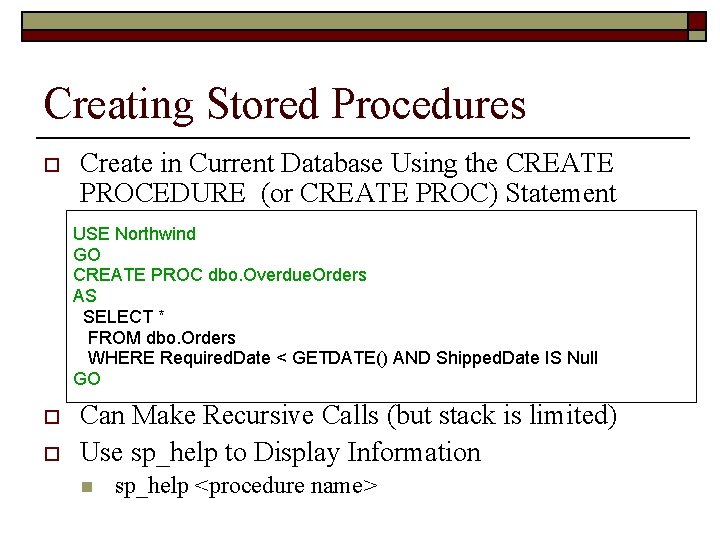
Creating Stored Procedures o Create in Current Database Using the CREATE PROCEDURE (or CREATE PROC) Statement USE Northwind GO CREATE PROC dbo. Overdue. Orders AS SELECT * FROM dbo. Orders WHERE Required. Date < GETDATE() AND Shipped. Date IS Null GO o o Can Make Recursive Calls (but stack is limited) Use sp_help to Display Information n sp_help <procedure name>
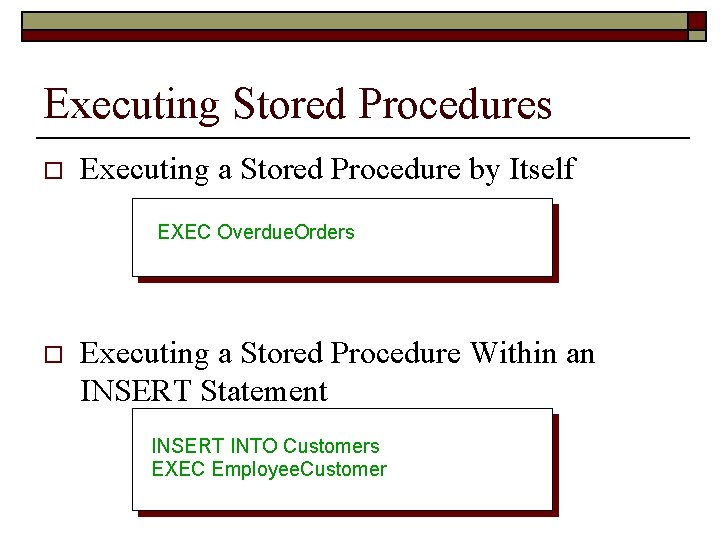
Executing Stored Procedures o Executing a Stored Procedure by Itself EXEC Overdue. Orders o Executing a Stored Procedure Within an INSERT Statement INSERT INTO Customers EXEC Employee. Customer
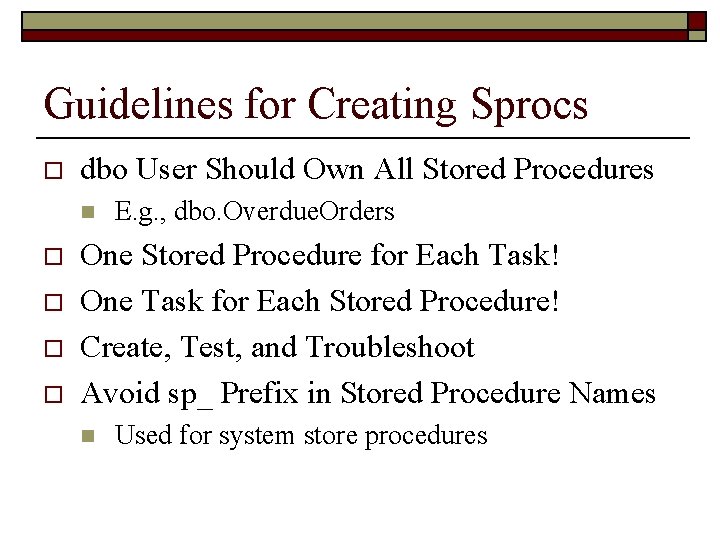
Guidelines for Creating Sprocs o dbo User Should Own All Stored Procedures n o o E. g. , dbo. Overdue. Orders One Stored Procedure for Each Task! One Task for Each Stored Procedure! Create, Test, and Troubleshoot Avoid sp_ Prefix in Stored Procedure Names n Used for system store procedures
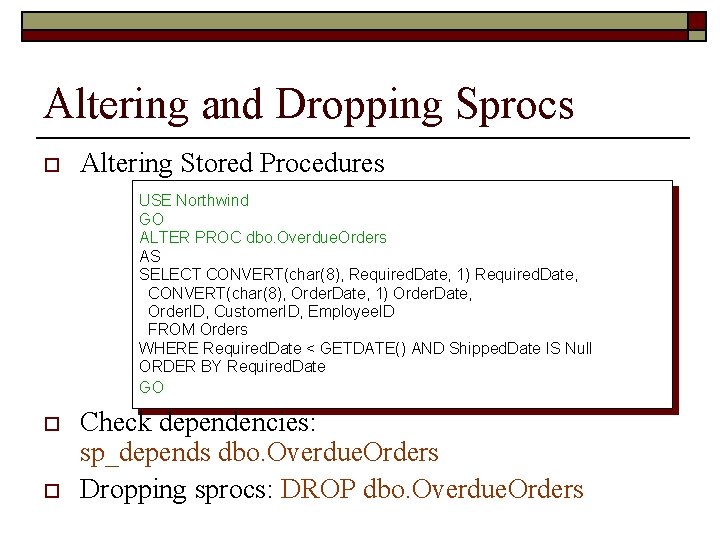
Altering and Dropping Sprocs o Altering Stored Procedures USE Northwind GO ALTER PROC dbo. Overdue. Orders AS SELECT CONVERT(char(8), Required. Date, 1) Required. Date, CONVERT(char(8), Order. Date, 1) Order. Date, Order. ID, Customer. ID, Employee. ID FROM Orders WHERE Required. Date < GETDATE() AND Shipped. Date IS Null ORDER BY Required. Date GO o o Check dependencies: sp_depends dbo. Overdue. Orders Dropping sprocs: DROP dbo. Overdue. Orders
Using Parameters in Sprocs o o o Using Input Parameters Executing Using Input Parameters Returning Values Using Output Parameters
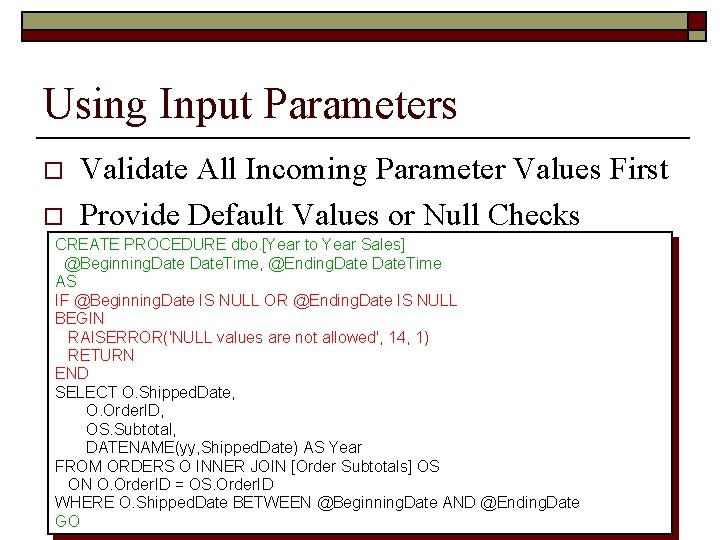
Using Input Parameters o o Validate All Incoming Parameter Values First Provide Default Values or Null Checks CREATE PROCEDURE dbo. [Year to Year Sales] @Beginning. Date. Time, @Ending. Date. Time AS IF @Beginning. Date IS NULL OR @Ending. Date IS NULL BEGIN RAISERROR('NULL values are not allowed', 14, 1) RETURN END SELECT O. Shipped. Date, O. Order. ID, OS. Subtotal, DATENAME(yy, Shipped. Date) AS Year FROM ORDERS O INNER JOIN [Order Subtotals] OS ON O. Order. ID = OS. Order. ID WHERE O. Shipped. Date BETWEEN @Beginning. Date AND @Ending. Date GO
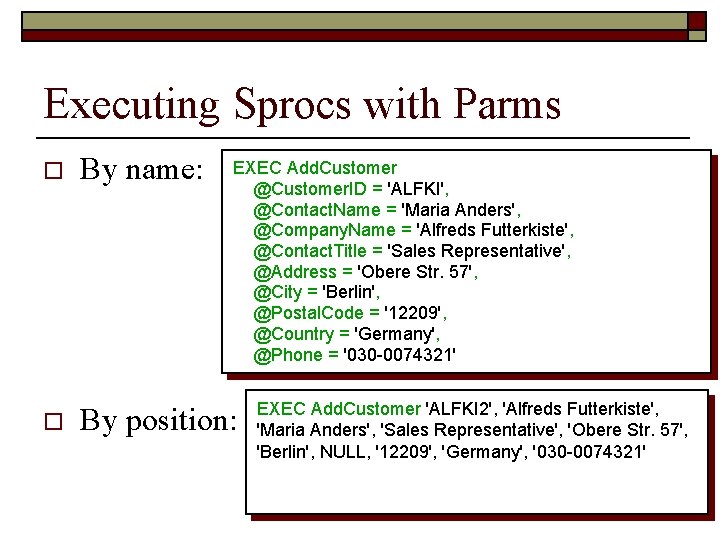
Executing Sprocs with Parms o o By name: EXEC Add. Customer @Customer. ID = 'ALFKI', @Contact. Name = 'Maria Anders', @Company. Name = 'Alfreds Futterkiste', @Contact. Title = 'Sales Representative', @Address = 'Obere Str. 57', @City = 'Berlin', @Postal. Code = '12209', @Country = 'Germany', @Phone = '030 -0074321' By position: EXEC Add. Customer 'ALFKI 2', 'Alfreds Futterkiste', 'Maria Anders', 'Sales Representative', 'Obere Str. 57', 'Berlin', NULL, '12209', 'Germany', '030 -0074321'
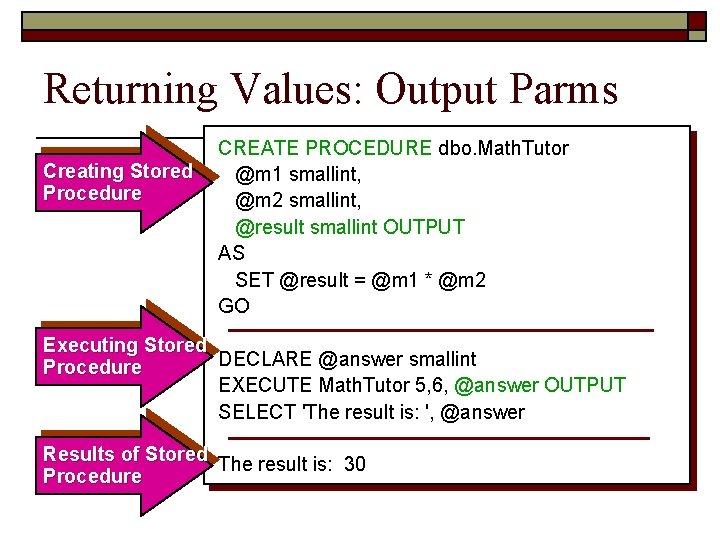
Returning Values: Output Parms Creating Stored Procedure CREATE PROCEDURE dbo. Math. Tutor @m 1 smallint, @m 2 smallint, @result smallint OUTPUT AS SET @result = @m 1 * @m 2 GO Executing Stored DECLARE @answer smallint Procedure EXECUTE Math. Tutor 5, 6, @answer OUTPUT SELECT 'The result is: ', @answer Results of Stored The result is: 30 Procedure
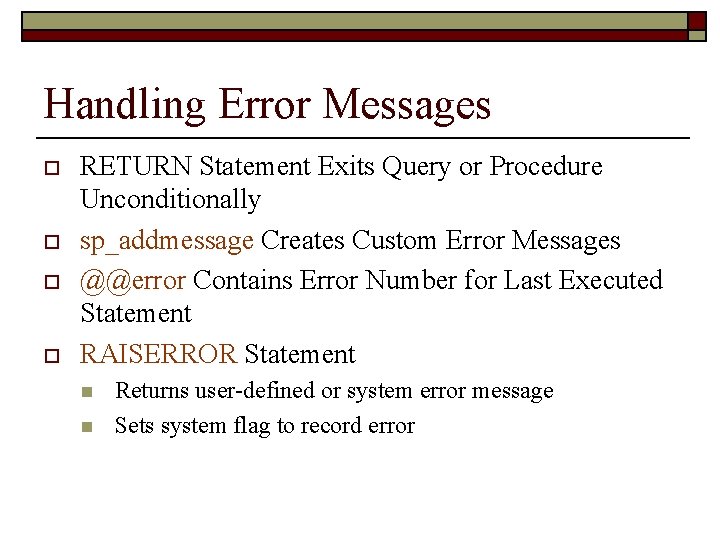
Handling Error Messages o o RETURN Statement Exits Query or Procedure Unconditionally sp_addmessage Creates Custom Error Messages @@error Contains Error Number for Last Executed Statement RAISERROR Statement n n Returns user-defined or system error message Sets system flag to record error
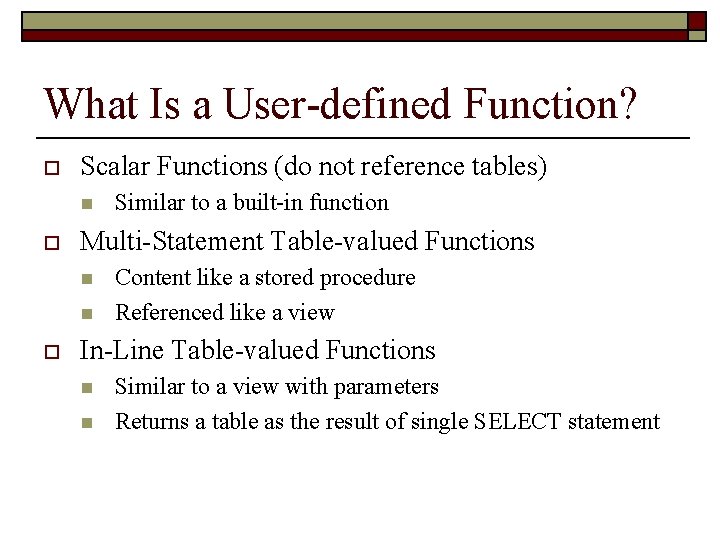
What Is a User-defined Function? o Scalar Functions (do not reference tables) n o Multi-Statement Table-valued Functions n n o Similar to a built-in function Content like a stored procedure Referenced like a view In-Line Table-valued Functions n n Similar to a view with parameters Returns a table as the result of single SELECT statement
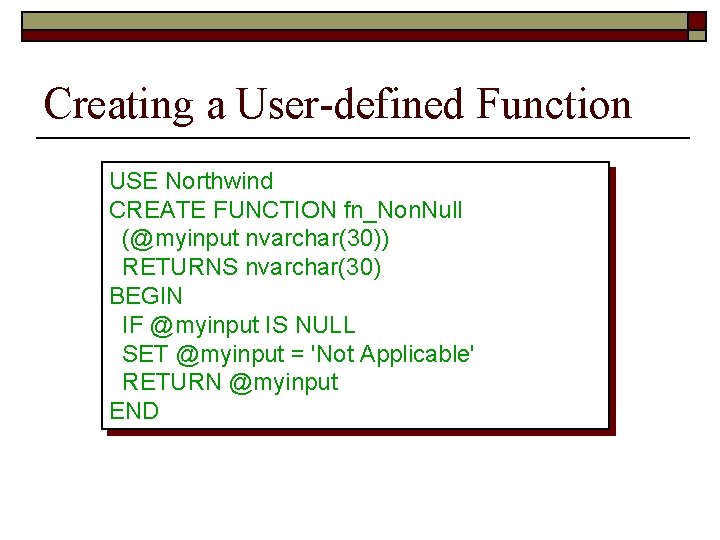
Creating a User-defined Function USE Northwind CREATE FUNCTION fn_Non. Null (@myinput nvarchar(30)) RETURNS nvarchar(30) BEGIN IF @myinput IS NULL SET @myinput = 'Not Applicable' RETURN @myinput END
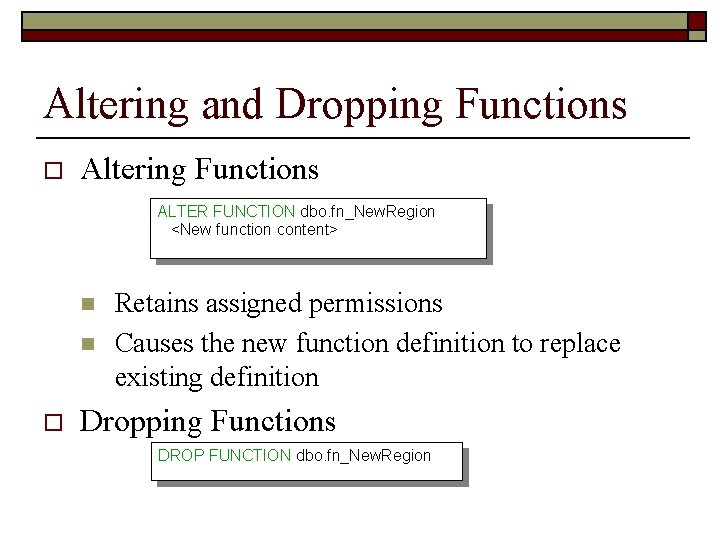
Altering and Dropping Functions o Altering Functions ALTER FUNCTION dbo. fn_New. Region <New function content> n n o Retains assigned permissions Causes the new function definition to replace existing definition Dropping Functions DROP FUNCTION dbo. fn_New. Region
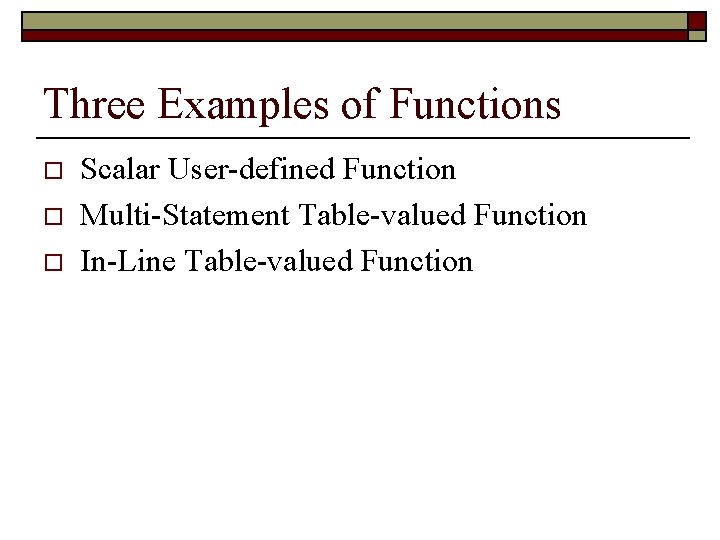
Three Examples of Functions o o o Scalar User-defined Function Multi-Statement Table-valued Function In-Line Table-valued Function
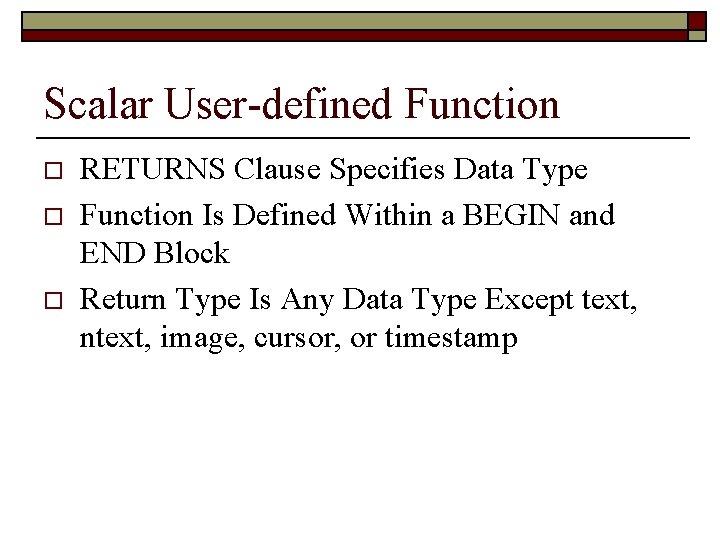
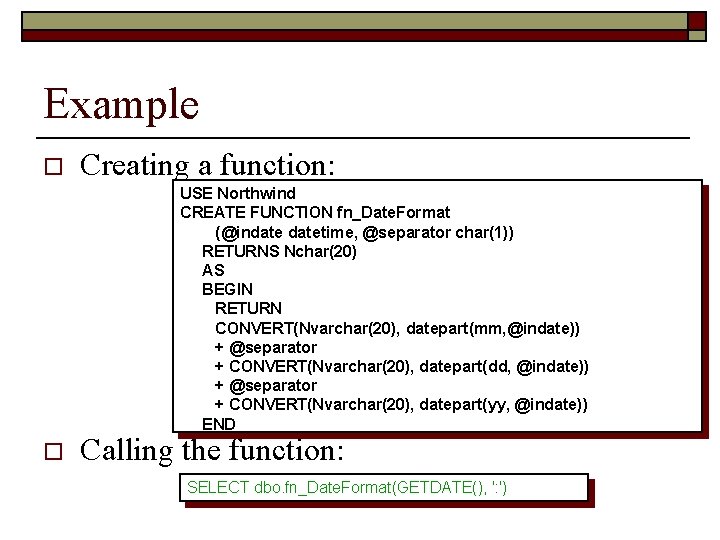
Scalar User-defined Function o o o RETURNS Clause Specifies Data Type Function Is Defined Within a BEGIN and END Block Return Type Is Any Data Type Except text, ntext, image, cursor, or timestamp
Example o Creating a function: USE Northwind CREATE FUNCTION fn_Date. Format (@indatetime, @separator char(1)) RETURNS Nchar(20) AS BEGIN RETURN CONVERT(Nvarchar(20), datepart(mm, @indate)) + @separator + CONVERT(Nvarchar(20), datepart(dd, @indate)) + @separator + CONVERT(Nvarchar(20), datepart(yy, @indate)) END o Calling the function: SELECT dbo. fn_Date. Format(GETDATE(), ': ')
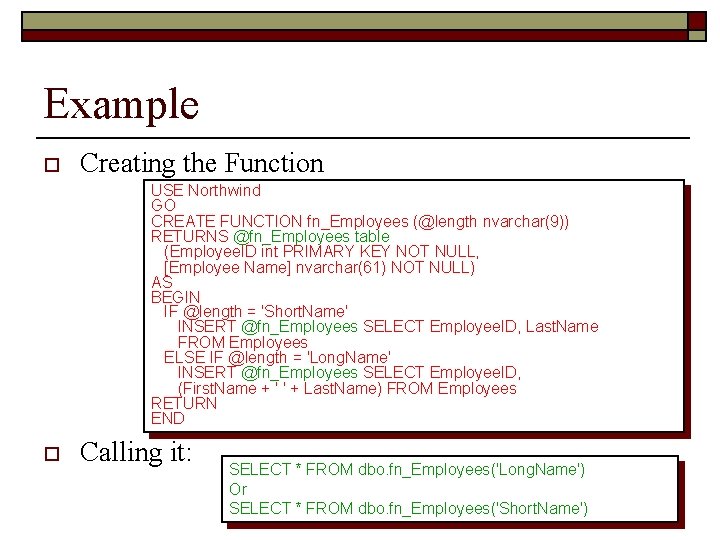
Multi-Statement Table-valued Fn. o o o BEGIN and END Enclose Multiple Statements RETURNS Clause Specifies table Data Type RETURNS Clause Names and Defines the Table
Example o Creating the Function USE Northwind GO CREATE FUNCTION fn_Employees (@length nvarchar(9)) RETURNS @fn_Employees table (Employee. ID int PRIMARY KEY NOT NULL, [Employee Name] nvarchar(61) NOT NULL) AS BEGIN IF @length = 'Short. Name' INSERT @fn_Employees SELECT Employee. ID, Last. Name FROM Employees ELSE IF @length = 'Long. Name' INSERT @fn_Employees SELECT Employee. ID, (First. Name + ' ' + Last. Name) FROM Employees RETURN END o Calling it: SELECT * FROM dbo. fn_Employees('Long. Name') Or SELECT * FROM dbo. fn_Employees('Short. Name')
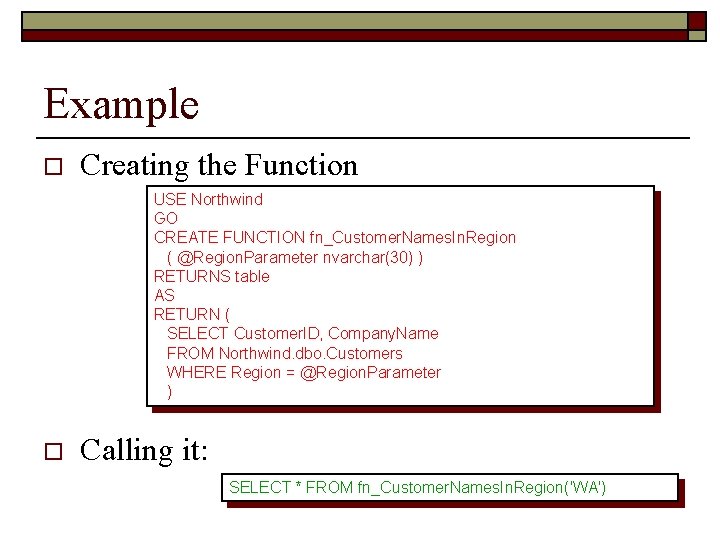
In-Line Table-valued Function o o Content of the Function Is a SELECT Statement Do Not Use BEGIN and END RETURN Specifies table as the Data Type Format Is Defined by the Result Set
Example o Creating the Function USE Northwind GO CREATE FUNCTION fn_Customer. Names. In. Region ( @Region. Parameter nvarchar(30) ) RETURNS table AS RETURN ( SELECT Customer. ID, Company. Name FROM Northwind. dbo. Customers WHERE Region = @Region. Parameter ) o Calling it: SELECT * FROM fn_Customer. Names. In. Region('WA')
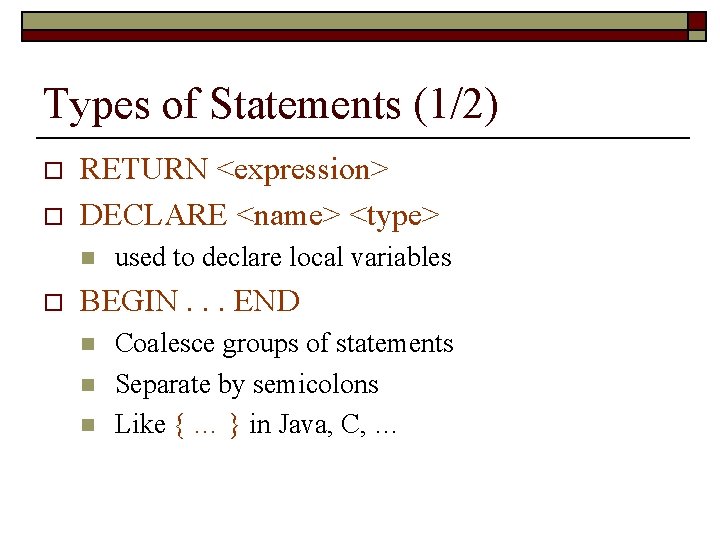
Types of Statements (1/2) o o RETURN <expression> DECLARE <name> <type> n o used to declare local variables BEGIN. . . END n n n Coalesce groups of statements Separate by semicolons Like { … } in Java, C, …
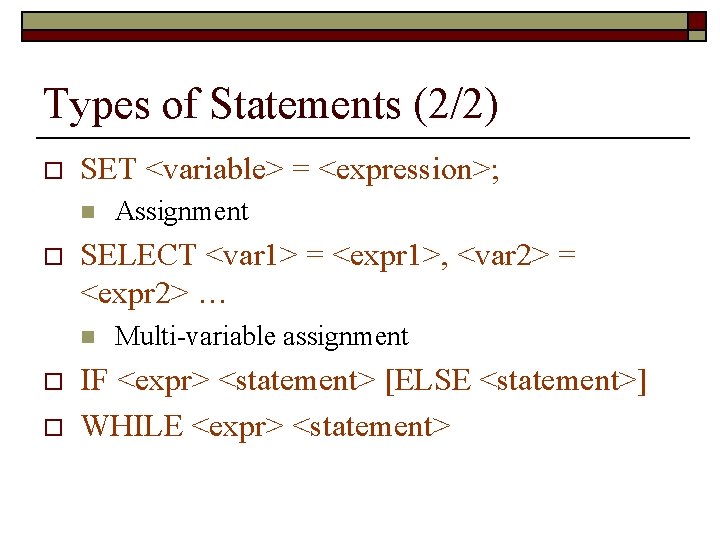
Types of Statements (2/2) o SET <variable> = <expression>; n o SELECT <var 1> = <expr 1>, <var 2> = <expr 2> … n o o Assignment Multi-variable assignment IF <expr> <statement> [ELSE <statement>] WHILE <expr> <statement>
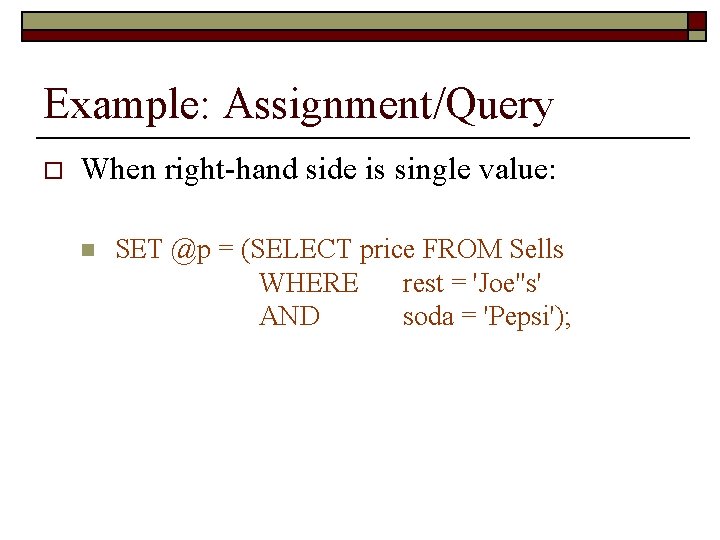
Example: Assignment/Query o When right-hand side is single value: n SET @p = (SELECT price FROM Sells WHERE rest = 'Joe''s' AND soda = 'Pepsi');
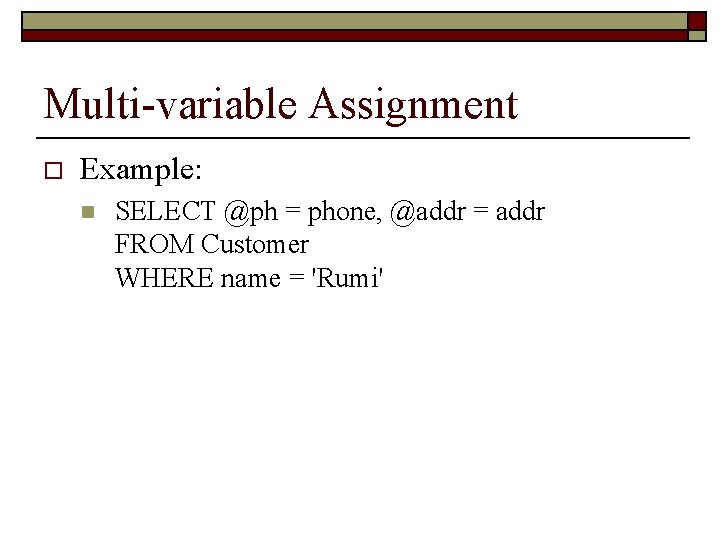
Multi-variable Assignment o Example: n SELECT @ph = phone, @addr = addr FROM Customer WHERE name = 'Rumi'
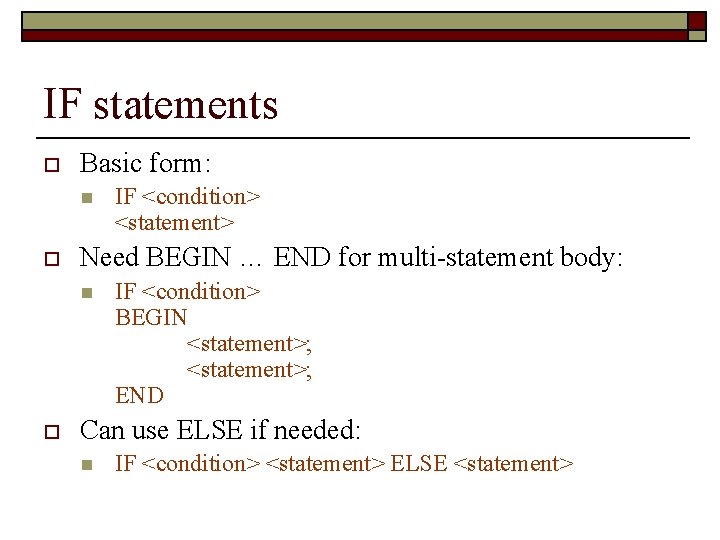
IF statements o Basic form: n o Need BEGIN … END for multi-statement body: n o IF <condition> <statement> IF <condition> BEGIN <statement>; END Can use ELSE if needed: n IF <condition> <statement> ELSE <statement>
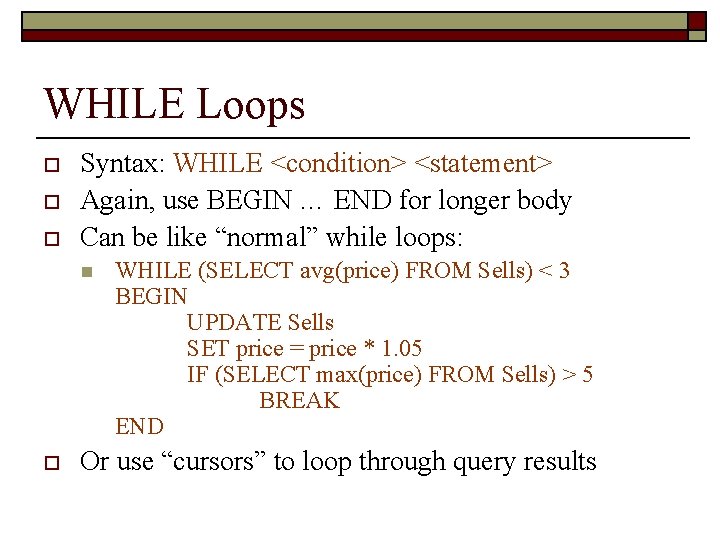
WHILE Loops o o o Syntax: WHILE <condition> <statement> Again, use BEGIN … END for longer body Can be like “normal” while loops: n o WHILE (SELECT avg(price) FROM Sells) < 3 BEGIN UPDATE Sells SET price = price * 1. 05 IF (SELECT max(price) FROM Sells) > 5 BREAK END Or use “cursors” to loop through query results
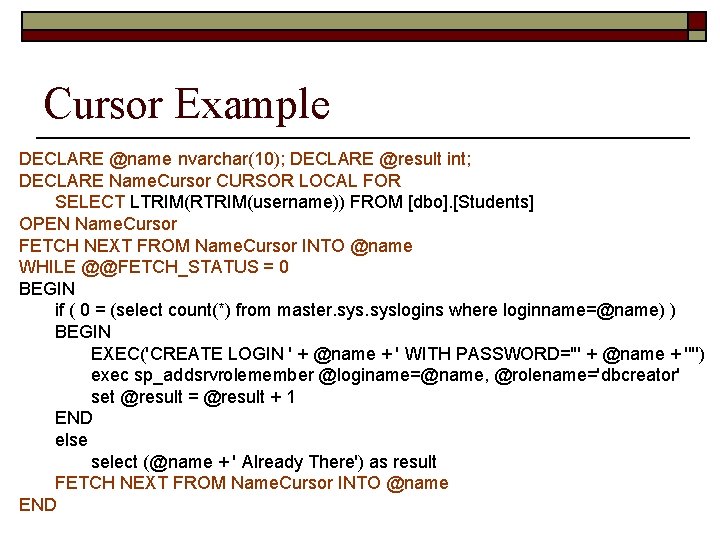
Cursor Example DECLARE @name nvarchar(10); DECLARE @result int; DECLARE Name. Cursor CURSOR LOCAL FOR SELECT LTRIM(RTRIM(username)) FROM [dbo]. [Students] OPEN Name. Cursor FETCH NEXT FROM Name. Cursor INTO @name WHILE @@FETCH_STATUS = 0 BEGIN if ( 0 = (select count(*) from master. syslogins where loginname=@name) ) BEGIN EXEC('CREATE LOGIN ' + @name + ' WITH PASSWORD=''' + @name + '''') exec sp_addsrvrolemember @loginame=@name, @rolename='dbcreator' set @result = @result + 1 END else select (@name + ' Already There') as result FETCH NEXT FROM Name. Cursor INTO @name END
Remember CRUD! o o Want interface code to easily manipulate data Define stored procedures to: n n Create new entries in tables Retrieve data from tables Update entries in tables Delete entries from tables