
Stored Procedure and Views Presented By Rubel Sheikh
Stored Procedure and Views Presented By Rubel Sheikh
Lesson Outline Stored Procedure Views in SQL
Stored Procedure A stored procedure is a prepared SQL code that you can save, so the code can be reused over and over again. So if you have an SQL query that you write over and over again, save it as a stored procedure, and then just call it to execute it. You can also pass parameters to a stored procedure, so that the stored procedure can act based on the parameter value(s) that is passed.
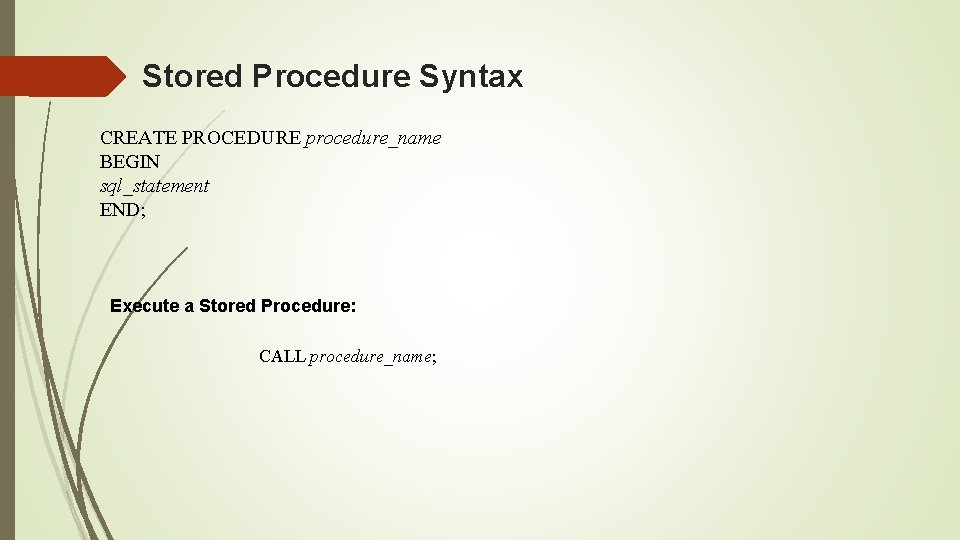
Stored Procedure Syntax CREATE PROCEDURE procedure_name BEGIN sql_statement END; Execute a Stored Procedure: CALL procedure_name;
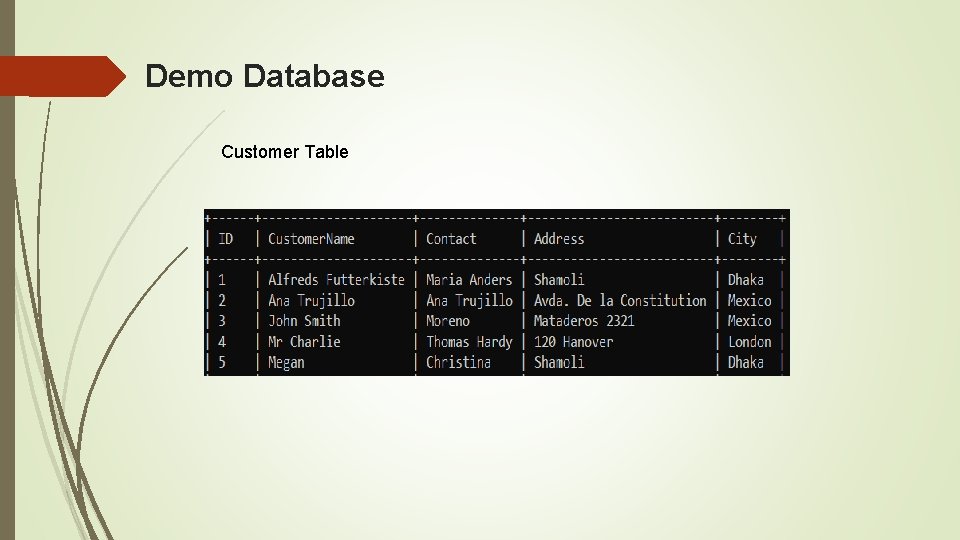
Demo Database Customer Table
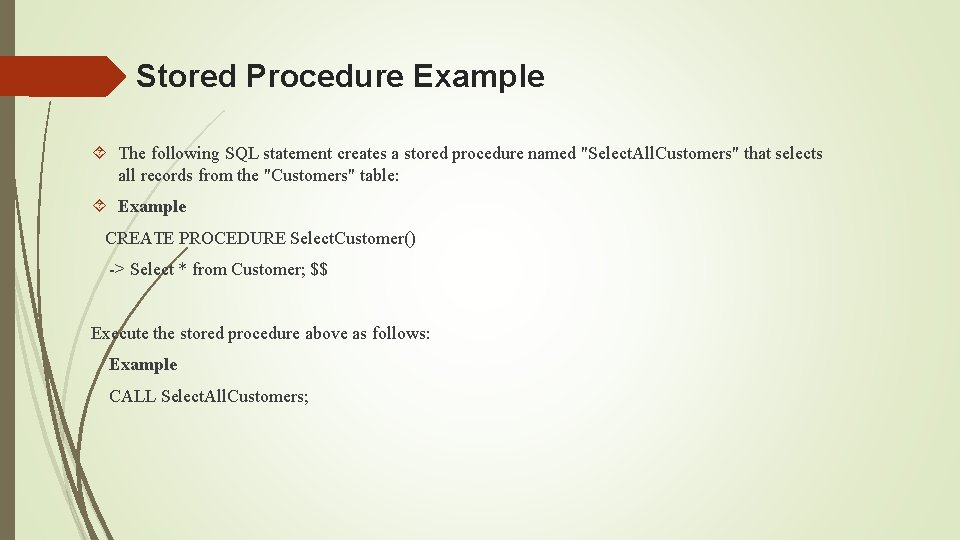
Stored Procedure Example The following SQL statement creates a stored procedure named "Select. All. Customers" that selects all records from the "Customers" table: Example CREATE PROCEDURE Select. Customer() -> Select * from Customer; $$ Execute the stored procedure above as follows: Example CALL Select. All. Customers;
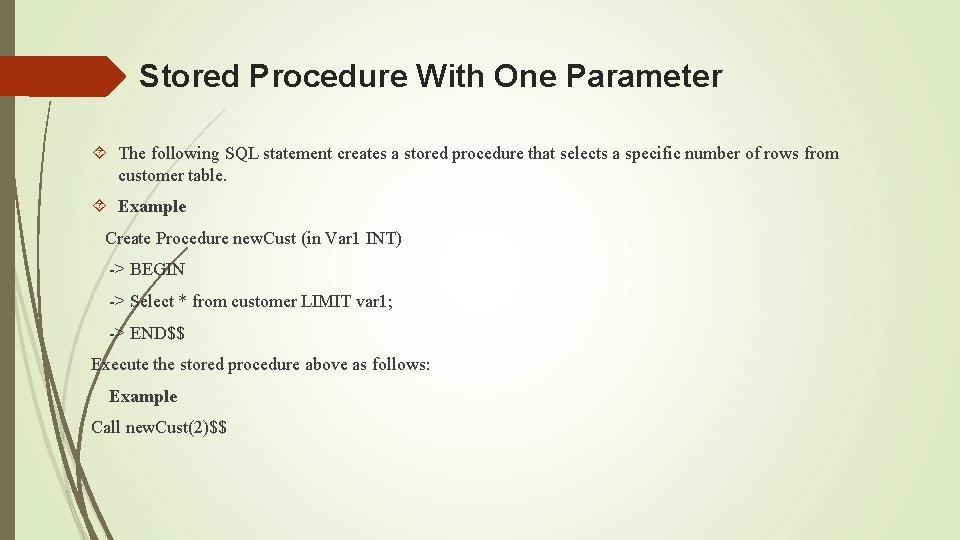
Stored Procedure With One Parameter The following SQL statement creates a stored procedure that selects a specific number of rows from customer table. Example Create Procedure new. Cust (in Var 1 INT) -> BEGIN -> Select * from customer LIMIT var 1; -> END$$ Execute the stored procedure above as follows: Example Call new. Cust(2)$$
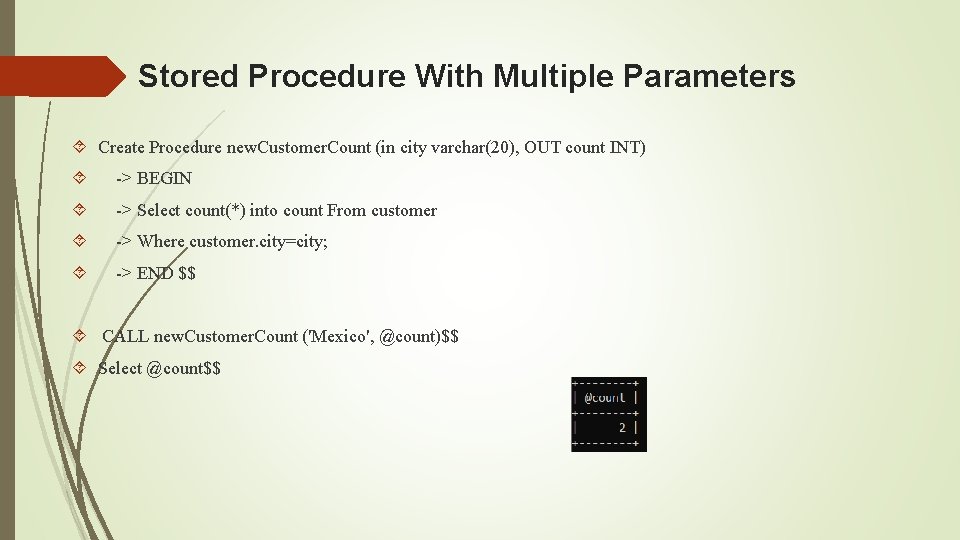
Stored Procedure With Multiple Parameters Create Procedure new. Customer. Count (in city varchar(20), OUT count INT) -> BEGIN -> Select count(*) into count From customer -> Where customer. city=city; -> END $$ CALL new. Customer. Count ('Mexico', @count)$$ Select @count$$

SQL VIEW
SQL Views In SQL, a view is a virtual table based on the result-set of an SQL statement. A view contains rows and columns, just like a real table. The fields in a view are fields from one or more real tables in the database. You can add SQL functions, WHERE, and JOIN statements to a view and present the data as if the data were coming from one single table.
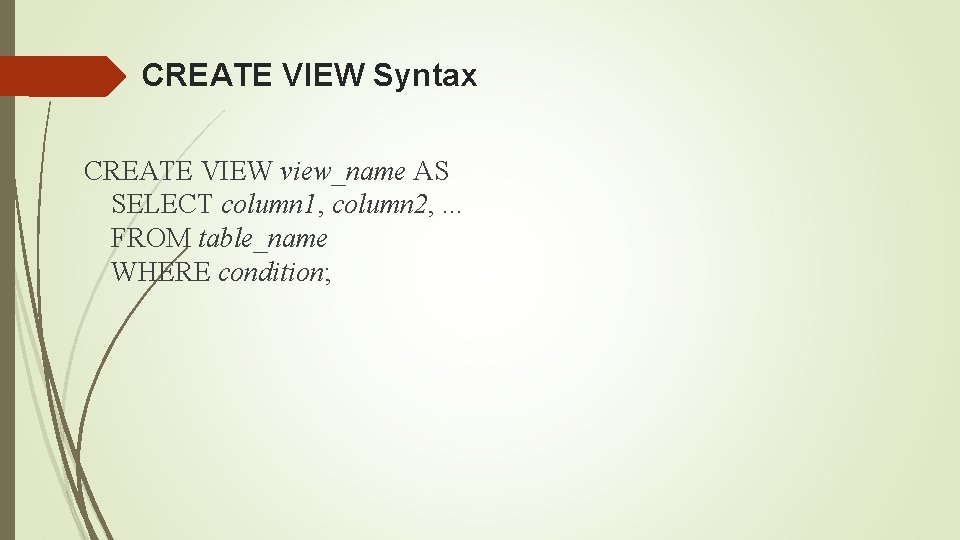
CREATE VIEW Syntax CREATE VIEW view_name AS SELECT column 1, column 2, . . . FROM table_name WHERE condition;
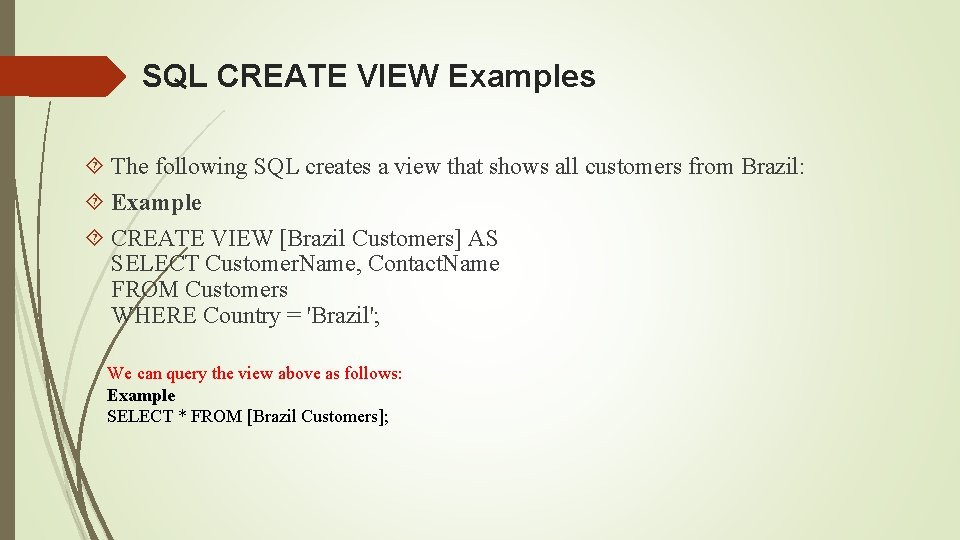
SQL CREATE VIEW Examples The following SQL creates a view that shows all customers from Brazil: Example CREATE VIEW [Brazil Customers] AS SELECT Customer. Name, Contact. Name FROM Customers WHERE Country = 'Brazil'; We can query the view above as follows: Example SELECT * FROM [Brazil Customers];
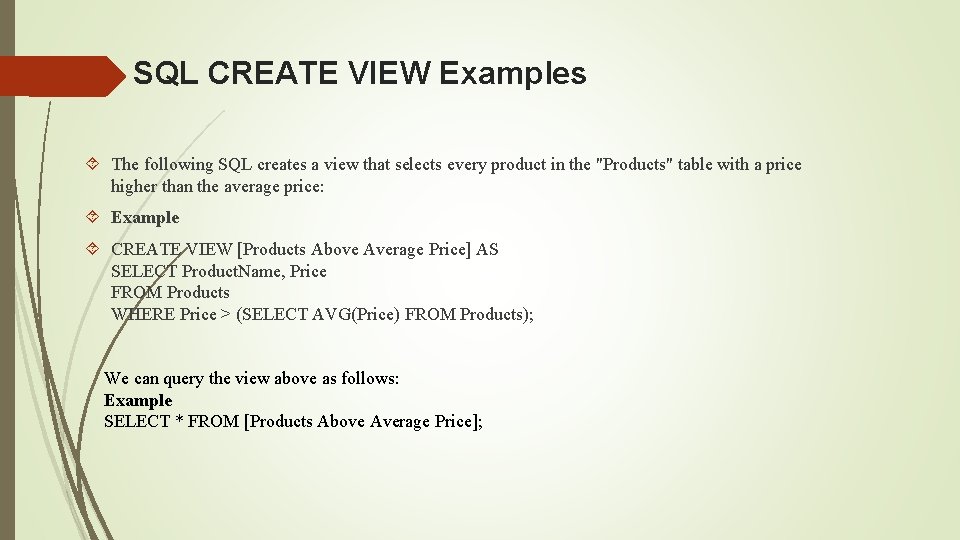
SQL CREATE VIEW Examples The following SQL creates a view that selects every product in the "Products" table with a price higher than the average price: Example CREATE VIEW [Products Above Average Price] AS SELECT Product. Name, Price FROM Products WHERE Price > (SELECT AVG(Price) FROM Products); We can query the view above as follows: Example SELECT * FROM [Products Above Average Price];
SQL Updating a View A view can be updated with the CREATE OR REPLACE VIEW command. SQL CREATE OR REPLACE VIEW Syntax CREATE OR REPLACE VIEW view_name AS SELECT column 1, column 2, . . . FROM table_name WHERE condition; The following SQL adds the "City" column to the "Brazil Customers" view: Example CREATE OR REPLACE VIEW [Brazil Customers] AS SELECT Customer. Name, Contact. Name, City FROM Customers WHERE Country = 'Brazil';
SQL Dropping a View A view is deleted with the DROP VIEW command. SQL DROP VIEW Syntax DROP VIEW view_name; The following SQL drops the "Brazil Customers" view: Example DROP VIEW [Brazil Customers];

Thank You
- Slides: 16