
Stop Repeating Yourself Communicate Quickly and Visually With
- Slides: 14
Stop Repeating Yourself: Communicate Quickly and Visually With Snagit Slides = bit. ly/snagit 31317
Communication tools • What communication tools do you use? • What communication tools do your students use?
What is Snagit? • Easy to use tool for capturing screenshots and one-take videos • Show-and-Tell for the 21 st Century • Powerful, yet easy way to communicate visually
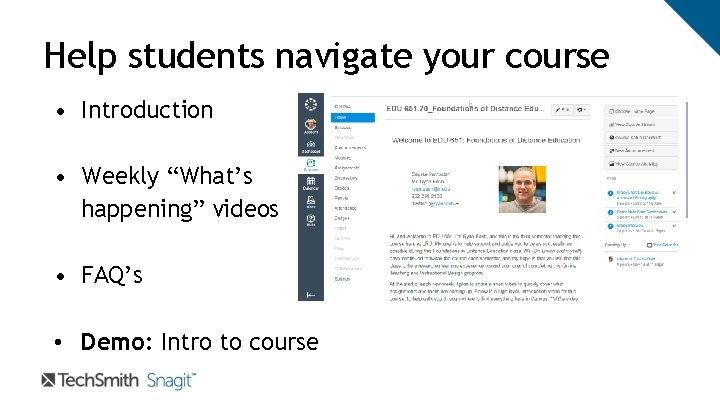
Help students navigate your course • Introduction • Weekly “What’s happening” videos • FAQ’s • Demo: Intro to course
Share expertise • You are the expert • You know what content is most difficult in the course • Avoid answering the same questions over and over
Quote from a former student “Thank you for answering our questions before we even have a chance to ask them. ”
Provide meaningful feedback • April Gudenrath English Teacher Sample video (30 -second clip) • Demo: Use Snagit to record video feedback for an example assignment
Flip a lesson or meeting • Introduce new information • Turn the class time or meeting into a discussion • Demo: Show process for recording Power. Point or Google Slides presentation
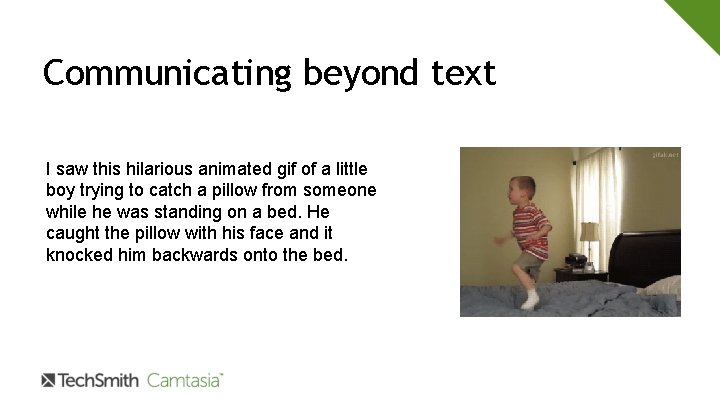
Communicating beyond text I saw this hilarious animated gif of a little boy trying to catch a pillow from someone while he was standing on a bed. He caught the pillow with his face and it knocked him backwards onto the bed.
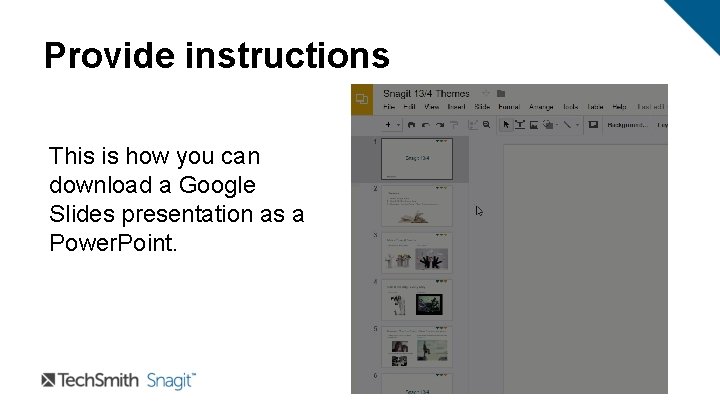
Provide instructions This is how you can download a Google Slides presentation as a Power. Point.
An idea… • Use Snagit to create a video of your takeaways from the Innovations conference • Share the video with coworkers, and invite them to contact you with questions about topics of interest • Demo: Here’s an example
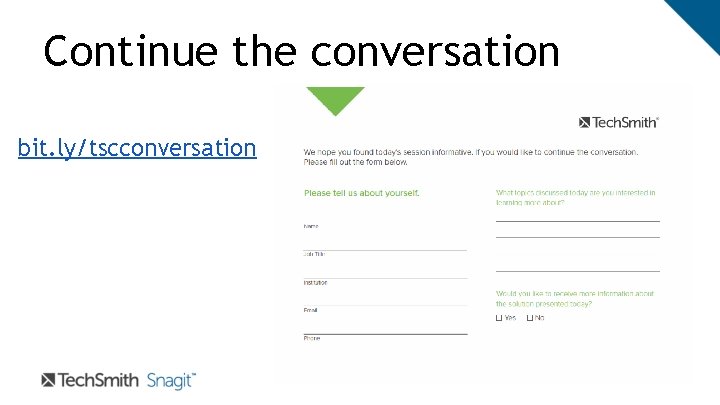
Continue the conversation bit. ly/tscconversation
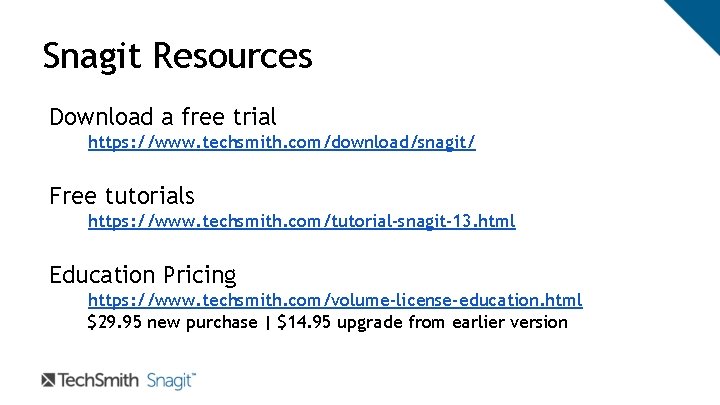
Snagit Resources Download a free trial https: //www. techsmith. com/download/snagit/ Free tutorials https: //www. techsmith. com/tutorial-snagit-13. html Education Pricing https: //www. techsmith. com/volume-license-education. html $29. 95 new purchase | $14. 95 upgrade from earlier version
Let me know if I can help. . . Ryan Eash | Learning and Development Specialist Tech. Smith Corporation | r. eash@techsmith. com | @ryaneash (517) 381 -2300 x 589 Desk | (252) 299 -2130 Cell Slides = bit. ly/snagit 31317