
Stop Frame Animation Help Save our Planet Help
- Slides: 14
Stop Frame Animation Help Save our Planet
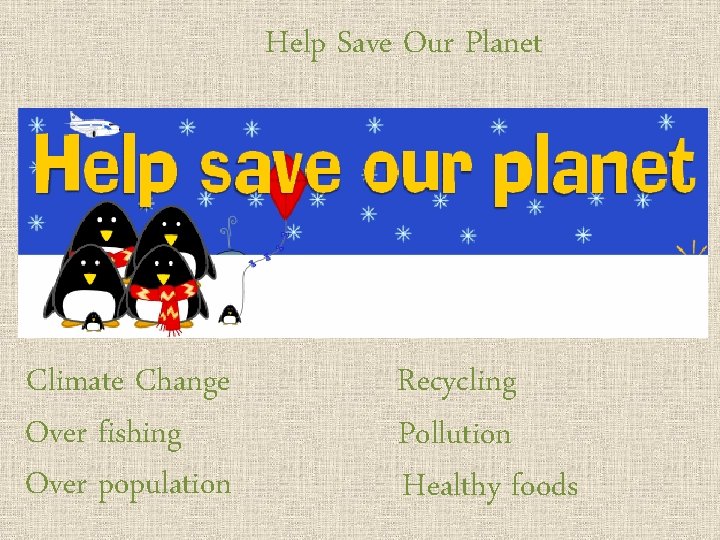
Help Save Our Planet Climate Change Over fishing Over population Recycling Pollution Healthy foods
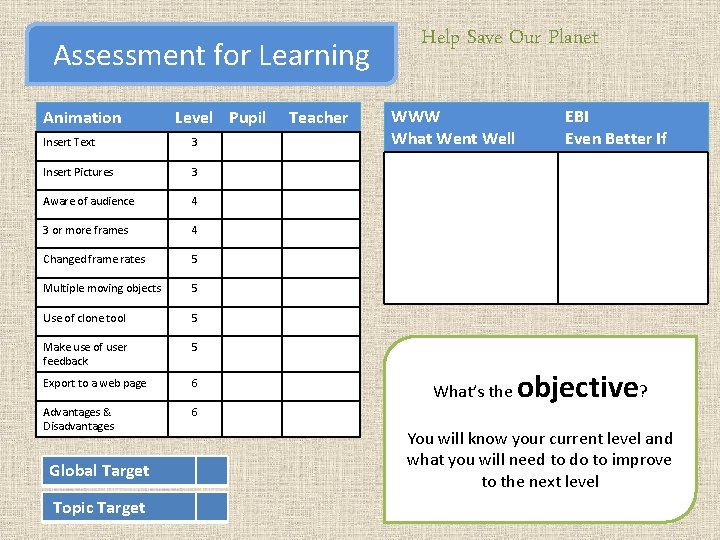
Assessment for Learning Animation Level Pupil Insert Text 3 Insert Pictures 3 Aware of audience 4 3 or more frames 4 Changed frame rates 5 Multiple moving objects 5 Use of clone tool 5 Make use of user feedback 5 Export to a web page 6 Advantages & Disadvantages 6 Global Target Topic Target Teacher Help Save Our Planet WWW What Went Well What’s the EBI Even Better If objective? You will know your current level and what you will need to do to improve to the next level
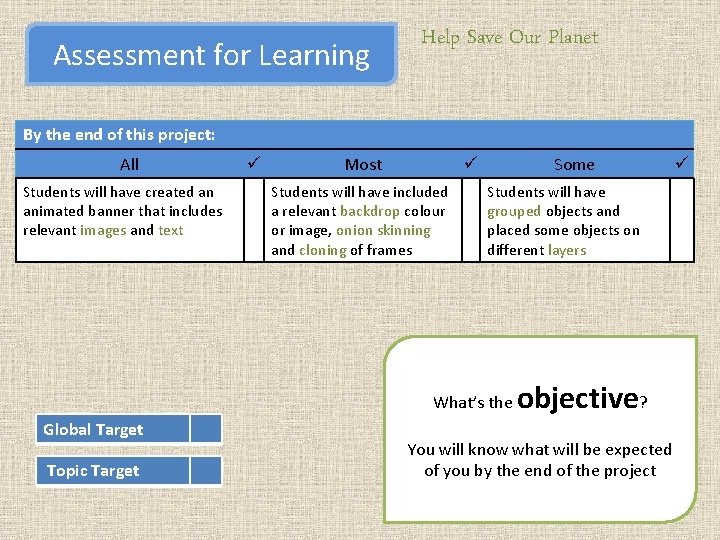
Assessment for Learning Help Save Our Planet By the end of this project: All Students will have created an animated banner that includes relevant images and text Most Some Students will have included a relevant backdrop colour or image, onion skinning and cloning of frames Students will have grouped objects and placed some objects on different layers What’s the Global Target Topic Target objective? You will know what will be expected of you by the end of the project
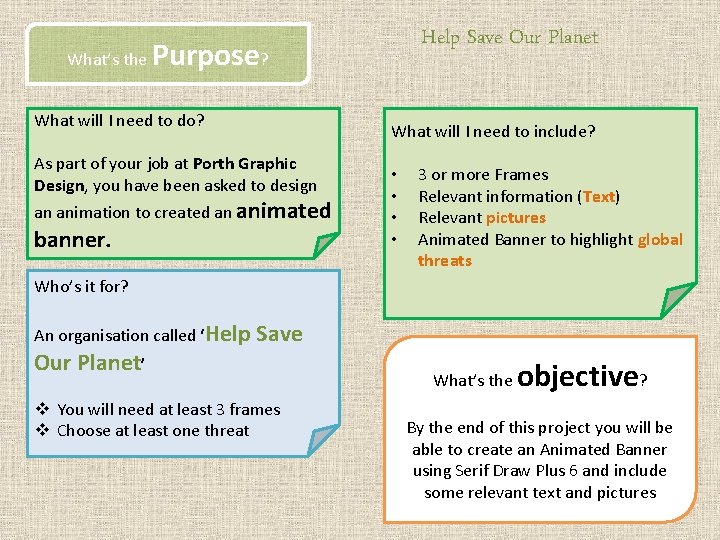
What’s the Help Save Our Planet Purpose? What will I need to do? What will I need to include? As part of your job at Porth Graphic Design, you have been asked to design an animation to created an animated banner. • • 3 or more Frames Relevant information (Text) Relevant pictures Animated Banner to highlight global threats Who’s it for? An organisation called ‘Help Our Planet’ Save v You will need at least 3 frames v Choose at least one threat What’s the objective? By the end of this project you will be able to create an Animated Banner using Serif Draw Plus 6 and include some relevant text and pictures
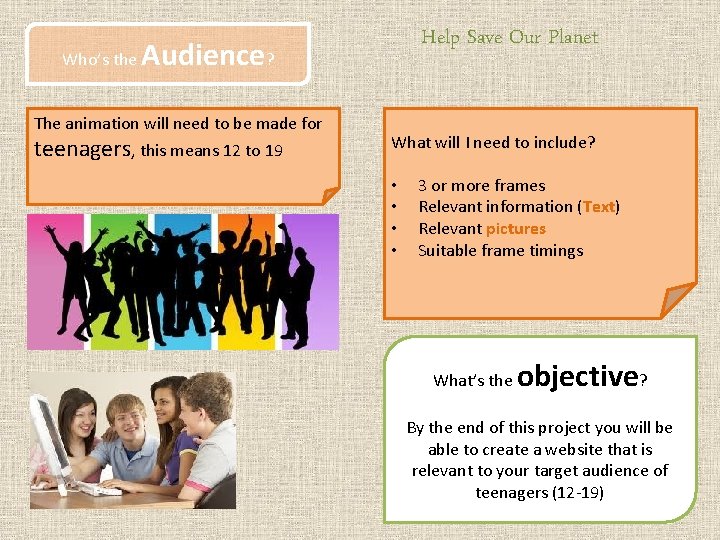
Who’s the Help Save Our Planet Audience? The animation will need to be made for teenagers, this means 12 to 19 What will I need to include? • • 3 or more frames Relevant information (Text) Relevant pictures Suitable frame timings What’s the objective? By the end of this project you will be able to create a website that is relevant to your target audience of teenagers (12 -19)
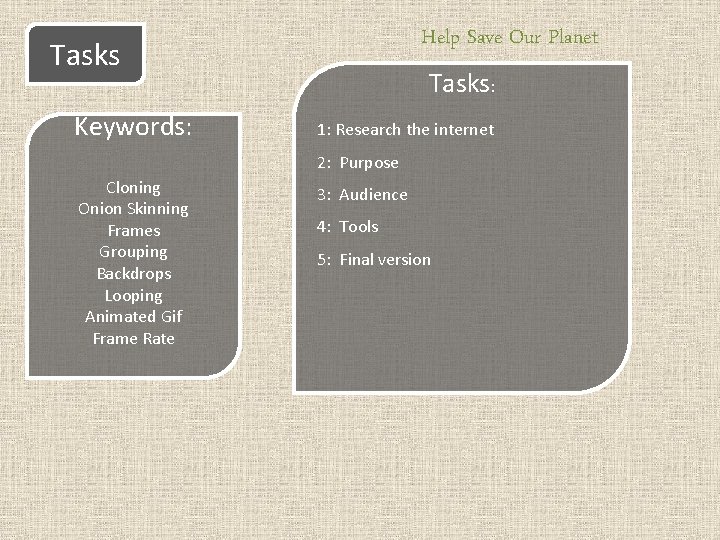
Help Save Our Planet Tasks Keywords: Tasks: 1: Research the internet 2: Purpose Cloning Onion Skinning Frames Grouping Backdrops Looping Animated Gif Frame Rate 3: Audience 4: Tools 5: Final version
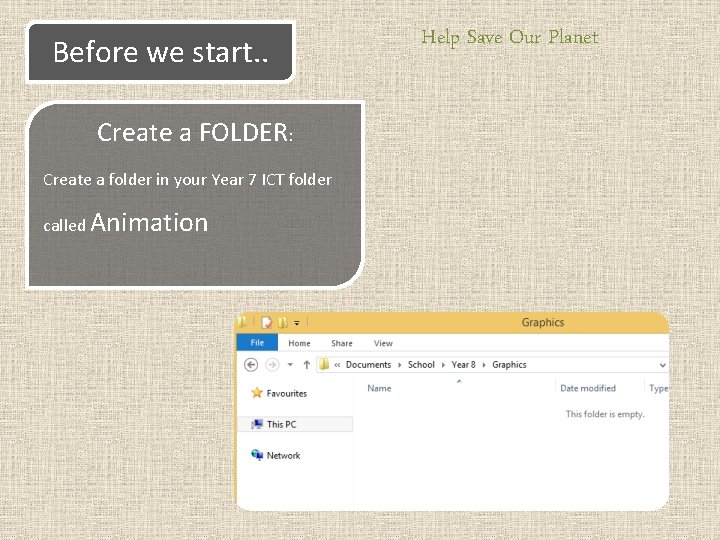
Before we start. . Create a FOLDER: Create a folder in your Year 7 ICT folder called Animation Help Save Our Planet
Help Save Our Planet Task 1 What’s the Insert Text and Images Level 3 objective? By the end of this task you will have shown that you have been able to insert some information
Help Save Our Planet Task 2 Fit for purpose Level 5 In my shop I will sell: In the box opposite, tell us what issue your banner will promote. Which features will your animated banner have? What are your features? Text, Images, etc. What’s the objective? By the end of this task you will have shown that you have been able to decide on a suitable purpose and audience for your animated banner.
Help Save Our Planet Task 3 Who’s the audience? 1. Say who the audience is for the project (slide 4). 2. Think about the threats some people and animals will face in the future? What’s the Level 4 The audience for my project is: I would like my animated banner to have the following house style colours: objective? By the end of this task you will have shown that you can say who your target audience is
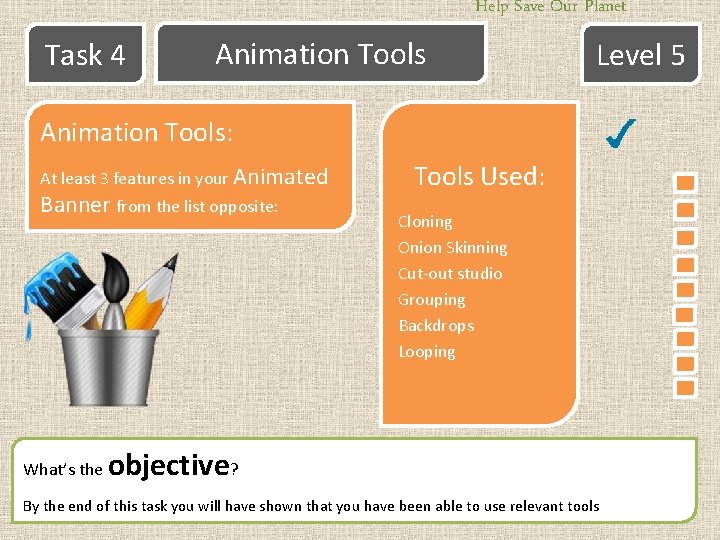
Help Save Our Planet Task 4 Animation Tools Level 5 Animation Tools: At least 3 features in your Animated Banner from the list opposite: What’s the Tools Used: Cloning Onion Skinning Cut-out studio Grouping Backdrops Looping objective? By the end of this task you will have shown that you have been able to use relevant tools
Help Save Our Planet Task 5 What’s the Final Animation objective? By the end of this task you will have shown the work you have completed during the topic
Help Save Our Planet Task 6 What’s the Extension: Advantages & Disadvantages objective? Consider the advantages and disadvantages of using an animation to promote HSOP