
Steps of a Design Brief V 105 02
Steps of a Design Brief V 105. 02 Obtained from workshop-July, 2014 -in Guildford County
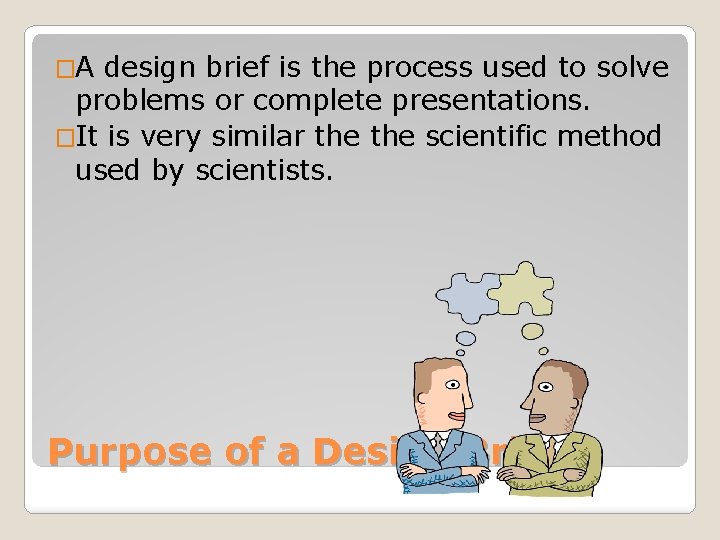
�A design brief is the process used to solve problems or complete presentations. �It is very similar the scientific method used by scientists. Purpose of a Design Brief
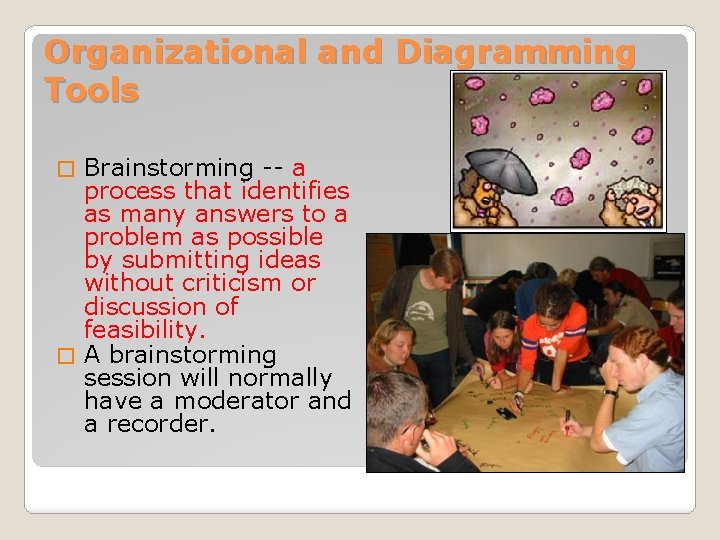
Organizational and Diagramming Tools Brainstorming -- a process that identifies as many answers to a problem as possible by submitting ideas without criticism or discussion of feasibility. � A brainstorming session will normally have a moderator and a recorder. �
�When planning a project, the team needs to understand completion dates, project assignments (steps in completing the task), and the intended audience. �TQM: Total Quality Management are the tools used by teams in planning projects ◦ Nominal Techniques: Naming Items (Tests to perform) ◦ Flow Charts: Beginning and End all points in the middle of a project. Teamwork
Design Brief: Step 1 � Identify the Problem ◦ Establish a clear idea of what is to be accomplished. ◦ Identify the intended audience
Design Brief: Step 2 � Develop a Plan of work ◦ A written step-by-step process by which states the goal to be accomplished ◦ The plan can include expected time for completion ◦ The plan should include responsibilities of team members
Design Brief: Step 3 � Obtain Information: Research and Review of the Literature ◦ Includes complete topic research of available literature ◦ Remember to document resources
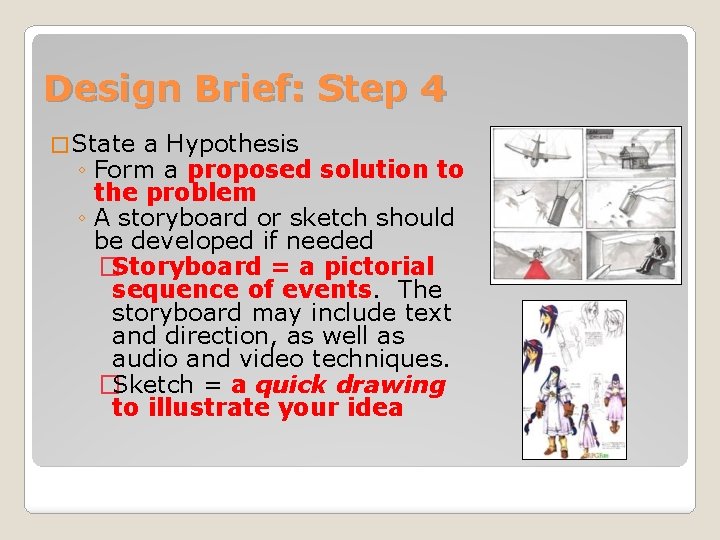
Design Brief: Step 4 � State a Hypothesis ◦ Form a proposed solution to the problem ◦ A storyboard or sketch should be developed if needed �Storyboard = a pictorial sequence of events. The storyboard may include text and direction, as well as audio and video techniques. �Sketch = a quick drawing to illustrate your idea
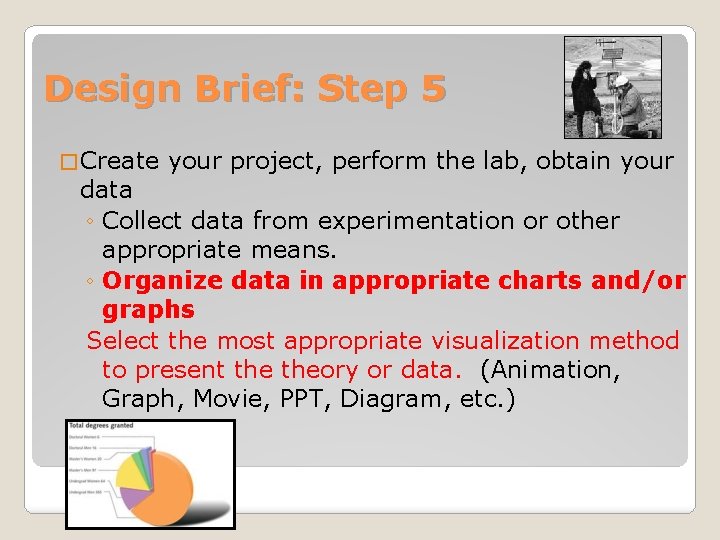
Design Brief: Step 5 � Create your project, perform the lab, obtain your data ◦ Collect data from experimentation or other appropriate means. ◦ Organize data in appropriate charts and/or graphs Select the most appropriate visualization method to present theory or data. (Animation, Graph, Movie, PPT, Diagram, etc. )
Design Brief: Step 6 � Evaluation of the Design and Visualization ◦ Students perform self-evaluation ◦ Pinpoint successes and failures in the project ◦ Offer suggestions on how the project could be improved
Design Brief: Step 7 � Presentation ◦ Present project ◦ Distribute an appropriate handout if needed before or after your presentation.
I. D. E. A. L. Problem Solving Process I – Identify the problem D – Define the plan of work E – Explore the problem through research A – Act on the problem’s possible solution (assemble project) L – Look back at the process (Evaluate)
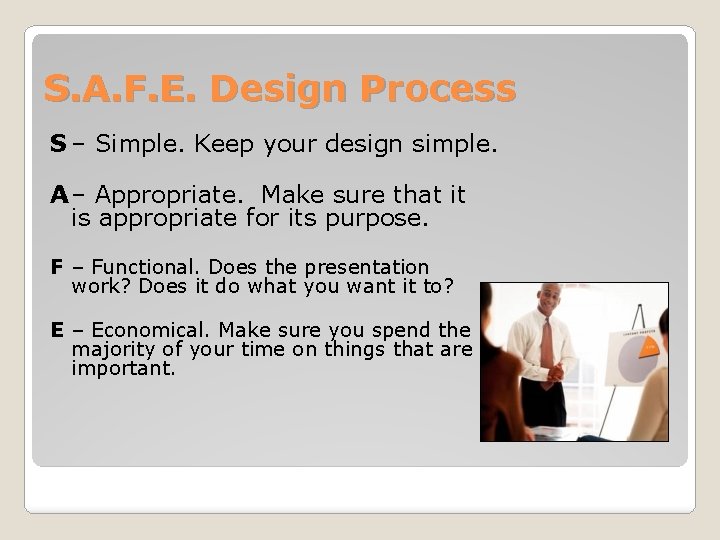
S. A. F. E. Design Process S – Simple. Keep your design simple. A– Appropriate. Make sure that it is appropriate for its purpose. F – Functional. Does the presentation work? Does it do what you want it to? E – Economical. Make sure you spend the majority of your time on things that are important.
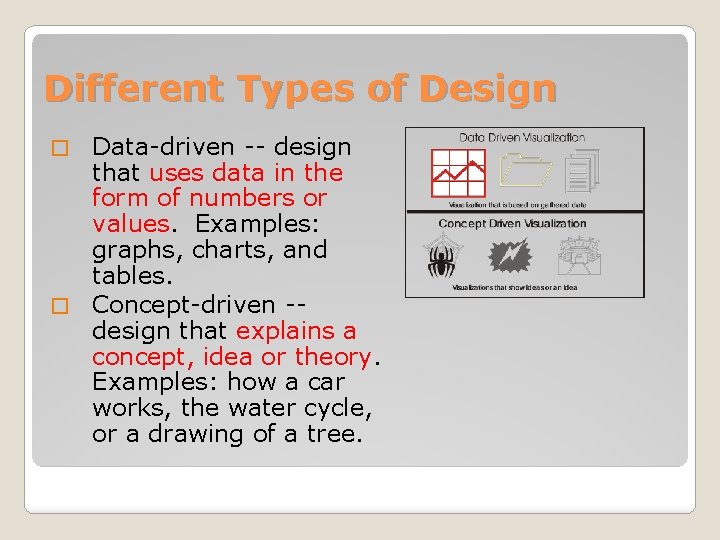
Different Types of Design Data-driven -- design that uses data in the form of numbers or values. Examples: graphs, charts, and tables. � Concept-driven -design that explains a concept, idea or theory. Examples: how a car works, the water cycle, or a drawing of a tree. �
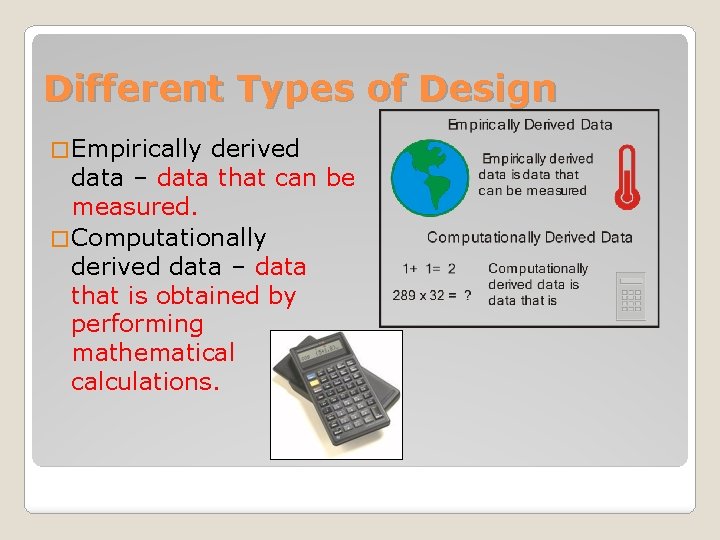
Different Types of Design � Empirically derived data – data that can be measured. � Computationally derived data – data that is obtained by performing mathematical calculations.
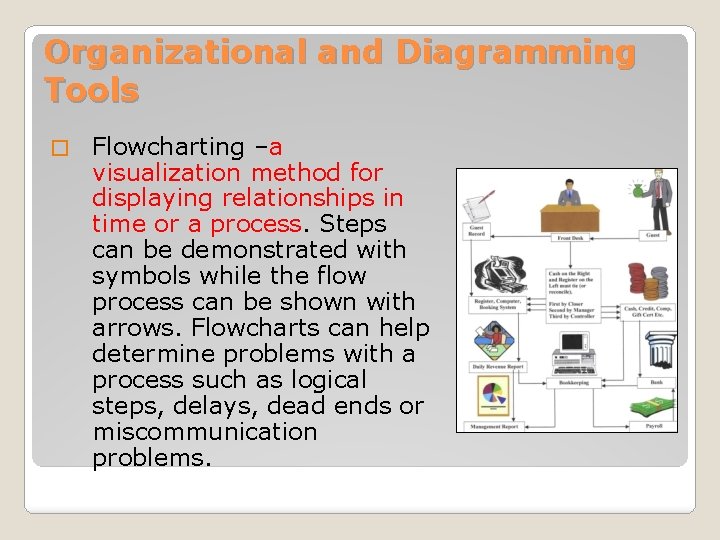
Organizational and Diagramming Tools � Flowcharting –a visualization method for displaying relationships in time or a process. Steps can be demonstrated with symbols while the flow process can be shown with arrows. Flowcharts can help determine problems with a process such as logical steps, delays, dead ends or miscommunication problems.
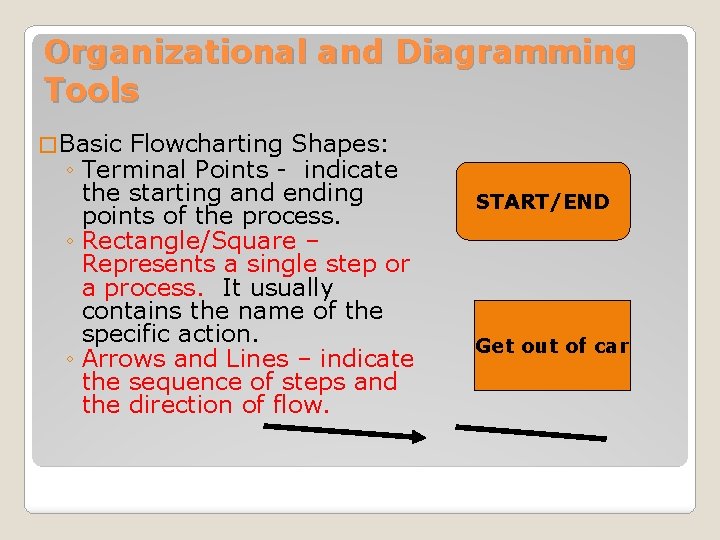
Organizational and Diagramming Tools � Basic Flowcharting Shapes: ◦ Terminal Points - indicate the starting and ending points of the process. ◦ Rectangle/Square – Represents a single step or a process. It usually contains the name of the specific action. ◦ Arrows and Lines – indicate the sequence of steps and the direction of flow. START/END Get out of car
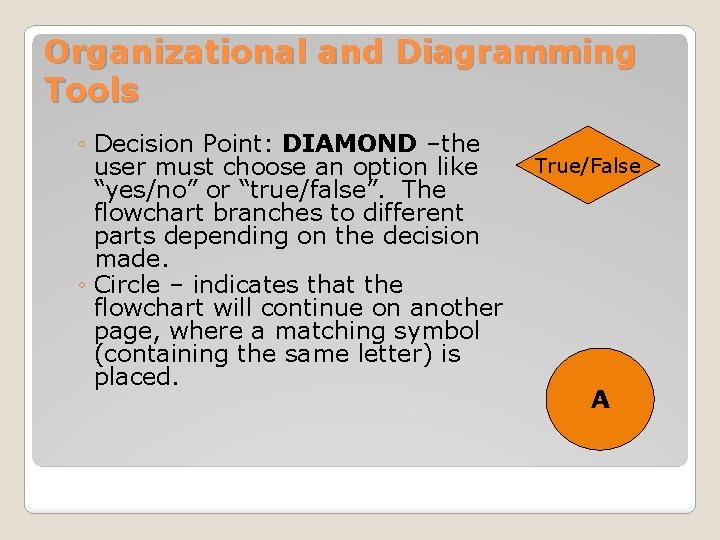
Organizational and Diagramming Tools ◦ Decision Point: DIAMOND –the user must choose an option like “yes/no” or “true/false”. The flowchart branches to different parts depending on the decision made. ◦ Circle – indicates that the flowchart will continue on another page, where a matching symbol (containing the same letter) is placed. True/False A
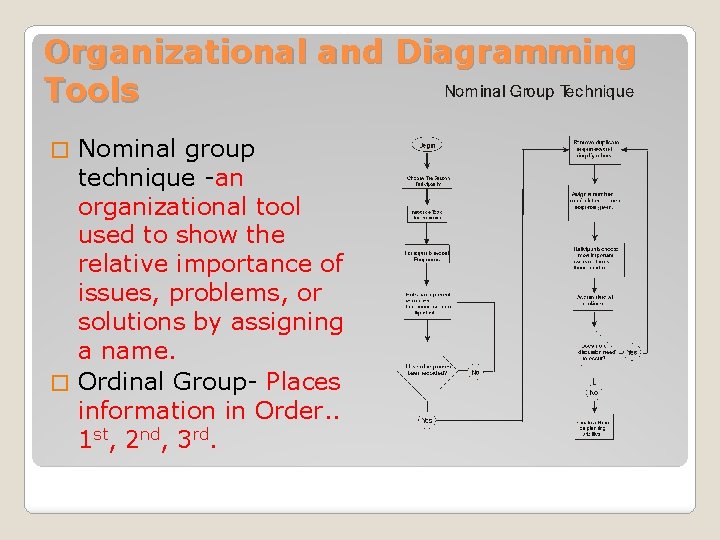
Organizational and Diagramming Tools Nominal group technique -an organizational tool used to show the relative importance of issues, problems, or solutions by assigning a name. � Ordinal Group- Places information in Order. . 1 st, 2 nd, 3 rd. �
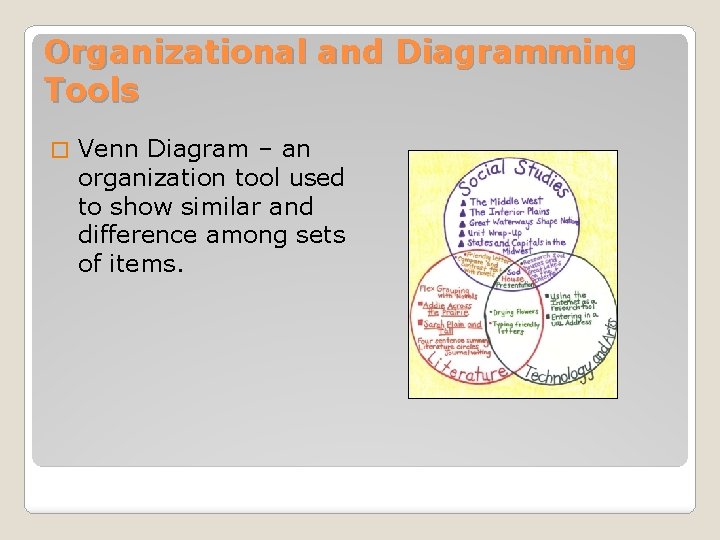
Organizational and Diagramming Tools � Venn Diagram – an organization tool used to show similar and difference among sets of items.
- Slides: 20