
Stencil Buffer Decals Stencil buffer Open Gl commands
Stencil Buffer & Decals - Stencil buffer & Open. Gl commands - Using the stencil buffer to apply polygonal decals - Using the stencil buffer to apply text decals
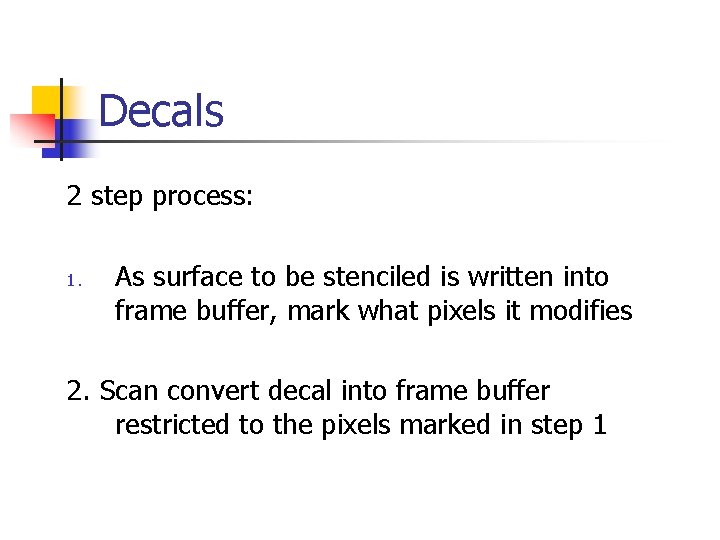
Decals 2 step process: 1. As surface to be stenciled is written into frame buffer, mark what pixels it modifies 2. Scan convert decal into frame buffer restricted to the pixels marked in step 1
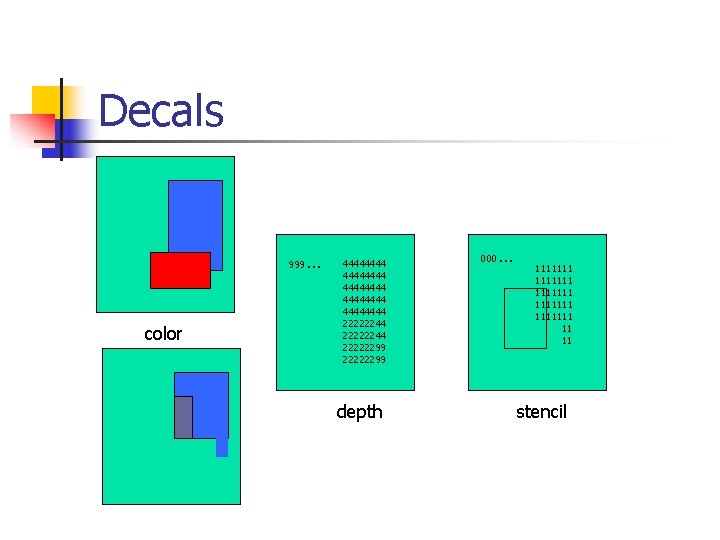
Decals 999 color … 44444444 4444 22222244 22222299 depth 000 … 1111111 1111111 11 11 stencil
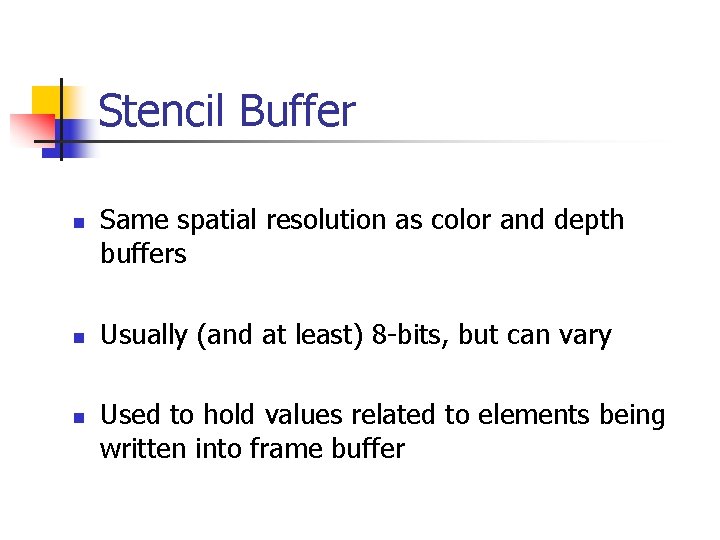
Stencil Buffer n n n Same spatial resolution as color and depth buffers Usually (and at least) 8 -bits, but can vary Used to hold values related to elements being written into frame buffer
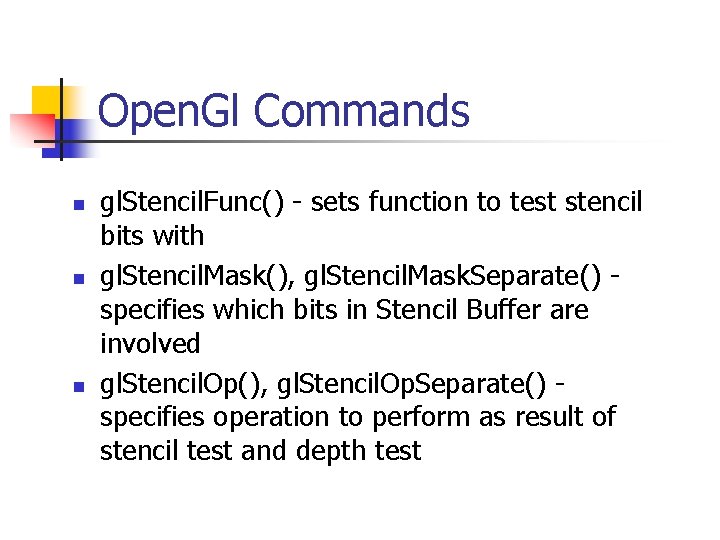
Open. Gl Commands n n n gl. Stencil. Func() - sets function to test stencil bits with gl. Stencil. Mask(), gl. Stencil. Mask. Separate() specifies which bits in Stencil Buffer are involved gl. Stencil. Op(), gl. Stencil. Op. Separate() specifies operation to perform as result of stencil test and depth test
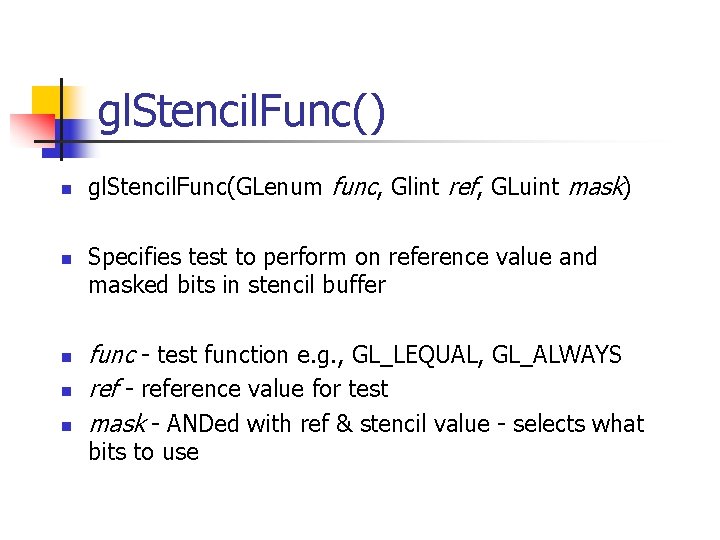
gl. Stencil. Func() n n n gl. Stencil. Func(GLenum func, Glint ref, GLuint mask) Specifies test to perform on reference value and masked bits in stencil buffer func - test function e. g. , GL_LEQUAL, GL_ALWAYS ref - reference value for test mask - ANDed with ref & stencil value - selects what bits to use
gl. Stencil. Mask() n n gl. Stencil. Mask(GLuint mask) Enables and disables writing of individual bits in the stencil planes
gl. Stencil. Mask. Separate() n gl. Stencil. Mask. Separate(GLenum face, GLuint mask) n Face - GL_FRONT, GL_BACK, GL_FRONT_AND_BACK n Enables and disables writing of individual bits in the stencil planes
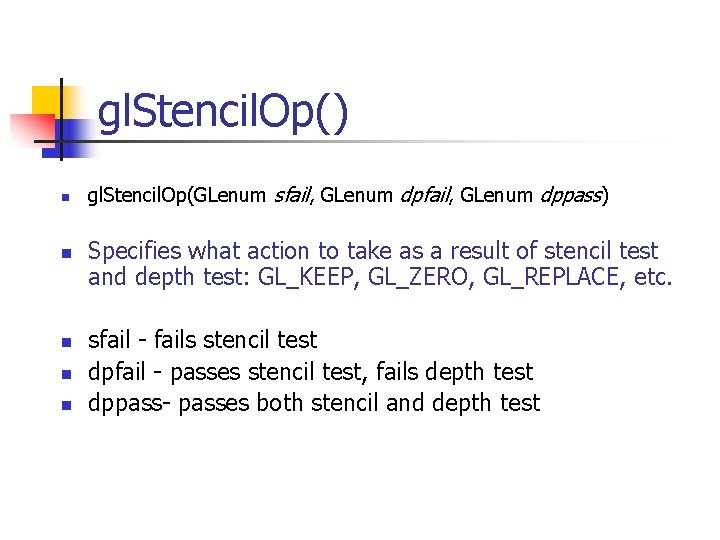
gl. Stencil. Op() n n n gl. Stencil. Op(GLenum sfail, GLenum dppass) Specifies what action to take as a result of stencil test and depth test: GL_KEEP, GL_ZERO, GL_REPLACE, etc. sfail - fails stencil test dpfail - passes stencil test, fails depth test dppass- passes both stencil and depth test
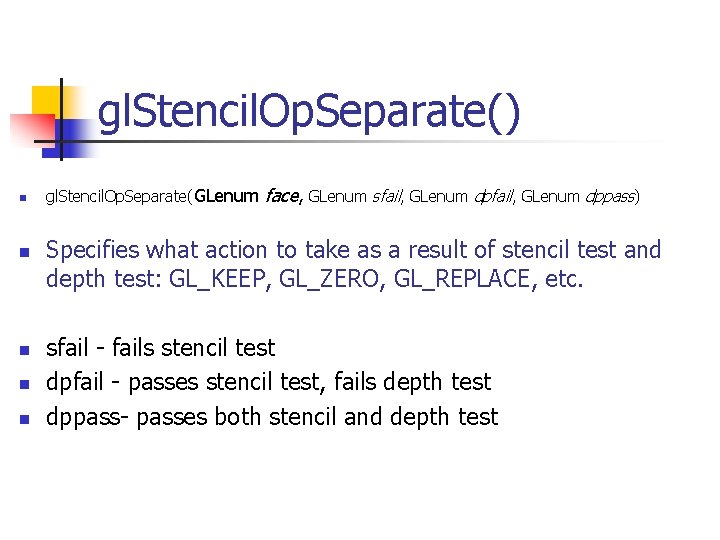
gl. Stencil. Op. Separate() n n n gl. Stencil. Op. Separate(GLenum face, GLenum sfail, GLenum dppass) Specifies what action to take as a result of stencil test and depth test: GL_KEEP, GL_ZERO, GL_REPLACE, etc. sfail - fails stencil test dpfail - passes stencil test, fails depth test dppass- passes both stencil and depth test
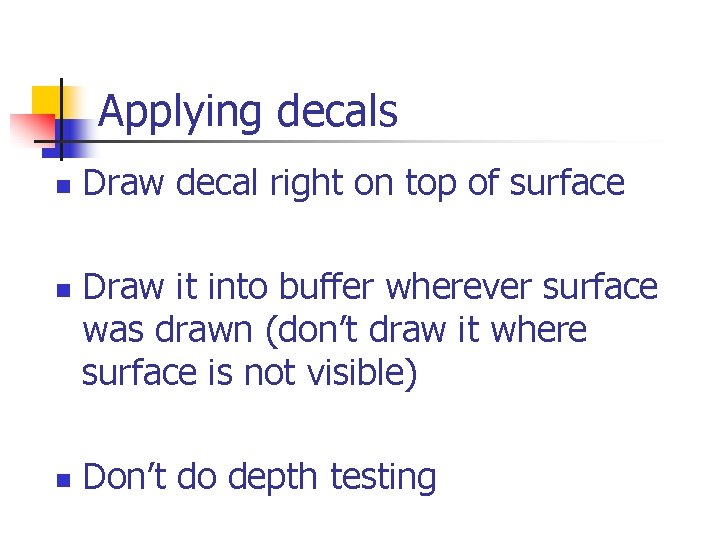
Applying decals n n n Draw decal right on top of surface Draw it into buffer wherever surface was drawn (don’t draw it where surface is not visible) Don’t do depth testing
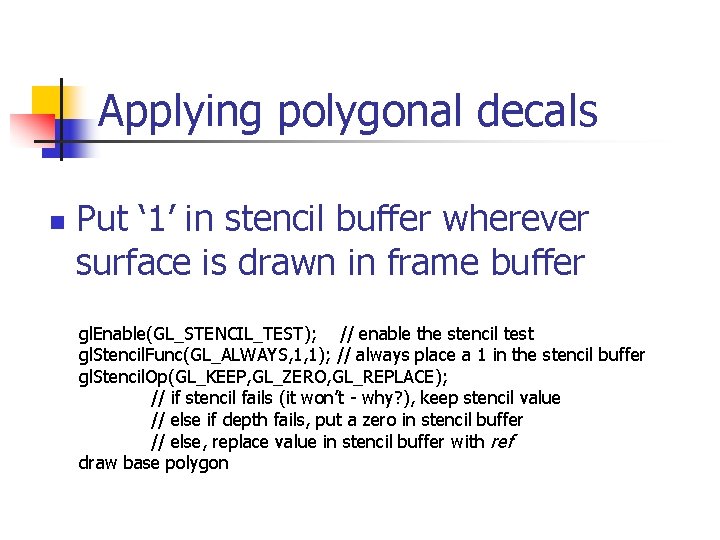
Applying polygonal decals n Put ‘ 1’ in stencil buffer wherever surface is drawn in frame buffer gl. Enable(GL_STENCIL_TEST); // enable the stencil test gl. Stencil. Func(GL_ALWAYS, 1, 1); // always place a 1 in the stencil buffer gl. Stencil. Op(GL_KEEP, GL_ZERO, GL_REPLACE); // if stencil fails (it won’t - why? ), keep stencil value // else if depth fails, put a zero in stencil buffer // else, replace value in stencil buffer with ref draw base polygon
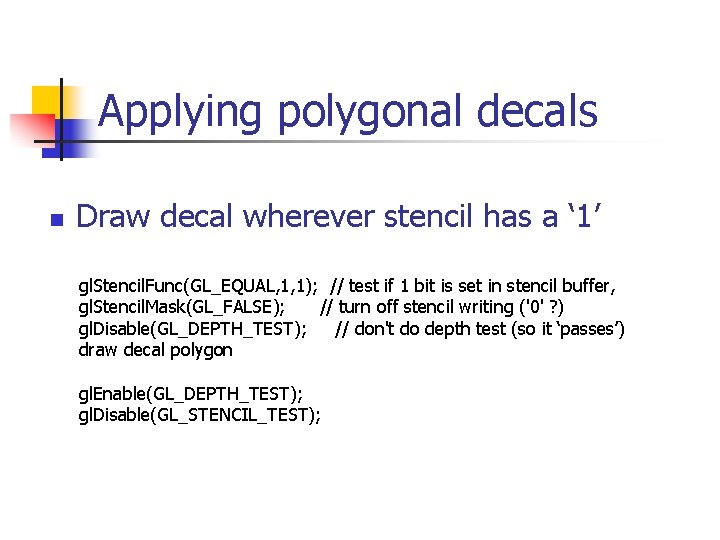
Applying polygonal decals n Draw decal wherever stencil has a ‘ 1’ gl. Stencil. Func(GL_EQUAL, 1, 1); // test if 1 bit is set in stencil buffer, gl. Stencil. Mask(GL_FALSE); // turn off stencil writing ('0' ? ) gl. Disable(GL_DEPTH_TEST); // don't do depth test (so it ‘passes’) draw decal polygon gl. Enable(GL_DEPTH_TEST); gl. Disable(GL_STENCIL_TEST);
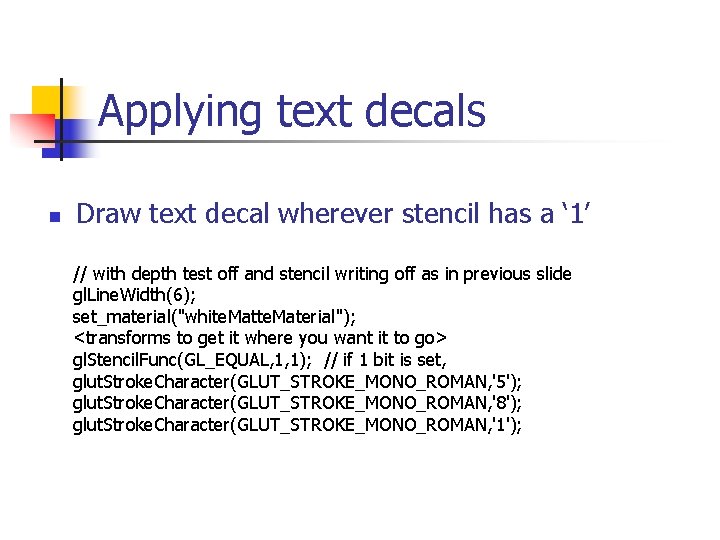
Applying text decals n Draw text decal wherever stencil has a ‘ 1’ // with depth test off and stencil writing off as in previous slide gl. Line. Width(6); set_material("white. Material"); <transforms to get it where you want it to go> gl. Stencil. Func(GL_EQUAL, 1, 1); // if 1 bit is set, glut. Stroke. Character(GLUT_STROKE_MONO_ROMAN, '5'); glut. Stroke. Character(GLUT_STROKE_MONO_ROMAN, '8'); glut. Stroke. Character(GLUT_STROKE_MONO_ROMAN, '1');
- Slides: 14