
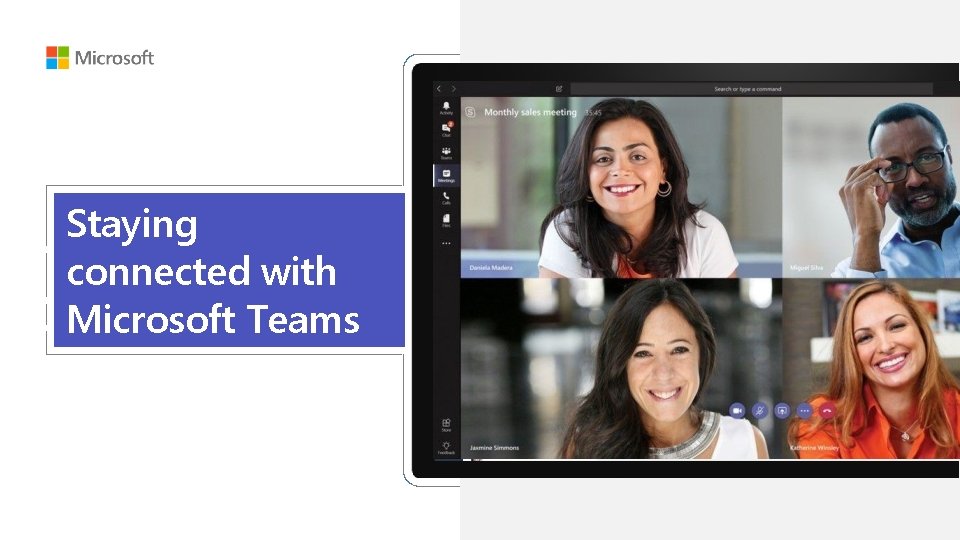
Staying connected with Microsoft Teams Microsoft Teams growing

- Slides: 17
Staying connected with Microsoft Teams
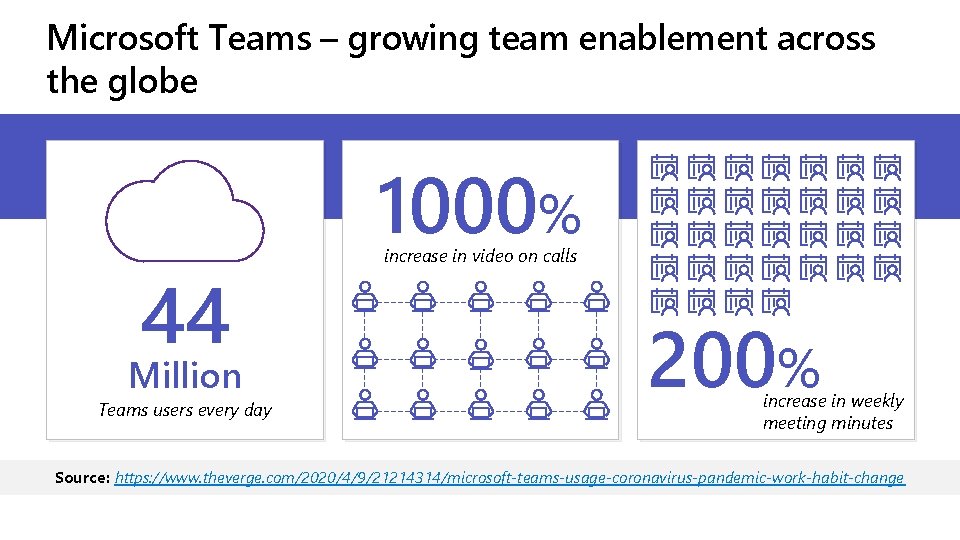
Microsoft Teams – growing team enablement across the globe 1000% 44 Million Teams users every day increase in video on calls 200% increase in weekly meeting minutes Source: https: //www. theverge. com/2020/4/9/21214314/microsoft-teams-usage-coronavirus-pandemic-work-habit-change
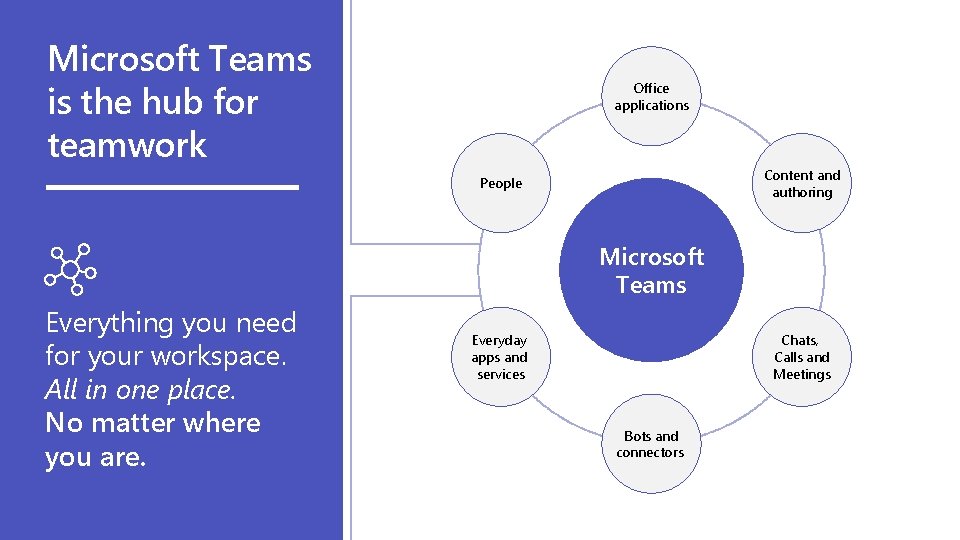
Microsoft Teams is the hub for teamwork Office applications Content and authoring People Microsoft Teams Everything you need for your workspace. All in one place. No matter where you are. Everyday apps and services Chats, Calls and Meetings Bots and connectors
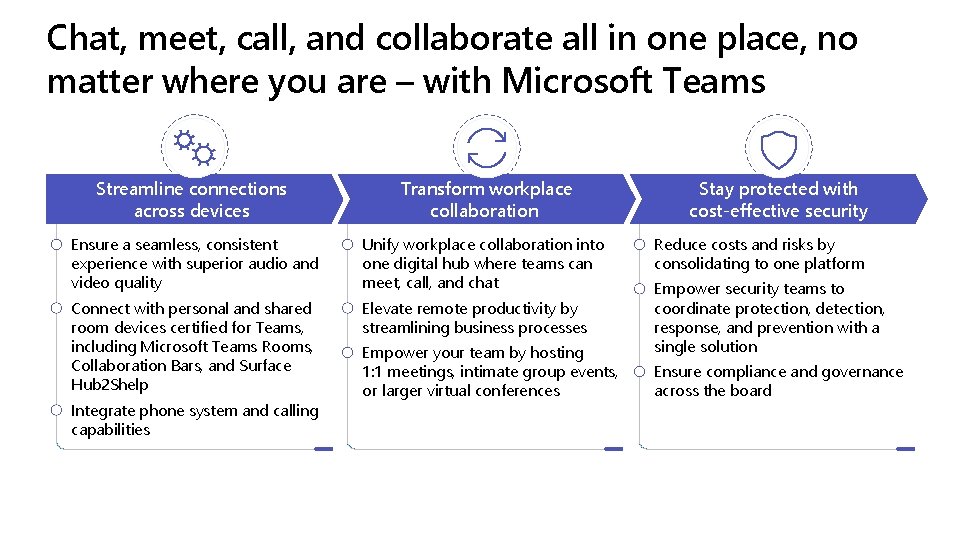
Chat, meet, call, and collaborate all in one place, no matter where you are – with Microsoft Teams Streamline connections across devices Transform workplace collaboration Ensure a seamless, consistent experience with superior audio and video quality Unify workplace collaboration into one digital hub where teams can meet, call, and chat Connect with personal and shared room devices certified for Teams, including Microsoft Teams Rooms, Collaboration Bars, and Surface Hub 2 Shelp Elevate remote productivity by streamlining business processes Integrate phone system and calling capabilities Empower your team by hosting 1: 1 meetings, intimate group events, or larger virtual conferences Stay protected with cost-effective security Reduce costs and risks by consolidating to one platform Empower security teams to coordinate protection, detection, response, and prevention with a single solution Ensure compliance and governance across the board
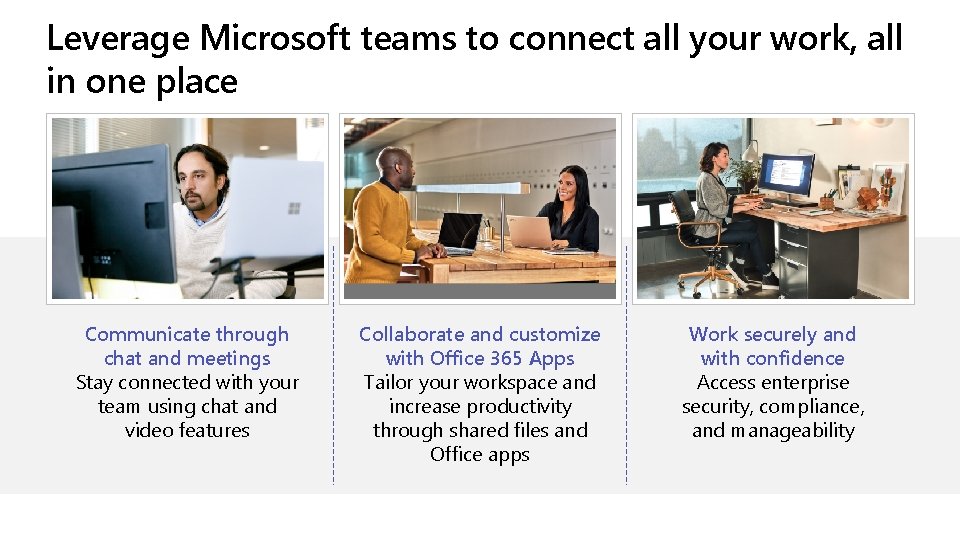
Leverage Microsoft teams to connect all your work, all in one place Communicate through chat and meetings Stay connected with your team using chat and video features Collaborate and customize with Office 365 Apps Tailor your workspace and increase productivity through shared files and Office apps Work securely and with confidence Access enterprise security, compliance, and manageability
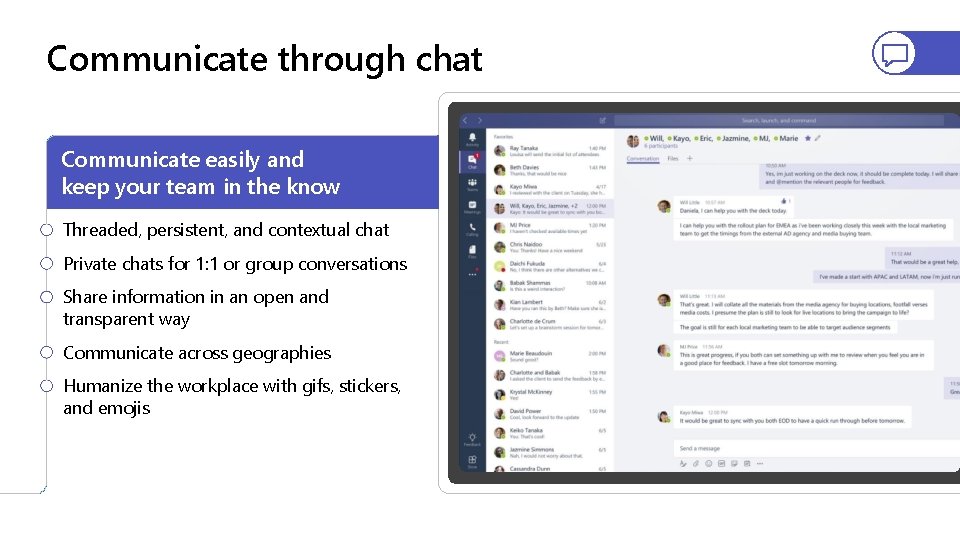
Communicate through chat Communicate easily and keep your team in the know Threaded, persistent, and contextual chat Private chats for 1: 1 or group conversations Share information in an open and transparent way Communicate across geographies Humanize the workplace with gifs, stickers, and emojis
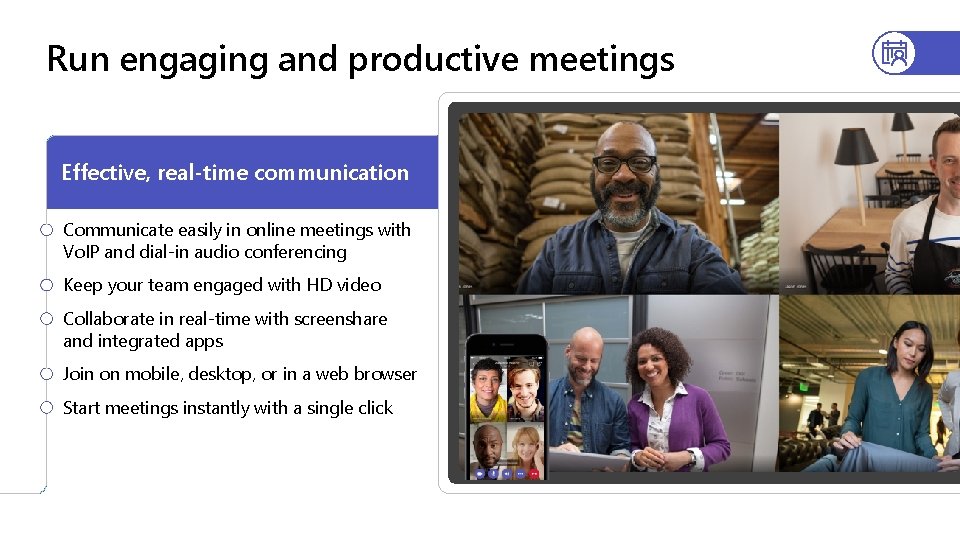
Run engaging and productive meetings Effective, real-time communication Communicate easily in online meetings with Vo. IP and dial-in audio conferencing Keep your team engaged with HD video Collaborate in real-time with screenshare and integrated apps Join on mobile, desktop, or in a web browser Start meetings instantly with a single click
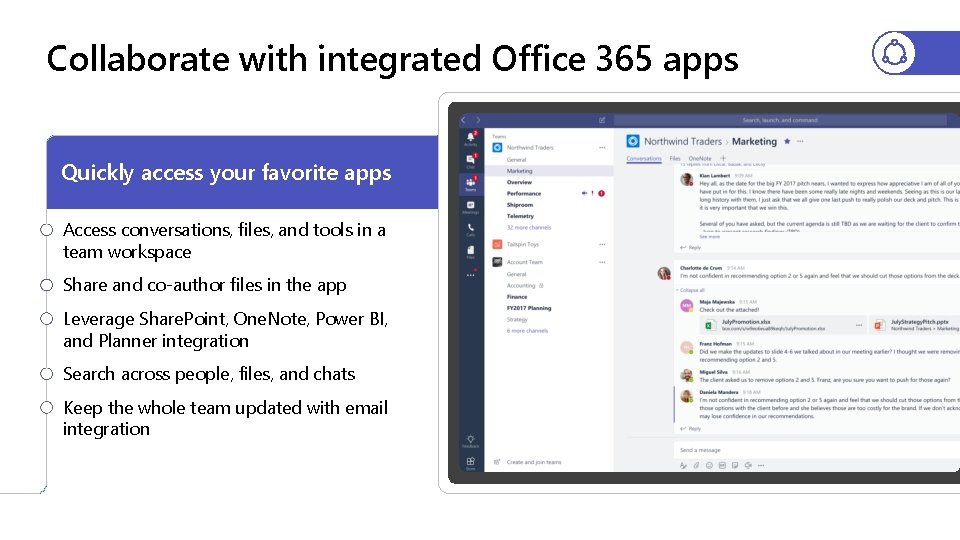
Collaborate with integrated Office 365 apps Quickly access your favorite apps Access conversations, files, and tools in a team workspace Share and co-author files in the app Leverage Share. Point, One. Note, Power BI, and Planner integration Search across people, files, and chats Keep the whole team updated with email integration
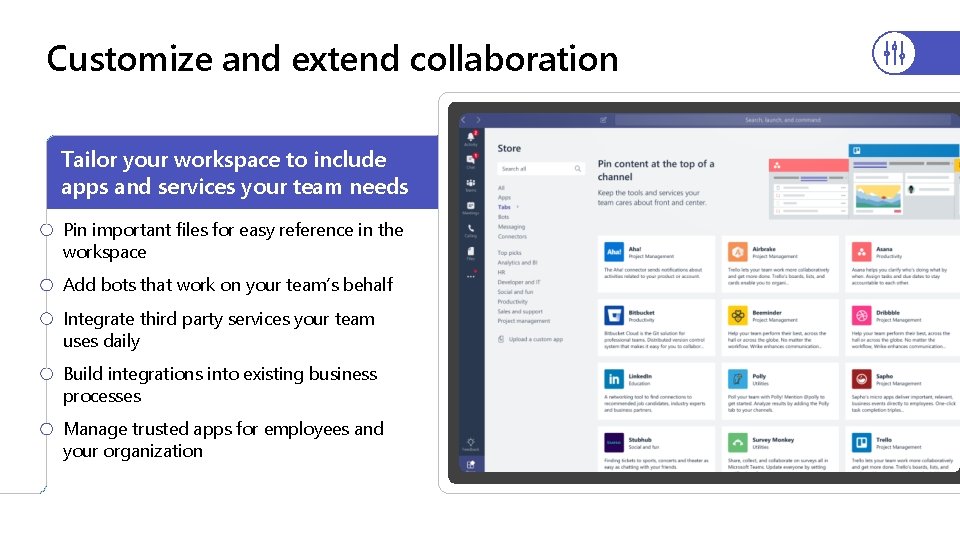
Customize and extend collaboration Tailor your workspace to include apps and services your team needs Pin important files for easy reference in the workspace Add bots that work on your team’s behalf Integrate third party services your team uses daily Build integrations into existing business processes Manage trusted apps for employees and your organization
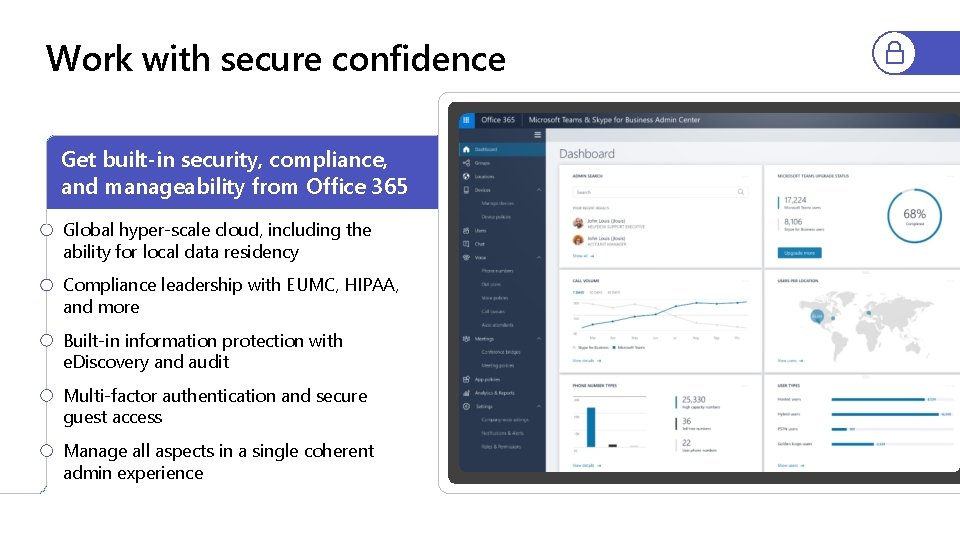
Work with secure confidence Get built-in security, compliance, and manageability from Office 365 Global hyper-scale cloud, including the ability for local data residency Compliance leadership with EUMC, HIPAA, and more Built-in information protection with e. Discovery and audit Multi-factor authentication and secure guest access Manage all aspects in a single coherent admin experience
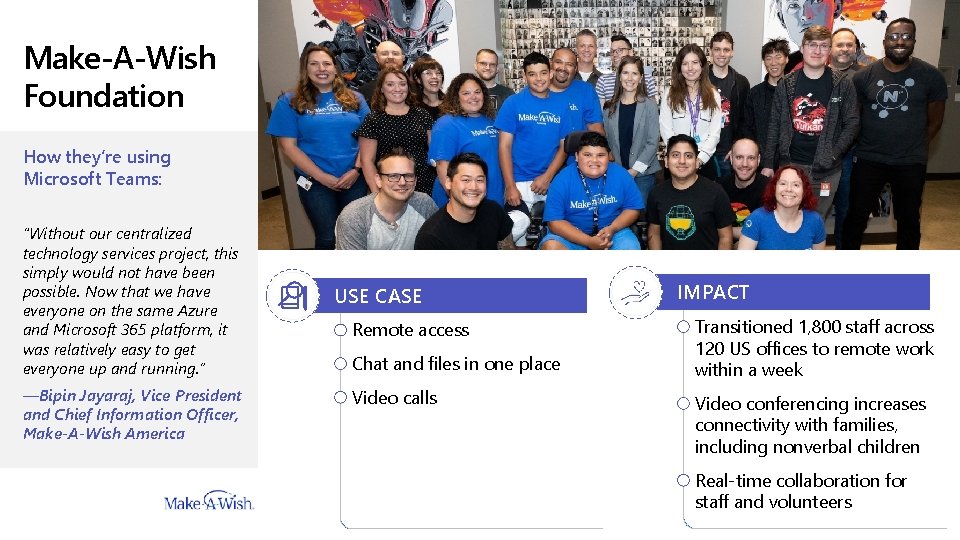
Make-A-Wish Foundation How they’re using Microsoft Teams: “Without our centralized technology services project, this simply would not have been possible. Now that we have everyone on the same Azure and Microsoft 365 platform, it was relatively easy to get everyone up and running. ” —Bipin Jayaraj, Vice President and Chief Information Officer, Make-A-Wish America USE CASE Remote access Chat and files in one place Video calls IMPACT Transitioned 1, 800 staff across 120 US offices to remote work within a week Video conferencing increases connectivity with families, including nonverbal children Real-time collaboration for staff and volunteers
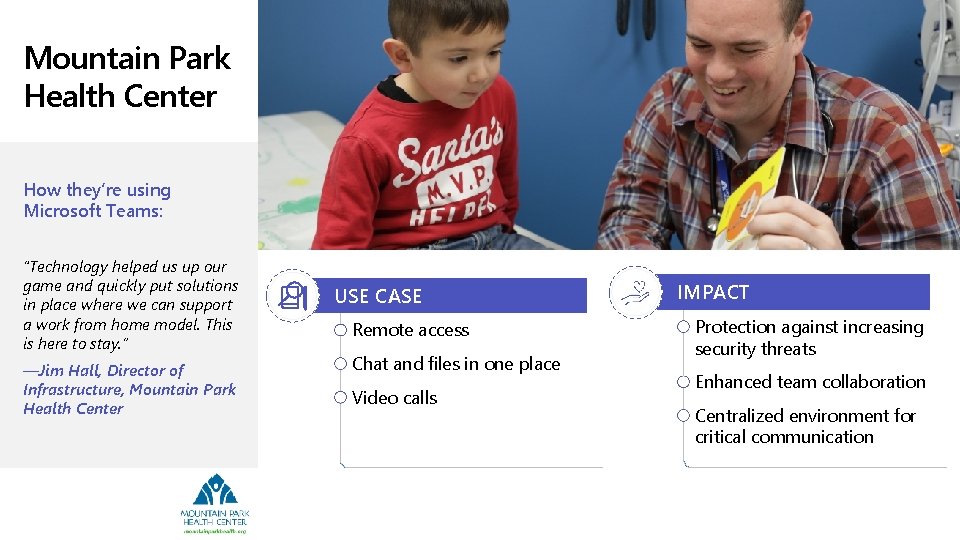
Mountain Park Health Center How they’re using Microsoft Teams: “Technology helped us up our game and quickly put solutions in place where we can support a work from home model. This is here to stay. ” —Jim Hall, Director of Infrastructure, Mountain Park Health Center USE CASE Remote access Chat and files in one place Video calls IMPACT Protection against increasing security threats Enhanced team collaboration Centralized environment for critical communication
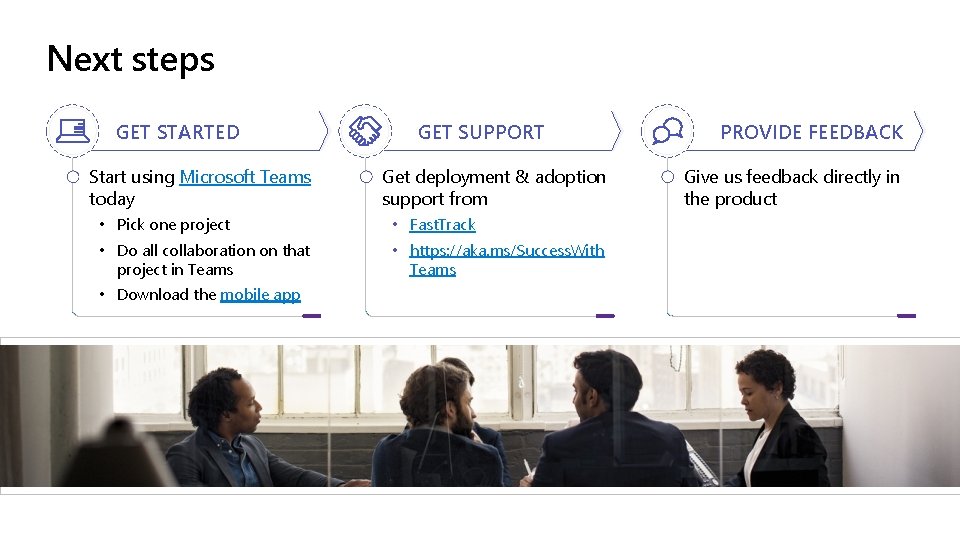
Next steps GET STARTED Start using Microsoft Teams today GET SUPPORT Get deployment & adoption support from • Pick one project • Fast. Track • Do all collaboration on that project in Teams • https: //aka. ms/Success. With Teams • Download the mobile app PROVIDE FEEDBACK Give us feedback directly in the product
Appendix
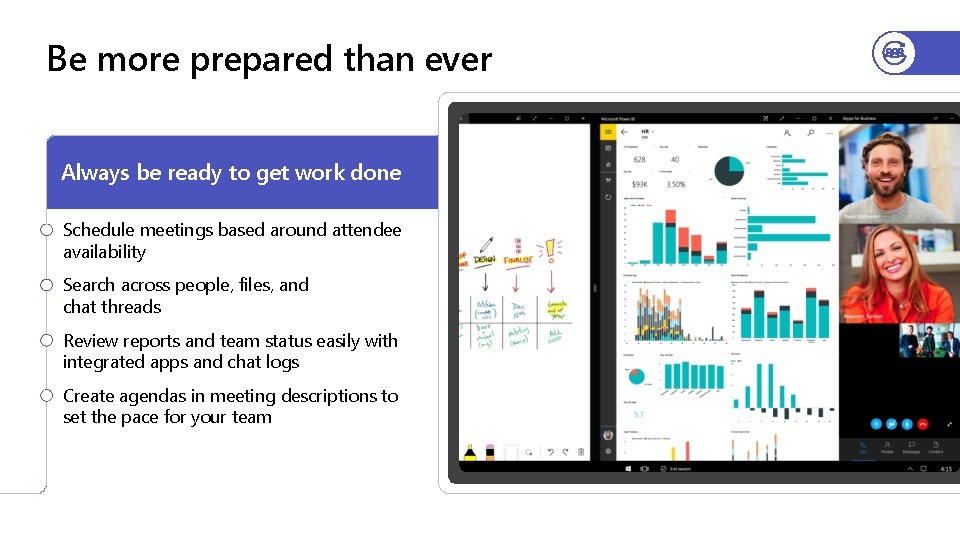
Be more prepared than ever Always be ready to get work done Schedule meetings based around attendee availability Search across people, files, and chat threads Review reports and team status easily with integrated apps and chat logs Create agendas in meeting descriptions to set the pace for your team
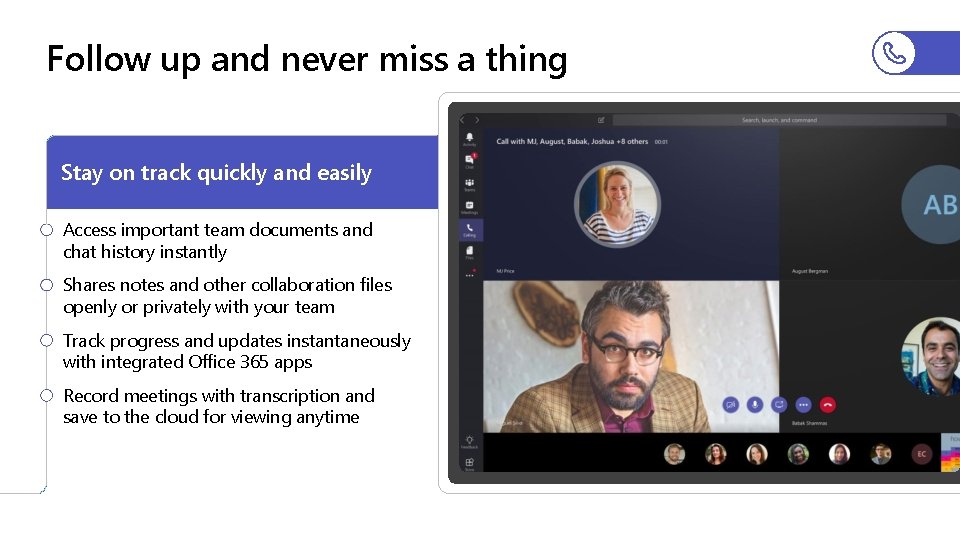
Follow up and never miss a thing Stay on track quickly and easily Access important team documents and chat history instantly Shares notes and other collaboration files openly or privately with your team Track progress and updates instantaneously with integrated Office 365 apps Record meetings with transcription and save to the cloud for viewing anytime
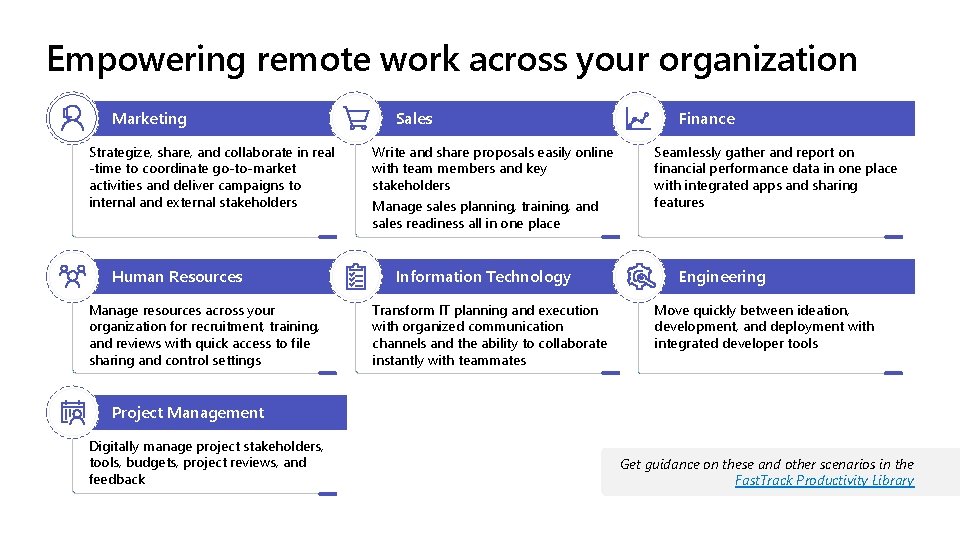
Empowering remote work across your organization Marketing Strategize, share, and collaborate in real -time to coordinate go-to-market activities and deliver campaigns to internal and external stakeholders Human Resources Manage resources across your organization for recruitment, training, and reviews with quick access to file sharing and control settings Sales Write and share proposals easily online with team members and key stakeholders Manage sales planning, training, and sales readiness all in one place Information Technology Transform IT planning and execution with organized communication channels and the ability to collaborate instantly with teammates Finance Seamlessly gather and report on financial performance data in one place with integrated apps and sharing features Engineering Move quickly between ideation, development, and deployment with integrated developer tools Project Management Digitally manage project stakeholders, tools, budgets, project reviews, and feedback Get guidance on these and other scenarios in the Fast. Track Productivity Library