
Static Routing Exercise Scalable Infrastructure Workshop What will
Static Routing Exercise Scalable Infrastructure Workshop
What will the exercise involve? �Unix network interface configuration �Cisco network interface configuration �Static routes �Default route �Testing
Routing �Routing is done based on destination IP address �Without routing, an interface can only reach destinations that are on their local network segment. �A device with at least 2 interfaces can route
Routing � Static route ■ specifically instructs router on which route to take to a particular destination network. This will almost always override anything else that the router knows. � Dynamic route ■ learnt via routing protocols implemented on routers � Default route ■ route that instructs a machine where to send packets for destinations that are not in the routing table. This is usually the 'last resort' that a router will take.

Static Routing �Advantages ■ Simple to configure and maintain ■ Secure as only defined routes can be accessed ■ Bandwidth is not used for sending routing updates �Disadvantages ■ Manual update of routes after changes ■ Explicit addition of routes for all networks ■ Potential for configuration mistakes

IP Routing Configuration Static/default route example To Internet 172. 16. 3. 1 172. 16. 3. 2 172. 16. 2. 2 172. 16. 1. 0 255. 0 172. 16. 2. 1 ip route 172. 16. 1. 0 255. 0 172. 16. 2. 1 # STATIC ip route 0. 0 172. 16. 3. 1 # DEFAULT
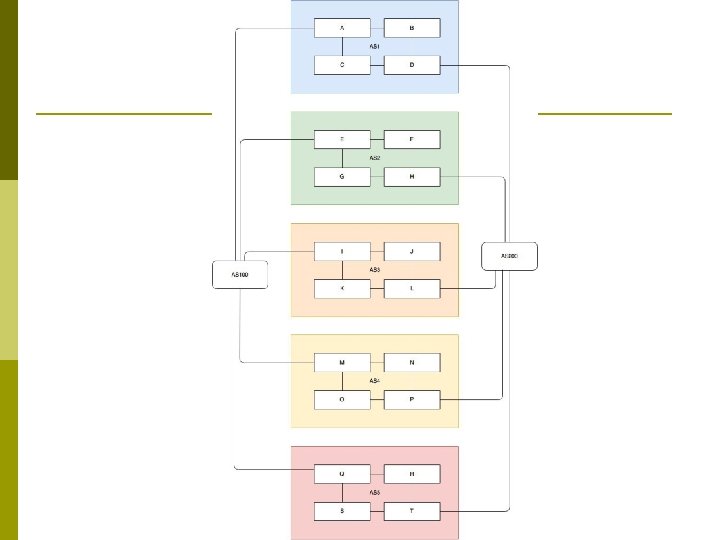

Exercise One
IPv 4 Address Assignment �You already have an IP address for your router’s backbone link (A=. 1, B=. 2, …) �You have a /28 for your local network (PC and router connected back to back) �Assign your own host addresses from your /28 to your local network.
Free. BSD Network Interface Configuration �configure interface on Unix host �ifconfig em 0 inet n. n netmask m. m (you need to be root to change the IP address) ■ em 0 is the interface name ■ n. n is IP address ■ m. m is netmask
Connect PC to router console port �Connect cable to console port on router, serial port on Unix box �Use the tip command to connect your keyboard and screen to the serial port ■ e. g. bash$ tip com 1 �You may have to edit /etc/remote �See man pages for tip(1) and remote(5) ■ HINT: to exit tip, type ~.
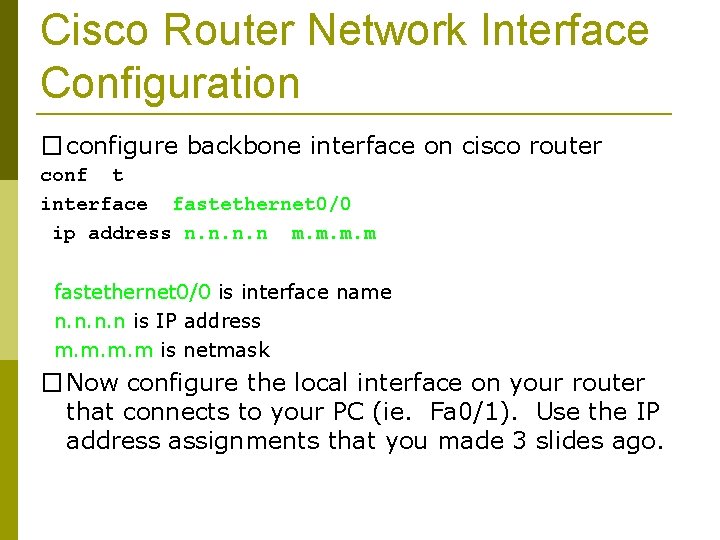
Cisco Router Network Interface Configuration � configure backbone interface on cisco router conf t interface fastethernet 0/0 ip address n. n m. m fastethernet 0/0 is interface name n. n is IP address m. m is netmask � Now configure the local interface on your router that connects to your PC (ie. Fa 0/1). Use the IP address assignments that you made 3 slides ago.

Cisco Router Network Interface Configuration � Cisco global config should always include: ip classless ip subnet-zero ip cef � Cisco interface config should usually include: no no shutdown ip proxy-arp ip redirects ip directed-broadcast
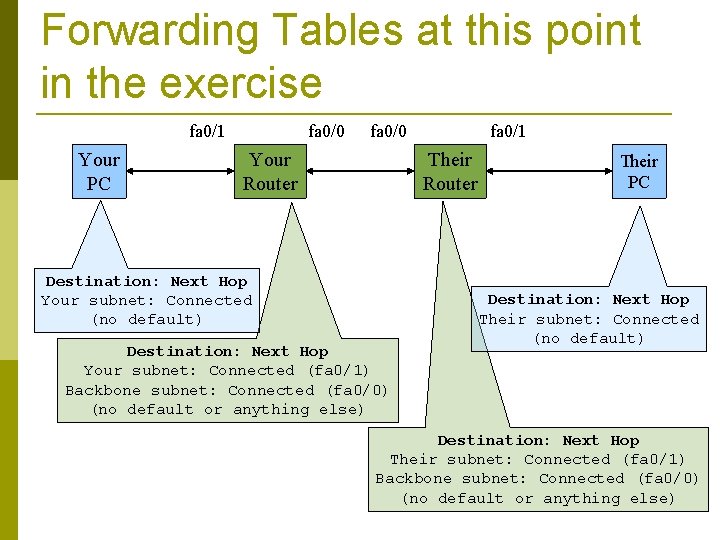
Forwarding Tables at this point in the exercise fa 0/1 Your PC fa 0/0 Your Router fa 0/1 Their Router Destination: Next Hop Your subnet: Connected (no default) Destination: Next Hop Your subnet: Connected (fa 0/1) Backbone subnet: Connected (fa 0/0) (no default or anything else) Their PC Destination: Next Hop Their subnet: Connected (no default) Destination: Next Hop Their subnet: Connected (fa 0/1) Backbone subnet: Connected (fa 0/0) (no default or anything else)
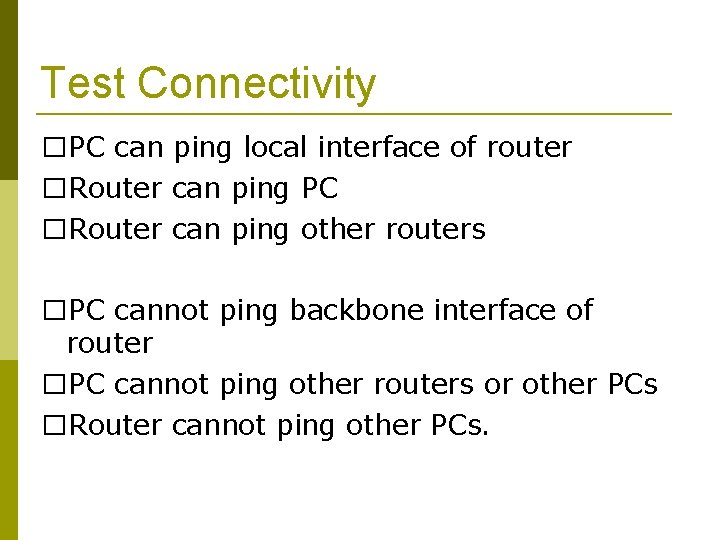
Test Connectivity �PC can ping local interface of router �Router can ping PC �Router can ping other routers �PC cannot ping backbone interface of router �PC cannot ping other routers or other PCs �Router cannot ping other PCs.
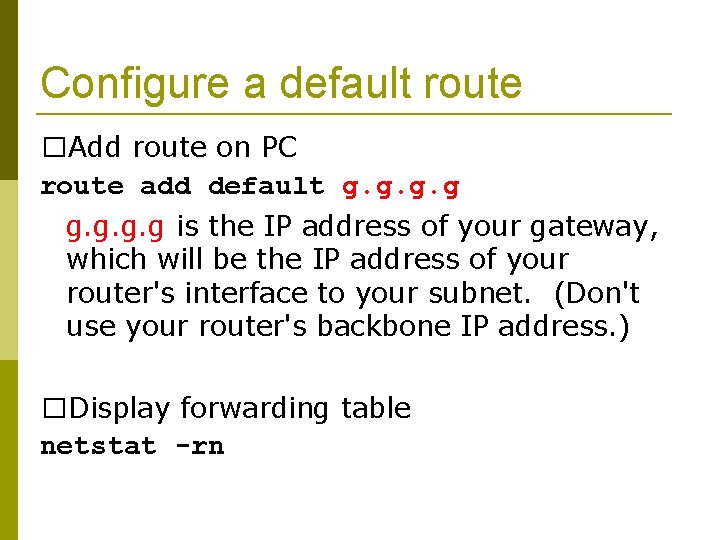
Configure a default route �Add route on PC route add default g. g is the IP address of your gateway, which will be the IP address of your router's interface to your subnet. (Don't use your router's backbone IP address. ) �Display forwarding table netstat -rn
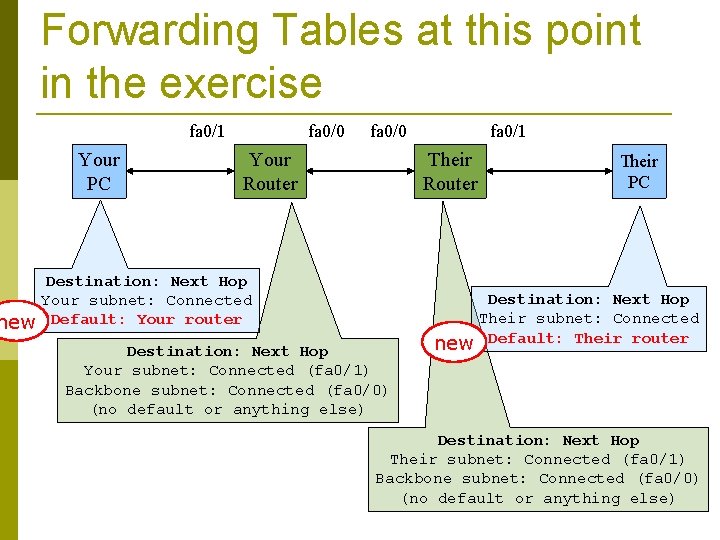
Forwarding Tables at this point in the exercise fa 0/1 Your PC fa 0/0 Your Router fa 0/1 Their Router Destination: Next Hop Your subnet: Connected new Default: Your router Destination: Next Hop Your subnet: Connected (fa 0/1) Backbone subnet: Connected (fa 0/0) (no default or anything else) Their PC Destination: Next Hop Their subnet: Connected new Default: Their router Destination: Next Hop Their subnet: Connected (fa 0/1) Backbone subnet: Connected (fa 0/0) (no default or anything else)
Test connectivity �All PCs should now be able to reach the backbone IP address of their own routers. �But, you still can’t reach other PCs, or other routers. ■ why?
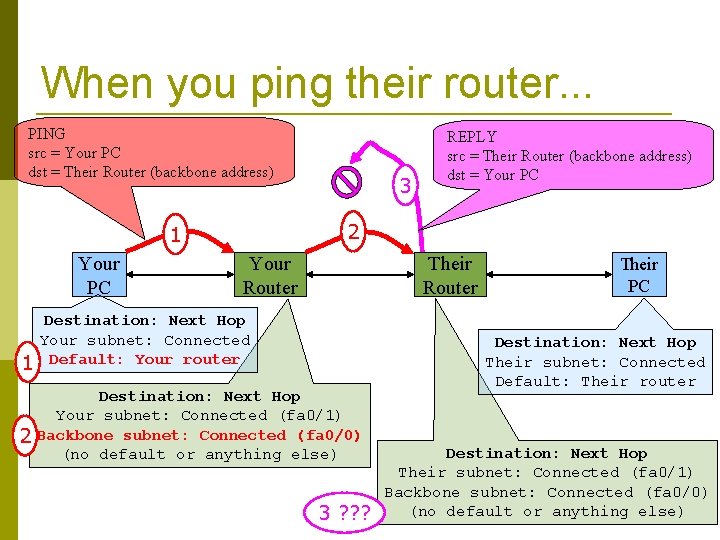
When you ping their router. . . PING src = Your PC dst = Their Router (backbone address) 2 1 Your PC 1 2 3 REPLY src = Their Router (backbone address) dst = Your PC Your Router Their Router Destination: Next Hop Your subnet: Connected Default: Your router Destination: Next Hop Your subnet: Connected (fa 0/1) Backbone subnet: Connected (fa 0/0) (no default or anything else) 3 ? ? ? Their PC Destination: Next Hop Their subnet: Connected Default: Their router Destination: Next Hop Their subnet: Connected (fa 0/1) Backbone subnet: Connected (fa 0/0) (no default or anything else)
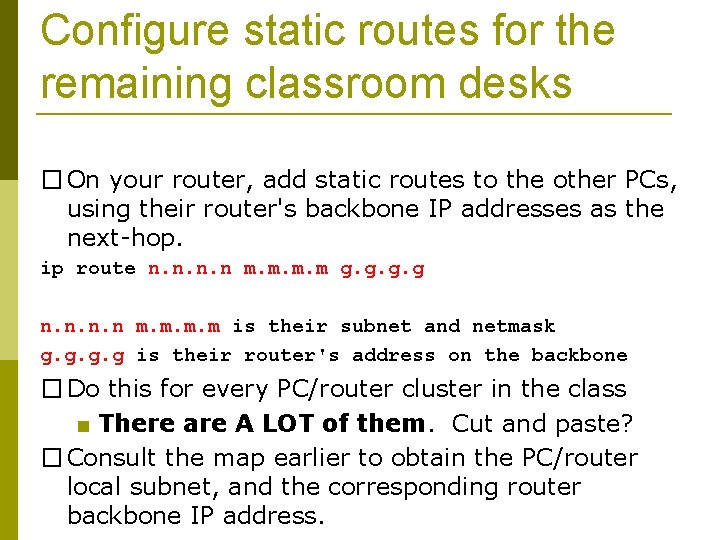
Configure static routes for the remaining classroom desks � On your router, add static routes to the other PCs, using their router's backbone IP addresses as the next-hop. ip route n. n m. m g. g n. n m. m is their subnet and netmask g. g is their router's address on the backbone � Do this for every PC/router cluster in the class ■ There are A LOT of them. Cut and paste? � Consult the map earlier to obtain the PC/router local subnet, and the corresponding router backbone IP address.
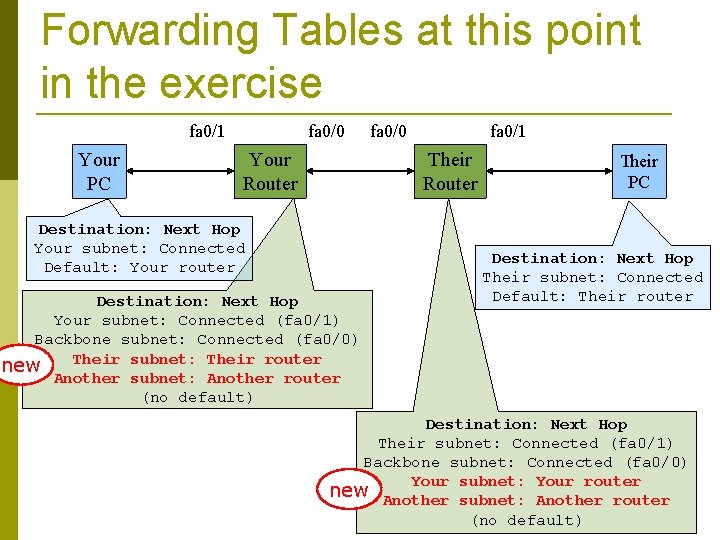
Forwarding Tables at this point in the exercise fa 0/1 Your PC fa 0/0 Your Router fa 0/0 fa 0/1 Their Router Destination: Next Hop Your subnet: Connected Default: Your router Destination: Next Hop Your subnet: Connected (fa 0/1) Backbone subnet: Connected (fa 0/0) Their subnet: Their router new Another subnet: Another router (no default) Their PC Destination: Next Hop Their subnet: Connected Default: Their router Destination: Next Hop Their subnet: Connected (fa 0/1) Backbone subnet: Connected (fa 0/0) Your subnet: Your router new Another subnet: Another router (no default)
Test Connectivity �All routers can reach all PCs �All PCs can reach all backbone IP addresses �All PCs can reach PCs in other rows �Test with traceroute
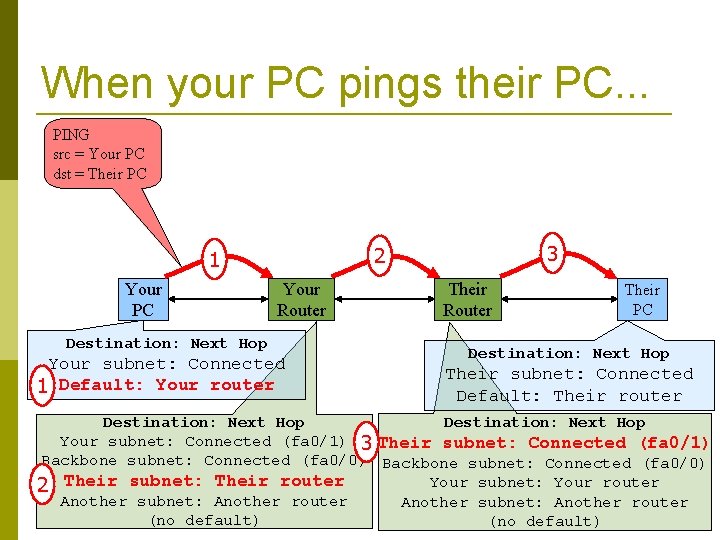
When your PC pings their PC. . . PING src = Your PC dst = Their PC Your PC 3 2 1 Your Router Destination: Next Hop Your subnet: Connected 1 Default: Your router Their Router Their PC Destination: Next Hop Their subnet: Connected Default: Their router Destination: Next Hop Your subnet: Connected (fa 0/1) 3 Their subnet: Connected (fa 0/1) Backbone subnet: Connected (fa 0/0) Your subnet: Your router 2 Their subnet: Their router Another subnet: Another router (no default)
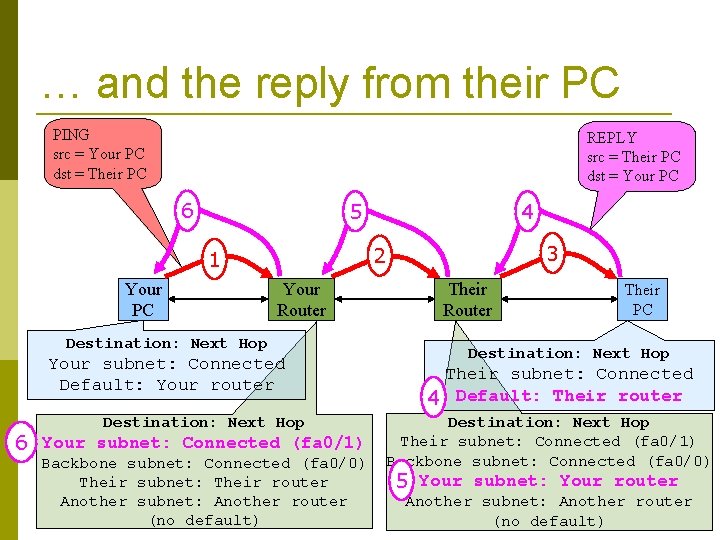
… and the reply from their PC PING src = Your PC dst = Their PC REPLY src = Their PC dst = Your PC 6 5 3 2 1 Your PC 4 Your Router Destination: Next Hop Your subnet: Connected Default: Your router Destination: Next Hop 6 Your subnet: Connected (fa 0/1) Backbone subnet: Connected (fa 0/0) Their subnet: Their router Another subnet: Another router (no default) Their Router Their PC Destination: Next Hop Their subnet: Connected 4 Default: Their router Destination: Next Hop Their subnet: Connected (fa 0/1) Backbone subnet: Connected (fa 0/0) 5 Your subnet: Your router Another subnet: Another router (no default)
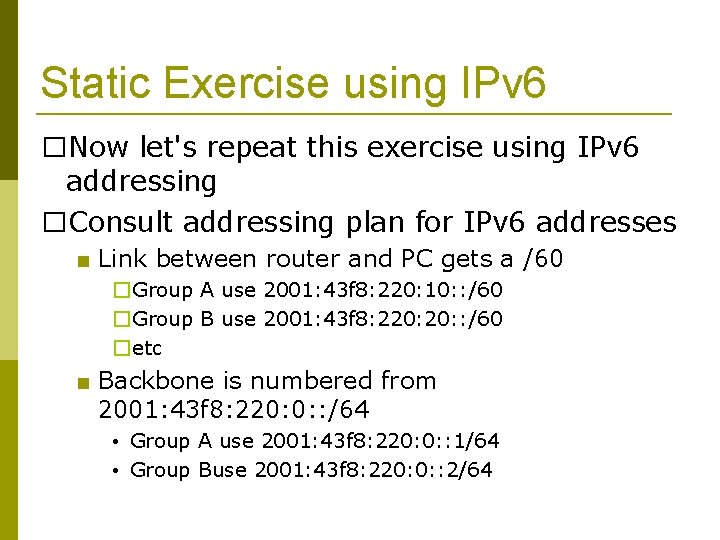
Static Exercise using IPv 6 �Now let's repeat this exercise using IPv 6 addressing �Consult addressing plan for IPv 6 addresses ■ Link between router and PC gets a /60 �Group A use 2001: 43 f 8: 220: 10: : /60 �Group B use 2001: 43 f 8: 220: : /60 �etc ■ Backbone is numbered from 2001: 43 f 8: 220: 0: : /64 • Group A use 2001: 43 f 8: 220: 0: : 1/64 • Group Buse 2001: 43 f 8: 220: 0: : 2/64
Big Hint! �If you are not using COPY/PASTE or the TFTP method to upload your config, you are wasting a lot of your time!
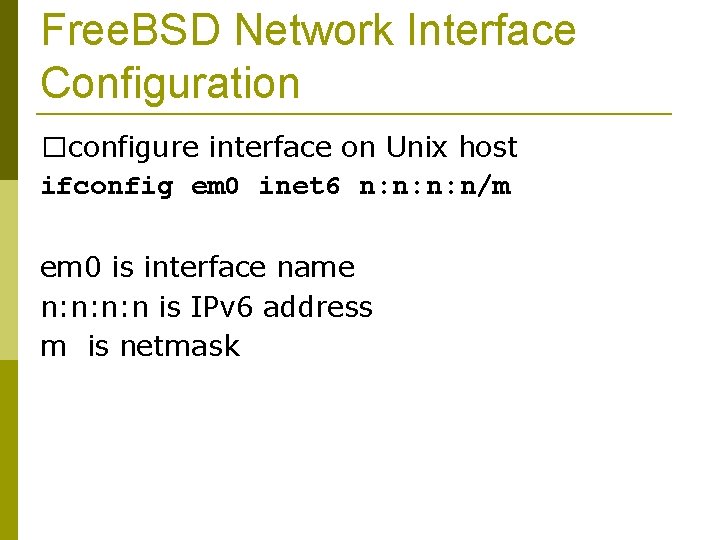
Free. BSD Network Interface Configuration �configure interface on Unix host ifconfig em 0 inet 6 n: n: n: n/m em 0 is interface name n: n: n: n is IPv 6 address m is netmask
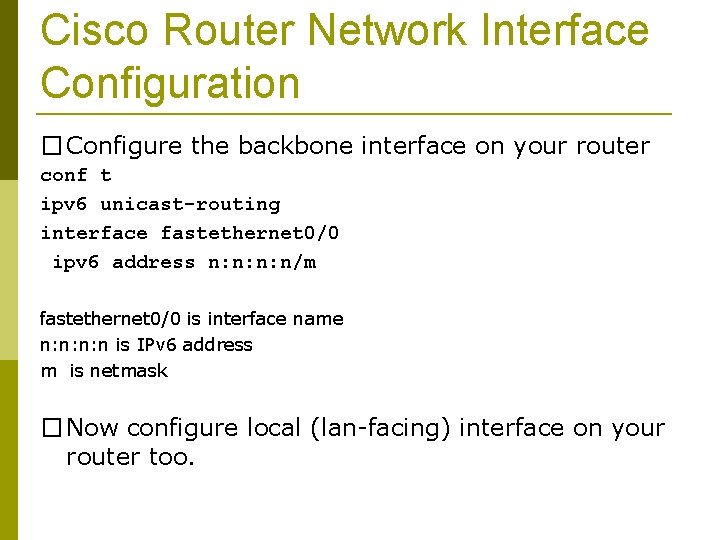
Cisco Router Network Interface Configuration � Configure the backbone interface on your router conf t ipv 6 unicast-routing interface fastethernet 0/0 ipv 6 address n: n: n: n/m fastethernet 0/0 is interface name n: n: n: n is IPv 6 address m is netmask � Now configure local (lan-facing) interface on your router too.
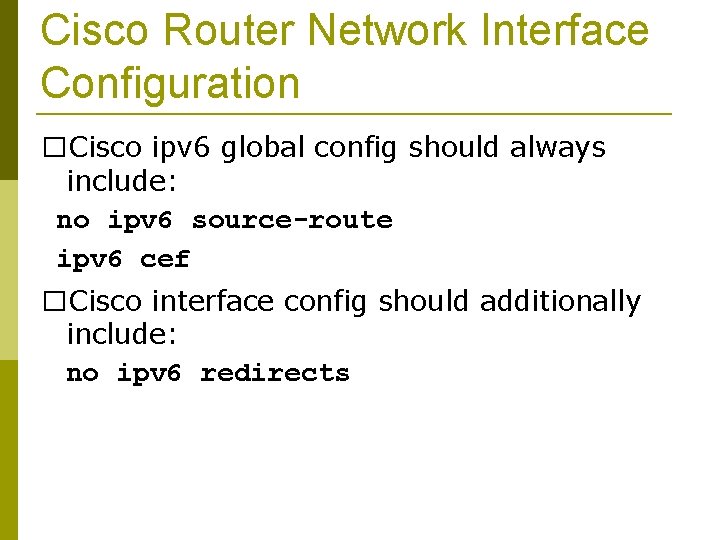
Cisco Router Network Interface Configuration �Cisco ipv 6 global config should always include: no ipv 6 source-route ipv 6 cef �Cisco interface config should additionally include: no ipv 6 redirects
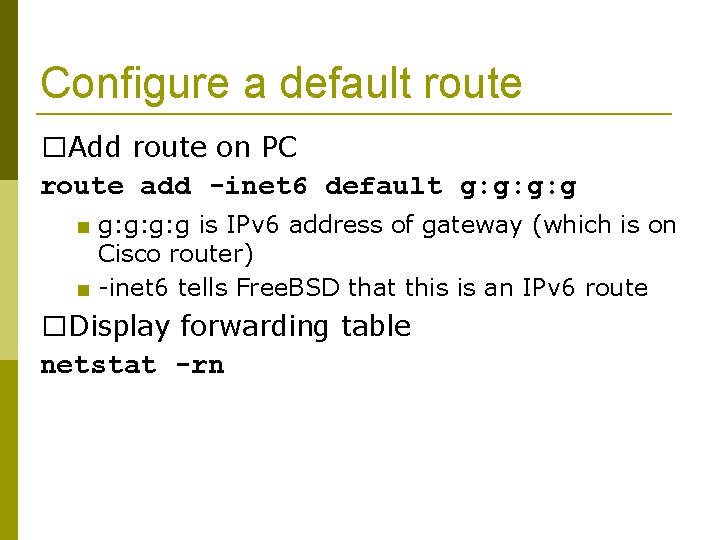
Configure a default route �Add route on PC route add -inet 6 default g: g: g: g ■ g: g: g: g is IPv 6 address of gateway (which is on Cisco router) ■ -inet 6 tells Free. BSD that this is an IPv 6 route �Display forwarding table netstat -rn
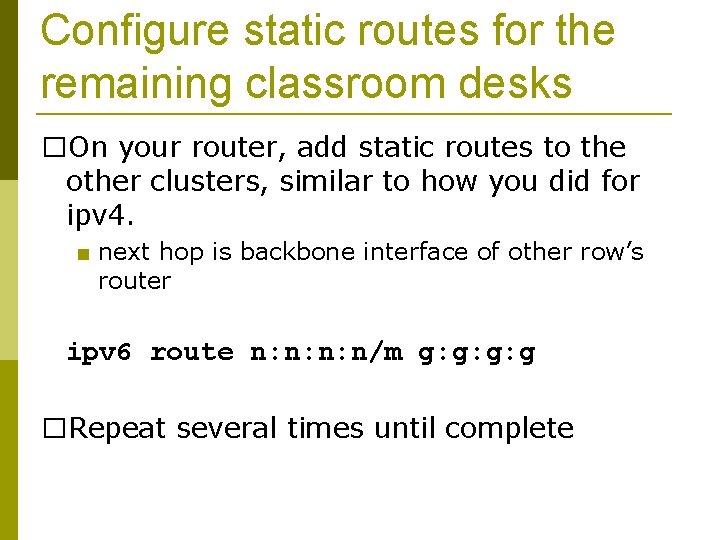
Configure static routes for the remaining classroom desks �On your router, add static routes to the other clusters, similar to how you did for ipv 4. ■ next hop is backbone interface of other row’s router ipv 6 route n: n: n: n/m g: g: g: g �Repeat several times until complete
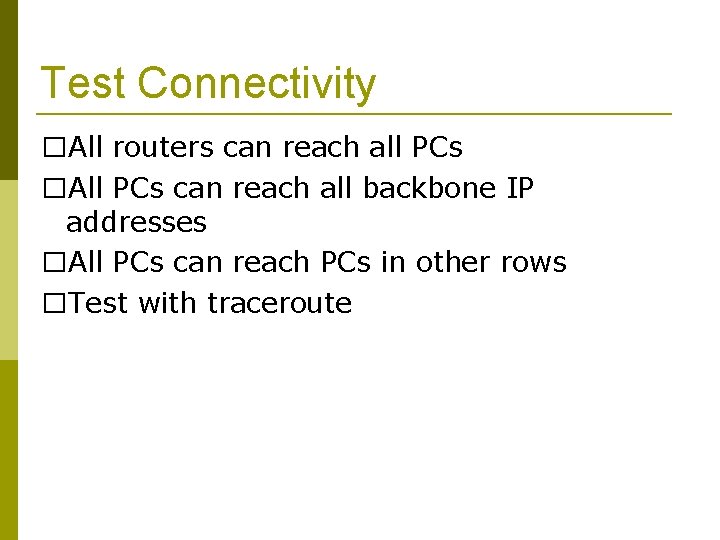
Test Connectivity �All routers can reach all PCs �All PCs can reach all backbone IP addresses �All PCs can reach PCs in other rows �Test with traceroute

Exercise Two
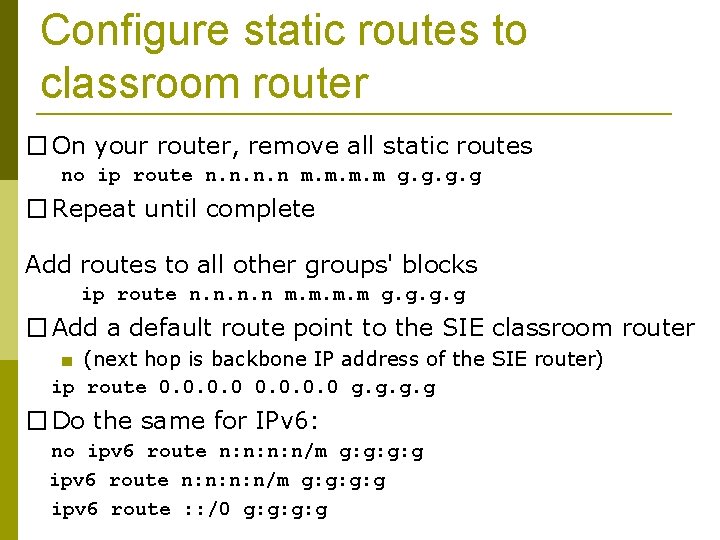
Configure static routes to classroom router � On your router, remove all static routes no ip route n. n m. m g. g � Repeat until complete Add routes to all other groups' blocks ip route n. n m. m g. g � Add a default route point to the SIE classroom router ■ (next hop is backbone IP address of the SIE router) ip route 0. 0 g. g � Do the same for IPv 6: no ipv 6 route n: n: n: n/m g: g: g: g ipv 6 route : : /0 g: g: g: g
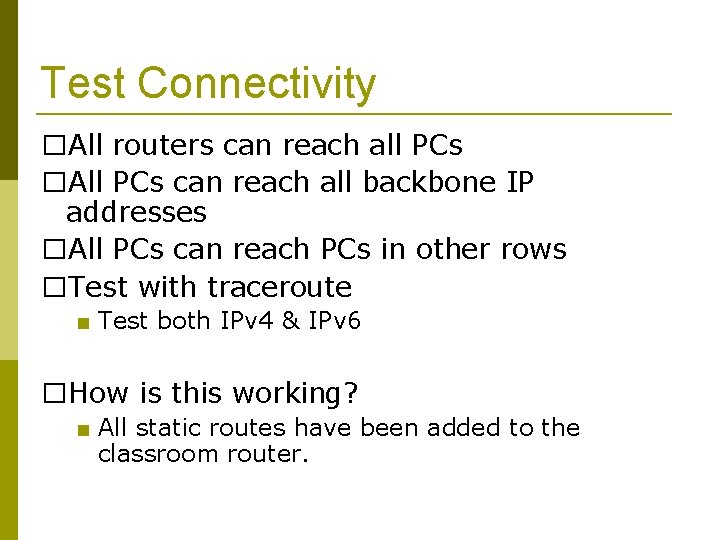
Test Connectivity �All routers can reach all PCs �All PCs can reach all backbone IP addresses �All PCs can reach PCs in other rows �Test with traceroute ■ Test both IPv 4 & IPv 6 �How is this working? ■ All static routes have been added to the classroom router.
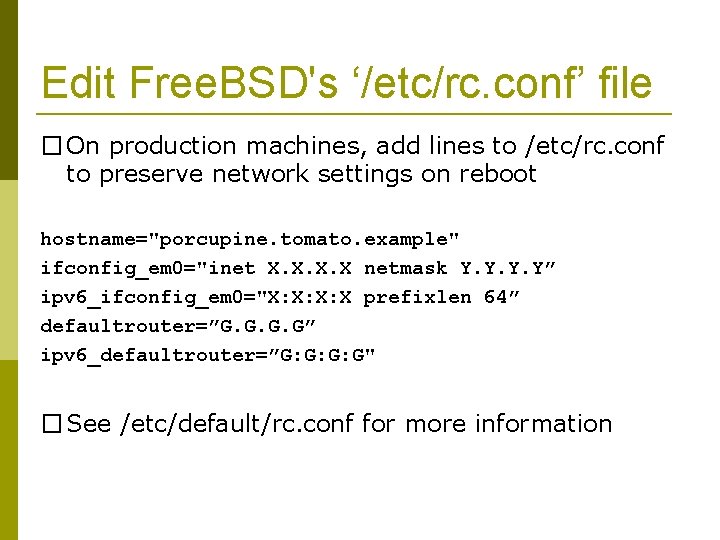
Edit Free. BSD's ‘/etc/rc. conf’ file � On production machines, add lines to /etc/rc. conf to preserve network settings on reboot hostname="porcupine. tomato. example" ifconfig_em 0="inet X. X netmask Y. Y” ipv 6_ifconfig_em 0="X: X: X: X prefixlen 64” defaultrouter=”G. G” ipv 6_defaultrouter=”G: G: G: G" � See /etc/default/rc. conf for more information
Static Routing Exercise The End
- Slides: 37