
Statements 1 Java Program Structure Revisited z A
![Visualizing an Array nums = new double[8]; 6. 6 nums[3] = 6. 6; double](https://slidetodoc.com/presentation_image_h2/0268825a59d5b48b14c89d8f704412b1/image-47.jpg "Visualizing an Array nums = new double[8]; 6. 6 nums[3] = 6. 6; double")
- Slides: 48
Statements 1
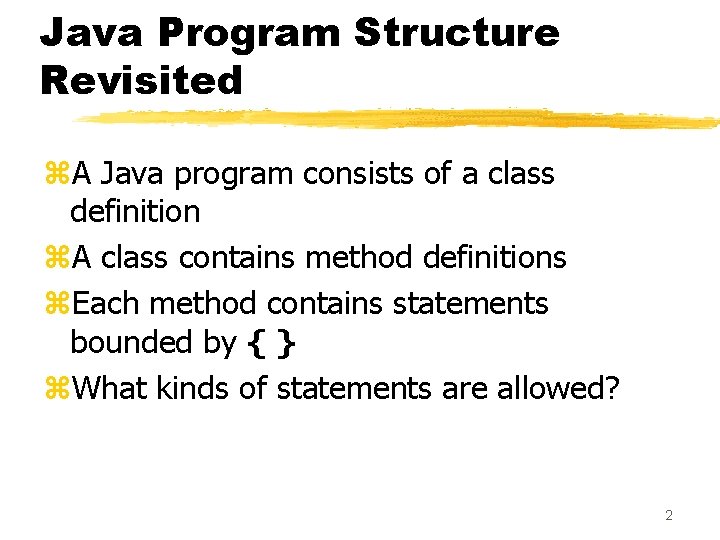
Java Program Structure Revisited z. A Java program consists of a class definition z. A class contains method definitions z. Each method contains statements bounded by { } z. What kinds of statements are allowed? 2
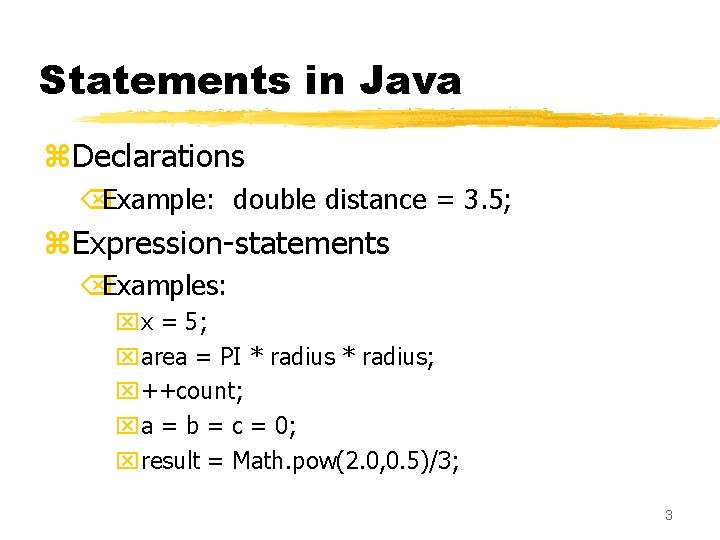
Statements in Java z. Declarations ÕExample: double distance = 3. 5; z. Expression-statements ÕExamples: xx = 5; xarea = PI * radius; x++count; xa = b = c = 0; xresult = Math. pow(2. 0, 0. 5)/3; 3
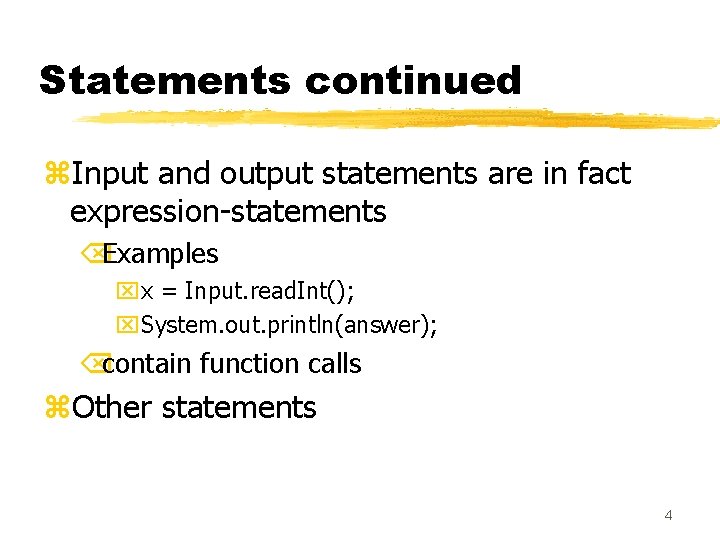
Statements continued z. Input and output statements are in fact expression-statements ÕExamples xx = Input. read. Int(); x. System. out. println(answer); Õcontain function calls z. Other statements 4
Other Statements z. Decision Statements Õchapter 4 of text Õif-statement and switch-statement z. Loops Õchapter 6 of text Õwhile-statement, for-statement, do-whilestatement 5
Decisions in Java 6
Conditional Execution z. Sometimes we want a statement executed only when a condition is met z. Use a decision statement z. In Java Õif-statement Õswitch-statement 7
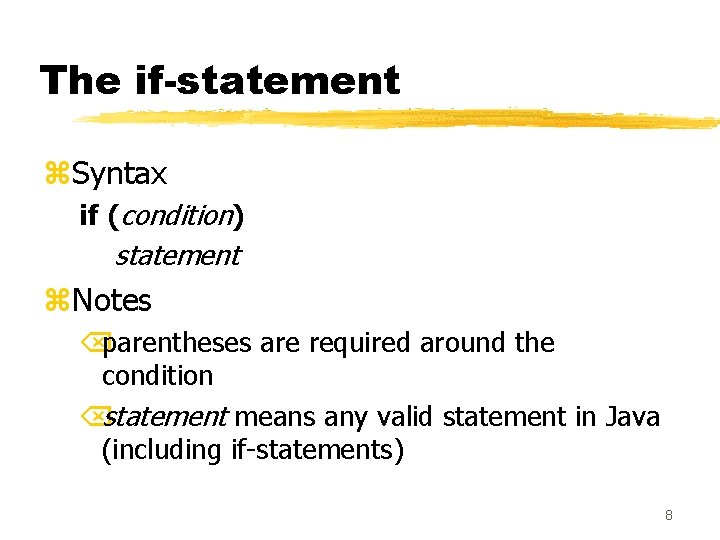
The if-statement z. Syntax if (condition) statement z. Notes Õparentheses are required around the condition Õstatement means any valid statement in Java (including if-statements) 8
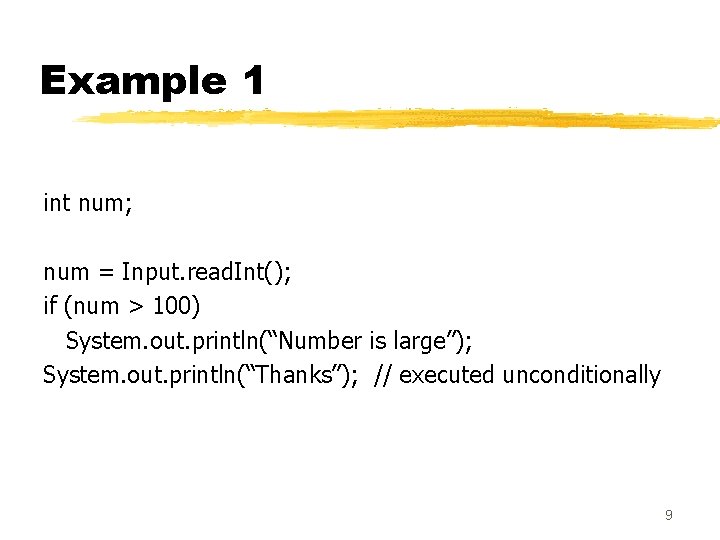
Example 1 int num; num = Input. read. Int(); if (num > 100) System. out. println(“Number is large”); System. out. println(“Thanks”); // executed unconditionally 9
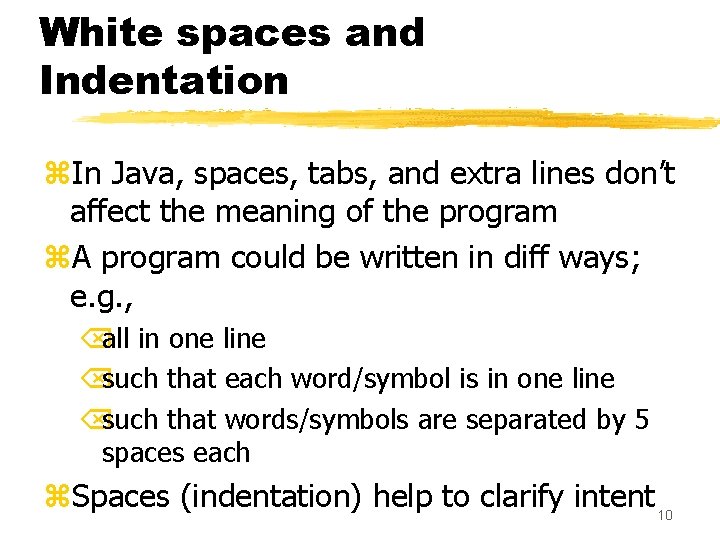
White spaces and Indentation z. In Java, spaces, tabs, and extra lines don’t affect the meaning of the program z. A program could be written in diff ways; e. g. , Õall in one line Õsuch that each word/symbol is in one line Õsuch that words/symbols are separated by 5 spaces each z. Spaces (indentation) help to clarify intent 10
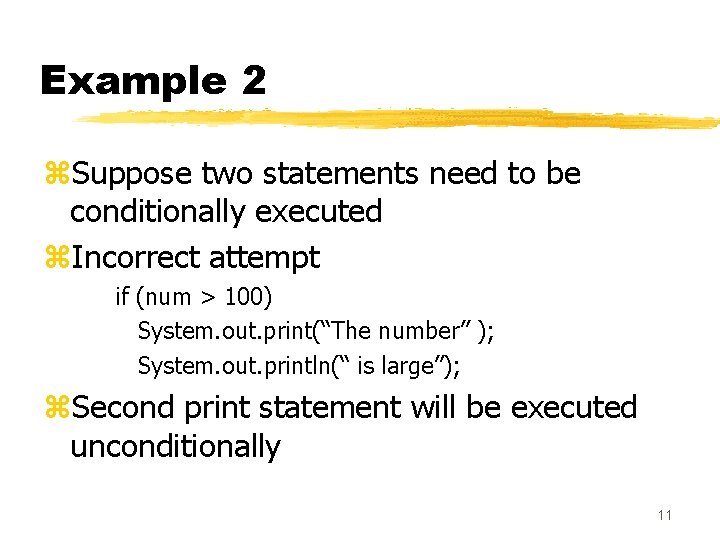
Example 2 z. Suppose two statements need to be conditionally executed z. Incorrect attempt if (num > 100) System. out. print(“The number” ); System. out. println(“ is large”); z. Second print statement will be executed unconditionally 11
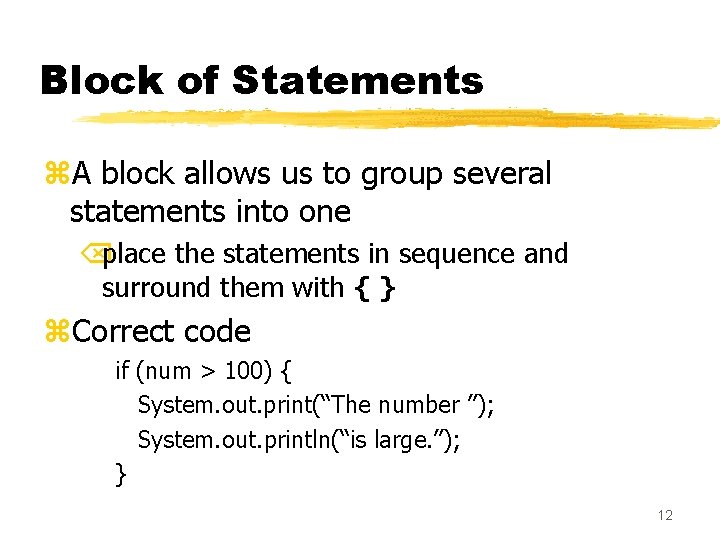
Block of Statements z. A block allows us to group several statements into one Õplace the statements in sequence and surround them with { } z. Correct code if (num > 100) { System. out. print(“The number ”); System. out. println(“is large. ”); } 12
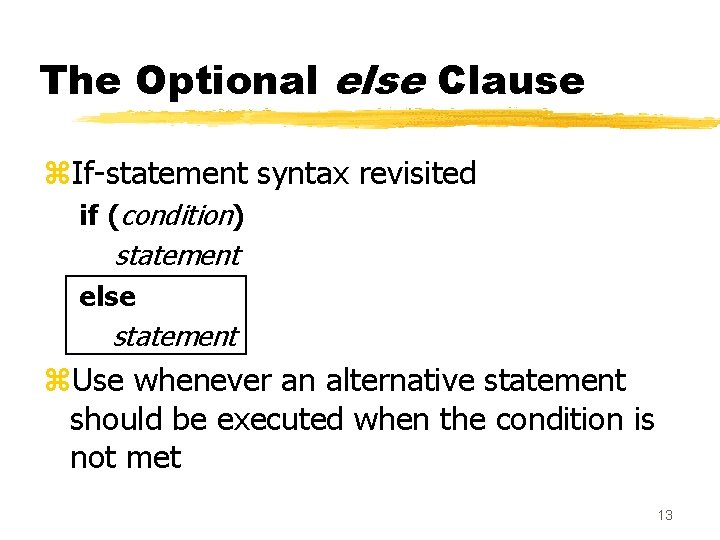
The Optional else Clause z. If-statement syntax revisited if (condition) statement else statement z. Use whenever an alternative statement should be executed when the condition is not met 13
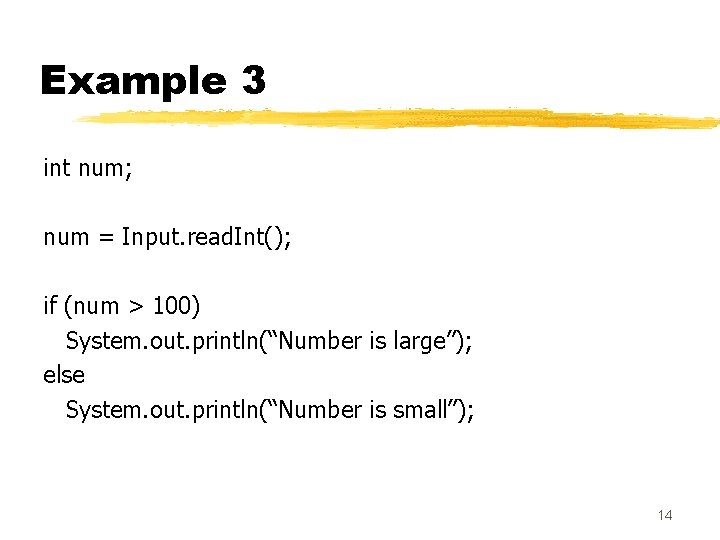
Example 3 int num; num = Input. read. Int(); if (num > 100) System. out. println(“Number is large”); else System. out. println(“Number is small”); 14
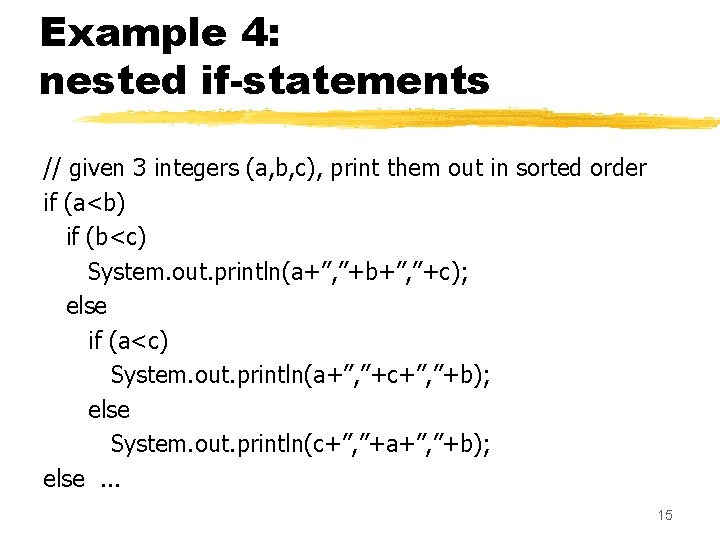
Example 4: nested if-statements // given 3 integers (a, b, c), print them out in sorted order if (a<b) if (b<c) System. out. println(a+”, ”+b+”, ”+c); else if (a<c) System. out. println(a+”, ”+c+”, ”+b); else System. out. println(c+”, ”+a+”, ”+b); else. . . 15
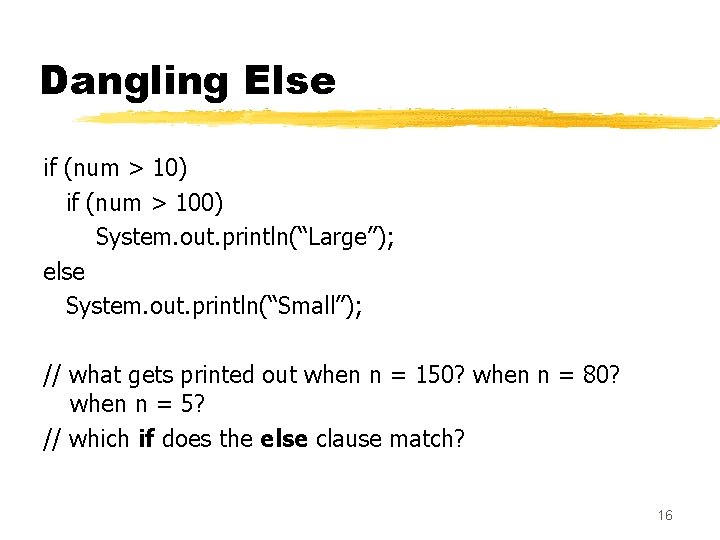
Dangling Else if (num > 10) if (num > 100) System. out. println(“Large”); else System. out. println(“Small”); // what gets printed out when n = 150? when n = 80? when n = 5? // which if does the else clause match? 16
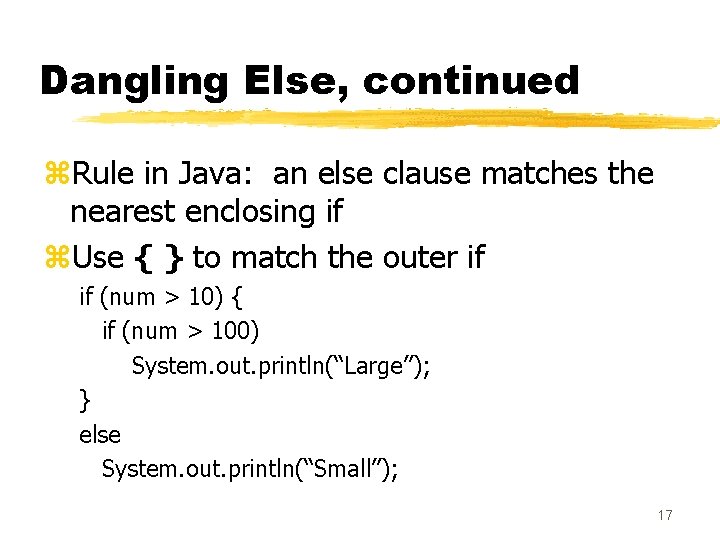
Dangling Else, continued z. Rule in Java: an else clause matches the nearest enclosing if z. Use { } to match the outer if if (num > 10) { if (num > 100) System. out. println(“Large”); } else System. out. println(“Small”); 17
If-else Chain z. Common occurrence Õtesting whether one of a series of conditions is met Õconsequence: series of if statements nested on the else clauses z. Example Õcomputing a letter grade 18
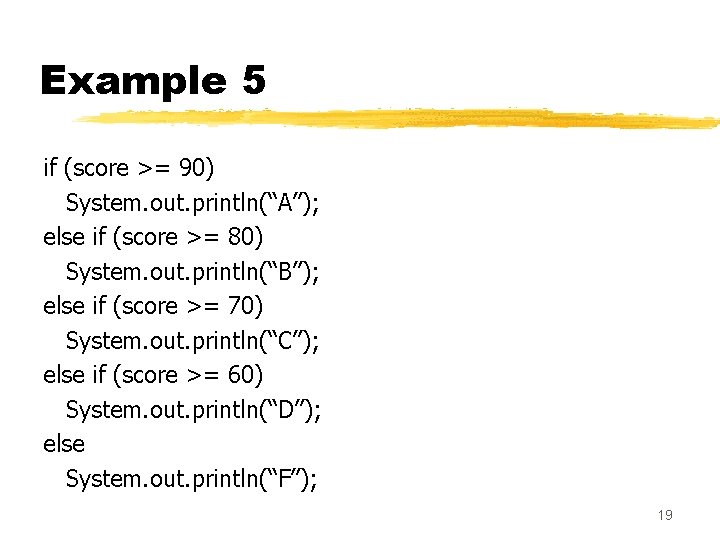
Example 5 if (score >= 90) System. out. println(“A”); else if (score >= 80) System. out. println(“B”); else if (score >= 70) System. out. println(“C”); else if (score >= 60) System. out. println(“D”); else System. out. println(“F”); 19
If-else Chain continued z. Order Õorder of conditions is sometimes important Õconsider letter grade example z. Indentation Õif you indent at every nested level, you may need to indent excessively to the right at the later levels Õmore practical to indent at one level and adopt an if, else if, … “statement” 20
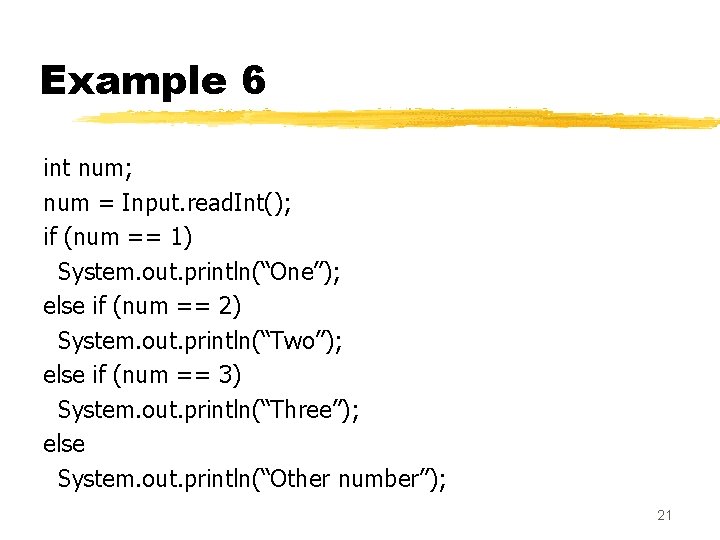
Example 6 int num; num = Input. read. Int(); if (num == 1) System. out. println(“One”); else if (num == 2) System. out. println(“Two”); else if (num == 3) System. out. println(“Three”); else System. out. println(“Other number”); 21
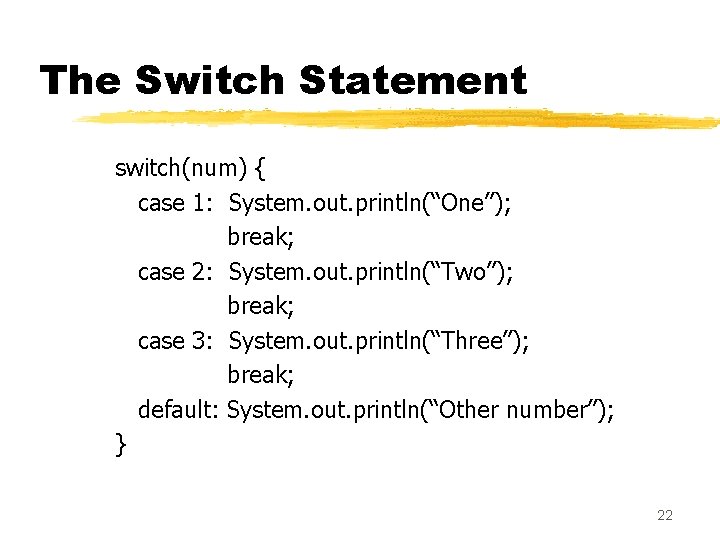
The Switch Statement switch(num) { case 1: System. out. println(“One”); break; case 2: System. out. println(“Two”); break; case 3: System. out. println(“Three”); break; default: System. out. println(“Other number”); } 22
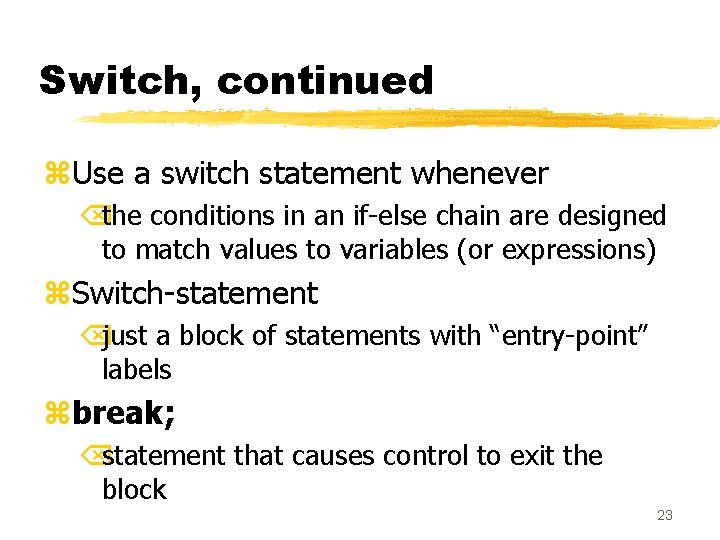
Switch, continued z. Use a switch statement whenever Õthe conditions in an if-else chain are designed to match values to variables (or expressions) z. Switch-statement Õjust a block of statements with “entry-point” labels zbreak; Õstatement that causes control to exit the block 23
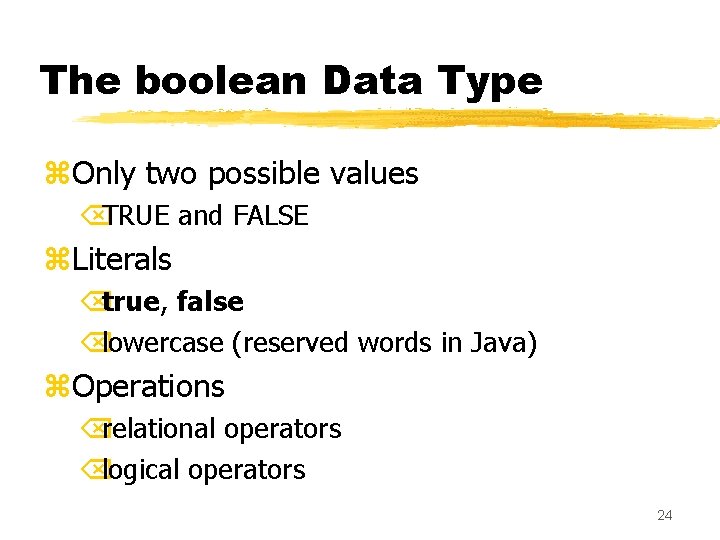
The boolean Data Type z. Only two possible values ÕTRUE and FALSE z. Literals Õtrue, false Õlowercase (reserved words in Java) z. Operations Õrelational operators Õlogical operators 24
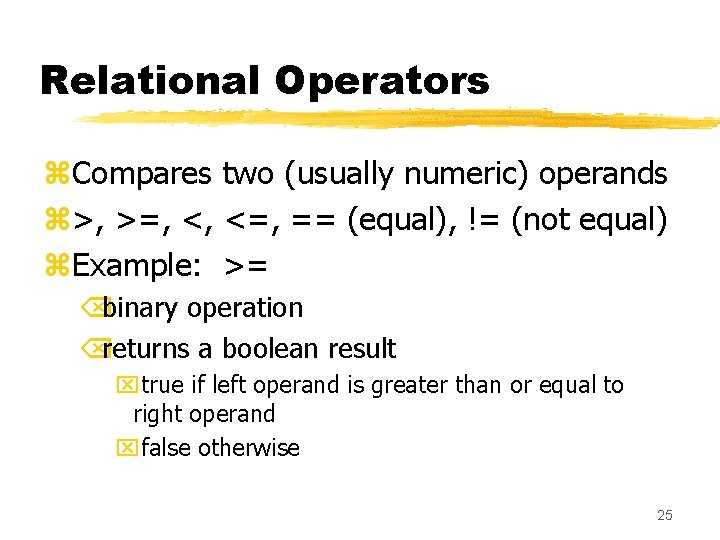
Relational Operators z. Compares two (usually numeric) operands z>, >=, <, <=, == (equal), != (not equal) z. Example: >= Õbinary operation Õreturns a boolean result xtrue if left operand is greater than or equal to right operand xfalse otherwise 25
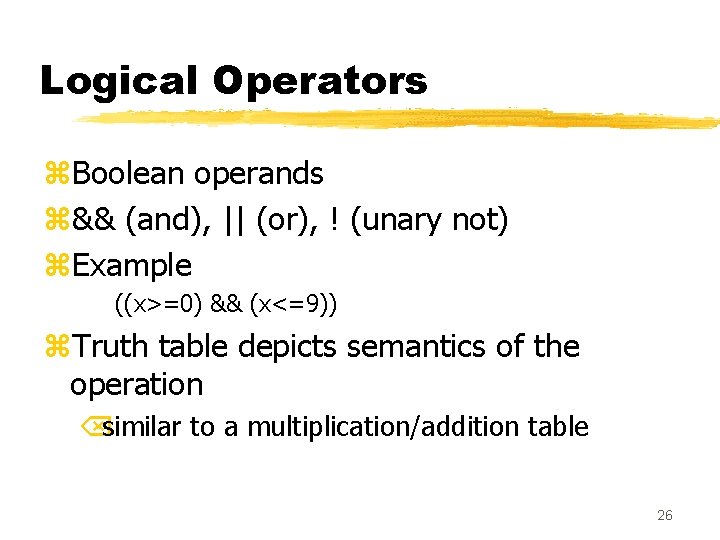
Logical Operators z. Boolean operands z&& (and), || (or), ! (unary not) z. Example ((x>=0) && (x<=9)) z. Truth table depicts semantics of the operation Õsimilar to a multiplication/addition table 26
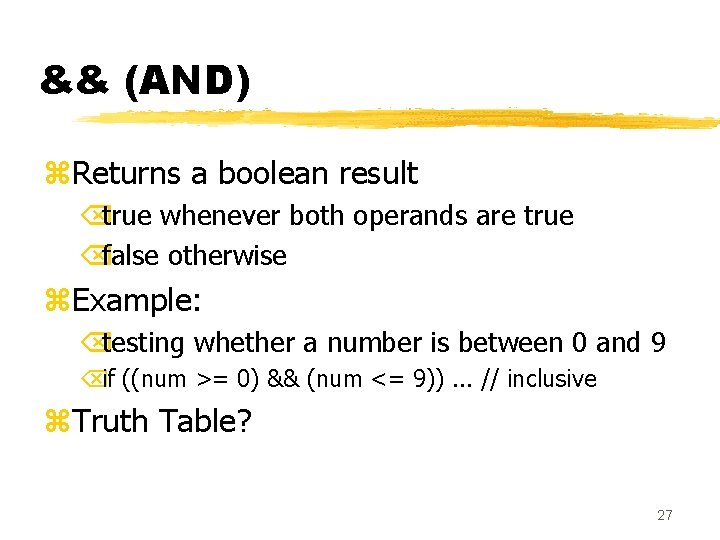
&& (AND) z. Returns a boolean result Õtrue whenever both operands are true Õfalse otherwise z. Example: Õtesting whether a number is between 0 and 9 Õif ((num >= 0) && (num <= 9)). . . // inclusive z. Truth Table? 27
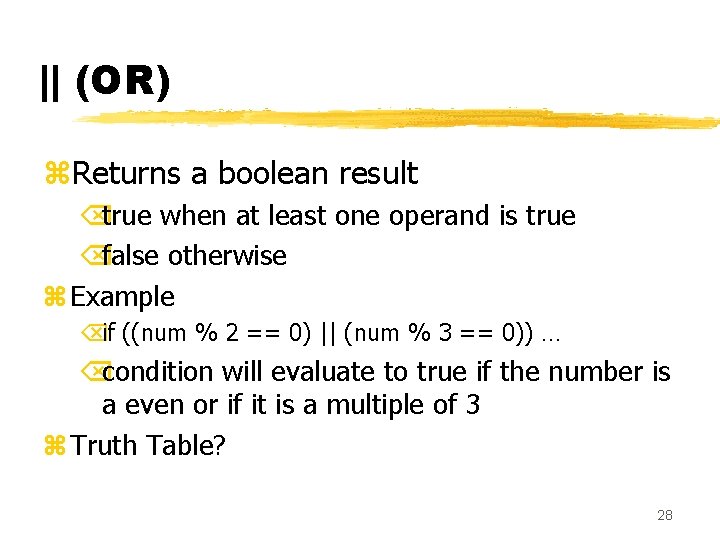
|| (OR) z. Returns a boolean result Õtrue when at least one operand is true Õfalse otherwise z Example Õif ((num % 2 == 0) || (num % 3 == 0)) … Õcondition will evaluate to true if the number is a even or if it is a multiple of 3 z Truth Table? 28
! (NOT) z. Unary operation z. Returns a boolean result Õtrue when the operand is false Õfalse when the operand is true z. Example Õalternative to != Õ(a != 5) same as !(a == 5) 29
Boolean Variables z. It is possible to have variables of type boolean z. Convenient for long conditions z. Example boolean within. Range; … within. Range = (num >=0) && (num <=9) if (within. Range). . . 30
Loops in Java 31
Loops zwhile-statement zfor-statement zdo-while-statement 32
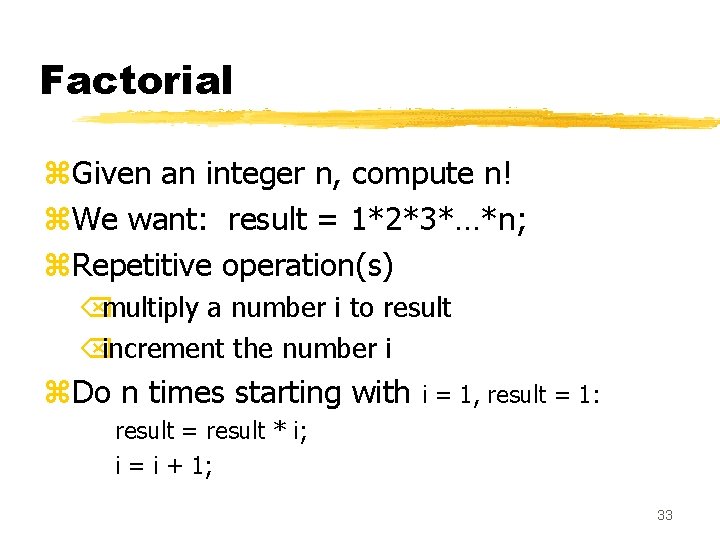
Factorial z. Given an integer n, compute n! z. We want: result = 1*2*3*…*n; z. Repetitive operation(s) Õmultiply a number i to result Õincrement the number i z. Do n times starting with i = 1, result = 1: result = result * i; i = i + 1; 33
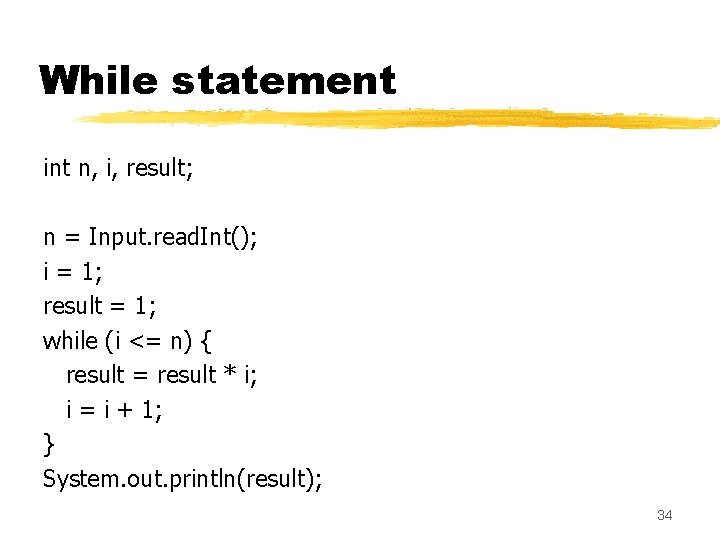
While statement int n, i, result; n = Input. read. Int(); i = 1; result = 1; while (i <= n) { result = result * i; i = i + 1; } System. out. println(result); 34
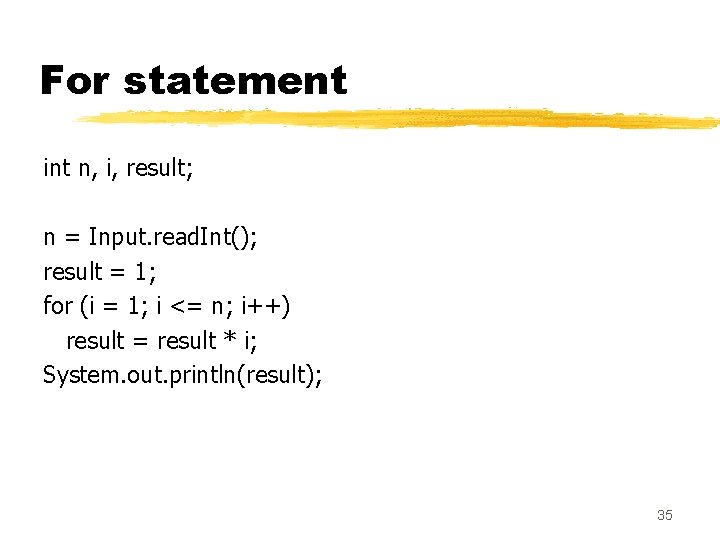
For statement int n, i, result; n = Input. read. Int(); result = 1; for (i = 1; i <= n; i++) result = result * i; System. out. println(result); 35
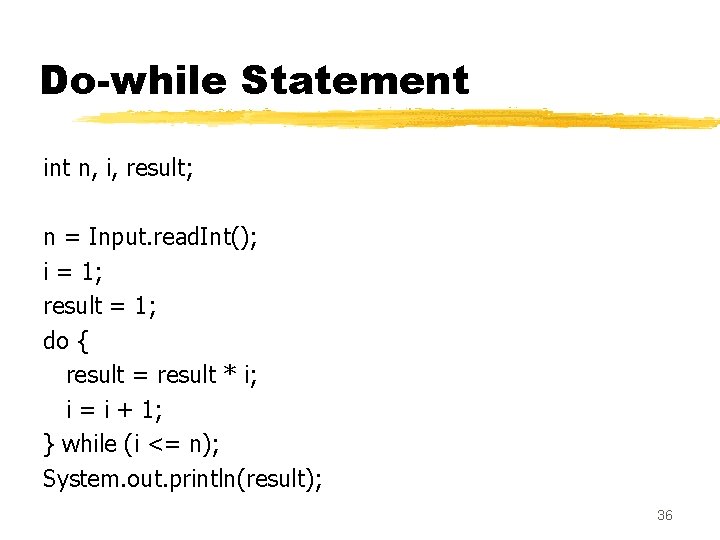
Do-while Statement int n, i, result; n = Input. read. Int(); i = 1; result = 1; do { result = result * i; i = i + 1; } while (i <= n); System. out. println(result); 36
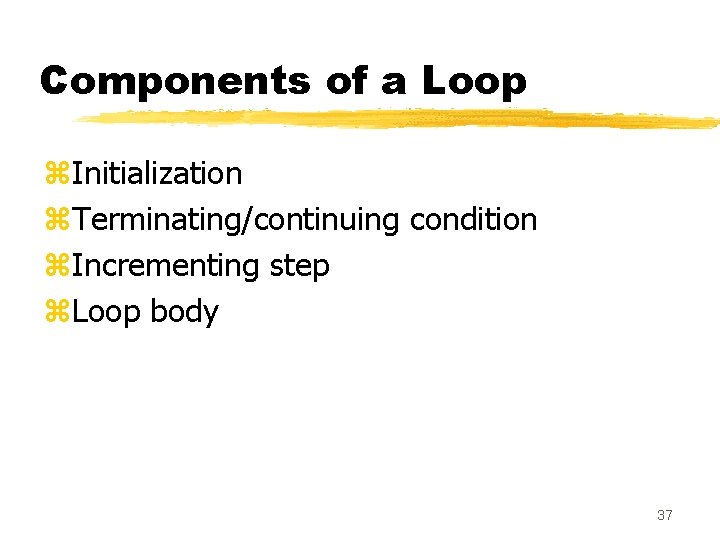
Components of a Loop z. Initialization z. Terminating/continuing condition z. Incrementing step z. Loop body 37
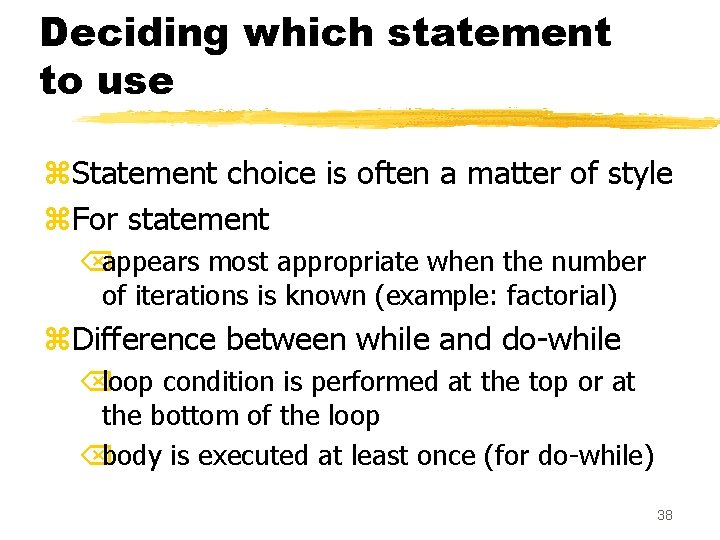
Deciding which statement to use z. Statement choice is often a matter of style z. For statement Õappears most appropriate when the number of iterations is known (example: factorial) z. Difference between while and do-while Õloop condition is performed at the top or at the bottom of the loop Õbody is executed at least once (for do-while) 38
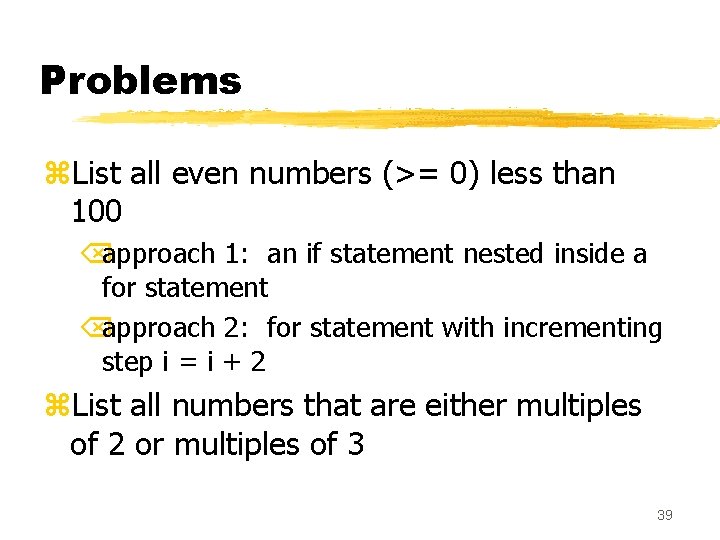
Problems z. List all even numbers (>= 0) less than 100 Õapproach 1: an if statement nested inside a for statement Õapproach 2: for statement with incrementing step i = i + 2 z. List all numbers that are either multiples of 2 or multiples of 3 39
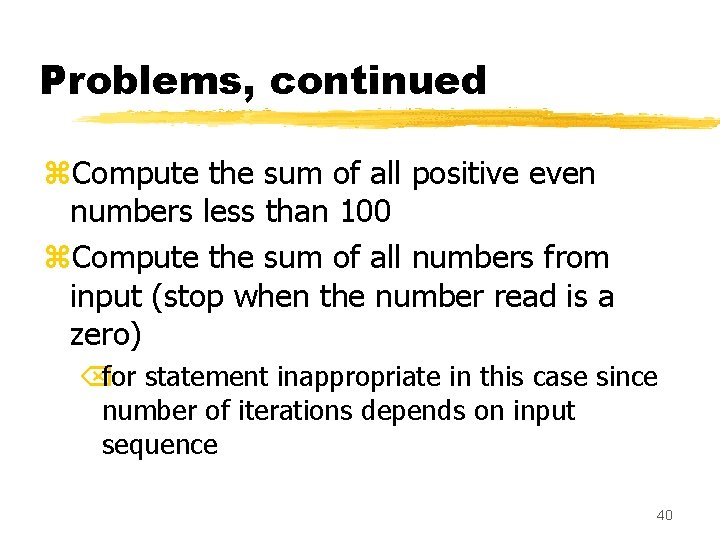
Problems, continued z. Compute the sum of all positive even numbers less than 100 z. Compute the sum of all numbers from input (stop when the number read is a zero) Õfor statement inappropriate in this case since number of iterations depends on input sequence 40
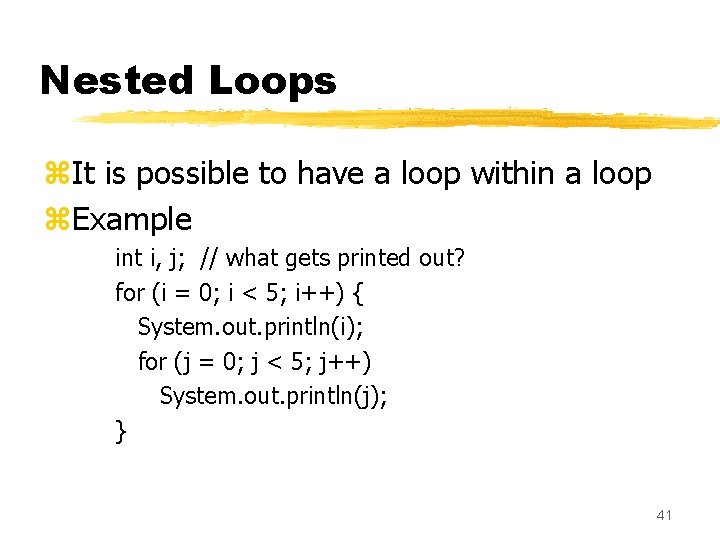
Nested Loops z. It is possible to have a loop within a loop z. Example int i, j; // what gets printed out? for (i = 0; i < 5; i++) { System. out. println(i); for (j = 0; j < 5; j++) System. out. println(j); } 41
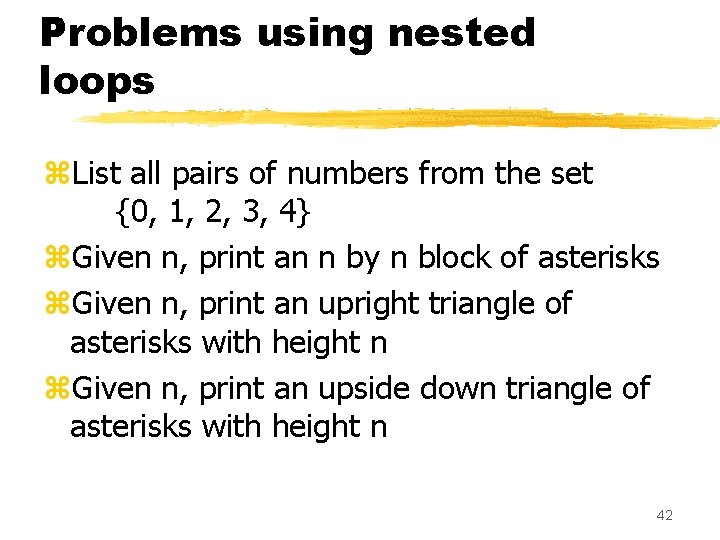
Problems using nested loops z. List all pairs of numbers from the set {0, 1, 2, 3, 4} z. Given n, print an n by n block of asterisks z. Given n, print an upright triangle of asterisks with height n z. Given n, print an upside down triangle of asterisks with height n 42
Introduction to Arrays 43
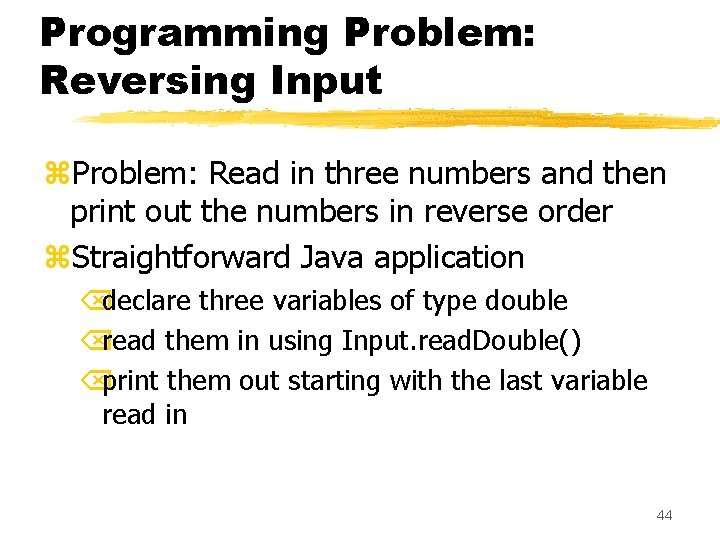
Programming Problem: Reversing Input z. Problem: Read in three numbers and then print out the numbers in reverse order z. Straightforward Java application Õdeclare three variables of type double Õread them in using Input. read. Double() Õprint them out starting with the last variable read in 44
Generalizing a Program z. Suppose we wanted the same program but wanted 10 instead of 3 numbers? z. Suppose we wanted to read in 1000 numbers? ÕMore than 2000 lines of code if we used the same approach! z. Solution: arrays 45
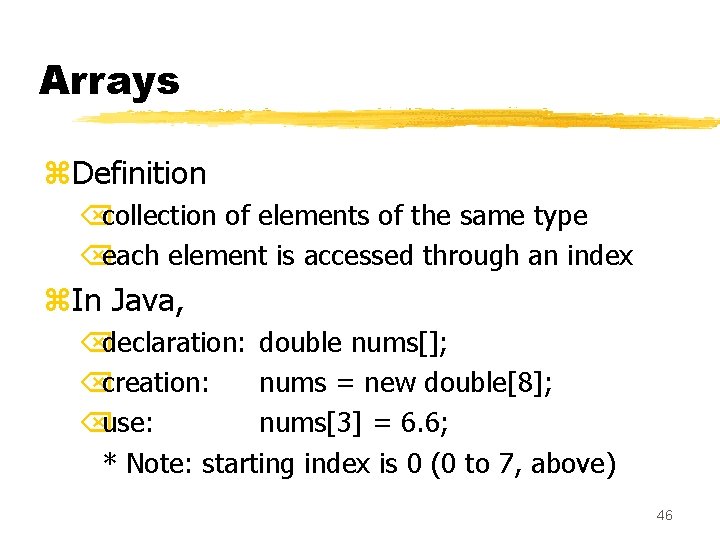
Arrays z. Definition Õcollection of elements of the same type Õeach element is accessed through an index z. In Java, Õdeclaration: double nums[]; Õcreation: nums = new double[8]; Õuse: nums[3] = 6. 6; * Note: starting index is 0 (0 to 7, above) 46
Visualizing an Array nums = new double[8]; 6. 6 nums[3] = 6. 6; double nums[]; 47
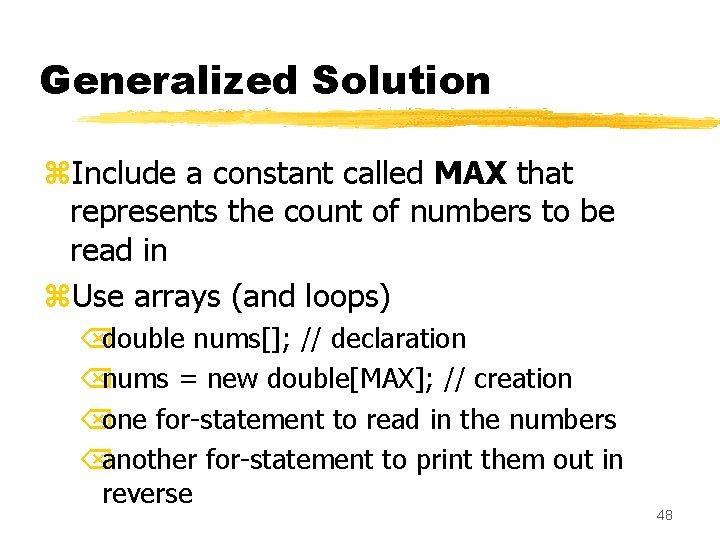
Generalized Solution z. Include a constant called MAX that represents the count of numbers to be read in z. Use arrays (and loops) Õdouble nums[]; // declaration Õnums = new double[MAX]; // creation Õone for-statement to read in the numbers Õanother for-statement to print them out in reverse 48