
State Transition Diagram Example 1 Actions possible Press

State Transition Diagram Example 1 Actions possible Press ‘Mode’ Press ‘Set’
State Transition Diagram Example 1 A hill walkers watch has two modes; Time & Altimeter. When ‘Mode’ button is pressed when the watch is in ‘Time’ mode it transitions into ‘Altimeter’ mode and when ‘Mode’ is pressed it transitions back into ‘Time’ mode. Pressing ‘Set’ has no effect on the watch in ‘Altimeter’ state. When ‘Set’ is pressed in the Time mode watch displays ‘Set HRS’ and by pressing ‘Set’ hour value is incremented with 1 hr for each press. Pressing Mode button takes the watch to ‘Set Mins’ display and by pressing ‘Set’ Minutes are incremented at 1 Min for each press. Pressing Mode takes the watch into ‘Time’ mode. Which of the below are valid transitions • Time Altimeter Set Mins Time • Set HRS Altimeter Time Set HRS • Set Mins Time Set Hrs Set Mins
State Transition Diagram Example 2 Which test suite will check for an invalid transition using the diagram below, ? A. S 0 – S 1 – S 2 – S 3 – S 1 – S 4 B. S 0 – S 1 – S 4 – S 1 – S 2 – S 3 C. S 0 – S 1 – S 3 – S 1 – S 2 – S 1 D. S 0 – S 1 – S 2 – S 3 – S 1 – S 2
State Transition Diagram Example 3 Using the diagram above, which test suite will check for all valid state transitions using the LEAST effort? A. S 0 – S 1 – S 2 – S 4 – S 1 – S 2 – S 3 – S 1 B. S 0 – S 1 – S 2 – S 4 – S 1 – S 2 – S 3 – S 1 C. S 0 – S 1 – S 4 – S 1 – S 2 – S 3 – S 1 D. S 0 – S 1 – S 2 – S 4 – S 1 – S 2 – S 3
State Transition Diagram Example 4 Using the diagram below, which test suite will uncover invalid state transitions for employee status reporting software?
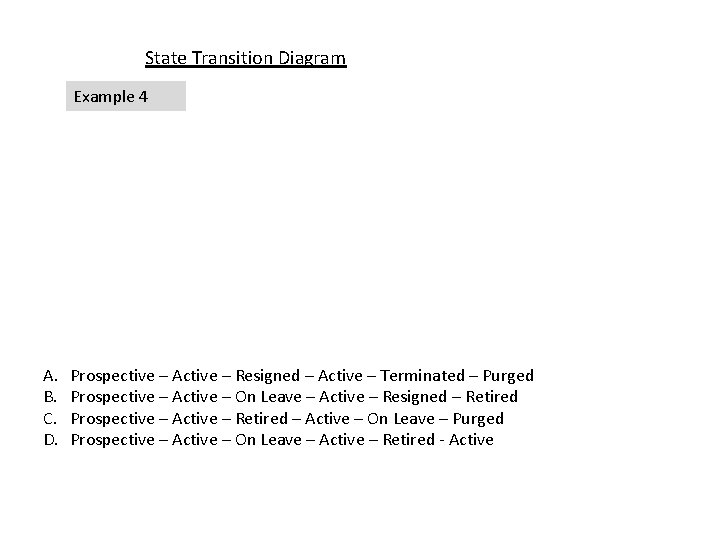
State Transition Diagram Example 4 A. B. C. D. Prospective – Active – Resigned – Active – Terminated – Purged Prospective – Active – On Leave – Active – Resigned – Retired Prospective – Active – Retired – Active – On Leave – Purged Prospective – Active – On Leave – Active – Retired - Active
- Slides: 6