
State Management and Drawing Geometry Objects Open GL
State Management and Drawing Geometry Objects (Open. GL Book Ch 2)
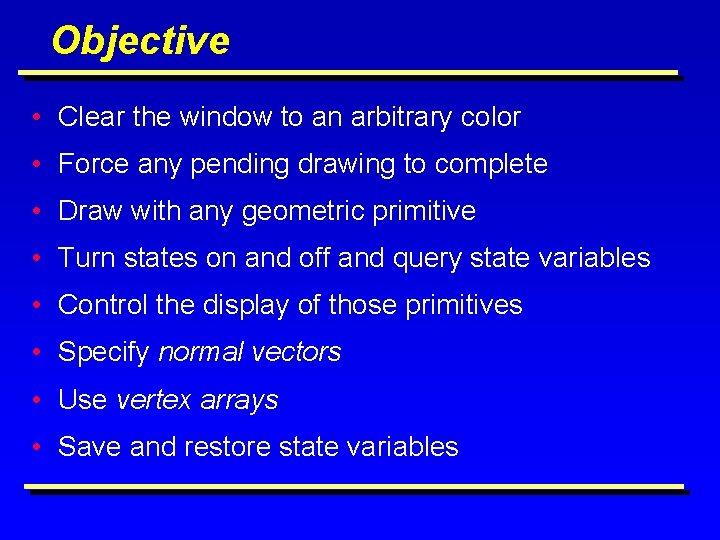
Objective • Clear the window to an arbitrary color • Force any pending drawing to complete • Draw with any geometric primitive • Turn states on and off and query state variables • Control the display of those primitives • Specify normal vectors • Use vertex arrays • Save and restore state variables
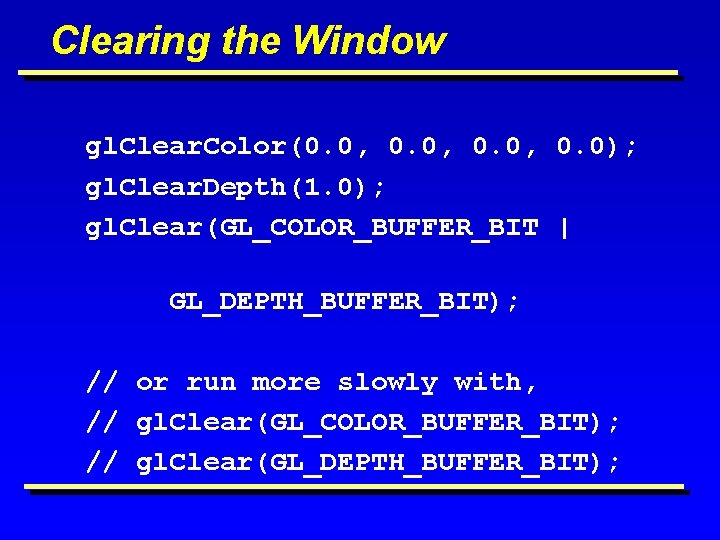
Clearing the Window gl. Clear. Color(0. 0, 0. 0); gl. Clear. Depth(1. 0); gl. Clear(GL_COLOR_BUFFER_BIT | GL_DEPTH_BUFFER_BIT); // or run more slowly with, // gl. Clear(GL_COLOR_BUFFER_BIT); // gl. Clear(GL_DEPTH_BUFFER_BIT);
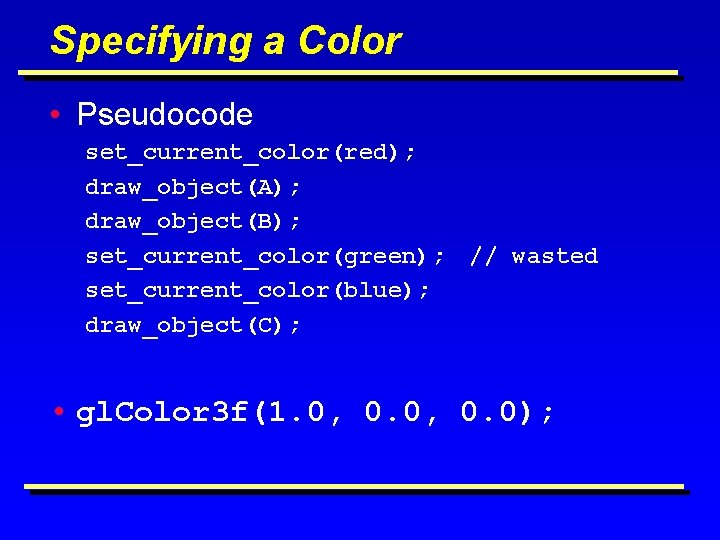
Specifying a Color • Pseudocode set_current_color(red); draw_object(A); draw_object(B); set_current_color(green); set_current_color(blue); draw_object(C); // wasted • gl. Color 3 f(1. 0, 0. 0);

Forcing Completion of Drawing • gl. Flush(); – Forces previously issued Open. GL commands to begin execution. • gl. Finish(); – Forces all previously issued Open. GL command s to complete. This command doesn’t return until all effects from previous commands are fully realized.
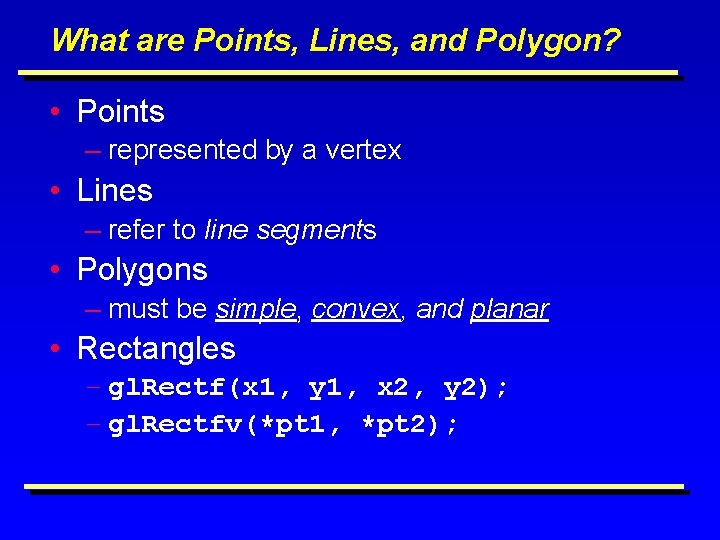
What are Points, Lines, and Polygon? • Points – represented by a vertex • Lines – refer to line segments • Polygons – must be simple, convex, and planar • Rectangles – gl. Rectf(x 1, y 1, x 2, y 2); – gl. Rectfv(*pt 1, *pt 2);
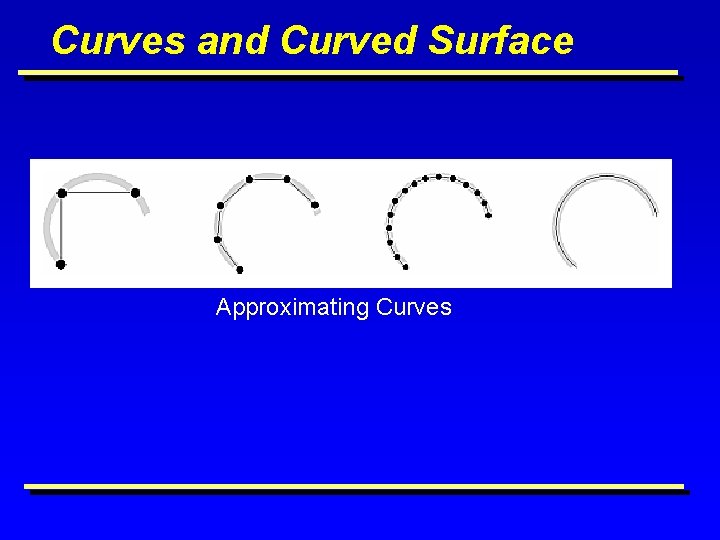
Curves and Curved Surface Approximating Curves
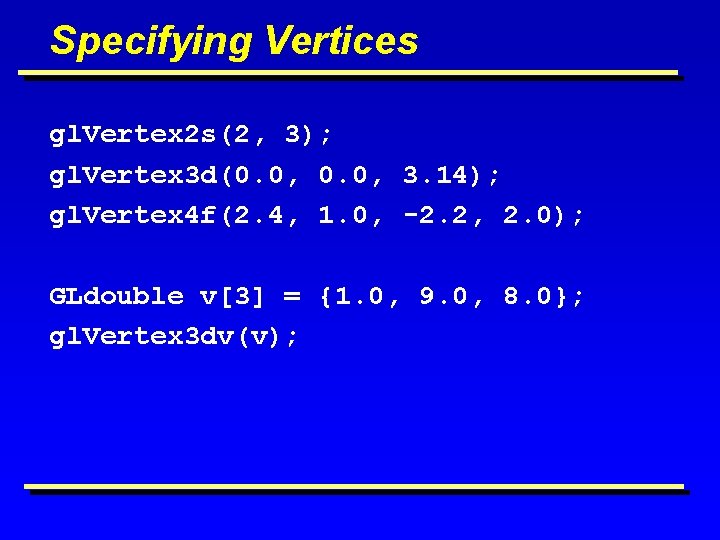
Specifying Vertices gl. Vertex 2 s(2, 3); gl. Vertex 3 d(0. 0, 3. 14); gl. Vertex 4 f(2. 4, 1. 0, -2. 2, 2. 0); GLdouble v[3] = {1. 0, 9. 0, 8. 0}; gl. Vertex 3 dv(v);

Drawing Geometric Primitives gl. Begin(GL_POLYGON); gl. Vertex 2 f(0. 0, 0. 0); gl. Vertex 2 f(4. 0, 3. 0); gl. Vertex 2 f(6. 0, 1. 5); gl. Vertex 2 f(4. 0, 0. 0); gl. End();
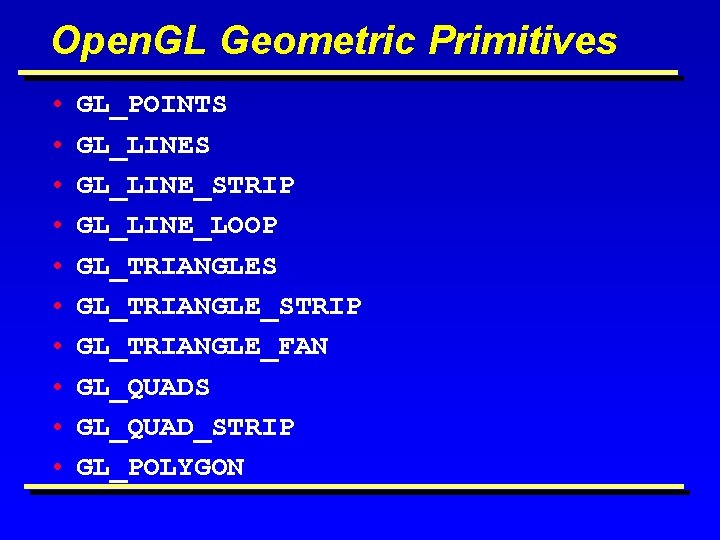
Open. GL Geometric Primitives • • • GL_POINTS GL_LINE_STRIP GL_LINE_LOOP GL_TRIANGLES GL_TRIANGLE_STRIP GL_TRIANGLE_FAN GL_QUADS GL_QUAD_STRIP GL_POLYGON
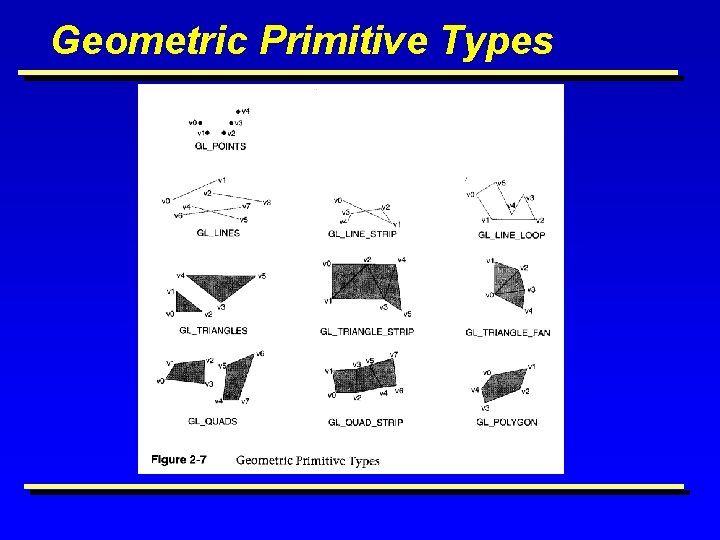
Geometric Primitive Types
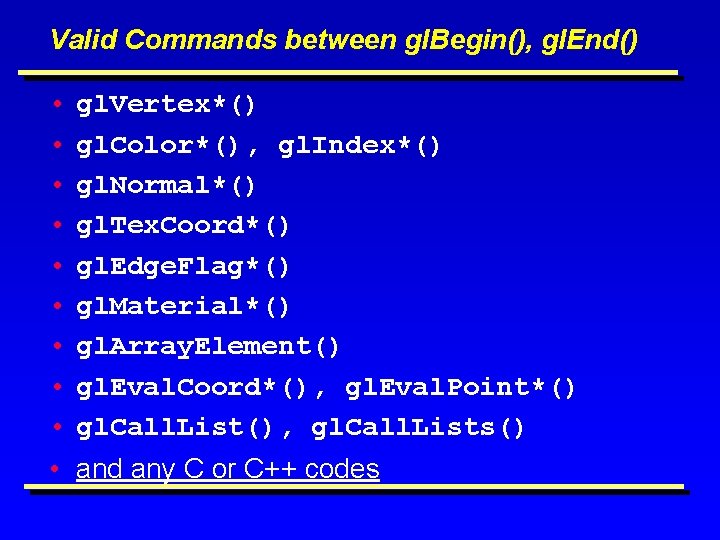
Valid Commands between gl. Begin(), gl. End() • • • gl. Vertex*() gl. Color*(), gl. Index*() gl. Normal*() gl. Tex. Coord*() gl. Edge. Flag*() gl. Material*() gl. Array. Element() gl. Eval. Coord*(), gl. Eval. Point*() gl. Call. List(), gl. Call. Lists() • and any C or C++ codes

Basic State Management • • gl. Enable(GL_DEPTH_TEST); gl. Disable(GL_FOG) if (gl. Is. Enabled(GL_FOG)). . . gl. Get. Booleanv(); gl. Get. Integerv(); gl. Get. Floatv(); gl. Get. Doublev(GL_CURRENT_COLOR, x); gl. Get. Pointerv();

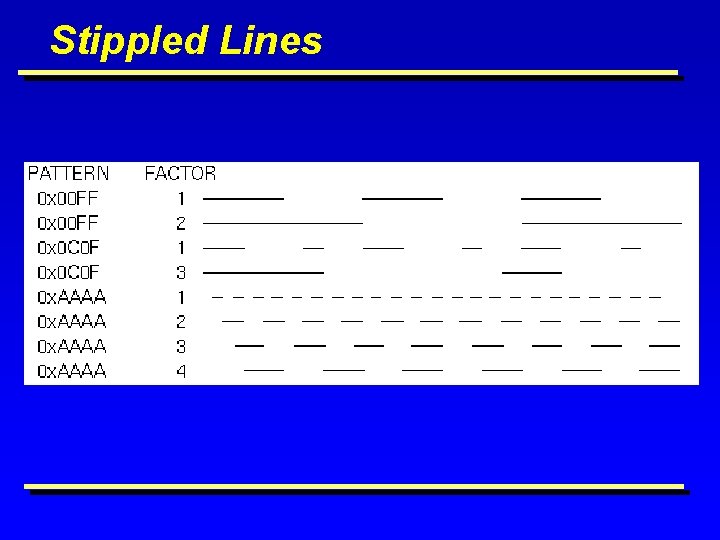
Point and Line Details gl. Point. Size(2. 0); gl. Line. Width(2. 0); gl. Line. Stipple(1, 0 x. AAAA); gl. Line. Stipple(2, 0 x. AAAA); gl. Enable(GL_LINE_STIPPLE);
Stippled Lines

Polygon Details • Drawing polygons as points, outlines, or solids gl. Polygon. Mode(GL_FRONT, GL_FILL); gl. Polygon. Mode(GL_BACK, GL_LINE); gl. Polygon. Mode(GL_FRONT_AND_BACK, GL_POINT);
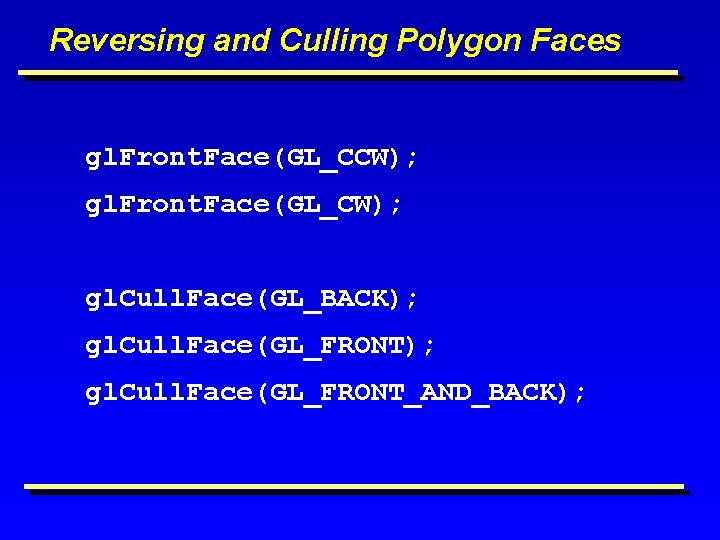
Reversing and Culling Polygon Faces gl. Front. Face(GL_CCW); gl. Front. Face(GL_CW); gl. Cull. Face(GL_BACK); gl. Cull. Face(GL_FRONT_AND_BACK);
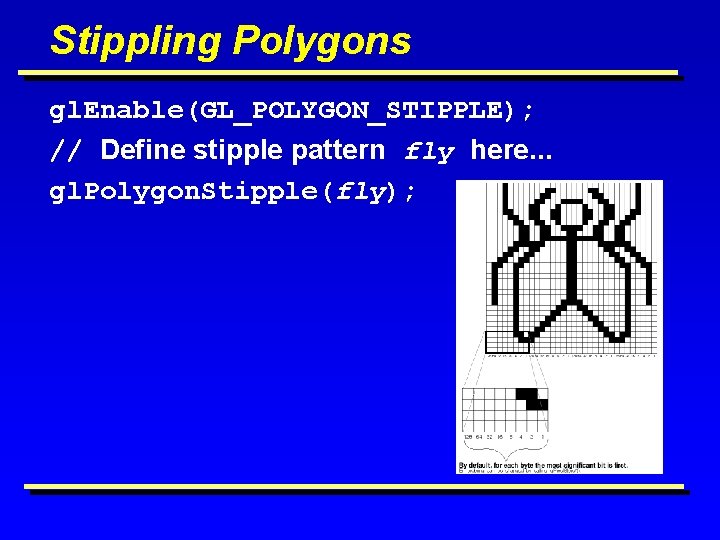
Stippling Polygons gl. Enable(GL_POLYGON_STIPPLE); // Define stipple pattern fly here. . . gl. Polygon. Stipple(fly);
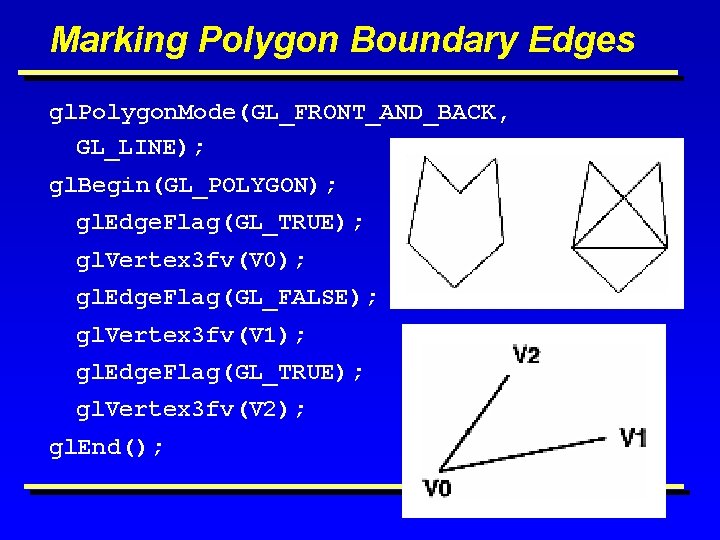
Marking Polygon Boundary Edges gl. Polygon. Mode(GL_FRONT_AND_BACK, GL_LINE); gl. Begin(GL_POLYGON); gl. Edge. Flag(GL_TRUE); gl. Vertex 3 fv(V 0); gl. Edge. Flag(GL_FALSE); gl. Vertex 3 fv(V 1); gl. Edge. Flag(GL_TRUE); gl. Vertex 3 fv(V 2); gl. End();

Normal Vectors gl. Begin (GL_POLYGON); gl. Normal 3 fv(n 0); gl. Vertex 3 fv(v 0); gl. Normal 3 fv(n 1); gl. Vertex 3 fv(v 2); gl. End(); • Provide Unit Normals! gl. Enable(GL_NORMALIZE) can be expensive
![Example: Drawing a unit cube Static GLfloat vdata[8][3] = { Y {0. 0, 0.](http://slidetodoc.com/presentation_image/0fc57d145950987cb0953b121461ca12/image-21.jpg "Example: Drawing a unit cube Static GLfloat vdata[8][3] = { Y {0. 0, 0.")
Example: Drawing a unit cube Static GLfloat vdata[8][3] = { Y {0. 0, 0. 0}, {1. 0, 0. 0}, {0. 0, 1. 0, 0. 0}, 3 {0. 0, 1. 0}, {1. 0, 0. 0, 1. 0}, 7 6 {1. 0, 1. 0}, {0. 0, 1. 0}}; //global!! Static GLint all. Indx[6][4] = { {4, 5, 6, 7}, {1, 2, 6, 5}, {0, 1, 5, 4}, 0 {0, 3, 2, 1}, {0, 4, 5, 4}, {2, 3, 7, 6}}; 5 Z 4 for (i=0; i<6; i++){ gl. Begin(GL_QUADS); gl. Vertex 3 fv(&vdata[all. Indx[i][0]); gl. Vertex 3 fv(&vdata[all. Indx[i][1]][0]); gl. Vertex 3 fv(&vdata[all. Indx[i][2]][0]); gl. Vertex 3 fv(&vdata[all. Indx[i][3]][0]); gl. End(); } 2 1 X
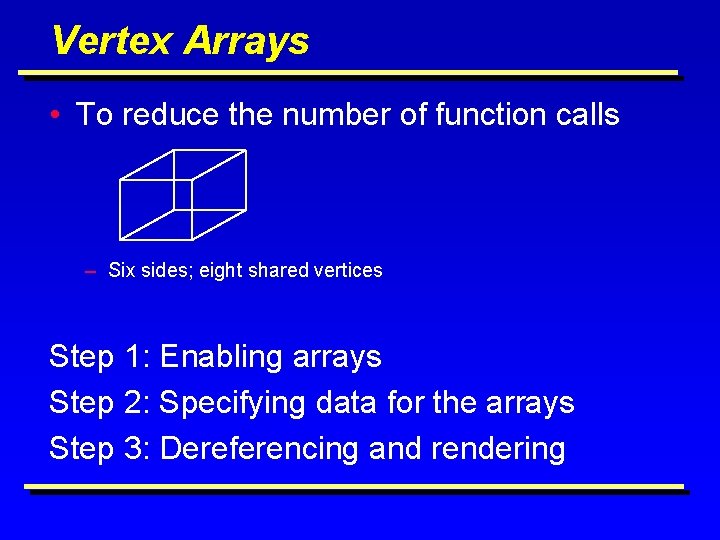
Vertex Arrays • To reduce the number of function calls – Six sides; eight shared vertices Step 1: Enabling arrays Step 2: Specifying data for the arrays Step 3: Dereferencing and rendering

Step 1: Enabling Arrays gl. Enable. Client. State(GL_NORMAL_ARRAY); gl. Enable. Client. State(GL_VERTEX_ARRAY); gl. Enable. Client. State(GL_COLOR_ARRAY); gl. Enable. Client. State(GL_INDEX_ARRAY); gl. Enable. Client. State(GL_EDGE_FLAG_ARRAY); gl. Enable. Client. State(GL_TEXTURE_COORD_ARRAY); gl. Disable. Client. State(GL_NORMAL_ARRAY);
Step 2: Specifying Data for the Arrays • gl. Vertex. Pointer(size, type, stride, pointer) • gl. Color. Pointer(size, type, stride, pointer) • gl. Index. Pointer(type, stride, pointer) • gl. Normal. Pointer(type, stride, pointer) • gl. Tex. Coord. Pointer(size, type, stride, pointer) • gl. Edge. Flag. Pointer(stride, pointer)
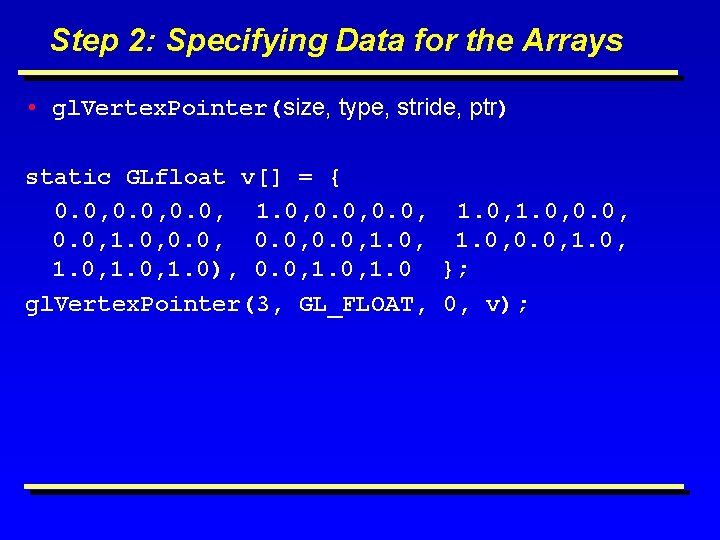
Step 2: Specifying Data for the Arrays • gl. Vertex. Pointer(size, type, stride, ptr) static GLfloat v[] = { 0. 0, 0. 0, 1. 0), 0. 0, 1. 0 }; gl. Vertex. Pointer(3, GL_FLOAT, 0, v);
![Stride static GLfloat intertwined [ ] = { 1. 0, 0. 2, 1. 0,](http://slidetodoc.com/presentation_image/0fc57d145950987cb0953b121461ca12/image-26.jpg "Stride static GLfloat intertwined [ ] = { 1. 0, 0. 2, 1. 0,")
Stride static GLfloat intertwined [ ] = { 1. 0, 0. 2, 1. 0, 100. 0, /* ………………*/ 0. 2, 1. 0, 200. 0, 100. 0, 0. 0 }; gl. Color. Pointer(3, GL_FLOAT, 6*sizeof(GLfloat), intertwined); gl. Vertex. Pointer(3, GL_FLOAT, 6*sizeof(GLfloat), &intertwined[3]);

Step 3: Dereferencing and Rendering Alternative 1: dereferencing a single array element gl. Vertex. Pointer(3, GL_FLOAT, 0, v); gl. Begin(GL_QUADS); gl. Array. Element(4); gl. Array. Element(5); 7 gl. Array. Element(6); gl. Array. Element(7); … Z 4 gl. End(); Y 3 2 6 0 1 5 X
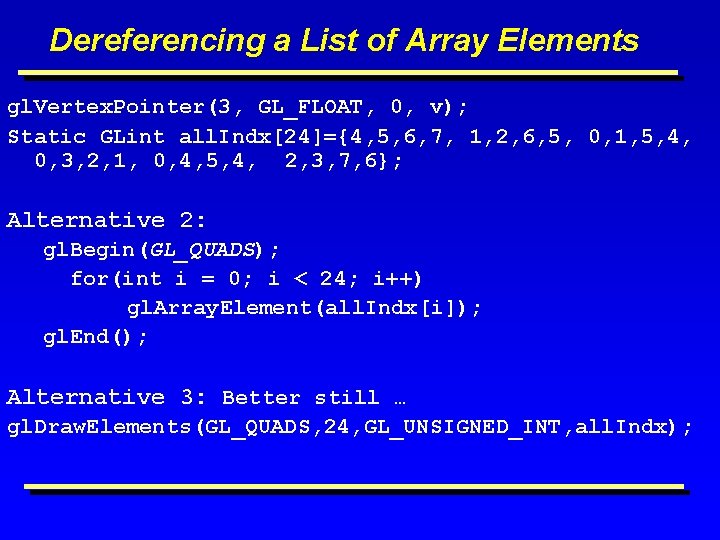
Dereferencing a List of Array Elements gl. Vertex. Pointer(3, GL_FLOAT, 0, v); Static GLint all. Indx[24]={4, 5, 6, 7, 1, 2, 6, 5, 0, 1, 5, 4, 0, 3, 2, 1, 0, 4, 5, 4, 2, 3, 7, 6}; Alternative 2: gl. Begin(GL_QUADS); for(int i = 0; i < 24; i++) gl. Array. Element(all. Indx[i]); gl. End(); Alternative 3: Better still … gl. Draw. Elements(GL_QUADS, 24, GL_UNSIGNED_INT, all. Indx);

Hints for Building Polygonal Models of Surfaces • Keep polygon orientations consistent. – all clockwise or all counterclockwise • • Watch out for non-triangular polygons. Trade-off between speed and quality. Avoid T- intersections There are more… Read the book.
Next … Vectors, Matrices and Homogeneous coordinate system Transformations
- Slides: 30