
Starting Out with C Early Objects 5 th
Starting Out with C++: Early Objects 5 th Edition Chapter 5 Looping Starting Out with C++: Early Objects 5/e © 2006 Pearson Education. All Rights Reserved
Topics 5. 1 The Increment and Decrement Operators 5. 2 Introduction to Loops: The while Loop 5. 3 Counters 5. 4 Letting the User Control the Loop 5. 5 Keeping a Running Total 5. 6 Sentinels Chapter 5 Starting Out with C++: Early Objects 5/e slide © 2006 Pearson Education. All Rights Reserved
Topics (continued) 5. 7 Using a Loop to Read Data From a File 5. 8 The do-while and for Loops 5. 9 Deciding Which Loop to Use 5. 10 Nested Loops 5. 11 Breaking Out of a Loop 5. 12 The continue Statement 5. 13 Using Loops for Data Validation Chapter 5 Starting Out with C++: Early Objects 5/e slide © 2006 Pearson Education. All Rights Reserved
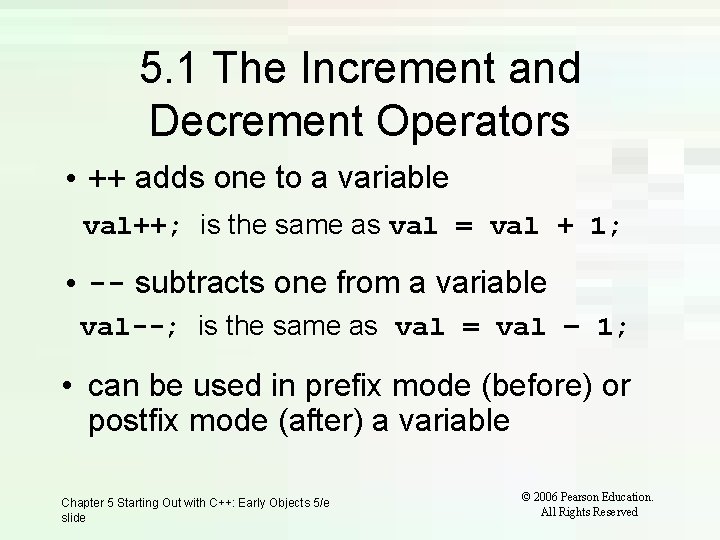
5. 1 The Increment and Decrement Operators • ++ adds one to a variable val++; is the same as val = val + 1; • -- subtracts one from a variable val--; is the same as val = val – 1; • can be used in prefix mode (before) or postfix mode (after) a variable Chapter 5 Starting Out with C++: Early Objects 5/e slide © 2006 Pearson Education. All Rights Reserved
Prefix Mode • ++val and --val increment or decrement the variable, then return the new value of the variable. • It is this returned new value of the variable that is used in any other operations within the same statement Chapter 5 Starting Out with C++: Early Objects 5/e slide © 2006 Pearson Education. All Rights Reserved
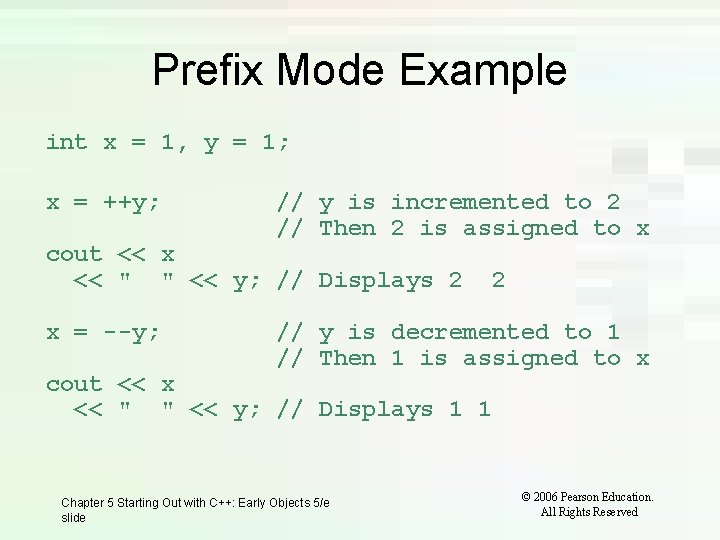
Prefix Mode Example int x = 1, y = 1; x = ++y; // y is incremented to 2 // Then 2 is assigned to x cout << x << " " << y; // Displays 2 x = --y; 2 // y is decremented to 1 // Then 1 is assigned to x cout << x << " " << y; // Displays 1 1 Chapter 5 Starting Out with C++: Early Objects 5/e slide © 2006 Pearson Education. All Rights Reserved
Postfix Mode • val++ and val-- return the old value of the variable, then increment or decrement the variable • It is this returned old value of the variable that is used in any other operations within the same statement Chapter 5 Starting Out with C++: Early Objects 5/e slide © 2006 Pearson Education. All Rights Reserved
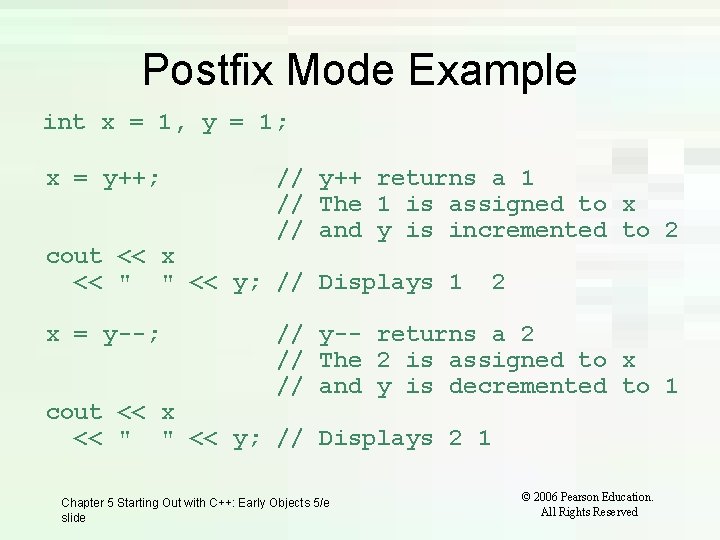
Postfix Mode Example int x = 1, y = 1; x = y++; // y++ returns a 1 // The 1 is assigned to x // and y is incremented to 2 cout << x << " " << y; // Displays 1 x = y--; 2 // y-- returns a 2 // The 2 is assigned to x // and y is decremented to 1 cout << x << " " << y; // Displays 2 1 Chapter 5 Starting Out with C++: Early Objects 5/e slide © 2006 Pearson Education. All Rights Reserved
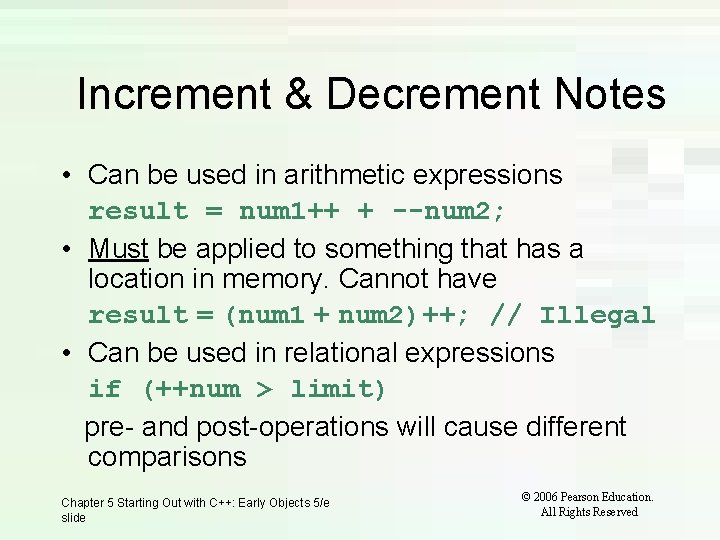
Increment & Decrement Notes • Can be used in arithmetic expressions result = num 1++ + --num 2; • Must be applied to something that has a location in memory. Cannot have result = (num 1 + num 2)++; // Illegal • Can be used in relational expressions if (++num > limit) pre- and post-operations will cause different comparisons Chapter 5 Starting Out with C++: Early Objects 5/e slide © 2006 Pearson Education. All Rights Reserved
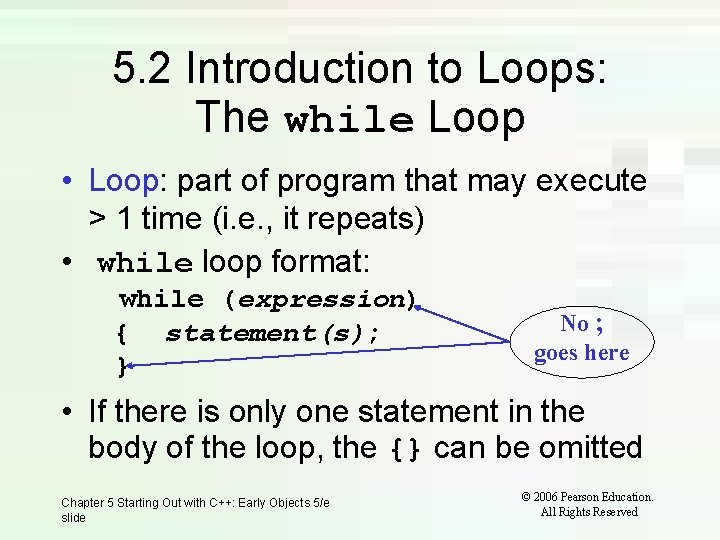
5. 2 Introduction to Loops: The while Loop • Loop: part of program that may execute > 1 time (i. e. , it repeats) • while loop format: while (expression) { statement(s); } No ; goes here • If there is only one statement in the body of the loop, the {} can be omitted Chapter 5 Starting Out with C++: Early Objects 5/e slide © 2006 Pearson Education. All Rights Reserved
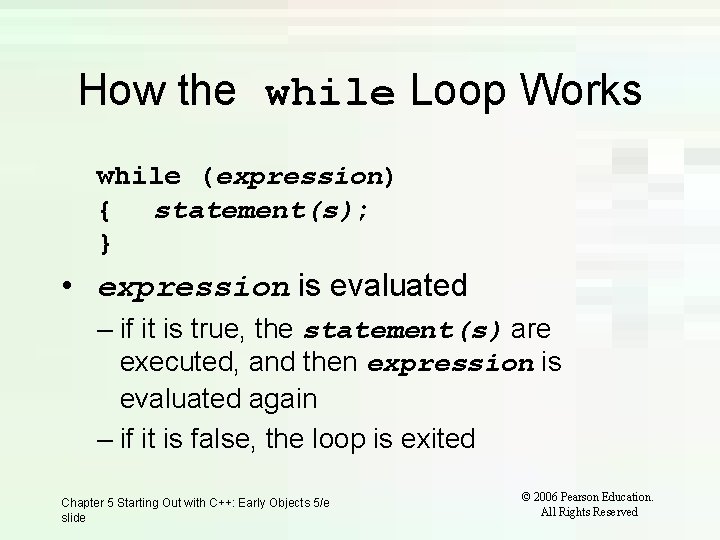
How the while Loop Works while (expression) { statement(s); } • expression is evaluated – if it is true, the statement(s) are executed, and then expression is evaluated again – if it is false, the loop is exited Chapter 5 Starting Out with C++: Early Objects 5/e slide © 2006 Pearson Education. All Rights Reserved
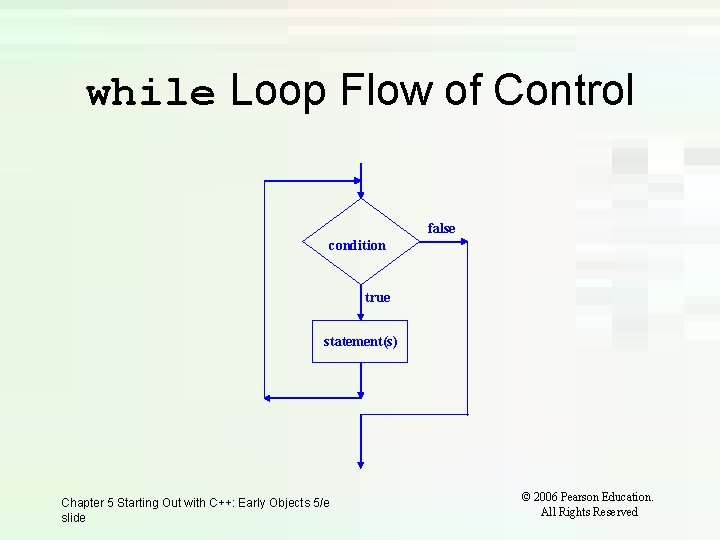
while Loop Flow of Control false condition true statement(s) Chapter 5 Starting Out with C++: Early Objects 5/e slide © 2006 Pearson Education. All Rights Reserved
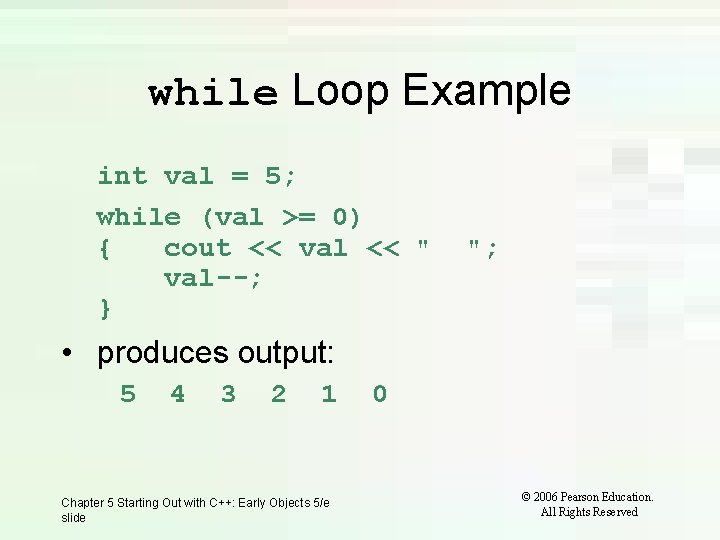
while Loop Example int val = 5; while (val >= 0) { cout << val << " val--; } "; • produces output: 5 4 3 2 1 Chapter 5 Starting Out with C++: Early Objects 5/e slide 0 © 2006 Pearson Education. All Rights Reserved
while Loop is a Pretest Loop • while is a pretest loop (expression is evaluated before the loop executes) • If the expression is initially false, the statement(s) in the body of the loop are never executed • If the expression is initially true, the statement(s) in the body continue to be executed until the expression becomes false Chapter 5 Starting Out with C++: Early Objects 5/e slide © 2006 Pearson Education. All Rights Reserved
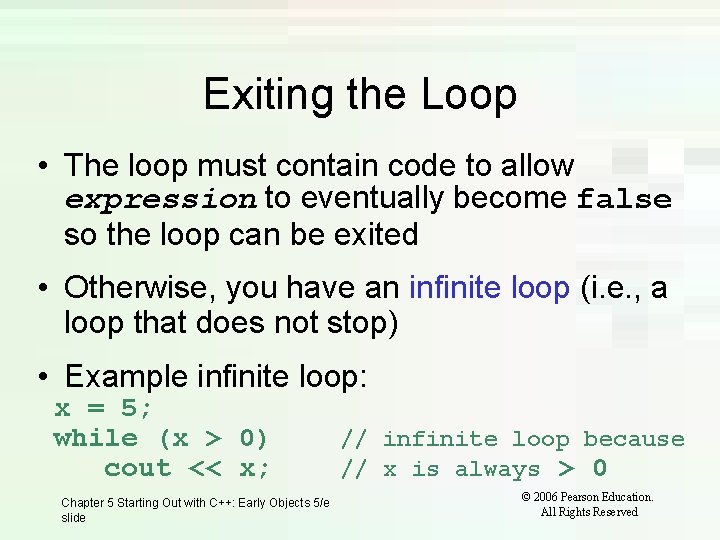
Exiting the Loop • The loop must contain code to allow expression to eventually become false so the loop can be exited • Otherwise, you have an infinite loop (i. e. , a loop that does not stop) • Example infinite loop: x = 5; while (x > 0) cout << x; Chapter 5 Starting Out with C++: Early Objects 5/e slide // infinite loop because // x is always > 0 © 2006 Pearson Education. All Rights Reserved

5. 3 Counters • Counter: variable that is incremented or decremented each time a loop repeats • Can be used to control execution of the loop (loop control variable) • Must be initialized before entering loop • May be incremented/decremented either inside the loop or in the loop test Chapter 5 Starting Out with C++: Early Objects 5/e slide © 2006 Pearson Education. All Rights Reserved
5. 4 Letting the User Control the Loop • Program can be written so that user input determines loop repetition • Used when program processes a list of items, and user knows the number of items • User is prompted before loop. Their input is used to control number of repetitions Chapter 5 Starting Out with C++: Early Objects 5/e slide © 2006 Pearson Education. All Rights Reserved
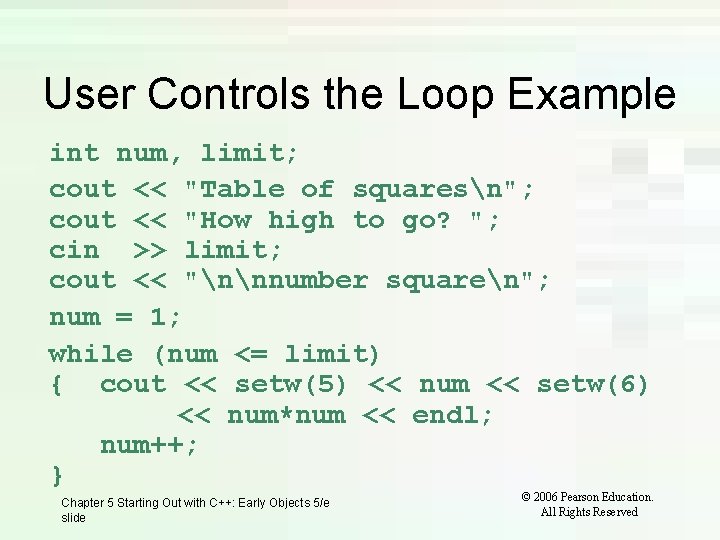
User Controls the Loop Example int num, limit; cout << "Table of squaresn"; cout << "How high to go? "; cin >> limit; cout << "nnnumber squaren"; num = 1; while (num <= limit) { cout << setw(5) << num << setw(6) << num*num << endl; num++; } Chapter 5 Starting Out with C++: Early Objects 5/e slide © 2006 Pearson Education. All Rights Reserved
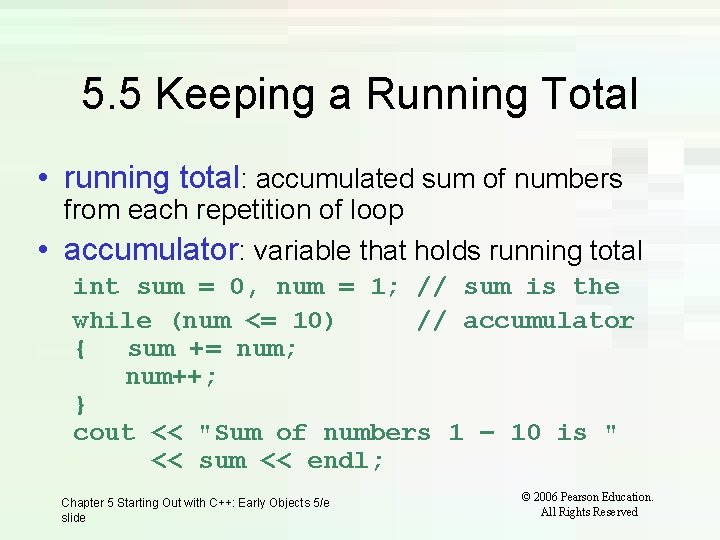
5. 5 Keeping a Running Total • running total: accumulated sum of numbers from each repetition of loop • accumulator: variable that holds running total int sum = 0, num = 1; // sum is the while (num <= 10) // accumulator { sum += num; num++; } cout << "Sum of numbers 1 – 10 is " << sum << endl; Chapter 5 Starting Out with C++: Early Objects 5/e slide © 2006 Pearson Education. All Rights Reserved
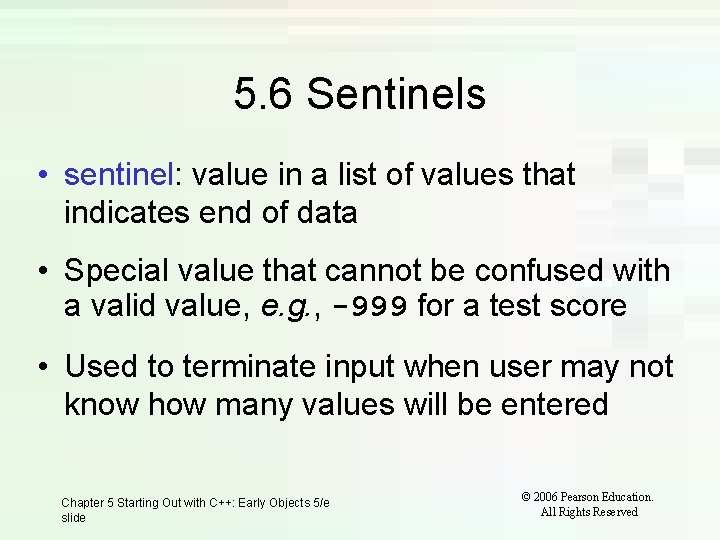
5. 6 Sentinels • sentinel: value in a list of values that indicates end of data • Special value that cannot be confused with a valid value, e. g. , -999 for a test score • Used to terminate input when user may not know how many values will be entered Chapter 5 Starting Out with C++: Early Objects 5/e slide © 2006 Pearson Education. All Rights Reserved
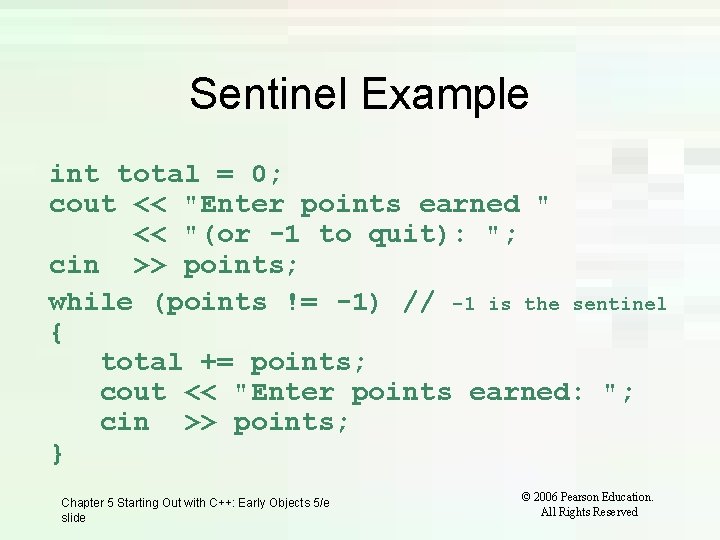
Sentinel Example int total = 0; cout << "Enter points earned " << "(or -1 to quit): "; cin >> points; while (points != -1) // -1 is the sentinel { total += points; cout << "Enter points earned: "; cin >> points; } Chapter 5 Starting Out with C++: Early Objects 5/e slide © 2006 Pearson Education. All Rights Reserved
5. 7 Using a Loop to Read Data From a File • A Loop can be used to read in each piece of data from a file • It is not necessary to know how much data is in the file • Several methods exist to test for the end of the file Chapter 5 Starting Out with C++: Early Objects 5/e slide © 2006 Pearson Education. All Rights Reserved
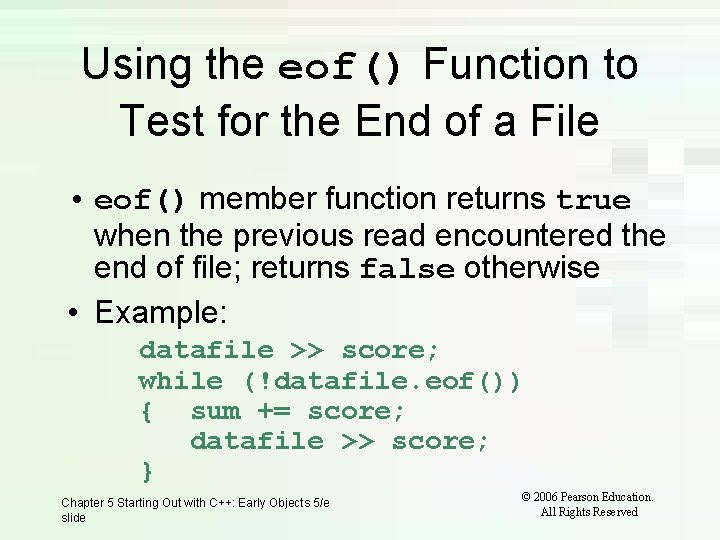
Using the eof() Function to Test for the End of a File • eof() member function returns true when the previous read encountered the end of file; returns false otherwise • Example: datafile >> score; while (!datafile. eof()) { sum += score; datafile >> score; } Chapter 5 Starting Out with C++: Early Objects 5/e slide © 2006 Pearson Education. All Rights Reserved
Problems Using eof() • For the eof() function to work correctly using this method, there must be a whitespace (space, tab, or [Enter] ) after the last piece of data • Otherwise the end of file will be encountered when reading the final data value and it will not be processed Chapter 5 Starting Out with C++: Early Objects 5/e slide © 2006 Pearson Education. All Rights Reserved
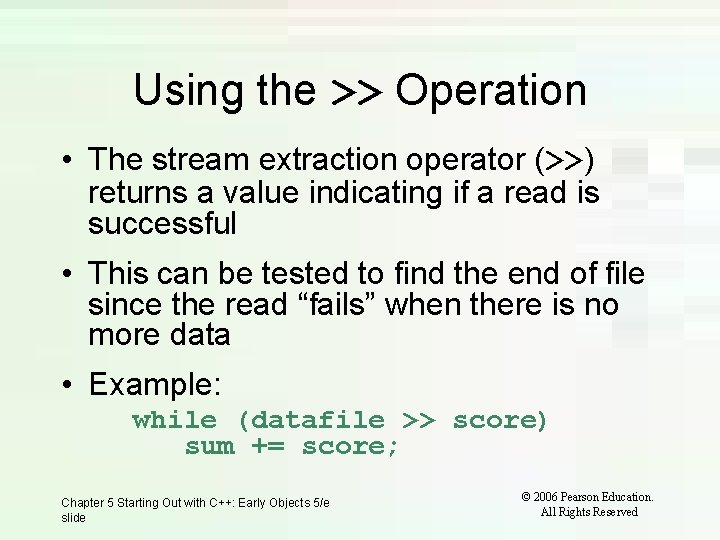
Using the >> Operation • The stream extraction operator (>>) returns a value indicating if a read is successful • This can be tested to find the end of file since the read “fails” when there is no more data • Example: while (datafile >> score) sum += score; Chapter 5 Starting Out with C++: Early Objects 5/e slide © 2006 Pearson Education. All Rights Reserved
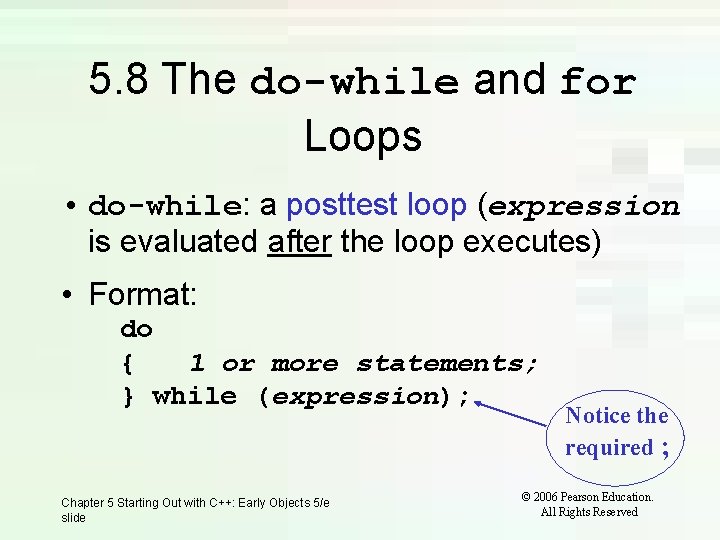
5. 8 The do-while and for Loops • do-while: a posttest loop (expression is evaluated after the loop executes) • Format: do { 1 or more statements; } while (expression); Chapter 5 Starting Out with C++: Early Objects 5/e slide Notice the required ; © 2006 Pearson Education. All Rights Reserved
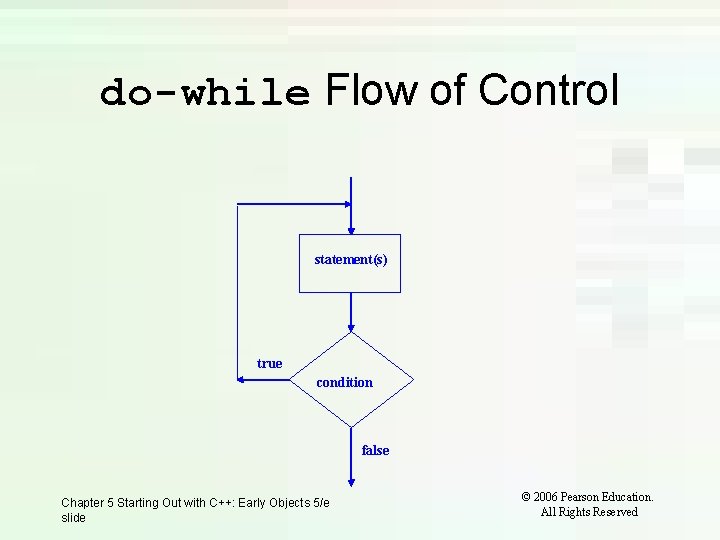
do-while Flow of Control statement(s) true condition false Chapter 5 Starting Out with C++: Early Objects 5/e slide © 2006 Pearson Education. All Rights Reserved
do-while Loop Notes • Loop always executes at least once • Execution continues as long as expression is true; the loop is exited when expression becomes false • Useful in menu-driven programs to bring user back to menu to make another choice Chapter 5 Starting Out with C++: Early Objects 5/e slide © 2006 Pearson Education. All Rights Reserved
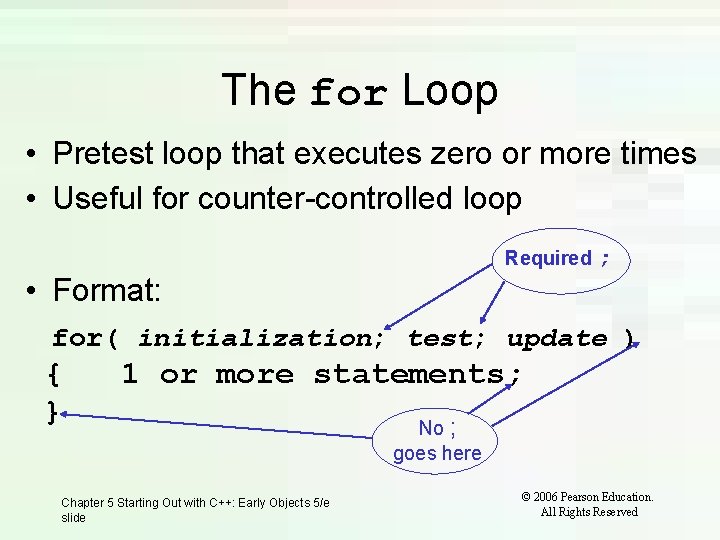
The for Loop • Pretest loop that executes zero or more times • Useful for counter-controlled loop Required ; • Format: for( initialization; test; update ) { } 1 or more statements; Chapter 5 Starting Out with C++: Early Objects 5/e slide No ; goes here © 2006 Pearson Education. All Rights Reserved
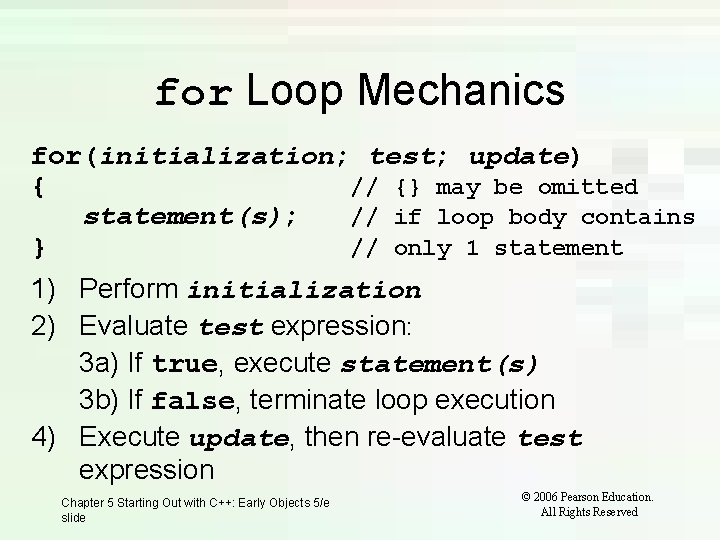
for Loop Mechanics for(initialization; test; update) { // {} may be omitted statement(s); // if loop body contains } // only 1 statement 1) Perform initialization 2) Evaluate test expression: 3 a) If true, execute statement(s) 3 b) If false, terminate loop execution 4) Execute update, then re-evaluate test expression Chapter 5 Starting Out with C++: Early Objects 5/e slide © 2006 Pearson Education. All Rights Reserved
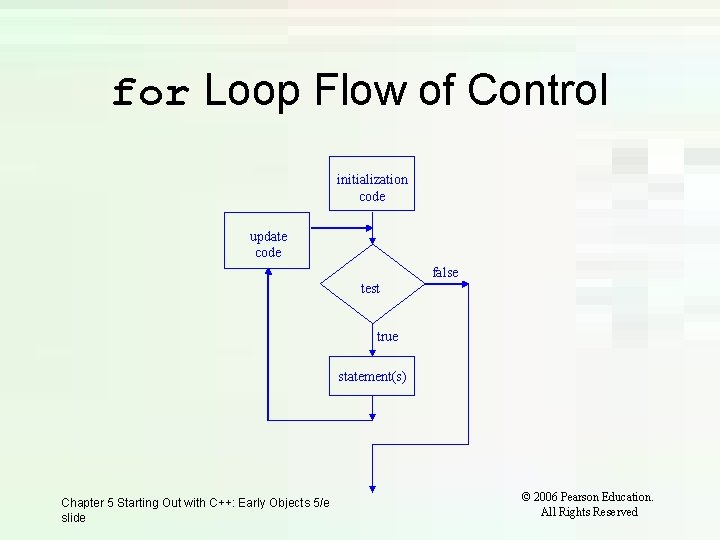
for Loop Flow of Control initialization code update code false test true statement(s) Chapter 5 Starting Out with C++: Early Objects 5/e slide © 2006 Pearson Education. All Rights Reserved
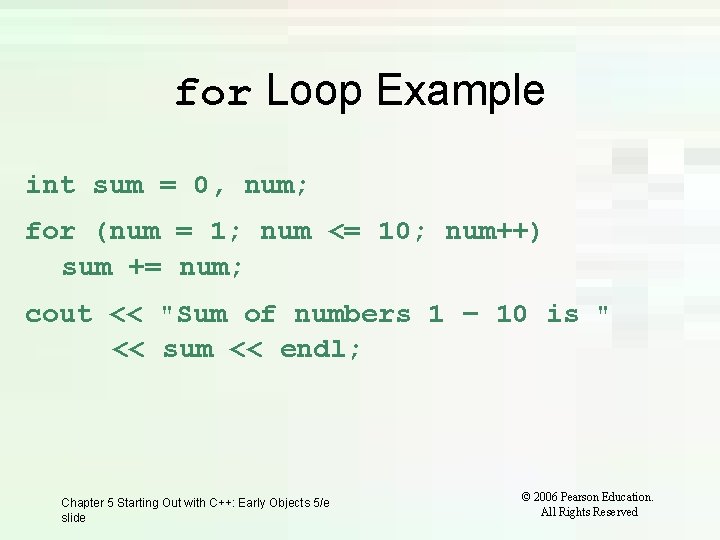
for Loop Example int sum = 0, num; for (num = 1; num <= 10; num++) sum += num; cout << "Sum of numbers 1 – 10 is " << sum << endl; Chapter 5 Starting Out with C++: Early Objects 5/e slide © 2006 Pearson Education. All Rights Reserved
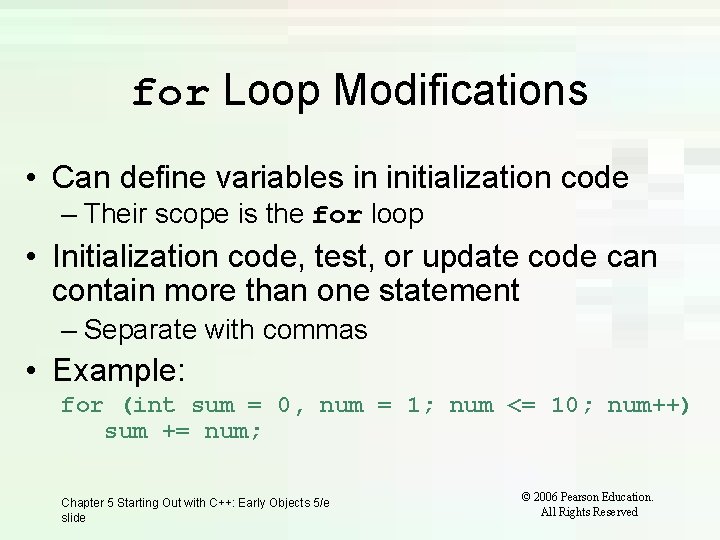
for Loop Modifications • Can define variables in initialization code – Their scope is the for loop • Initialization code, test, or update code can contain more than one statement – Separate with commas • Example: for (int sum = 0, num = 1; num <= 10; num++) sum += num; Chapter 5 Starting Out with C++: Early Objects 5/e slide © 2006 Pearson Education. All Rights Reserved
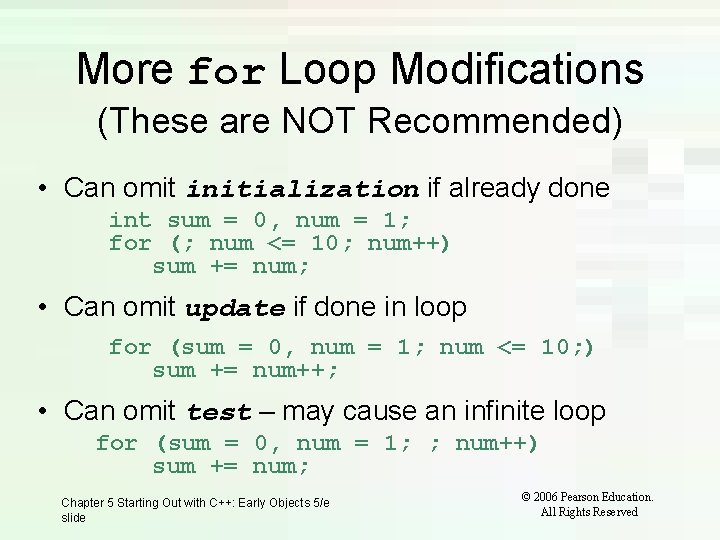
More for Loop Modifications (These are NOT Recommended) • Can omit initialization if already done int sum = 0, num = 1; for (; num <= 10; num++) sum += num; • Can omit update if done in loop for (sum = 0, num = 1; num <= 10; ) sum += num++; • Can omit test – may cause an infinite loop for (sum = 0, num = 1; ; num++) sum += num; Chapter 5 Starting Out with C++: Early Objects 5/e slide © 2006 Pearson Education. All Rights Reserved
5. 9 Deciding Which Loop to Use • while: pretest loop (loop body may not be executed at all) • do-while: posttest loop (loop body will always be executed at least once) • for: pretest loop (loop body may not be executed at all); has initialization and update code; is useful with counters or if precise number of repetitions is known Chapter 5 Starting Out with C++: Early Objects 5/e slide © 2006 Pearson Education. All Rights Reserved
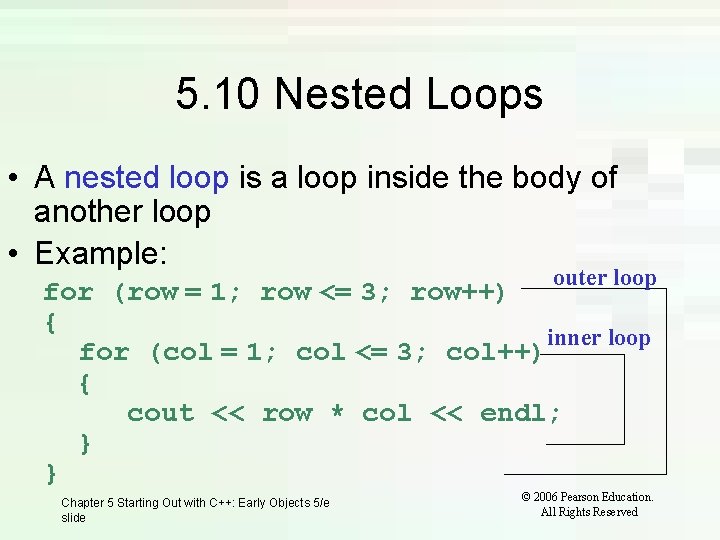
5. 10 Nested Loops • A nested loop is a loop inside the body of another loop • Example: outer loop for (row = 1; row <= 3; row++) { inner loop for (col = 1; col <= 3; col++) { cout << row * col << endl; } } Chapter 5 Starting Out with C++: Early Objects 5/e slide © 2006 Pearson Education. All Rights Reserved
Notes on Nested Loops • Inner loop goes through all its repetitions for each repetition of outer loop • Inner loop repetitions complete sooner than outer loop • Total number of repetitions for inner loop is product of number of repetitions of the two loops. In previous example, inner loop repeats 9 times Chapter 5 Starting Out with C++: Early Objects 5/e slide © 2006 Pearson Education. All Rights Reserved
5. 11 Breaking Out of a Loop • Can use break to terminate execution of a loop • Use sparingly if at all – makes code harder to understand • When used in an inner loop, terminates that loop only and goes back to outer loop Chapter 5 Starting Out with C++: Early Objects 5/e slide © 2006 Pearson Education. All Rights Reserved
5. 12 The continue Statement • Can use continue to go to end of loop and prepare for next repetition – while and do-while loops go to test and repeat the loop if test condition is true – for loop goes to update step, then tests, and repeats loop if test condition is true • Use sparingly – like break, can make program logic hard to follow Chapter 5 Starting Out with C++: Early Objects 5/e slide © 2006 Pearson Education. All Rights Reserved
5. 13 Using Loops for Data Validation Loops are the most appropriate structure for validating user input data 1. Prompt and read in the data. 2. Use a pretest loop to test if data is valid. 3. Enter the loop only if data is not valid. 4. Inside the loop, prompt the user to re-enter the data. 5. The loop will not be exited until valid data has been entered. Chapter 5 Starting Out with C++: Early Objects 5/e slide © 2006 Pearson Education. All Rights Reserved
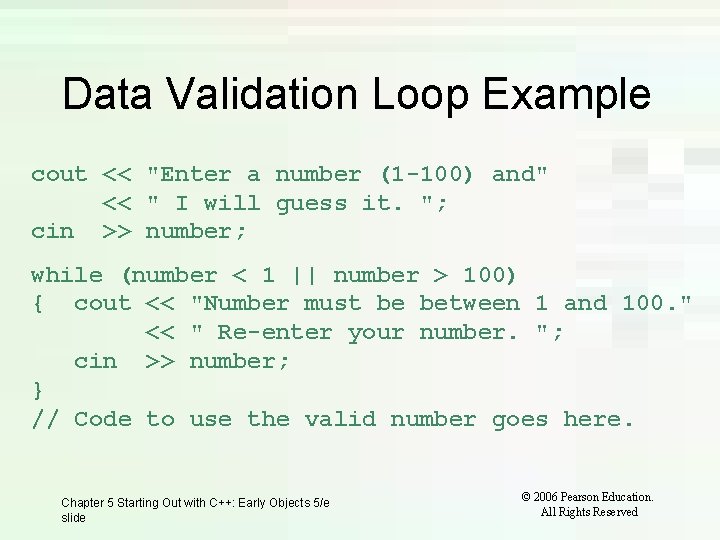
Data Validation Loop Example cout << "Enter a number (1 -100) and" << " I will guess it. "; cin >> number; while (number < 1 || number > 100) { cout << "Number must be between 1 and 100. " << " Re-enter your number. "; cin >> number; } // Code to use the valid number goes here. Chapter 5 Starting Out with C++: Early Objects 5/e slide © 2006 Pearson Education. All Rights Reserved
Starting Out with C++: Early Objects 5 th Edition Chapter 5 Looping Starting Out with C++: Early Objects 5/e © 2006 Pearson Education. All Rights Reserved
- Slides: 42