
Starter What is BBC micro bit You may
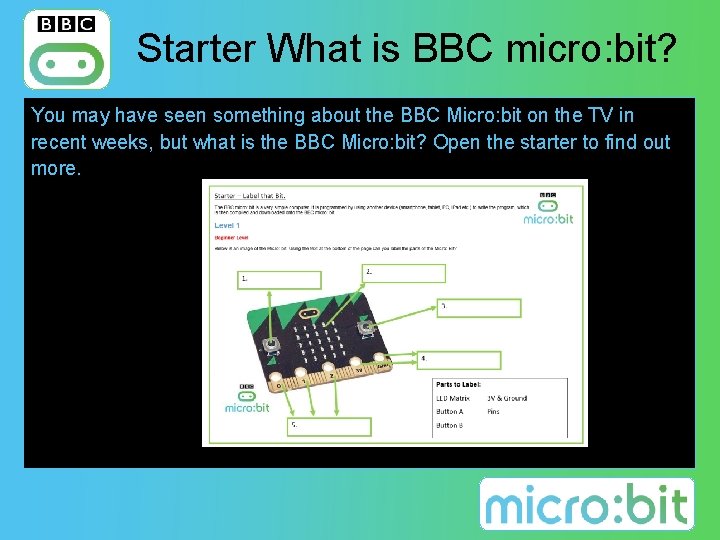
Starter What is BBC micro: bit? You may have seen something about the BBC Micro: bit on the TV in recent weeks, but what is the BBC Micro: bit? Open the starter to find out more.
What is BBC micro: bit? • A pocket-sized codeable computer • It has 25 red LEDs that can light up, flash messages, create games, and invent digital stories! • Two programmable buttons. You can use the micro: bit as a games controller, and even pause or skip songs on a playlist!
What is BBC micro: bit? • It has an on-board motion detector (accelerometer) that can detect movement and tell other devices you’re on the go. You can light it up when something is moved, and use it for motion-activated games. • The built-in compass (magnetometer) helps to sense which direction you’re facing, your movement in degrees, and where you are. • Bluetooth Smart Technology can connect to the internet, connect to your friends’ micro: bits, phones, tablets, cameras. You can share creations, join forces, take a selfie, and even pause a DVD
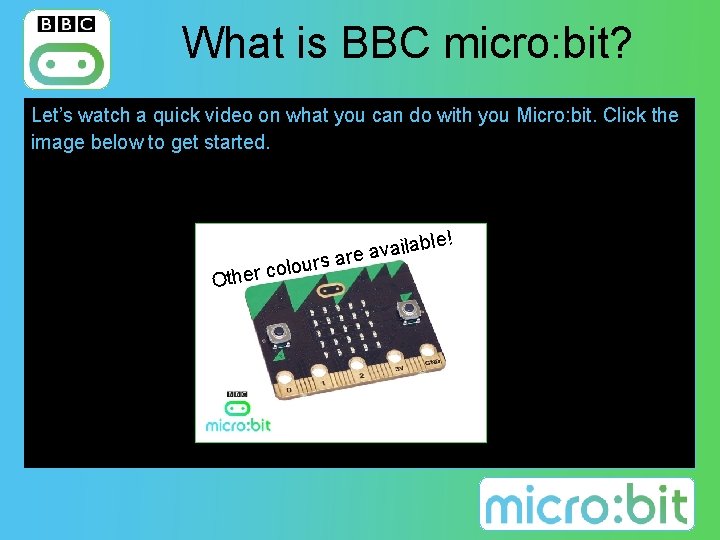
What is BBC micro: bit? Let’s watch a quick video on what you can do with you Micro: bit. Click the image below to get started. le! our l o c r e Oth ilab a v a e r sa 5
Objectives • Know what a BBC Micro: bit is • Understand the different parts that make up a BBC Micro: bit • Be able to use the BBC Micro: bit website to create code

BBC Micro: bit Website
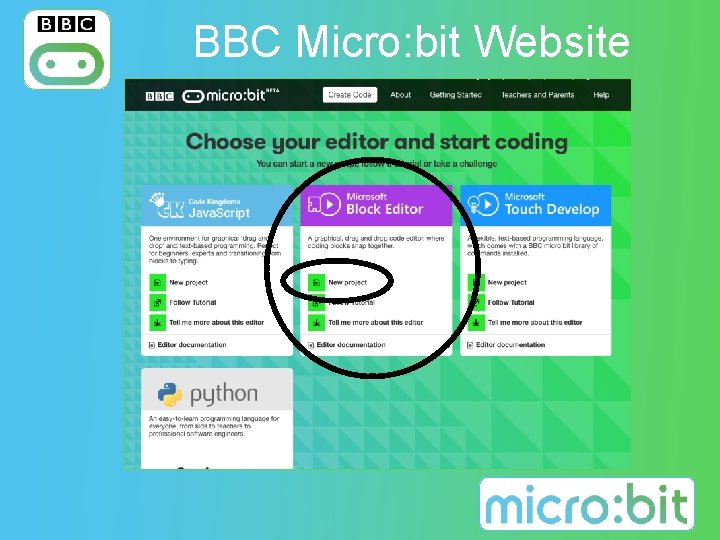
BBC Micro: bit Website
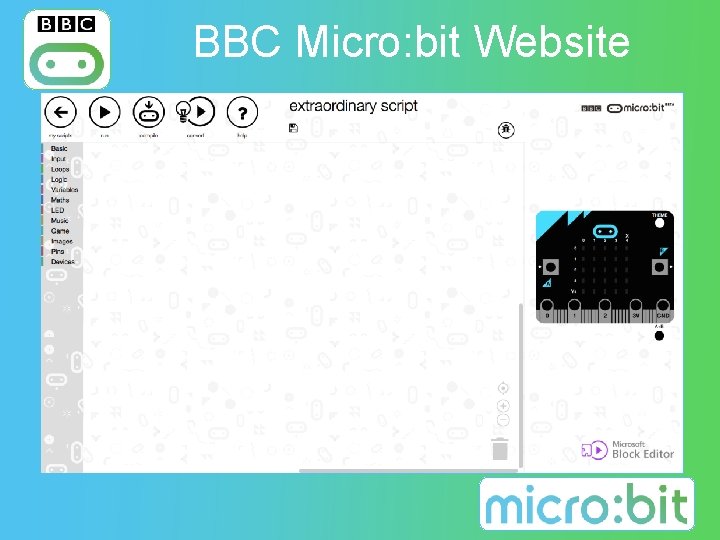
BBC Micro: bit Website
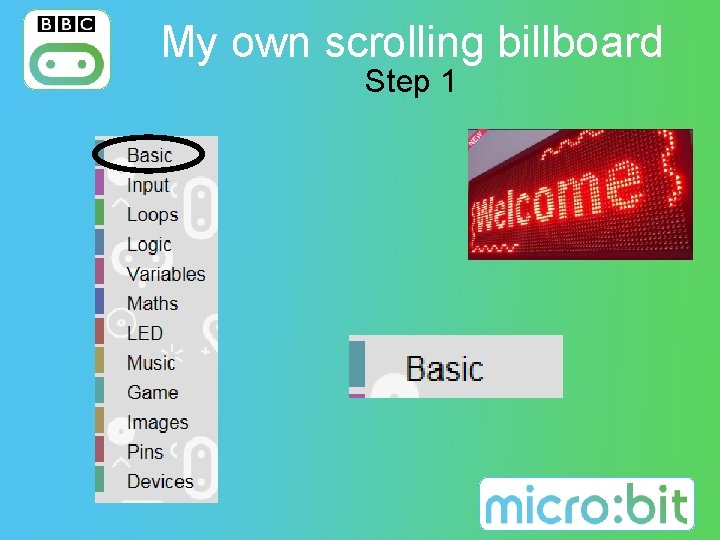
My own scrolling billboard Step 1
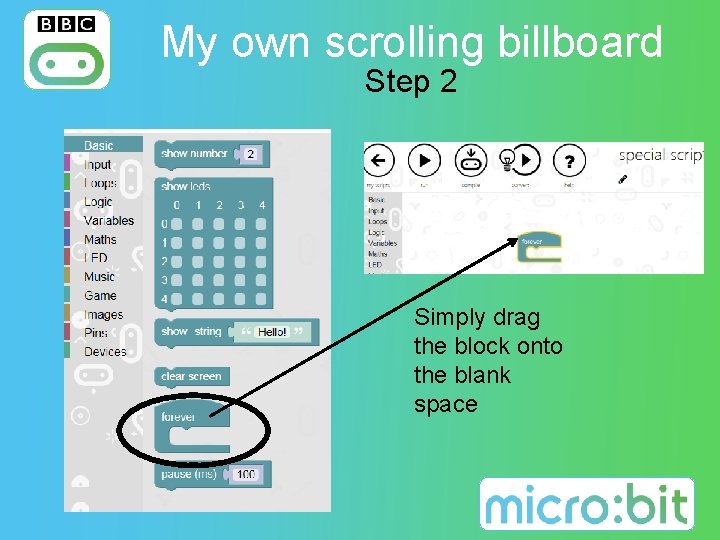
My own scrolling billboard Step 2 Simply drag the block onto the blank space
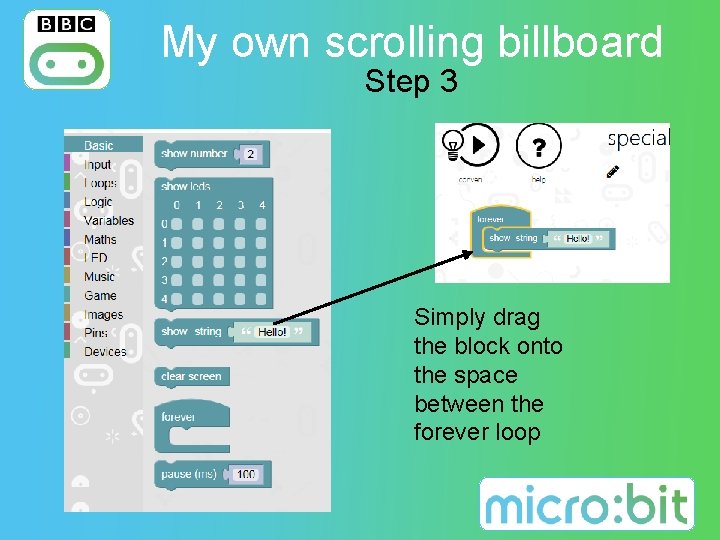
My own scrolling billboard Step 3 Simply drag the block onto the space between the forever loop
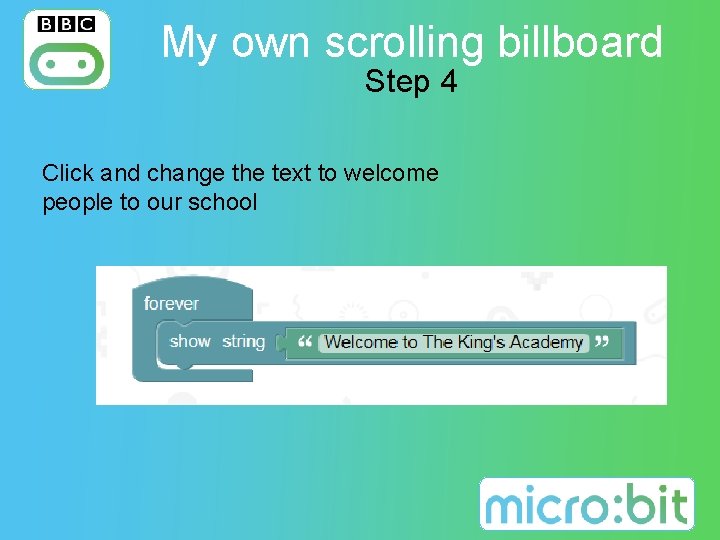
My own scrolling billboard Step 4 Click and change the text to welcome people to our school
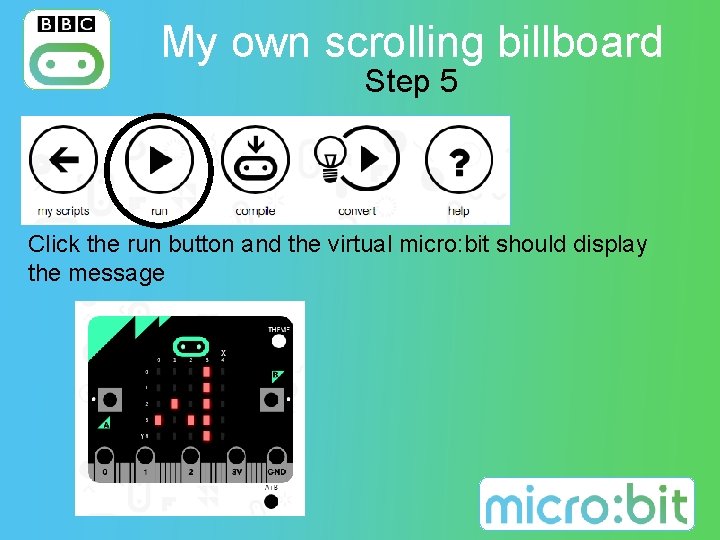
My own scrolling billboard Step 5 Click the run button and the virtual micro: bit should display the message
Your Turn! Follow the previous instructions to create the scrolling billboard and then: Task 1 Display your name Open up the 1 st task sheet and see if you create a program to display your name. Task 2 Buttons Pressed Open up the 2 nd task sheet and see if you create a program to control the buttons and shake. Task 3 Flashing School Logo Open up the 3 rd task sheet and see if you create a program to make a flashing school logo.
Plenary Let's see how much we can remember with a Kahoot quiz
- Slides: 16