
Standardized Templates Improve Accessibility Usability Enhancing Transfer of
Standardized Templates Improve Accessibility & Usability Enhancing Transfer of Learning Macarena Aspillaga, Ph. D. Course Designer QM Coordinator Norfolk State University
Importance of Standardization ● Provides consistency to documents & screen ● How does standardization help students? § Provides one set of rules § Provides mental models § Decreases frustration § Organizes content § Increases enrollment § Decreases frustration ● How does standardization help faculty? § Provides standard templates & tools-based on QM § Reduces work time ● How its it related to Accessibility? § Perceivable § Understandable § Robust § Operable
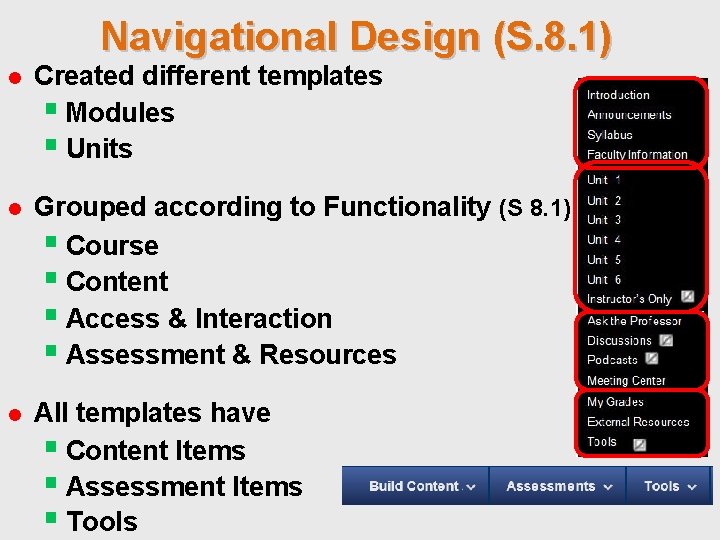
Navigational Design (S. 8. 1) ● Created different templates § Modules § Units ● Grouped according to Functionality (S 8. 1) § Course § Content § Access & Interaction § Assessment & Resources ● All templates have § Content Items § Assessment Items § Tools
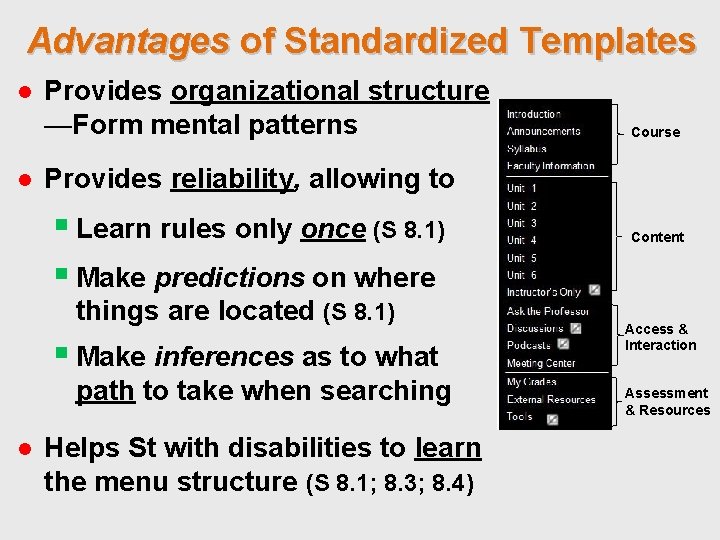
Advantages of Standardized Templates ● Provides organizational structure —Form mental patterns Course ● Provides reliability, allowing to § Learn rules only once (S 8. 1) § Make predictions on where things are located (S 8. 1) § Make inferences as to what path to take when searching ● Helps St with disabilities to learn the menu structure (S 8. 1; 8. 3; 8. 4) Content Access & Interaction Assessment & Resources
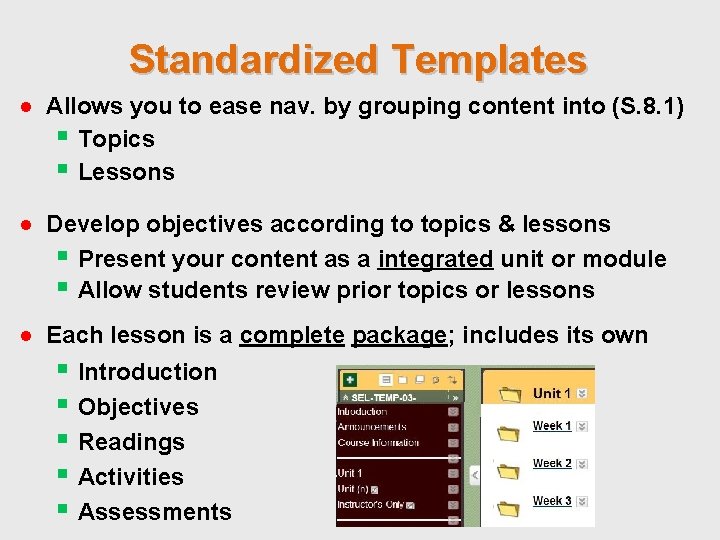
Standardized Templates ● Allows you to ease nav. by grouping content into (S. 8. 1) § Topics § Lessons ● Develop objectives according to topics & lessons § Present your content as a integrated unit or module § Allow students review prior topics or lessons ● Each lesson is a complete package; includes its own § Introduction § Objectives § Readings § Activities § Assessments
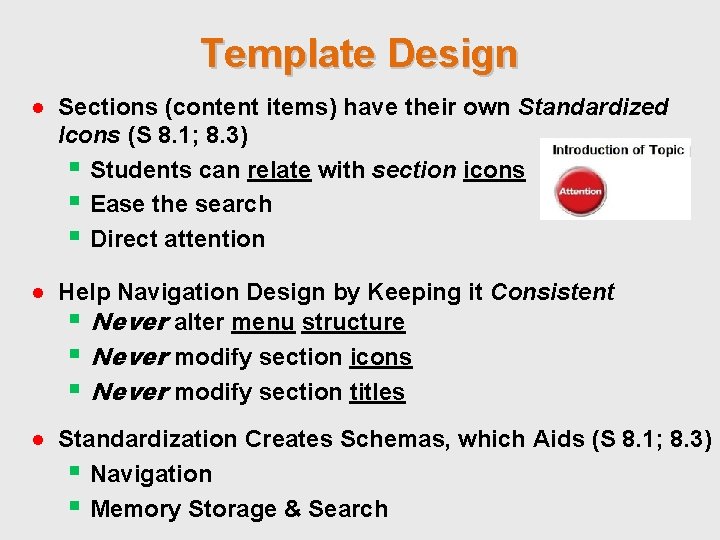
Template Design ● Sections (content items) have their own Standardized Icons (S 8. 1; 8. 3) § Students can relate with section icons § Ease the search § Direct attention ● Help Navigation Design by Keeping it Consistent § Never alter menu structure § Never modify section icons § Never modify section titles ● Standardization Creates Schemas, which Aids (S 8. 1; 8. 3) § Navigation § Memory Storage & Search
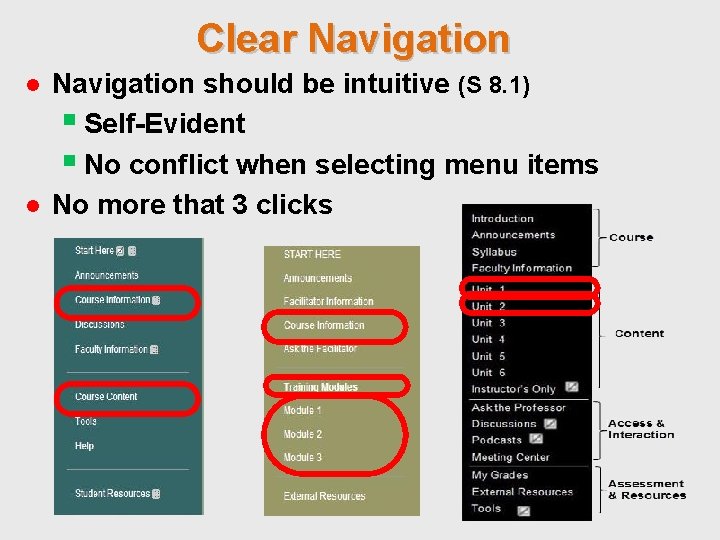
Clear Navigation ● Navigation should be intuitive (S 8. 1) § Self-Evident § No conflict when selecting menu items ● No more that 3 clicks
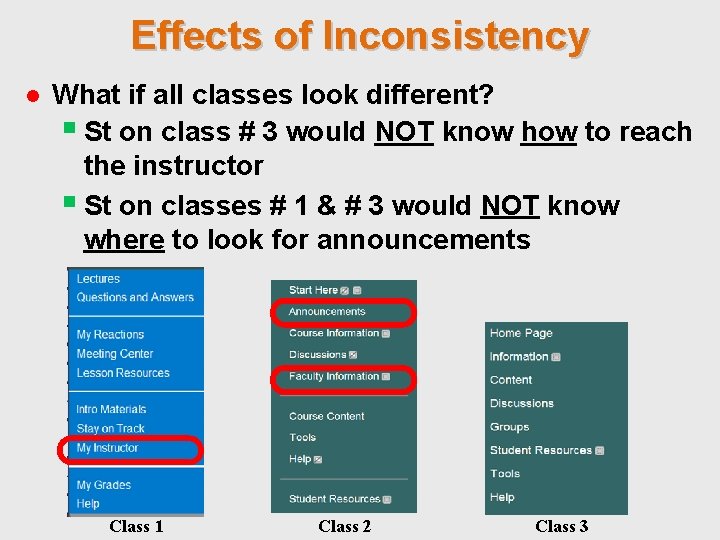
Effects of Inconsistency ● What if all classes look different? § St on class # 3 would NOT know how to reach the instructor § St on classes # 1 & # 3 would NOT know where to look for announcements Class 1 Class 2 Class 3
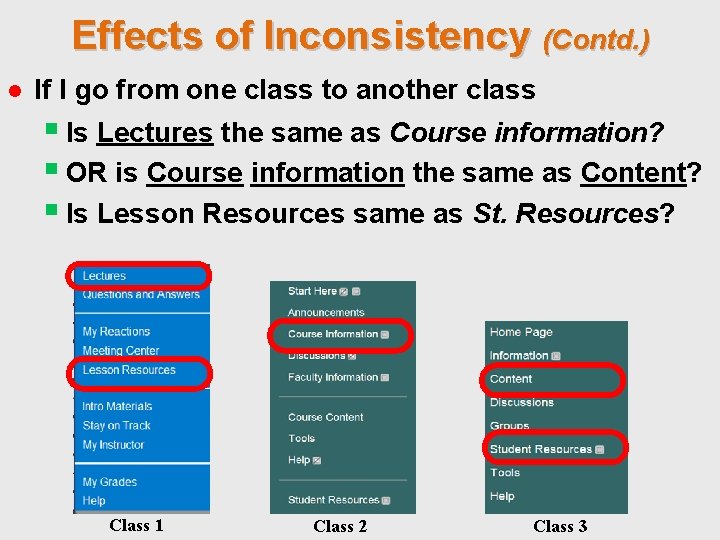
Effects of Inconsistency (Contd. ) ● If I go from one class to another class § Is Lectures the same as Course information? § OR is Course information the same as Content? § Is Lesson Resources same as St. Resources? Class 1 Class 2 Class 3
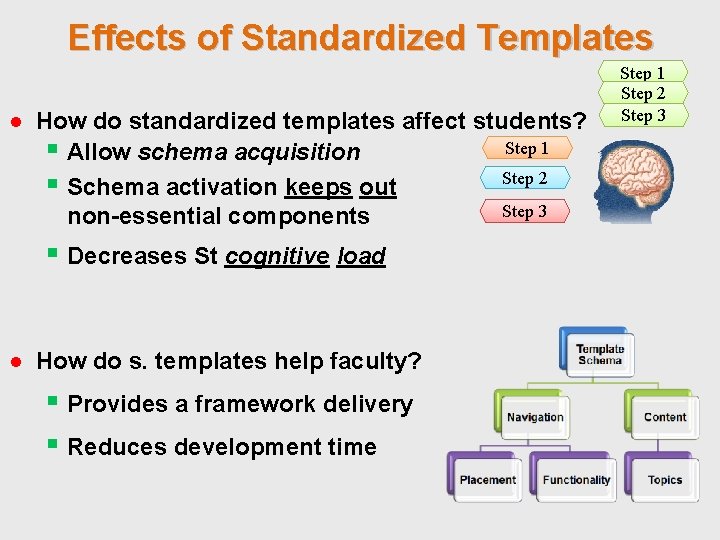
Effects of Standardized Templates ● How do standardized templates affect students? Step 1 § Allow schema acquisition Step 2 § Schema activation keeps out Step 3 non-essential components § Decreases St cognitive load ● How do s. templates help faculty? § Provides a framework delivery § Reduces development time Step 1 Step 2 Step 3
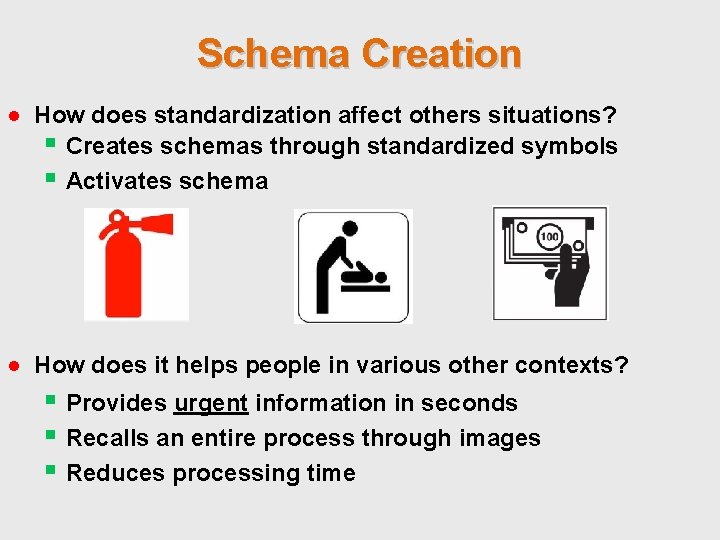
Schema Creation ● How does standardization affect others situations? § Creates schemas through standardized symbols § Activates schema ● How does it helps people in various other contexts? § Provides urgent information in seconds § Recalls an entire process through images § Reduces processing time
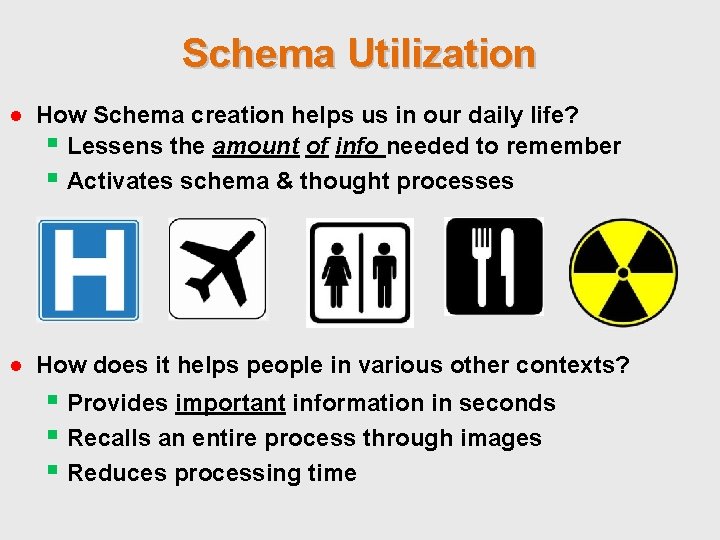
Schema Utilization ● How Schema creation helps us in our daily life? § Lessens the amount of info needed to remember § Activates schema & thought processes ● How does it helps people in various other contexts? § Provides important information in seconds § Recalls an entire process through images § Reduces processing time

Schema Generalization ● Schemas are involved in procedures like driving ● Dashboard elements § Speedometer § Fuel ● What if you suddenly got this? § Do you know how fast you are going? § Do you know if you need to refuel? § How could you make decisions?
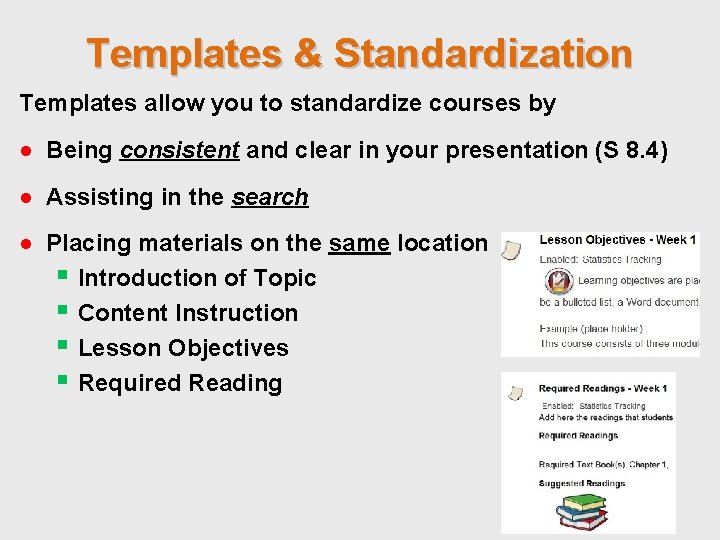
Templates & Standardization Templates allow you to standardize courses by ● Being consistent and clear in your presentation (S 8. 4) ● Assisting in the search ● Placing materials on the same location § Introduction of Topic § Content Instruction § Lesson Objectives § Required Reading
Templates & QM Standards Templates allow you to standardize courses by ● Following Quality Matters standards 1, 2, & 8. ● Grouping content according to type of material ● Introduction (Addresses QM sections 1, 2, 6, 7, & 8. ) § Course Orientation v. Intro. to Course v. Purpose and Structure (QM Standard 1. 2) v. Course Objectives v. Prerequisites (QM Standard 2. 1) v. Video § University Resources (QM sections 6, 7, and 8. ) § Technical Resources (QM sections 6 and 7. )
Standardization & Readability (S 8. 4) Standardized courses ● Allows you to have a consistent presentation ● NON-essential content make it consistent and less prominent ● Make your course readable (S 8. 4) § Allow St to focus on content § Makes content clear & understandable § Makes courses accessible to a wider population (S 8. 3) v. Add scripts v. Make sure videos have accurate CC
Readability & Accessibility (S 8. 4) Standardized patterns ● Allows you to have a consistent “look and feel” § Makes your text clear (S 8. 4) § What is extraneous to content make consistent ● Making your course readable & Varied (S 8. 3; 8. 4) § Content clear & more understandable (S 8. 4) § Courses accessible to a diverse population (S 8. 3) § St can focus on the content
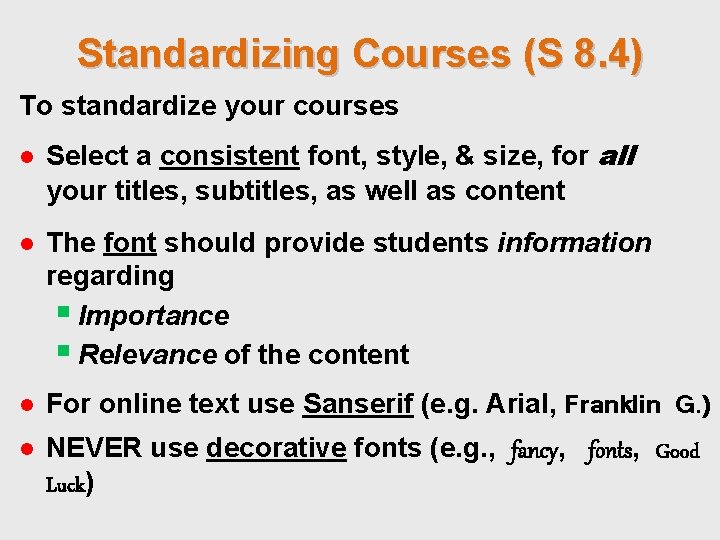
Standardizing Courses (S 8. 4) To standardize your courses ● Select a consistent font, style, & size, for all your titles, subtitles, as well as content ● The font should provide students information regarding § Importance § Relevance of the content ● For online text use Sanserif (e. g. Arial, Franklin G. ) ● NEVER use decorative fonts (e. g. , fancy, fonts, Good Luck)
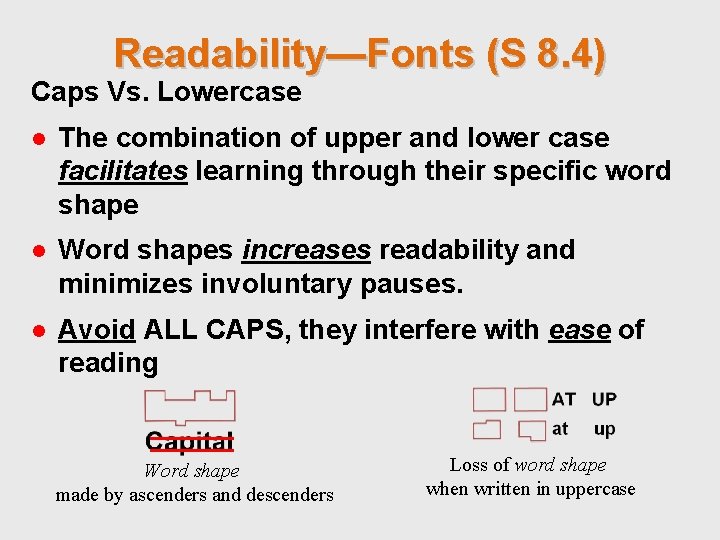
Readability—Fonts (S 8. 4) Caps Vs. Lowercase ● The combination of upper and lower case facilitates learning through their specific word shape ● Word shapes increases readability and minimizes involuntary pauses. ● Avoid ALL CAPS, they interfere with ease of reading Word shape made by ascenders and descenders Loss of word shape when written in uppercase
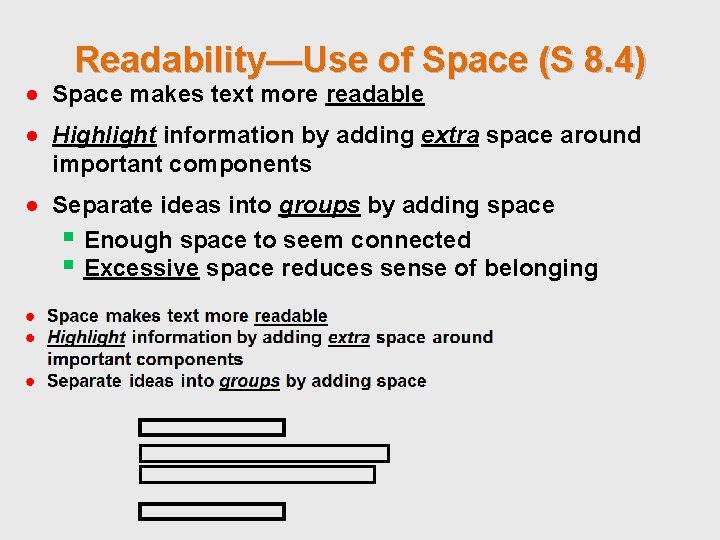
Readability—Use of Space (S 8. 4) ● Space makes text more readable ● Highlight information by adding extra space around important components ● Separate ideas into groups by adding space § Enough space to seem connected § Excessive space reduces sense of belonging
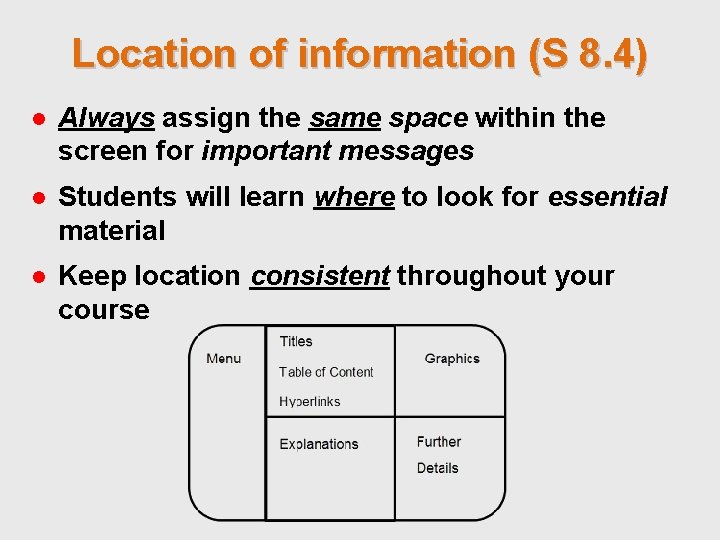
Location of information (S 8. 4) ● Always assign the same space within the screen for important messages ● Students will learn where to look for essential material ● Keep location consistent throughout your course
Readability— Use of Color (S 8. 4) How to use color ● Use 1 color font throughout entire course ● Select same color & font style for importance § Have a 2 nd attribute —to match colored fonts ● Highlighting — only important words or ideas Overusing color: ● More detrimental at aiming for student’s attention ● NEVER highlight more than 2 separate words or ideas on the same page ● NEVER color-code w/o having a 2 nd way to indicate relevance of color
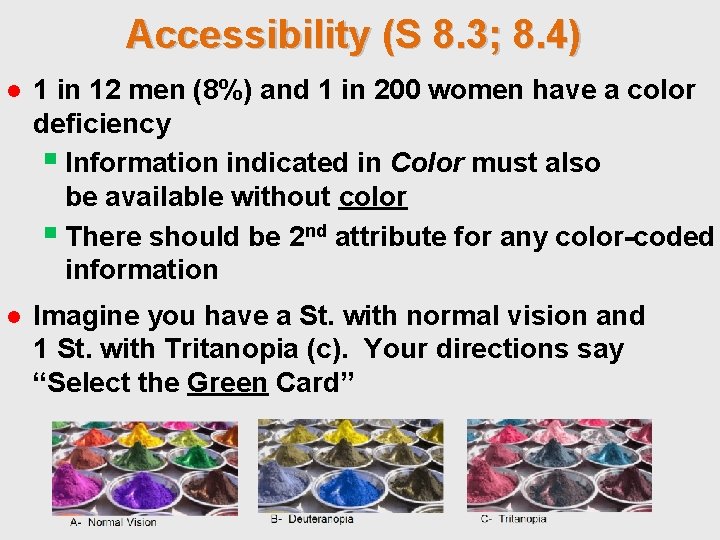
Accessibility (S 8. 3; 8. 4) ● 1 in 12 men (8%) and 1 in 200 women have a color deficiency § Information indicated in Color must also be available without color § There should be 2 nd attribute for any color-coded information ● Imagine you have a St. with normal vision and 1 St. with Tritanopia (c). Your directions say “Select the Green Card”
Accessibility Compliant (S. 8. 3; 8. 4) ● To make courses available for ALL users, means § Courses are accessible to ALL audiences § Having ADA 508 compliant courses ● Making your courses accessible for all audiences § Some St. will use readers to see your pictures § Add alternative (ALT) Text to pictures § Add audio to your presentations ● Think of those who cannot read, see, hear, or type § What do your activities need to have to open that door? § How would need to present your material?
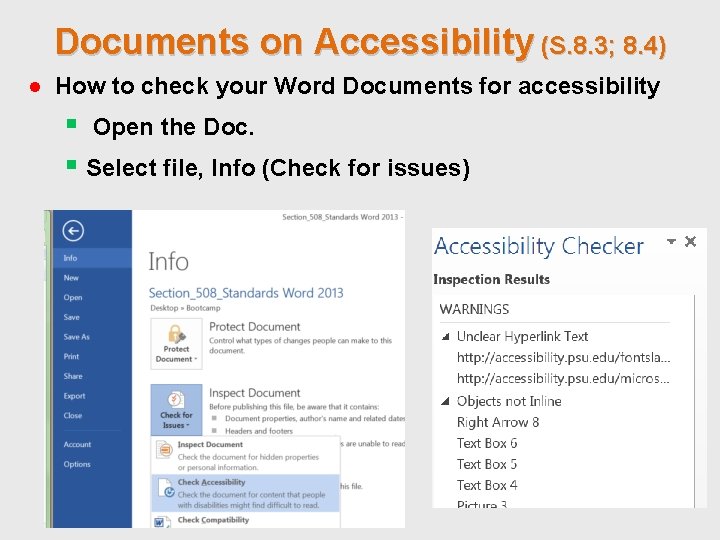
Documents on Accessibility (S. 8. 3; 8. 4) ● How to check your Word Documents for accessibility § Open the Doc. § Select file, Info (Check for issues)
Documents on Accessibility (S. 8. 3; 8. 4) For more information on how to correct accessibility, For reviewing whether your documents or courses are compliant you can go to the 508 Compliance Resource, Resource a web site that provides tips and information: http: //www. 508 compliantresource. com/ It will help you check your • PDFs Documents • Audio • Word Documents • Websites
Wrap-Up (S. Templates) ● Allow you to form & activate Schemas ● Reduce processing time—Learn Rules once ● Reduce Cognitive Load § Nonessential content is standard § Same look & feel for all courses ● Make your course readable and accessible ● Check docs, videos, & websites for accessibility
- Slides: 27