
Standardisation of Register of Securities Holding Statement Bank
• Standardisation of Register of Securities, Holding Statement, Bank Book and Client Ledger
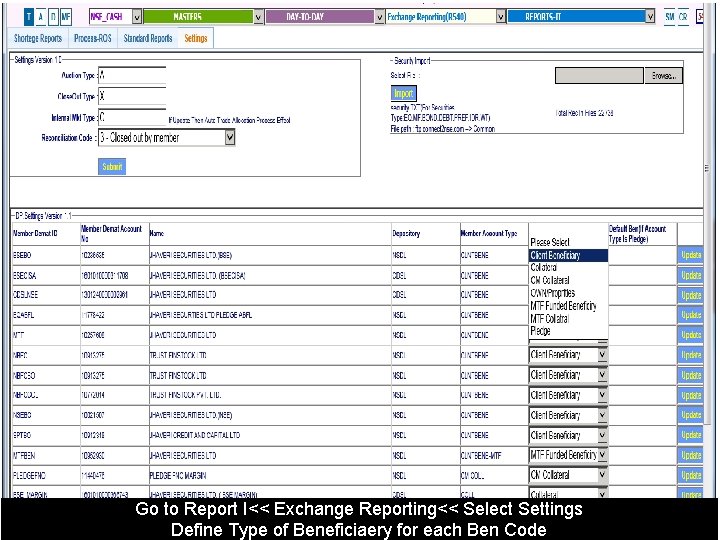
Go to Report I<< Exchange Reporting<< Select Settings Define Type of Beneficiaery for each Ben Code
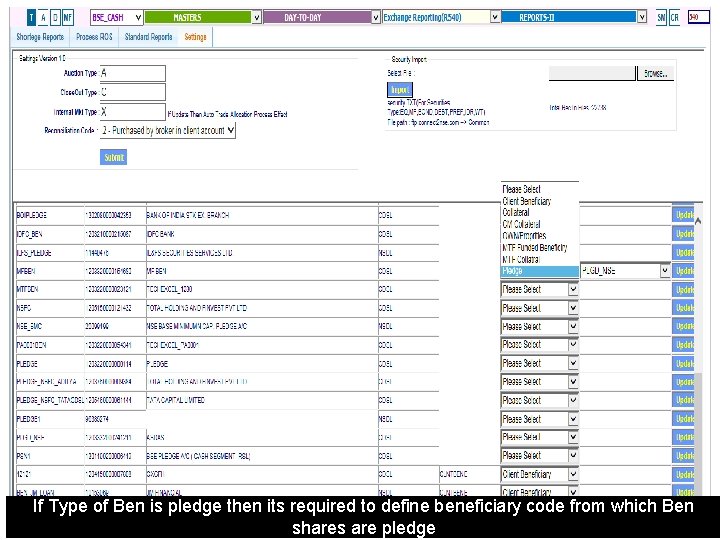
If Type of Ben is pledge then its required to define beneficiary code from which Ben shares are pledge
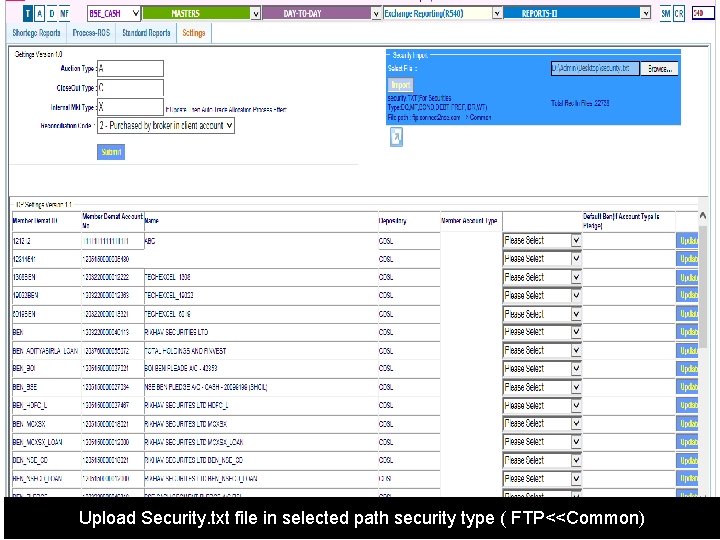
Upload Security. txt file in selected path security type ( FTP<<Common)
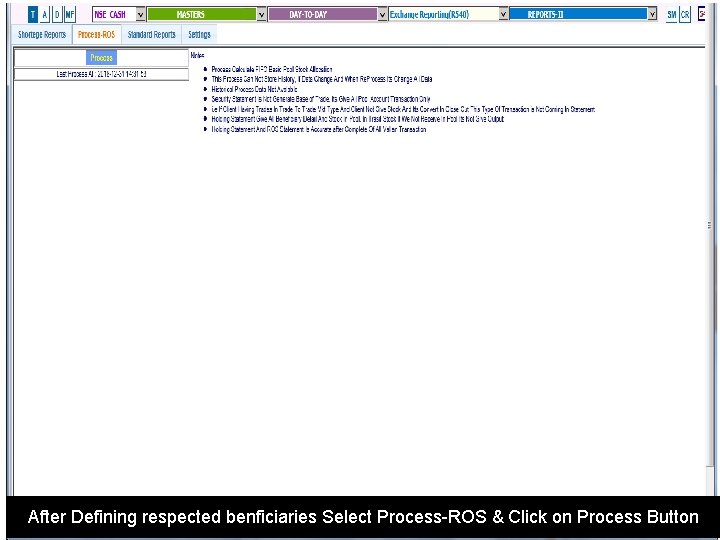
After Defining respected benficiaries Select Process-ROS & Click on Process Button
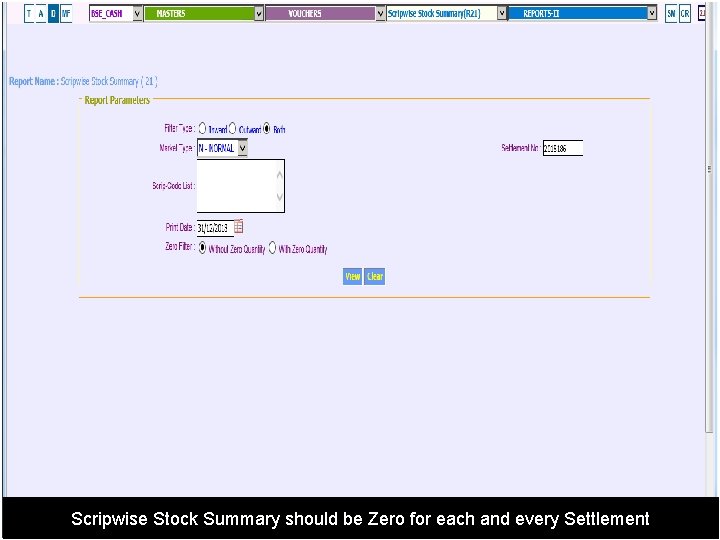
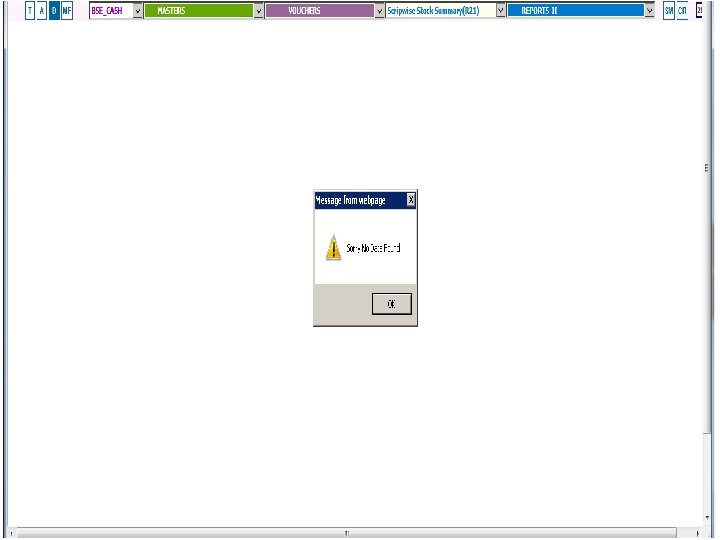
Scripwise Stock Summary should be Zero for each and every Settlement
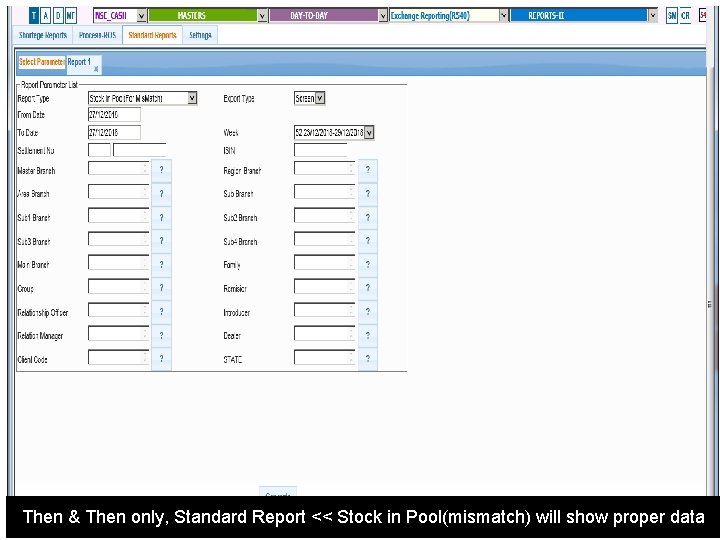
Then & Then only, Standard Report << Stock in Pool(mismatch) will show proper data
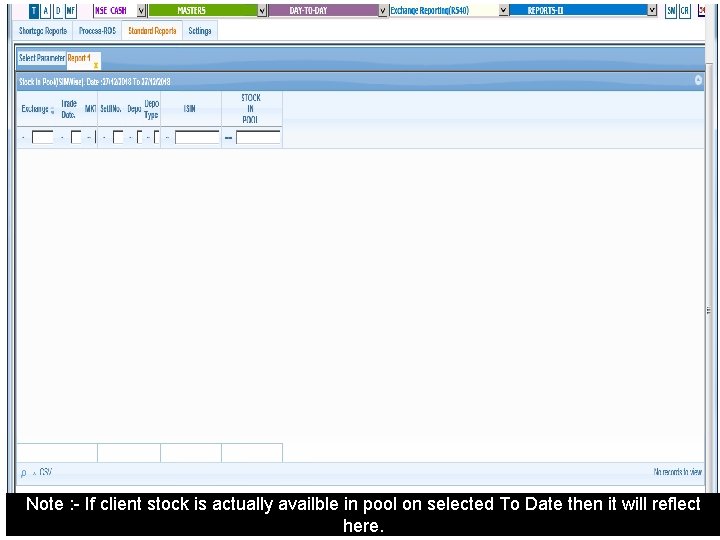
Note : - If client stock is actually availble in pool on selected To Date then it will reflect here.
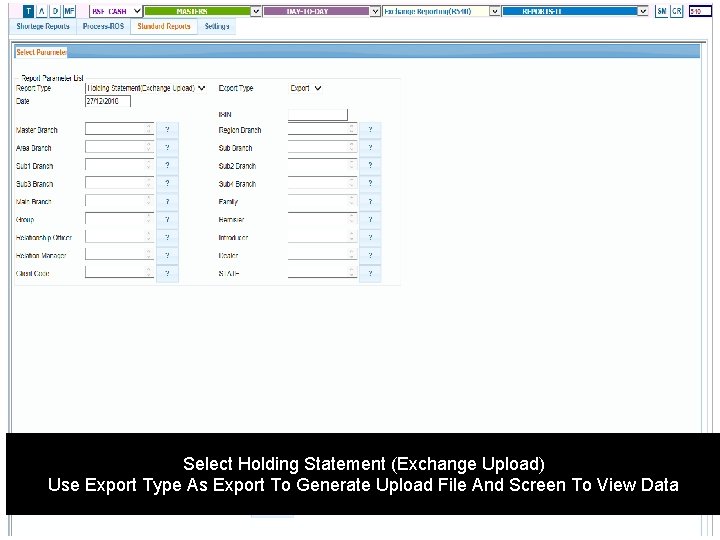
Select Holding Statement (Exchange Upload) Use Export Type As Export To Generate Upload File And Screen To View Data
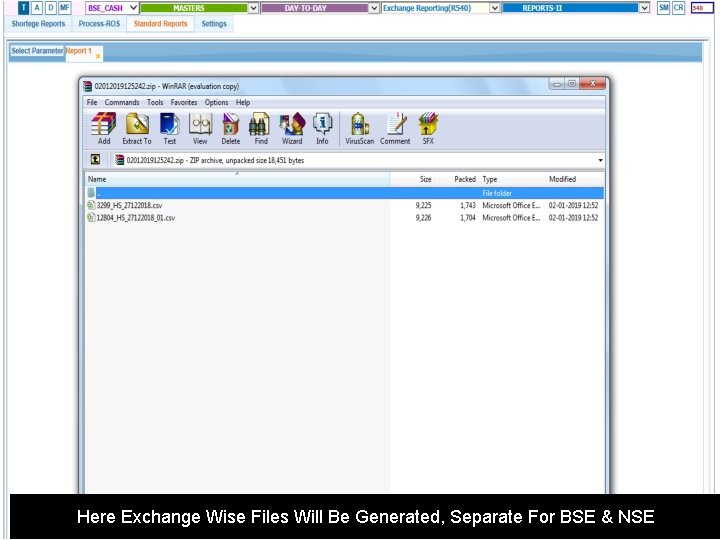
Here Exchange Wise Files Will Be Generated, Separate For BSE & NSE
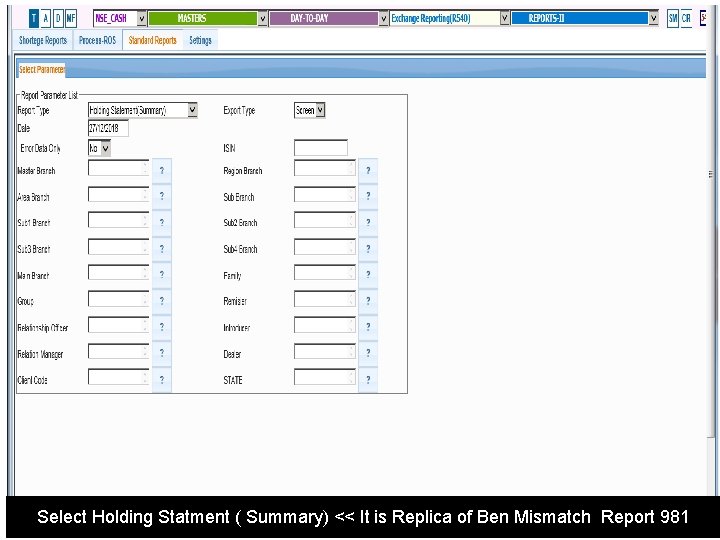
Select Holding Statment ( Summary) << It is Replica of Ben Mismatch Report 981
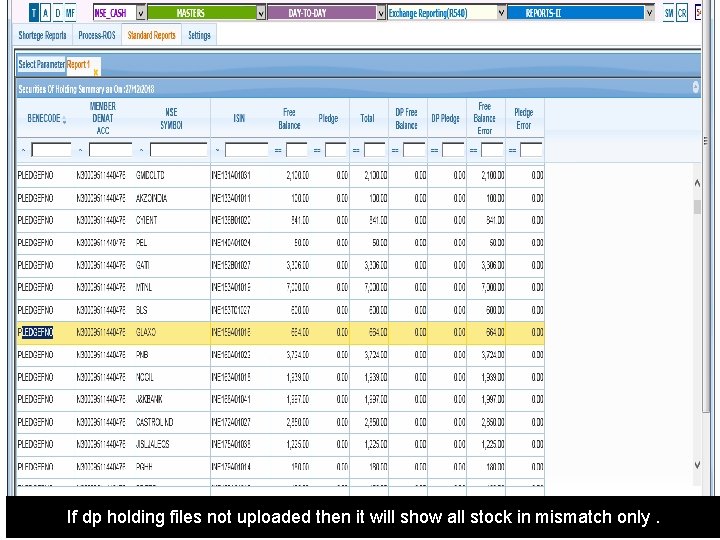
If dp holding files not uploaded then it will show all stock in mismatch only.
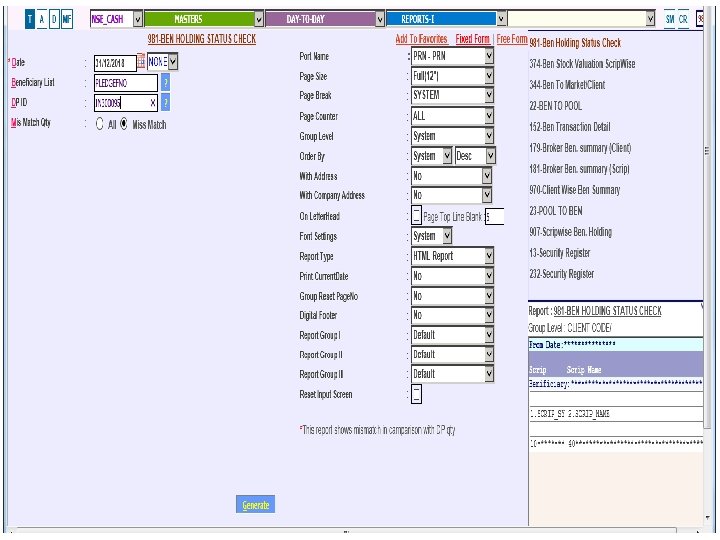
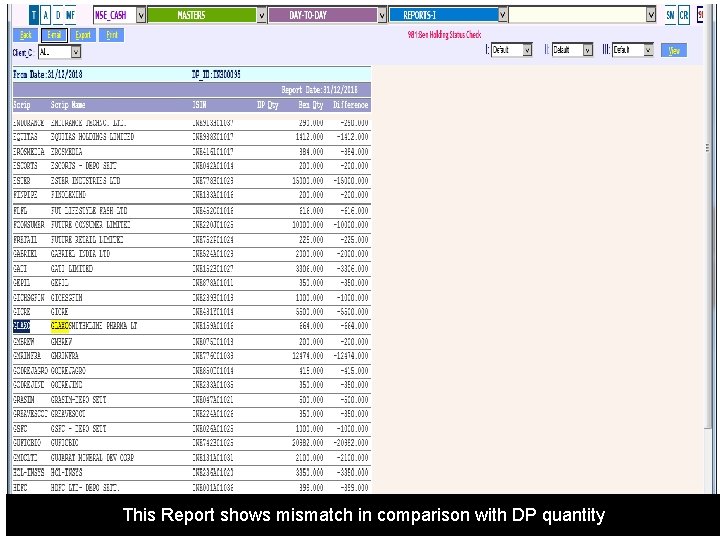
This Report shows mismatch in comparison with DP quantity
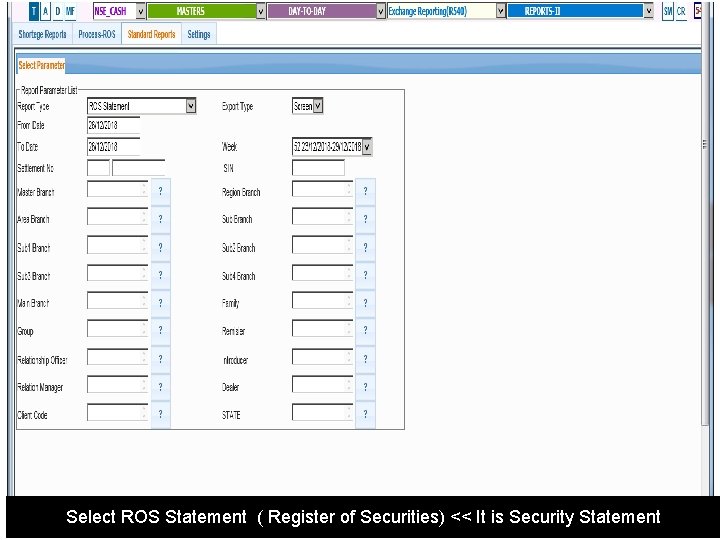
Select ROS Statement ( Register of Securities) << It is Security Statement
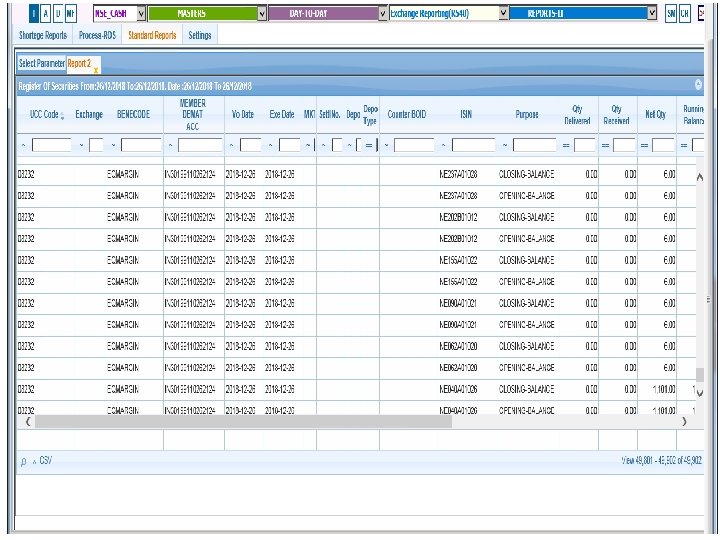
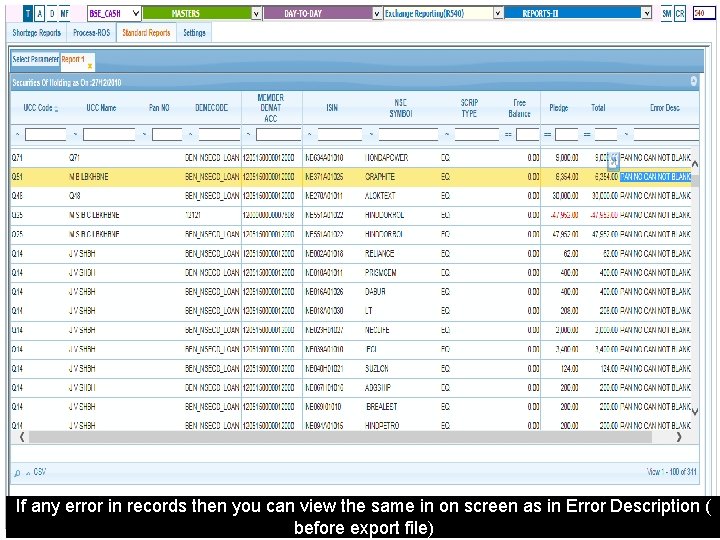
If any error in records then you can view the same in on screen as in Error Description ( before export file)
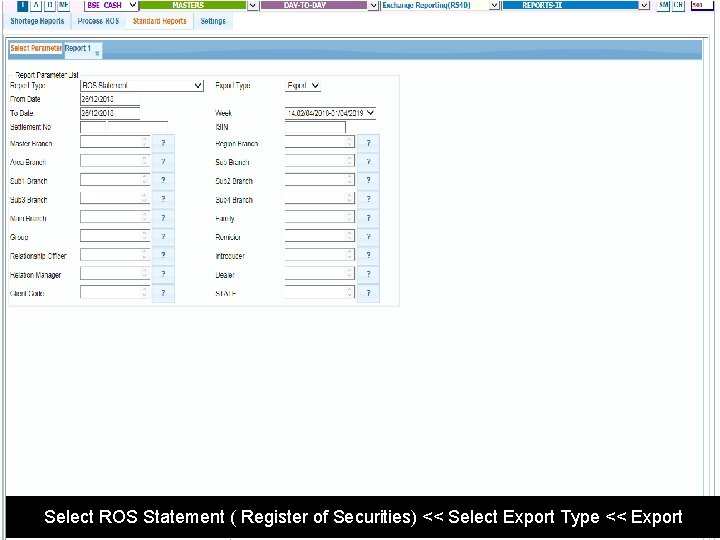
Select ROS Statement ( Register of Securities) << Select Export Type << Export
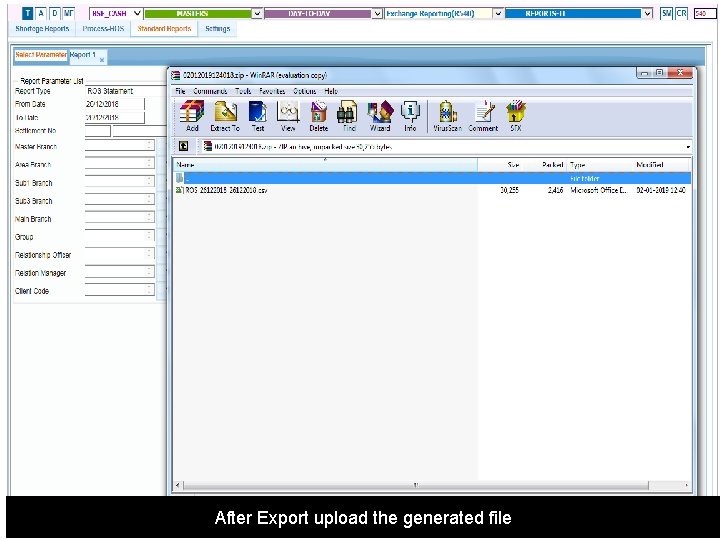
After Export upload the generated file
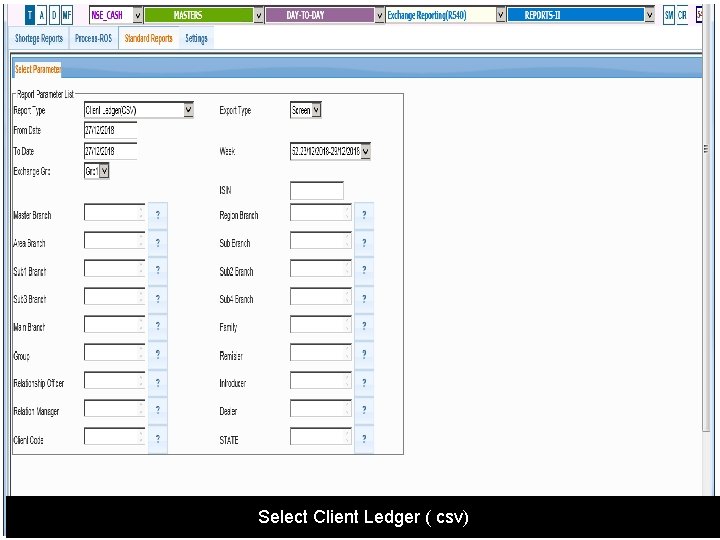
Select Client Ledger ( csv)
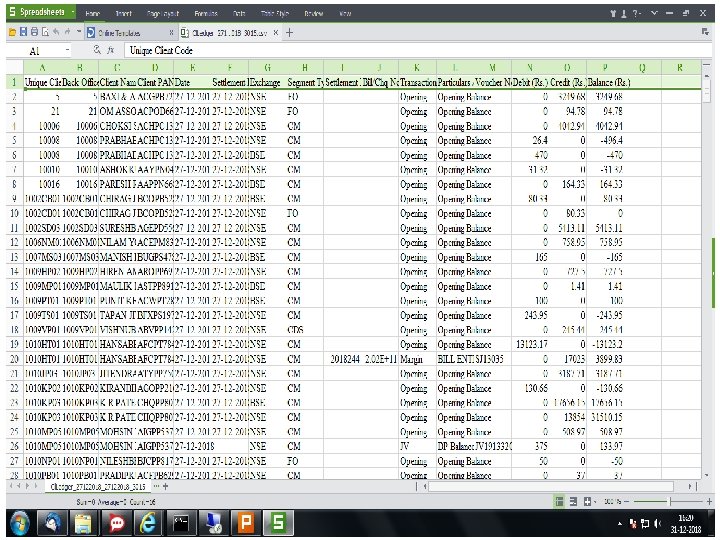
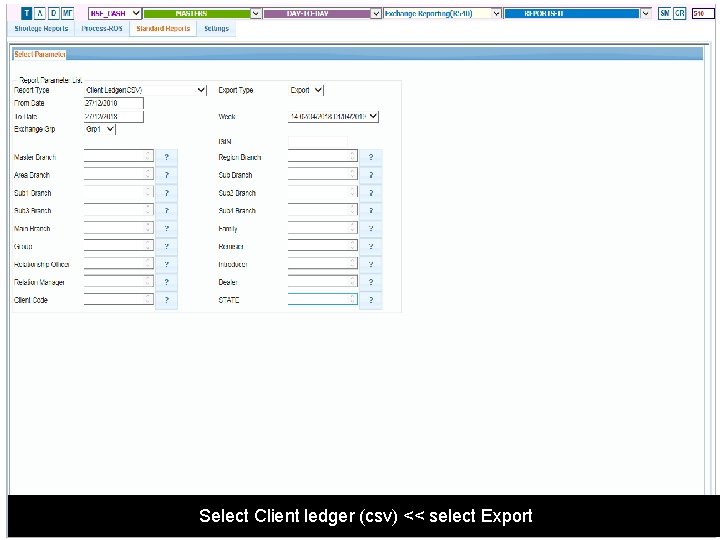
Select Client ledger (csv) << select Export
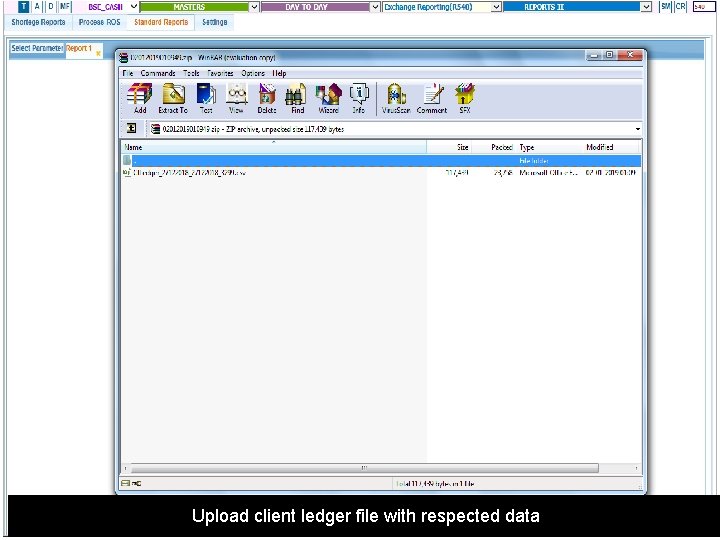
Upload client ledger file with respected data
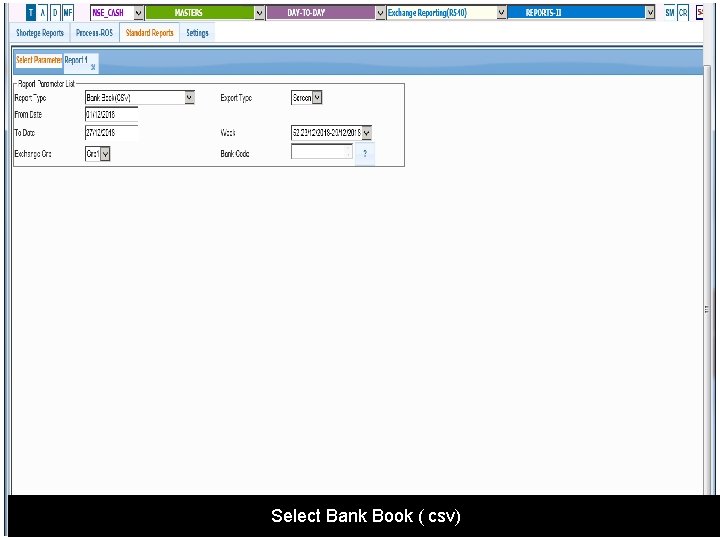
Select Bank Book ( csv)
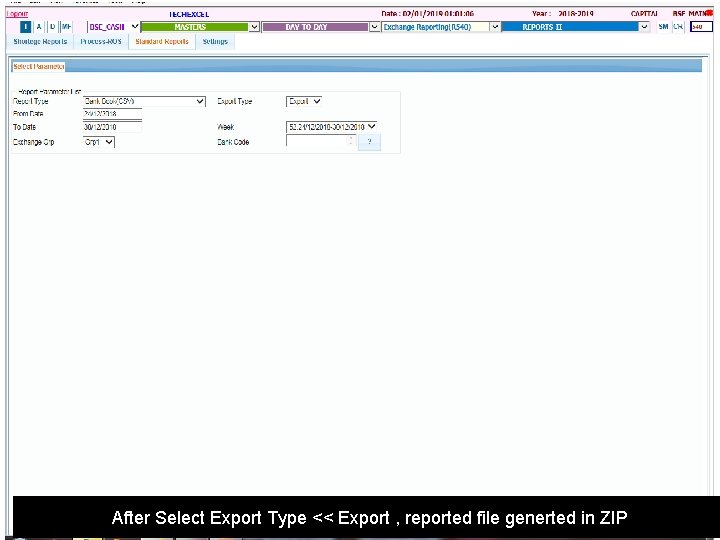
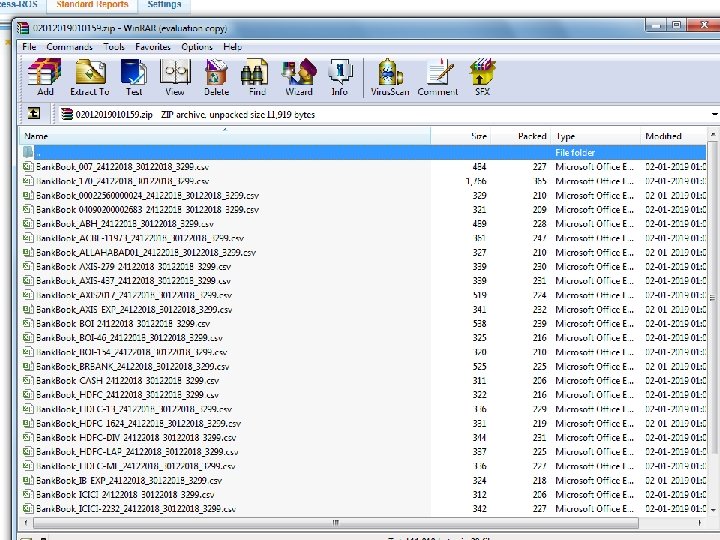
After Select Export Type << Export , reported file generted in ZIP
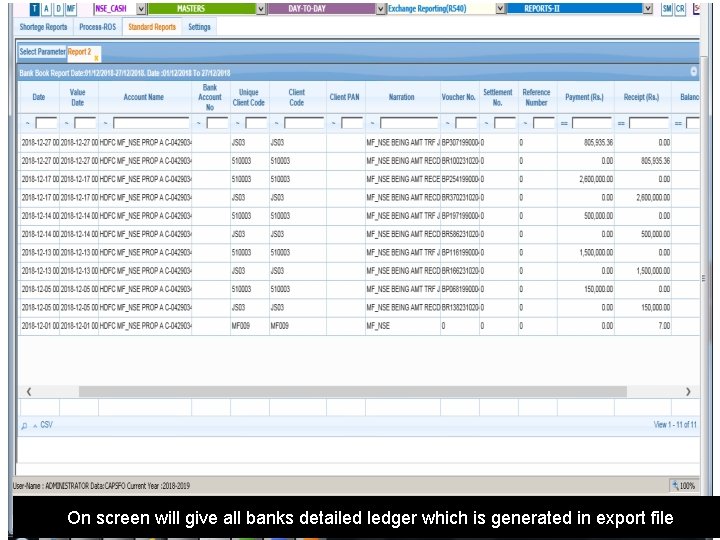
On screen will give all banks detailed ledger which is generated in export file
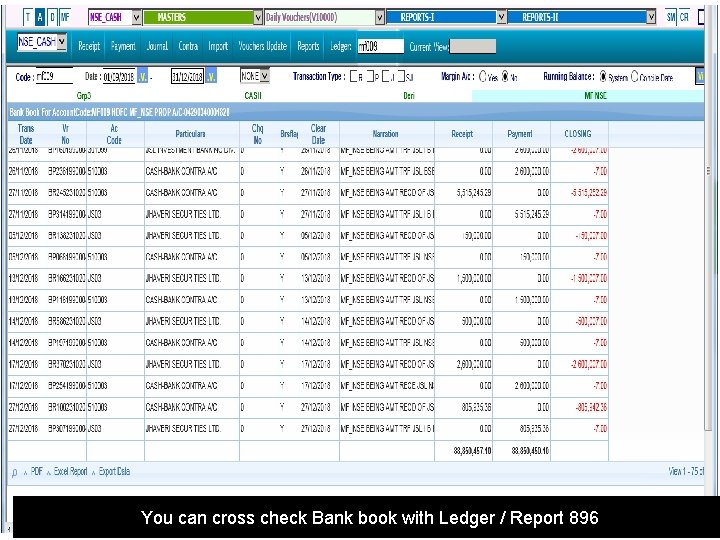
You can cross check Bank book with Ledger / Report 896
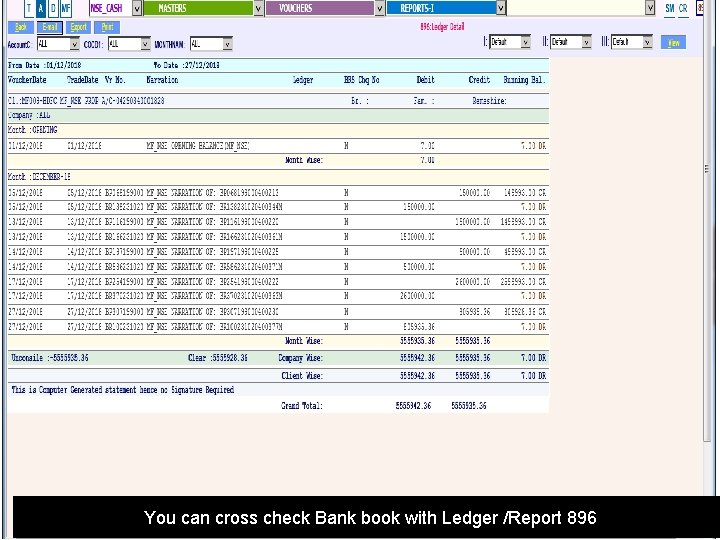
You can cross check Bank book with Ledger /Report 896
- Slides: 30