
Standard Approach for Setting Up a Kaizen Event
- Slides: 11
Standard Approach for Setting Up a Kaizen Event
Creating a Kaizen Event • The optimizer provides an on-line charter to create and manage Kaizen events. • Typical Timeline – Creation and 20% of Charter complete prior to event – Completion and 100% of Charter complete by final day of the event. Keep Using White Boards and Flip Charts DURING YOUR EVENT! Keep it dynamic!
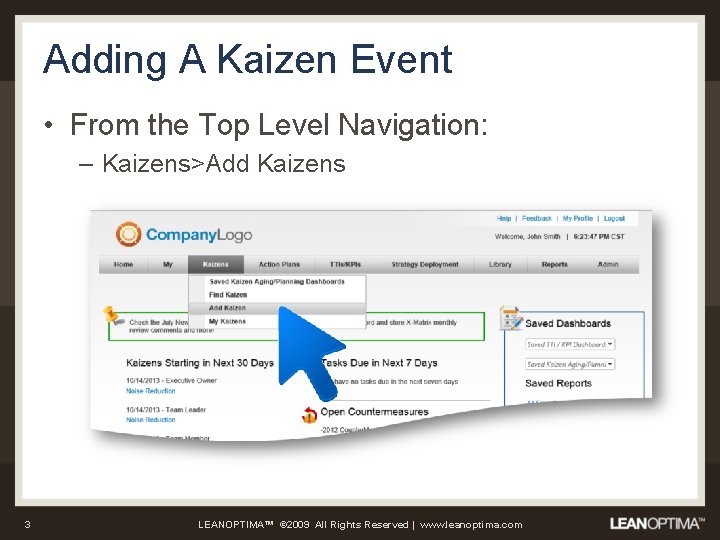
Adding A Kaizen Event • From the Top Level Navigation: – Kaizens>Add Kaizens 3 LEANOPTIMA™ © 2009 All Rights Reserved | www. leanoptima. com
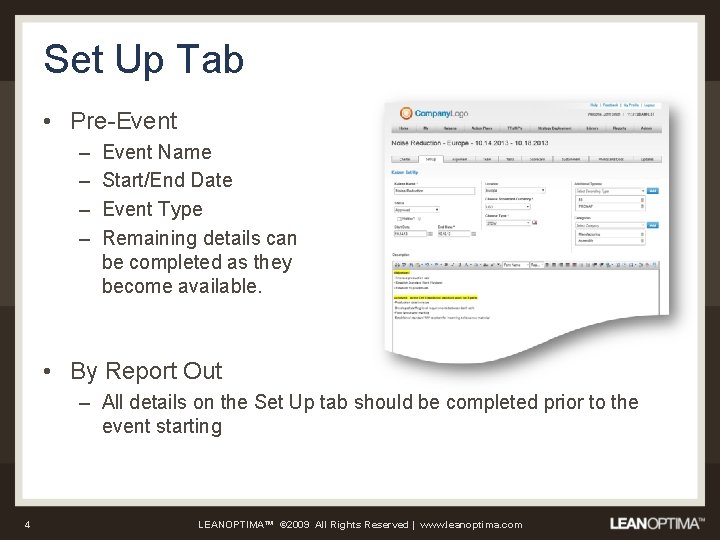
Set Up Tab • Pre-Event – – Event Name Start/End Date Event Type Remaining details can be completed as they become available. • By Report Out – All details on the Set Up tab should be completed prior to the event starting 4 LEANOPTIMA™ © 2009 All Rights Reserved | www. leanoptima. com
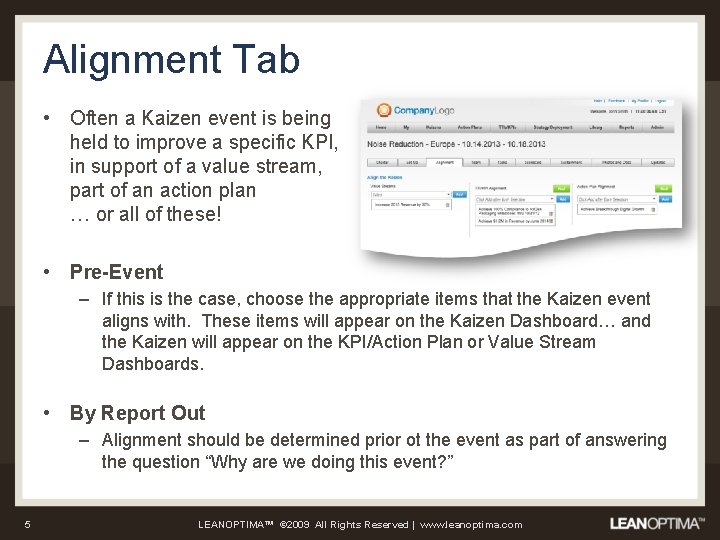
Alignment Tab • Often a Kaizen event is being held to improve a specific KPI, in support of a value stream, part of an action plan … or all of these! • Pre-Event – If this is the case, choose the appropriate items that the Kaizen event aligns with. These items will appear on the Kaizen Dashboard… and the Kaizen will appear on the KPI/Action Plan or Value Stream Dashboards. • By Report Out – Alignment should be determined prior ot the event as part of answering the question “Why are we doing this event? ” 5 LEANOPTIMA™ © 2009 All Rights Reserved | www. leanoptima. com
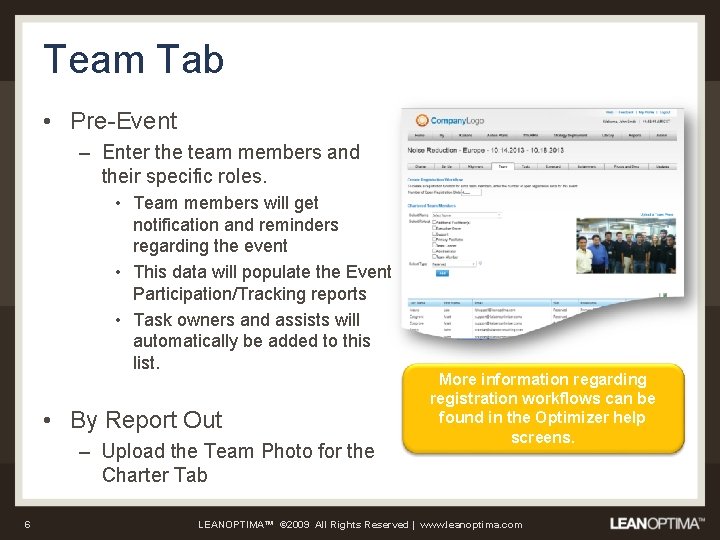
Team Tab • Pre-Event – Enter the team members and their specific roles. • Team members will get notification and reminders regarding the event • This data will populate the Event Participation/Tracking reports • Task owners and assists will automatically be added to this list. • By Report Out – Upload the Team Photo for the Charter Tab 6 More information regarding registration workflows can be found in the Optimizer help screens. LEANOPTIMA™ © 2009 All Rights Reserved | www. leanoptima. com
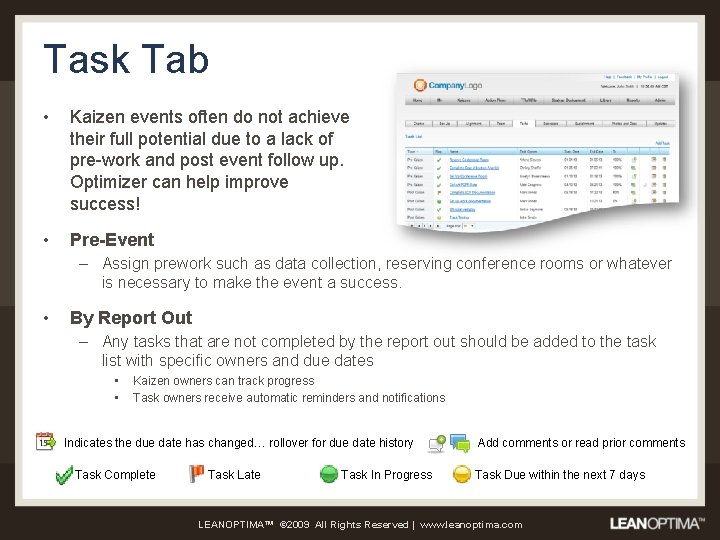
Task Tab • Kaizen events often do not achieve their full potential due to a lack of pre-work and post event follow up. Optimizer can help improve success! • Pre-Event – Assign prework such as data collection, reserving conference rooms or whatever is necessary to make the event a success. • By Report Out – Any tasks that are not completed by the report out should be added to the task list with specific owners and due dates • • Kaizen owners can track progress Task owners receive automatic reminders and notifications Indicates the due date has changed… rollover for due date history Task Complete Task Late Task In Progress Add comments or read prior comments Task Due within the next 7 days LEANOPTIMA™ © 2009 All Rights Reserved | www. leanoptima. com
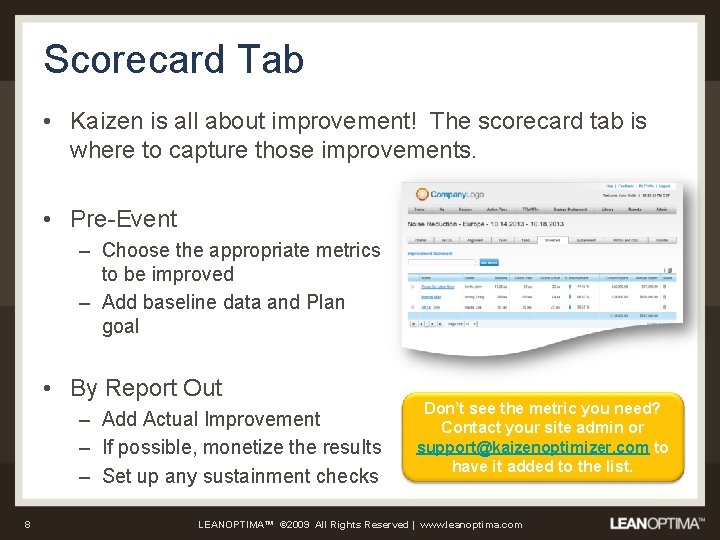
Scorecard Tab • Kaizen is all about improvement! The scorecard tab is where to capture those improvements. • Pre-Event – Choose the appropriate metrics to be improved – Add baseline data and Plan goal • By Report Out – Add Actual Improvement – If possible, monetize the results – Set up any sustainment checks 8 Don’t see the metric you need? Contact your site admin or support@kaizenoptimizer. com to have it added to the list. LEANOPTIMA™ © 2009 All Rights Reserved | www. leanoptima. com
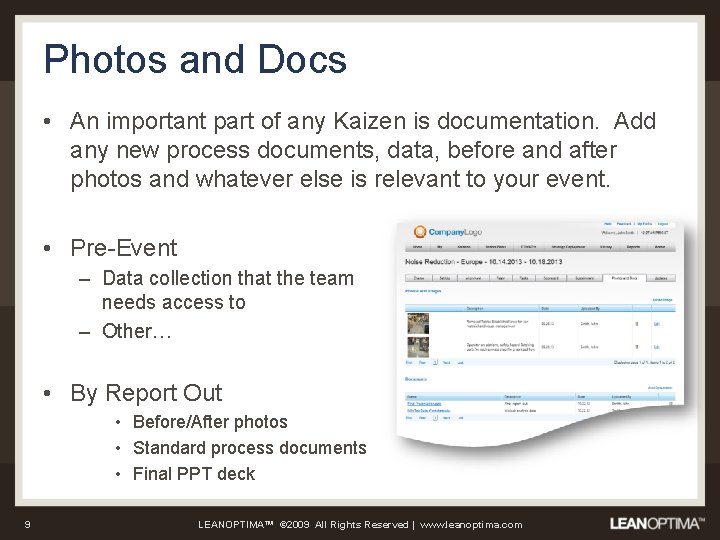
Photos and Docs • An important part of any Kaizen is documentation. Add any new process documents, data, before and after photos and whatever else is relevant to your event. • Pre-Event – Data collection that the team needs access to – Other… • By Report Out • Before/After photos • Standard process documents • Final PPT deck 9 LEANOPTIMA™ © 2009 All Rights Reserved | www. leanoptima. com
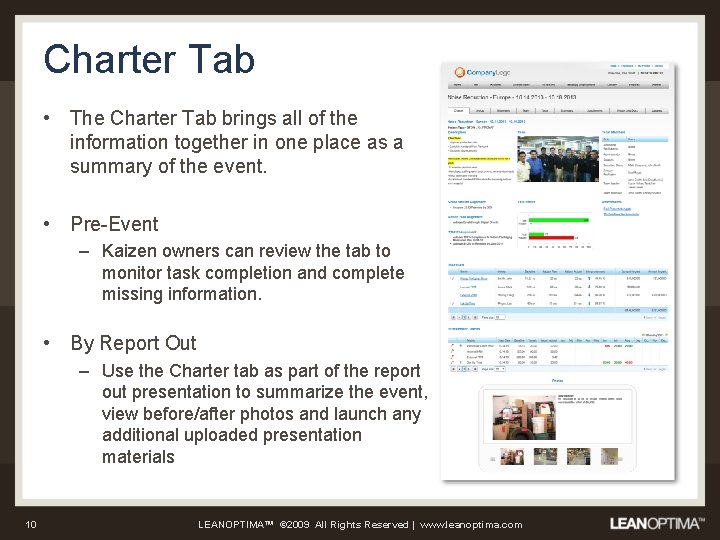
Charter Tab • The Charter Tab brings all of the information together in one place as a summary of the event. • Pre-Event – Kaizen owners can review the tab to monitor task completion and complete missing information. • By Report Out – Use the Charter tab as part of the report out presentation to summarize the event, view before/after photos and launch any additional uploaded presentation materials 10 LEANOPTIMA™ © 2009 All Rights Reserved | www. leanoptima. com
Kaizen Event Reporting • There a number of reports available to answer the common questions regarding Kaizen activity: • Who has participated in what Kaizens? – Use the Reports>Event Participation Tracking… populated by completing the Team Tab • How much have we saved across all our Kaizens? – Use Reports>Events>Lean Savings Results … populated by completing the monetization portion of the event scorecard • How many events have we done to address inventory reduction, and what is the overall savings? – Reports>Events>Metric Rollup …. Populated by adding specific metrics to the scorecard and populating the baseline and improvement data • How well have we sustained progress on a specific measure? – Reports>Events>Sustainment Reporting. . Populated by including sustainment checks on appropriate event metrics 11 LEANOPTIMA™ © 2009 All Rights Reserved | www. leanoptima. com