
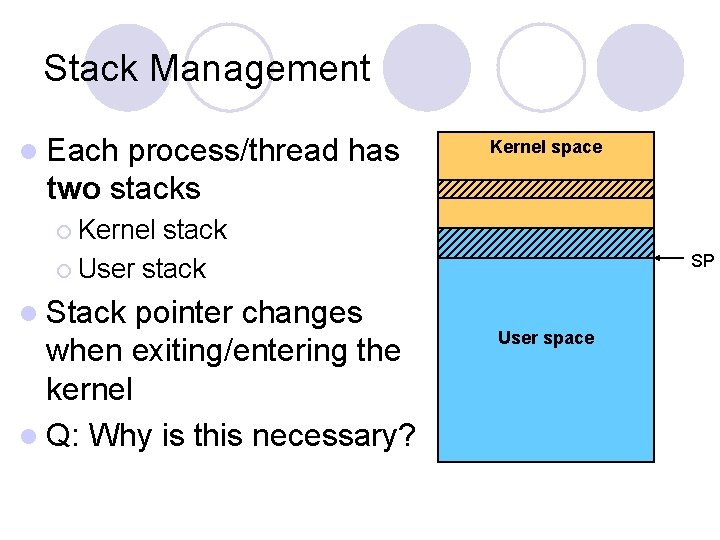
Stack Management l Each processthread has two stacks
- Slides: 17
Stack Management l Each process/thread has two stacks Kernel space ¡ Kernel stack ¡ User stack l Stack pointer changes when exiting/entering the kernel l Q: Why is this necessary? SP User space
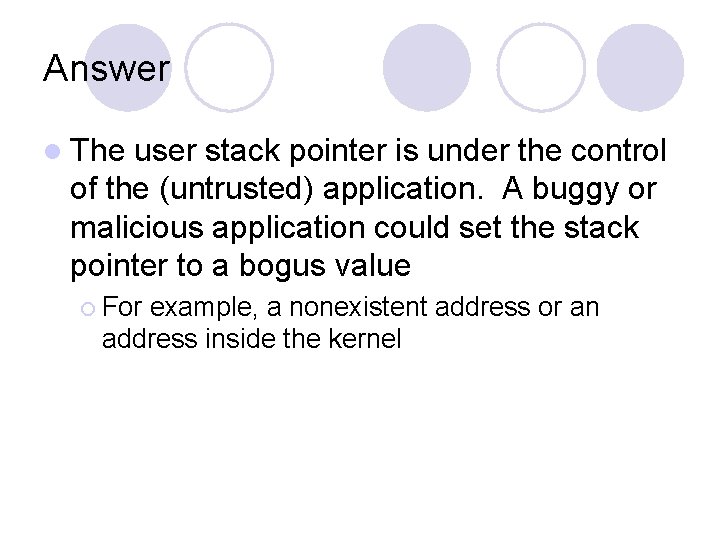
Answer l The user stack pointer is under the control of the (untrusted) application. A buggy or malicious application could set the stack pointer to a bogus value ¡ For example, a nonexistent address or an address inside the kernel
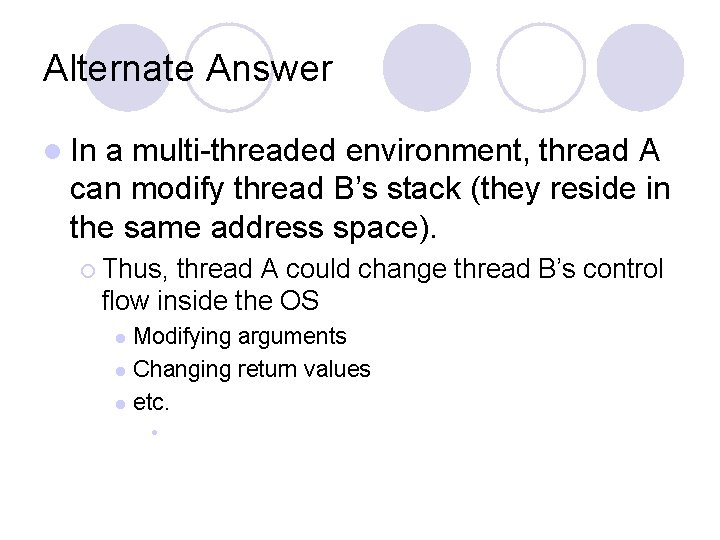
Alternate Answer l In a multi-threaded environment, thread A can modify thread B’s stack (they reside in the same address space). ¡ Thus, thread A could change thread B’s control flow inside the OS Modifying arguments l Changing return values l etc. l •
Operating System Structure Andrew Whitaker CSE 451
Operating System Structure l Goal: Arrange OS software components to maximize: ¡ ¡ ¡ Reliability Security Readability Extensibility Performance ….
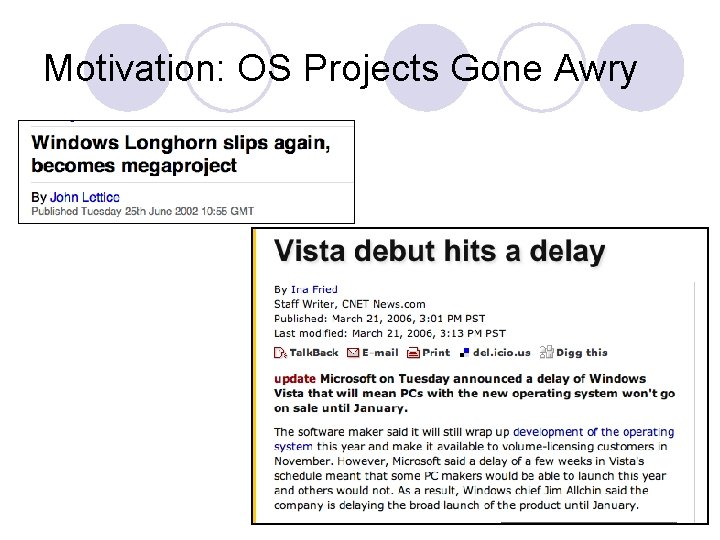
Motivation: OS Projects Gone Awry
What Is Writing an OS So Difficult? l Complexity ¡ Millions of source code lines ¡ Thousands of developers and testers l Unforgiving programming environment ¡ OS runs on the raw hardware ¡ A bug crashes the whole machine l Interrupts and concurrency l Backwards compatibility constraints
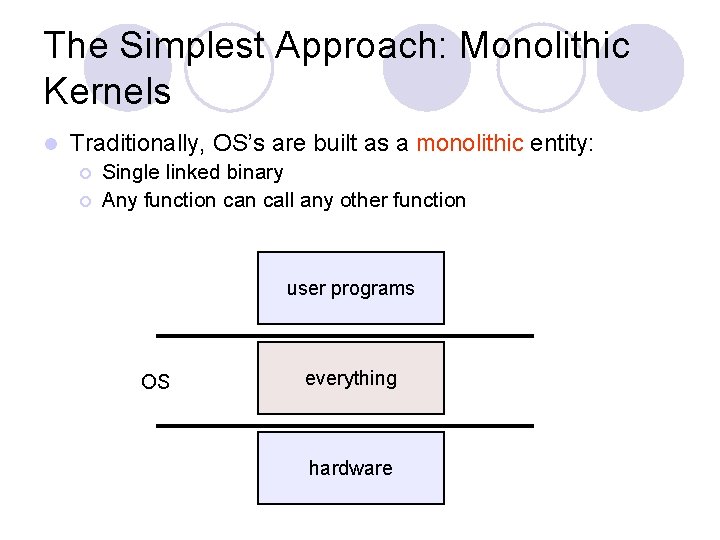
The Simplest Approach: Monolithic Kernels l Traditionally, OS’s are built as a monolithic entity: ¡ ¡ Single linked binary Any function call any other function user programs OS everything hardware
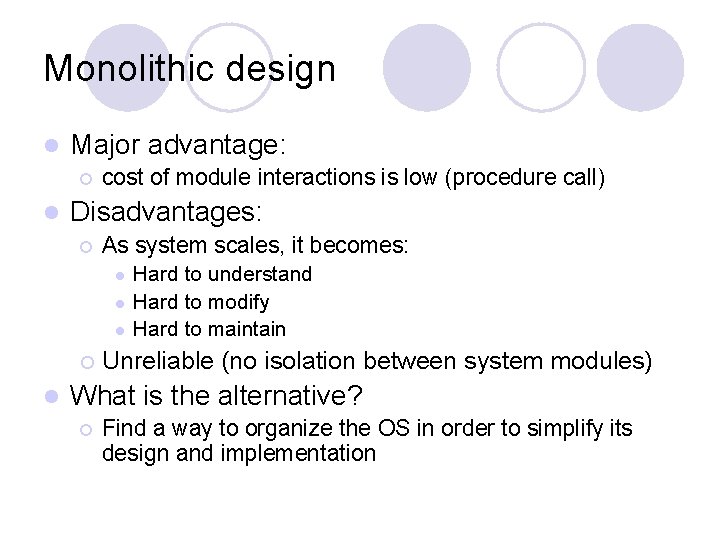
Monolithic design l Major advantage: ¡ l cost of module interactions is low (procedure call) Disadvantages: ¡ As system scales, it becomes: l l l ¡ l Hard to understand Hard to modify Hard to maintain Unreliable (no isolation between system modules) What is the alternative? ¡ Find a way to organize the OS in order to simplify its design and implementation
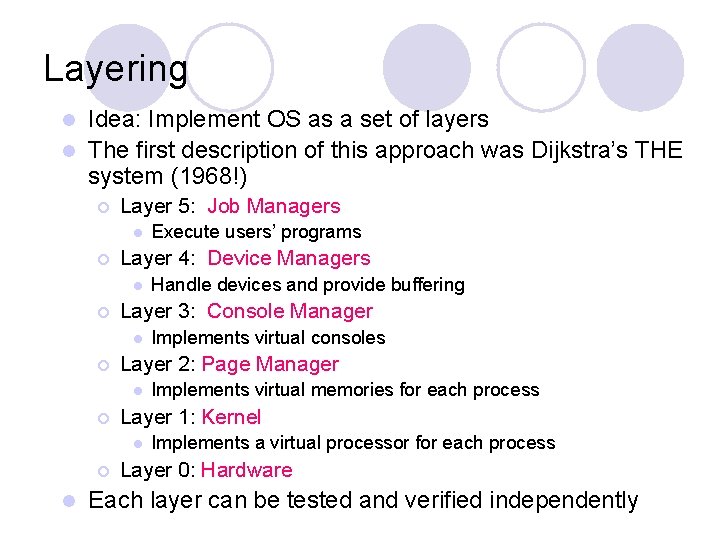
Layering Idea: Implement OS as a set of layers l The first description of this approach was Dijkstra’s THE system (1968!) l ¡ Layer 5: Job Managers l ¡ Layer 4: Device Managers l ¡ l Implements virtual memories for each process Layer 1: Kernel l ¡ Implements virtual consoles Layer 2: Page Manager l ¡ Handle devices and provide buffering Layer 3: Console Manager l ¡ Execute users’ programs Implements a virtual processor for each process Layer 0: Hardware Each layer can be tested and verified independently
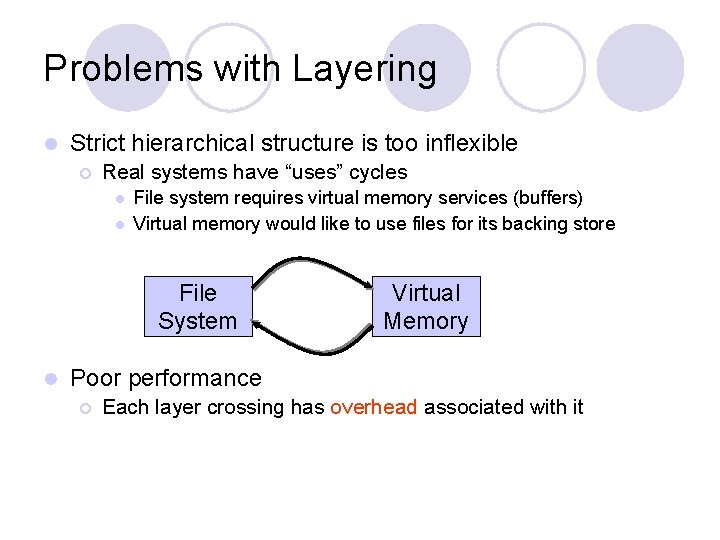
Problems with Layering l Strict hierarchical structure is too inflexible ¡ Real systems have “uses” cycles l l File system requires virtual memory services (buffers) Virtual memory would like to use files for its backing store File System l Virtual Memory Poor performance ¡ Each layer crossing has overhead associated with it
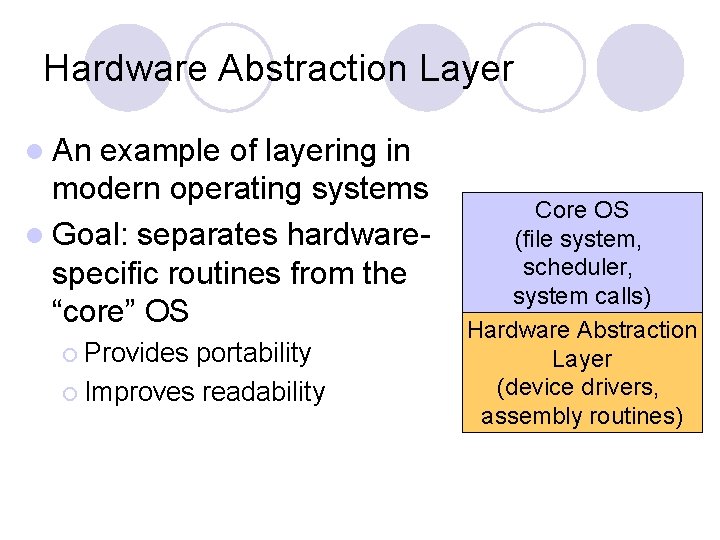
Hardware Abstraction Layer l An example of layering in modern operating systems l Goal: separates hardwarespecific routines from the “core” OS ¡ Provides portability ¡ Improves readability Core OS (file system, scheduler, system calls) Hardware Abstraction Layer (device drivers, assembly routines)
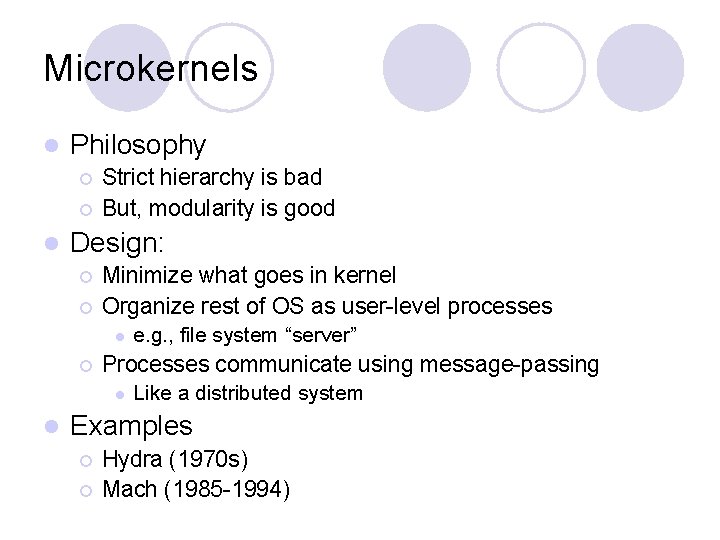
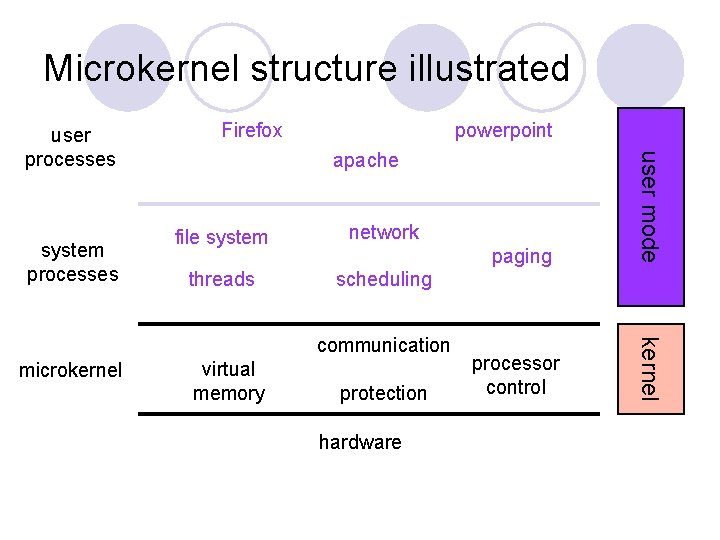
Microkernels l Philosophy ¡ ¡ l Strict hierarchy is bad But, modularity is good Design: ¡ ¡ Minimize what goes in kernel Organize rest of OS as user-level processes l ¡ Processes communicate using message-passing l l e. g. , file system “server” Like a distributed system Examples ¡ ¡ Hydra (1970 s) Mach (1985 -1994)
Microkernel structure illustrated powerpoint apache file system network threads scheduling communication microkernel virtual memory protection hardware paging processor control kernel system processes Firefox user mode user processes
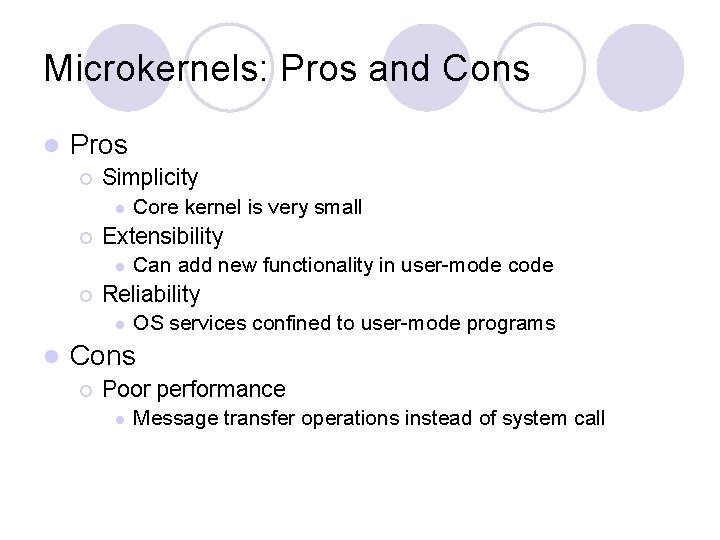
Microkernels: Pros and Cons l Pros ¡ Simplicity l ¡ Extensibility l ¡ Can add new functionality in user-mode code Reliability l l Core kernel is very small OS services confined to user-mode programs Cons ¡ Poor performance l Message transfer operations instead of system call
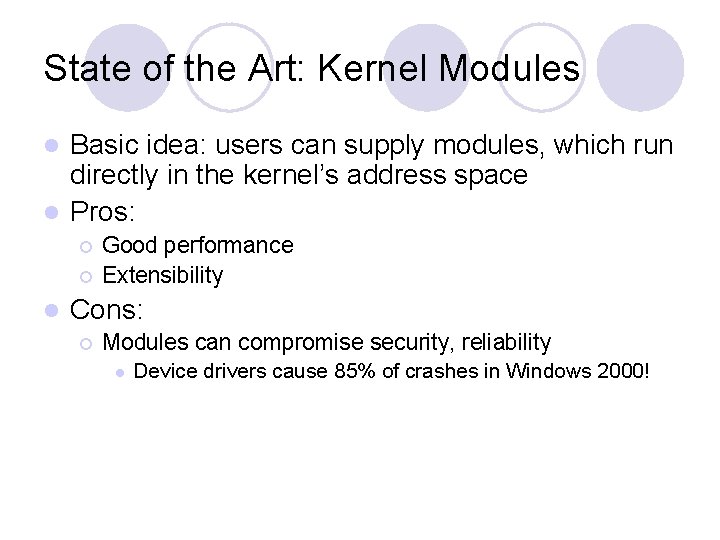
State of the Art: Kernel Modules Basic idea: users can supply modules, which run directly in the kernel’s address space l Pros: l ¡ ¡ l Good performance Extensibility Cons: ¡ Modules can compromise security, reliability l Device drivers cause 85% of crashes in Windows 2000!
Safe Languages in the OS l UW’s SPIN Operating System ¡ All kernel extensions written in a type-safe language l Fast and safe l MSR’s Singularity Project ¡ Entire system written for a type-safe runtime environment