
st 21 Century Scholars Using Scholar Track Scholars


- Slides: 20
st 21 Century Scholars Using Scholar. Track
Scholars. IN. gov
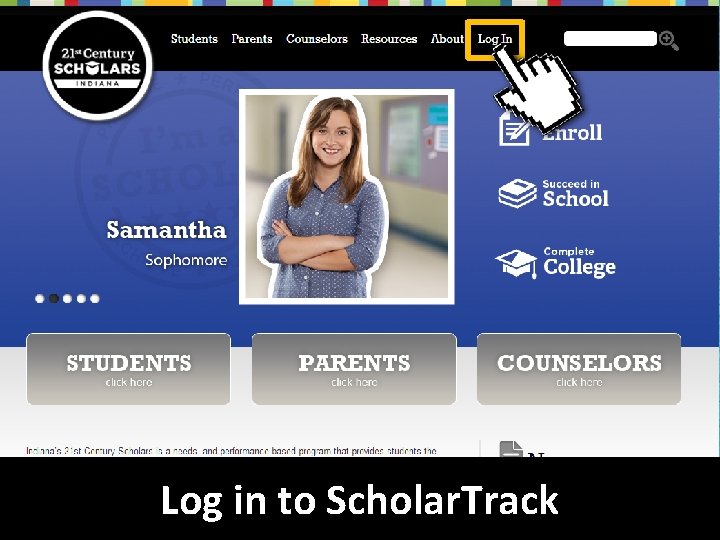
Log in to Scholar. Track
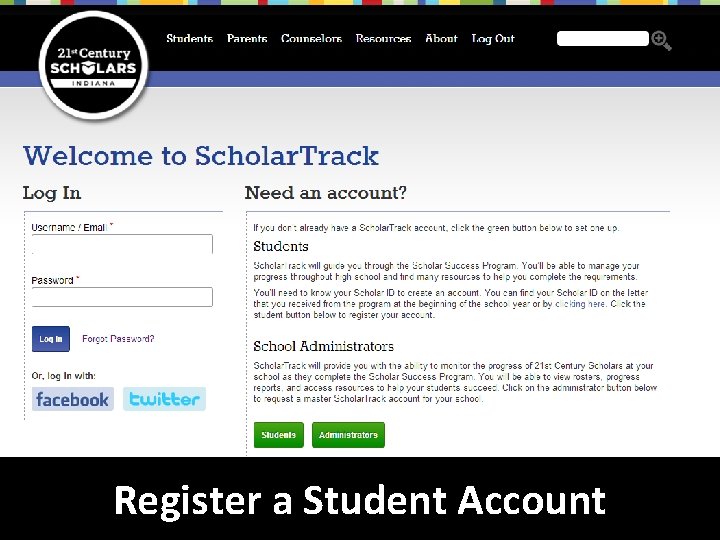
Register a Student Account
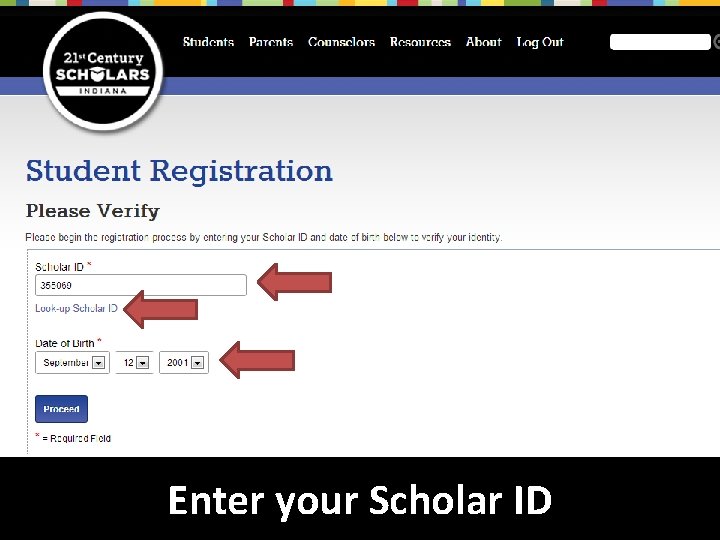
Click “Look-up Scholar ID” if you do not know your Scholar ID. You will need to know your SSN to retrieve your Scholar ID. Enteryourdate Scholar of birth ID
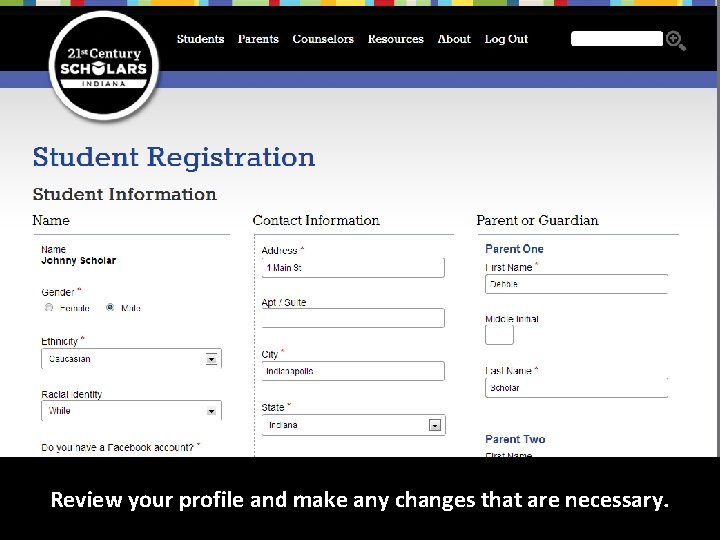
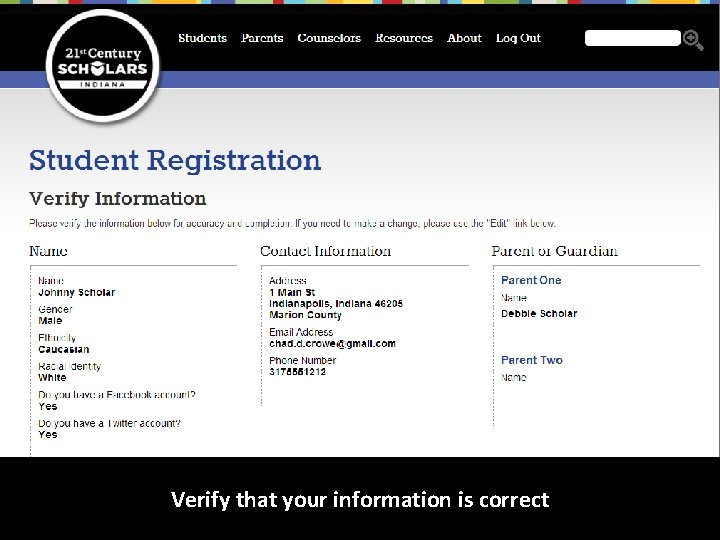
Review your profile and make any changes that are necessary.
Verify that your information is correct
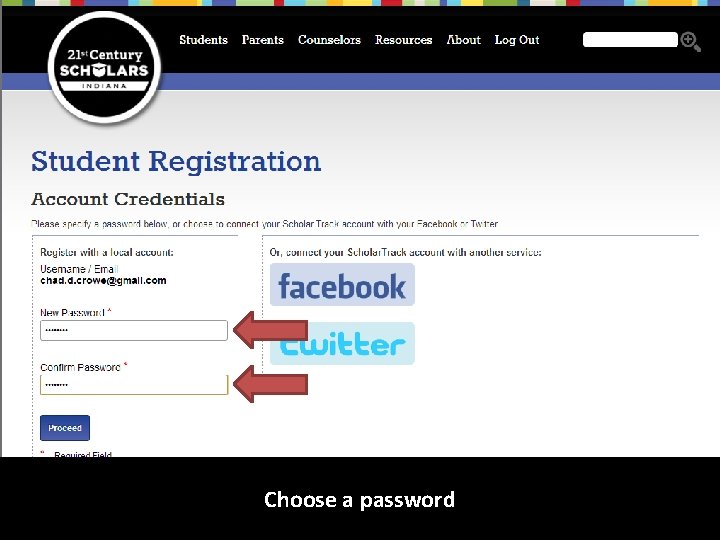
Choose a password
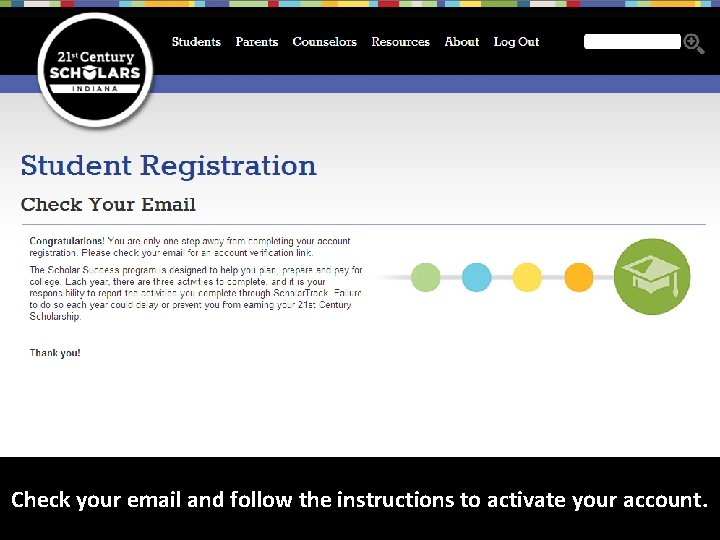
Check your email and follow the instructions to activate your account.
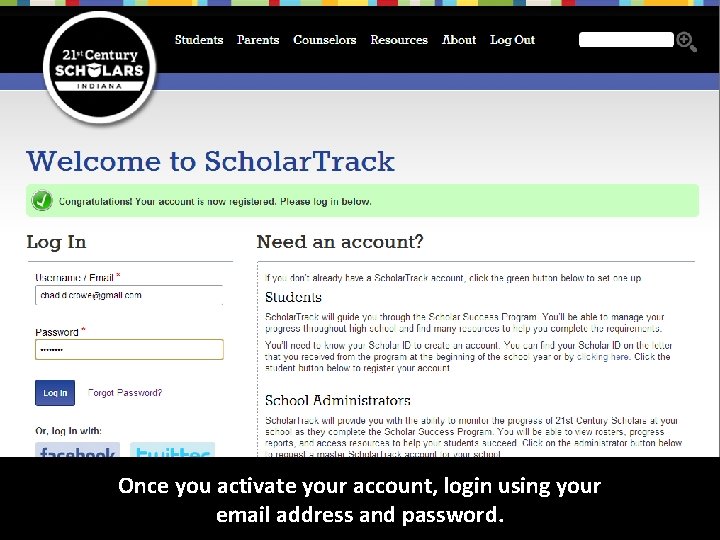
Once you activate your account, login using your email address and password.
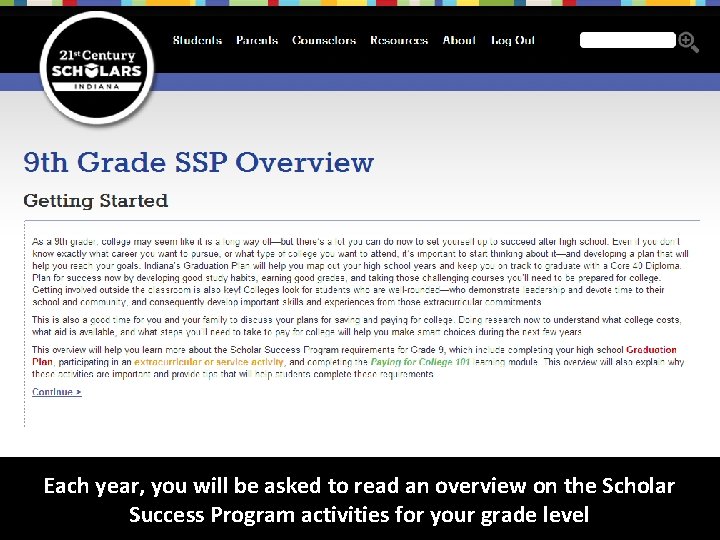
Each year, you will be asked to read an overview on the Scholar Success Program activities for your grade level
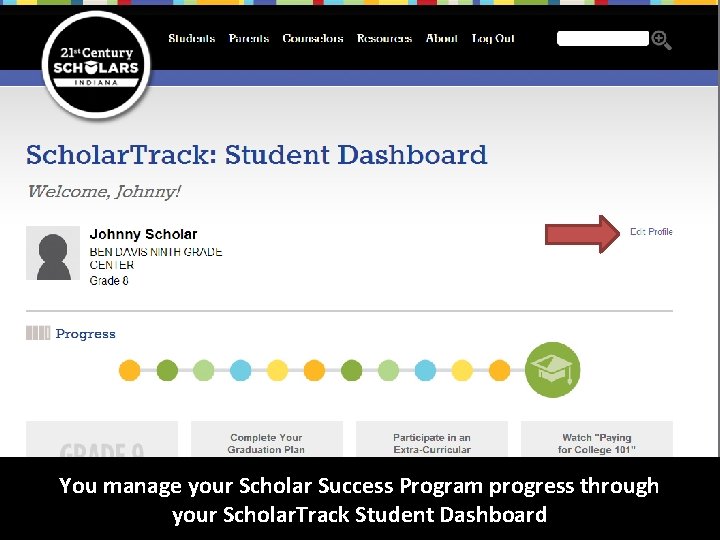
Edit. You yourmanage profile your to update Scholar your Success contact Program information. progress It isthrough important to make sure your that your Scholar. Track contact information Student Dashboard is always up-to-date.
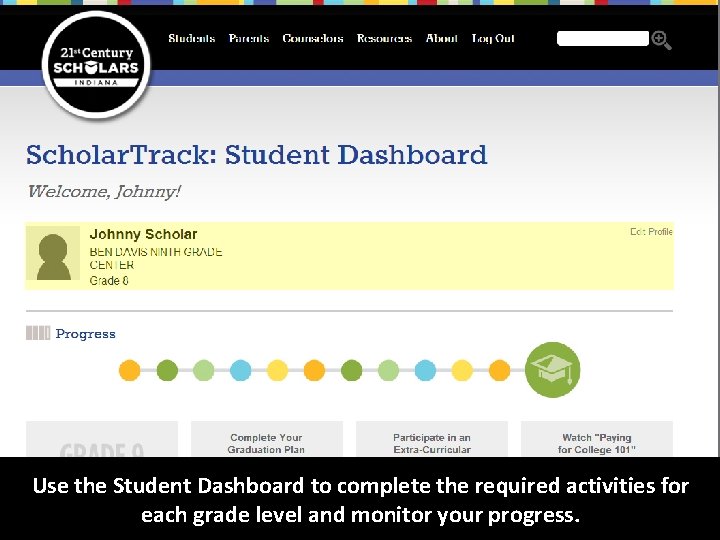
Use. You themanage Studentyour Dashboard Scholarto Success complete Program the required progressactivities throughfor each your grade Scholar. Track level and monitor Student your Dashboard progress.
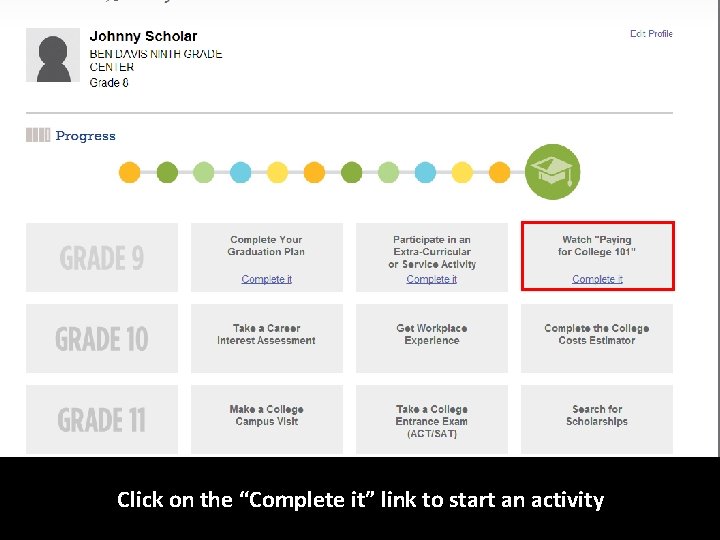
Click on the “Complete it” link to start an activity
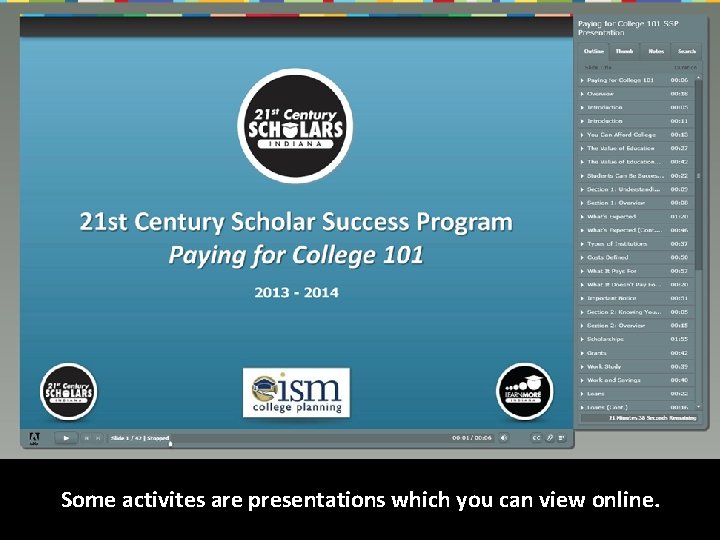
Read Some the activites overvieware to presentations learn how to complete which you the can required view online. activity.
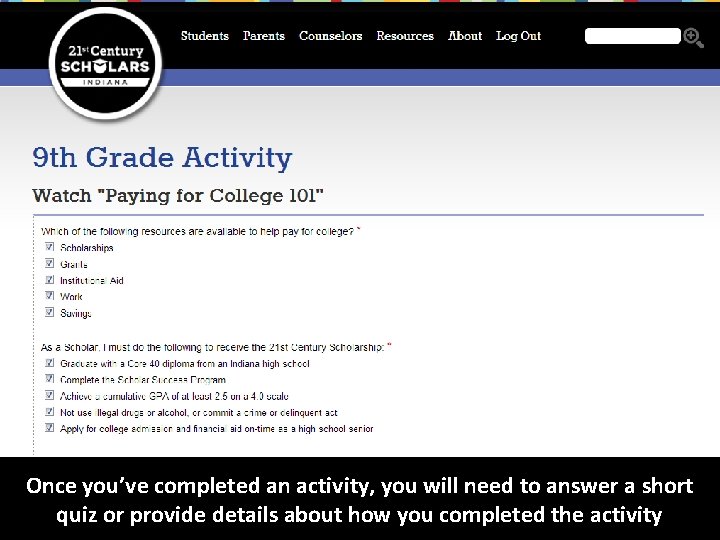
Once you’ve completed an activity, you will need to answer a short quiz or provide details about how you completed the activity
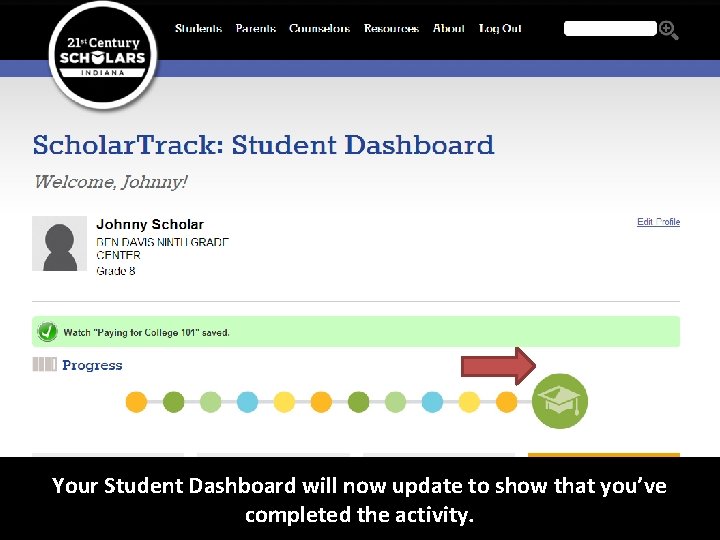
You. Your can. Student review the Dashboard activity and will the nowinformation update to show you entered that you’ve at any timecompleted by clickingthe on activity. the activity.
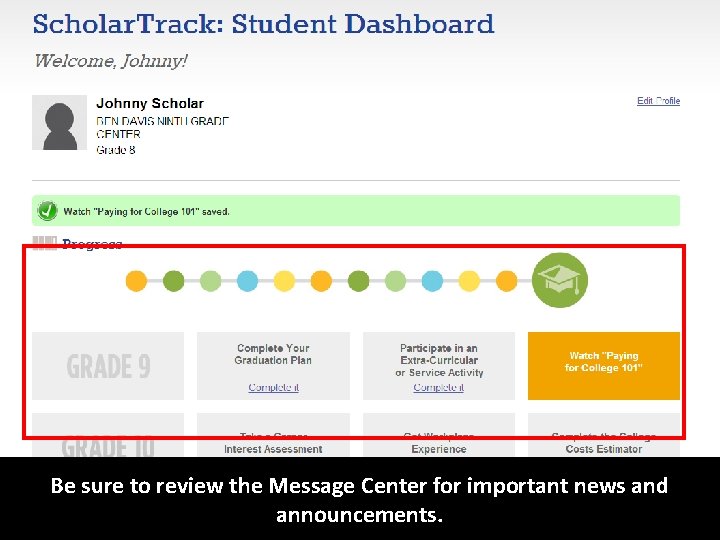
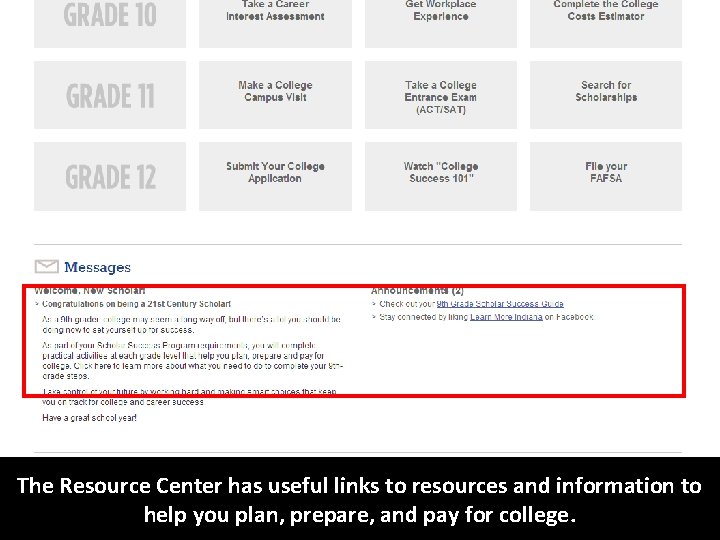
Be Your sure Student to review Dashboard the Message will now Center update for important to show that news you’ve and completed announcements. the activity.
The. Your Resource Student Center Dashboard has useful willlinks nowto update resources to show and that information you’ve to help you plan, completed prepare, theand activity. pay for college.
Questions? 21 st Century Scholars 1 -888 -528 -4719 Scholars@che. IN. gov 20