
SSIS Custom Components Dave Ballantyne dave ballantynelive co

SSIS Custom Components Dave Ballantyne dave. ballantyne@live. co. uk @davebally
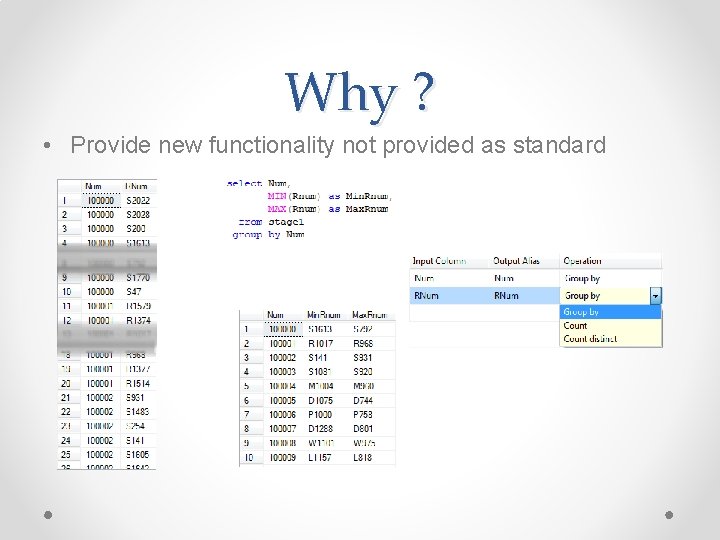
Why ? • Provide new functionality not provided as standard
Why ? • Reusability o o o Component is a DLL Single code base Can be used multiple times in a single project Can be shared across multiple projects Easy to test Component version • Performance o Faster than scripting • Well documented o Though not a how-to guide
Types Of Component • • • Data Connections Log Providers For Each Loops Control Flow Tasks Data Flow Pipeline Component Custom User Interface
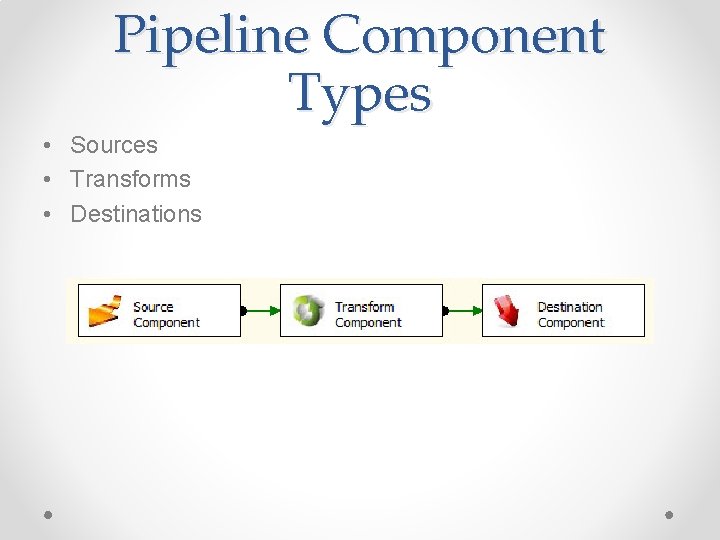
Pipeline Component Types • Sources • Transforms • Destinations
Design/Run Time • Design Time o o Work done in BIDS attachments / detachments Validation Column usage • Run Time o Metadata interrogation o DTEXEC o Flow of data
Demo 1 • Reuse and Performance
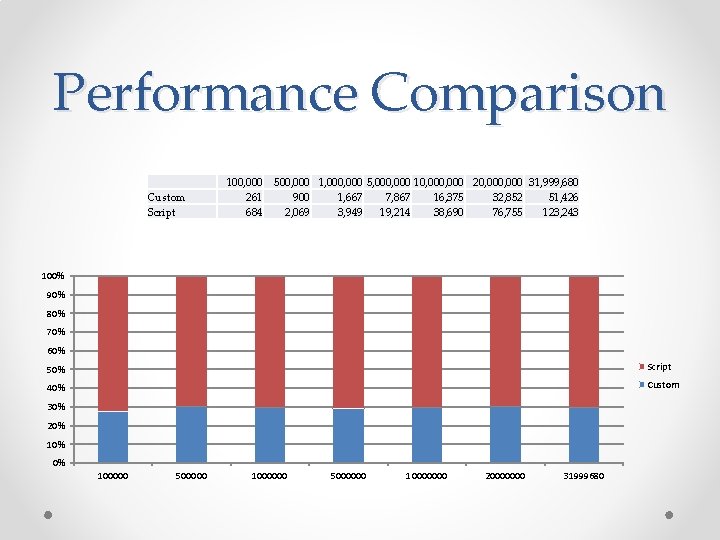
Performance Comparison Custom Script 100, 000 261 684 500, 000 1, 000 5, 000 10, 000 20, 000 31, 999, 680 900 1, 667 7, 867 16, 375 32, 852 51, 426 2, 069 3, 949 19, 214 38, 690 76, 755 123, 243 100% 90% 80% 70% 60% 50% Script 40% Custom 30% 20% 10% 0% 100000 500000 1000000 5000000 10000000 20000000 31999680
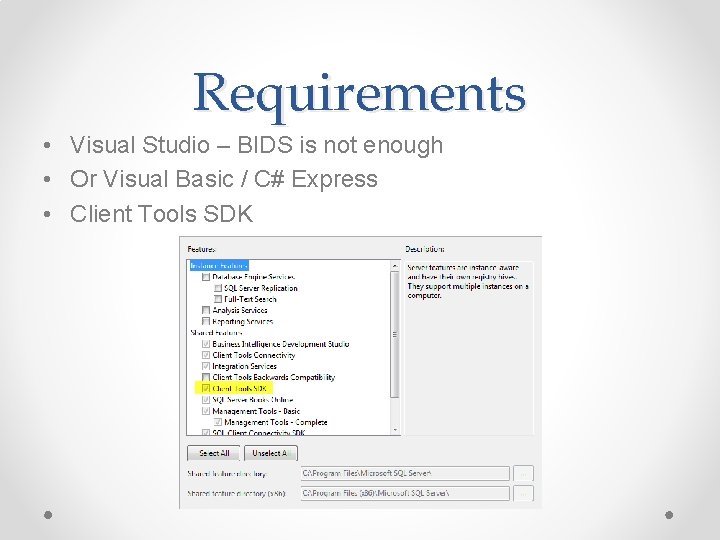
Requirements • Visual Studio – BIDS is not enough • Or Visual Basic / C# Express • Client Tools SDK
Starting Out • Target Framework 3. 5 (Advanced compile options) • Sign the assembley • Add References(Program file(x 86)/<Sql. Server>/100/sdk/Assemblies) o o Microsoft. Sql. Server. DTSPipeline. Wrap Microsoft. Sql. Server. DTSRuntime. Wrap Microsoft. Sql. Server. Managed. DTS Microsoft. Sql. Server. Pipe. Line Host
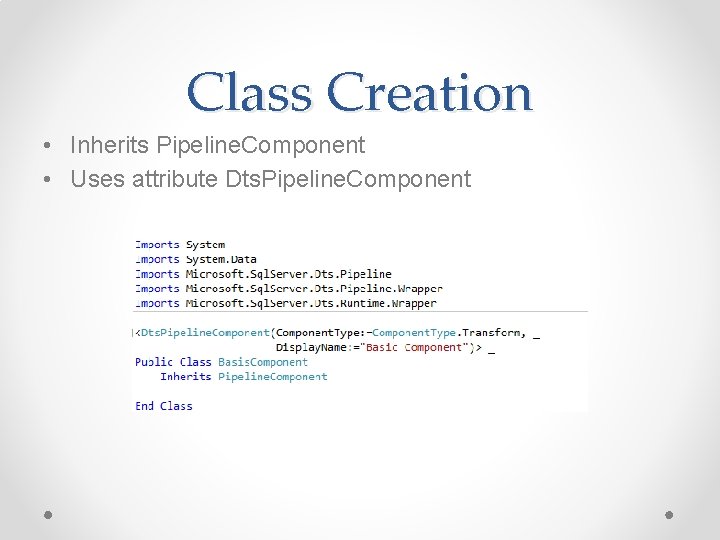
Class Creation • Inherits Pipeline. Component • Uses attribute Dts. Pipeline. Component
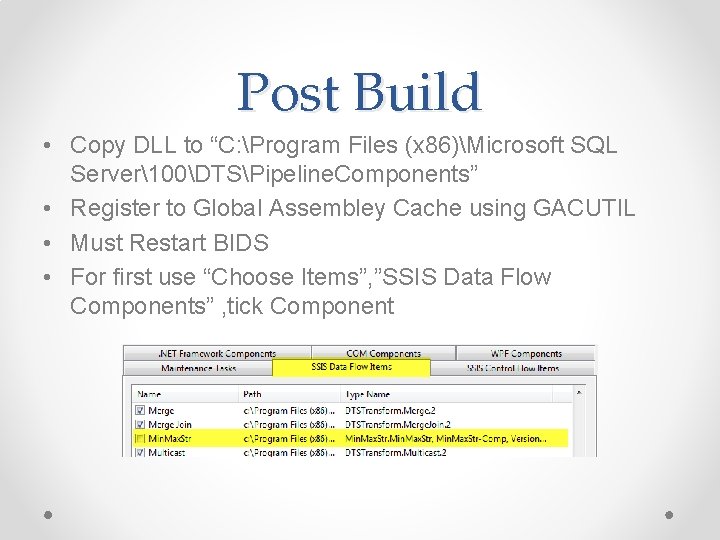
Post Build • Copy DLL to “C: Program Files (x 86)Microsoft SQL Server100DTSPipeline. Components” • Register to Global Assembley Cache using GACUTIL • Must Restart BIDS • For first use “Choose Items”, ”SSIS Data Flow Components” , tick Component
Meta. Data • • • IDTSComponent. Meta. Data 100 Pipeline. Component. Meta. Data Describes the Component to the engine Inputs, Outputs Custom data held within IDTSCustom. Property 100 o Most level s of object
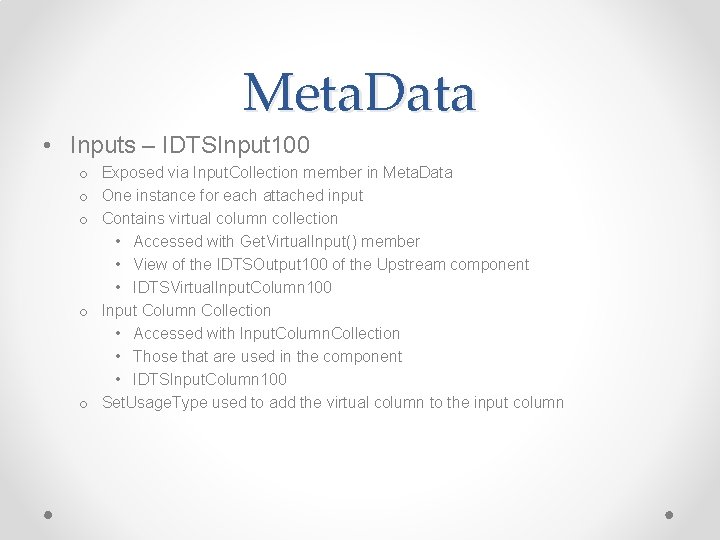
Meta. Data • Inputs – IDTSInput 100 o Exposed via Input. Collection member in Meta. Data o One instance for each attached input o Contains virtual column collection • Accessed with Get. Virtual. Input() member • View of the IDTSOutput 100 of the Upstream component • IDTSVirtual. Input. Column 100 o Input Column Collection • Accessed with Input. Column. Collection • Those that are used in the component • IDTSInput. Column 100 o Set. Usage. Type used to add the virtual column to the input column
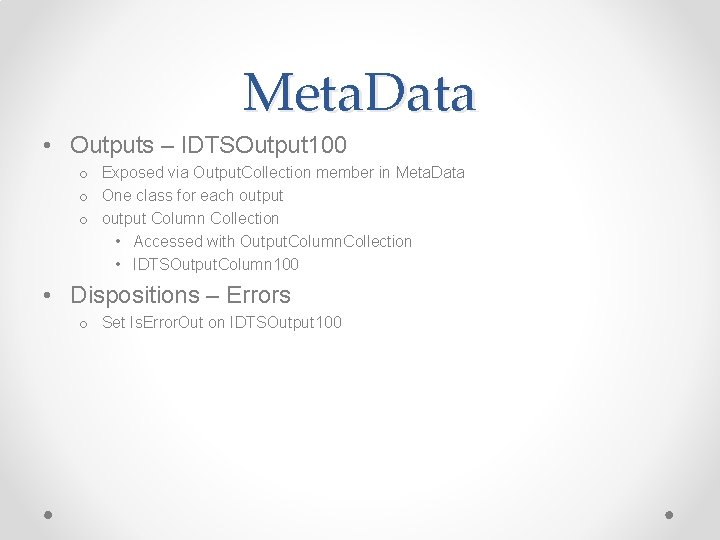
Meta. Data • Outputs – IDTSOutput 100 o Exposed via Output. Collection member in Meta. Data o One class for each output o output Column Collection • Accessed with Output. Column. Collection • IDTSOutput. Column 100 • Dispositions – Errors o Set Is. Error. Out on IDTSOutput 100
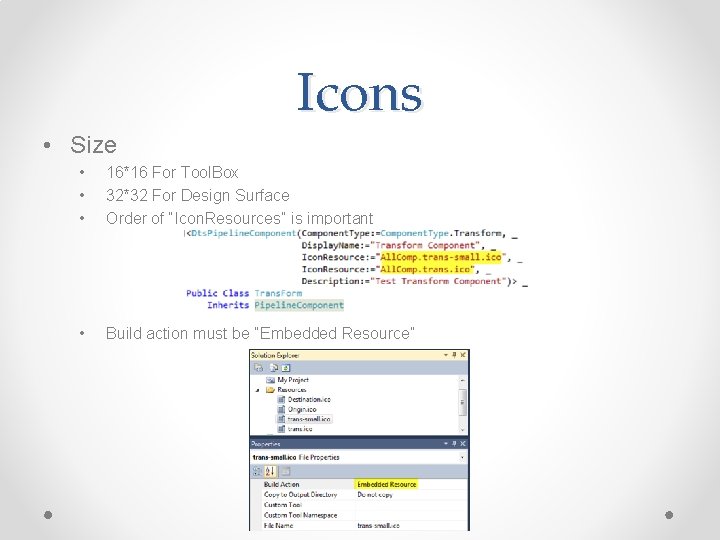
Icons • Size • • • 16*16 For Tool. Box 32*32 For Design Surface Order of “Icon. Resources” is important • Build action must be “Embedded Resource”
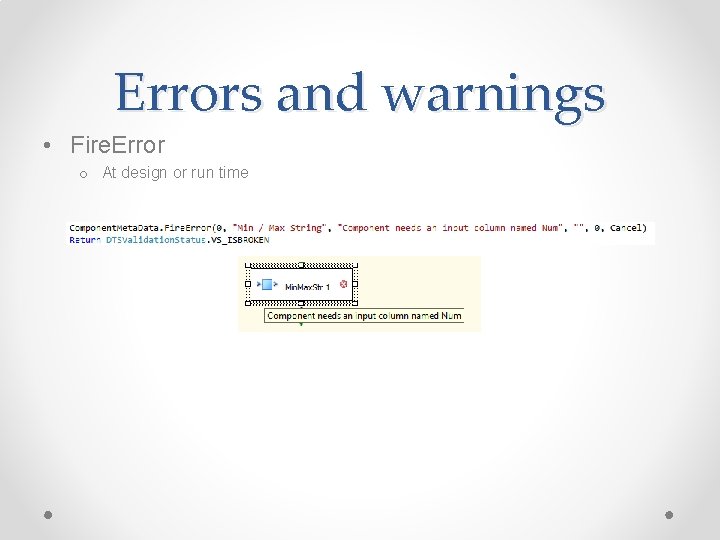
Errors and warnings • Fire. Error o At design or run time
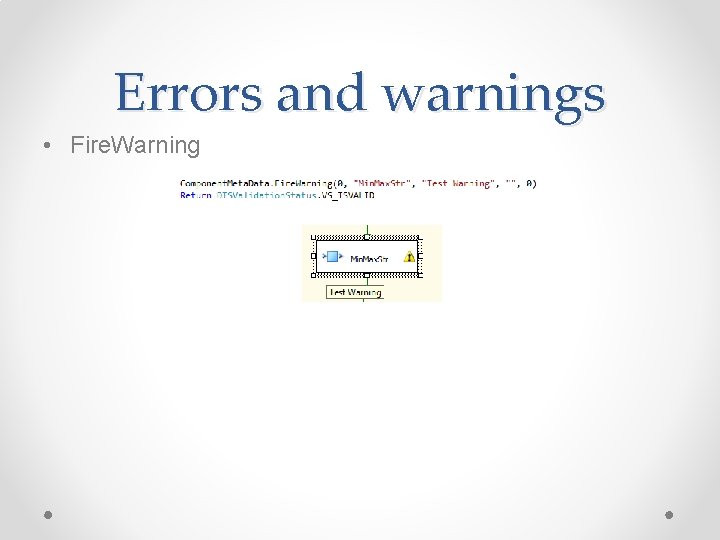
Errors and warnings • Fire. Warning
Design Time Methods • Methods o Provide. Component. Properties • Define initial metadata of component o Validate • Tests the metadata is correct o Reinitialize. Meta. Data • Fix the metadata
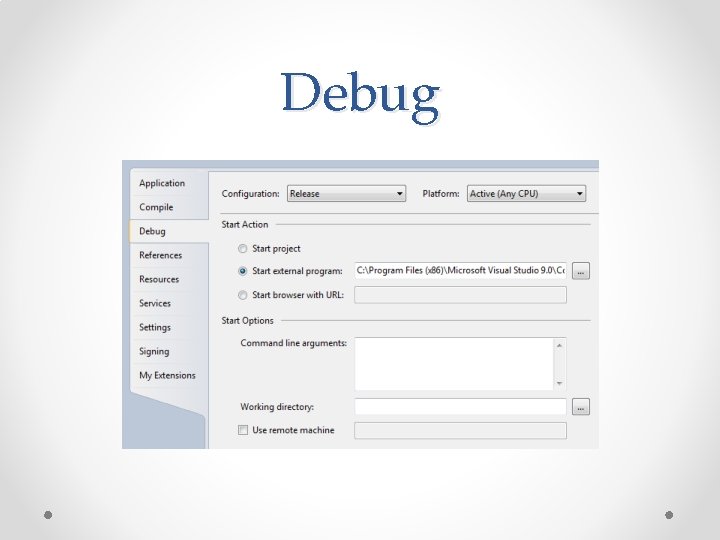
Debug
Demo 2 • Build a simple component
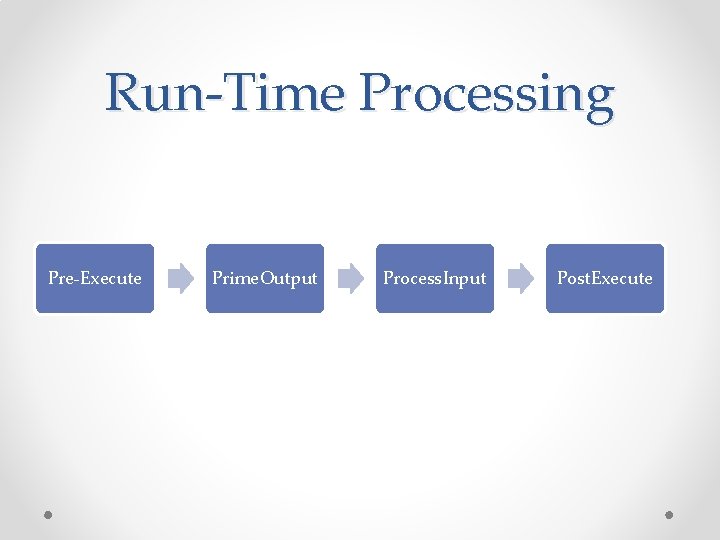
Run-Time Processing Pre-Execute Prime. Output Process. Input Post. Execute
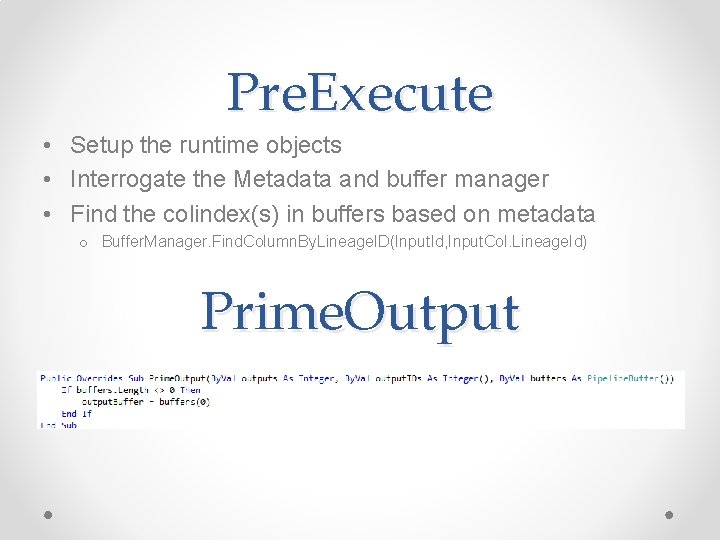
Pre. Execute • Setup the runtime objects • Interrogate the Metadata and buffer manager • Find the colindex(s) in buffers based on metadata o Buffer. Manager. Find. Column. By. Lineage. ID(Input. Id, Input. Col. Lineage. Id) Prime. Output
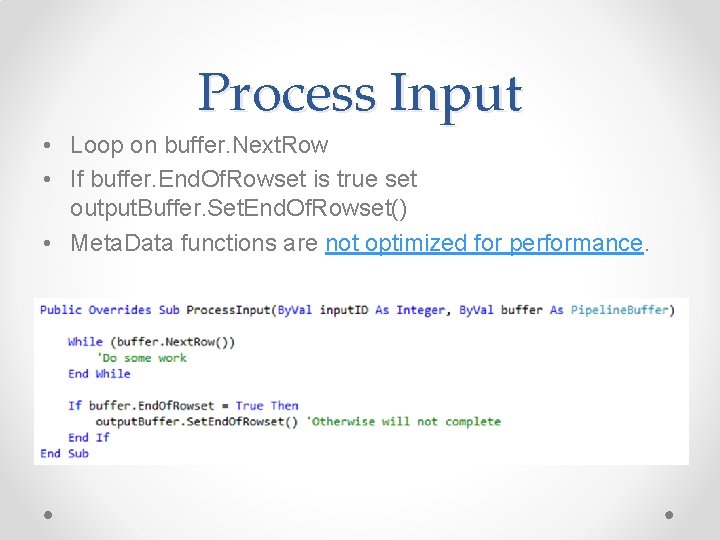
Process Input • Loop on buffer. Next. Row • If buffer. End. Of. Rowset is true set output. Buffer. Set. End. Of. Rowset() • Meta. Data functions are not optimized for performance.
Pipeline. Buffer • Used for both input and output buffer • Get<Data. Type> and Set <Data. Type> o Set. String / Get. String o Set. Int 32 / Get. Int 32 • Add. Row o Insert and move to new row • Set. End. Of. Rowset o After final row has been poplulated
Sync Or Async ? • Sync o Add columns to existing data flow o Synchronous. Input. ID of output = ID of input • Async o Create new data flow buffer o Synchronous. Input. ID =0
Demo 3 • Run. Time execution
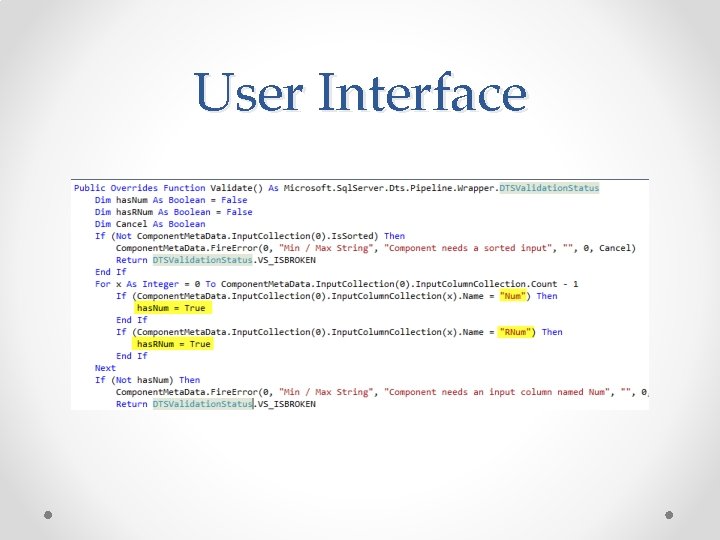
User Interface
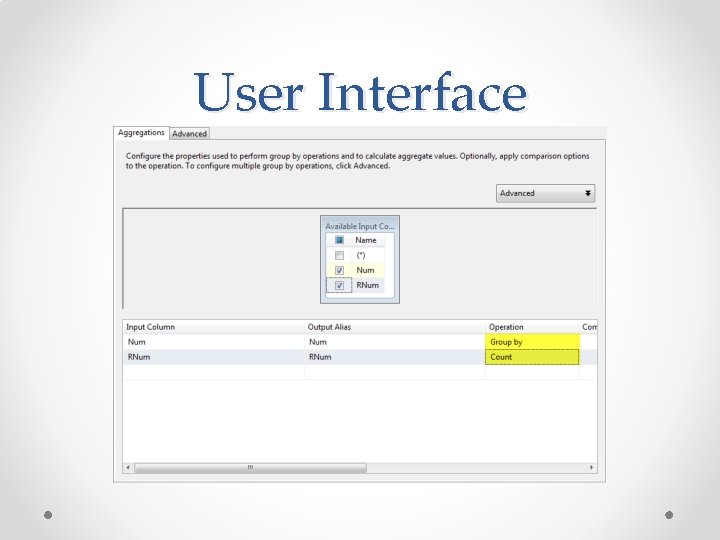
User Interface
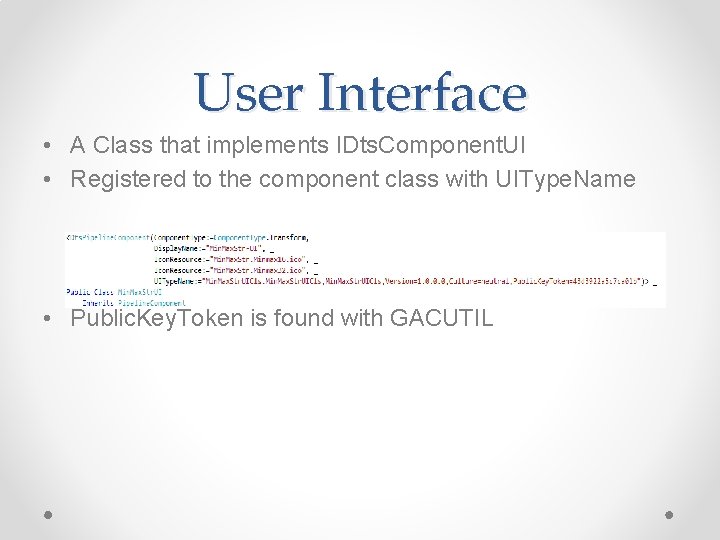
User Interface • A Class that implements IDts. Component. UI • Registered to the component class with UIType. Name • Public. Key. Token is found with GACUTIL
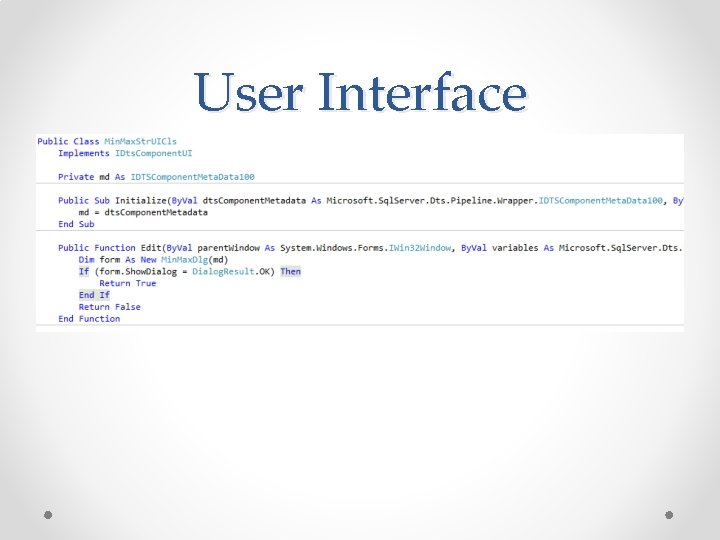
User Interface
User Interface • Demo 4 o User interface o UI Code Step Through
Conclusion • • Like SSIS , large learning curve Reusability Potentially Faster ? . Net skills are required
SSIS Custom Components Dave Ballantyne dave. ballantyne@live. co. uk @davebally
- Slides: 34