
SRV 427 Windows Server 2003 Resource Kit Tools

![User Membership Tool Ifmember. exe ifmember [/v|/verbose [/l|/list]| [Group. Name 1 [Group. Name 2].](https://slidetodoc.com/presentation_image_h2/8789b49e318e3b1c9ef311c64e637d9f/image-14.jpg "User Membership Tool Ifmember. exe ifmember [/v|/verbose [/l|/list]| [Group. Name 1 [Group. Name 2].")
![Memory Monitor Memmonitor. exe: memmonitor [-p <pid> | -pn <name> | -ps <svc>] [wait]](https://slidetodoc.com/presentation_image_h2/8789b49e318e3b1c9ef311c64e637d9f/image-25.jpg "Memory Monitor Memmonitor. exe: memmonitor [-p <pid> | -pn <name> | -ps <svc>] [wait]")

![Subinacl. exe subinacl [/Option] /object_type object_name [[/Action[=Parameter]. . ] Subinacl is probably the most](https://slidetodoc.com/presentation_image_h2/8789b49e318e3b1c9ef311c64e637d9f/image-41.jpg "Subinacl. exe subinacl [/Option] /object_type object_name [[/Action[=Parameter]. . ] Subinacl is probably the most")
![Registry Change by Script Regini. exe: regini Script. File [Script. File. . ] Script.](https://slidetodoc.com/presentation_image_h2/8789b49e318e3b1c9ef311c64e637d9f/image-46.jpg "Registry Change by Script Regini. exe: regini Script. File [Script. File. . ] Script.")
![Kernel Profiling Tool Kernrate. exe: KERNRATE [-l] [-lx] [-r] [-m] z Module. Name] [-j](https://slidetodoc.com/presentation_image_h2/8789b49e318e3b1c9ef311c64e637d9f/image-52.jpg "Kernel Profiling Tool Kernrate. exe: KERNRATE [-l] [-lx] [-r] [-m] z Module. Name] [-j")


- Slides: 58
SRV 427 Windows Server 2003 Resource Kit Tools: How Can They Help Me? James Farhat CEO/CTO ACTS JFarhat@actsolution. net
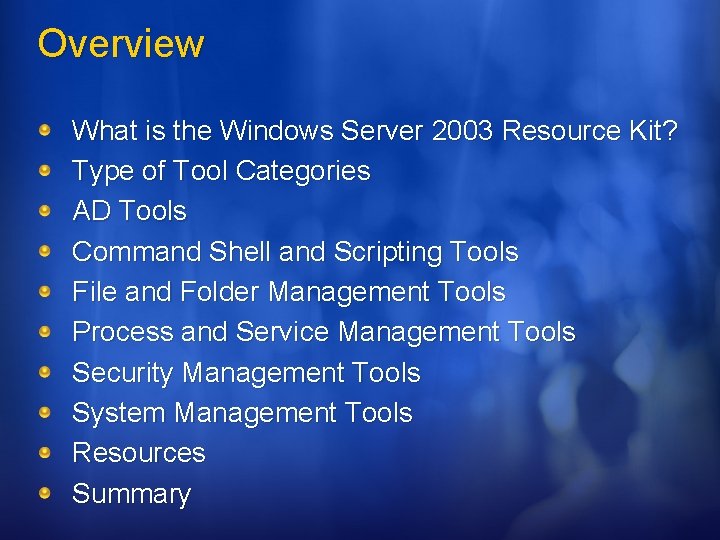
Overview What is the Windows Server 2003 Resource Kit? Type of Tool Categories AD Tools Command Shell and Scripting Tools File and Folder Management Tools Process and Service Management Tools Security Management Tools System Management Tools Resources Summary
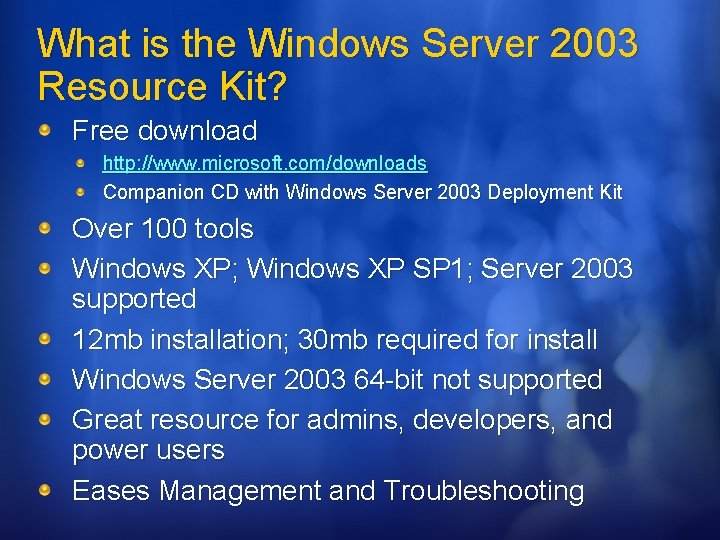
What is the Windows Server 2003 Resource Kit? Free download http: //www. microsoft. com/downloads Companion CD with Windows Server 2003 Deployment Kit Over 100 tools Windows XP; Windows XP SP 1; Server 2003 supported 12 mb installation; 30 mb required for install Windows Server 2003 64 -bit not supported Great resource for admins, developers, and power users Eases Management and Troubleshooting
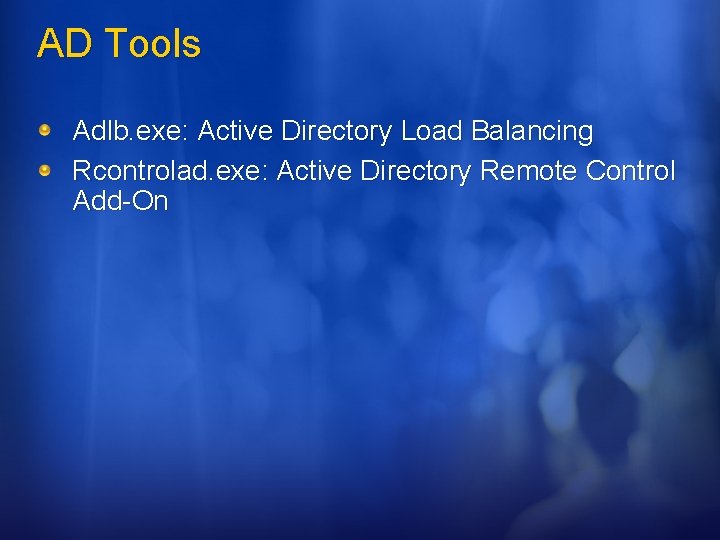
AD Tools Adlb. exe: Active Directory Load Balancing Rcontrolad. exe: Active Directory Remote Control Add-On
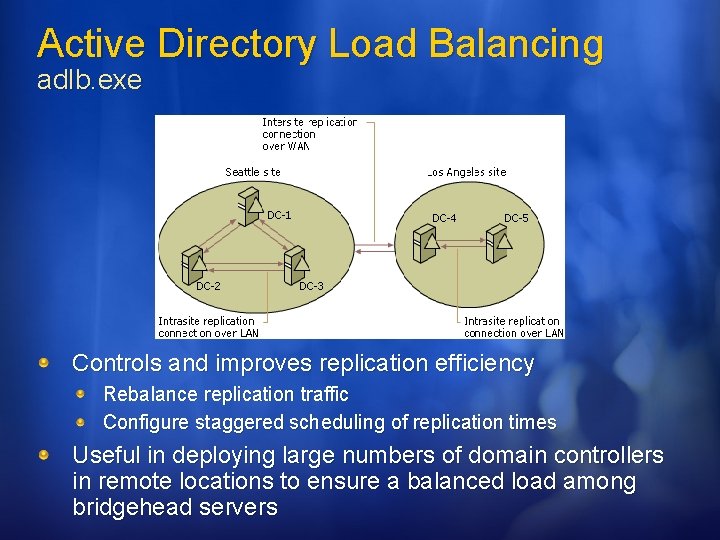
Active Directory Load Balancing adlb. exe Controls and improves replication efficiency Rebalance replication traffic Configure staggered scheduling of replication times Useful in deploying large numbers of domain controllers in remote locations to ensure a balanced load among bridgehead servers
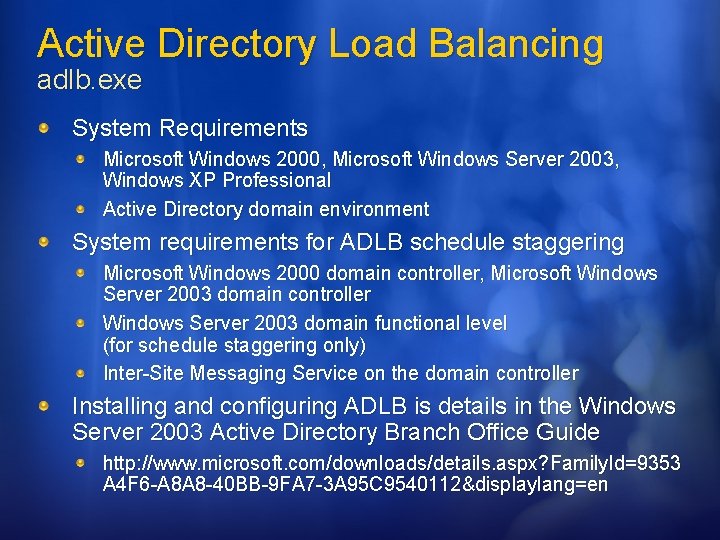
Active Directory Load Balancing adlb. exe System Requirements Microsoft Windows 2000, Microsoft Windows Server 2003, Windows XP Professional Active Directory domain environment System requirements for ADLB schedule staggering Microsoft Windows 2000 domain controller, Microsoft Windows Server 2003 domain controller Windows Server 2003 domain functional level (for schedule staggering only) Inter-Site Messaging Service on the domain controller Installing and configuring ADLB is details in the Windows Server 2003 Active Directory Branch Office Guide http: //www. microsoft. com/downloads/details. aspx? Family. Id=9353 A 4 F 6 -A 8 A 8 -40 BB-9 FA 7 -3 A 95 C 9540112&displaylang=en
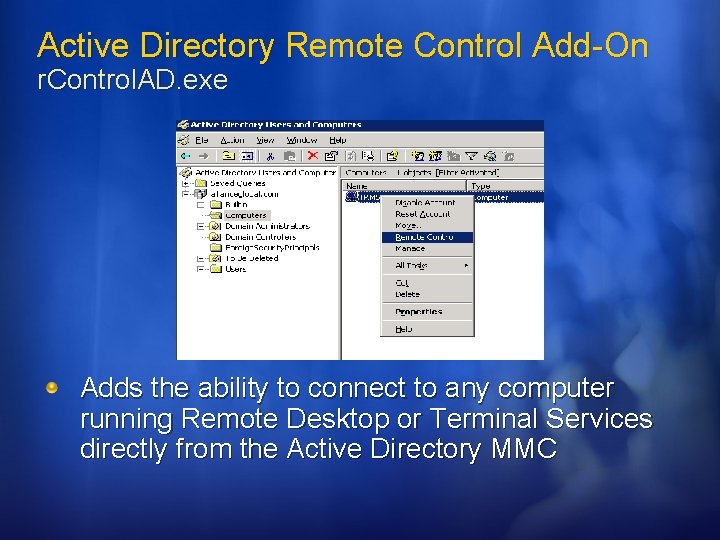
Active Directory Remote Control Add-On r. Control. AD. exe Adds the ability to connect to any computer running Remote Desktop or Terminal Services directly from the Active Directory MMC
Active Directory Remote Control Add-On r. Control. AD. exe r. Control. AD opens a Remote Desktop connection to computers that are running: Windows 2000 Server with Remote Administration enabled Windows Server 2003 with Remote Desktop enabled Windows 2000/2003 Terminal Server Windows XP Professional with Remote Desktop enabled Install Remote Desktop Connection software for Windows 98, Windows NT, Windows 2000
Installing and Running r. Control. AD. exe
Command Shell and Scripting Tools Cmdhere. inf: Command Here Ifmember. exe: User Membership Tool Sleep. exe: Batch File Wait
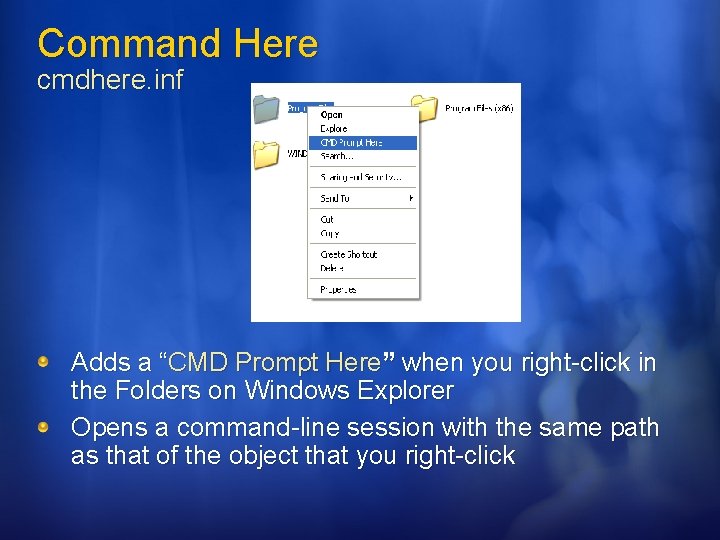
Command Here cmdhere. inf Adds a “CMD Prompt Here” when you right-click in the Folders on Windows Explorer Opens a command-line session with the same path as that of the object that you right-click
Command Here cmdhere. inf Cmd. Here is not installed by the Windows Server 2003 Resource Kit Setup Installing CMDHere Navigate to the directory where the Resource Kit is installed (C: program filesWindows Resource Kits) Right-click Cmdhere. inf Select Install on the shortcut menu
User Membership Tool Ifmember. exe ifmember [/v|/verbose [/l|/list]| [Group. Name 1 [Group. Name 2]. . . ] Arguments: /v|/verbose Group. Name 1 [Group. Name 2]. . . ] Prints all group matches. /l|/list Lists all groups of which the user is a member. Group. Name Specifies one or more group names (separated by a spaces) Checks whether or not the current user is a member of a specified group
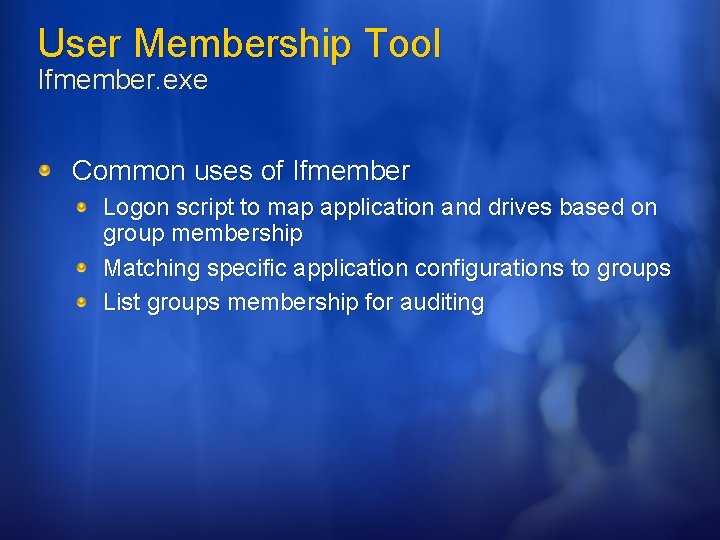
User Membership Tool Ifmember. exe Common uses of Ifmember Logon script to map application and drives based on group membership Matching specific application configurations to groups List groups membership for auditing
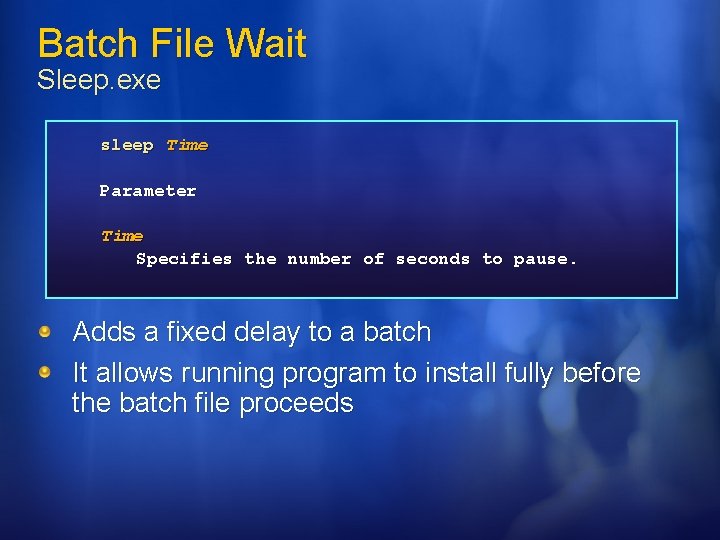
Batch File Wait Sleep. exe sleep Time Parameter Time Specifies the number of seconds to pause. Adds a fixed delay to a batch It allows running program to install fully before the batch file proceeds
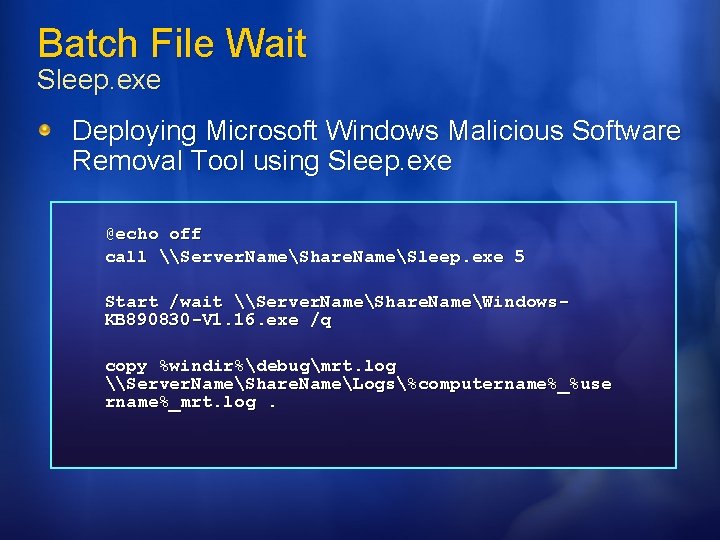
Batch File Wait Sleep. exe Deploying Microsoft Windows Malicious Software Removal Tool using Sleep. exe @echo off call \Server. NameShare. NameSleep. exe 5 Start /wait \Server. NameShare. NameWindows. KB 890830 -V 1. 16. exe /q copy %windir%debugmrt. log \Server. NameShare. NameLogs%computername%_%use rname%_mrt. log.
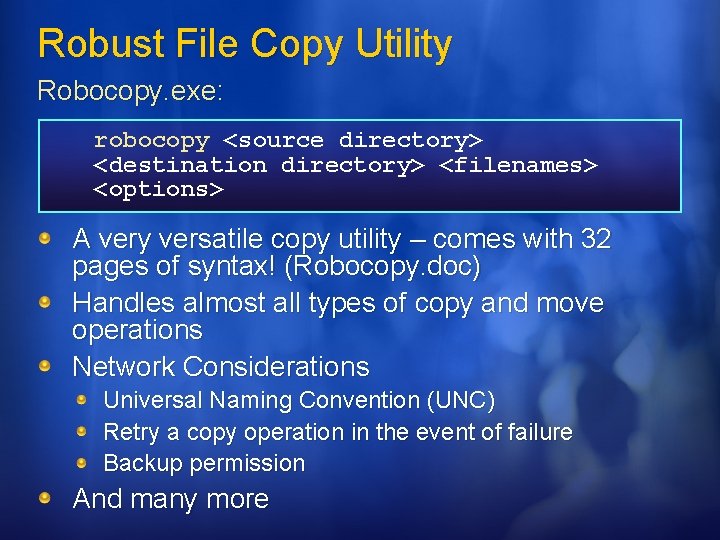
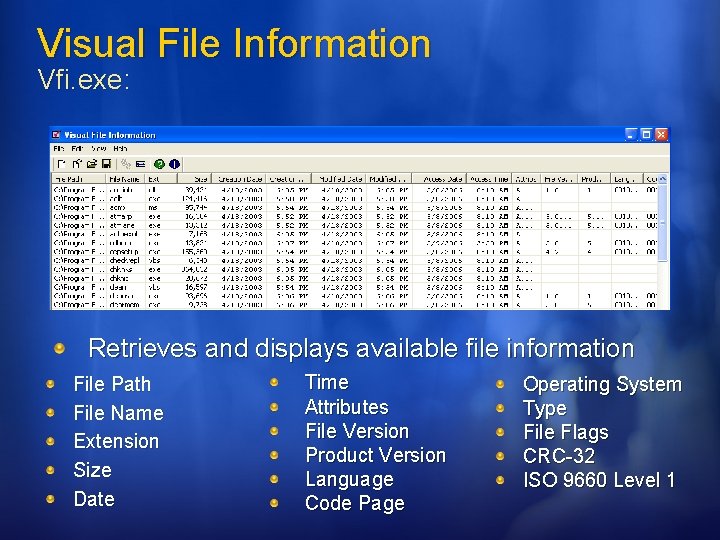
File and Folder Management Tools Robocopy. exe: Robust File Copy Utility Vfi. exe: Visual File Information
Robust File Copy Utility Robocopy. exe: robocopy <source directory> <destination directory> <filenames> <options> A very versatile copy utility – comes with 32 pages of syntax! (Robocopy. doc) Handles almost all types of copy and move operations Network Considerations Universal Naming Convention (UNC) Retry a copy operation in the event of failure Backup permission And many more
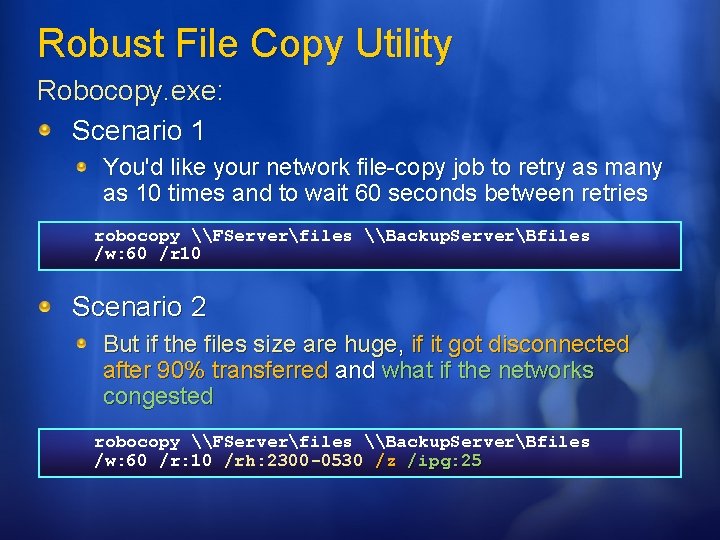
Robust File Copy Utility Robocopy. exe: Scenario 1 You'd like your network file-copy job to retry as many as 10 times and to wait 60 seconds between retries robocopy \FServerfiles \Backup. ServerBfiles /w: 60 /r 10 Scenario 2 But if the files size are huge, if it got disconnected after 90% transferred and what if the networks congested robocopy \FServerfiles \Backup. ServerBfiles /w: 60 /r: 10 /rh: 2300 -0530 /z /ipg: 25
Visual File Information Vfi. exe: Retrieves and displays available file information File Path File Name Extension Size Date Time Attributes File Version Product Version Language Code Page Operating System Type File Flags CRC-32 ISO 9660 Level 1
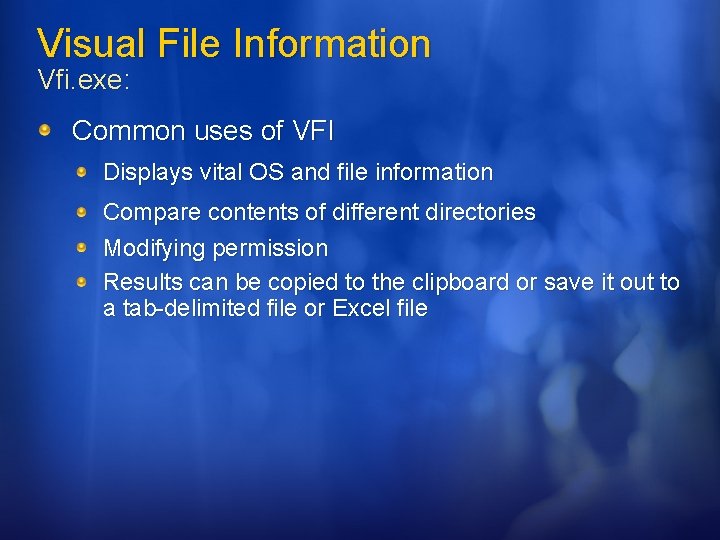
Visual File Information Vfi. exe: Common uses of VFI Displays vital OS and file information Compare contents of different directories Modifying permission Results can be copied to the clipboard or save it out to a tab-delimited file or Excel file
Modify the Permissions of an Administrator
Process and Service Management Tools Memmonitor. exe: Memory Monitor Pmon. exe: Process Resource Monitor Srvany. exe: Applications as Services Utility
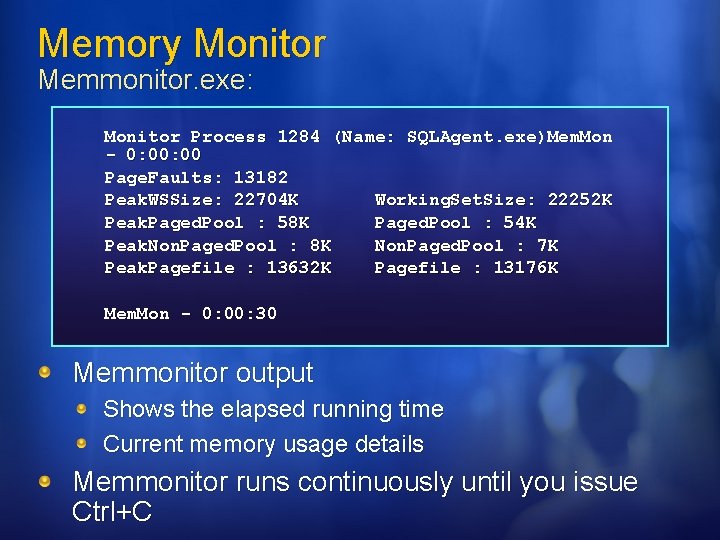
Memory Monitor Memmonitor. exe: memmonitor [-p <pid> | -pn <name> | -ps <svc>] [wait] [-nodbg] [-int <secs>][-WS <value>] [-PPool <value>] [-NPPool <value>] [-VM <value>] All arguments are optional except; -p pid : process ID (0 for current process) -pn name: name of the process (as shown in Task. Manager or TLIST OR -ps svc : name of a service (as known by Services Manager Monitors, Gathers and Debugs detailed memory usage for individual processes
Memory Monitor Memmonitor. exe: Monitor Process 1284 (Name: SQLAgent. exe)Mem. Mon - 0: 00 Page. Faults: 13182 Peak. WSSize: 22704 K Working. Set. Size: 22252 K Peak. Paged. Pool : 58 K Paged. Pool : 54 K Peak. Non. Paged. Pool : 8 K Non. Paged. Pool : 7 K Peak. Pagefile : 13632 K Pagefile : 13176 K Mem. Mon - 0: 00: 30 Memmonitor output Shows the elapsed running time Current memory usage details Memmonitor runs continuously until you issue Ctrl+C
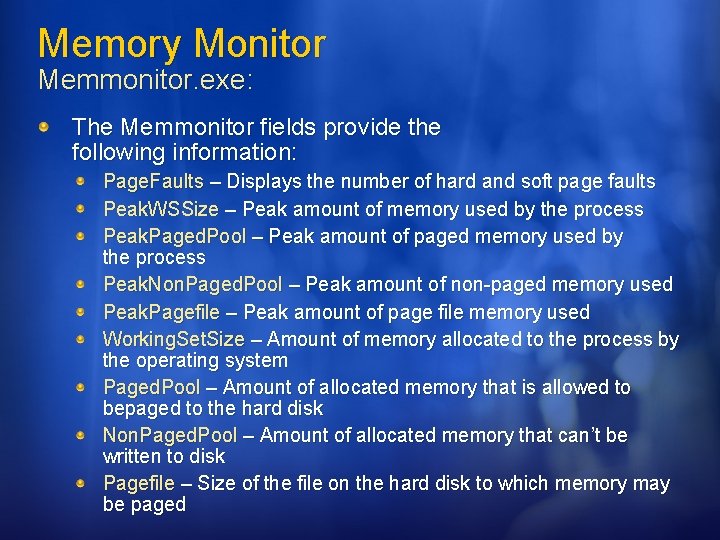
Memory Monitor Memmonitor. exe: The Memmonitor fields provide the following information: Page. Faults – Displays the number of hard and soft page faults Peak. WSSize – Peak amount of memory used by the process Peak. Paged. Pool – Peak amount of paged memory used by the process Peak. Non. Paged. Pool – Peak amount of non-paged memory used Peak. Pagefile – Peak amount of page file memory used Working. Set. Size – Amount of memory allocated to the process by the operating system Paged. Pool – Amount of allocated memory that is allowed to bepaged to the hard disk Non. Paged. Pool – Amount of allocated memory that can’t be written to disk Pagefile – Size of the file on the hard disk to which memory may be paged
Gather Baseline of Memory Usage
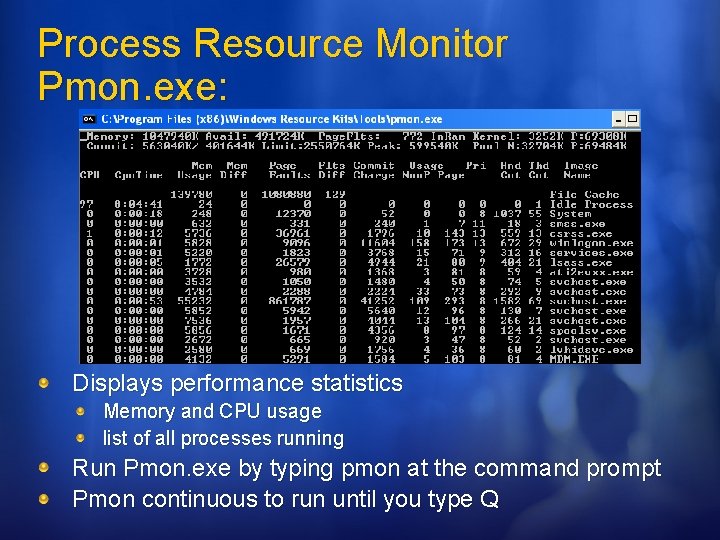
Process Resource Monitor Pmon. exe: Displays performance statistics Memory and CPU usage list of all processes running Run Pmon. exe by typing pmon at the command prompt Pmon continuous to run until you type Q
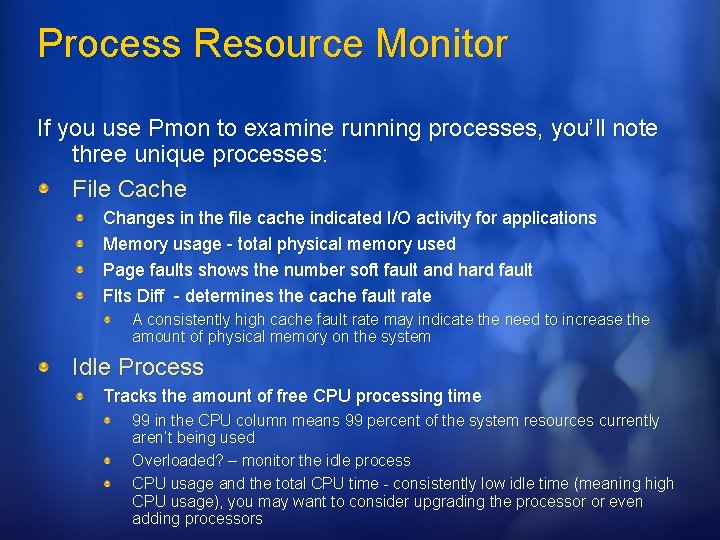
Process Resource Monitor If you use Pmon to examine running processes, you’ll note three unique processes: File Cache Changes in the file cache indicated I/O activity for applications Memory usage - total physical memory used Page faults shows the number soft fault and hard fault Flts Diff - determines the cache fault rate A consistently high cache fault rate may indicate the need to increase the amount of physical memory on the system Idle Process Tracks the amount of free CPU processing time 99 in the CPU column means 99 percent of the system resources currently aren’t being used Overloaded? – monitor the idle process CPU usage and the total CPU time - consistently low idle time (meaning high CPU usage), you may want to consider upgrading the processor or even adding processors
Process Resource Monitor If you use Pmon to examine running processes, you’ll note three unique processes: (cont’d) System shows the resource usage for the local system process
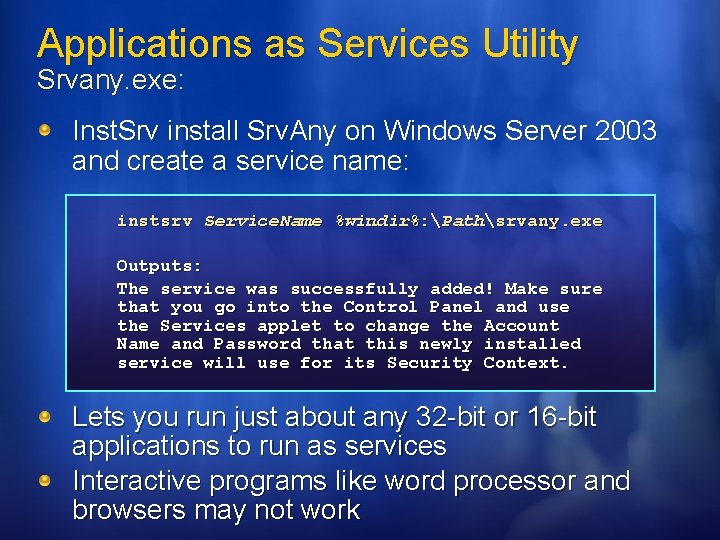
Applications as Services Utility Srvany. exe: Inst. Srv install Srv. Any on Windows Server 2003 and create a service name: instsrv Service. Name %windir%: Pathsrvany. exe Outputs: The service was successfully added! Make sure that you go into the Control Panel and use the Services applet to change the Account Name and Password that this newly installed service will use for its Security Context. Lets you run just about any 32 -bit or 16 -bit applications to run as services Interactive programs like word processor and browsers may not work
Applications as Services Utility Srvany. exe: The advantages of running applications as services are listed below When a user logs off, 32 -bit applications running as services do not stop Applications running as services can handle requests without user intervention. Unless an application is interactive. Applications running as services can run with their own logon accounts
Applications as Services Utility Srvany. exe: After you install Srvany and create a service name: Configure a Service Reg. Edit - application running as a service to start automatically and always use the same start parameters. Services MMC Snap-in - start automatically or manually, or if you want to frequently change the start parameters Handle Special Requirements Interactive versus Network Access User Exit Programming Considerations Presentation Manager Applications Manage a Service Pause Start Disable Stop
Security Management Tools Inetesc. adm: Internet Explorer Enhanced Security Configuration Subinacl. exe Winexit. scr: Windows Exit Screen Saver
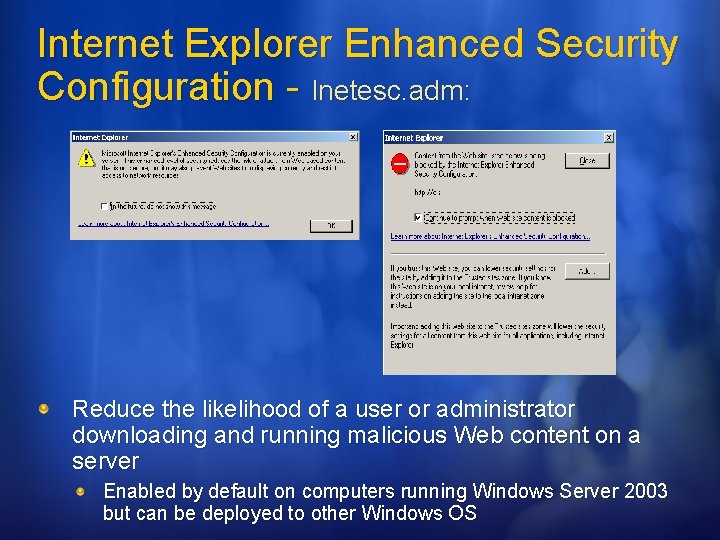
Internet Explorer Enhanced Security Configuration - Inetesc. adm: Reduce the likelihood of a user or administrator downloading and running malicious Web content on a server Enabled by default on computers running Windows Server 2003 but can be deployed to other Windows OS
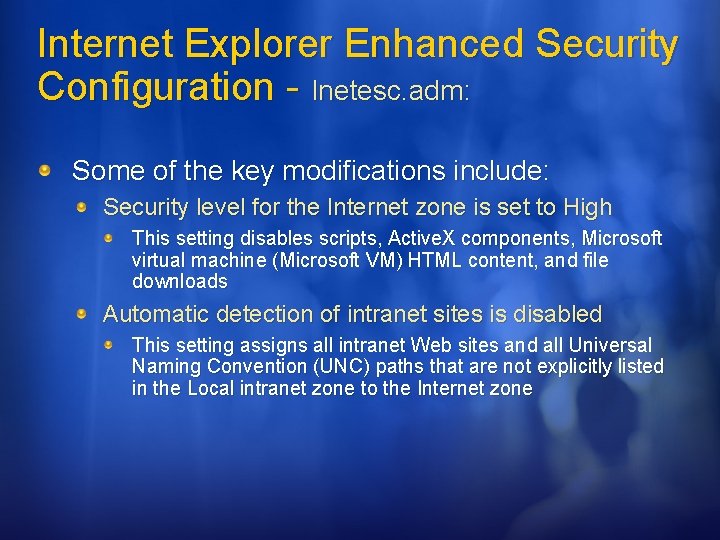
Internet Explorer Enhanced Security Configuration - Inetesc. adm: Some of the key modifications include: Security level for the Internet zone is set to High This setting disables scripts, Active. X components, Microsoft virtual machine (Microsoft VM) HTML content, and file downloads Automatic detection of intranet sites is disabled This setting assigns all intranet Web sites and all Universal Naming Convention (UNC) paths that are not explicitly listed in the Local intranet zone to the Internet zone
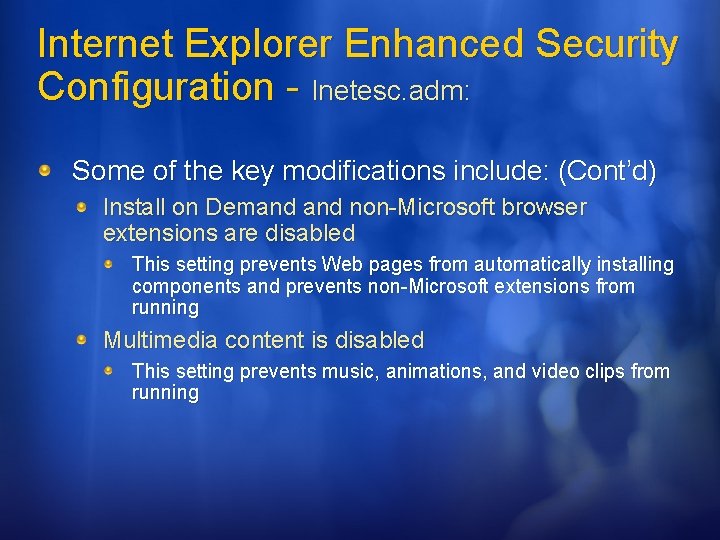
Internet Explorer Enhanced Security Configuration - Inetesc. adm: Some of the key modifications include: (Cont’d) Install on Demand non-Microsoft browser extensions are disabled This setting prevents Web pages from automatically installing components and prevents non-Microsoft extensions from running Multimedia content is disabled This setting prevents music, animations, and video clips from running
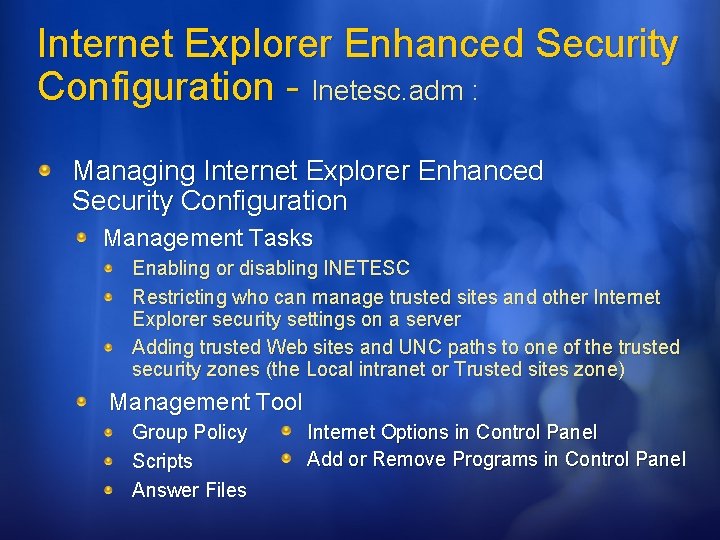
Internet Explorer Enhanced Security Configuration - Inetesc. adm : Managing Internet Explorer Enhanced Security Configuration Management Tasks Enabling or disabling INETESC Restricting who can manage trusted sites and other Internet Explorer security settings on a server Adding trusted Web sites and UNC paths to one of the trusted security zones (the Local intranet or Trusted sites zone) Management Tool Group Policy Scripts Answer Files Internet Options in Control Panel Add or Remove Programs in Control Panel
Managing INETESC Configuration using Group Policy
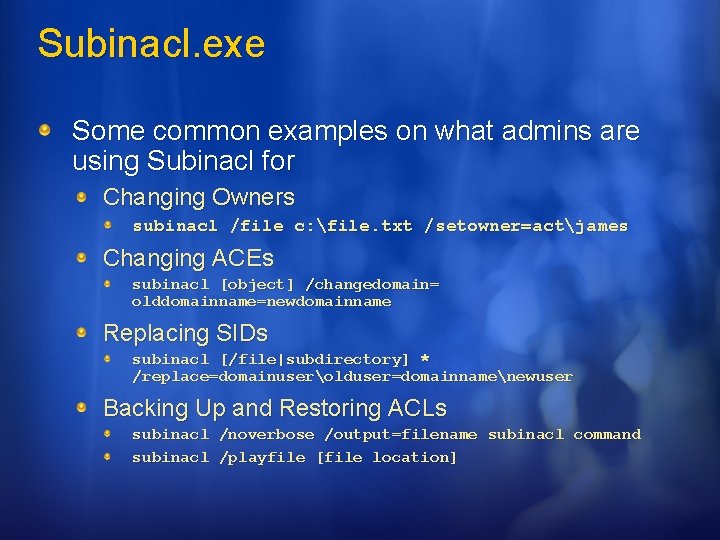
Subinacl. exe subinacl [/Option] /object_type object_name [[/Action[=Parameter]. . ] Subinacl is probably the most versatile, powerful, and dangerous, ACL management tool available Lets you directly edit almost any security information about files, registry keys, and services Can transfer this information from user to user, from local or global group to group, and from domain to domain
Subinacl. exe Some common examples on what admins are using Subinacl for Changing Owners subinacl /file c: file. txt /setowner=actjames Changing ACEs subinacl [object] /changedomain= olddomainname=newdomainname Replacing SIDs subinacl [/file|subdirectory] * /replace=domainuserolduser=domainnamenewuser Backing Up and Restoring ACLs subinacl /noverbose /output=filename subinacl command subinacl /playfile [file location]
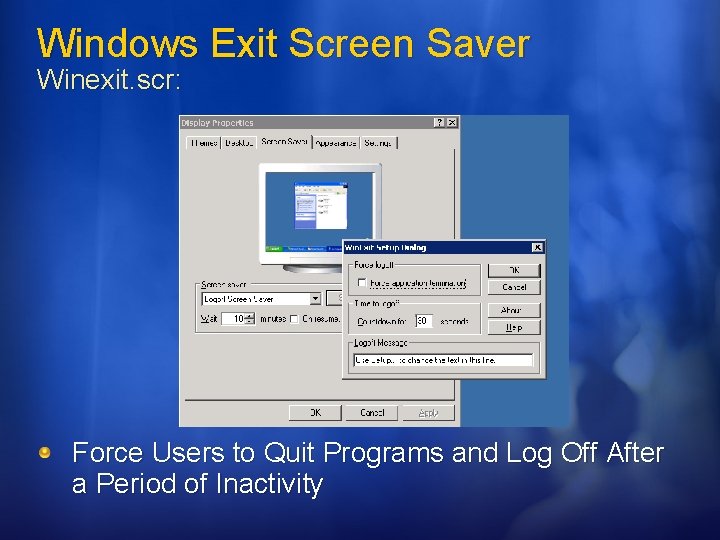
Windows Exit Screen Saver Winexit. scr: Force Users to Quit Programs and Log Off After a Period of Inactivity
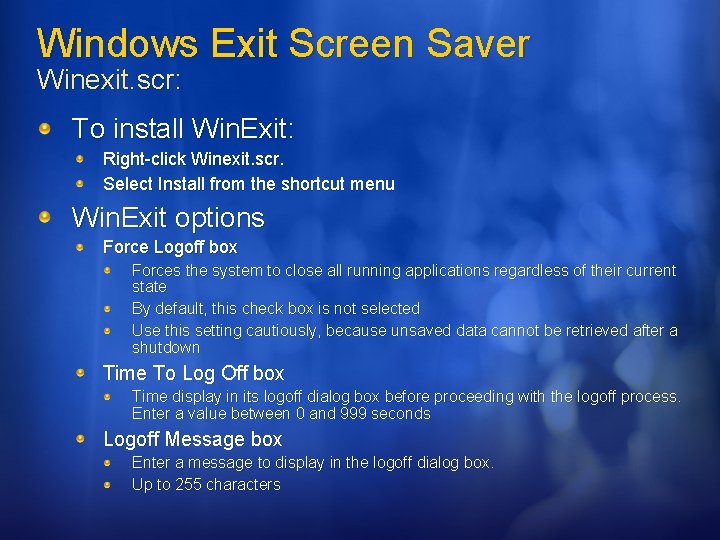
Windows Exit Screen Saver Winexit. scr: To install Win. Exit: Right-click Winexit. scr. Select Install from the shortcut menu Win. Exit options Force Logoff box Forces the system to close all running applications regardless of their current state By default, this check box is not selected Use this setting cautiously, because unsaved data cannot be retrieved after a shutdown Time To Log Off box Time display in its logoff dialog box before proceeding with the logoff process. Enter a value between 0 and 999 seconds Logoff Message box Enter a message to display in the logoff dialog box. Up to 255 characters
System Management Tools Regini. exe: Registry Change by Script Eventcombmt. exe: Event Comb Kernrate. exe: Kernel Profiling Tool
Registry Change by Script Regini. exe: regini Script. File [Script. File. . ] Script. File Specifies the file name (and, optionally, the full path) of the script file you want to use to modify the registry. Automates registry modification with scripts that you can write Caution: Wherever possible, you should use Control Panel and applications in the Administrative Tools program group to make changes to the system configuration and thus to the Registry
Registry Change by Script Regini. exe: For full documentation on the Regini. exe goto http: //www. microsoft. com/technet/prodtechnol/window s 2000 serv/maintain/operate/distreg. mspx
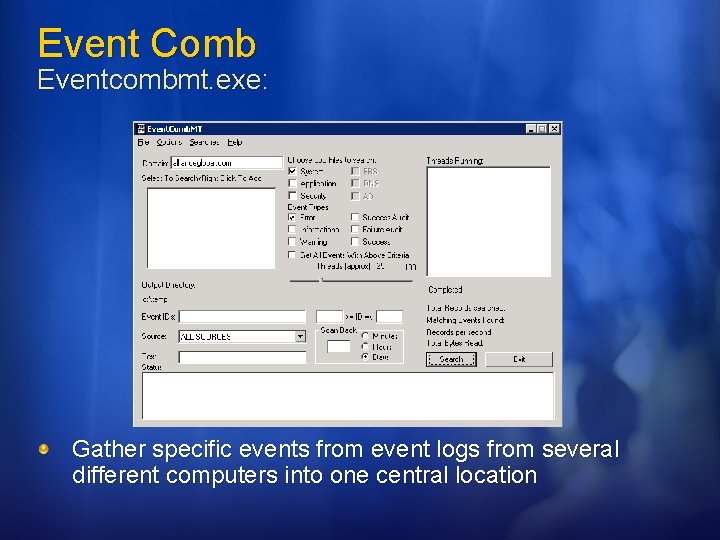
Event Comb Eventcombmt. exe: Gather specific events from event logs from several different computers into one central location
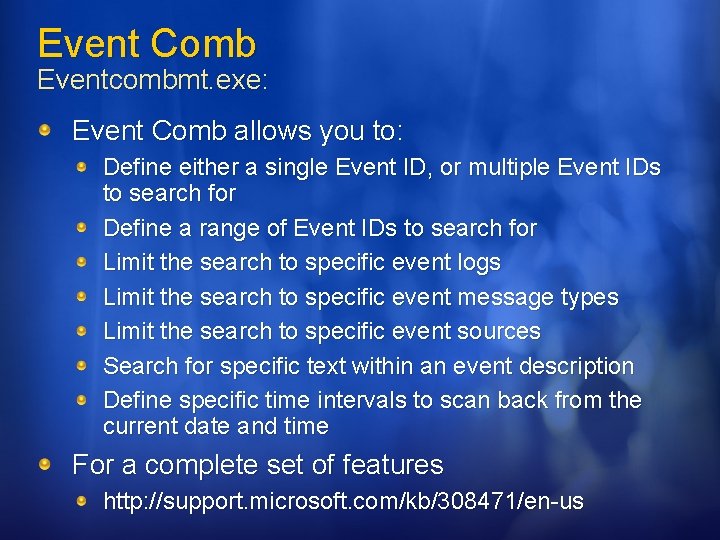
Event Comb Eventcombmt. exe: Event Comb allows you to: Define either a single Event ID, or multiple Event IDs to search for Define a range of Event IDs to search for Limit the search to specific event logs Limit the search to specific event message types Limit the search to specific event sources Search for specific text within an event description Define specific time intervals to scan back from the current date and time For a complete set of features http: //support. microsoft. com/kb/308471/en-us
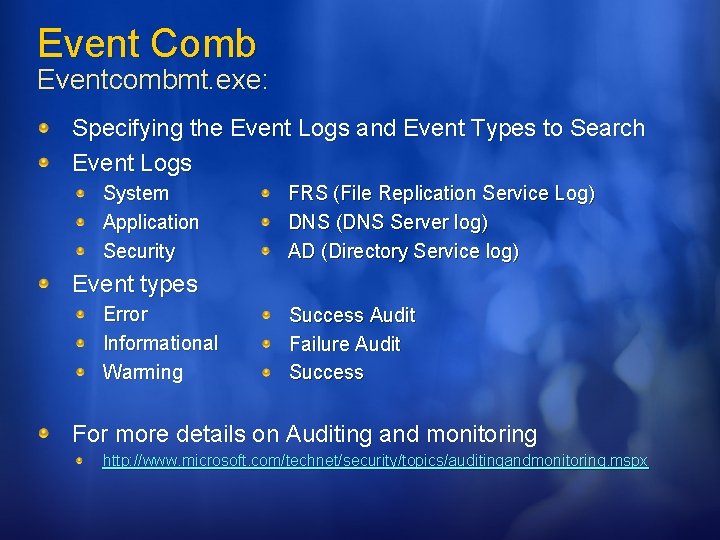
Event Comb Eventcombmt. exe: Specifying the Event Logs and Event Types to Search Event Logs System Application Security FRS (File Replication Service Log) DNS (DNS Server log) AD (Directory Service log) Event types Error Informational Warming Success Audit Failure Audit Success For more details on Auditing and monitoring http: //www. microsoft. com/technet/security/topics/auditingandmonitoring. mspx
Examples of Using Event. Comb. MT DC restarts and Account lockouts
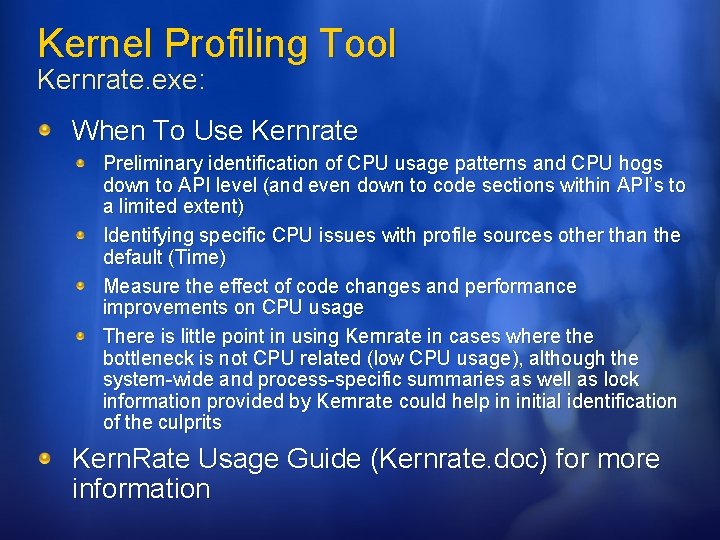
Kernel Profiling Tool Kernrate. exe: KERNRATE [-l] [-lx] [-r] [-m] z Module. Name] [-j Symbol. Path] Rate. In. Msec] [-s Seconds] [-i Rate][-n Process. Name] [-w] [-p Process. Id] [[-c [Src. Short. Name] Meant to help identify primarily where CPU time is being spent Profiles kernel and user mode processes Supports Intel x 86 processors (Pentium and above), AMD equivalent processors as well as Intel 64 -bit and AMD 64 -bit platforms
Kernel Profiling Tool Kernrate. exe: When To Use Kernrate Preliminary identification of CPU usage patterns and CPU hogs down to API level (and even down to code sections within API’s to a limited extent) Identifying specific CPU issues with profile sources other than the default (Time) Measure the effect of code changes and performance improvements on CPU usage There is little point in using Kernrate in cases where the bottleneck is not CPU related (low CPU usage), although the system-wide and process-specific summaries as well as lock information provided by Kernrate could help in initial identification of the culprits Kern. Rate Usage Guide (Kernrate. doc) for more information
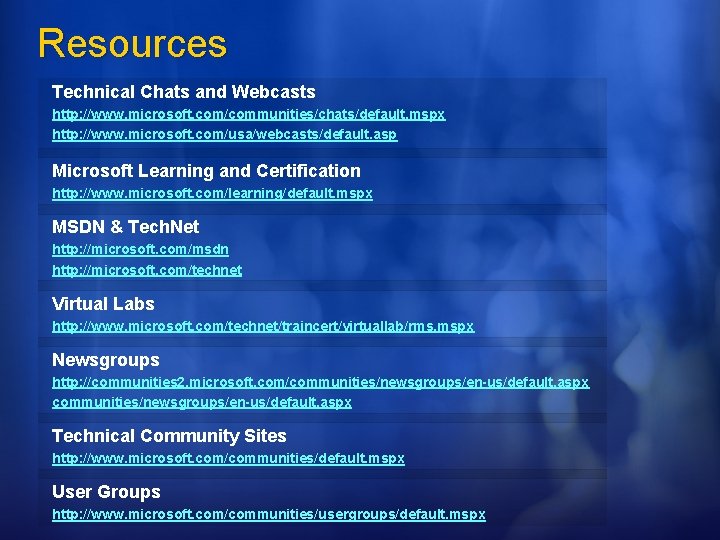
Resources Technical Chats and Webcasts http: //www. microsoft. com/communities/chats/default. mspx http: //www. microsoft. com/usa/webcasts/default. asp Microsoft Learning and Certification http: //www. microsoft. com/learning/default. mspx MSDN & Tech. Net http: //microsoft. com/msdn http: //microsoft. com/technet Virtual Labs http: //www. microsoft. com/technet/traincert/virtuallab/rms. mspx Newsgroups http: //communities 2. microsoft. com/communities/newsgroups/en-us/default. aspx Technical Community Sites http: //www. microsoft. com/communities/default. mspx User Groups http: //www. microsoft. com/communities/usergroups/default. mspx
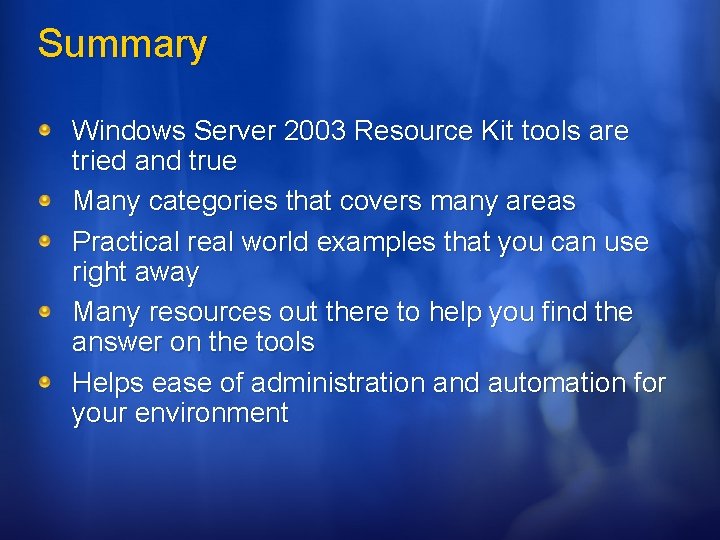
Summary Windows Server 2003 Resource Kit tools are tried and true Many categories that covers many areas Practical real world examples that you can use right away Many resources out there to help you find the answer on the tools Helps ease of administration and automation for your environment
Fill out a session evaluation on Comm. Net for a chance to Win an XBOX 360!
Live from Tech·Ed Webcast Series has Been Brought to You by: www. microsoft. com/hpc
© 2006 Microsoft Corporation. All rights reserved. Microsoft, Windows Vista and other product names are or may be registered trademarks and/or trademarks in the U. S. and/or other countries. The information herein is for informational purposes only and represents the current view of Microsoft Corporation as of the date of this presentation. Because Microsoft must respond to changing market conditions, it should not be interpreted to be a commitment on the part of Microsoft, and Microsoft cannot guarantee the accuracy of any information provided after the date of this presentation. MICROSOFT MAKES NO WARRANTIES, EXPRESS, IMPLIED OR STATUTORY, AS TO THE INFORMATION IN THIS PRESENTATION.