
SRMMCA Session Objectives Explain files Discuss text File
SRM-MCA
Session Objectives Explain files Discuss text File and binary File Use basic file Operations & functions Explain file pointer Explain Formatted/Unformatted I/O Statements in File Discuss current active pointer Define the term “Preprocessor”
Files A file may be anything from a disk file to a terminal or a printer. A file is associated with a stream by performing an operation and is disassociated from a stream by a close operation. All files are automatically closed when the program, using them, terminates, normally by main() returning to the operating system or by a call to exit(). Files are not closed when a program crashes
File : A file is a place on the disk where a group of related data is stored simply defined as “Collection of related information” Types of Files: 1. Text File (or) Sequential File 2. Binary File (or) Random File Text File : It is a Sequence of characters. It can be organised into lines terminated by a newline character. Binary File :
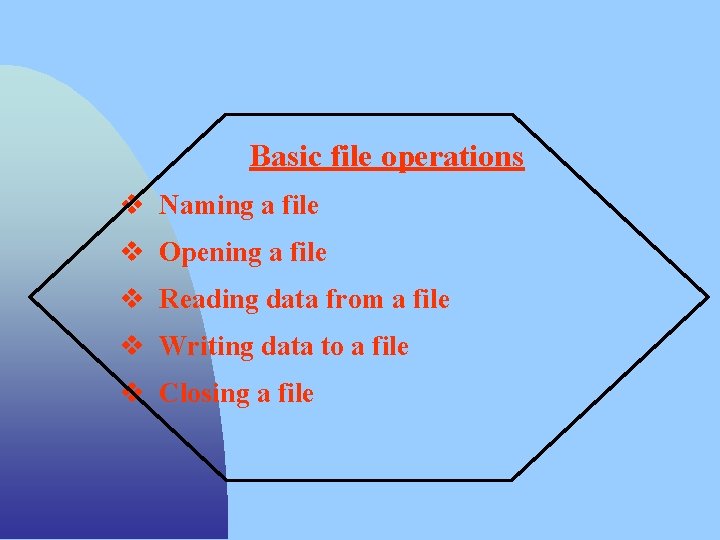
Basic file operations v Naming a file v Opening a file v Reading data from a file v Writing data to a file v Closing a file
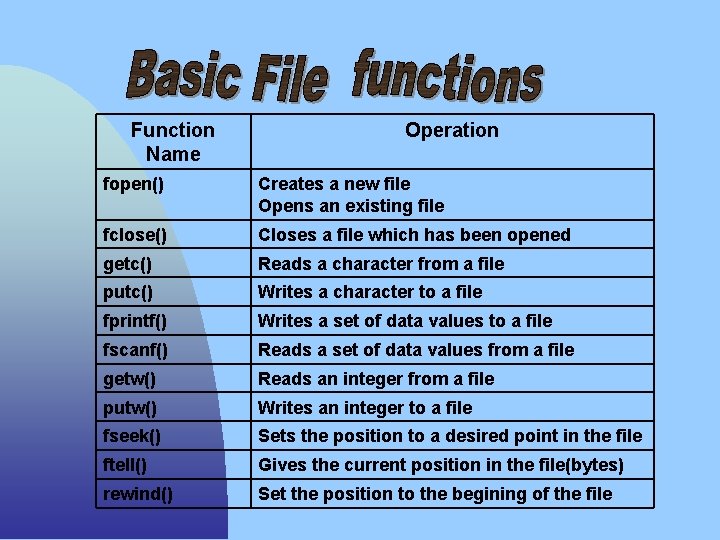
Function Name Operation fopen() Creates a new file Opens an existing file fclose() Closes a file which has been opened getc() Reads a character from a file putc() Writes a character to a file fprintf() Writes a set of data values to a file fscanf() Reads a set of data values from a file getw() Reads an integer from a file putw() Writes an integer to a file fseek() Sets the position to a desired point in the file ftell() Gives the current position in the file(bytes) rewind() Set the position to the begining of the file
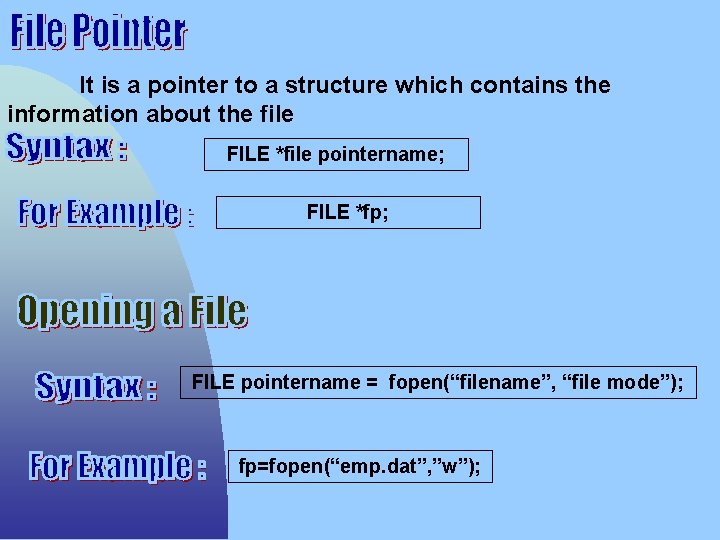
It is a pointer to a structure which contains the information about the file FILE *file pointername; FILE *fp; FILE pointername = fopen(“filename”, “file mode”); fp=fopen(“emp. dat”, ”w”);
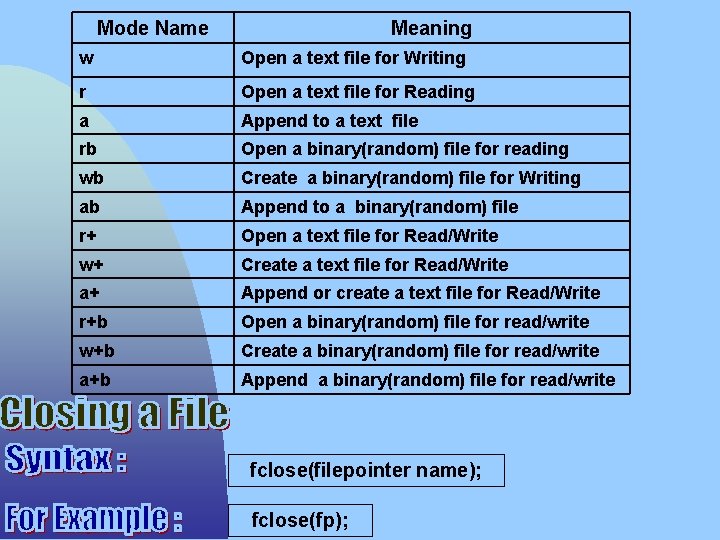
Mode Name Meaning w Open a text file for Writing r Open a text file for Reading a Append to a text file rb Open a binary(random) file for reading wb Create a binary(random) file for Writing ab Append to a binary(random) file r+ Open a text file for Read/Write w+ Create a text file for Read/Write a+ Append or create a text file for Read/Write r+b Open a binary(random) file for read/write w+b Create a binary(random) file for read/write a+b Append a binary(random) file for read/write fclose(filepointer name); fclose(fp);
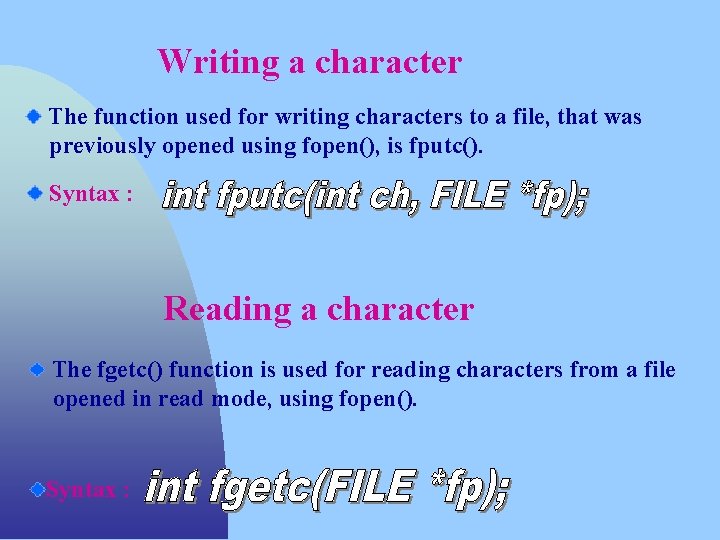
Writing a character The function used for writing characters to a file, that was previously opened using fopen(), is fputc(). Syntax : Reading a character The fgetc() function is used for reading characters from a file opened in read mode, using fopen(). Syntax :
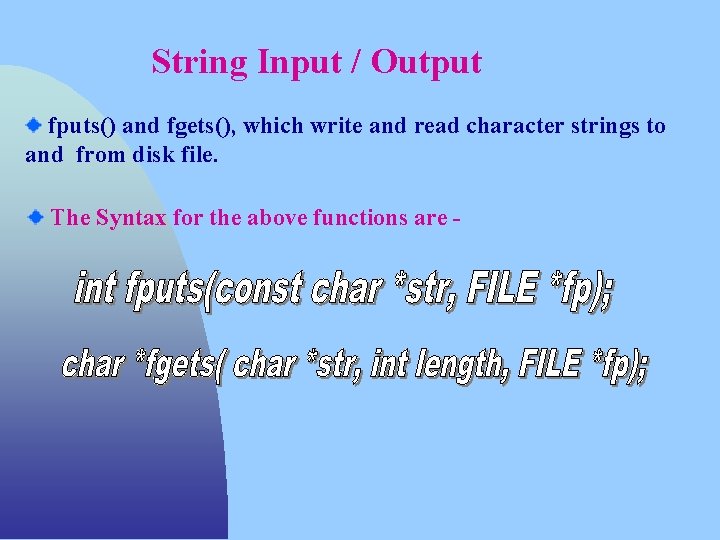
String Input / Output fputs() and fgets(), which write and read character strings to and from disk file. The Syntax for the above functions are -
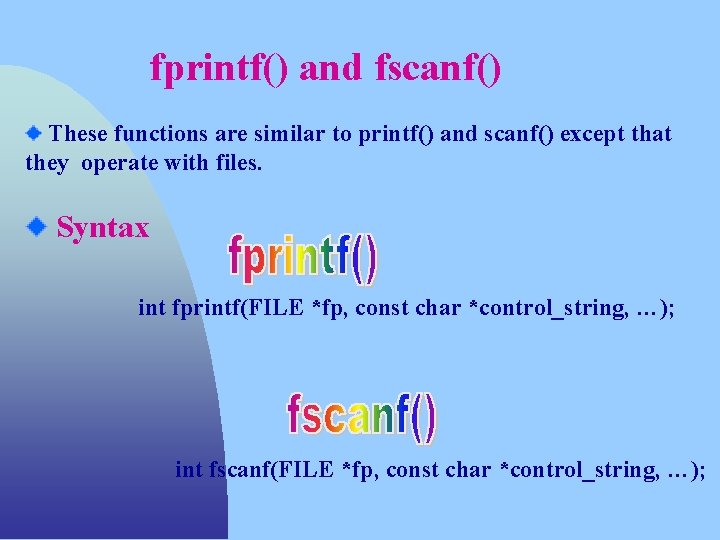
fprintf() and fscanf() These functions are similar to printf() and scanf() except that they operate with files. Syntax int fprintf(FILE *fp, const char *control_string, …); int fscanf(FILE *fp, const char *control_string, …);
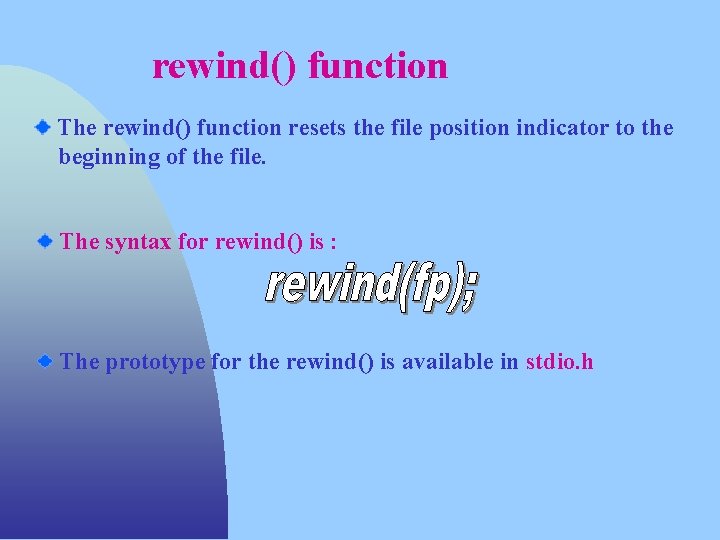
rewind() function The rewind() function resets the file position indicator to the beginning of the file. The syntax for rewind() is : The prototype for the rewind() is available in stdio. h
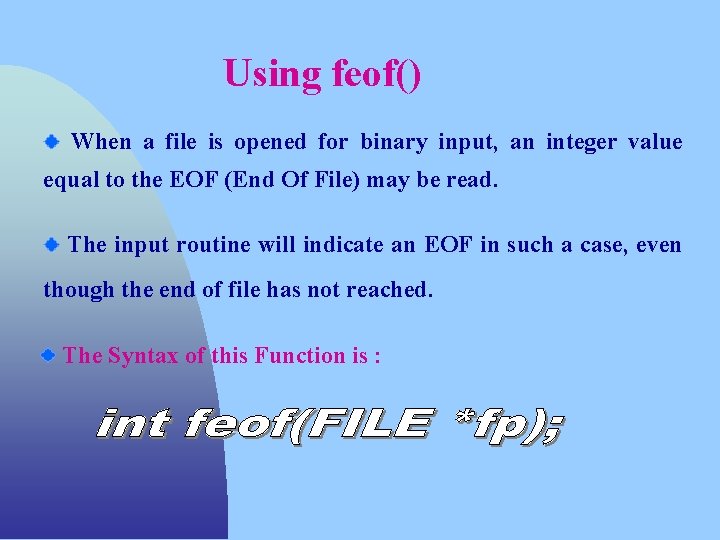
Using feof() When a file is opened for binary input, an integer value equal to the EOF (End Of File) may be read. The input routine will indicate an EOF in such a case, even though the end of file has not reached. The Syntax of this Function is :
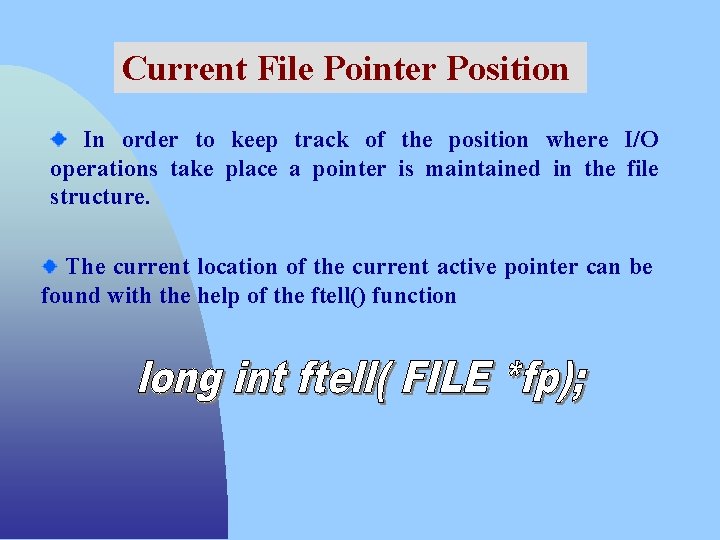
Current File Pointer Position In order to keep track of the position where I/O operations take place a pointer is maintained in the file structure. The current location of the current active pointer can be found with the help of the ftell() function
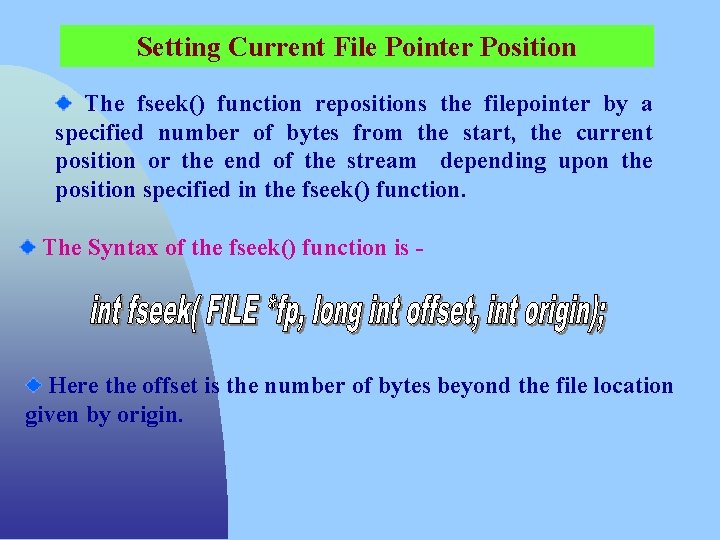
Setting Current File Pointer Position The fseek() function repositions the filepointer by a specified number of bytes from the start, the current position or the end of the stream depending upon the position specified in the fseek() function. The Syntax of the fseek() function is - Here the offset is the number of bytes beyond the file location given by origin.
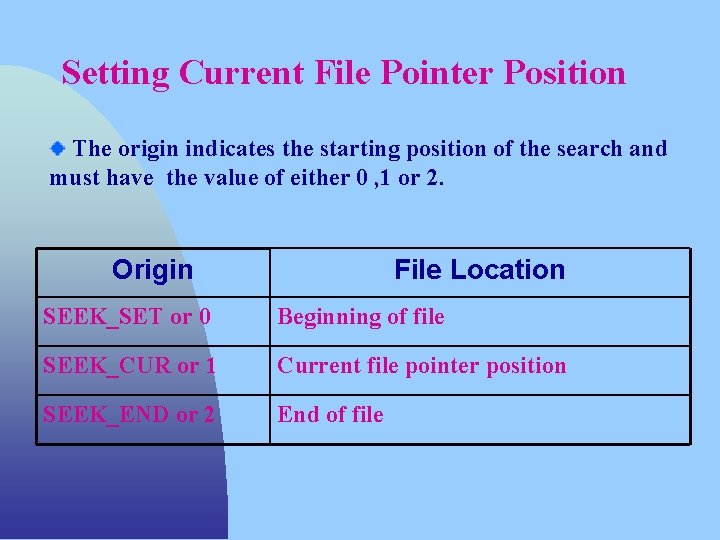
Setting Current File Pointer Position The origin indicates the starting position of the search and must have the value of either 0 , 1 or 2. Origin File Location SEEK_SET or 0 Beginning of file SEEK_CUR or 1 Current file pointer position SEEK_END or 2 End of file
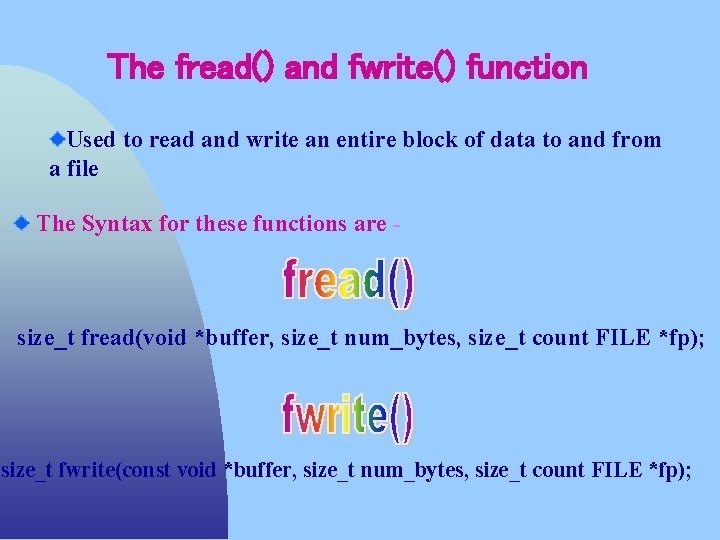
The fread() and fwrite() function Used to read and write an entire block of data to and from a file The Syntax for these functions are - size_t fread(void *buffer, size_t num_bytes, size_t count FILE *fp); size_t fwrite(const void *buffer, size_t num_bytes, size_t count FILE *fp);
- Slides: 17