
SRDR Tools for Data Extraction and Creating Summary
- Slides: 25
SRDR Tools for Data Extraction and Creating Summary Tables SRDR Quarterly Training Brown Evidence-based Practice Center Brown University July 25 th, 2013 2: 00 pm-3: 00 pm The Systematic Review Data Repository (SRDR™) was developed by the Brown Evidencebased Practice Center (EPC), Boston, Massachusetts, under contract with the Agency for Healthcare Research and Quality (AHRQ), Rockville, MD (Contract No. HHSA 290 -200710055 -I & HHSA 290 -2012 -1200012 -I ).
Presentation outline � Objectives � SRDR overview � Part 1 – simple data export tool � Part 11 – advanced data export tool � Part 111 – managed reports tool � Part 1 V – study assignment tool � Summary 2 http: //srdr. ahrq. gov 7/25/13
Objectives � Provide a brief overview of the SRDR structure and current features � Discuss and demonstrate simple data exporting tool � Discuss and demonstrate advanced data exporting tool � Discuss and demonstrate managed reports tool � Discuss and demonstrate study assignment to team members tool 3 http: //srdr. ahrq. gov 7/25/13
System Status � System has been in development for nearly 3 years � Website launched in June 2012 � Hosted on the AHRQ server � Trademarked as Systematic Review Data Repository (SRDR™) � SRDR is committed to a policy of open access. All completed systematic review projects deposited in the SRDR archive are publically available under the terms of a Creative Commons license � Current data contributors are EPCs and other participating organizations (e. g. , Cochrane, GIN, NICE) 4 http: //srdr. ahrq. gov 7/25/13
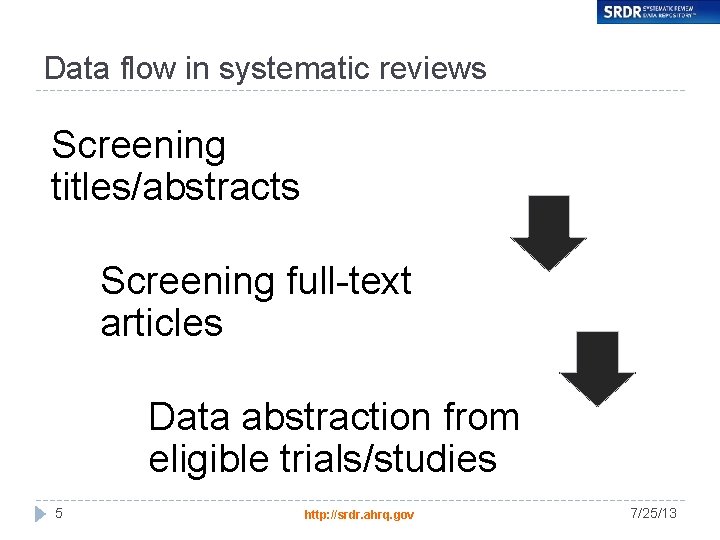
Data flow in systematic reviews Screening titles/abstracts Screening full-text articles Data abstraction from eligible trials/studies 5 http: //srdr. ahrq. gov 7/25/13
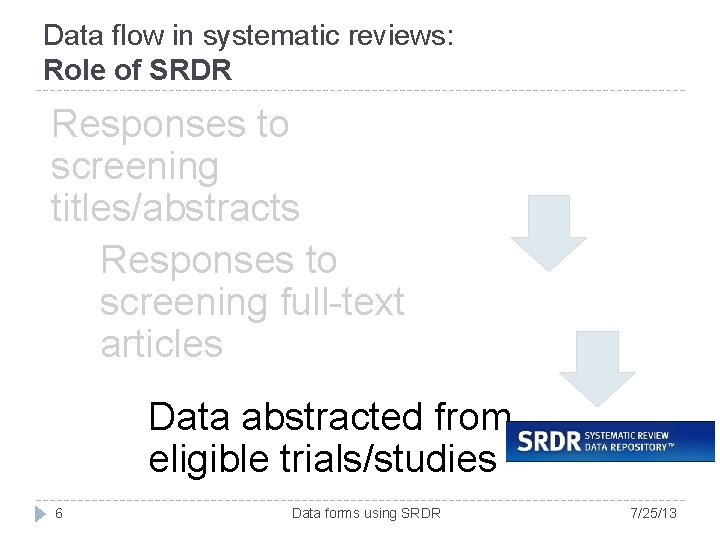
Data flow in systematic reviews: Role of SRDR Responses to screening titles/abstracts Responses to screening full-text articles Data abstracted from eligible trials/studies 6 Data forms using SRDR 7/25/13
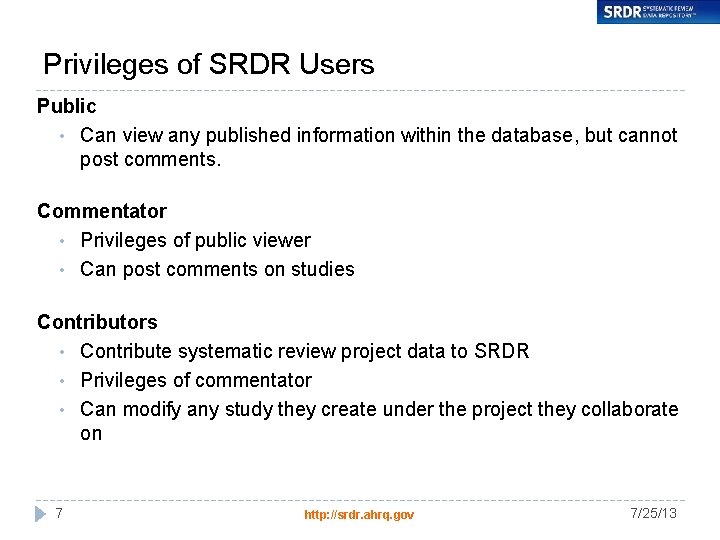
Privileges of SRDR Users Public • Can view any published information within the database, but cannot post comments. Commentator • Privileges of public viewer • Can post comments on studies Contributors • Contribute systematic review project data to SRDR • Privileges of commentator • Can modify any study they create under the project they collaborate on 7 http: //srdr. ahrq. gov 7/25/13
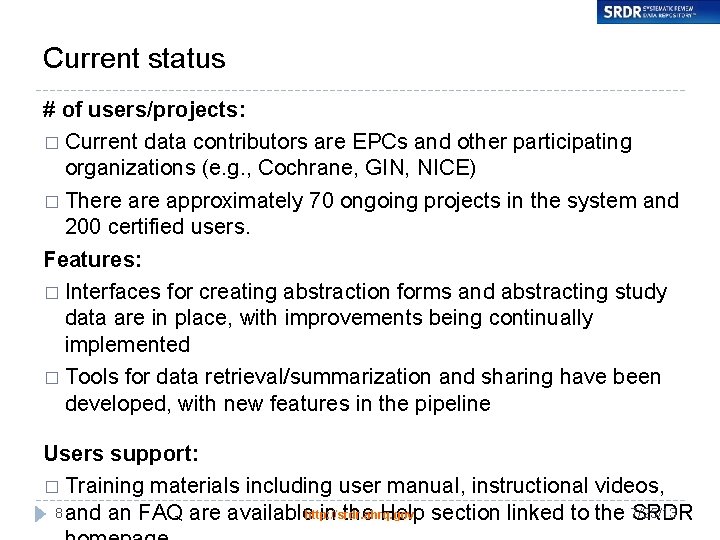
Current status # of users/projects: � Current data contributors are EPCs and other participating organizations (e. g. , Cochrane, GIN, NICE) � There approximately 70 ongoing projects in the system and 200 certified users. Features: � Interfaces for creating abstraction forms and abstracting study data are in place, with improvements being continually implemented � Tools for data retrieval/summarization and sharing have been developed, with new features in the pipeline Users support: � Training materials including user manual, instructional videos, 8 and an FAQ are available http: //srdr. ahrq. gov in the Help section linked to the 7/25/13 SRDR
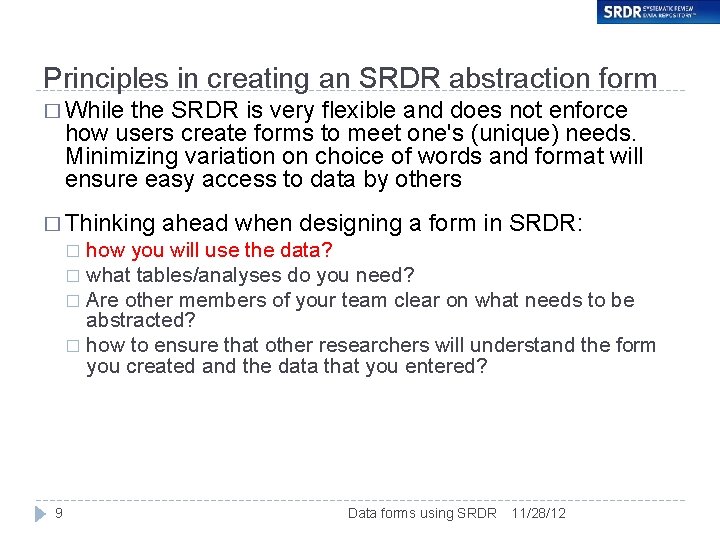
Principles in creating an SRDR abstraction form � While the SRDR is very flexible and does not enforce how users create forms to meet one's (unique) needs. Minimizing variation on choice of words and format will ensure easy access to data by others � Thinking ahead when designing a form in SRDR: how you will use the data? � what tables/analyses do you need? � Are other members of your team clear on what needs to be abstracted? � how to ensure that other researchers will understand the form you created and the data that you entered? � 9 Data forms using SRDR 11/28/12
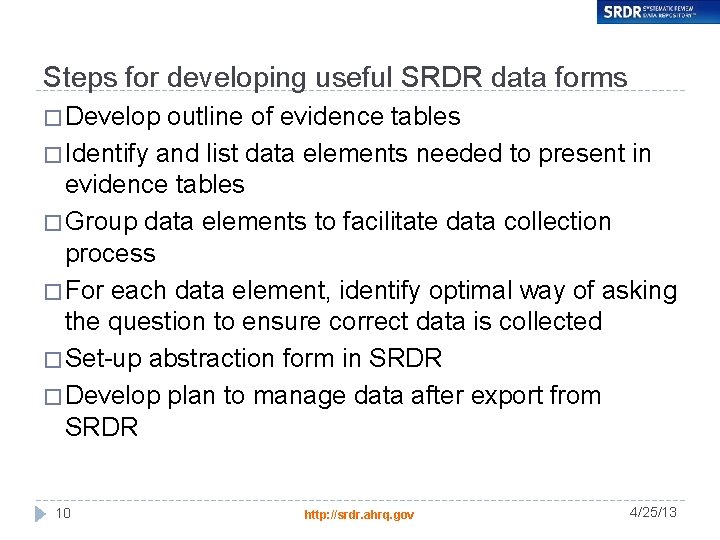
Steps for developing useful SRDR data forms � Develop outline of evidence tables � Identify and list data elements needed to present in evidence tables � Group data elements to facilitate data collection process � For each data element, identify optimal way of asking the question to ensure correct data is collected � Set-up abstraction form in SRDR � Develop plan to manage data after export from SRDR 10 http: //srdr. ahrq. gov 4/25/13
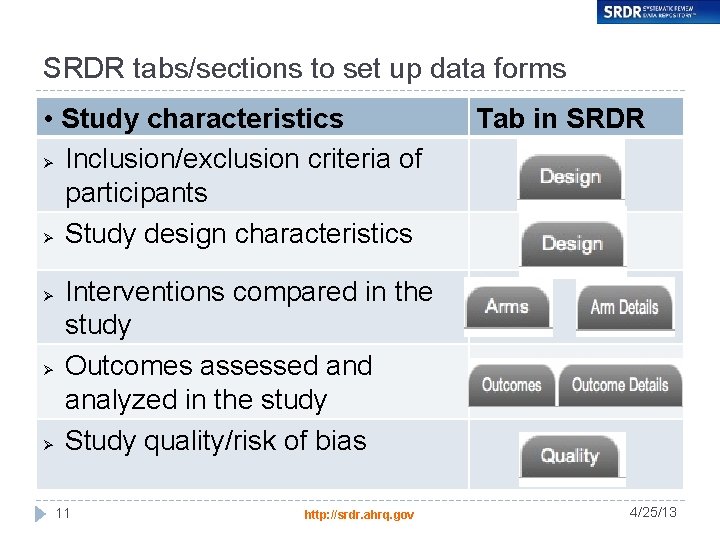
SRDR tabs/sections to set up data forms • Study characteristics Ø Inclusion/exclusion criteria of participants Ø Study design characteristics Ø Ø Ø Tab in SRDR Interventions compared in the study Outcomes assessed analyzed in the study Study quality/risk of bias 11 http: //srdr. ahrq. gov 4/25/13
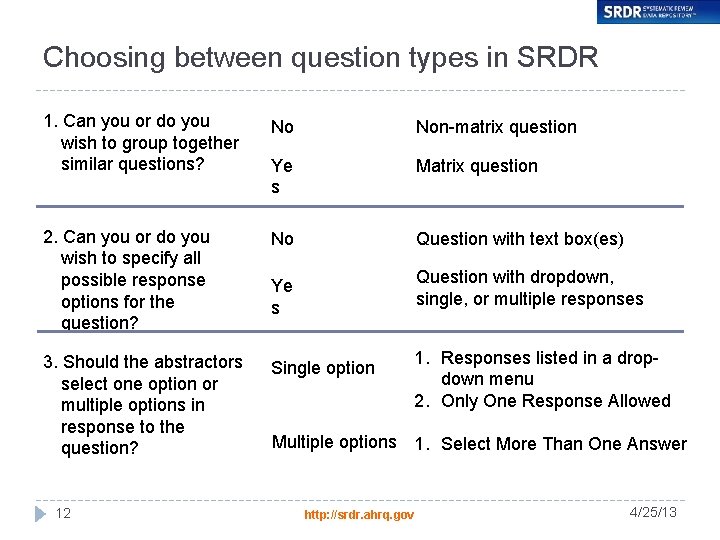
Choosing between question types in SRDR 1. Can you or do you wish to group together similar questions? No Non-matrix question Ye s Matrix question 2. Can you or do you wish to specify all possible response options for the question? No Question with text box(es) 3. Should the abstractors select one option or multiple options in response to the question? 12 Question with dropdown, single, or multiple responses Ye s Single option 1. Responses listed in a dropdown menu 2. Only One Response Allowed Multiple options 1. Select More Than One Answer http: //srdr. ahrq. gov 4/25/13
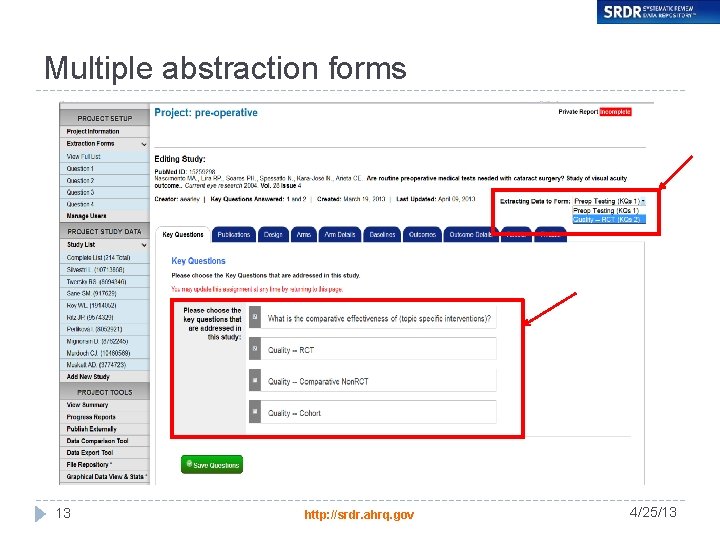
Multiple abstraction forms 13 http: //srdr. ahrq. gov 4/25/13
Presentation outline � Objectives � SRDR overview � Part 1 – simple data export tool � Part 11 – advanced data export tool � Part 111 – managed reports tool � Part 1 V – study assignment tool � Summary 14 http: //srdr. ahrq. gov 7/25/13
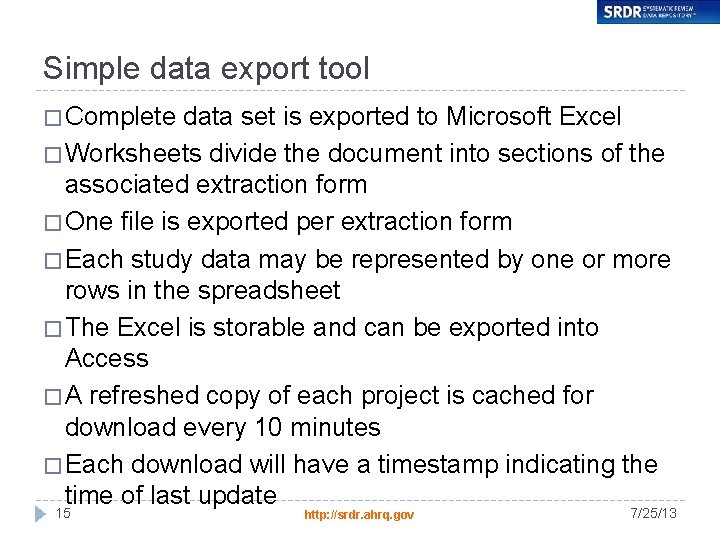
Simple data export tool � Complete data set is exported to Microsoft Excel � Worksheets divide the document into sections of the associated extraction form � One file is exported per extraction form � Each study data may be represented by one or more rows in the spreadsheet � The Excel is storable and can be exported into Access � A refreshed copy of each project is cached for download every 10 minutes � Each download will have a timestamp indicating the time of last update 15 http: //srdr. ahrq. gov 7/25/13
Presentation outline � Objectives � SRDR overview � Part 1 – simple data export tool � Part 11 – advanced data export tool � Part 111 – managed reports tool � Part 1 V – study assignment tool � Summary 16 http: //srdr. ahrq. gov 7/25/13
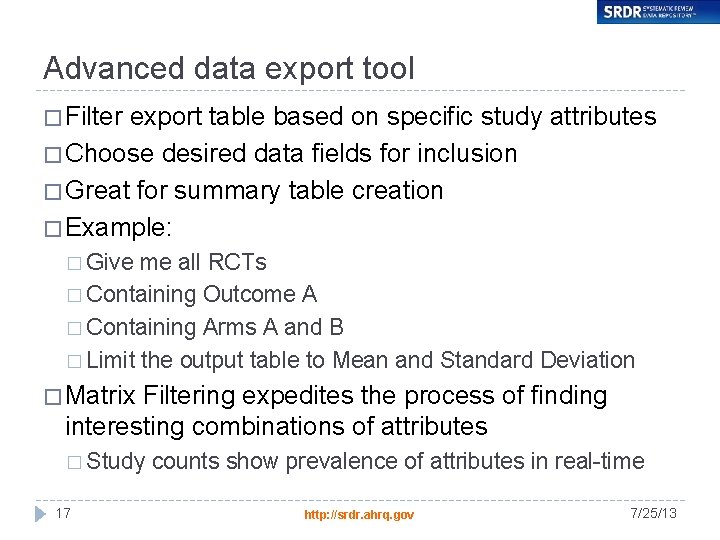
Advanced data export tool � Filter export table based on specific study attributes � Choose desired data fields for inclusion � Great for summary table creation � Example: � Give me all RCTs � Containing Outcome A � Containing Arms A and B � Limit the output table to Mean and Standard Deviation � Matrix Filtering expedites the process of finding interesting combinations of attributes � Study 17 counts show prevalence of attributes in real-time http: //srdr. ahrq. gov 7/25/13
Advanced data export tool Tool live demonstration: � Mapping project by different attributes (arm/outcome; study design/outcome) � Studies characteristics by design � Patients baseline characteristic � Study quality/Risk of bias � Study results 18 http: //srdr. ahrq. gov 7/25/13
Presentation outline � Objectives � SRDR overview � Part 1 – simple data export tool � Part 11 – advanced data export tool � Part 111 – managed reports tool � Part 1 V – study assignment tool � Summary 19 http: //srdr. ahrq. gov 7/25/13
Managed reports tool � Reports/tables can be saved as part of the project record � Upload tables to the SRDR � Share with team members � Supplementary tables for the public view � Safe-keeping � Re-generate reports using criteria from a previous run 20 http: //srdr. ahrq. gov 7/25/13
Presentation outline � Objectives � SRDR overview � Part 1 – simple data export tool � Part 11 – advanced data export tool � Part 111 – managed report tool � Part 1 V – study assignment tool � Summary 21 http: //srdr. ahrq. gov 7/25/13
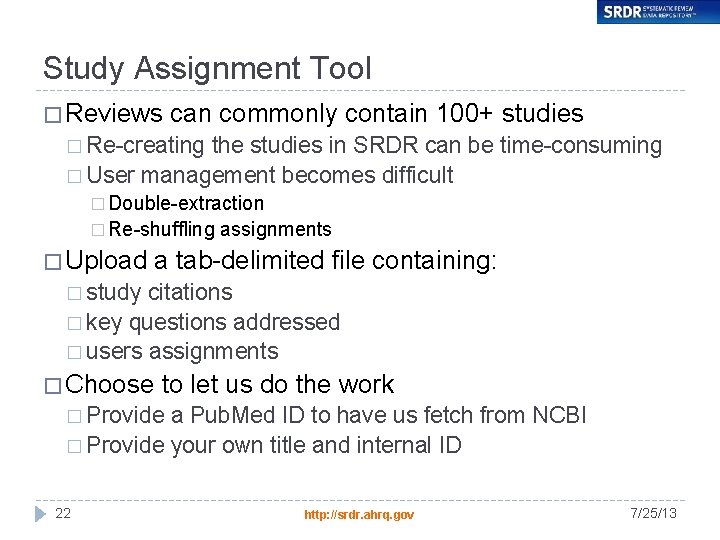
Study Assignment Tool � Reviews can commonly contain 100+ studies � Re-creating the studies in SRDR can be time-consuming � User management becomes difficult � Double-extraction � Re-shuffling � Upload assignments a tab-delimited file containing: � study citations � key questions addressed � users assignments � Choose to let us do the work � Provide a Pub. Med ID to have us fetch from NCBI � Provide your own title and internal ID 22 http: //srdr. ahrq. gov 7/25/13
Presentation outline � Objectives � SRDR overview � Part 1 – simple data export tool � Part 11 – advanced data export tool � Part 111 – managed reports tool � Part 1 V – study assignment tool � Summary 23 http: //srdr. ahrq. gov 7/25/13
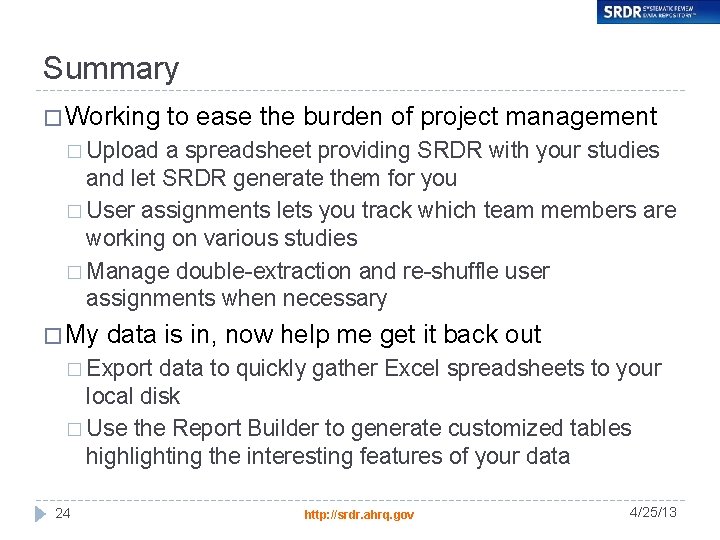
Summary � Working to ease the burden of project management � Upload a spreadsheet providing SRDR with your studies and let SRDR generate them for you � User assignments lets you track which team members are working on various studies � Manage double-extraction and re-shuffle user assignments when necessary � My data is in, now help me get it back out � Export data to quickly gather Excel spreadsheets to your local disk � Use the Report Builder to generate customized tables highlighting the interesting features of your data 24 http: //srdr. ahrq. gov 4/25/13
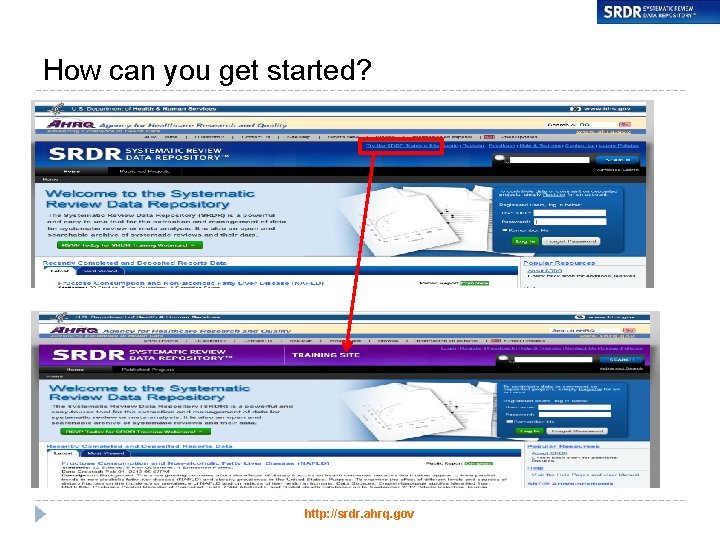
How can you get started? http: //srdr. ahrq. gov 25