
SQLite and PHP Wez Furlong Marcus Brger Linux

SQLite and PHP Wez Furlong Marcus Börger Linux. Tag 2003 Karlsruhe
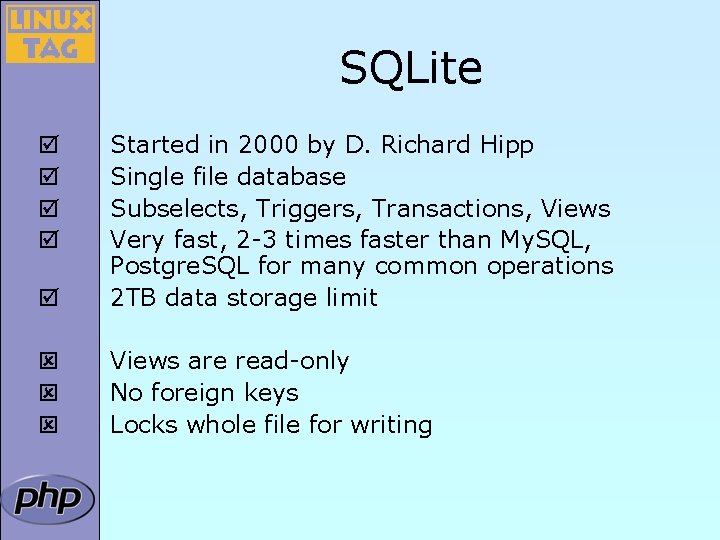
SQLite þ Started in 2000 by D. Richard Hipp Single file database Subselects, Triggers, Transactions, Views Very fast, 2 -3 times faster than My. SQL, Postgre. SQL for many common operations 2 TB data storage limit ý ý ý Views are read-only No foreign keys Locks whole file for writing þ þ
PHP with SQLite þ þ þ þ SQLite library integrated with PHP extension available via PECL for PHP 4. 3 Bundled with PHP 5 API designed to be logical, easy to use High performance Convenient migration from other PHP database extensions Call PHP code from within SQL
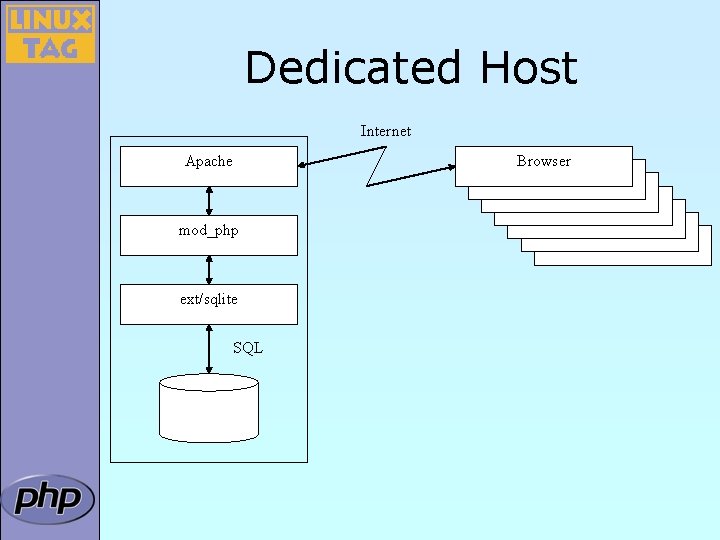
Dedicated Host Internet Apache mod_php ext/sqlite SQL Browser Browser
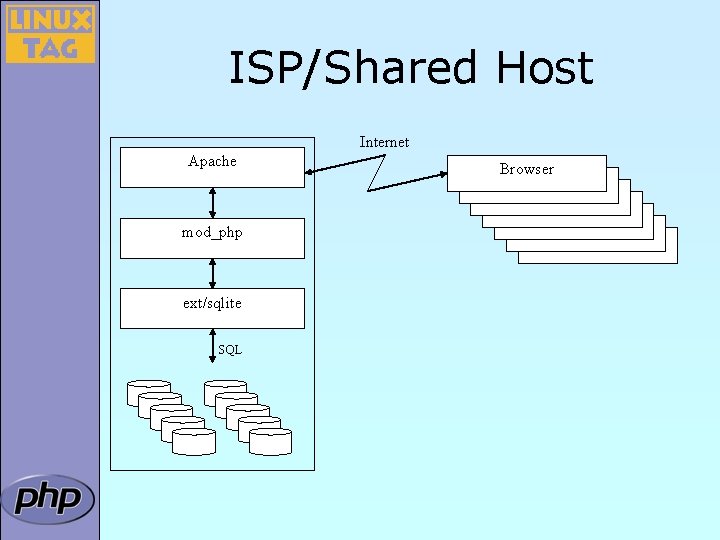
ISP/Shared Host Internet Apache mod_php ext/sqlite SQL Browser Browser
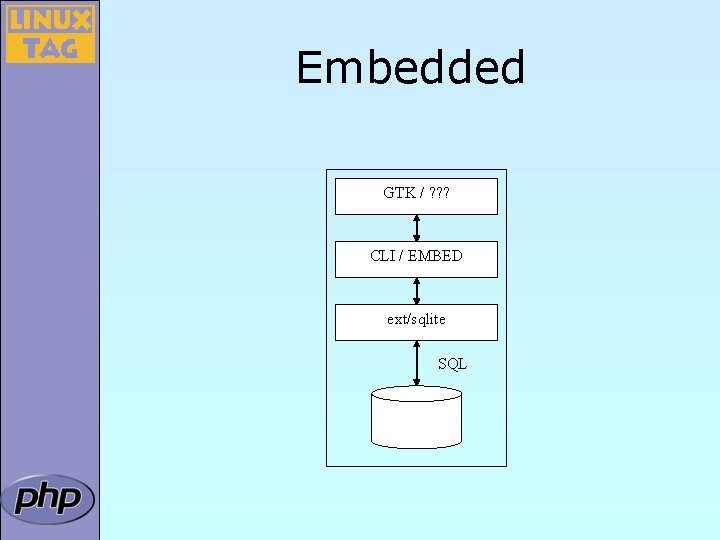
Embedded GTK / ? ? ? CLI / EMBED ext/sqlite SQL
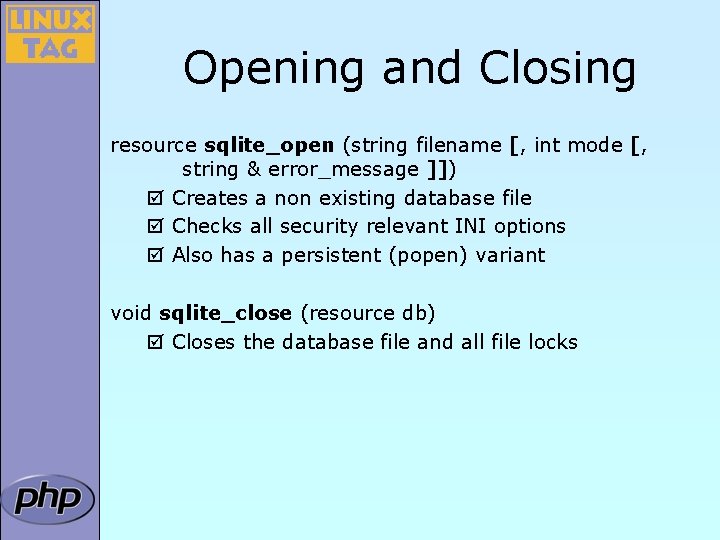
Opening and Closing resource sqlite_open (string filename [, int mode [, string & error_message ]]) þ Creates a non existing database file þ Checks all security relevant INI options þ Also has a persistent (popen) variant void sqlite_close (resource db) þ Closes the database file and all file locks
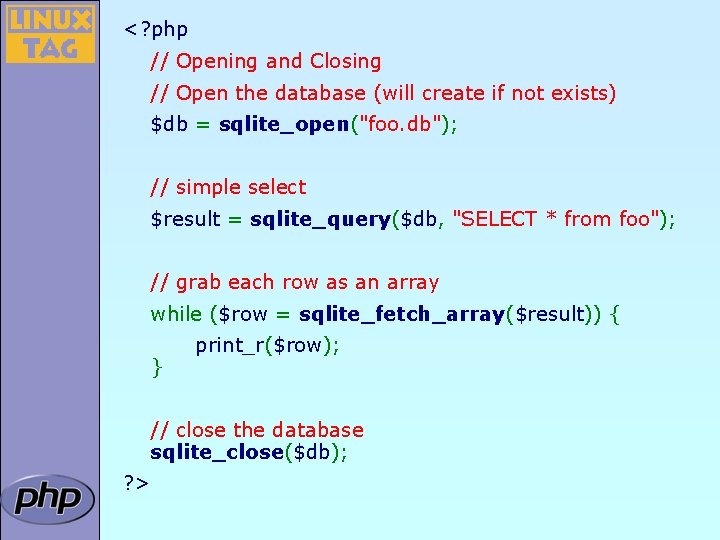
<? php // Opening and Closing // Open the database (will create if not exists) $db = sqlite_open("foo. db"); // simple select $result = sqlite_query($db, "SELECT * from foo"); // grab each row as an array while ($row = sqlite_fetch_array($result)) { } print_r($row); // close the database sqlite_close($db); ? >
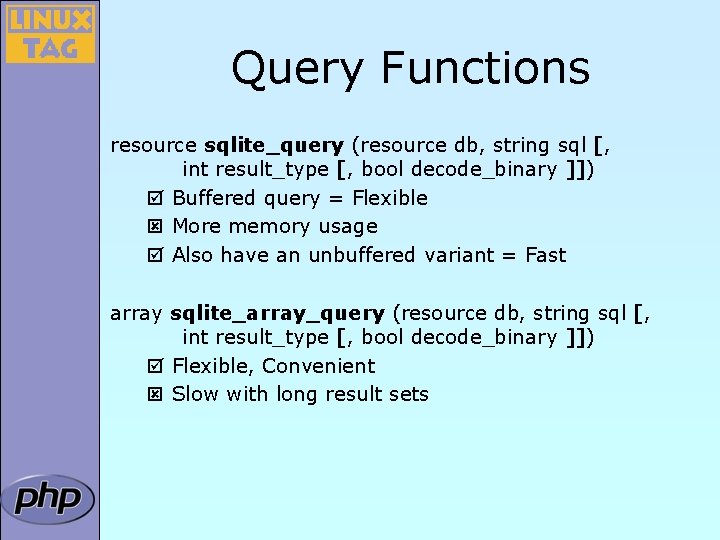
Query Functions resource sqlite_query (resource db, string sql [, int result_type [, bool decode_binary ]]) þ Buffered query = Flexible ý More memory usage þ Also have an unbuffered variant = Fast array sqlite_array_query (resource db, string sql [, int result_type [, bool decode_binary ]]) þ Flexible, Convenient ý Slow with long result sets
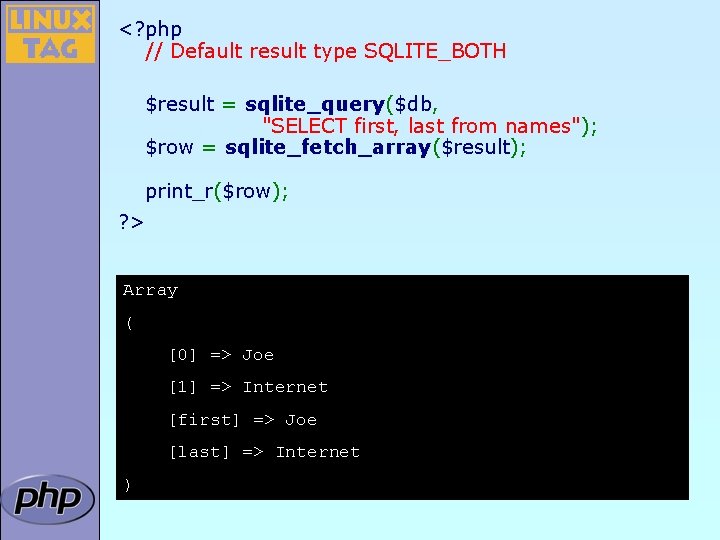
<? php // Default result type SQLITE_BOTH $result = sqlite_query($db, "SELECT first, last from names"); $row = sqlite_fetch_array($result); print_r($row); ? > Array ( [0] => Joe [1] => Internet [first] => Joe [last] => Internet )
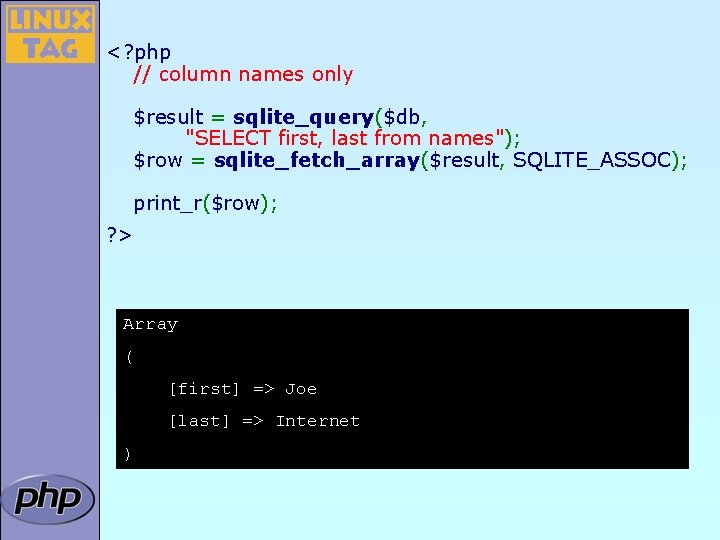
<? php // column names only $result = sqlite_query($db, "SELECT first, last from names"); $row = sqlite_fetch_array($result, SQLITE_ASSOC); print_r($row); ? > Array ( [first] => Joe [last] => Internet )
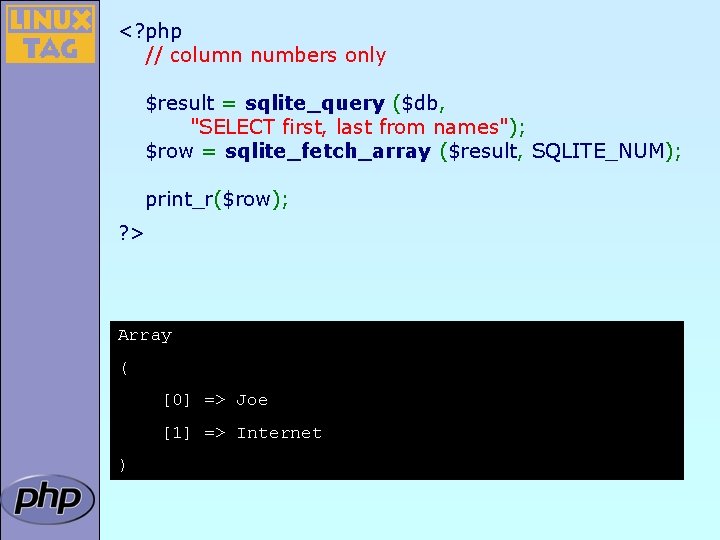
<? php // column numbers only $result = sqlite_query ($db, "SELECT first, last from names"); $row = sqlite_fetch_array ($result, SQLITE_NUM); print_r($row); ? > Array ( [0] => Joe [1] => Internet )
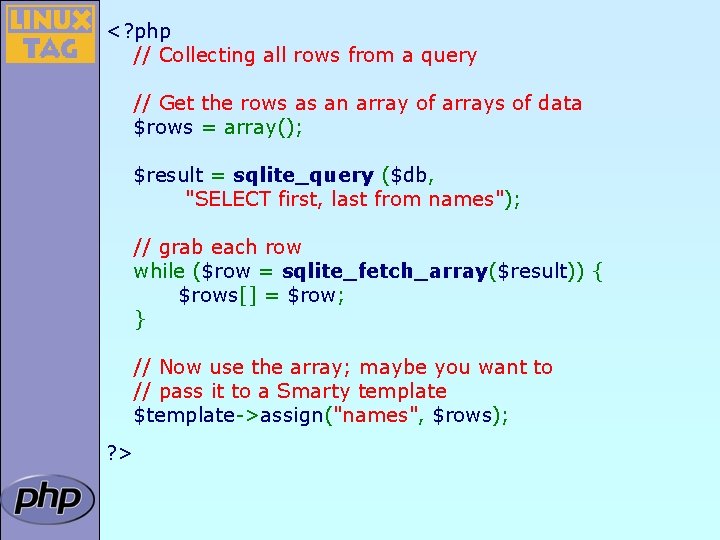
<? php // Collecting all rows from a query // Get the rows as an array of arrays of data $rows = array(); $result = sqlite_query ($db, "SELECT first, last from names"); // grab each row while ($row = sqlite_fetch_array($result)) { $rows[] = $row; } // Now use the array; maybe you want to // pass it to a Smarty template $template->assign("names", $rows); ? >
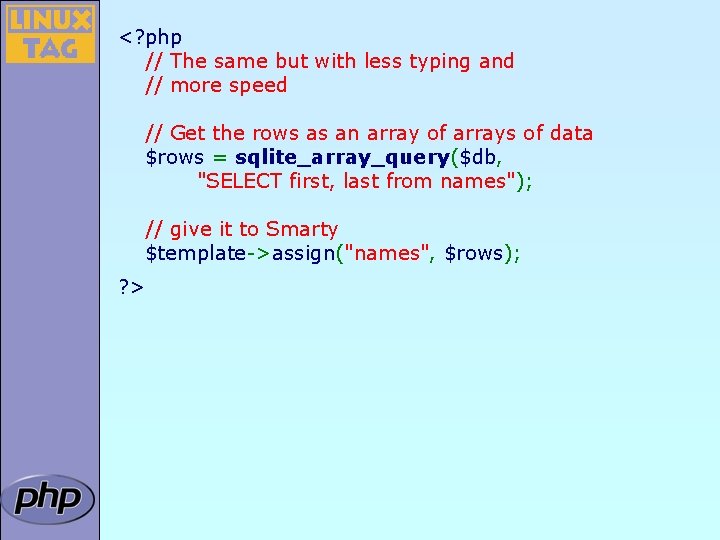
<? php // The same but with less typing and // more speed // Get the rows as an array of arrays of data $rows = sqlite_array_query($db, "SELECT first, last from names"); // give it to Smarty $template->assign("names", $rows); ? >
![Array Interface array sqlite_fetch_array (resource result [, int result_type [, bool decode_binary ]]) þ](http://slidetodoc.com/presentation_image_h2/6e6c2d3f850c8027bcf37b5b67b4eae6/image-15.jpg "Array Interface array sqlite_fetch_array (resource result [, int result_type [, bool decode_binary ]]) þ")
Array Interface array sqlite_fetch_array (resource result [, int result_type [, bool decode_binary ]]) þ Flexible ý Slow for large result sets array sqlite_fetch_all (resource result [, int result_type [, bool decode_binary ]]) þ Flexible ý Slow for large result sets; better use sqlite_array_query ()
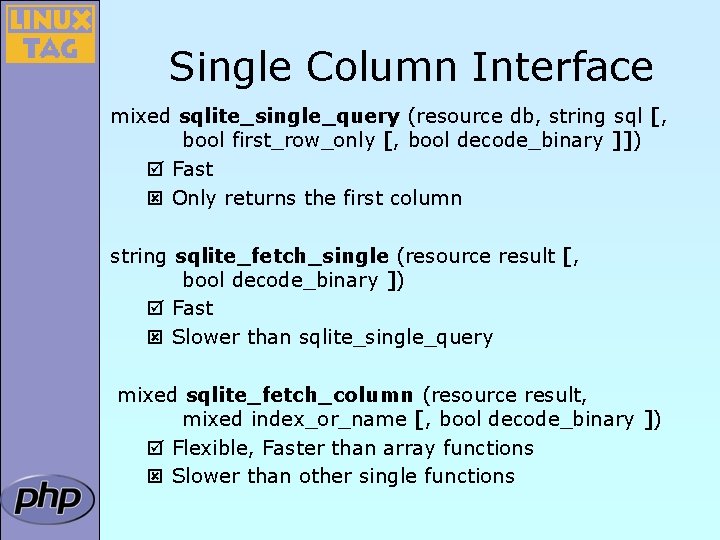
Single Column Interface mixed sqlite_single_query (resource db, string sql [, bool first_row_only [, bool decode_binary ]]) þ Fast ý Only returns the first column string sqlite_fetch_single (resource result [, bool decode_binary ]) þ Fast ý Slower than sqlite_single_query mixed sqlite_fetch_column (resource result, mixed index_or_name [, bool decode_binary ]) þ Flexible, Faster than array functions ý Slower than other single functions
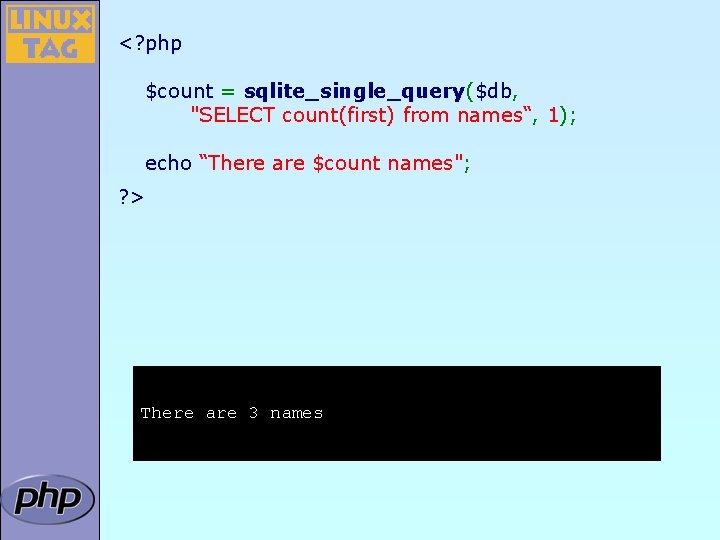
<? php $count = sqlite_single_query($db, "SELECT count(first) from names“, 1); echo “There are $count names"; ? > There are 3 names
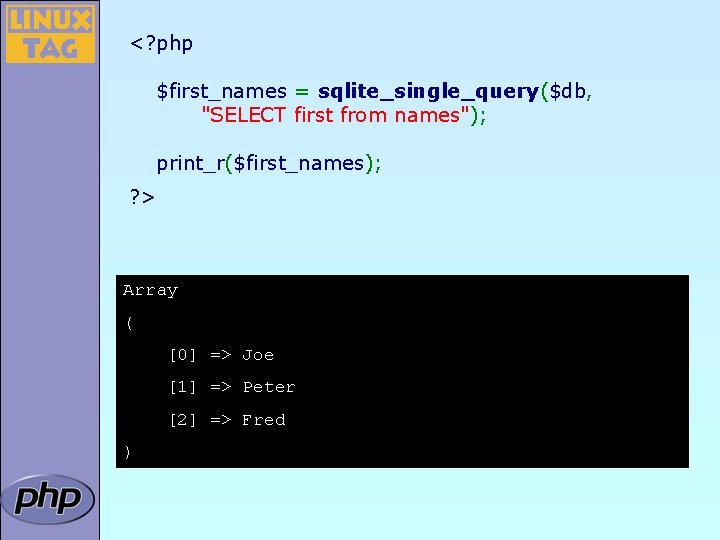
<? php $first_names = sqlite_single_query($db, "SELECT first from names"); print_r($first_names); ? > Array ( [0] => Joe [1] => Peter [2] => Fred )
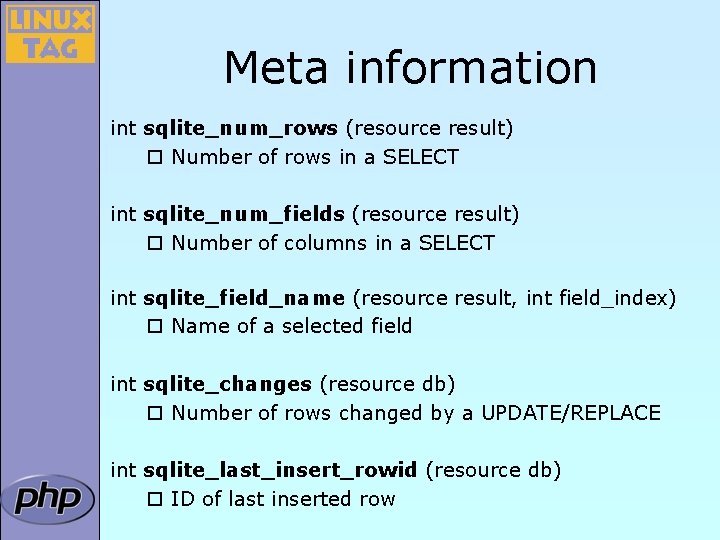
Meta information int sqlite_num_rows (resource result) ¨ Number of rows in a SELECT int sqlite_num_fields (resource result) ¨ Number of columns in a SELECT int sqlite_field_name (resource result, int field_index) ¨ Name of a selected field int sqlite_changes (resource db) ¨ Number of rows changed by a UPDATE/REPLACE int sqlite_last_insert_rowid (resource db) ¨ ID of last inserted row
![Iterator Interface array sqlite_current (resource result [, int result_type [, bool decode_binary ]]) ¨](http://slidetodoc.com/presentation_image_h2/6e6c2d3f850c8027bcf37b5b67b4eae6/image-20.jpg "Iterator Interface array sqlite_current (resource result [, int result_type [, bool decode_binary ]]) ¨")
Iterator Interface array sqlite_current (resource result [, int result_type [, bool decode_binary ]]) ¨ Returns the current selected row bool sqlite_rewind (resource result) ¨ Rewind to the first row of a buffered query bool sqlite_next / sqlite_prev (resource result) ¨ Moves to next / previous row bool sqlite_has_more/sqlite_has_prev (resource result) ¨ Returns true if there are more / previous rows bool sqlite_seek (resource result, int row) ¨ Seeks to a specific row of a buffered query
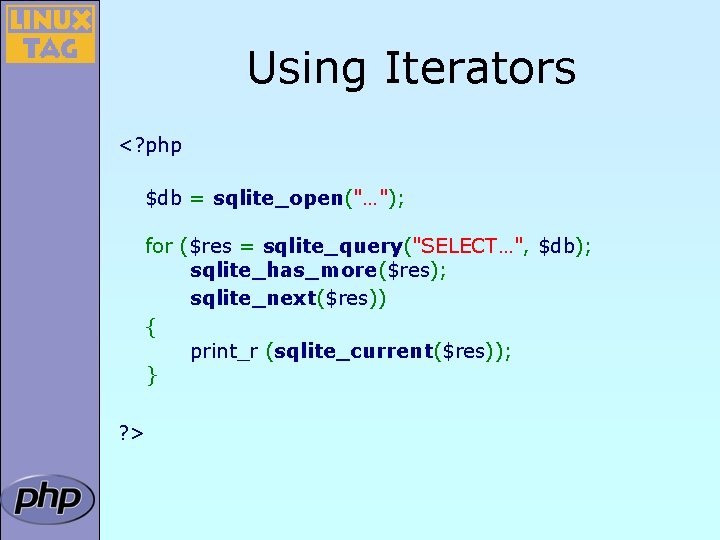
Using Iterators <? php $db = sqlite_open("…"); for ($res = sqlite_query("SELECT…", $db); sqlite_has_more($res); sqlite_next($res)) { print_r (sqlite_current($res)); } ? >
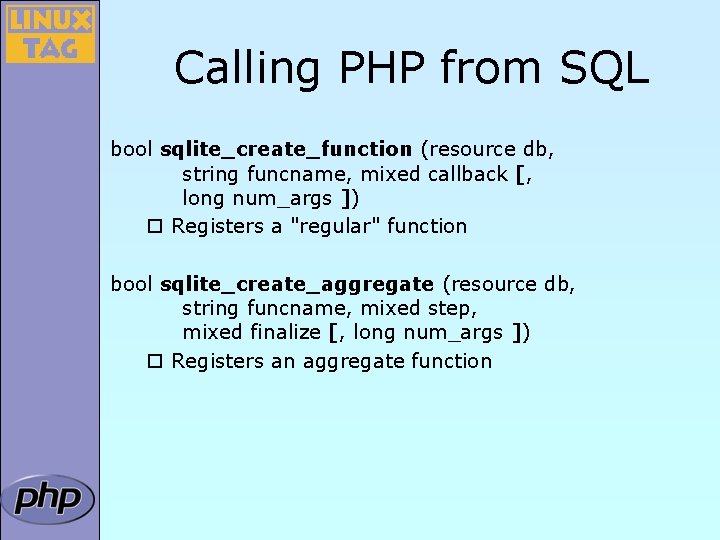
Calling PHP from SQL bool sqlite_create_function (resource db, string funcname, mixed callback [, long num_args ]) ¨ Registers a "regular" function bool sqlite_create_aggregate (resource db, string funcname, mixed step, mixed finalize [, long num_args ]) ¨ Registers an aggregate function
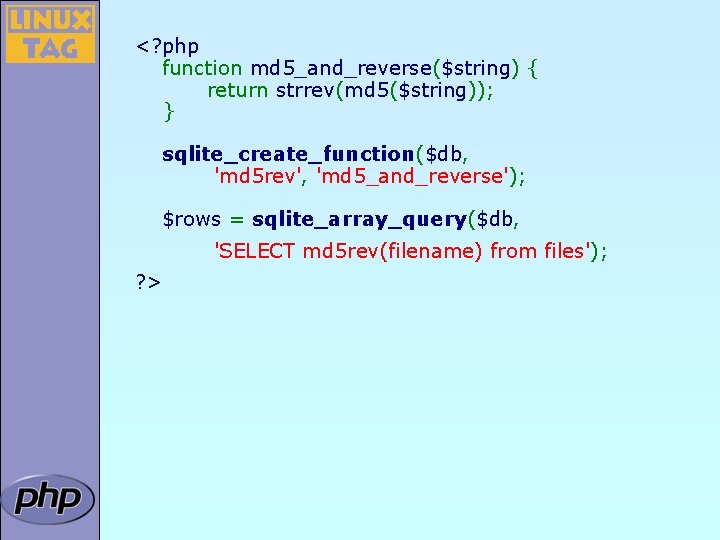
<? php function md 5_and_reverse($string) { return strrev(md 5($string)); } sqlite_create_function($db, 'md 5 rev', 'md 5_and_reverse'); $rows = sqlite_array_query($db, 'SELECT md 5 rev(filename) from files'); ? >
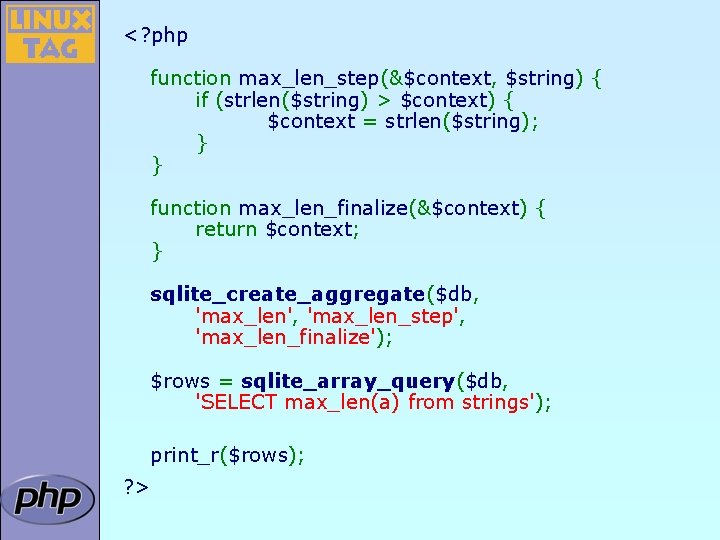
<? php function max_len_step(&$context, $string) { if (strlen($string) > $context) { $context = strlen($string); } } function max_len_finalize(&$context) { return $context; } sqlite_create_aggregate($db, 'max_len', 'max_len_step', 'max_len_finalize'); $rows = sqlite_array_query($db, 'SELECT max_len(a) from strings'); print_r($rows); ? >
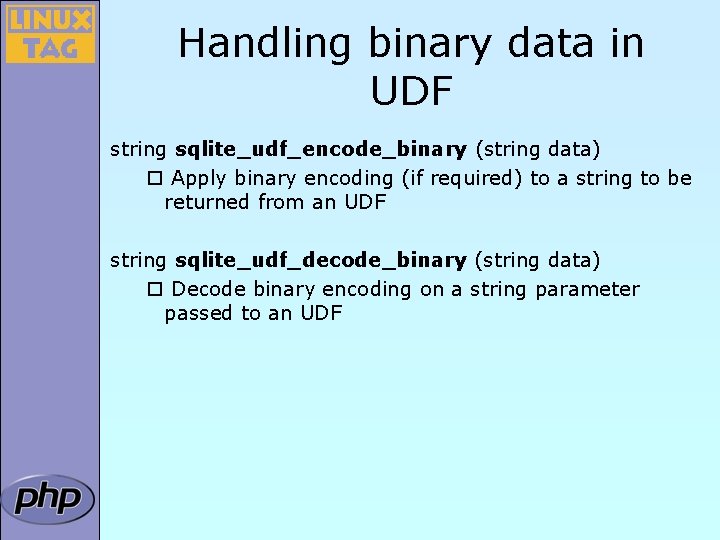
Handling binary data in UDF string sqlite_udf_encode_binary (string data) ¨ Apply binary encoding (if required) to a string to be returned from an UDF string sqlite_udf_decode_binary (string data) ¨ Decode binary encoding on a string parameter passed to an UDF
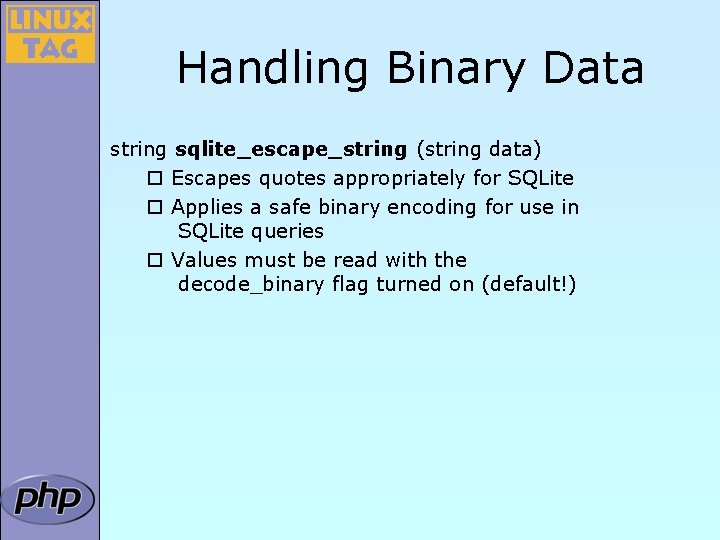
Handling Binary Data string sqlite_escape_string (string data) ¨ Escapes quotes appropriately for SQLite ¨ Applies a safe binary encoding for use in SQLite queries ¨ Values must be read with the decode_binary flag turned on (default!)
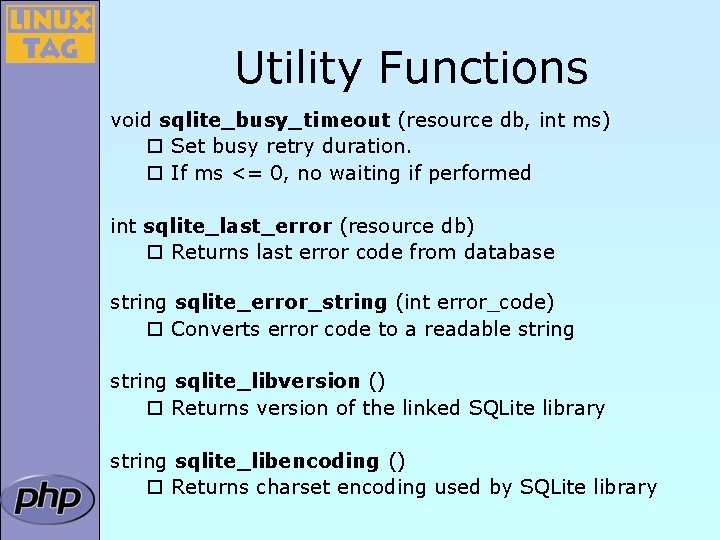
Utility Functions void sqlite_busy_timeout (resource db, int ms) ¨ Set busy retry duration. ¨ If ms <= 0, no waiting if performed int sqlite_last_error (resource db) ¨ Returns last error code from database string sqlite_error_string (int error_code) ¨ Converts error code to a readable string sqlite_libversion () ¨ Returns version of the linked SQLite library string sqlite_libencoding () ¨ Returns charset encoding used by SQLite library
Resources þ Documentation at http: //docs. php. net/? q=ref. sqlite þ SQLite Webpage http: //sqlite. org
- Slides: 28