
SQLCMD A Better DBACCESS Utility by Jonathan Leffler
SQLCMD – A Better DBACCESS? Utility by Jonathan Leffler Presented by Joe Kennedy (joekenn@us. ibm. com) (301 -803 -1974)
Sqlcmd as a SQL Command Interpreter ● DDL ● DML ● Select, Execute Procedure
What is it? SQLCMD is an SQL Command Interpreter for Informix databases. It is analogous to the Query-Language option of DB-Access or ISQL, but it is designed to work better in shell scripts. SQLCMD is written in ESQL/C. It works with any version of ESQL/C from 5. 00 (circa 1990) upwards. SQLCMD has a history mechanism that allows you to review, edit and rerun commands you ran previously.
Alternative Output Formats ● ● ● Quote CSV XML Fixed Unload (default) -F from the command line!
Load & Unload Statements ● Same Syntax as in DBACCESS or ISQL ● No transaction management in load (add your own begin work/commit statements)
Reload Statement ● Syntactically similar to load statement automatically initiates transactions, groups the inserts into smaller transactions if there are many rows to be loaded
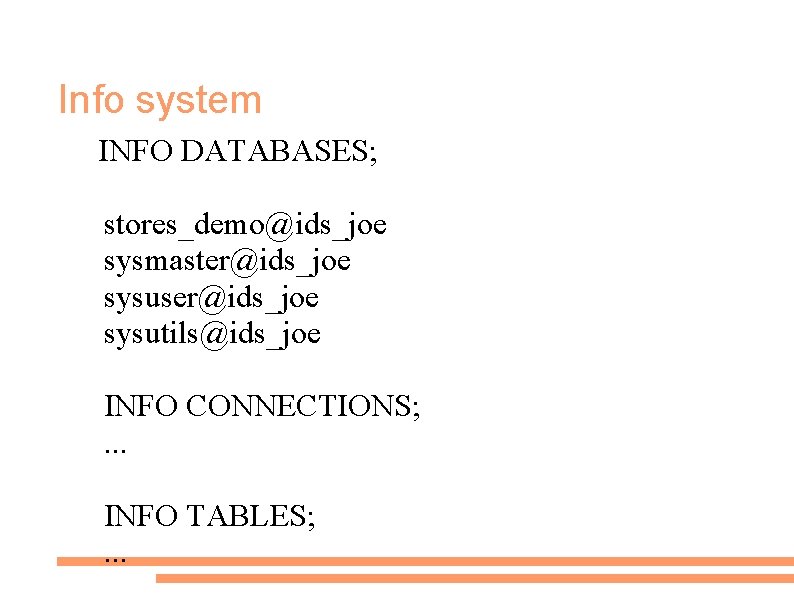
Info system INFO DATABASES; stores_demo@ids_joe sysmaster@ids_joe sysuser@ids_joe sysutils@ids_joe INFO CONNECTIONS; . . . INFO TABLES; . . .
SQLunload ● ● Extract data from the database and produces ASCII output suitable for dbload or LOAD command. The database (-d) and table (-t) are always specified on the command line.
Sqlreload ● ● ● The inverse of Sqlunload “Passing resemblance” to the Informix dbload utlity. Database (-d) and Table (-t) are always designated at the command line using flags.
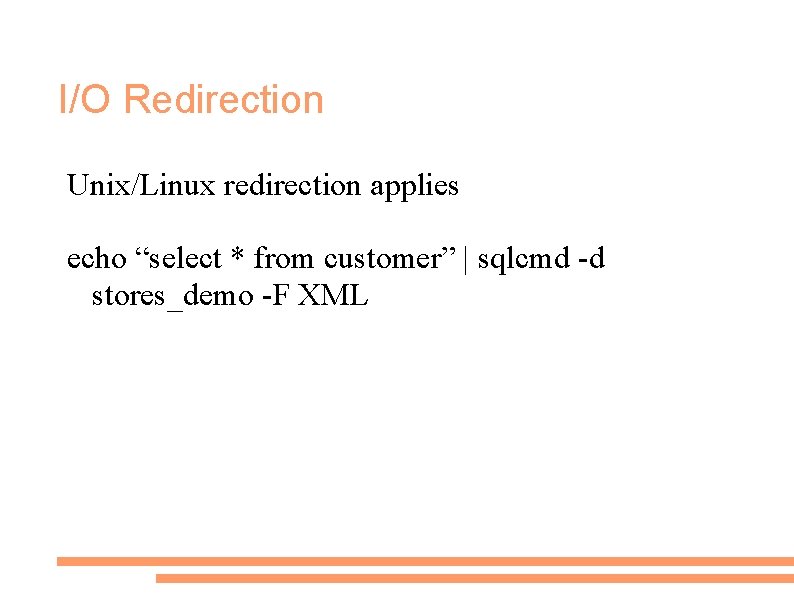
I/O Redirection Unix/Linux redirection applies echo “select * from customer” | sqlcmd -d stores_demo -F XML
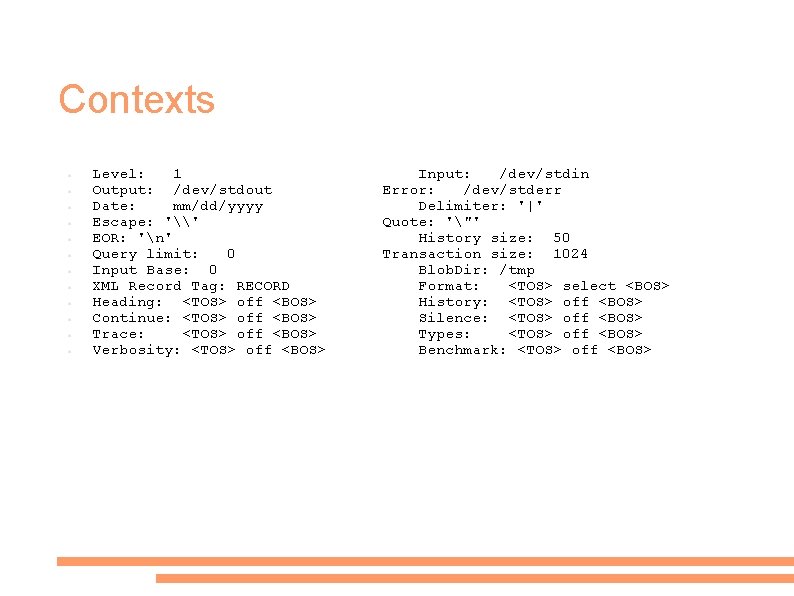
Contexts ● ● ● Level: 1 Output: /dev/stdout Date: mm/dd/yyyy Escape: '\' EOR: 'n' Query limit: 0 Input Base: 0 XML Record Tag: RECORD Heading: <TOS> off <BOS> Continue: <TOS> off <BOS> Trace: <TOS> off <BOS> Verbosity: <TOS> off <BOS> Input: /dev/stdin Error: /dev/stderr Delimiter: '|' Quote: '"' History size: 50 Transaction size: 1024 Blob. Dir: /tmp Format: <TOS> select <BOS> History: <TOS> off <BOS> Silence: <TOS> off <BOS> Types: <TOS> off <BOS> Benchmark: <TOS> off <BOS>
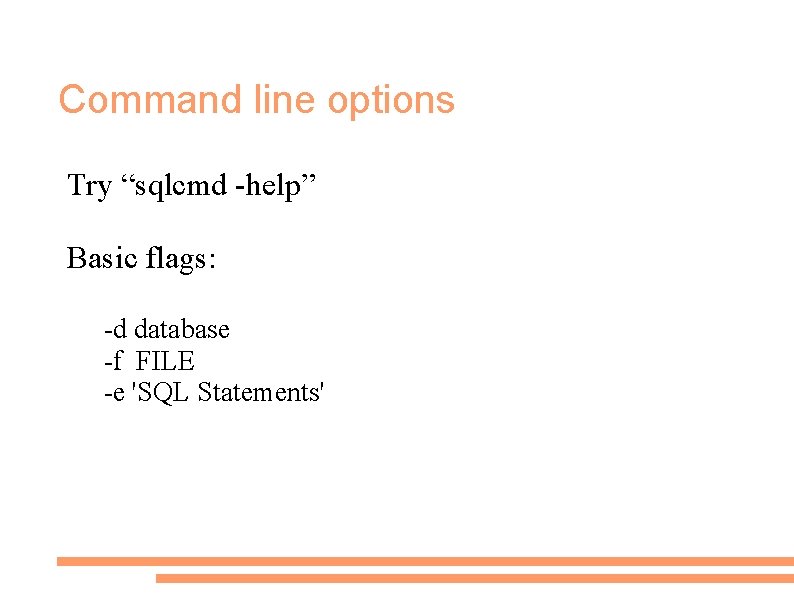
Command line options Try “sqlcmd -help” Basic flags: -d database -f FILE -e 'SQL Statements'
How do I get the Source Code? The International Informix User Group! www. iiug. org – check the software repository. . . distributed as a gzipped tar file with the extension ". tgz"
Compilation. . SQLCMD is written in ESQL/C, you must have ESQL/C or Client. SDK on your machine before installing SQLCMD. On Unix systems (including Linux), the normal sequence of events is: . /configure make install LD_LIBRARY_PATH
- Slides: 14