
SQL SQL is a standard computer language for
![4)MIN: - Returns a minimum value of expr. Syntax: -MIN([<distinct>|<All>]<expr>) e. g. select MIN(sal)](https://slidetodoc.com/presentation_image_h2/d093cfefa1f100ec54f965b9071aadd1/image-42.jpg "4)MIN: - Returns a minimum value of expr. Syntax: -MIN([<distinct>|<All>]<expr>) e. g. select MIN(sal)")


- Slides: 87
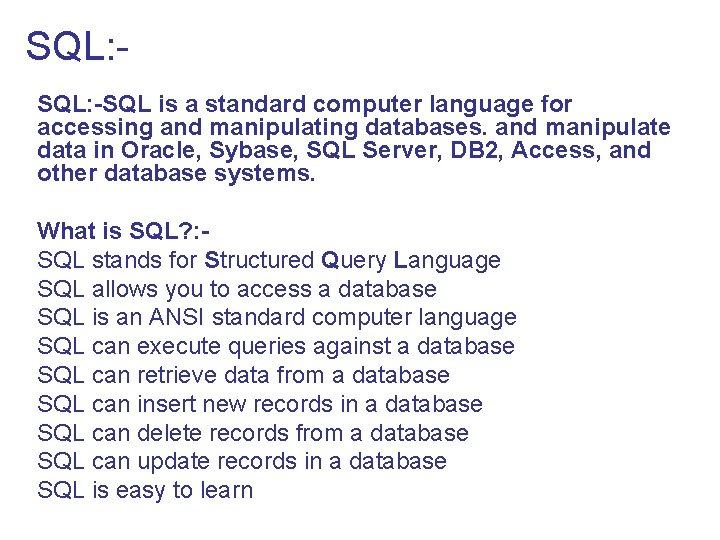
SQL: -SQL is a standard computer language for accessing and manipulating databases. and manipulate data in Oracle, Sybase, SQL Server, DB 2, Access, and other database systems. What is SQL? : SQL stands for Structured Query Language SQL allows you to access a database SQL is an ANSI standard computer language SQL can execute queries against a database SQL can retrieve data from a database SQL can insert new records in a database SQL can delete records from a database SQL can update records in a database SQL is easy to learn
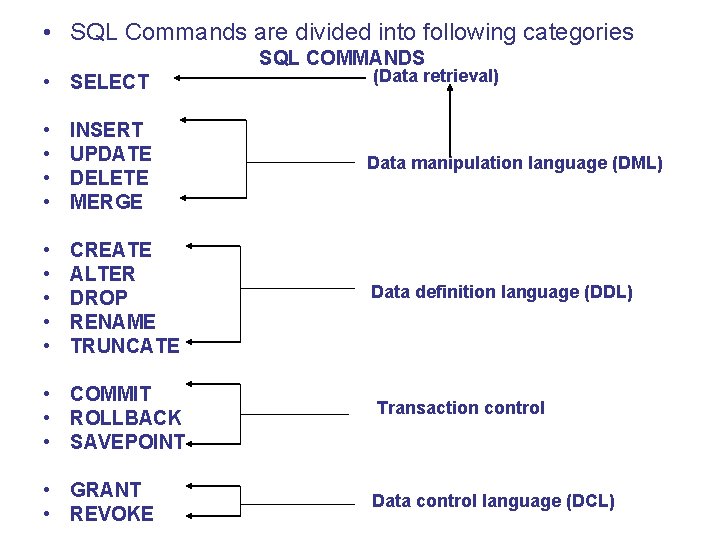
• SQL Commands are divided into following categories SQL COMMANDS • SELECT (Data retrieval) • • INSERT UPDATE DELETE MERGE Data manipulation language (DML) • • • CREATE ALTER DROP RENAME TRUNCATE Data definition language (DDL) • COMMIT • ROLLBACK • SAVEPOINT • GRANT • REVOKE Transaction control Data control language (DCL)
Data Manipulation Language: Data manipulation languages (DML) is That part of SQL which consists of a set of commands that determine which value are present in the table at any given time Data Manipulation languages is divided into three categories: a) Retrieving Data b) Manipulating data and c) Updating data
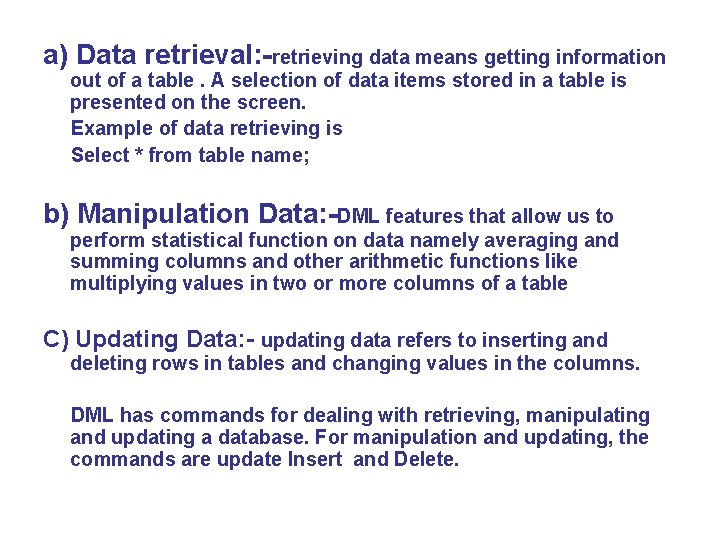
a) Data retrieval: -retrieving data means getting information out of a table. A selection of data items stored in a table is presented on the screen. Example of data retrieving is Select * from table name; b) Manipulation Data: -DML features that allow us to perform statistical function on data namely averaging and summing columns and other arithmetic functions like multiplying values in two or more columns of a table C) Updating Data: - updating data refers to inserting and deleting rows in tables and changing values in the columns. DML has commands for dealing with retrieving, manipulating and updating a database. For manipulation and updating, the commands are update Insert and Delete.
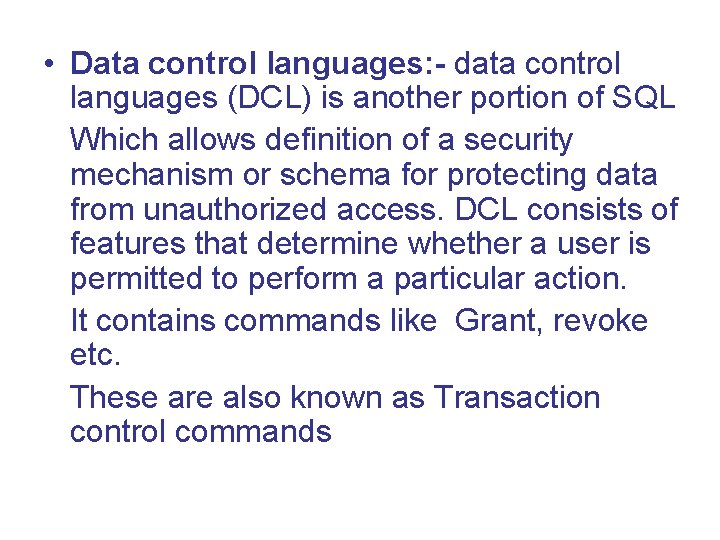
• Data control languages: - data control languages (DCL) is another portion of SQL Which allows definition of a security mechanism or schema for protecting data from unauthorized access. DCL consists of features that determine whether a user is permitted to perform a particular action. It contains commands like Grant, revoke etc. These are also known as Transaction control commands
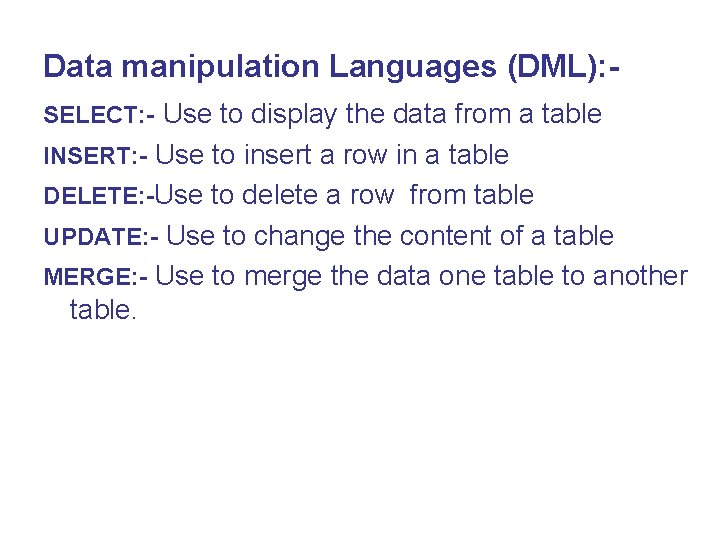
Data manipulation Languages (DML): SELECT: - Use to display the data from a table INSERT: - Use to insert a row in a table DELETE: -Use to delete a row from table UPDATE: - Use to change the content of a table MERGE: - Use to merge the data one table to another table.
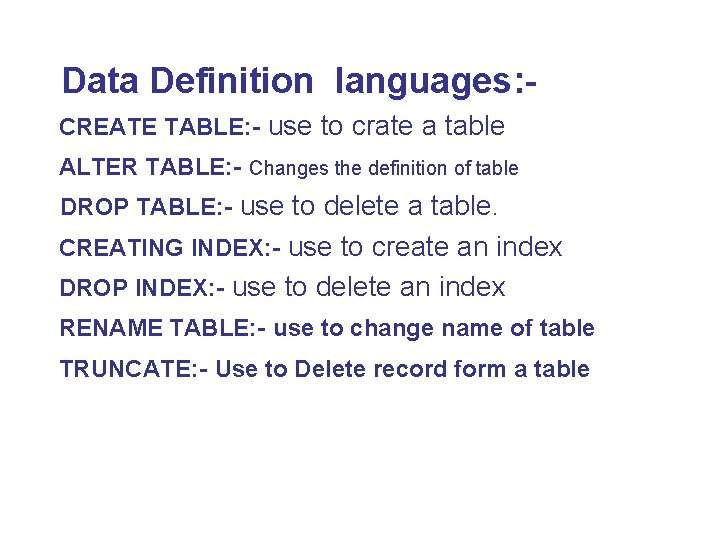
Data Definition languages: CREATE TABLE: - use to crate a table ALTER TABLE: - Changes the definition of table DROP TABLE: - use to delete a table. CREATING INDEX: - use to create an index DROP INDEX: - use to delete an index RENAME TABLE: - use to change name of table TRUNCATE: - Use to Delete record form a table
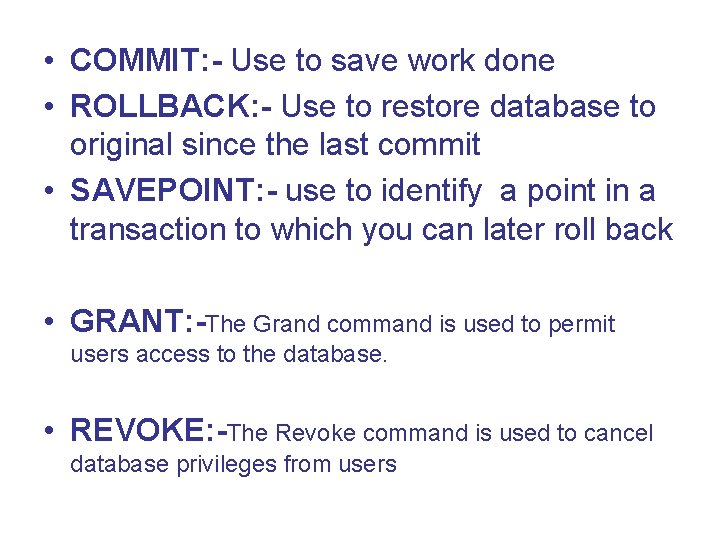
• COMMIT: - Use to save work done • ROLLBACK: - Use to restore database to original since the last commit • SAVEPOINT: - use to identify a point in a transaction to which you can later roll back • GRANT: -The Grand command is used to permit users access to the database. • REVOKE: -The Revoke command is used to cancel database privileges from users
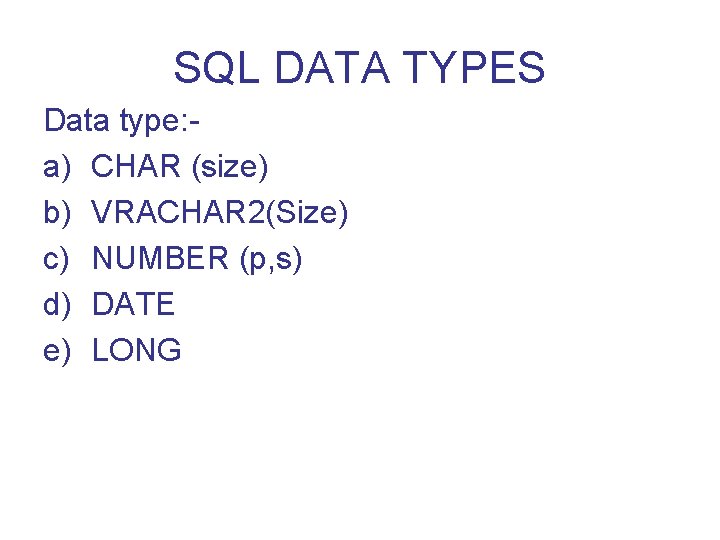
SQL DATA TYPES Data type: a) CHAR (size) b) VRACHAR 2(Size) c) NUMBER (p, s) d) DATE e) LONG
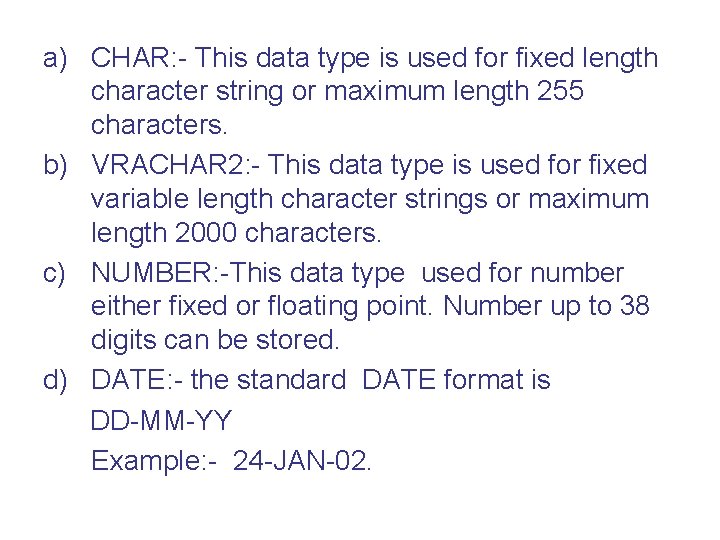
a) CHAR: - This data type is used for fixed length character string or maximum length 255 characters. b) VRACHAR 2: - This data type is used for fixed variable length character strings or maximum length 2000 characters. c) NUMBER: -This data type used for number either fixed or floating point. Number up to 38 digits can be stored. d) DATE: - the standard DATE format is DD-MM-YY Example: - 24 -JAN-02.
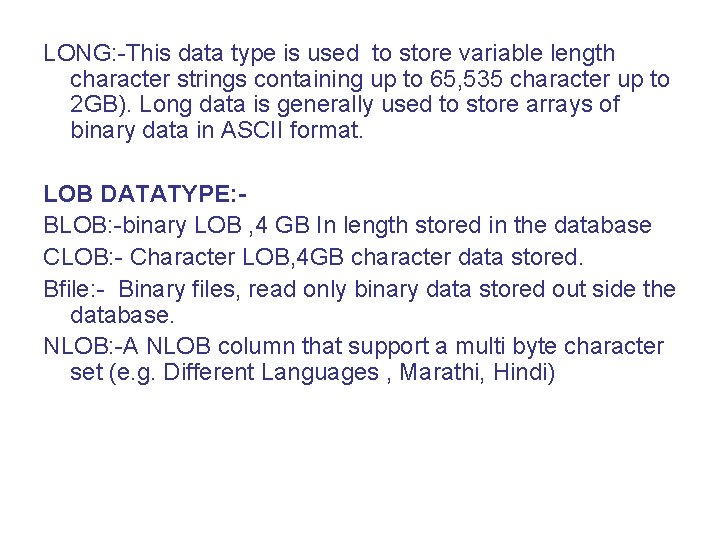
LONG: -This data type is used to store variable length character strings containing up to 65, 535 character up to 2 GB). Long data is generally used to store arrays of binary data in ASCII format. LOB DATATYPE: BLOB: -binary LOB , 4 GB In length stored in the database CLOB: - Character LOB, 4 GB character data stored. Bfile: - Binary files, read only binary data stored out side the database. NLOB: -A NLOB column that support a multi byte character set (e. g. Different Languages , Marathi, Hindi)
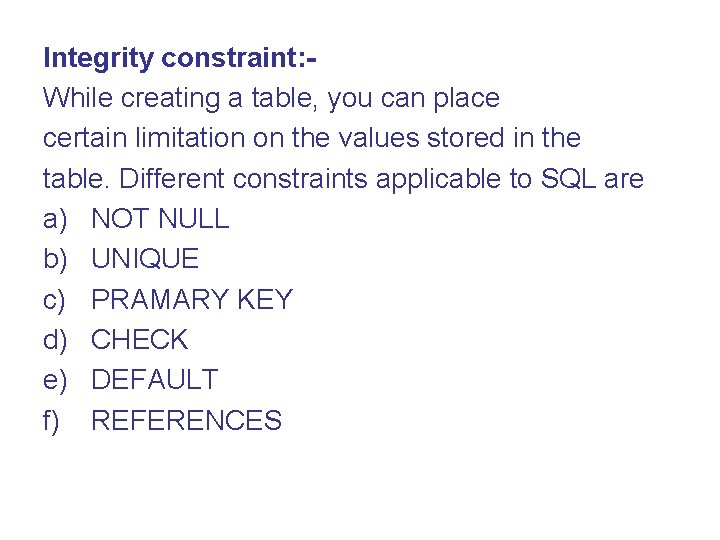
Integrity constraint: While creating a table, you can place certain limitation on the values stored in the table. Different constraints applicable to SQL are a) NOT NULL b) UNIQUE c) PRAMARY KEY d) CHECK e) DEFAULT f) REFERENCES
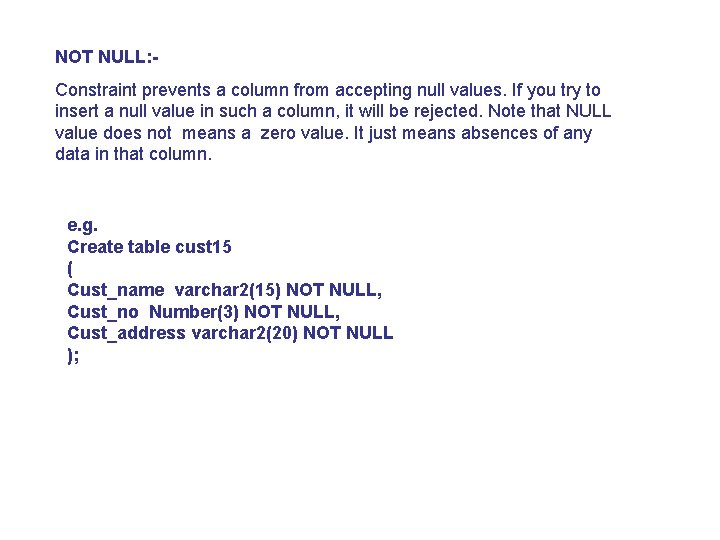
NOT NULL: Constraint prevents a column from accepting null values. If you try to insert a null value in such a column, it will be rejected. Note that NULL value does not means a zero value. It just means absences of any data in that column. e. g. Create table cust 15 ( Cust_name varchar 2(15) NOT NULL, Cust_no Number(3) NOT NULL, Cust_address varchar 2(20) NOT NULL );
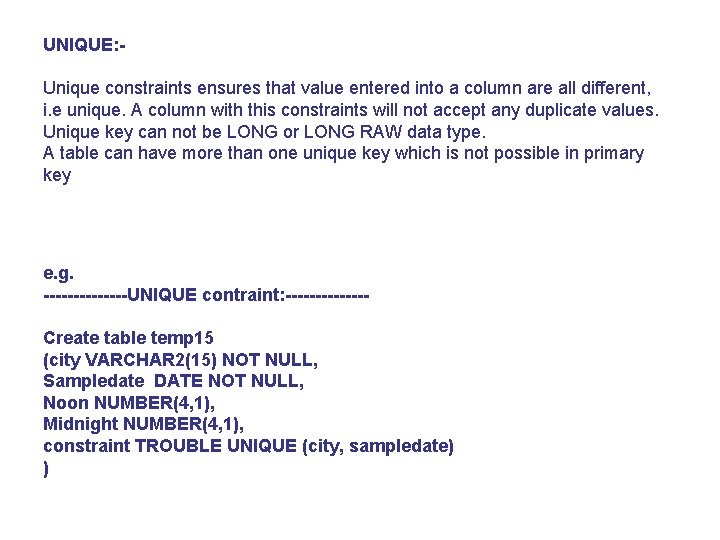
UNIQUE: Unique constraints ensures that value entered into a column are all different, i. e unique. A column with this constraints will not accept any duplicate values. Unique key can not be LONG or LONG RAW data type. A table can have more than one unique key which is not possible in primary key e. g. -------UNIQUE contraint: -------Create table temp 15 (city VARCHAR 2(15) NOT NULL, Sampledate DATE NOT NULL, Noon NUMBER(4, 1), Midnight NUMBER(4, 1), constraint TROUBLE UNIQUE (city, sampledate) )
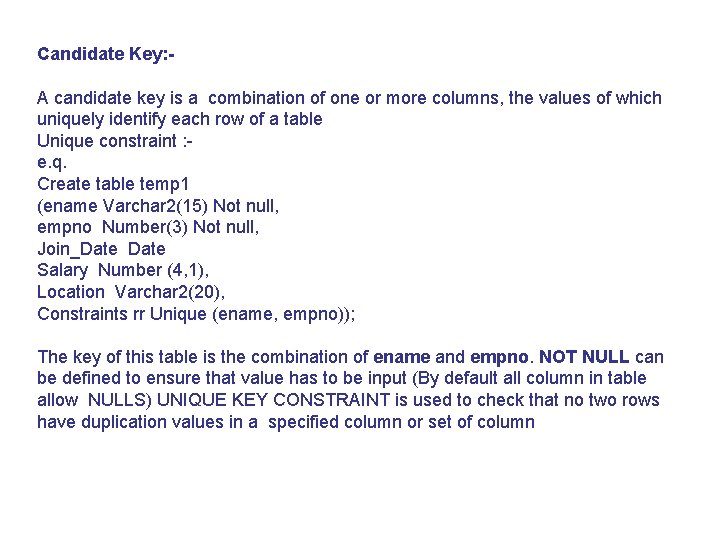
Candidate Key: A candidate key is a combination of one or more columns, the values of which uniquely identify each row of a table Unique constraint : e. q. Create table temp 1 (ename Varchar 2(15) Not null, empno Number(3) Not null, Join_Date Salary Number (4, 1), Location Varchar 2(20), Constraints rr Unique (ename, empno)); The key of this table is the combination of ename and empno. NOT NULL can be defined to ensure that value has to be input (By default all column in table allow NULLS) UNIQUE KEY CONSTRAINT is used to check that no two rows have duplication values in a specified column or set of column
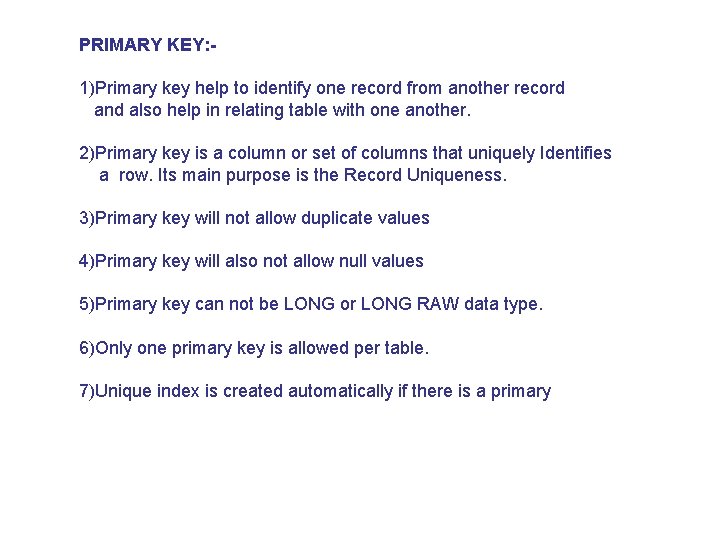
PRIMARY KEY: 1)Primary key help to identify one record from another record and also help in relating table with one another. 2)Primary key is a column or set of columns that uniquely Identifies a row. Its main purpose is the Record Uniqueness. 3)Primary key will not allow duplicate values 4)Primary key will also not allow null values 5)Primary key can not be LONG or LONG RAW data type. 6)Only one primary key is allowed per table. 7)Unique index is created automatically if there is a primary
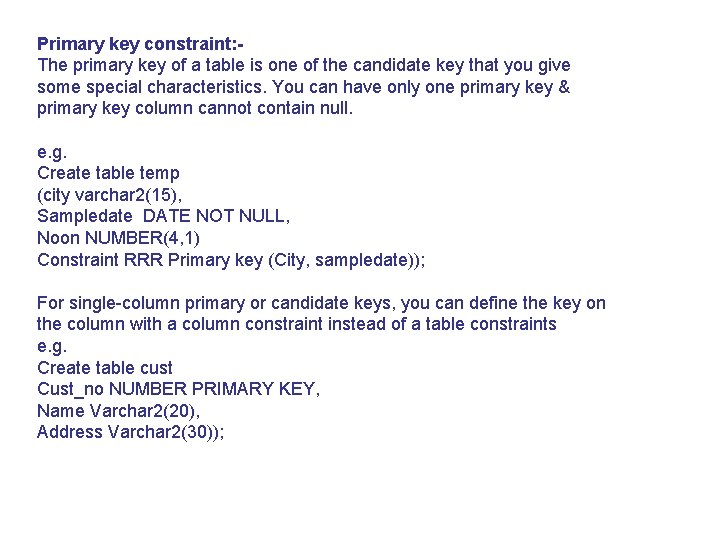
Primary key constraint: The primary key of a table is one of the candidate key that you give some special characteristics. You can have only one primary key & primary key column cannot contain null. e. g. Create table temp (city varchar 2(15), Sampledate DATE NOT NULL, Noon NUMBER(4, 1) Constraint RRR Primary key (City, sampledate)); For single-column primary or candidate keys, you can define the key on the column with a column constraint instead of a table constraints e. g. Create table cust Cust_no NUMBER PRIMARY KEY, Name Varchar 2(20), Address Varchar 2(30));
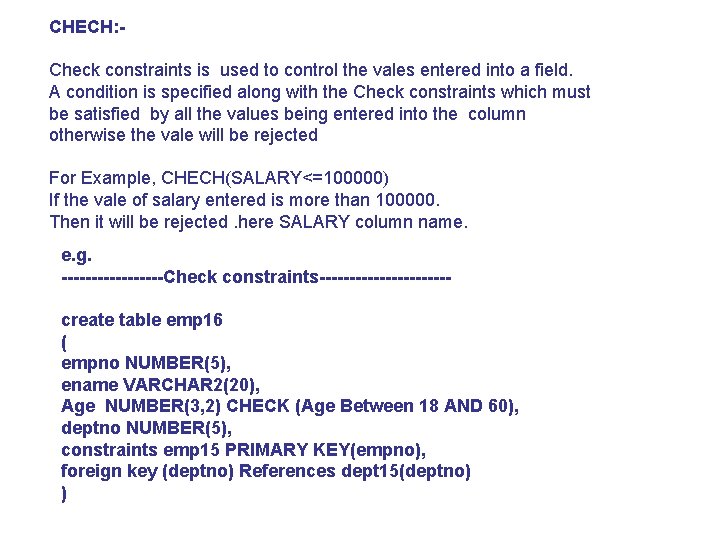
CHECH: Check constraints is used to control the vales entered into a field. A condition is specified along with the Check constraints which must be satisfied by all the values being entered into the column otherwise the vale will be rejected For Example, CHECH(SALARY<=100000) If the vale of salary entered is more than 100000. Then it will be rejected. here SALARY column name. e. g. ---------Check constraints-----------create table emp 16 ( empno NUMBER(5), ename VARCHAR 2(20), Age NUMBER(3, 2) CHECK (Age Between 18 AND 60), deptno NUMBER(5), constraints emp 15 PRIMARY KEY(empno), foreign key (deptno) References dept 15(deptno) )
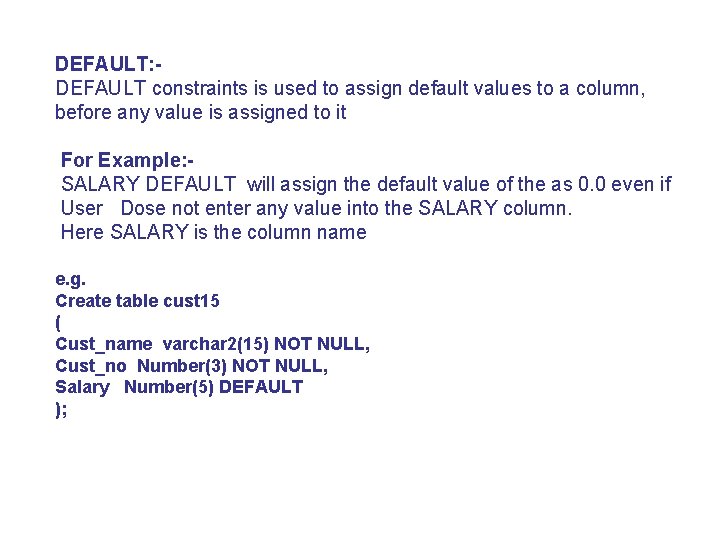
DEFAULT: DEFAULT constraints is used to assign default values to a column, before any value is assigned to it For Example: SALARY DEFAULT will assign the default value of the as 0. 0 even if User Dose not enter any value into the SALARY column. Here SALARY is the column name e. g. Create table cust 15 ( Cust_name varchar 2(15) NOT NULL, Cust_no Number(3) NOT NULL, Salary Number(5) DEFAULT );
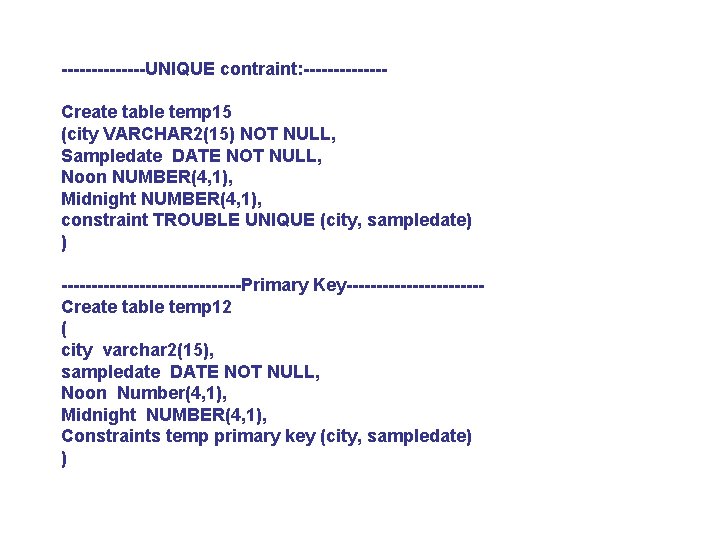
-------UNIQUE contraint: -------Create table temp 15 (city VARCHAR 2(15) NOT NULL, Sampledate DATE NOT NULL, Noon NUMBER(4, 1), Midnight NUMBER(4, 1), constraint TROUBLE UNIQUE (city, sampledate) ) ---------------Primary Key-----------Create table temp 12 ( city varchar 2(15), sampledate DATE NOT NULL, Noon Number(4, 1), Midnight NUMBER(4, 1), Constraints temp primary key (city, sampledate) )
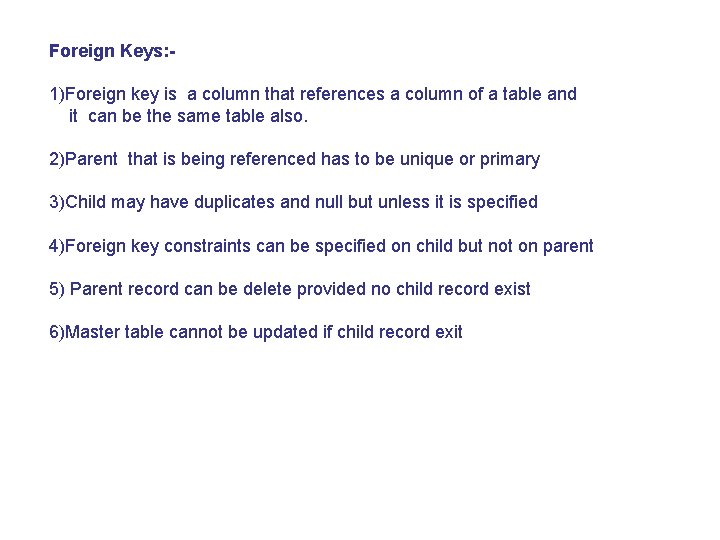
Foreign Keys: 1)Foreign key is a column that references a column of a table and it can be the same table also. 2)Parent that is being referenced has to be unique or primary 3)Child may have duplicates and null but unless it is specified 4)Foreign key constraints can be specified on child but not on parent 5) Parent record can be delete provided no child record exist 6)Master table cannot be updated if child record exit
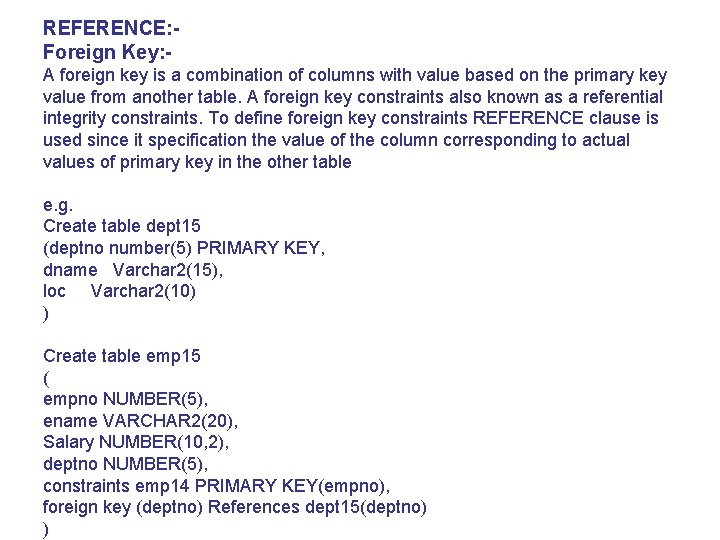
REFERENCE: Foreign Key: A foreign key is a combination of columns with value based on the primary key value from another table. A foreign key constraints also known as a referential integrity constraints. To define foreign key constraints REFERENCE clause is used since it specification the value of the column corresponding to actual values of primary key in the other table e. g. Create table dept 15 (deptno number(5) PRIMARY KEY, dname Varchar 2(15), loc Varchar 2(10) ) Create table emp 15 ( empno NUMBER(5), ename VARCHAR 2(20), Salary NUMBER(10, 2), deptno NUMBER(5), constraints emp 14 PRIMARY KEY(empno), foreign key (deptno) References dept 15(deptno) )
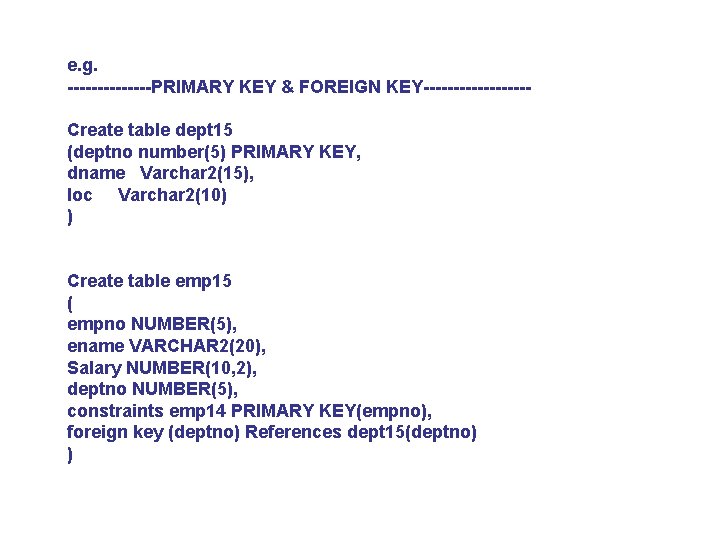
e. g. -------PRIMARY KEY & FOREIGN KEY---------Create table dept 15 (deptno number(5) PRIMARY KEY, dname Varchar 2(15), loc Varchar 2(10) ) Create table emp 15 ( empno NUMBER(5), ename VARCHAR 2(20), Salary NUMBER(10, 2), deptno NUMBER(5), constraints emp 14 PRIMARY KEY(empno), foreign key (deptno) References dept 15(deptno) )
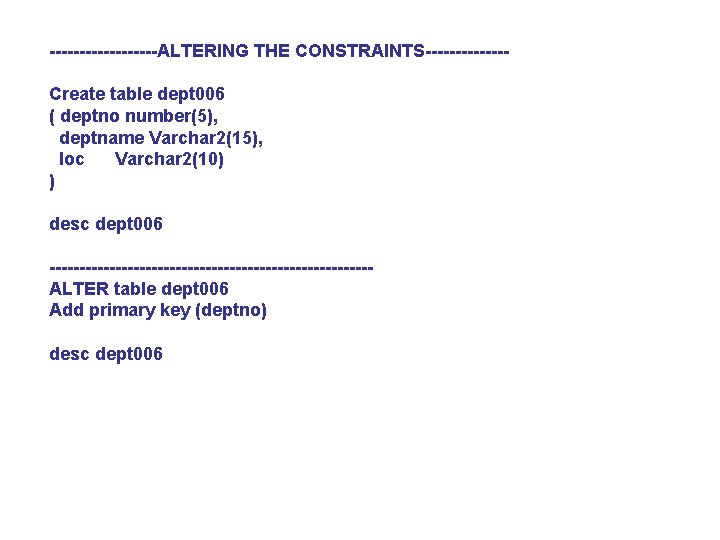
---------ALTERING THE CONSTRAINTS-------Create table dept 006 ( deptno number(5), deptname Varchar 2(15), loc Varchar 2(10) ) desc dept 006 ---------------------------ALTER table dept 006 Add primary key (deptno) desc dept 006
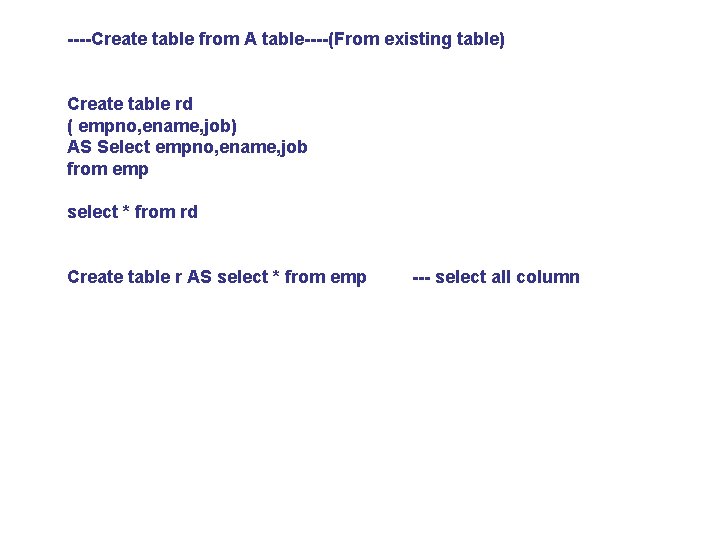
----Create table from A table----(From existing table) Create table rd ( empno, ename, job) AS Select empno, ename, job from emp select * from rd Create table r AS select * from emp --- select all column
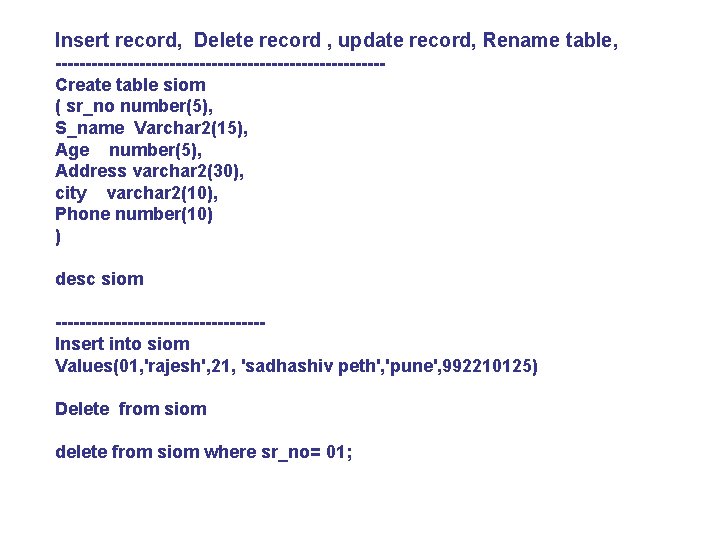
Insert record, Delete record , update record, Rename table, ---------------------------Create table siom ( sr_no number(5), S_name Varchar 2(15), Age number(5), Address varchar 2(30), city varchar 2(10), Phone number(10) ) desc siom -----------------Insert into siom Values(01, 'rajesh', 21, 'sadhashiv peth', 'pune', 992210125) Delete from siom delete from siom where sr_no= 01;
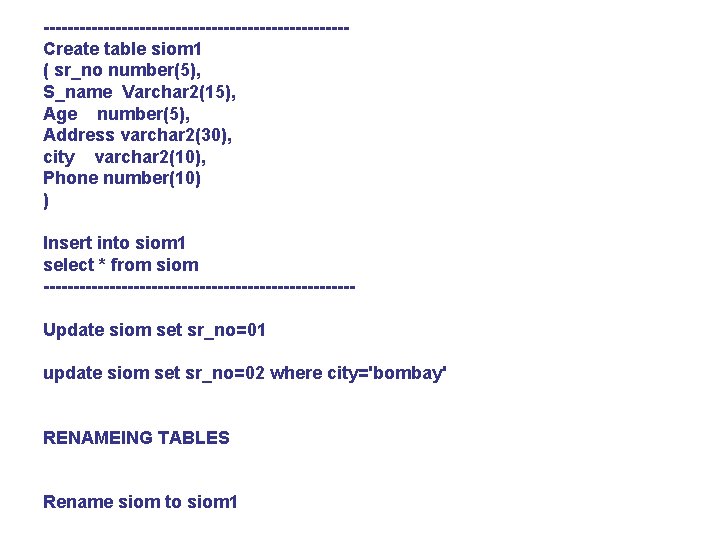
-------------------------Create table siom 1 ( sr_no number(5), S_name Varchar 2(15), Age number(5), Address varchar 2(30), city varchar 2(10), Phone number(10) ) Insert into siom 1 select * from siom --------------------------Update siom set sr_no=01 update siom set sr_no=02 where city='bombay' RENAMEING TABLES Rename siom to siom 1
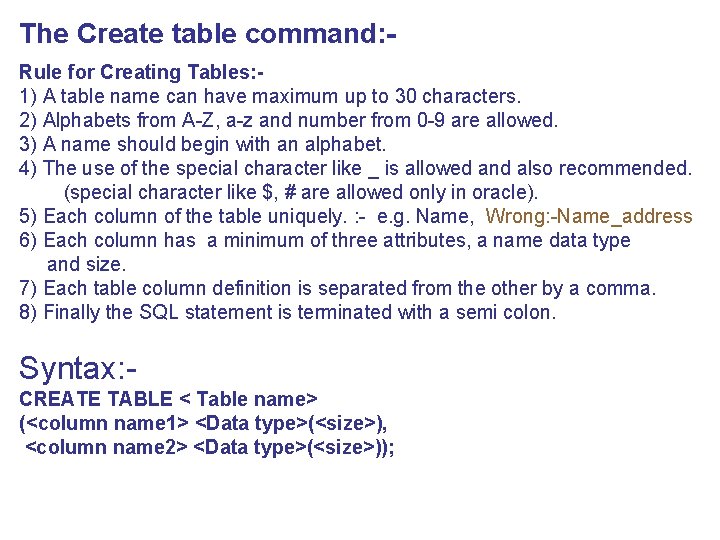
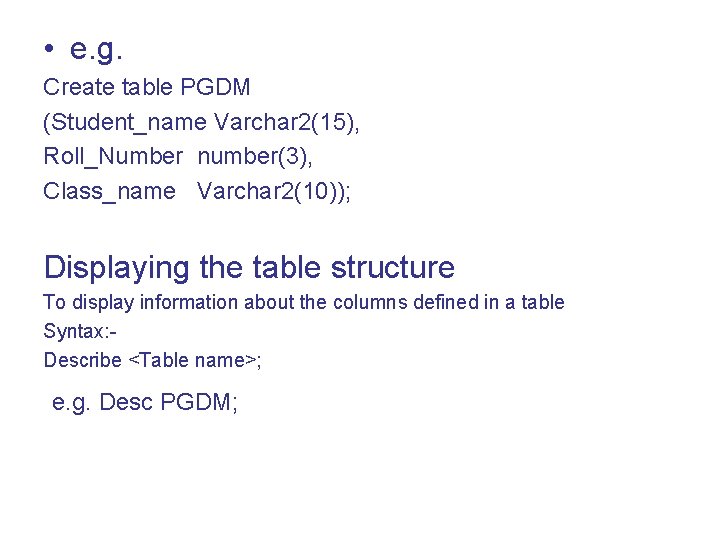
The Create table command: Rule for Creating Tables: 1) A table name can have maximum up to 30 characters. 2) Alphabets from A-Z, a-z and number from 0 -9 are allowed. 3) A name should begin with an alphabet. 4) The use of the special character like _ is allowed and also recommended. (special character like $, # are allowed only in oracle). 5) Each column of the table uniquely. : - e. g. Name, Wrong: -Name_address 6) Each column has a minimum of three attributes, a name data type and size. 7) Each table column definition is separated from the other by a comma. 8) Finally the SQL statement is terminated with a semi colon. Syntax: CREATE TABLE < Table name> (<column name 1> <Data type>(<size>), <column name 2> <Data type>(<size>));
• e. g. Create table PGDM (Student_name Varchar 2(15), Roll_Number number(3), Class_name Varchar 2(10)); Displaying the table structure To display information about the columns defined in a table Syntax: Describe <Table name>; e. g. Desc PGDM;
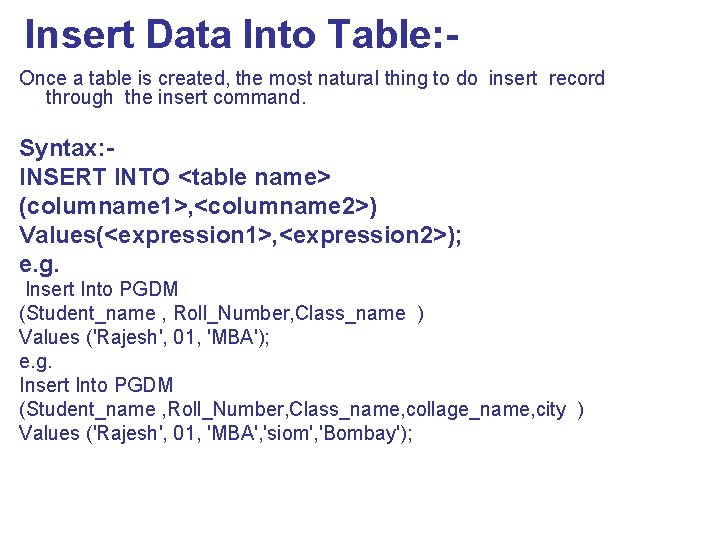
Insert Data Into Table: Once a table is created, the most natural thing to do insert record through the insert command. Syntax: INSERT INTO <table name> (columname 1>, <columname 2>) Values(<expression 1>, <expression 2>); e. g. Insert Into PGDM (Student_name , Roll_Number, Class_name ) Values ('Rajesh', 01, 'MBA'); e. g. Insert Into PGDM (Student_name , Roll_Number, Class_name, collage_name, city ) Values ('Rajesh', 01, 'MBA', 'siom', 'Bombay');
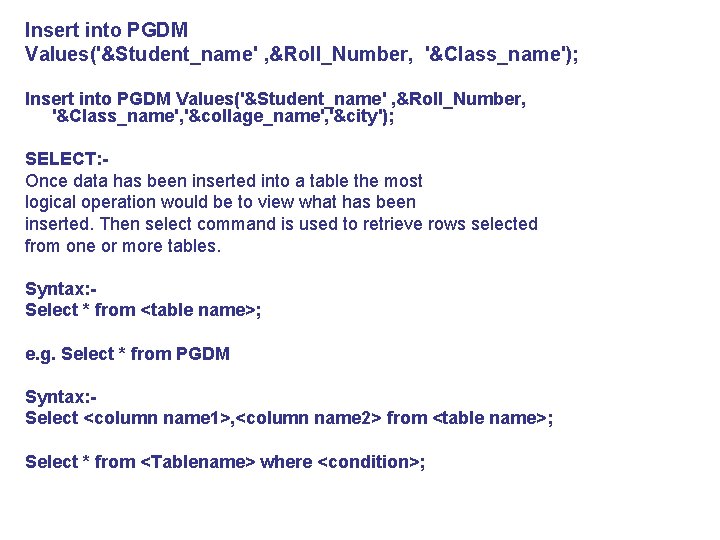
Insert into PGDM Values('&Student_name' , &Roll_Number, '&Class_name'); Insert into PGDM Values('&Student_name' , &Roll_Number, '&Class_name', '&collage_name', '&city'); SELECT: Once data has been inserted into a table the most logical operation would be to view what has been inserted. Then select command is used to retrieve rows selected from one or more tables. Syntax: Select * from <table name>; e. g. Select * from PGDM Syntax: Select <column name 1>, <column name 2> from <table name>; Select * from <Tablename> where <condition>;
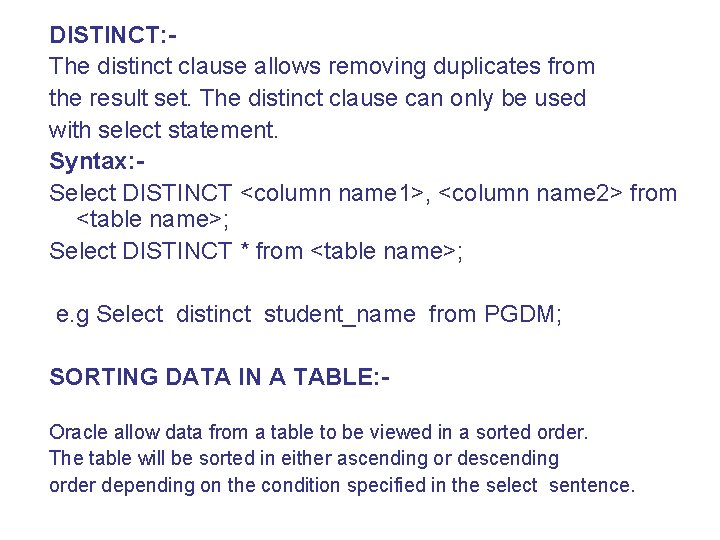
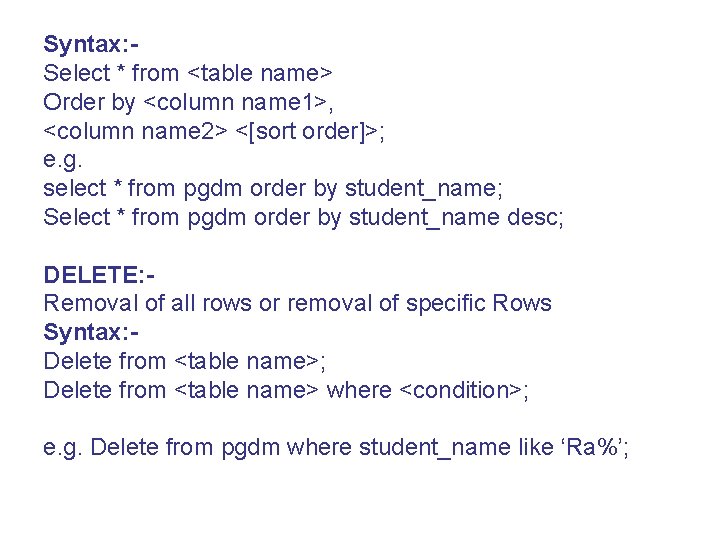
DISTINCT: The distinct clause allows removing duplicates from the result set. The distinct clause can only be used with select statement. Syntax: Select DISTINCT <column name 1>, <column name 2> from <table name>; Select DISTINCT * from <table name>; e. g Select distinct student_name from PGDM; SORTING DATA IN A TABLE: Oracle allow data from a table to be viewed in a sorted order. The table will be sorted in either ascending or descending order depending on the condition specified in the select sentence.
Syntax: Select * from <table name> Order by <column name 1>, <column name 2> <[sort order]>; e. g. select * from pgdm order by student_name; Select * from pgdm order by student_name desc; DELETE: Removal of all rows or removal of specific Rows Syntax: Delete from <table name>; Delete from <table name> where <condition>; e. g. Delete from pgdm where student_name like ‘Ra%’;
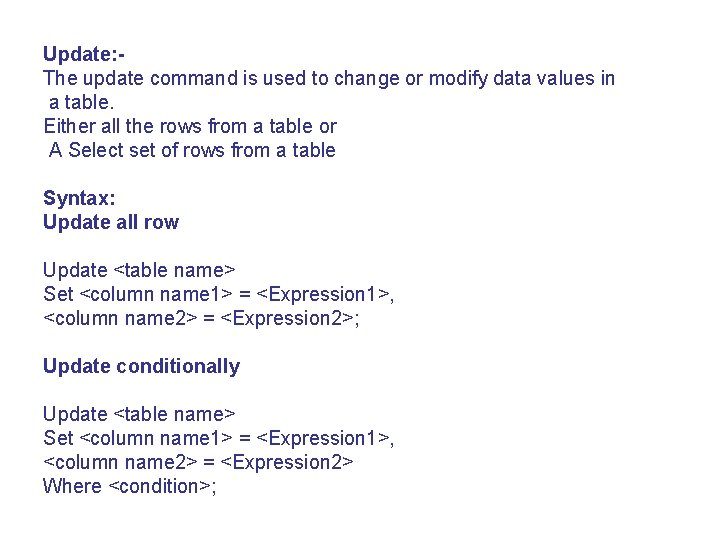
Update: The update command is used to change or modify data values in a table. Either all the rows from a table or A Select set of rows from a table Syntax: Update all row Update <table name> Set <column name 1> = <Expression 1>, <column name 2> = <Expression 2>; Update conditionally Update <table name> Set <column name 1> = <Expression 1>, <column name 2> = <Expression 2> Where <condition>;
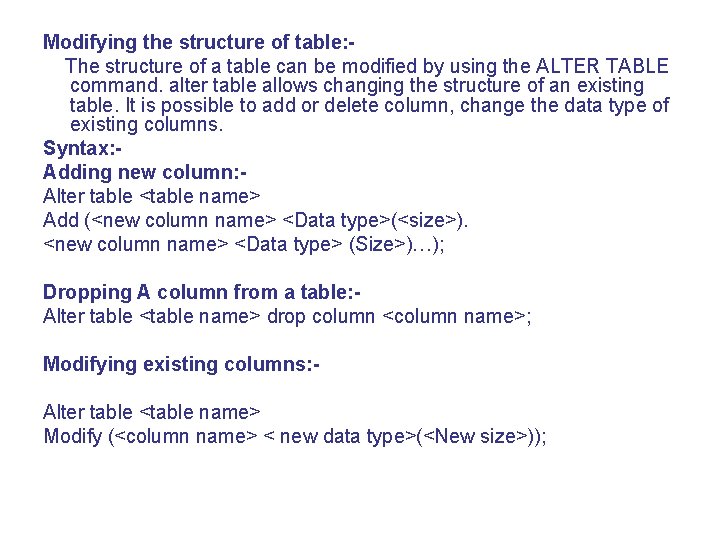
Modifying the structure of table: The structure of a table can be modified by using the ALTER TABLE command. alter table allows changing the structure of an existing table. It is possible to add or delete column, change the data type of existing columns. Syntax: Adding new column: Alter table <table name> Add (<new column name> <Data type>(<size>). <new column name> <Data type> (Size>)…); Dropping A column from a table: Alter table <table name> drop column <column name>; Modifying existing columns: Alter table <table name> Modify (<column name> < new data type>(<New size>));
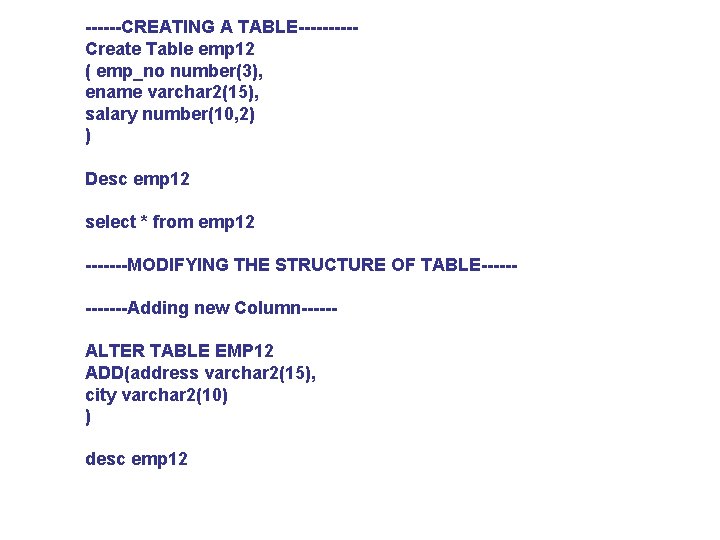
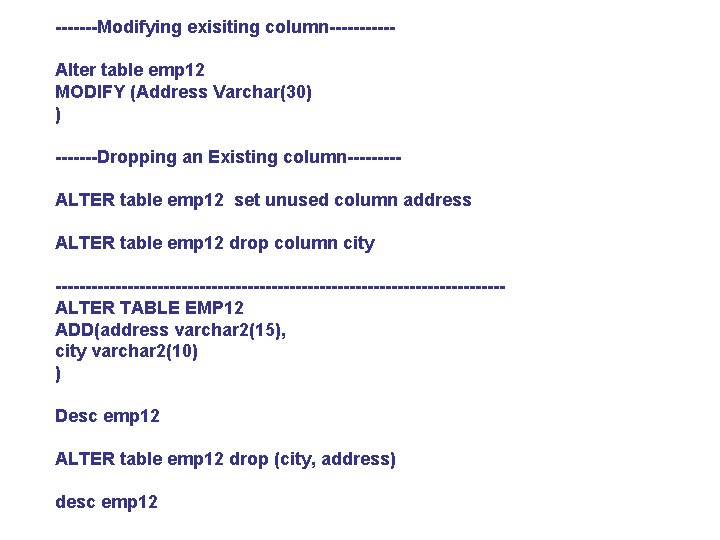
------CREATING A TABLE-----Create Table emp 12 ( emp_no number(3), ename varchar 2(15), salary number(10, 2) ) Desc emp 12 select * from emp 12 -------MODIFYING THE STRUCTURE OF TABLE------Adding new Column-----ALTER TABLE EMP 12 ADD(address varchar 2(15), city varchar 2(10) ) desc emp 12
-------Modifying exisiting column-----Alter table emp 12 MODIFY (Address Varchar(30) ) -------Dropping an Existing column----ALTER table emp 12 set unused column address ALTER table emp 12 drop column city -------------------------------------ALTER TABLE EMP 12 ADD(address varchar 2(15), city varchar 2(10) ) Desc emp 12 ALTER table emp 12 drop (city, address) desc emp 12
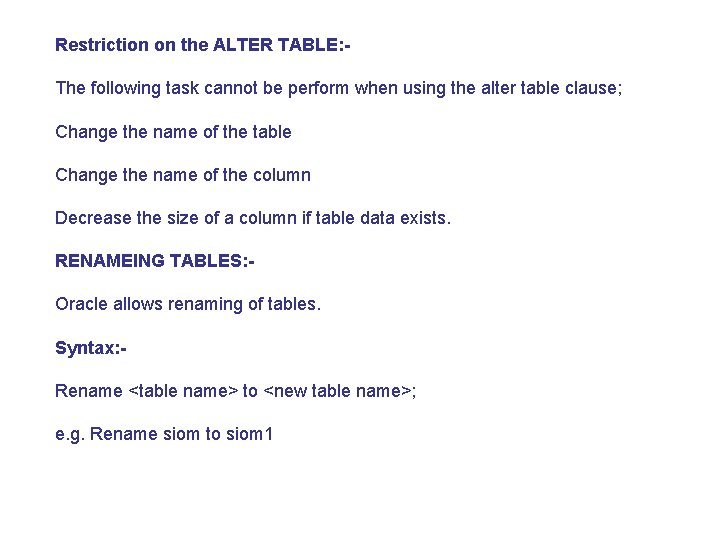
Restriction on the ALTER TABLE: The following task cannot be perform when using the alter table clause; Change the name of the table Change the name of the column Decrease the size of a column if table data exists. RENAMEING TABLES: Oracle allows renaming of tables. Syntax: Rename <table name> to <new table name>; e. g. Rename siom to siom 1
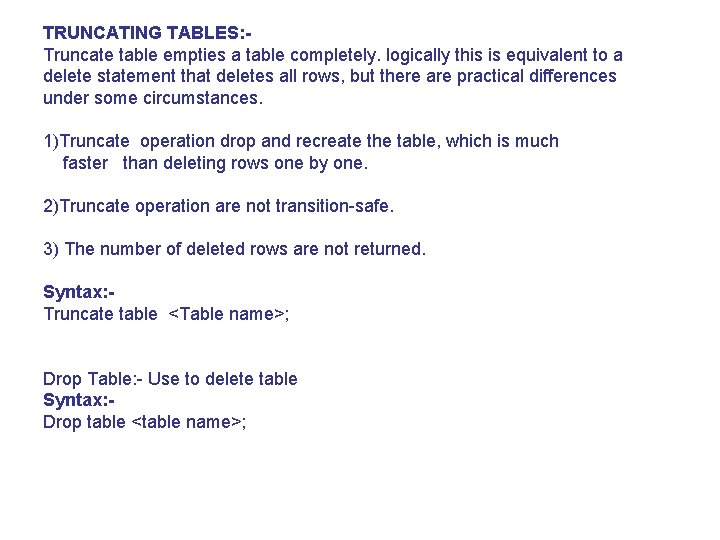
TRUNCATING TABLES: Truncate table empties a table completely. logically this is equivalent to a delete statement that deletes all rows, but there are practical differences under some circumstances. 1)Truncate operation drop and recreate the table, which is much faster than deleting rows one by one. 2)Truncate operation are not transition-safe. 3) The number of deleted rows are not returned. Syntax: Truncate table <Table name>; Drop Table: - Use to delete table Syntax: Drop table <table name>;
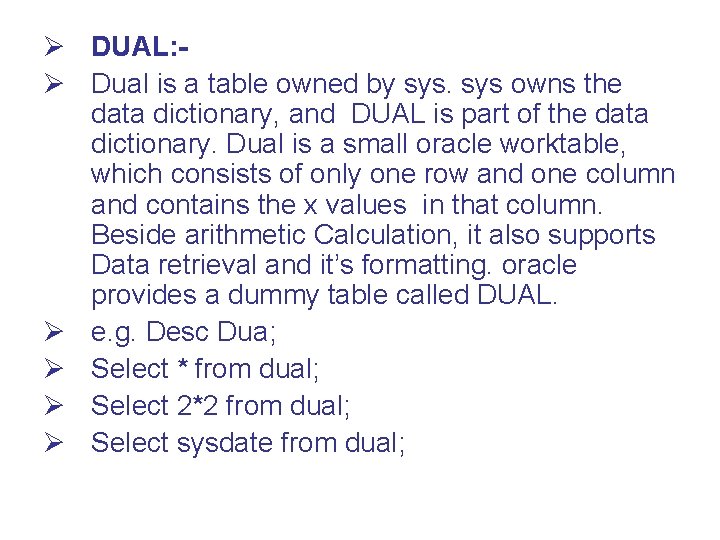
Ø DUAL: Ø Dual is a table owned by sys owns the data dictionary, and DUAL is part of the data dictionary. Dual is a small oracle worktable, which consists of only one row and one column and contains the x values in that column. Beside arithmetic Calculation, it also supports Data retrieval and it’s formatting. oracle provides a dummy table called DUAL. Ø e. g. Desc Dua; Ø Select * from dual; Ø Select 2*2 from dual; Ø Select sysdate from dual;
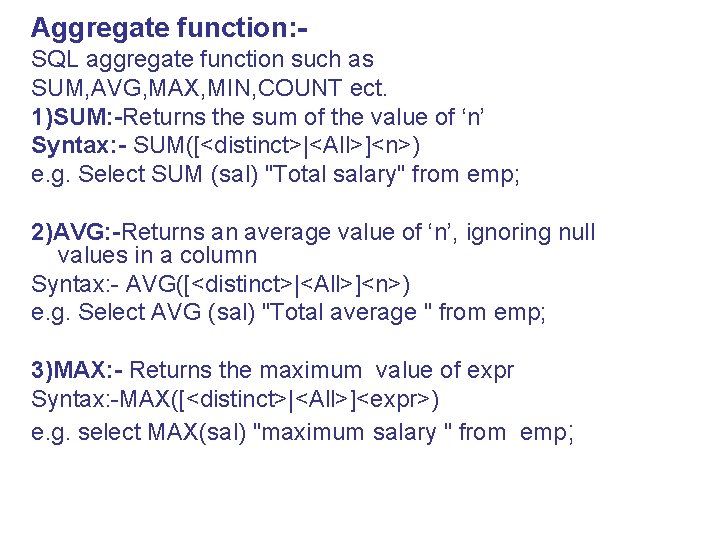
Aggregate function: SQL aggregate function such as SUM, AVG, MAX, MIN, COUNT ect. 1)SUM: -Returns the sum of the value of ‘n’ Syntax: - SUM([<distinct>|<All>]<n>) e. g. Select SUM (sal) "Total salary" from emp; 2)AVG: -Returns an average value of ‘n’, ignoring null values in a column Syntax: - AVG([<distinct>|<All>]<n>) e. g. Select AVG (sal) "Total average " from emp; 3)MAX: - Returns the maximum value of expr Syntax: -MAX([<distinct>|<All>]<expr>) e. g. select MAX(sal) "maximum salary " from emp;
4)MIN: - Returns a minimum value of expr. Syntax: -MIN([<distinct>|<All>]<expr>) e. g. select MIN(sal) "miminum salary" from emp; 5)COUNT: - Returns the number of rows where expr is not null. Syntax: -COUNT([<distinct>|<All>]<expr>) e. g. Select count(*) "No. of Records " from emp;
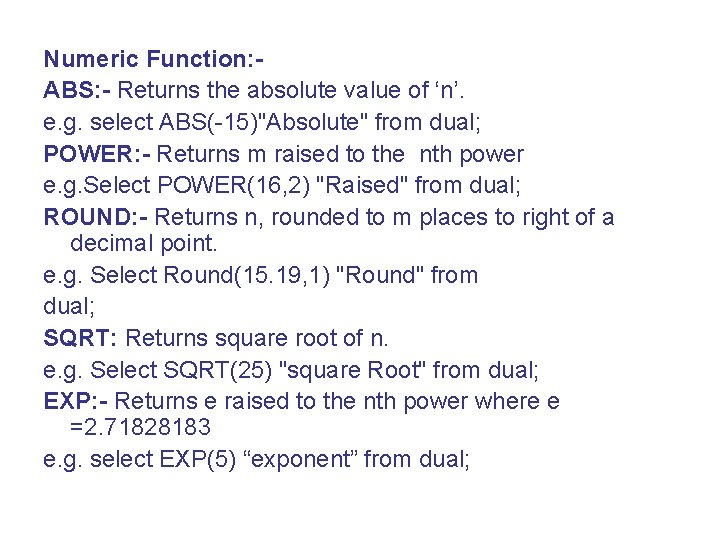
Numeric Function: ABS: - Returns the absolute value of ‘n’. e. g. select ABS(-15)"Absolute" from dual; POWER: - Returns m raised to the nth power e. g. Select POWER(16, 2) "Raised" from dual; ROUND: - Returns n, rounded to m places to right of a decimal point. e. g. Select Round(15. 19, 1) "Round" from dual; SQRT: Returns square root of n. e. g. Select SQRT(25) "square Root" from dual; EXP: - Returns e raised to the nth power where e =2. 71828183 e. g. select EXP(5) “exponent” from dual;
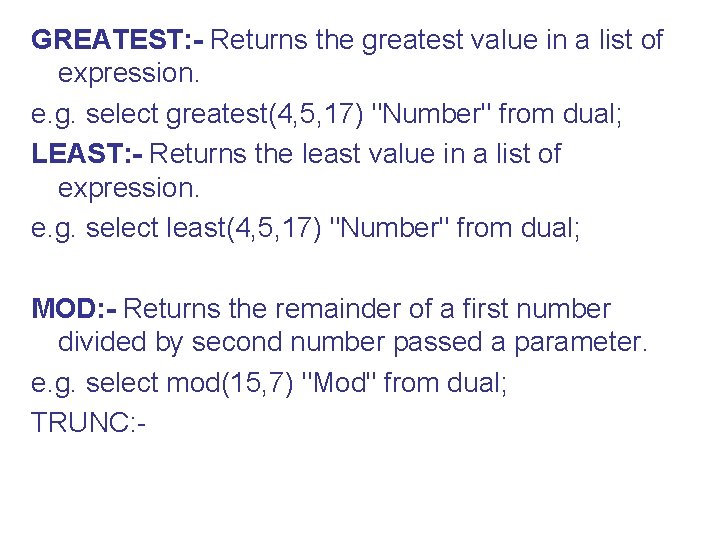
GREATEST: - Returns the greatest value in a list of expression. e. g. select greatest(4, 5, 17) "Number" from dual; LEAST: - Returns the least value in a list of expression. e. g. select least(4, 5, 17) "Number" from dual; MOD: - Returns the remainder of a first number divided by second number passed a parameter. e. g. select mod(15, 7) "Mod" from dual; TRUNC: -
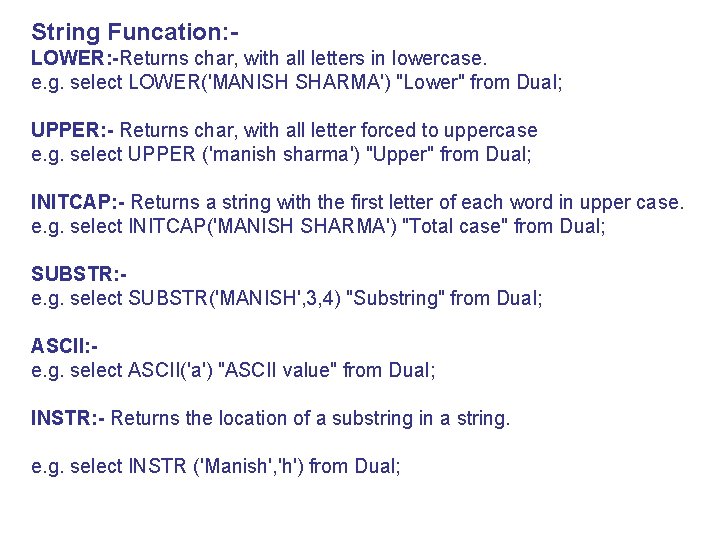
String Funcation: LOWER: -Returns char, with all letters in lowercase. e. g. select LOWER('MANISH SHARMA') "Lower" from Dual; UPPER: - Returns char, with all letter forced to uppercase e. g. select UPPER ('manish sharma') "Upper" from Dual; INITCAP: - Returns a string with the first letter of each word in upper case. e. g. select INITCAP('MANISH SHARMA') "Total case" from Dual; SUBSTR: e. g. select SUBSTR('MANISH', 3, 4) "Substring" from Dual; ASCII: e. g. select ASCII('a') "ASCII value" from Dual; INSTR: - Returns the location of a substring in a string. e. g. select INSTR ('Manish', 'h') from Dual;
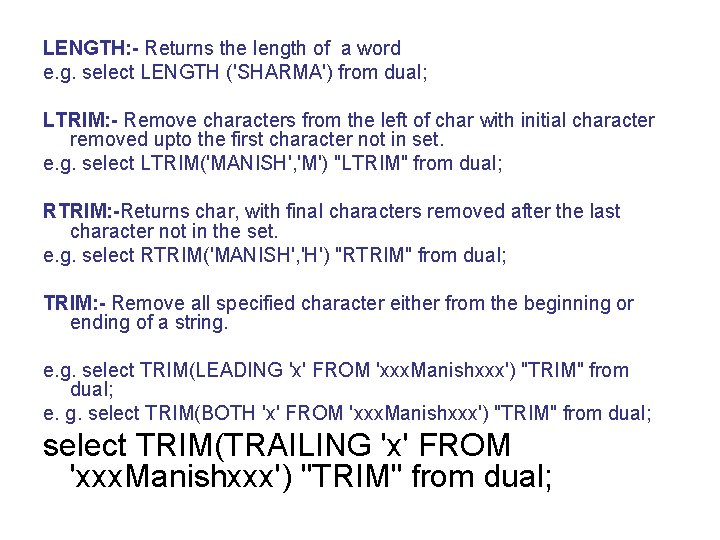
LENGTH: - Returns the length of a word e. g. select LENGTH ('SHARMA') from dual; LTRIM: - Remove characters from the left of char with initial character removed upto the first character not in set. e. g. select LTRIM('MANISH', 'M') "LTRIM" from dual; RTRIM: -Returns char, with final characters removed after the last character not in the set. e. g. select RTRIM('MANISH', 'H') "RTRIM" from dual; TRIM: - Remove all specified character either from the beginning or ending of a string. e. g. select TRIM(LEADING 'x' FROM 'xxx. Manishxxx') "TRIM" from dual; e. g. select TRIM(BOTH 'x' FROM 'xxx. Manishxxx') "TRIM" from dual; select TRIM(TRAILING 'x' FROM 'xxx. Manishxxx') "TRIM" from dual;
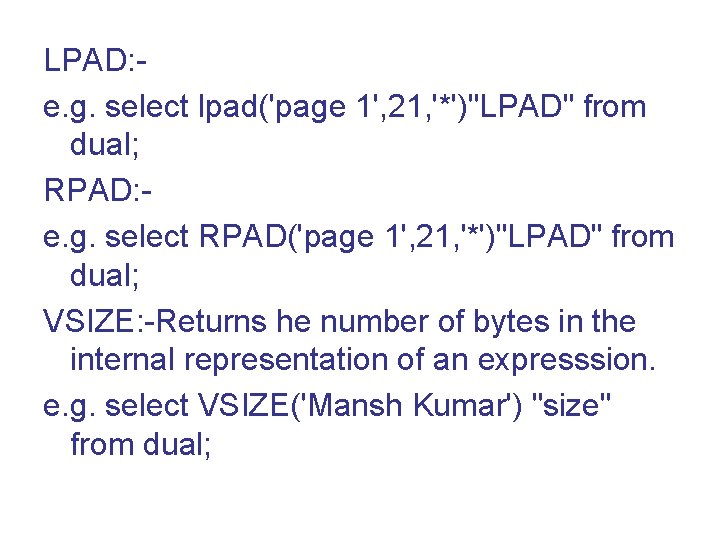
LPAD: e. g. select lpad('page 1', 21, '*')"LPAD" from dual; RPAD: e. g. select RPAD('page 1', 21, '*')"LPAD" from dual; VSIZE: -Returns he number of bytes in the internal representation of an expresssion. e. g. select VSIZE('Mansh Kumar') "size" from dual;
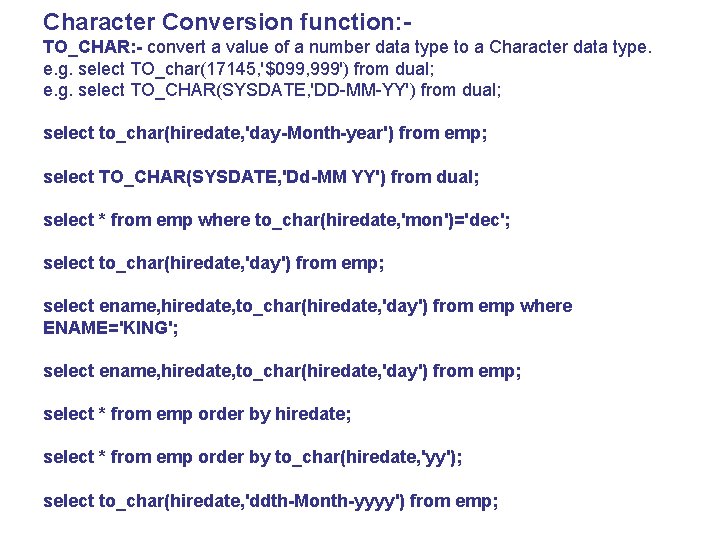
Character Conversion function: TO_CHAR: - convert a value of a number data type to a Character data type. e. g. select TO_char(17145, '$099, 999') from dual; e. g. select TO_CHAR(SYSDATE, 'DD-MM-YY') from dual; select to_char(hiredate, 'day-Month-year') from emp; select TO_CHAR(SYSDATE, 'Dd-MM YY') from dual; select * from emp where to_char(hiredate, 'mon')='dec'; select to_char(hiredate, 'day') from emp; select ename, hiredate, to_char(hiredate, 'day') from emp where ENAME='KING'; select ename, hiredate, to_char(hiredate, 'day') from emp; select * from emp order by hiredate; select * from emp order by to_char(hiredate, 'yy'); select to_char(hiredate, 'ddth-Month-yyyy') from emp;
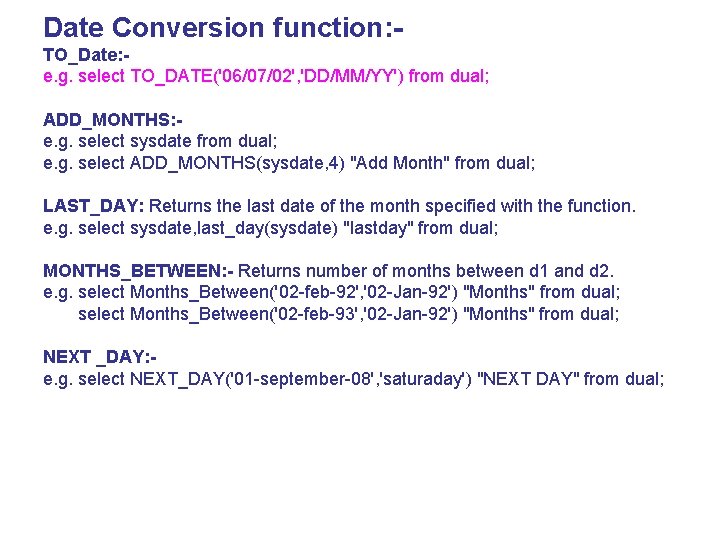
Date Conversion function: TO_Date: e. g. select TO_DATE('06/07/02', 'DD/MM/YY') from dual; ADD_MONTHS: e. g. select sysdate from dual; e. g. select ADD_MONTHS(sysdate, 4) "Add Month" from dual; LAST_DAY: Returns the last date of the month specified with the function. e. g. select sysdate, last_day(sysdate) "lastday" from dual; MONTHS_BETWEEN: - Returns number of months between d 1 and d 2. e. g. select Months_Between('02 -feb-92', '02 -Jan-92') "Months" from dual; select Months_Between('02 -feb-93', '02 -Jan-92') "Months" from dual; NEXT _DAY: e. g. select NEXT_DAY('01 -september-08', 'saturaday') "NEXT DAY" from dual;
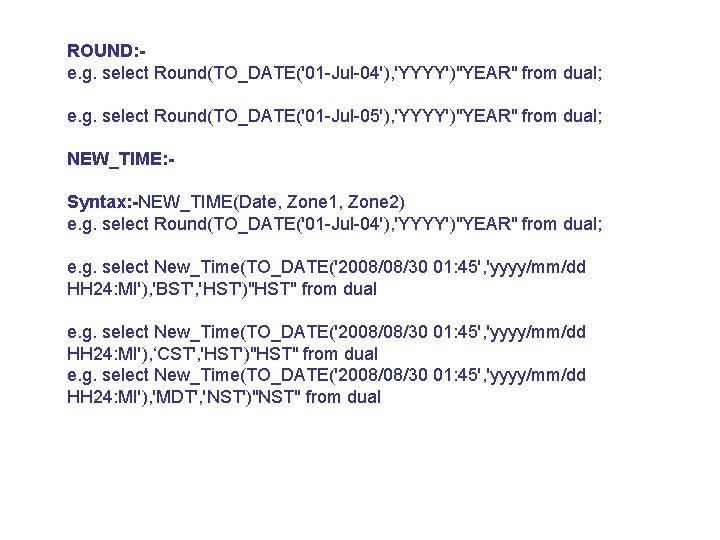
ROUND: e. g. select Round(TO_DATE('01 -Jul-04'), 'YYYY')"YEAR" from dual; e. g. select Round(TO_DATE('01 -Jul-05'), 'YYYY')"YEAR" from dual; NEW_TIME: Syntax: -NEW_TIME(Date, Zone 1, Zone 2) e. g. select Round(TO_DATE('01 -Jul-04'), 'YYYY')"YEAR" from dual; e. g. select New_Time(TO_DATE('2008/08/30 01: 45', 'yyyy/mm/dd HH 24: MI'), 'BST', 'HST')"HST" from dual e. g. select New_Time(TO_DATE('2008/08/30 01: 45', 'yyyy/mm/dd HH 24: MI'), ‘CST', 'HST')"HST" from dual e. g. select New_Time(TO_DATE('2008/08/30 01: 45', 'yyyy/mm/dd HH 24: MI'), 'MDT', 'NST')"NST" from dual
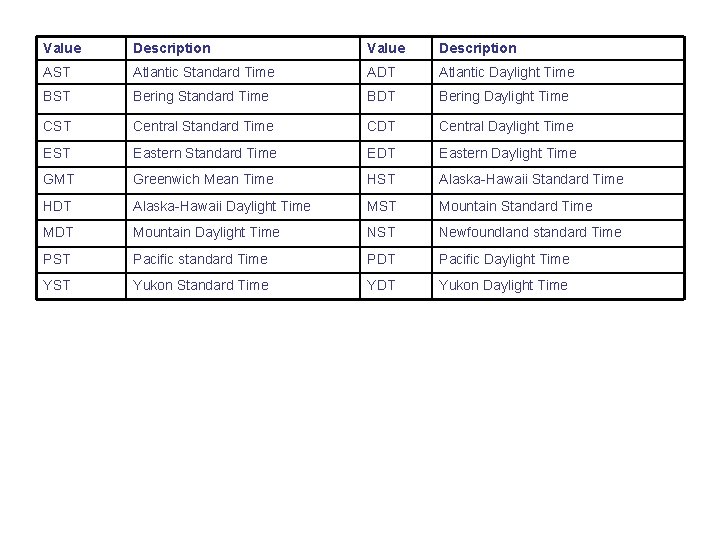
Value Description AST Atlantic Standard Time ADT Atlantic Daylight Time BST Bering Standard Time BDT Bering Daylight Time CST Central Standard Time CDT Central Daylight Time EST Eastern Standard Time EDT Eastern Daylight Time GMT Greenwich Mean Time HST Alaska-Hawaii Standard Time HDT Alaska-Hawaii Daylight Time MST Mountain Standard Time MDT Mountain Daylight Time NST Newfoundland standard Time PST Pacific standard Time PDT Pacific Daylight Time YST Yukon Standard Time YDT Yukon Daylight Time
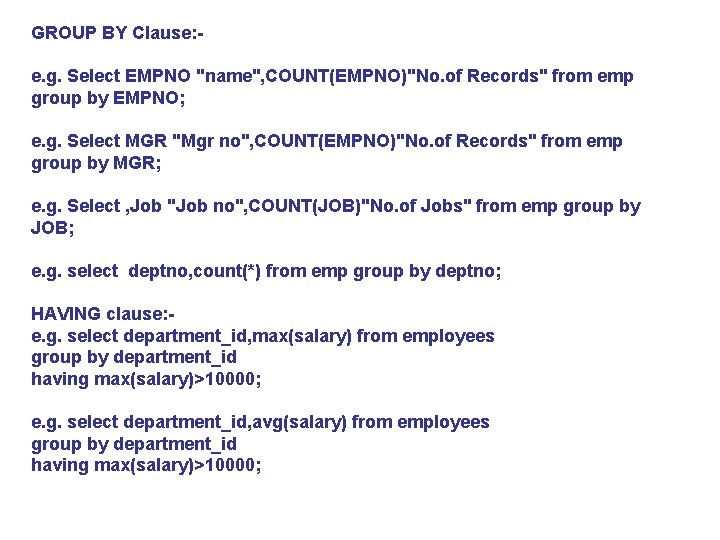
GROUP BY Clause: e. g. Select EMPNO "name", COUNT(EMPNO)"No. of Records" from emp group by EMPNO; e. g. Select MGR "Mgr no", COUNT(EMPNO)"No. of Records" from emp group by MGR; e. g. Select , Job "Job no", COUNT(JOB)"No. of Jobs" from emp group by JOB; e. g. select deptno, count(*) from emp group by deptno; HAVING clause: e. g. select department_id, max(salary) from employees group by department_id having max(salary)>10000; e. g. select department_id, avg(salary) from employees group by department_id having max(salary)>10000;
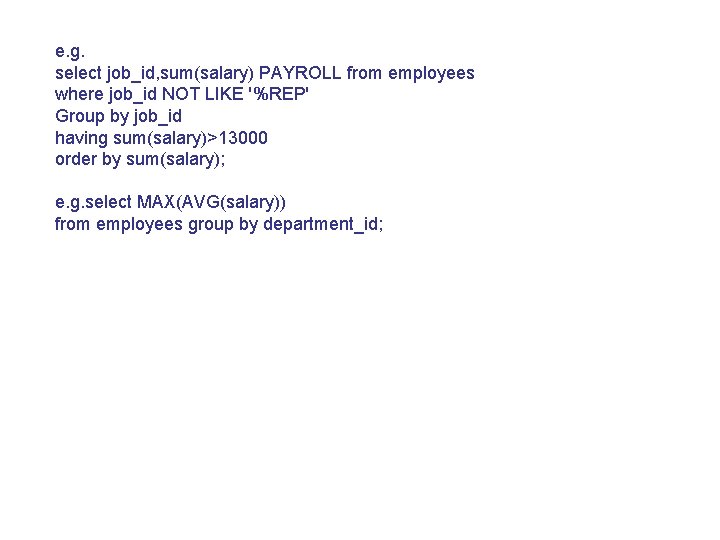
e. g. select job_id, sum(salary) PAYROLL from employees where job_id NOT LIKE '%REP' Group by job_id having sum(salary)>13000 order by sum(salary); e. g. select MAX(AVG(salary)) from employees group by department_id;
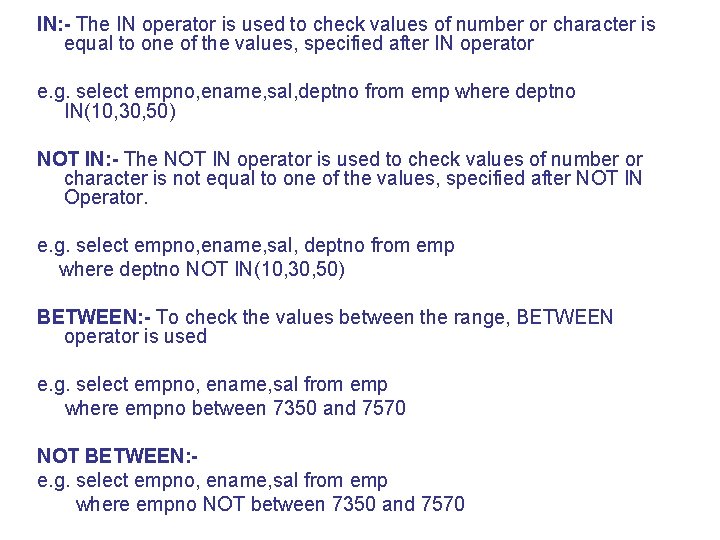
IN: - The IN operator is used to check values of number or character is equal to one of the values, specified after IN operator e. g. select empno, ename, sal, deptno from emp where deptno IN(10, 30, 50) NOT IN: - The NOT IN operator is used to check values of number or character is not equal to one of the values, specified after NOT IN Operator. e. g. select empno, ename, sal, deptno from emp where deptno NOT IN(10, 30, 50) BETWEEN: - To check the values between the range, BETWEEN operator is used e. g. select empno, ename, sal from emp where empno between 7350 and 7570 NOT BETWEEN: e. g. select empno, ename, sal from emp where empno NOT between 7350 and 7570
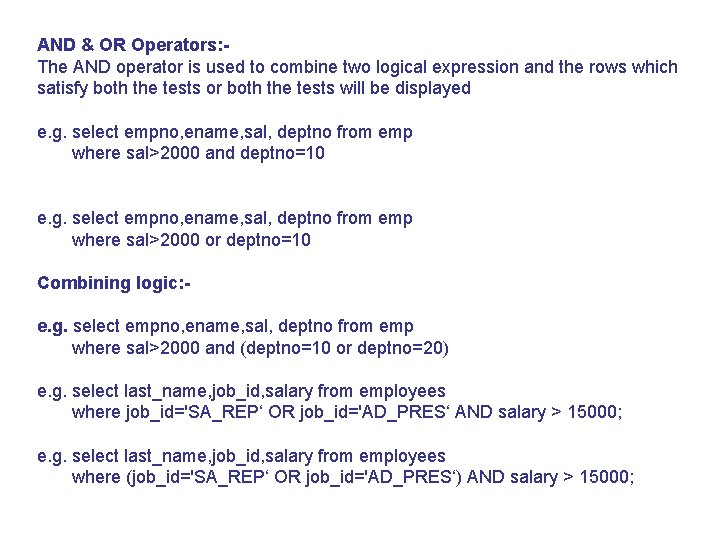
AND & OR Operators: The AND operator is used to combine two logical expression and the rows which satisfy both the tests or both the tests will be displayed e. g. select empno, ename, sal, deptno from emp where sal>2000 and deptno=10 e. g. select empno, ename, sal, deptno from emp where sal>2000 or deptno=10 Combining logic: e. g. select empno, ename, sal, deptno from emp where sal>2000 and (deptno=10 or deptno=20) e. g. select last_name, job_id, salary from employees where job_id='SA_REP‘ OR job_id='AD_PRES‘ AND salary > 15000; e. g. select last_name, job_id, salary from employees where (job_id='SA_REP‘ OR job_id='AD_PRES‘) AND salary > 15000;
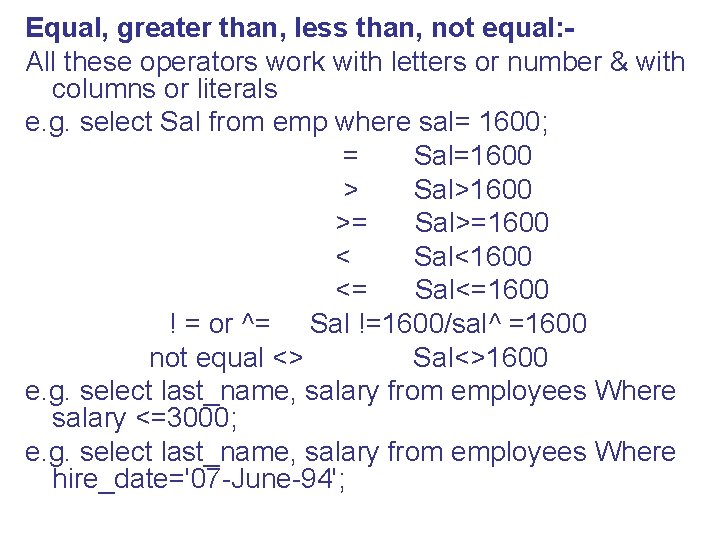
Equal, greater than, less than, not equal: All these operators work with letters or number & with columns or literals e. g. select Sal from emp where sal= 1600; = Sal=1600 > Sal>1600 >= Sal>=1600 < Sal<1600 <= Sal<=1600 ! = or ^= Sal !=1600/sal^ =1600 not equal <> Sal<>1600 e. g. select last_name, salary from employees Where salary <=3000; e. g. select last_name, salary from employees Where hire_date='07 -June-94';
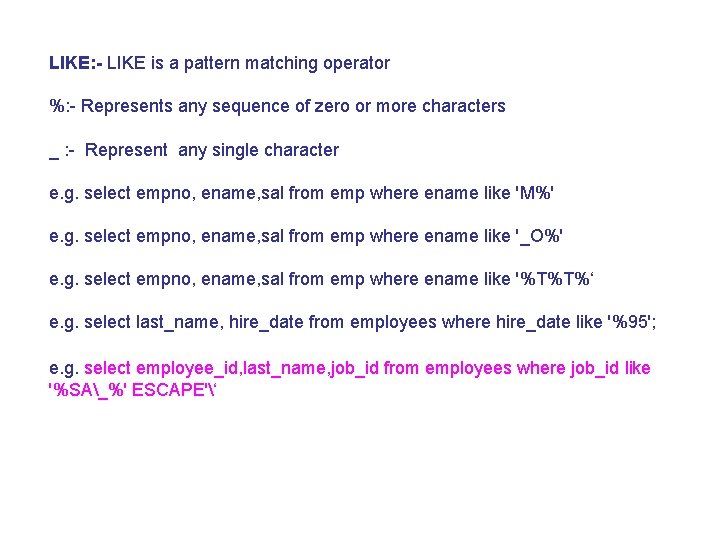
LIKE: - LIKE is a pattern matching operator %: - Represents any sequence of zero or more characters _ : - Represent any single character e. g. select empno, ename, sal from emp where ename like 'M%' e. g. select empno, ename, sal from emp where ename like '_O%' e. g. select empno, ename, sal from emp where ename like '%T%T%‘ e. g. select last_name, hire_date from employees where hire_date like '%95'; e. g. select employee_id, last_name, job_id from employees where job_id like '%SA_%' ESCAPE'‘
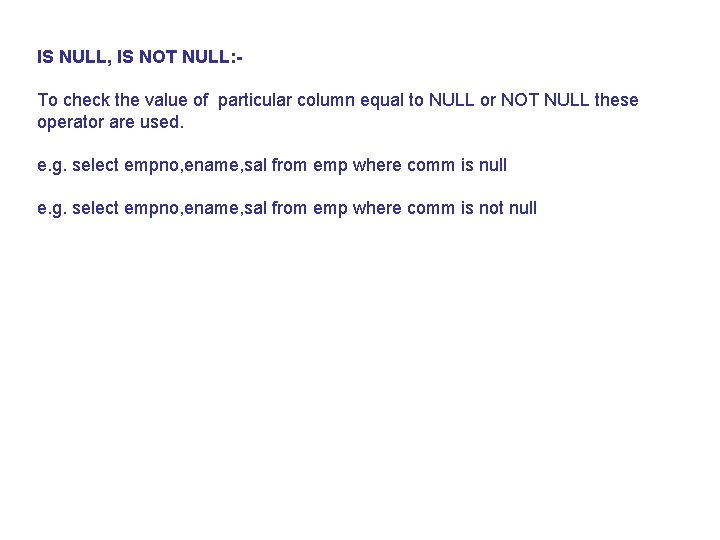
IS NULL, IS NOT NULL: To check the value of particular column equal to NULL or NOT NULL these operator are used. e. g. select empno, ename, sal from emp where comm is null e. g. select empno, ename, sal from emp where comm is not null
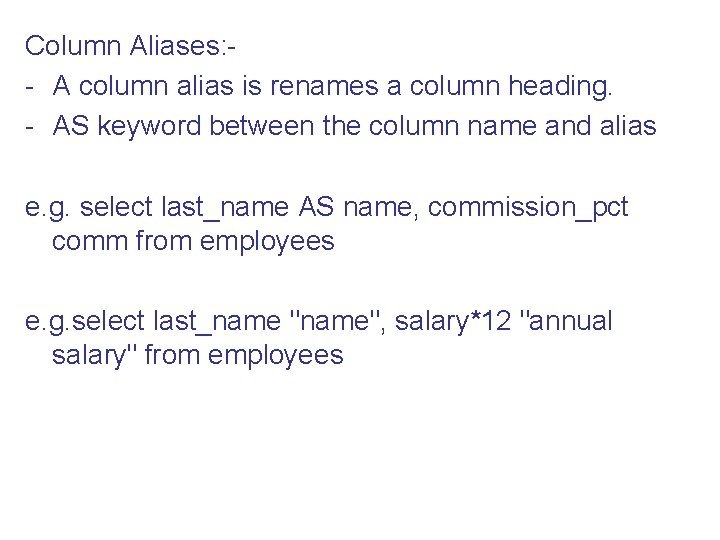
Column Aliases: - A column alias is renames a column heading. - AS keyword between the column name and alias e. g. select last_name AS name, commission_pct comm from employees e. g. select last_name "name", salary*12 "annual salary" from employees
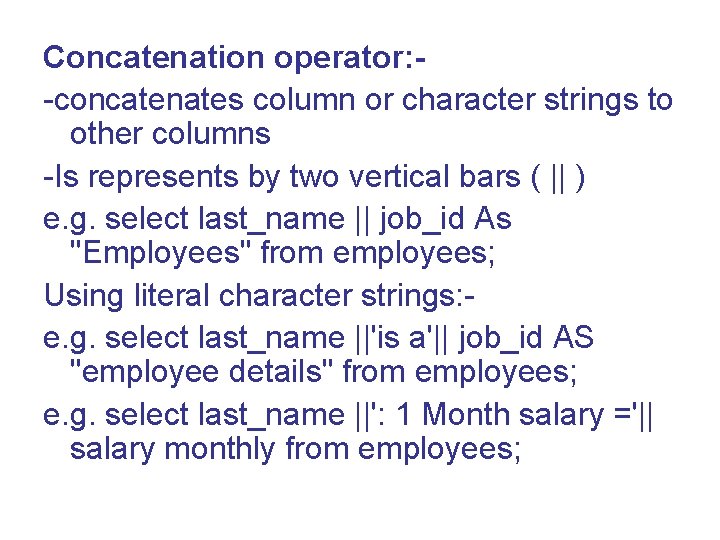
Concatenation operator: -concatenates column or character strings to other columns -Is represents by two vertical bars ( || ) e. g. select last_name || job_id As "Employees" from employees; Using literal character strings: e. g. select last_name ||'is a'|| job_id AS "employee details" from employees; e. g. select last_name ||': 1 Month salary ='|| salary monthly from employees;
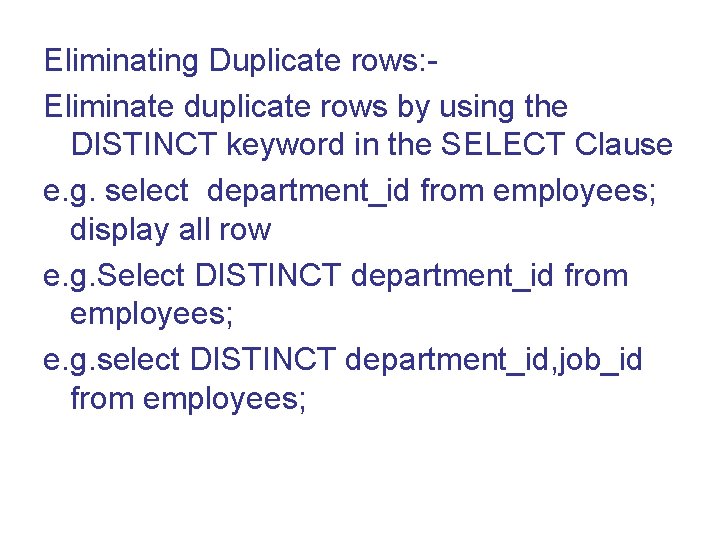
Eliminating Duplicate rows: Eliminate duplicate rows by using the DISTINCT keyword in the SELECT Clause e. g. select department_id from employees; display all row e. g. Select DISTINCT department_id from employees; e. g. select DISTINCT department_id, job_id from employees;
Using the WHERE clause: e. g. Select employee_id, last_name, job_id, department_id from employees where department_id=90; e. g. select last_name, job_id, department_id from employees where last_name='Whalen'; e. g. select last_name, job_id, department_id from employees where last_name='WHALEN‘ all character searches are case sensitive. No rows returned because Employees table Stores all the last name in mixed case
ORDER BY CLAUSE: -Sort rows with the ORDER BY clause -ASC: Ascending order, default -DESC: descending order e. g. Select last_name, job_id, department_id, hire_date from employees order by hire_date; e. g. select last_name, job_id, department_id, hire_date from employees order by hire_date desc Sorting by column Alias: e. g. select employee_id, last_name, salary*12 annsal from employees order by annsal Sorting by Multiple columns: e. g. select last_name, department_id, salary from employees order by department_id, salary desc
NULL VALUES: To check the values of particular column equal to NULL or NOT NULL. e. g. select empno, ename, sal from emp where comm is null e. g. select empno, ename, sal from emp where comm is not null Set Operator: Nested sub queries: Complex queries: Joined relations: -
Views: A view is a logical sub-set of a table. To a user a view will look just like a table. But they are only images or descriptions of a table and do not store any physical data. views can contain some or all of the columns of a table. Indexes: - indexes are pointers to specific row in a table they are logically ordered by the value of a key. Example: - an index created on Emp_code will store all the employees code number along with a pointer to the corresponding row in a table. Data retrieval becomes fast when indexes are uesd. It is often a good idea to index one or two key columns of every table.
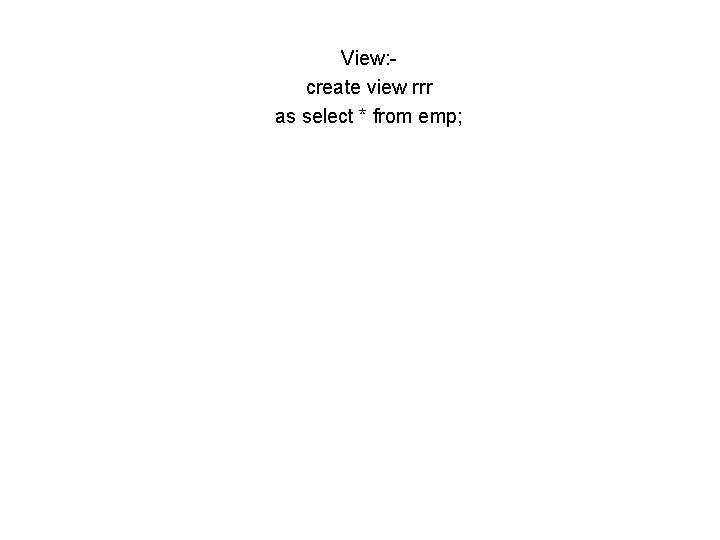
View: create view rrr as select * from emp;
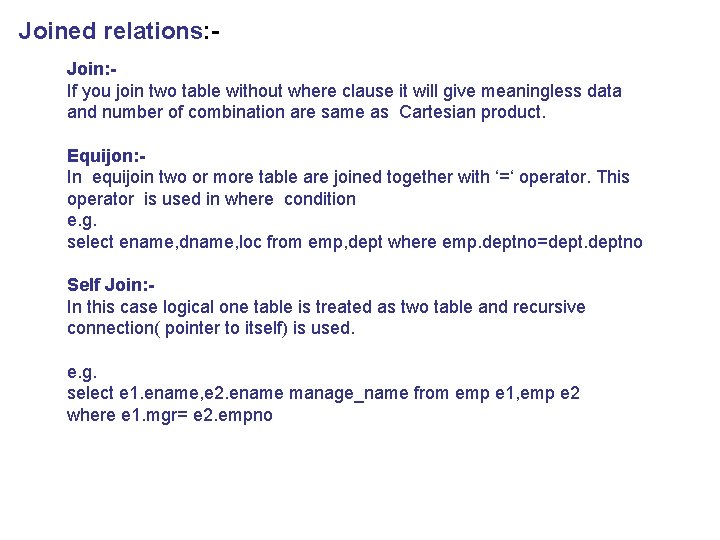
Join: If you join two table without where clause it will give meaningless data and number of combination are same as Cartesian product.
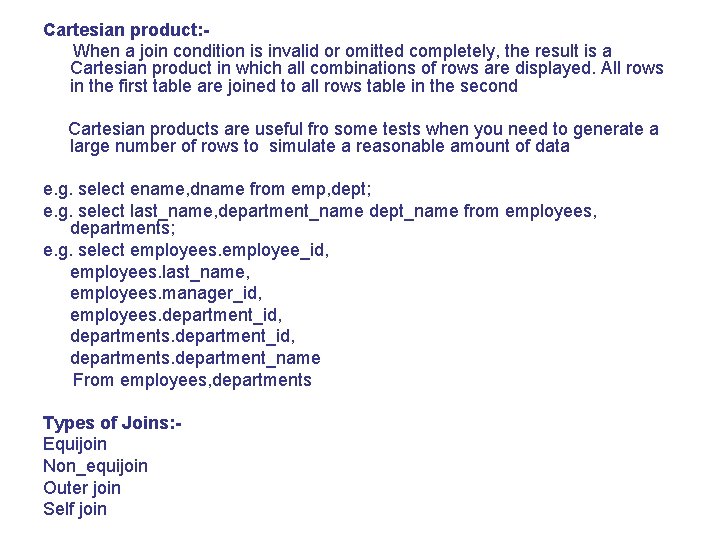
Cartesian product: When a join condition is invalid or omitted completely, the result is a Cartesian product in which all combinations of rows are displayed. All rows in the first table are joined to all rows table in the second Cartesian products are useful fro some tests when you need to generate a large number of rows to simulate a reasonable amount of data e. g. select ename, dname from emp, dept; e. g. select last_name, department_name dept_name from employees, departments; e. g. select employees. employee_id, employees. last_name, employees. manager_id, employees. department_id, departments. department_name From employees, departments Types of Joins: Equijoin Non_equijoin Outer join Self join
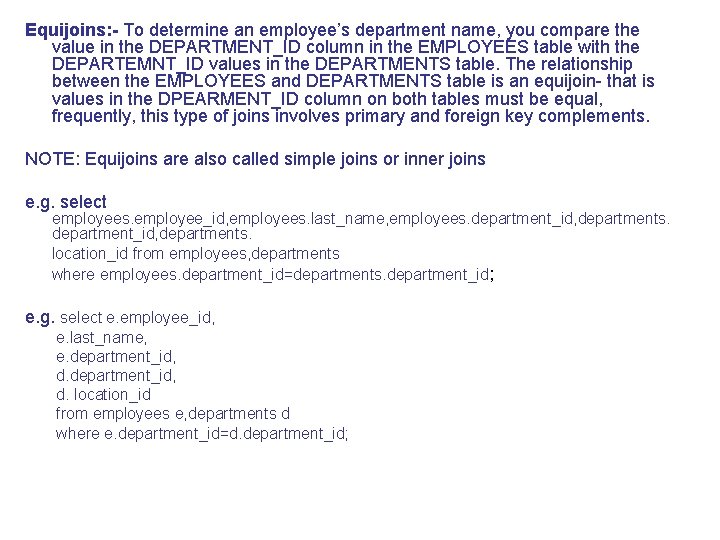
Equijoins: - To determine an employee’s department name, you compare the value in the DEPARTMENT_ID column in the EMPLOYEES table with the DEPARTEMNT_ID values in the DEPARTMENTS table. The relationship between the EMPLOYEES and DEPARTMENTS table is an equijoin- that is values in the DPEARMENT_ID column on both tables must be equal, frequently, this type of joins involves primary and foreign key complements. NOTE: Equijoins are also called simple joins or inner joins e. g. select employees. employee_id, employees. last_name, employees. department_id, departments. location_id from employees, departments where employees. department_id=departments. department_id; e. g. select e. employee_id, e. last_name, e. department_id, d. location_id from employees e, departments d where e. department_id=d. department_id;
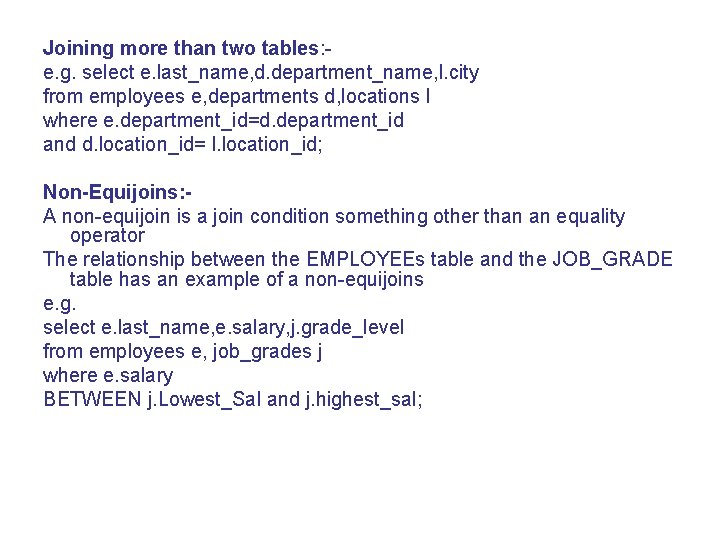
Joining more than two tables: e. g. select e. last_name, d. department_name, l. city from employees e, departments d, locations l where e. department_id=d. department_id and d. location_id= l. location_id; Non-Equijoins: A non-equijoin is a join condition something other than an equality operator The relationship between the EMPLOYEEs table and the JOB_GRADE table has an example of a non-equijoins e. g. select e. last_name, e. salary, j. grade_level from employees e, job_grades j where e. salary BETWEEN j. Lowest_Sal and j. highest_sal;
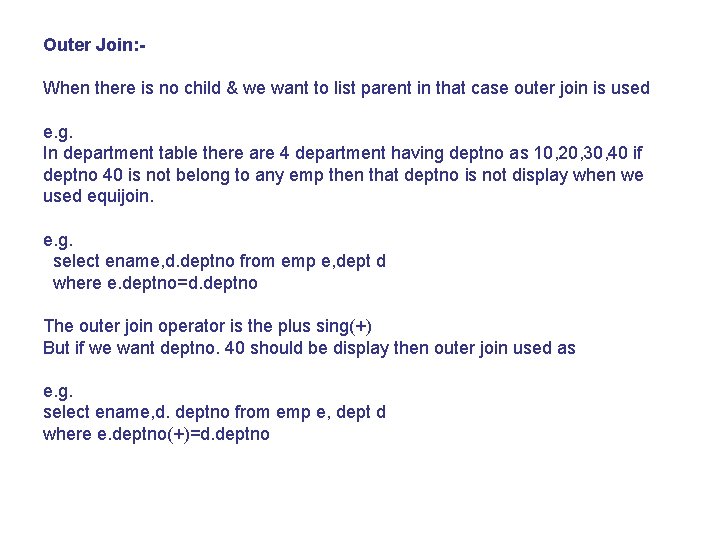
Outer Join: When there is no child & we want to list parent in that case outer join is used e. g. In department table there are 4 department having deptno as 10, 20, 30, 40 if deptno 40 is not belong to any emp then that deptno is not display when we used equijoin. e. g. select ename, d. deptno from emp e, dept d where e. deptno=d. deptno The outer join operator is the plus sing(+) But if we want deptno. 40 should be display then outer join used as e. g. select ename, d. deptno from emp e, dept d where e. deptno(+)=d. deptno
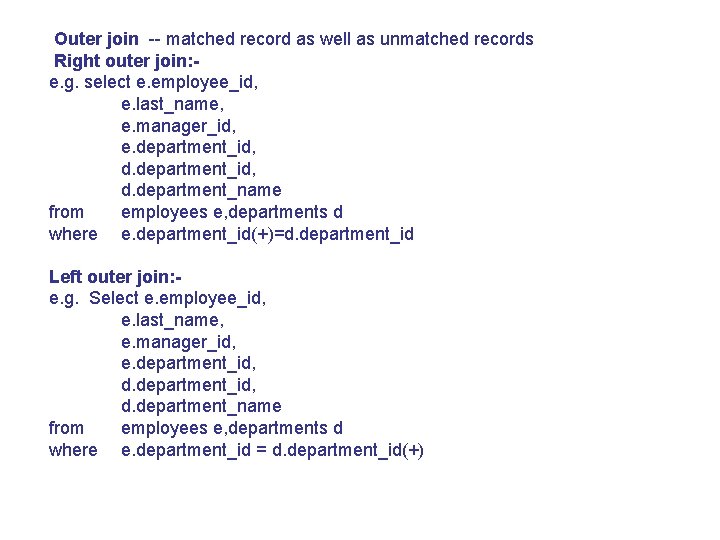
Outer join -- matched record as well as unmatched records Right outer join: e. g. select e. employee_id, e. last_name, e. manager_id, e. department_id, d. department_name from employees e, departments d where e. department_id(+)=d. department_id Left outer join: e. g. Select e. employee_id, e. last_name, e. manager_id, e. department_id, d. department_name from employees e, departments d where e. department_id = d. department_id(+)
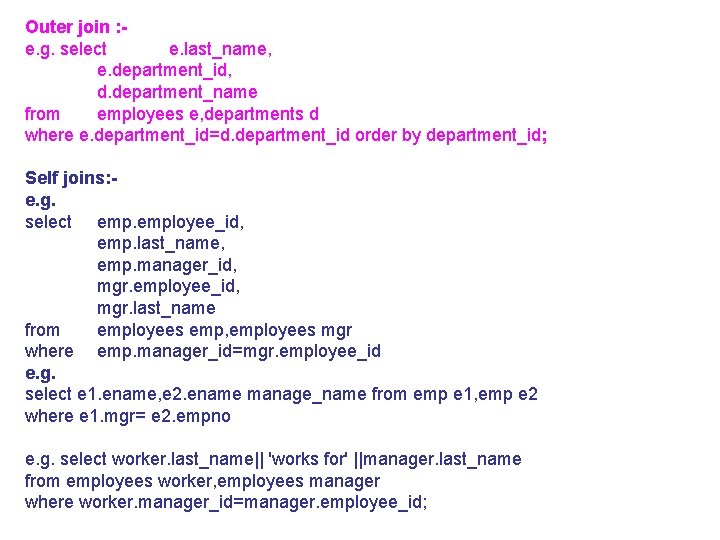
Outer join : e. g. select e. last_name, e. department_id, d. department_name from employees e, departments d where e. department_id=d. department_id order by department_id; Self joins: e. g. select employee_id, emp. last_name, emp. manager_id, mgr. employee_id, mgr. last_name from employees emp, employees mgr where emp. manager_id=mgr. employee_id e. g. select e 1. ename, e 2. ename manage_name from emp e 1, emp e 2 where e 1. mgr= e 2. empno e. g. select worker. last_name|| 'works for' ||manager. last_name from employees worker, employees manager where worker. manager_id=manager. employee_id;
Joined relations: Join: If you join two table without where clause it will give meaningless data and number of combination are same as Cartesian product. Equijon: In equijoin two or more table are joined together with ‘=‘ operator. This operator is used in where condition e. g. select ename, dname, loc from emp, dept where emp. deptno=deptno Self Join: In this case logical one table is treated as two table and recursive connection( pointer to itself) is used. e. g. select e 1. ename, e 2. ename manage_name from emp e 1, emp e 2 where e 1. mgr= e 2. empno
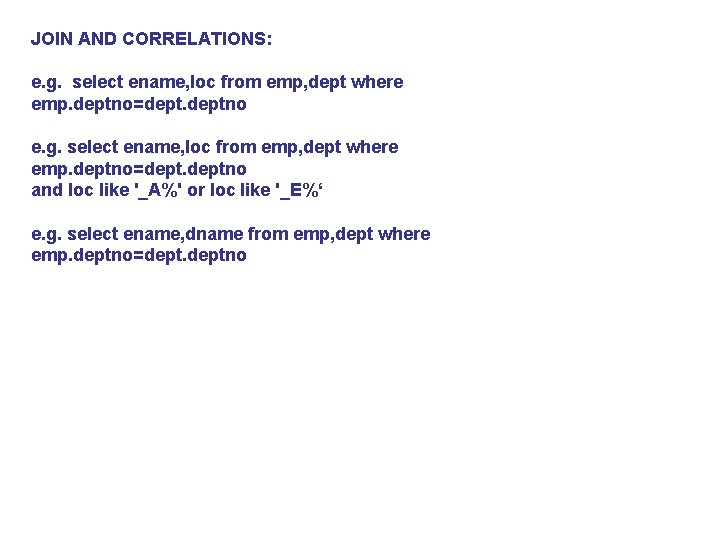
JOIN AND CORRELATIONS: e. g. select ename, loc from emp, dept where emp. deptno=deptno and loc like '_A%' or loc like '_E%‘ e. g. select ename, dname from emp, dept where emp. deptno=deptno
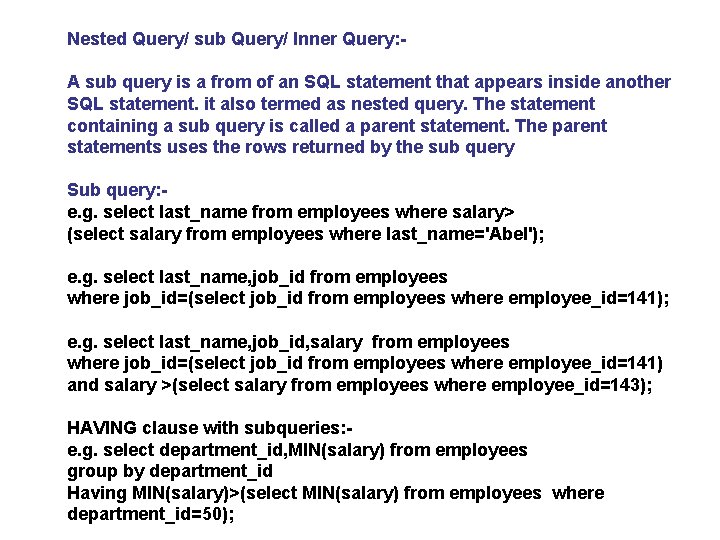
Nested Query/ sub Query/ Inner Query: A sub query is a from of an SQL statement that appears inside another SQL statement. it also termed as nested query. The statement containing a sub query is called a parent statement. The parent statements uses the rows returned by the sub query Sub query: e. g. select last_name from employees where salary> (select salary from employees where last_name='Abel'); e. g. select last_name, job_id from employees where job_id=(select job_id from employees where employee_id=141); e. g. select last_name, job_id, salary from employees where job_id=(select job_id from employees where employee_id=141) and salary >(select salary from employees where employee_id=143); HAVING clause with subqueries: e. g. select department_id, MIN(salary) from employees group by department_id Having MIN(salary)>(select MIN(salary) from employees where department_id=50);
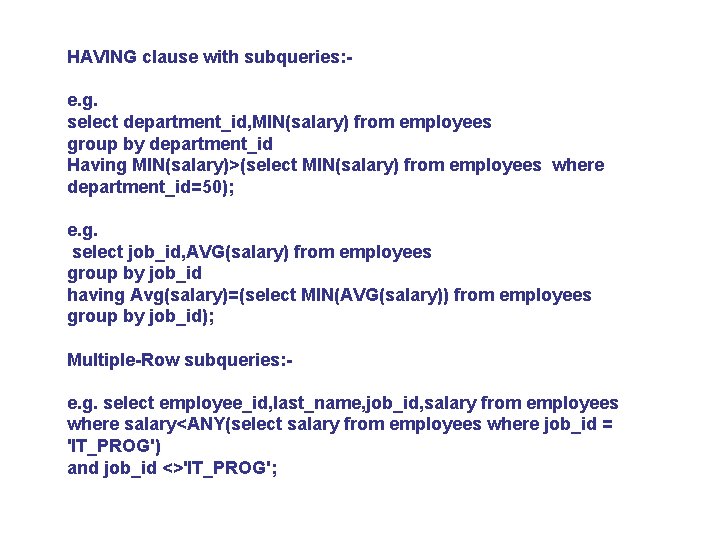
HAVING clause with subqueries: e. g. select department_id, MIN(salary) from employees group by department_id Having MIN(salary)>(select MIN(salary) from employees where department_id=50); e. g. select job_id, AVG(salary) from employees group by job_id having Avg(salary)=(select MIN(AVG(salary)) from employees group by job_id); Multiple-Row subqueries: e. g. select employee_id, last_name, job_id, salary from employees where salary<ANY(select salary from employees where job_id = 'IT_PROG') and job_id <>'IT_PROG';
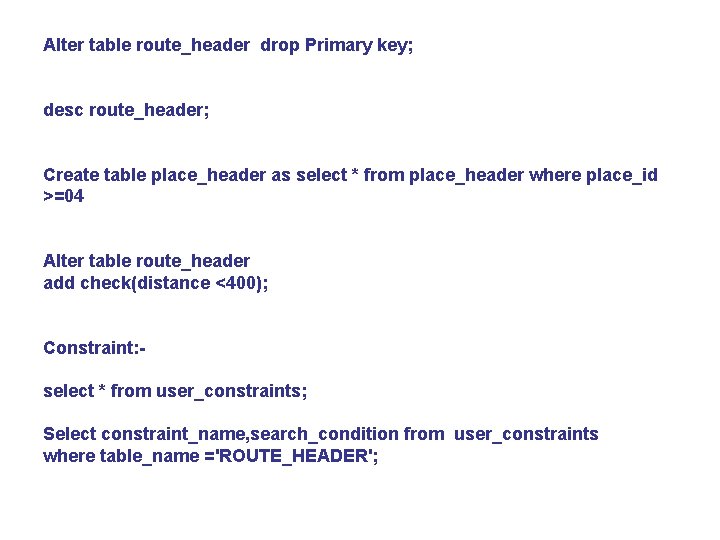
Alter table route_header drop Primary key; desc route_header; Create table place_header as select * from place_header where place_id >=04 Alter table route_header add check(distance <400); Constraint: select * from user_constraints; Select constraint_name, search_condition from user_constraints where table_name ='ROUTE_HEADER';
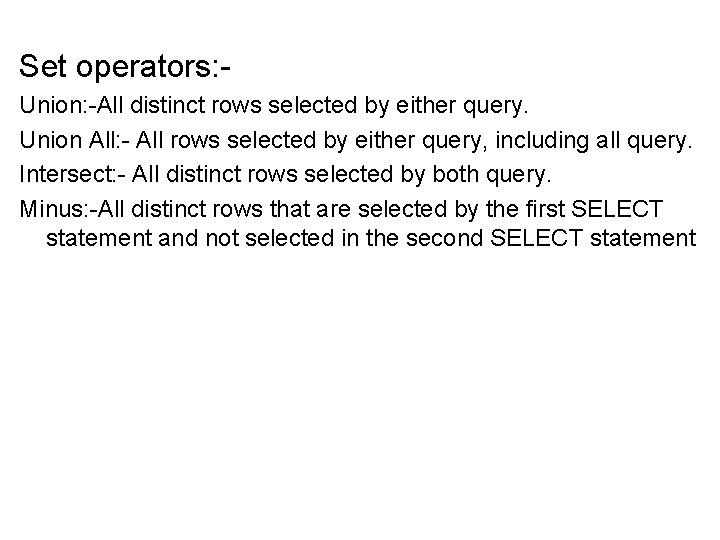
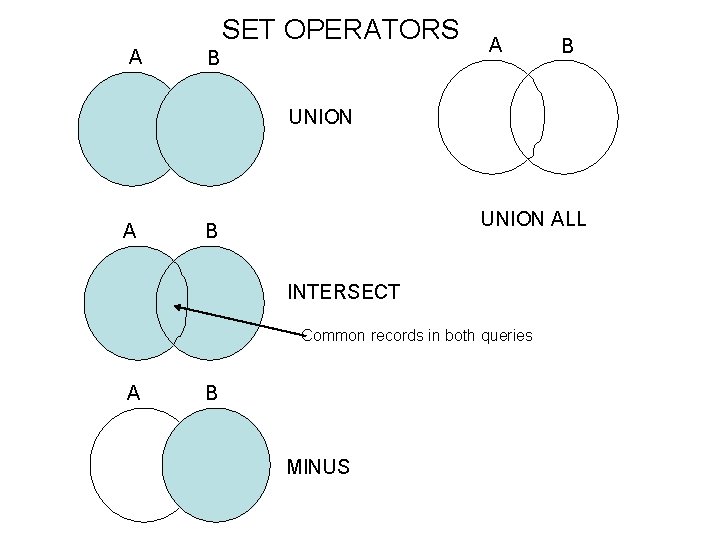
Set operators: Union: -All distinct rows selected by either query. Union All: - All rows selected by either query, including all query. Intersect: - All distinct rows selected by both query. Minus: -All distinct rows that are selected by the first SELECT statement and not selected in the second SELECT statement
SET OPERATORS A B UNION ALL B INTERSECT Common records in both queries A B MINUS
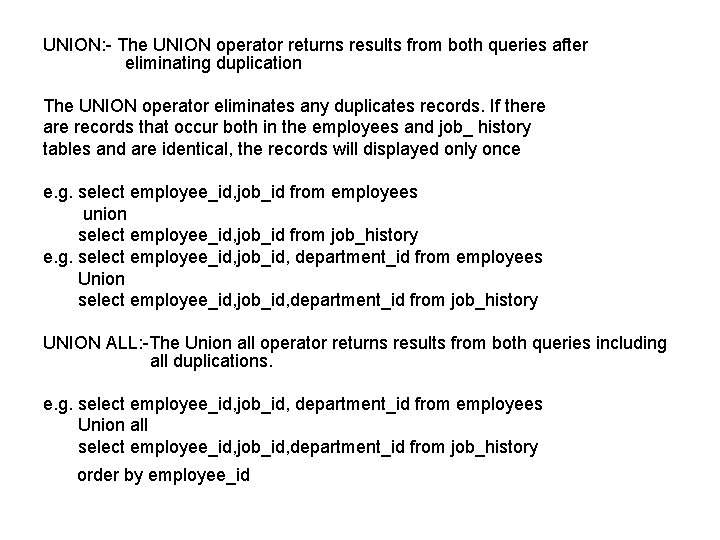
UNION: - The UNION operator returns results from both queries after eliminating duplication The UNION operator eliminates any duplicates records. If there are records that occur both in the employees and job_ history tables and are identical, the records will displayed only once e. g. select employee_id, job_id from employees union select employee_id, job_id from job_history e. g. select employee_id, job_id, department_id from employees Union select employee_id, job_id, department_id from job_history UNION ALL: -The Union all operator returns results from both queries including all duplications. e. g. select employee_id, job_id, department_id from employees Union all select employee_id, job_id, department_id from job_history order by employee_id
INTERSECT: Use the intersect operator to return all rows common to multiple queries e. g. select employee_id, job_id from employees Intersect select employee_id, job_id from job_history e. g. select employee_id, job_id, department_id from employees Intersect select employee_id, job_id, department_id from job_history MINUS: The minus operator to return rows returned by the first query that are not present in the second query. e. g. select employee_id, job_id from employees MINUS select employee_id, job_id from job_history
Embedded SQL: - Programm written in High level languages such as C/C++ can use Embedded SQL to access and update data stored in a database. This embedded SQL help programmers in manipulating as well as updating a database easily. All queries are sent by the host program to the database management system (DBMS) through embedded SQL. The DBMS software package processes such queries and sends the result to the program one tuple (record) at a time. SQl is embedded i. e. incorporated into programs written in one or another procedural languages. the program into which the SQL is embedded is known as the host program and the programming language is known as the host languages.
The host program that incorporates embedded SQL within itself must be processed by a special pre-processor before compilation the special processor replaces the SQL syntax with the host languages syntax and declaration. This allows for the run execution of database queries. For example, pro*C/C++ is precompiled that converts SQL statements into C statements so that the resulting output file can then be compiled by a C/C++ compiler. For the special processor to distinguish embedded SQL statements from the host languages statements, we use EXEC SQL. This is done in the following manner EXEC SQL <EMBEDDED SQL STATEMENTS> END EXEC For example, a query to retrieve name and designation of all those employees who are getting a salary above 13000 will be as follows; EXEC SQL Declare c cursr for Select EMP_name, DESIG from employees where Bsaic >13000 END EXEC
Why embedded SQL: Structured query languages (SQL) is a non procedural language. Although its nonprocedural character gives many specialties, yet it has limitations. Theses limitation are listed below a) With SQL only one command at a time can be executed. each