
SQL Server Clustering 101 Denny Cherry mrdennymrdenny com

- Slides: 11
SQL Server Clustering 101 Denny Cherry mrdenny@mrdenny. com twitter. com/mrdenny
About Me �Author or Coauthor of 4 books � 6+ SQL Mag articles �Dozens of other articles �Microsoft MVP since Oct 2008 �Microsoft Certified Master �Founder of SQL Excursions �Sr. DBA for Phreesia 2
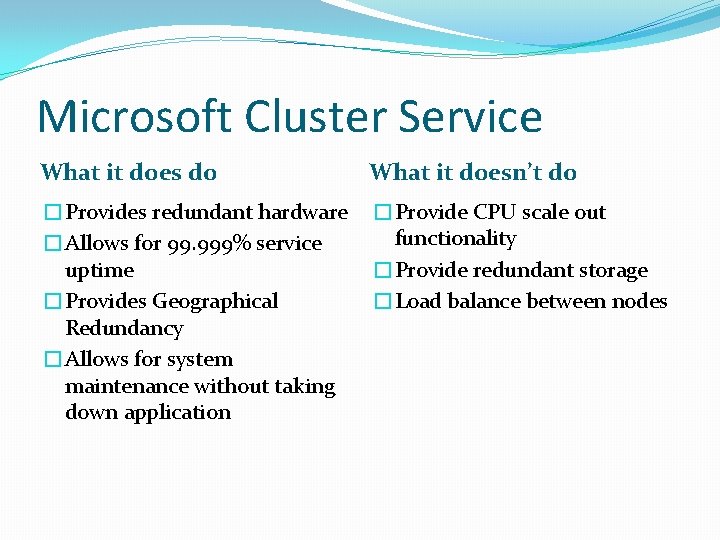
Microsoft Cluster Service What it does do What it doesn’t do �Provides redundant hardware �Allows for 99. 999% service uptime �Provides Geographical Redundancy �Allows for system maintenance without taking down application �Provide CPU scale out functionality �Provide redundant storage �Load balance between nodes
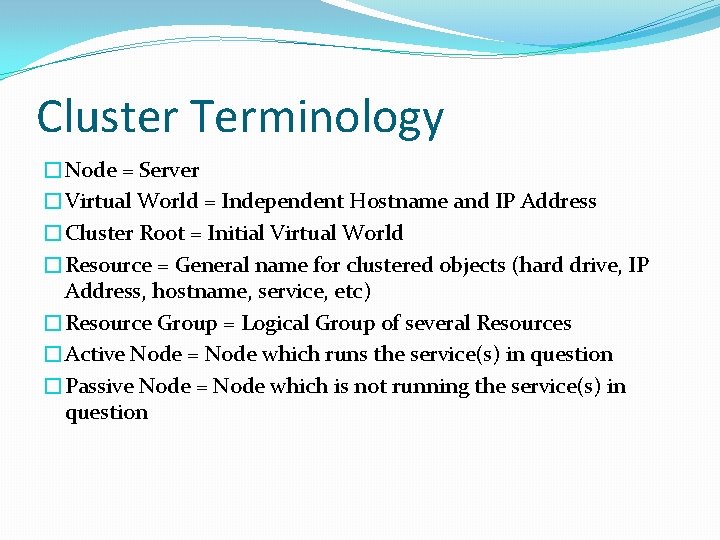
Cluster Terminology �Node = Server �Virtual World = Independent Hostname and IP Address �Cluster Root = Initial Virtual World �Resource = General name for clustered objects (hard drive, IP Address, hostname, service, etc) �Resource Group = Logical Group of several Resources �Active Node = Node which runs the service(s) in question �Passive Node = Node which is not running the service(s) in question
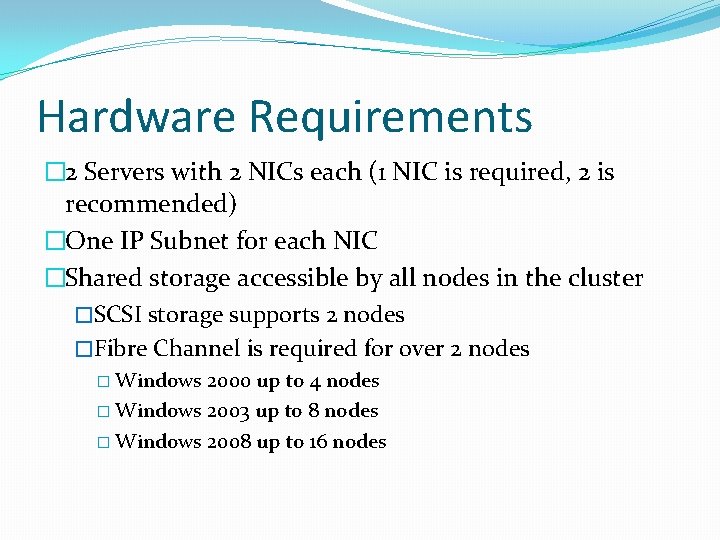
Hardware Requirements � 2 Servers with 2 NICs each (1 NIC is required, 2 is recommended) �One IP Subnet for each NIC �Shared storage accessible by all nodes in the cluster �SCSI storage supports 2 nodes �Fibre Channel is required for over 2 nodes � Windows 2000 up to 4 nodes � Windows 2003 up to 8 nodes � Windows 2008 up to 16 nodes
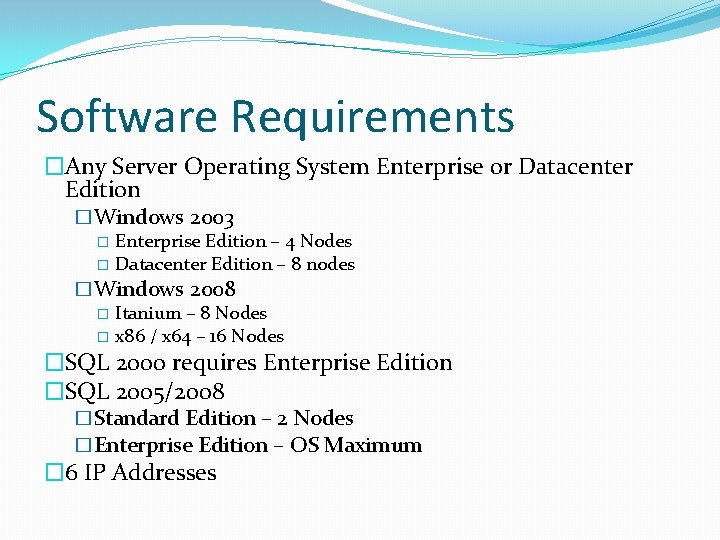
Software Requirements �Any Server Operating System Enterprise or Datacenter Edition �Windows 2003 � Enterprise Edition – 4 Nodes � Datacenter Edition – 8 nodes �Windows 2008 � Itanium – 8 Nodes � x 86 / x 64 – 16 Nodes �SQL 2000 requires Enterprise Edition �SQL 2005/2008 �Standard Edition – 2 Nodes �Enterprise Edition – OS Maximum � 6 IP Addresses
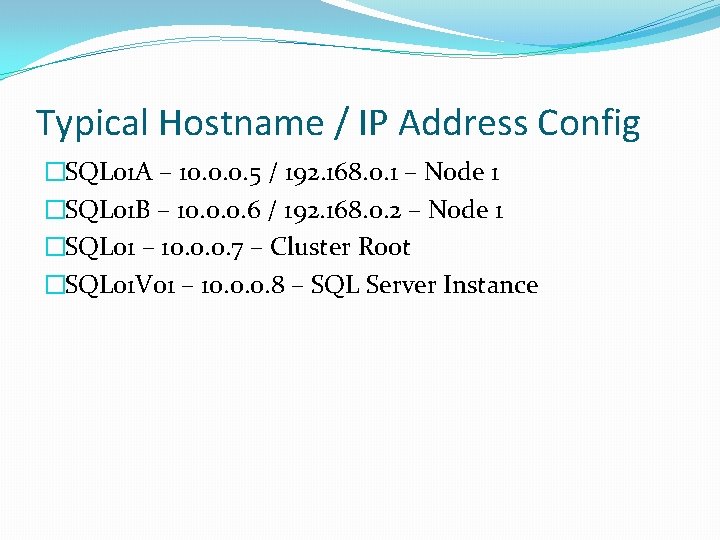
Typical Hostname / IP Address Config �SQL 01 A – 10. 0. 0. 5 / 192. 168. 0. 1 – Node 1 �SQL 01 B – 10. 0. 0. 6 / 192. 168. 0. 2 – Node 1 �SQL 01 – 10. 0. 0. 7 – Cluster Root �SQL 01 V 01 – 10. 0. 0. 8 – SQL Server Instance
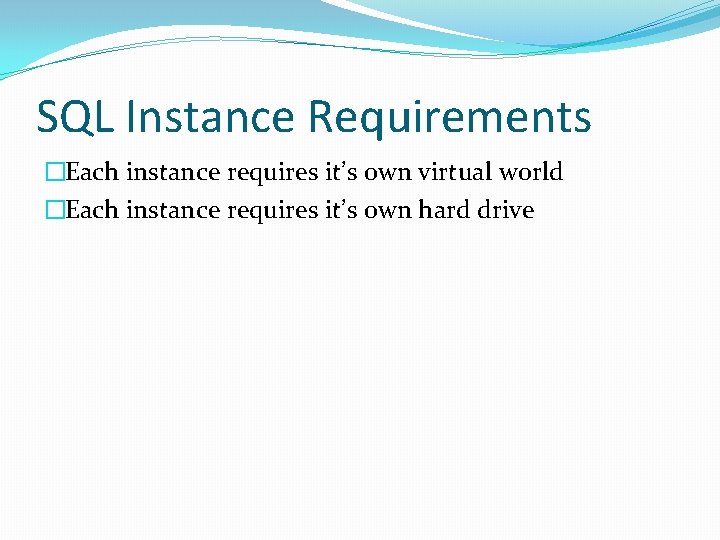
SQL Instance Requirements �Each instance requires it’s own virtual world �Each instance requires it’s own hard drive
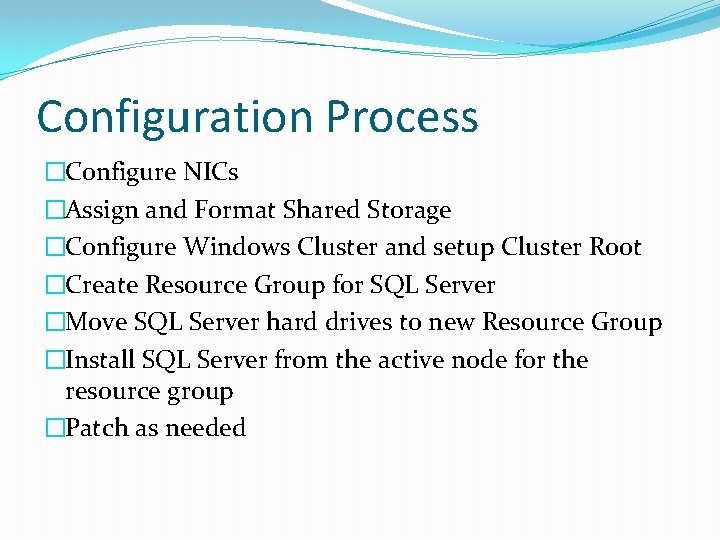
Configuration Process �Configure NICs �Assign and Format Shared Storage �Configure Windows Cluster and setup Cluster Root �Create Resource Group for SQL Server �Move SQL Server hard drives to new Resource Group �Install SQL Server from the active node for the resource group �Patch as needed
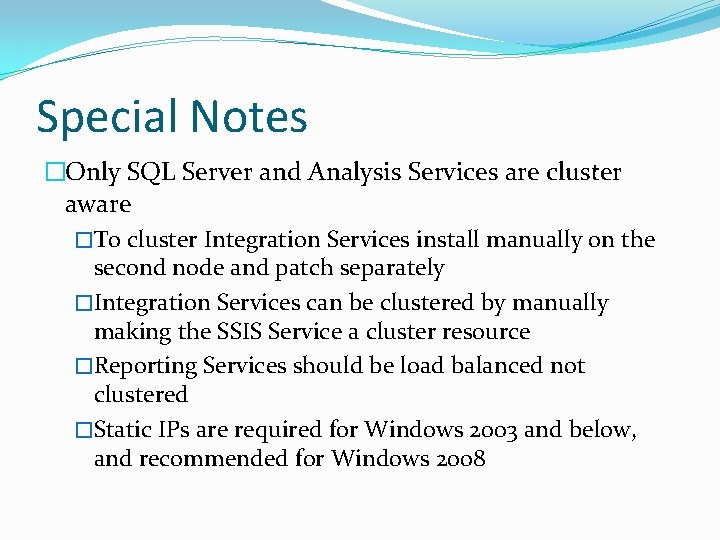
Special Notes �Only SQL Server and Analysis Services are cluster aware �To cluster Integration Services install manually on the second node and patch separately �Integration Services can be clustered by manually making the SSIS Service a cluster resource �Reporting Services should be load balanced not clustered �Static IPs are required for Windows 2003 and below, and recommended for Windows 2008
Denny Cherry mrdenny@mrdenny. com http: //itke. techtarget. com/sql-server Please fill out the session survey on the So. Cal Code Camp website.