
SQL SERVER 2014 Change Data Capture Dave Bland
SQL SERVER 2014 Change Data Capture Dave Bland www. linkedin. com/pub/dave-bland/a/19 b/530 @SQLDave 29
ABOUT ME • Degree in Education • Microsoft Certified Trainer since 1998 • 11 years DBA experience • . NET and BI Developer • Currently supervise a DBA team at Stericycle • SQL Server and Share. Point Instructor at Harper College, Palatine, IL • SQL Server Consultant Einstein Technology Solutions, Lombard, IL
Certifications
AGENDA • What is Change Data Capture • Differences between Change Tracking and Change Data Capture • CDC Workflow • Enabling and Using Change Data Capture • CDC Functions • Performance and Best Practices related to CDC • Why Use Change Data Capture • Demo
WHAT IS CHANGE DATA CAPTURE • A way to capture changes made to data in a table • Used to capture data for auditing • Can be used to load Data Warehouse
CDC REQUIREMENTS • SQL Server Agent Service needs to be running • Enable CDC for database by a member of the sysadmin fixed server role • Enable CDC for individual table by the members of the db_owner fixed database role • Change Data Capture is available only on the Enterprise, Developer and Evaluation editions of SQL Server
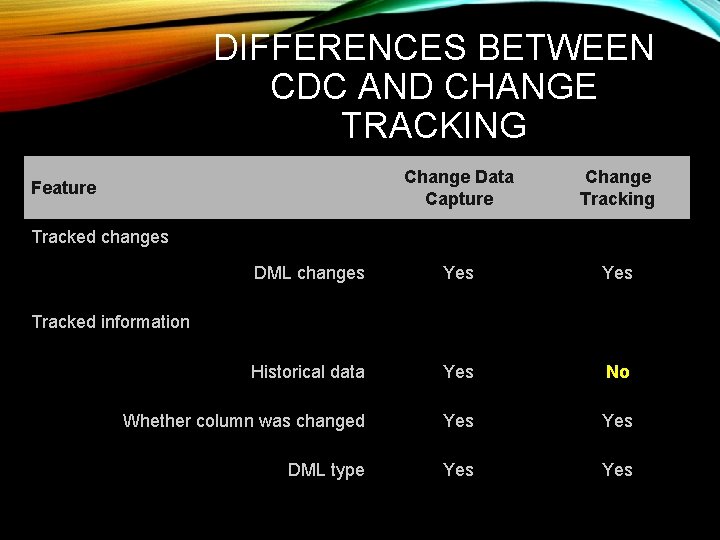
DIFFERENCES BETWEEN CDC AND CHANGE TRACKING Change Data Capture Change Tracking DML changes Yes Historical data Yes No Whether column was changed Yes DML type Yes Feature Tracked changes Tracked information
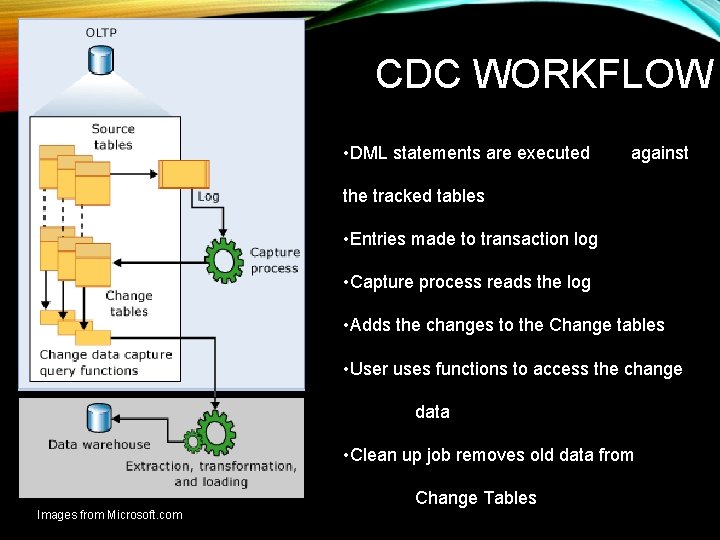
CDC WORKFLOW • DML statements are executed against the tracked tables • Entries made to transaction log • Capture process reads the log • Adds the changes to the Change tables • User uses functions to access the change data • Clean up job removes old data from Change Tables Images from Microsoft. com
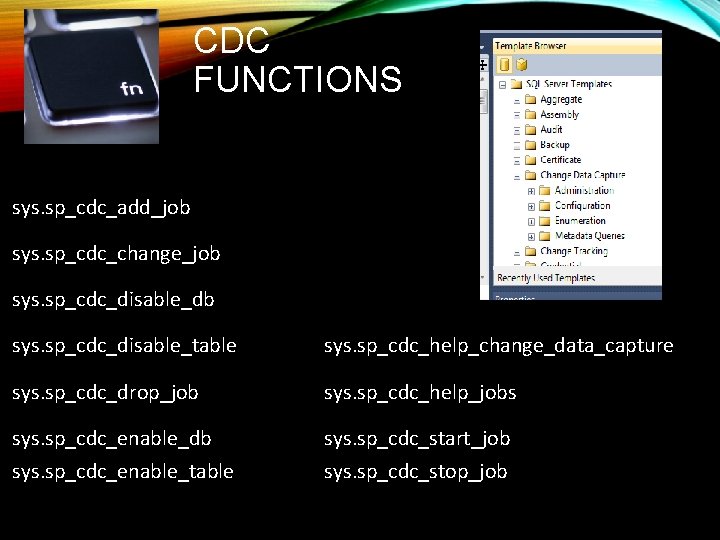
CDC FUNCTIONS sys. sp_cdc_add_job sys. sp_cdc_change_job sys. sp_cdc_disable_db sys. sp_cdc_disable_table sys. sp_cdc_help_change_data_capture sys. sp_cdc_drop_job sys. sp_cdc_help_jobs sys. sp_cdc_enable_db sys. sp_cdc_start_job sys. sp_cdc_enable_table sys. sp_cdc_stop_job
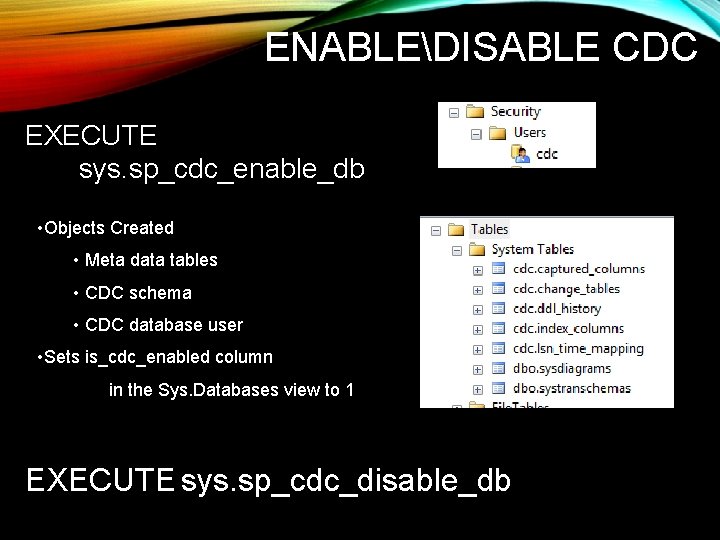
ENABLEDISABLE CDC EXECUTE sys. sp_cdc_enable_db • Objects Created • Meta data tables • CDC schema • CDC database user • Sets is_cdc_enabled column in the Sys. Databases view to 1 EXECUTE sys. sp_cdc_disable_db
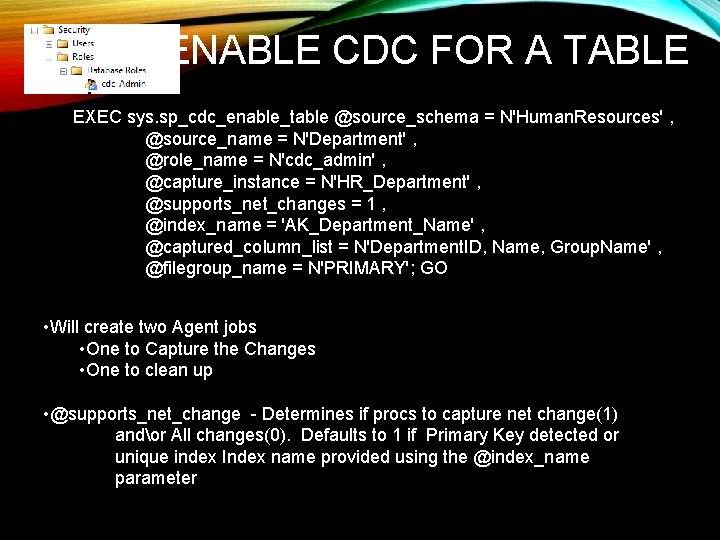
ENABLE CDC FOR A TABLE EXEC sys. sp_cdc_enable_table @source_schema = N'Human. Resources' , @source_name = N'Department' , @role_name = N'cdc_admin' , @capture_instance = N'HR_Department' , @supports_net_changes = 1 , @index_name = 'AK_Department_Name' , @captured_column_list = N'Department. ID, Name, Group. Name' , @filegroup_name = N'PRIMARY'; GO • Will create two Agent jobs • One to Capture the Changes • One to clean up • @supports_net_change - Determines if procs to capture net change(1) andor All changes(0). Defaults to 1 if Primary Key detected or unique index Index name provided using the @index_name parameter
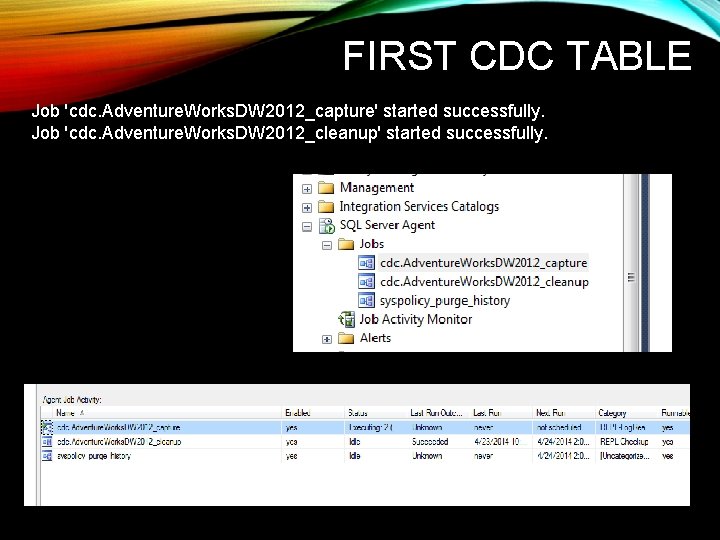
FIRST CDC TABLE Job 'cdc. Adventure. Works. DW 2012_capture' started successfully. Job 'cdc. Adventure. Works. DW 2012_cleanup' started successfully.
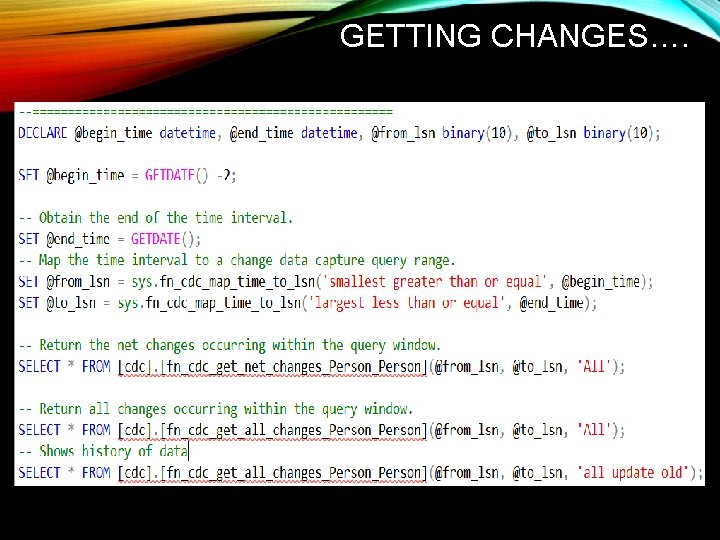
GETTING CHANGES….
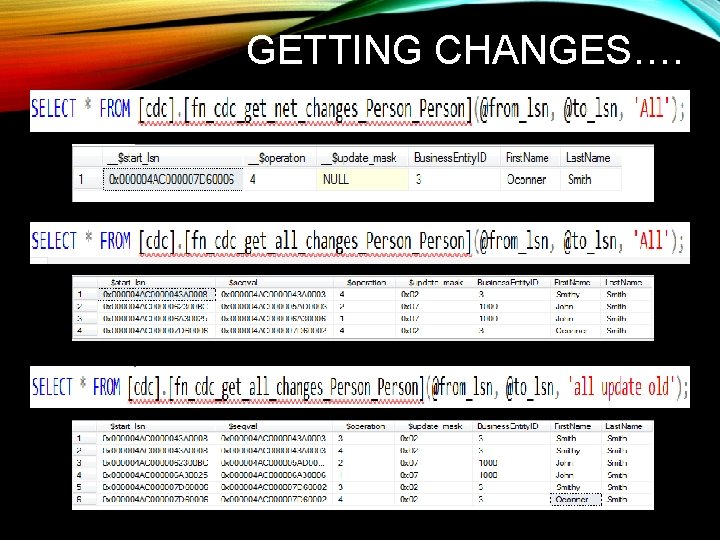
GETTING CHANGES….
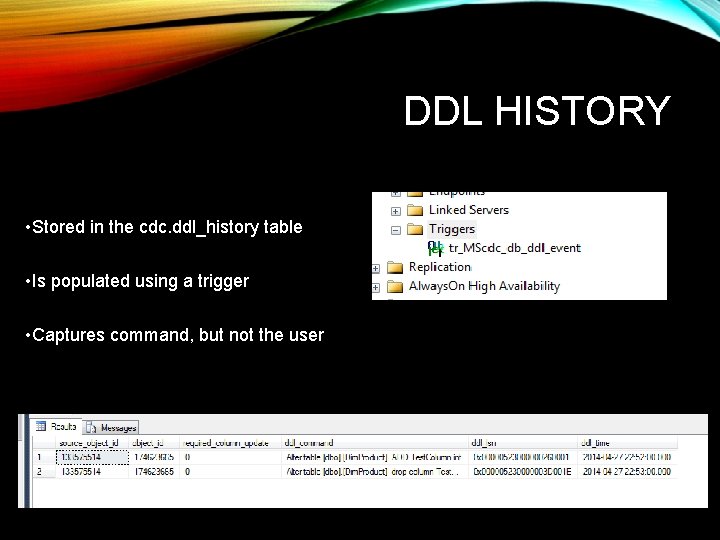
DDL HISTORY • Stored in the cdc. ddl_history table • Is populated using a trigger • Captures command, but not the user
CAPTURE JOB PARAMETERS • Set by using the sys. sp_cdc_change_job stored procedure • Using the default values, the most number of transactions that can be grabbed every 5 seconds is 5000 • Maxtrans Parameter - Default value 500 The maxtrans parameter specifies the maximum number of transactions that can be processed in a single scan cycle of the log • Maxscans Parameter - Default value 10 The maxscans parameter specifies the maximum number of scan cycles that are attempted to drain the log • Pollinginterval Parameter – Default is 5 seconds The amount of time to wait between log scans
DATABASE RECOVERY MODEL • Once change data capture is enabled, the transaction log behaves just as it does with transactional replication—the log cannot be truncated until the log reader has processed it. • A checkpoint operation, even in SIMPLE recovery mode, will not truncate the log unless it has already been processed by the logreader • BULK_LOGGED recovery model is used to reduce logging, change data capture will force everything to become fully logged, except for index create/drop/rebuild operations.
BACK UP AND RESTORE • If a database is restored to the same server with the same database name • If a database is restored to another server • If a database is detached and attached to the same server or another server, CDC remains • If a database is attached or restored with the KEEP_CDC option to any edition other than Enterprise
REASONS TO USE CDC • There is reduced development time • Schema changes are not required. • There is a built-in cleanup mechanism • There is low overhead to DML operations. • Change Data Capture is based on committed transactions. • Standard tools are available that you can use to configure and manage
CDC BEST PRACTICES • Change data capture cannot function properly when the Database Engine service or the SQL Server Agent service is running under the NETWORK SERVICE account. This can result in error 22832. • To prevent log scanning from adding load during periods of peak demand is to stop the capture job and restart it when demand is reduced. • Avoid having two Capture instances on the same table • Create a designated File Group for the Change Data • Try to avoid using change data capture to capture changes to tables that have frequent large update transactions Continued on next slide
CDC BEST PRACTICES • Limit the list of columns captured by change data capture to only the columns you really need to track • If change data capture with default parameters cannot keep up with the workload and latency becomes too high, adjust the Maxscans and/ormaxtrans or you can reduce pollinginterval to 1. • If possible, run cleanup when there is no other workload active • When planning change data capture architecture, take a significant increase in log size and log volume I/O operations into account. • In general, querying for all changes is more efficient than querying for net changes • Coordinate ETL jobs and Clean up job
WHAT’S NEXT • CDC SSIS packages • Monitoring Change Data Capture • Data Management Views

- Slides: 24