
Spreadsheets Sara Szlehuber 12 A 2 Introduction This
Spreadsheets Sara Szlehuber 12 A 2
Introduction � This Power. Point will compare two Spreadsheets, tell you why Spreadsheets are used and the benefits of different tools within a Spreadsheet and how to use them to make your information more clear and easy to understand manage.
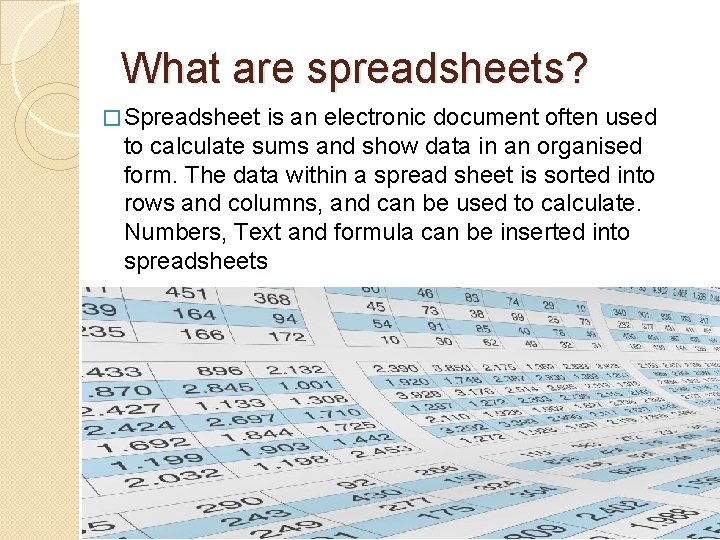
What are spreadsheets? � Spreadsheet is an electronic document often used to calculate sums and show data in an organised form. The data within a spread sheet is sorted into rows and columns, and can be used to calculate. Numbers, Text and formula can be inserted into spreadsheets
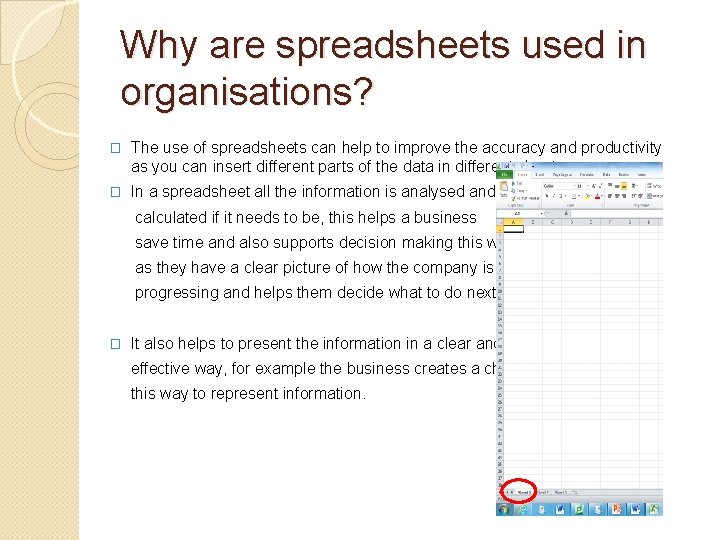
Why are spreadsheets used in organisations? � The use of spreadsheets can help to improve the accuracy and productivity as you can insert different parts of the data in different sheets � In a spreadsheet all the information is analysed and calculated if it needs to be, this helps a business save time and also supports decision making this way as they have a clear picture of how the company is progressing and helps them decide what to do next � It also helps to present the information in a clear and effective way, for example the business creates a chart this way to represent information.
Activities where spreadsheets are used Spreadsheets are used for: � Cost Modelling – Within small businesses, to help predict what will happen to their finances if they increase/decrease prices or add new products � Analysing of large data sets - These are times where there might be a large amount of data e. g. science experiments, or market research and putting it in a spread sheet will do calculations quickly and accurately � Tracking progress & recording results - Teachers, track learning progress and exam results. � Creating Timetables - Train stops, bus stations, schools, hospitals & football games. Those are easy to set up and to read. � Stock Control - Small shops use spread sheets to control their stock, the number of items delivered and how many you sold. They employee therefore knows when to order new products
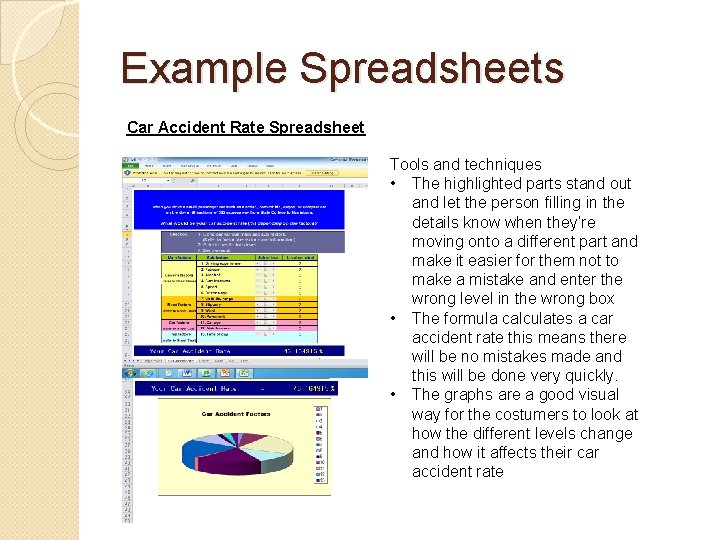
Example Spreadsheets Car Accident Rate Spreadsheet Tools and techniques • The highlighted parts stand out and let the person filling in the details know when they’re moving onto a different part and make it easier for them not to make a mistake and enter the wrong level in the wrong box • The formula calculates a car accident rate this means there will be no mistakes made and this will be done very quickly. • The graphs are a good visual way for the costumers to look at how the different levels change and how it affects their car accident rate
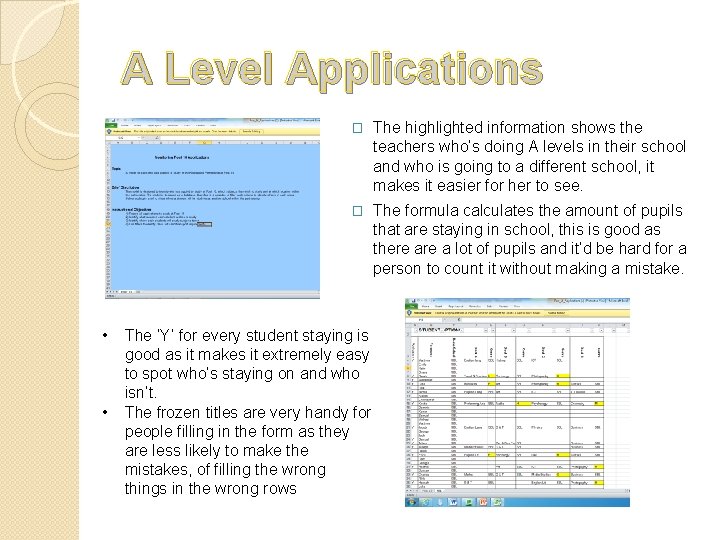
A Level Applications • • � The highlighted information shows the teachers who’s doing A levels in their school and who is going to a different school, it makes it easier for her to see. � The formula calculates the amount of pupils that are staying in school, this is good as there a lot of pupils and it’d be hard for a person to count it without making a mistake. The ‘Y’ for every student staying is good as it makes it extremely easy to spot who’s staying on and who isn’t. The frozen titles are very handy for people filling in the form as they are less likely to make the mistakes, of filling the wrong things in the wrong rows
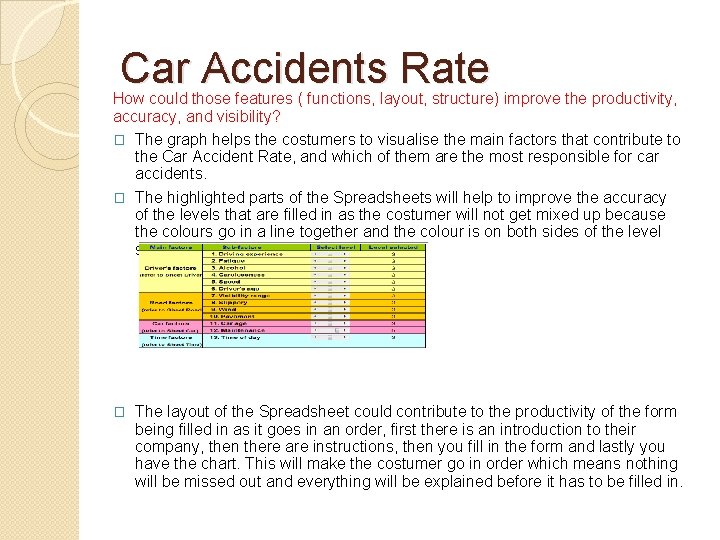
Car Accidents Rate How could those features ( functions, layout, structure) improve the productivity, accuracy, and visibility? � The graph helps the costumers to visualise the main factors that contribute to the Car Accident Rate, and which of them are the most responsible for car accidents. � The highlighted parts of the Spreadsheets will help to improve the accuracy of the levels that are filled in as the costumer will not get mixed up because the colours go in a line together and the colour is on both sides of the level selection. � The layout of the Spreadsheet could contribute to the productivity of the form being filled in as it goes in an order, first there is an introduction to their company, then there are instructions, then you fill in the form and lastly you have the chart. This will make the costumer go in order which means nothing will be missed out and everything will be explained before it has to be filled in.
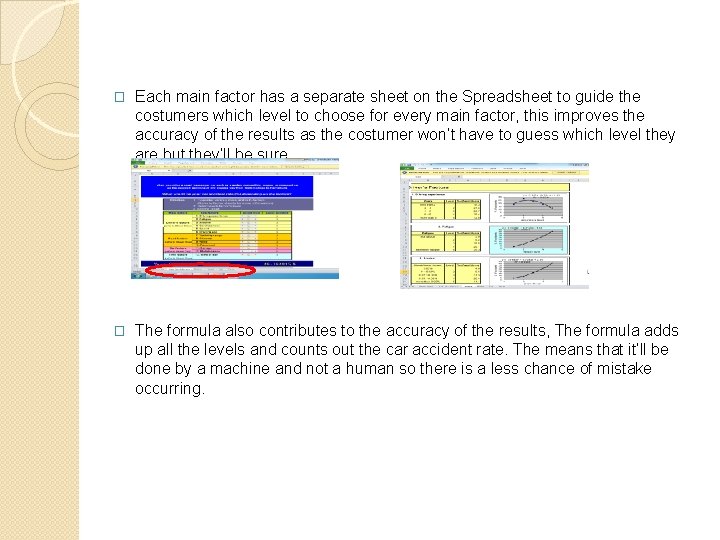
� Each main factor has a separate sheet on the Spreadsheet to guide the costumers which level to choose for every main factor, this improves the accuracy of the results as the costumer won’t have to guess which level they are but they’ll be sure. � The formula also contributes to the accuracy of the results, The formula adds up all the levels and counts out the car accident rate. The means that it’ll be done by a machine and not a human so there is a less chance of mistake occurring.
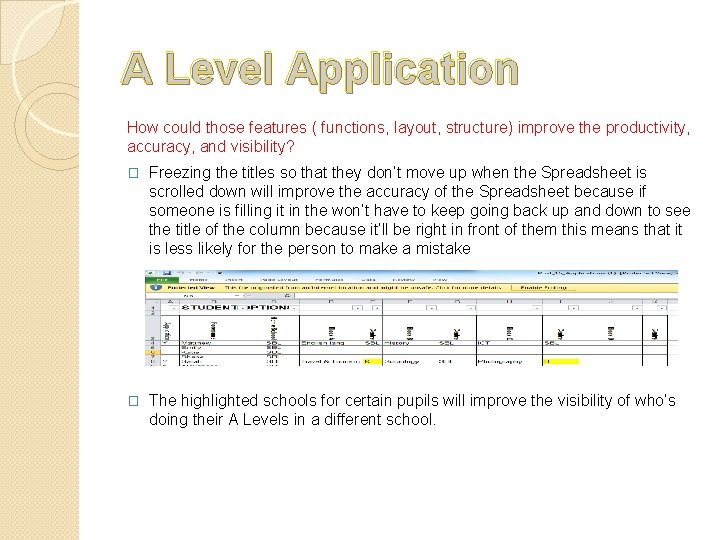
A Level Application How could those features ( functions, layout, structure) improve the productivity, accuracy, and visibility? � Freezing the titles so that they don’t move up when the Spreadsheet is scrolled down will improve the accuracy of the Spreadsheet because if someone is filling it in the won’t have to keep going back up and down to see the title of the column because it’ll be right in front of them this means that it is less likely for the person to make a mistake � The highlighted schools for certain pupils will improve the visibility of who’s doing their A Levels in a different school.
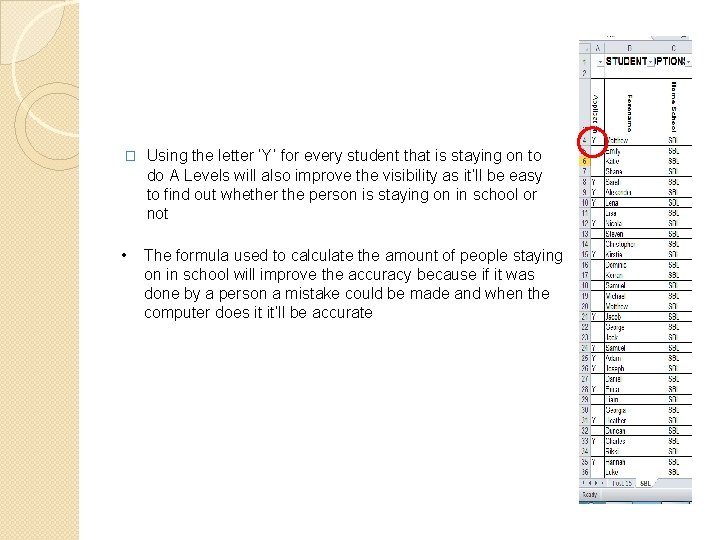
� Using the letter ‘Y’ for every student that is staying on to do A Levels will also improve the visibility as it’ll be easy to find out whether the person is staying on in school or not • The formula used to calculate the amount of people staying on in school will improve the accuracy because if it was done by a person a mistake could be made and when the computer does it it’ll be accurate
Car Accidents rate Strengths � They used different sheets to show their costumers which level to choose in each category � The different use of colours on the Spreadsheets � The use of graphs to represent the different levels there are in the questions Weaknesses � The chart does not tell you what the colours stand for therefore the costumer would have to keep on looking back at the Spreadsheets to figure out what’s what.
A Level Applications Strengths � The frozen titles � The highlighted information � The formula Weaknesses • Only the student’s names were filled in, there are people with the same names which means that they won’t know which is which. • They should have made the names go in an alphabetical order to make it easier to find people

- Slides: 14