
Splunk Cloud Dartmouth October 8 th 2020 Sean
Splunk Cloud @ Dartmouth • October 8 th, 2020 • Sean R. Mc. Namara • Sr. Director, Information Security
SIEM-like Frankenstein - Background – In the beginning… • Syslog • Lots of custom code • 10, 000 alert emails a night It worked but required a lot of investment in maintence • Except, of course, when it didn’t….
• 2017 – Dartmouth begins reviewing SIEM options • By October, Splunk was selected as the best fit for our environment Background Why? • Maturity of the platform • Immediate return on investment (Dashboards / apps) • Large user community
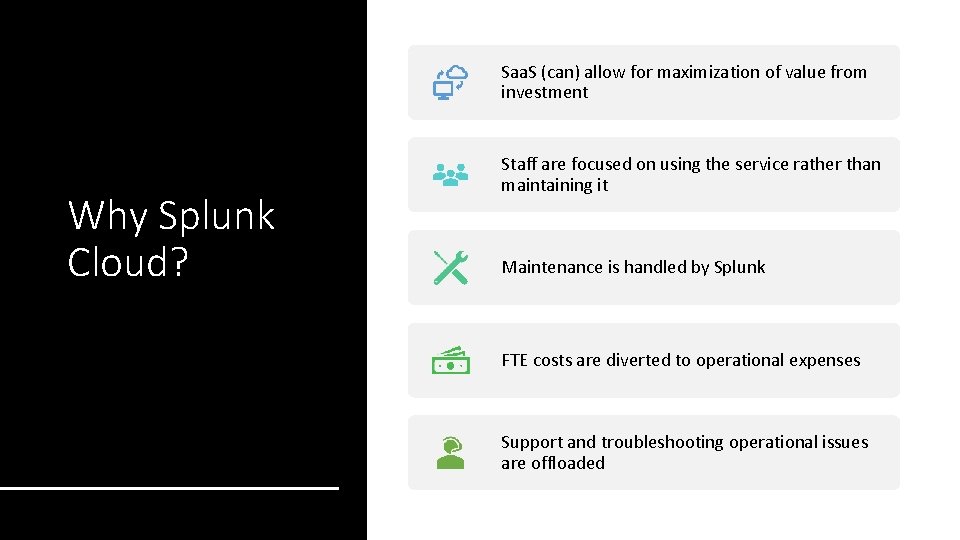
Saa. S (can) allow for maximization of value from investment Why Splunk Cloud? Staff are focused on using the service rather than maintaining it Maintenance is handled by Splunk FTE costs are diverted to operational expenses Support and troubleshooting operational issues are offloaded
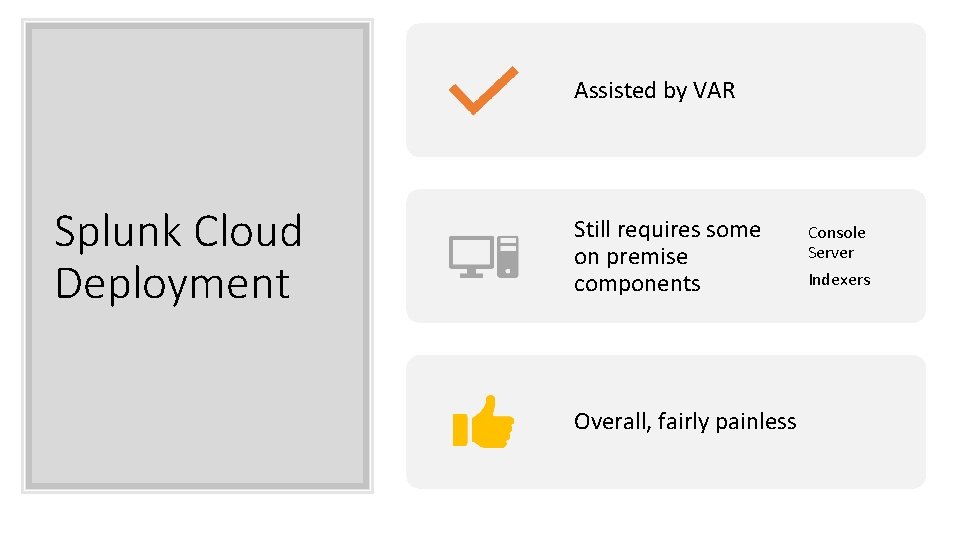
Assisted by VAR Splunk Cloud Deployment Still requires some on premise components Overall, fairly painless Console Server Indexers
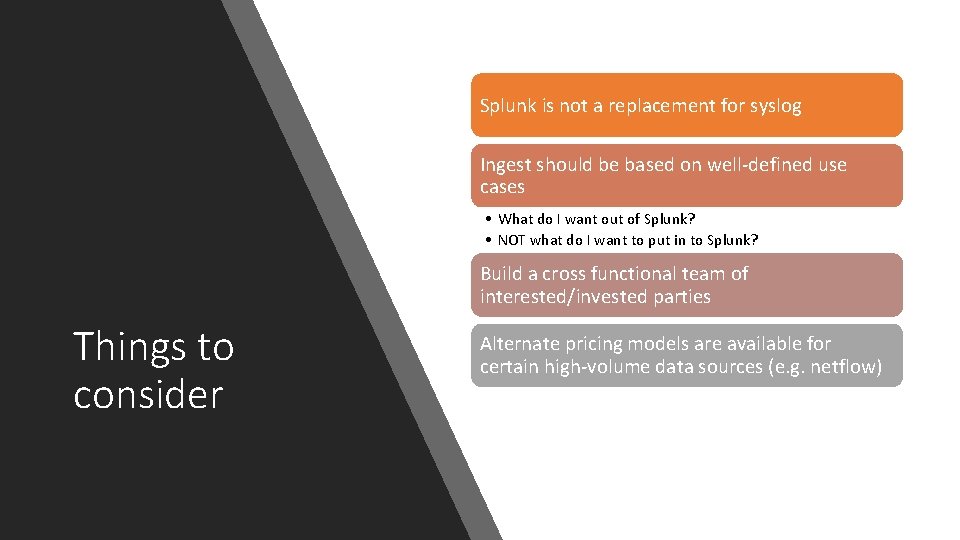
Splunk is not a replacement for syslog Ingest should be based on well-defined use cases • What do I want out of Splunk? • NOT what do I want to put in to Splunk? Build a cross functional team of interested/invested parties Things to consider Alternate pricing models are available for certain high-volume data sources (e. g. netflow)
Dartmouth Use Cases
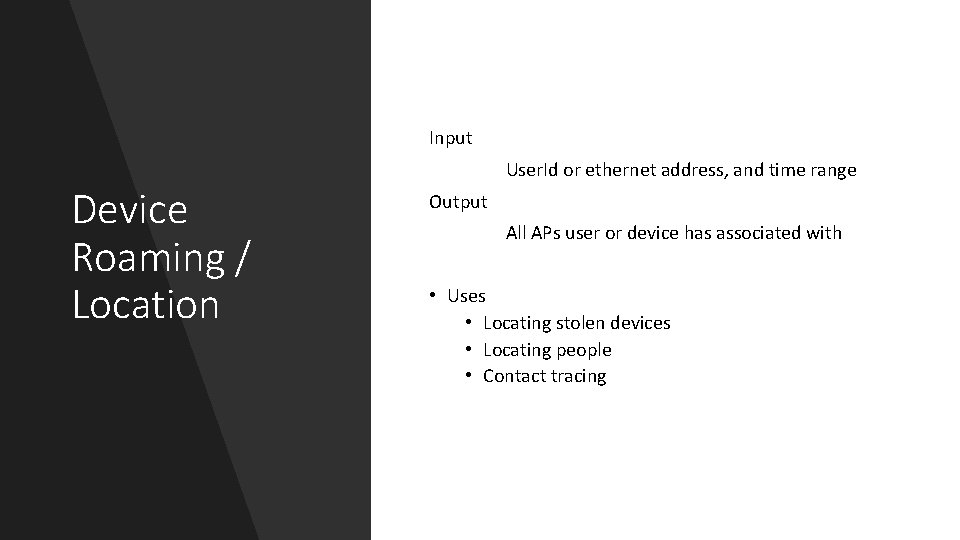
Input Device Roaming / Location User. Id or ethernet address, and time range Output All APs user or device has associated with • Uses • Locating stolen devices • Locating people • Contact tracing
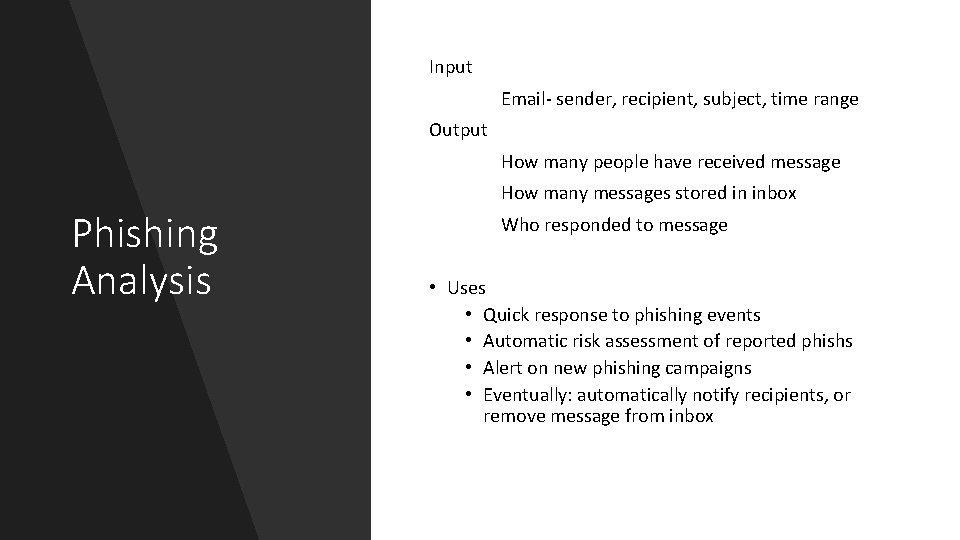
Input Email- sender, recipient, subject, time range Output How many people have received message How many messages stored in inbox Phishing Analysis Who responded to message • Uses • Quick response to phishing events • Automatic risk assessment of reported phishs • Alert on new phishing campaigns • Eventually: automatically notify recipients, or remove message from inbox
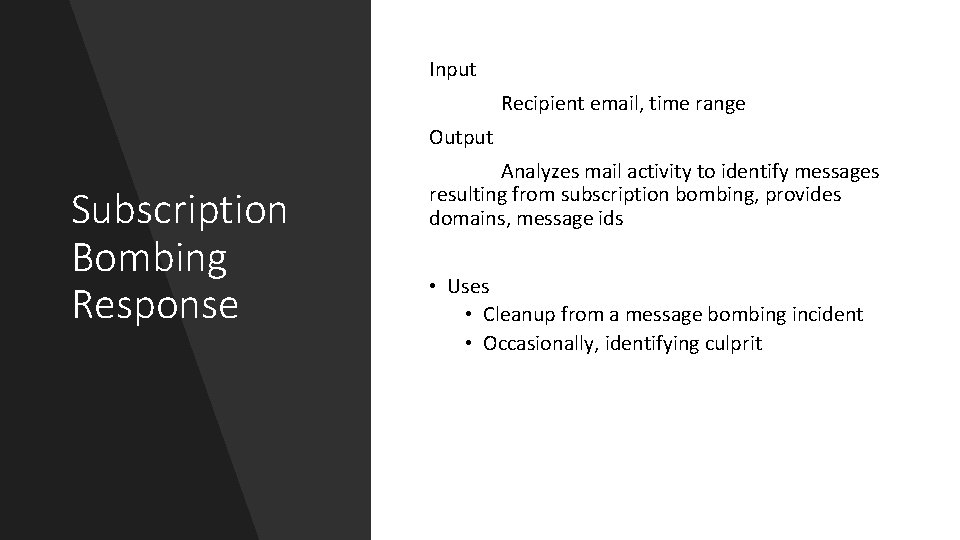
Input Recipient email, time range Output Subscription Bombing Response Analyzes mail activity to identify messages resulting from subscription bombing, provides domains, message ids • Uses • Cleanup from a message bombing incident • Occasionally, identifying culprit
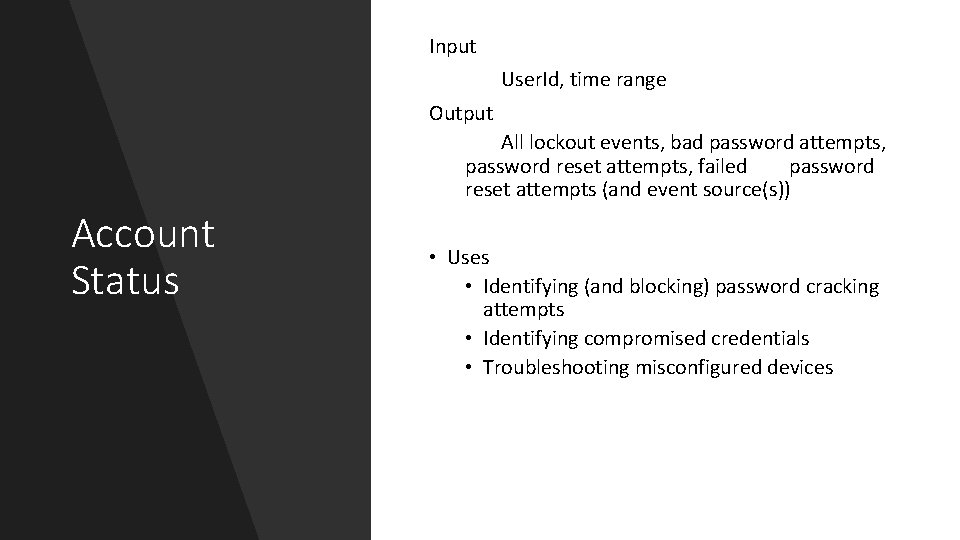
Input User. Id, time range Output All lockout events, bad password attempts, password reset attempts, failed password reset attempts (and event source(s)) Account Status • Uses • Identifying (and blocking) password cracking attempts • Identifying compromised credentials • Troubleshooting misconfigured devices
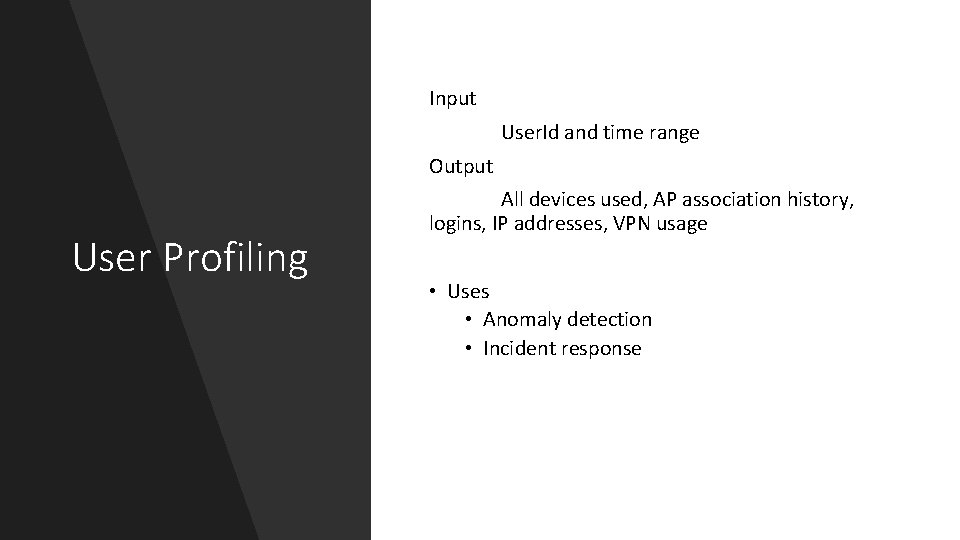
Input User. Id and time range Output User Profiling All devices used, AP association history, logins, IP addresses, VPN usage • Uses • Anomaly detection • Incident response
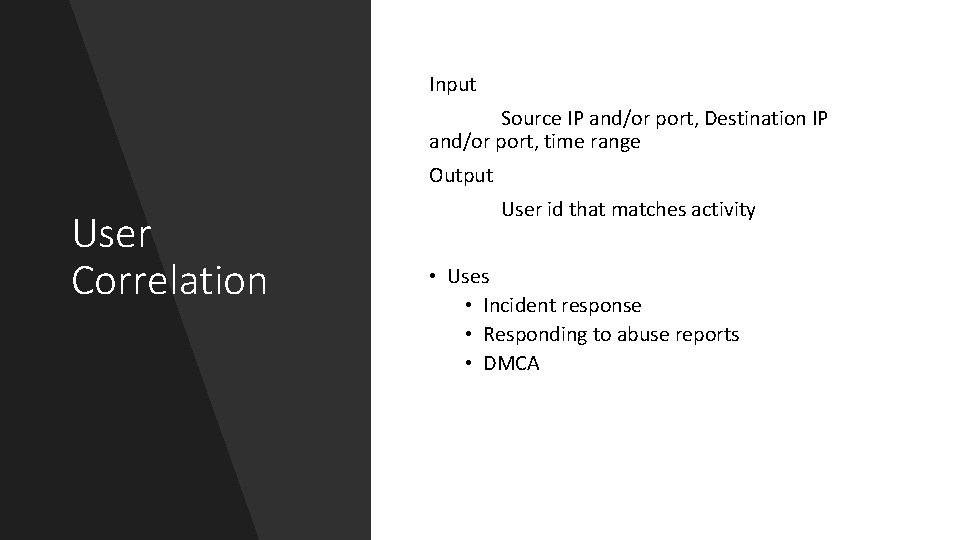
Input Source IP and/or port, Destination IP and/or port, time range Output User Correlation User id that matches activity • Uses • Incident response • Responding to abuse reports • DMCA
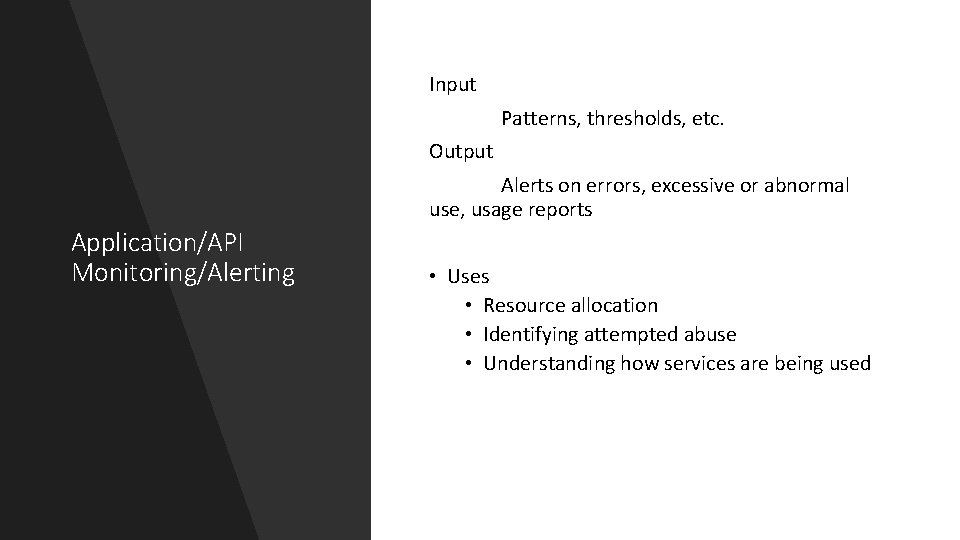
Input Patterns, thresholds, etc. Output Alerts on errors, excessive or abnormal use, usage reports Application/API Monitoring/Alerting • Uses • Resource allocation • Identifying attempted abuse • Understanding how services are being used
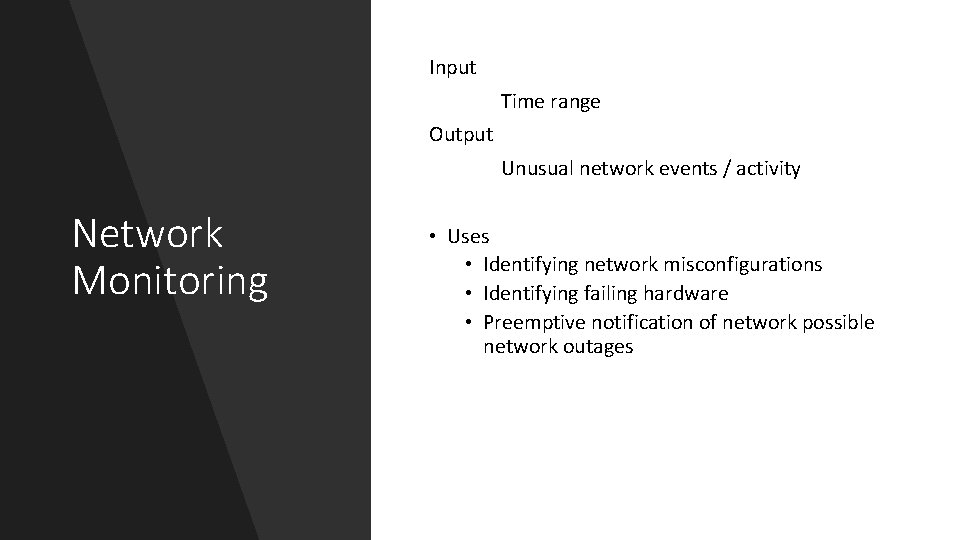
Input Time range Output Unusual network events / activity Network Monitoring • Uses • Identifying network misconfigurations • Identifying failing hardware • Preemptive notification of network possible network outages
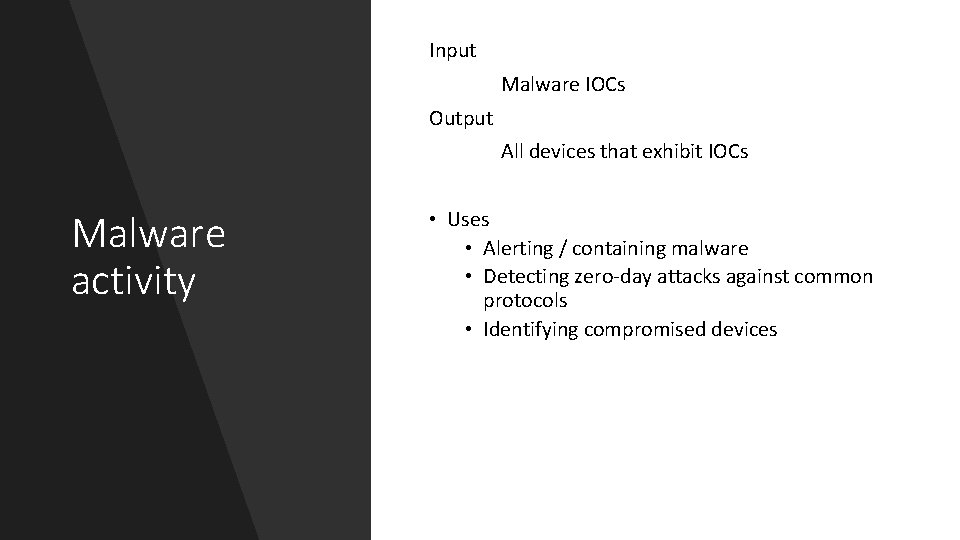
Input Malware IOCs Output All devices that exhibit IOCs Malware activity • Uses • Alerting / containing malware • Detecting zero-day attacks against common protocols • Identifying compromised devices
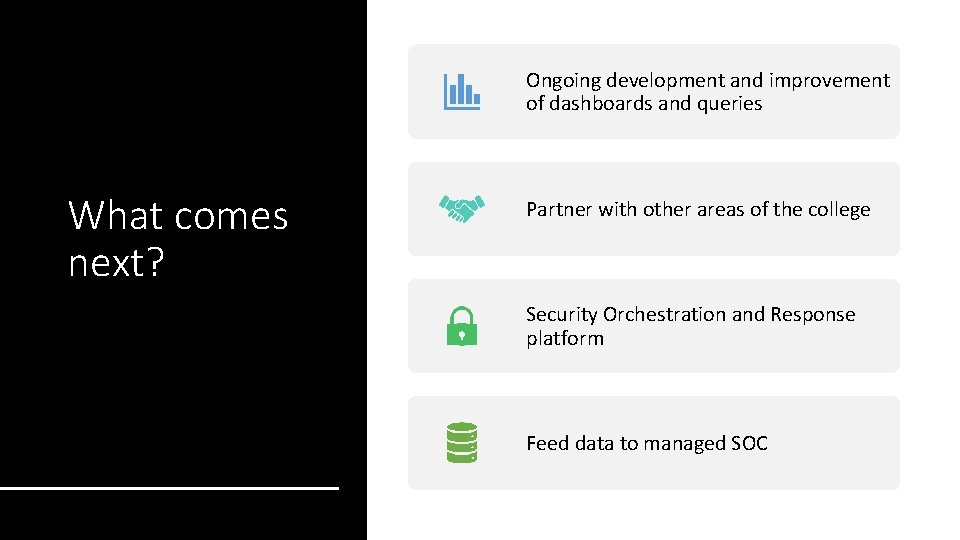
Ongoing development and improvement of dashboards and queries What comes next? Partner with other areas of the college Security Orchestration and Response platform Feed data to managed SOC

Questions? Feel free to contact me at: sean. r. mcnamara@Dartmouth. edu
- Slides: 18