
Spineti X Hyper Media Player HMP 100 Features
- Slides: 14
Spineti. X Hyper Media Player: HMP 100 Features Overview Spineti. X S. A. Rue des Terreaux 17 1003 Lausanne Switzerland www. spinetix. com Mail: info@spinetix. com
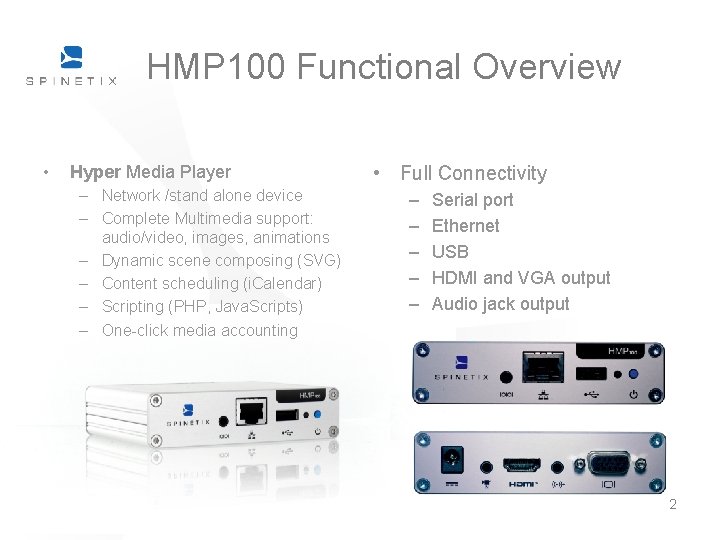
HMP 100 Functional Overview • Hyper Media Player – Network /stand alone device – Complete Multimedia support: audio/video, images, animations – Dynamic scene composing (SVG) – Content scheduling (i. Calendar) – Scripting (PHP, Java. Scripts) – One-click media accounting • Full Connectivity – – – Serial port Ethernet USB HDMI and VGA output Audio jack output 2
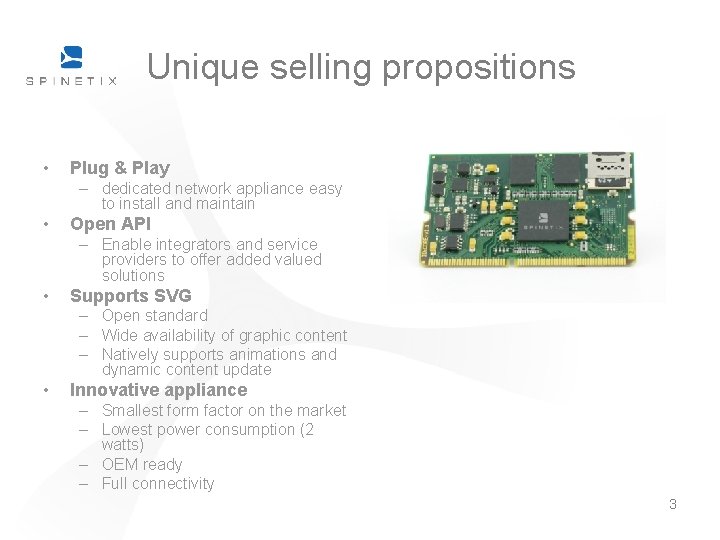
Unique selling propositions • Plug & Play – dedicated network appliance easy to install and maintain • Open API – Enable integrators and service providers to offer added valued solutions • Supports SVG – Open standard – Wide availability of graphic content – Natively supports animations and dynamic content update • Innovative appliance – Smallest form factor on the market – Lowest power consumption (2 watts) – OEM ready – Full connectivity 3
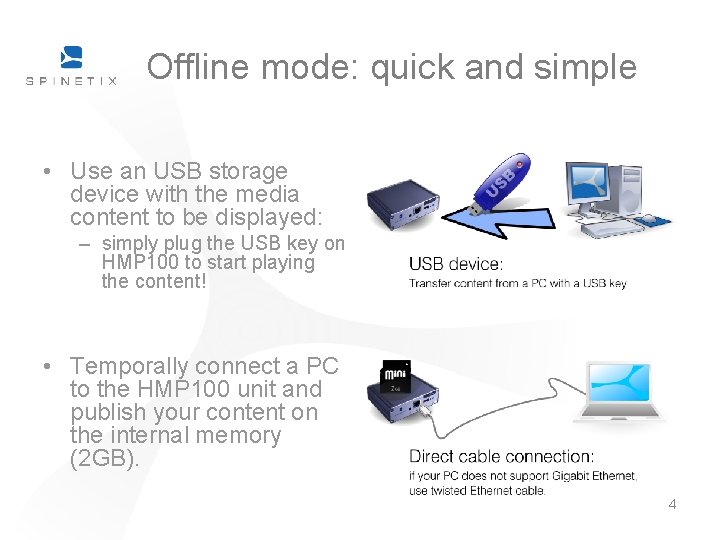
Offline mode: quick and simple • Use an USB storage device with the media content to be displayed: – simply plug the USB key on HMP 100 to start playing the content! • Temporally connect a PC to the HMP 100 unit and publish your content on the internal memory (2 GB). 4
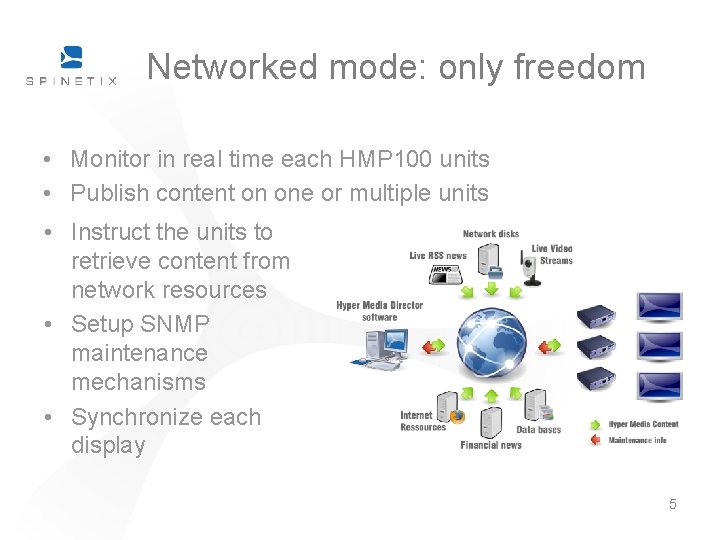
Networked mode: only freedom • Monitor in real time each HMP 100 units • Publish content on one or multiple units • Instruct the units to retrieve content from network resources • Setup SNMP maintenance mechanisms • Synchronize each display 5
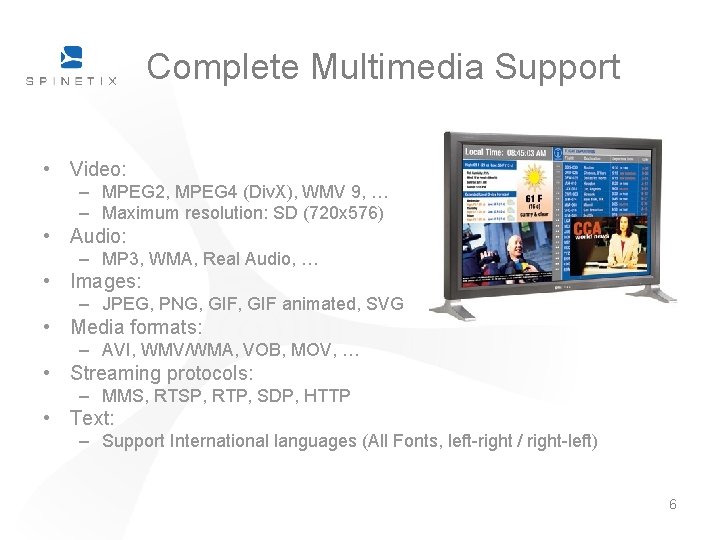
Complete Multimedia Support • Video: – MPEG 2, MPEG 4 (Div. X), WMV 9, … – Maximum resolution: SD (720 x 576) • Audio: – MP 3, WMA, Real Audio, … • Images: – JPEG, PNG, GIF animated, SVG • Media formats: – AVI, WMV/WMA, VOB, MOV, … • Streaming protocols: – MMS, RTSP, RTP, SDP, HTTP • Text: – Support International languages (All Fonts, left-right / right-left) 6
Dynamic Scene Composing and scheduling • Freely compose the scene using SVG – SVG: Open standard, XML-based 2 D graphic language • Enables declarative animations • Effects can be applied on all media – Spineti. X provides predefined templates: • Playlists with presets or custom transitions • Scene layouts • Precise content scheduling using i. Calendar – Open standard for schedulers – Single and recurring schedules 7
Scripting and Accounting • PHP scripting engine – RSS formatting – Database connection – Dynamic content generation (playlists, …) • HTTP client – Get media from a centralized server – Get data from the internet • Log when media content is played for advertisement accounting 8
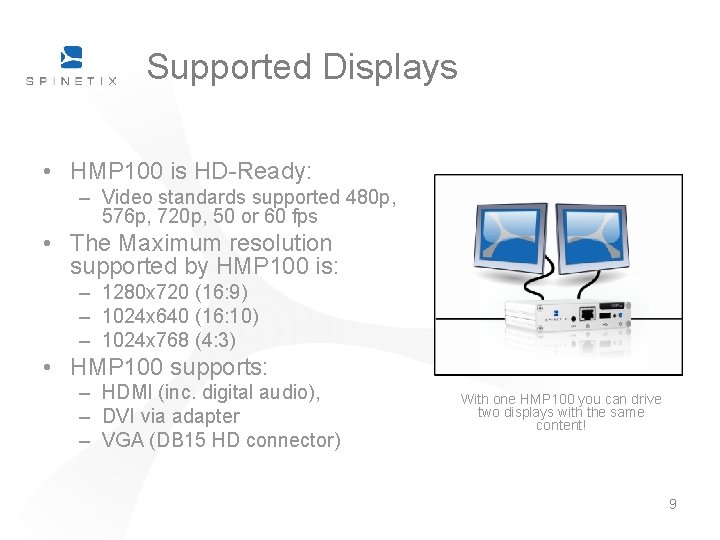
Supported Displays • HMP 100 is HD-Ready: – Video standards supported 480 p, 576 p, 720 p, 50 or 60 fps • The Maximum resolution supported by HMP 100 is: – 1280 x 720 (16: 9) – 1024 x 640 (16: 10) – 1024 x 768 (4: 3) • HMP 100 supports: – HDMI (inc. digital audio), – DVI via adapter – VGA (DB 15 HD connector) With one HMP 100 you can drive two displays with the same content! 9
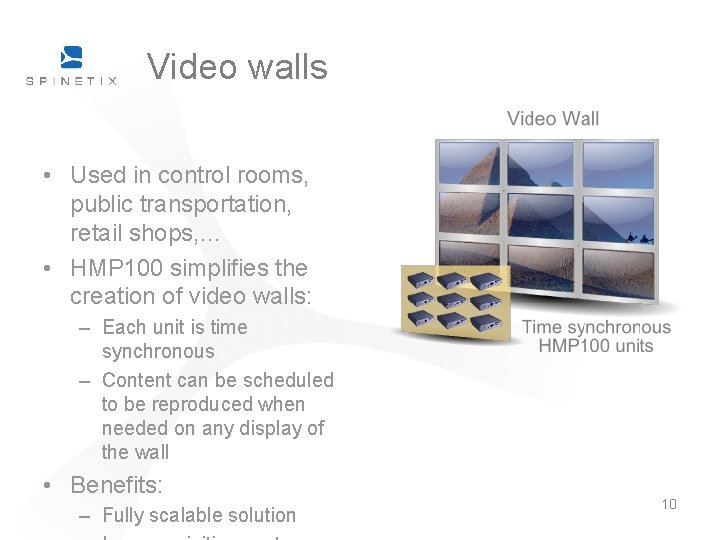
Video walls • Used in control rooms, public transportation, retail shops, … • HMP 100 simplifies the creation of video walls: – Each unit is time synchronous – Content can be scheduled to be reproduced when needed on any display of the wall • Benefits: – Fully scalable solution 10
Network connectivity • Unique MAC Address – Can be identified uniquely on the network • Supports: – – – – Ethernet 10/100 Mbit/s, IPv 4, DHCP or fixed address HTTP configuration server, password protected HTTP client for web content retrieval Web. DAV server, password protected SNMPv 1/v 2 c, NTP 11
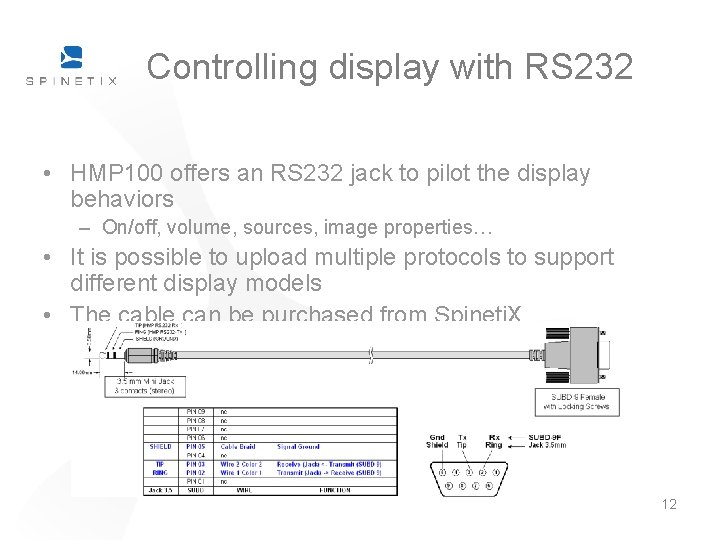
Controlling display with RS 232 • HMP 100 offers an RS 232 jack to pilot the display behaviors – On/off, volume, sources, image properties… • It is possible to upload multiple protocols to support different display models • The cable can be purchased from Spineti. X 12
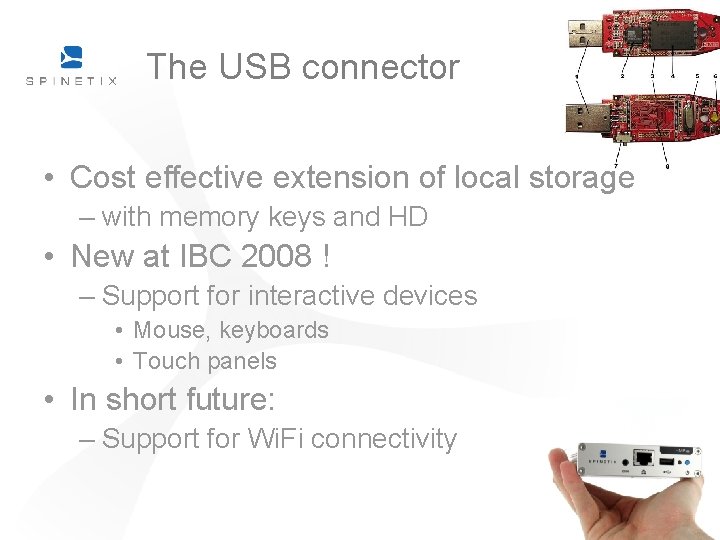
The USB connector • Cost effective extension of local storage – with memory keys and HD • New at IBC 2008 ! – Support for interactive devices • Mouse, keyboards • Touch panels • In short future: – Support for Wi. Fi connectivity 13
Updates and Upgrades • Automatically installed on HMP 100 from a local or remote PC • Simple way to: – Improve current functionalities – Add support to new CODECs – Add new functionalities 14