
Speed part 3 Barb Ericson Georgia Institute of
Speed part 3 Barb Ericson Georgia Institute of Technology May 2006 Georgia Institute of Technology
Learning Goals • Computing Concepts – Write a compiler for a simple graphical language – Extend the compiler – Understand why compiled code is faster than interpreted code Georgia Institute of Technology
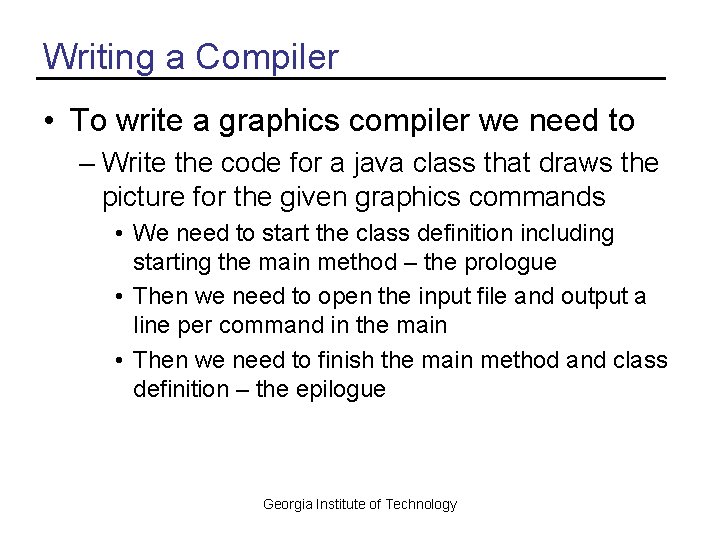
Writing a Compiler • To write a graphics compiler we need to – Write the code for a java class that draws the picture for the given graphics commands • We need to start the class definition including starting the main method – the prologue • Then we need to open the input file and output a line per command in the main • Then we need to finish the main method and class definition – the epilogue Georgia Institute of Technology
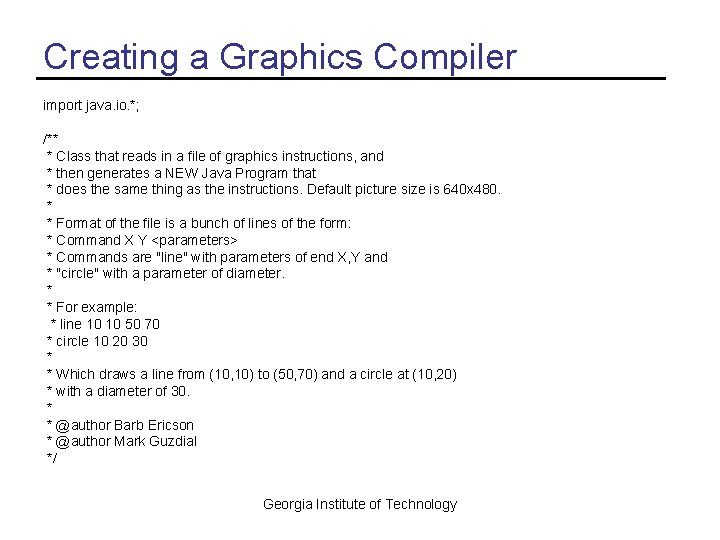
Creating a Graphics Compiler import java. io. *; /** * Class that reads in a file of graphics instructions, and * then generates a NEW Java Program that * does the same thing as the instructions. Default picture size is 640 x 480. * * Format of the file is a bunch of lines of the form: * Command X Y <parameters> * Commands are "line" with parameters of end X, Y and * "circle" with a parameter of diameter. * * For example: * line 10 10 50 70 * circle 10 20 30 * * Which draws a line from (10, 10) to (50, 70) and a circle at (10, 20) * with a diameter of 30. * * @author Barb Ericson * @author Mark Guzdial */ Georgia Institute of Technology
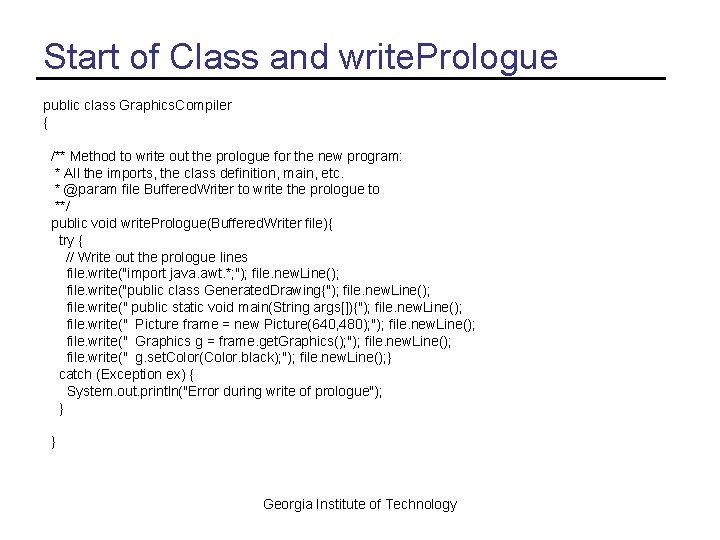
Start of Class and write. Prologue public class Graphics. Compiler { /** Method to write out the prologue for the new program: * All the imports, the class definition, main, etc. * @param file Buffered. Writer to write the prologue to **/ public void write. Prologue(Buffered. Writer file){ try { // Write out the prologue lines file. write("import java. awt. *; "); file. new. Line(); file. write("public class Generated. Drawing{"); file. new. Line(); file. write(" public static void main(String args[]){"); file. new. Line(); file. write(" Picture frame = new Picture(640, 480); "); file. new. Line(); file. write(" Graphics g = frame. get. Graphics(); "); file. new. Line(); file. write(" g. set. Color(Color. black); "); file. new. Line(); } catch (Exception ex) { System. out. println("Error during write of prologue"); } } Georgia Institute of Technology
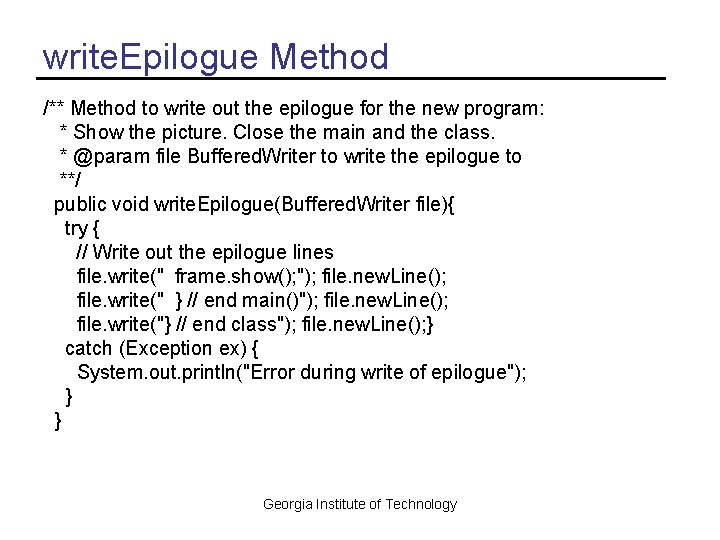
write. Epilogue Method /** Method to write out the epilogue for the new program: * Show the picture. Close the main and the class. * @param file Buffered. Writer to write the epilogue to **/ public void write. Epilogue(Buffered. Writer file){ try { // Write out the epilogue lines file. write(" frame. show(); "); file. new. Line(); file. write(" } // end main()"); file. new. Line(); file. write("} // end class"); file. new. Line(); } catch (Exception ex) { System. out. println("Error during write of epilogue"); } } Georgia Institute of Technology
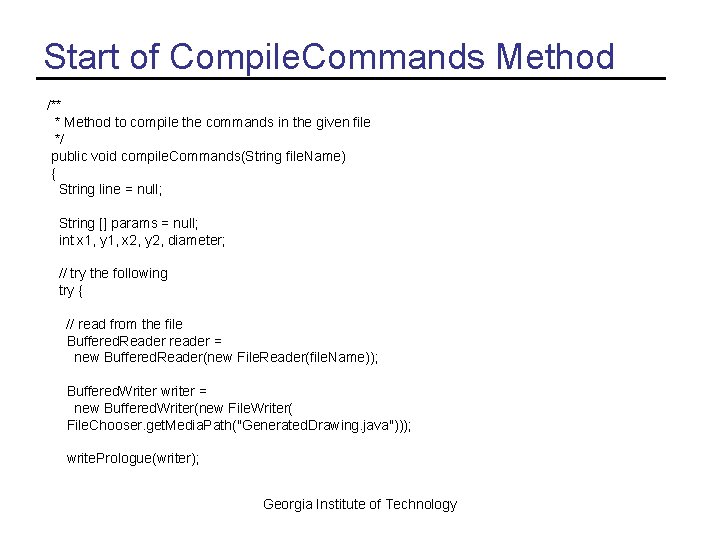
Start of Compile. Commands Method /** * Method to compile the commands in the given file */ public void compile. Commands(String file. Name) { String line = null; String [] params = null; int x 1, y 1, x 2, y 2, diameter; // try the following try { // read from the file Buffered. Reader reader = new Buffered. Reader(new File. Reader(file. Name)); Buffered. Writer writer = new Buffered. Writer(new File. Writer( File. Chooser. get. Media. Path("Generated. Drawing. java"))); write. Prologue(writer); Georgia Institute of Technology
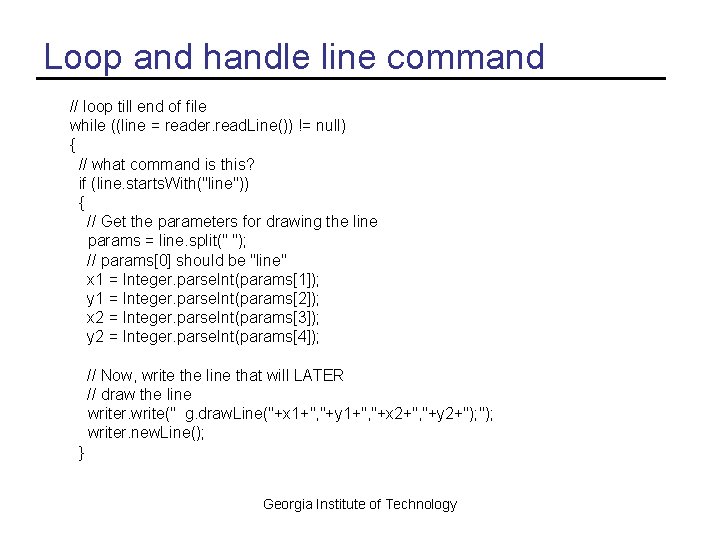
Loop and handle line command // loop till end of file while ((line = reader. read. Line()) != null) { // what command is this? if (line. starts. With("line")) { // Get the parameters for drawing the line params = line. split(" "); // params[0] should be "line" x 1 = Integer. parse. Int(params[1]); y 1 = Integer. parse. Int(params[2]); x 2 = Integer. parse. Int(params[3]); y 2 = Integer. parse. Int(params[4]); // Now, write the line that will LATER // draw the line writer. write(" g. draw. Line("+x 1+", "+y 1+", "+x 2+", "+y 2+"); writer. new. Line(); } Georgia Institute of Technology
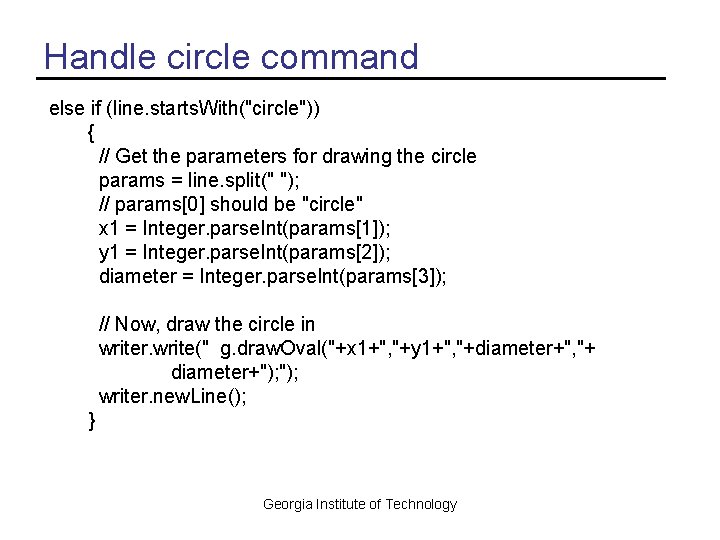
Handle circle command else if (line. starts. With("circle")) { // Get the parameters for drawing the circle params = line. split(" "); // params[0] should be "circle" x 1 = Integer. parse. Int(params[1]); y 1 = Integer. parse. Int(params[2]); diameter = Integer. parse. Int(params[3]); // Now, draw the circle in writer. write(" g. draw. Oval("+x 1+", "+y 1+", "+diameter+", "+ diameter+"); writer. new. Line(); } Georgia Institute of Technology
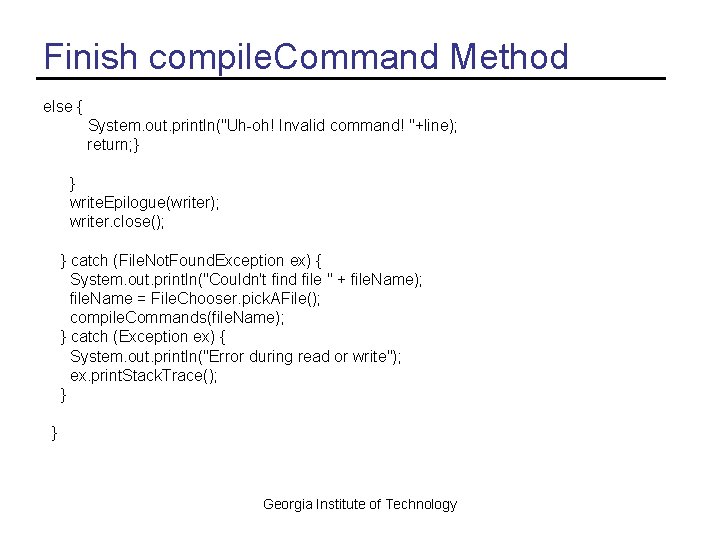
Finish compile. Command Method else { System. out. println("Uh-oh! Invalid command! "+line); return; } } write. Epilogue(writer); writer. close(); } catch (File. Not. Found. Exception ex) { System. out. println("Couldn't find file " + file. Name); file. Name = File. Chooser. pick. AFile(); compile. Commands(file. Name); } catch (Exception ex) { System. out. println("Error during read or write"); ex. print. Stack. Trace(); } } Georgia Institute of Technology
![Main for Testing public static void main(String[] args) { Graphics. Compiler compiler = new](http://slidetodoc.com/presentation_image_h2/be4b446cb9eb7ee4fb0c945a2141e4e2/image-11.jpg "Main for Testing public static void main(String[] args) { Graphics. Compiler compiler = new")
Main for Testing public static void main(String[] args) { Graphics. Compiler compiler = new Graphics. Compiler(); String file. Name = File. Chooser. get. Media. Path( "graphics-commands. txt"); compiler. compile. Commands(file. Name); } } // end class Georgia Institute of Technology
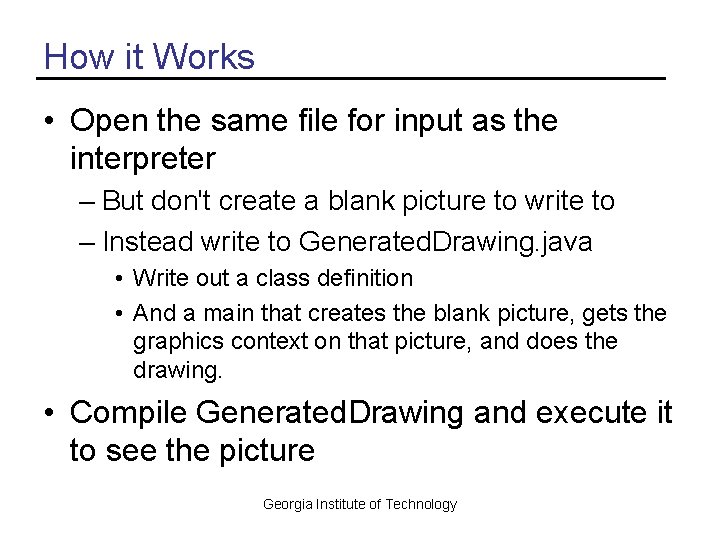
How it Works • Open the same file for input as the interpreter – But don't create a blank picture to write to – Instead write to Generated. Drawing. java • Write out a class definition • And a main that creates the blank picture, gets the graphics context on that picture, and does the drawing. • Compile Generated. Drawing and execute it to see the picture Georgia Institute of Technology
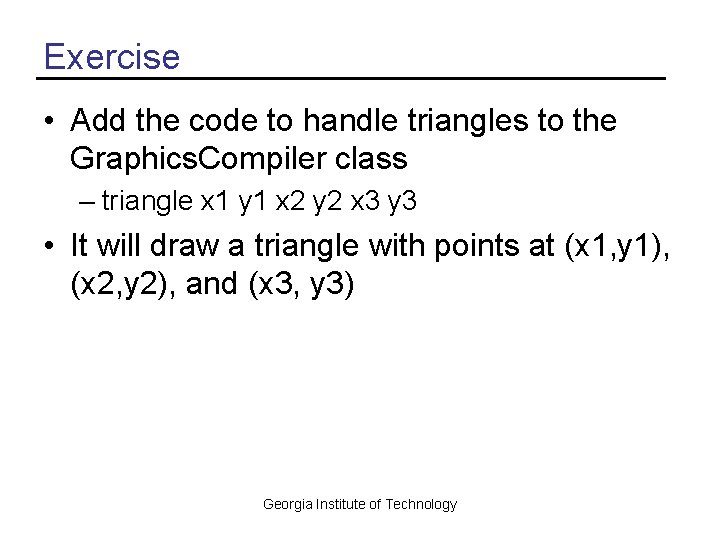
Exercise • Add the code to handle triangles to the Graphics. Compiler class – triangle x 1 y 1 x 2 y 2 x 3 y 3 • It will draw a triangle with points at (x 1, y 1), (x 2, y 2), and (x 3, y 3) Georgia Institute of Technology
Compilers • Compilers still have to interpret the language they are compiling – But, they only do this one time • When you compile – Then you can execute the compiled code many times • Applications like Word or Photoshop are written in C or C++ and then compiled to machine language programs – The generated machine language program is faster than an interpreted one Georgia Institute of Technology
Summary • Compilers read a language and output the required code in another language – Like from our graphical language to Java commands – Or from C to machine language • You compile code once to turn it into the desired language – You can run the compiled code many times • Running compiled code is faster than running code that must be interpreted Georgia Institute of Technology
- Slides: 15