
Speech Recognition in Clinical Documentation Wayne Kaniewski MD
- Slides: 19
Speech Recognition in Clinical Documentation Wayne Kaniewski, MD Twin Cities EMR Consulting Minneapolis www. tcemr. com 2/26/15
• Traditional Methods of Clinical Documentation • Paper w/clinician hand writing or typing • • (-) Brief (-) Difficult (? impossible) to read (-) Time-consuming for busy/expensive clinicians (+) Completed immediately?
• Traditional Methods of Clinical Documentation • Dictation w/Medical Transcriptionist (MT) transcribing • • (+) Easy/fast for the clinician (+) More detailed/better quality (+) Readable (-) Can be voluminous • Doctors like to hear themselves talk! • (-) Expensive (20 cents per line!) • (-) Turnaround time 2 hours to several days • (-) Final edit delayed: difficult to remember details • (“Which of those last 20 headache patients had neurological deficits? ”)
• Traditional Methods of Clinical Documentation • Dictation w/transcriptionist transcribing • Paper Media • • • (-) Expensive (-) Filing/storage/handling/copying nightmare (-) Confidentiality: Easily lost or stolen (+) People are used to handling paper documents (+) Harder to falsify • Electronic Media • (+) Cheap! • (+) Simple to file/store/handle/transfer anywhere • (-) Confidentiality: Lost/stolen computers/disks/RAM drives • Files need to be encrypted if leaving the premises! • With Internet maybe should always be encrypted • Risks of “The Cloud” for storage • (-) More easily altered • Need a method for electronic signature • Once signed the “official record” should never be altered • Need a method for versioning when modified • (-) Need computers and computer skills
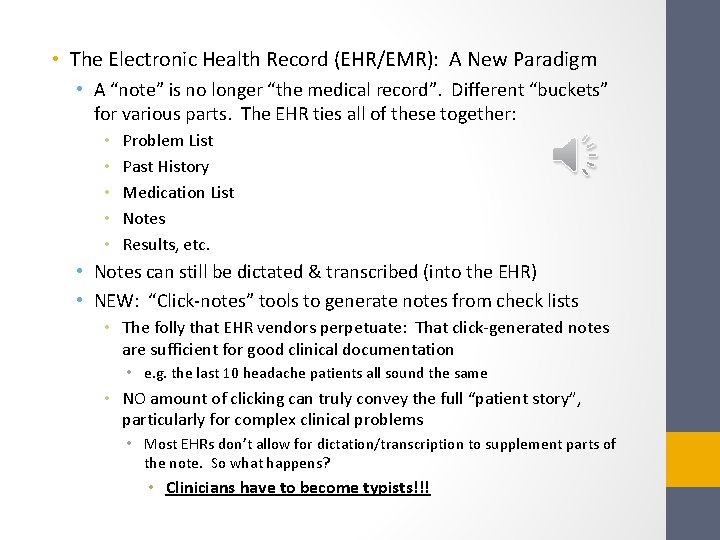
• The Electronic Health Record (EHR/EMR): A New Paradigm • A “note” is no longer “the medical record”. Different “buckets” for various parts. The EHR ties all of these together: • • • Problem List Past History Medication List Notes Results, etc. • Notes can still be dictated & transcribed (into the EHR) • NEW: “Click-notes” tools to generate notes from check lists • The folly that EHR vendors perpetuate: That click-generated notes are sufficient for good clinical documentation • e. g. the last 10 headache patients all sound the same • NO amount of clicking can truly convey the full “patient story”, particularly for complex clinical problems • Most EHRs don’t allow for dictation/transcription to supplement parts of the note. So what happens? • Clinicians have to become typists!!!
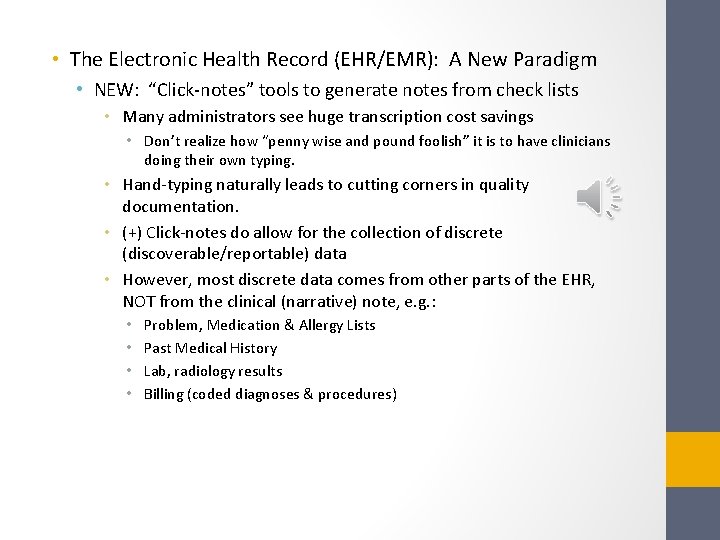
• The Electronic Health Record (EHR/EMR): A New Paradigm • NEW: “Click-notes” tools to generate notes from check lists • Many administrators see huge transcription cost savings • Don’t realize how “penny wise and pound foolish” it is to have clinicians doing their own typing. • Hand-typing naturally leads to cutting corners in quality documentation. • (+) Click-notes do allow for the collection of discrete (discoverable/reportable) data • However, most discrete data comes from other parts of the EHR, NOT from the clinical (narrative) note, e. g. : • • Problem, Medication & Allergy Lists Past Medical History Lab, radiology results Billing (coded diagnoses & procedures)
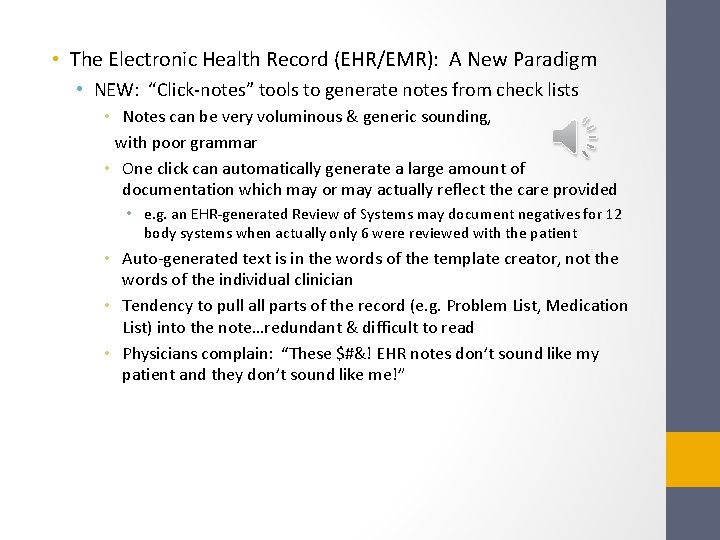
• The Electronic Health Record (EHR/EMR): A New Paradigm • NEW: “Click-notes” tools to generate notes from check lists • Notes can be very voluminous & generic sounding, with poor grammar • One click can automatically generate a large amount of documentation which may or may actually reflect the care provided • e. g. an EHR-generated Review of Systems may document negatives for 12 body systems when actually only 6 were reviewed with the patient • Auto-generated text is in the words of the template creator, not the words of the individual clinician • Tendency to pull all parts of the record (e. g. Problem List, Medication List) into the note…redundant & difficult to read • Physicians complain: “These $#&! EHR notes don’t sound like my patient and they don’t sound like me!”
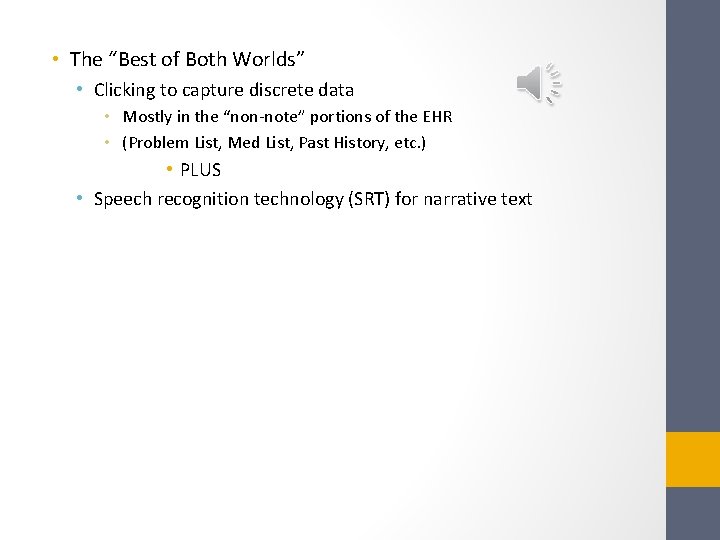
• The “Best of Both Worlds” • Clicking to capture discrete data • Mostly in the “non-note” portions of the EHR • (Problem List, Med List, Past History, etc. ) • PLUS • Speech recognition technology (SRT) for narrative text
• Speech Recognition Technology (SRT) • (+) Captures the “nuance” of the patient’s problem AND the care provided • (+) More complete/detailed notes • (+) No transcription costs • (+) Eliminates clinician typing!!! • (+) Notes are in the words of the individual clinician • (+) Thought processes are more easily organized when the words are seen on the screen (vs. traditional dictation) • (+) Eliminates turnaround time • Note is immediately typed, edited, signed & available for all • Details are easily recorded (remembered) • (+) Potential for higher reimbursement • Insurance companies pay based on what is recorded • “If it isn’t in the note, it wasn’t done. ” • (+) Potential for less litigation (better quality notes)
• Speech Recognition Technology (SRT) • (+) Auto-texts/macros (in clinician’s own words) can decrease the drudgery of repetitive parts of multiple notes • (+) Increase clinician productivity • Therefore, increasing profit, free time, satisfaction • (-) Notes need to be carefully edited (read) or disastrous statements can be generated by the software! • Dictated: “The patient will return for hospital follow-up on…” • Typed: “The patient will return for hostile follow-up on…” • (-) The actual dictation/transcription process is a bit slower • Clinician must enunciate for highest accuracy • e. g. “and” vs. “an”…”discuss” vs. “discussed” • HOWEVER, when the whole documentation process is considered, this is not much of an issue • Note creation/editing/signing is completed all at once • No opening, editing (struggling to remember), signing 2 days later
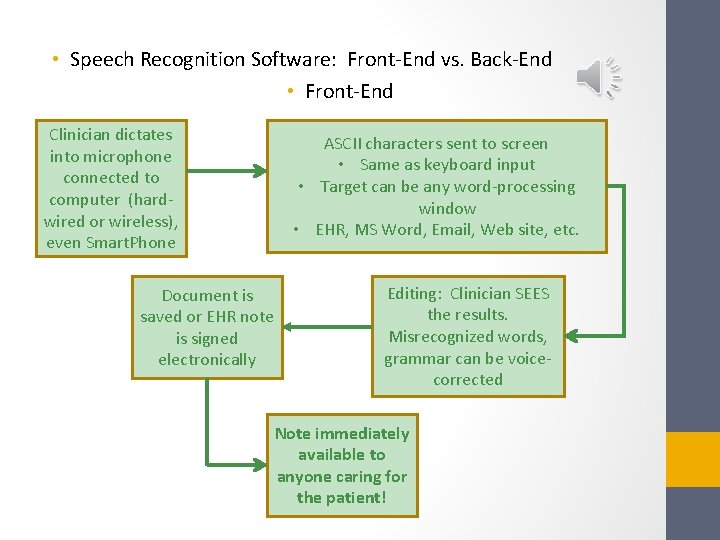
• Speech Recognition Software: Front-End vs. Back-End • Front-End Clinician dictates into microphone connected to computer (hardwired or wireless), even Smart. Phone Document is saved or EHR note is signed electronically ASCII characters sent to screen • Same as keyboard input • Target can be any word-processing window • EHR, MS Word, Email, Web site, etc. Editing: Clinician SEES the results. Misrecognized words, grammar can be voicecorrected Note immediately available to anyone caring for the patient!
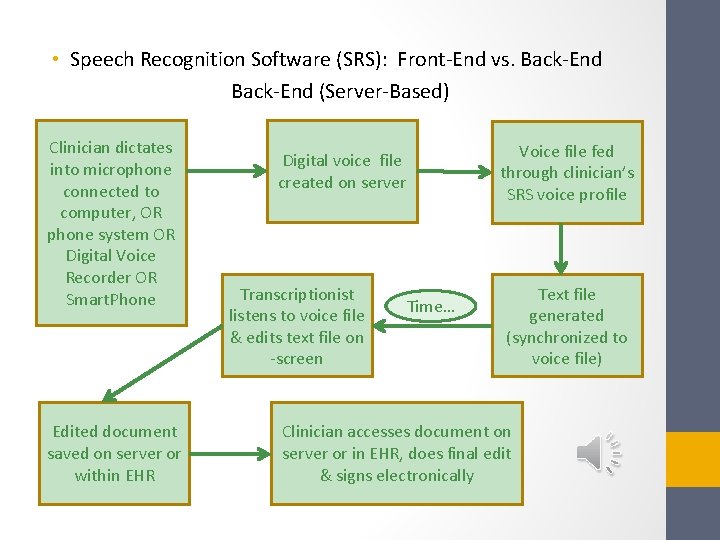
• Speech Recognition Software (SRS): Front-End vs. Back-End (Server-Based) Clinician dictates into microphone connected to computer, OR phone system OR Digital Voice Recorder OR Smart. Phone Edited document saved on server or within EHR Voice file fed through clinician’s SRS voice profile Digital voice file created on server Transcriptionist listens to voice file & edits text file on -screen Time… Text file generated (synchronized to voice file) Clinician accesses document on server or in EHR, does final edit & signs electronically
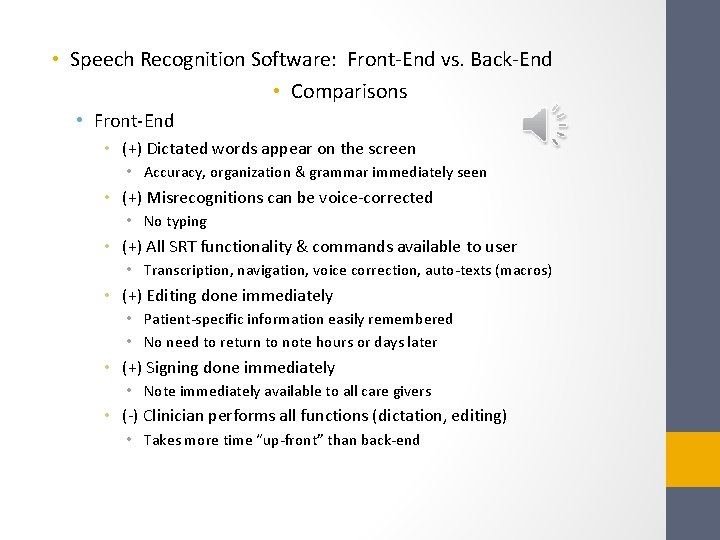
• Speech Recognition Software: Front-End vs. Back-End • Comparisons • Front-End • (+) Dictated words appear on the screen • Accuracy, organization & grammar immediately seen • (+) Misrecognitions can be voice-corrected • No typing • (+) All SRT functionality & commands available to user • Transcription, navigation, voice correction, auto-texts (macros) • (+) Editing done immediately • Patient-specific information easily remembered • No need to return to note hours or days later • (+) Signing done immediately • Note immediately available to all care givers • (-) Clinician performs all functions (dictation, editing) • Takes more time “up-front” than back-end
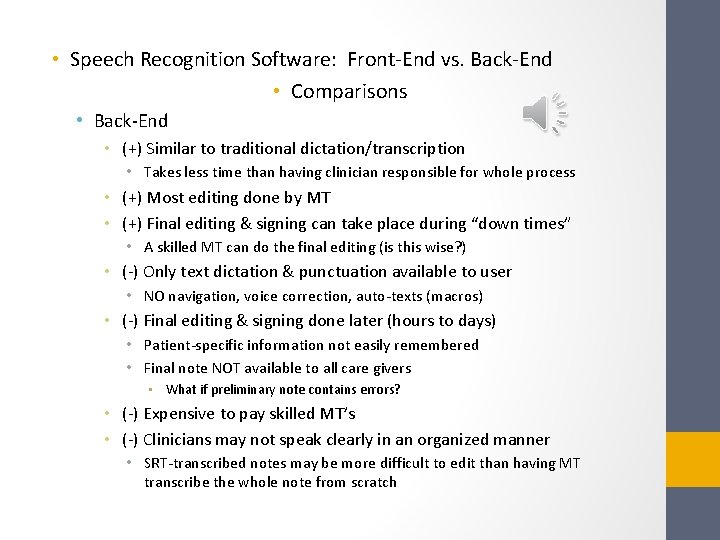
• Speech Recognition Software: Front-End vs. Back-End • Comparisons • Back-End • (+) Similar to traditional dictation/transcription • Takes less time than having clinician responsible for whole process • (+) Most editing done by MT • (+) Final editing & signing can take place during “down times” • A skilled MT can do the final editing (is this wise? ) • (-) Only text dictation & punctuation available to user • NO navigation, voice correction, auto-texts (macros) • (-) Final editing & signing done later (hours to days) • Patient-specific information not easily remembered • Final note NOT available to all care givers • What if preliminary note contains errors? • (-) Expensive to pay skilled MT’s • (-) Clinicians may not speak clearly in an organized manner • SRT-transcribed notes may be more difficult to edit than having MT transcribe the whole note from scratch
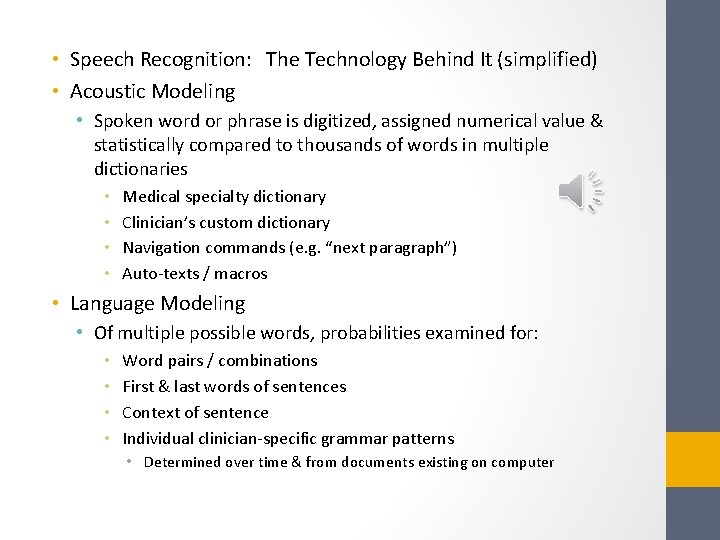
• Speech Recognition: The Technology Behind It (simplified) • Acoustic Modeling • Spoken word or phrase is digitized, assigned numerical value & statistically compared to thousands of words in multiple dictionaries • • Medical specialty dictionary Clinician’s custom dictionary Navigation commands (e. g. “next paragraph”) Auto-texts / macros • Language Modeling • Of multiple possible words, probabilities examined for: • • Word pairs / combinations First & last words of sentences Context of sentence Individual clinician-specific grammar patterns • Determined over time & from documents existing on computer
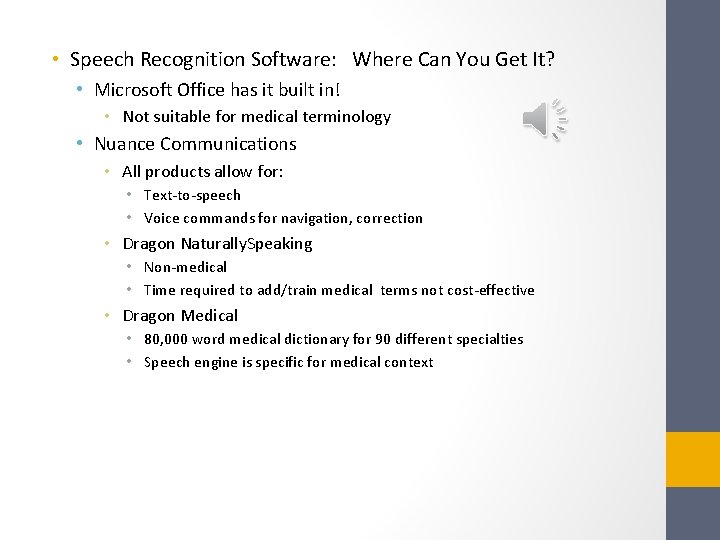
• Speech Recognition Software: Where Can You Get It? • Microsoft Office has it built in! • Not suitable for medical terminology • Nuance Communications • All products allow for: • Text-to-speech • Voice commands for navigation, correction • Dragon Naturally. Speaking • Non-medical • Time required to add/train medical terms not cost-effective • Dragon Medical • 80, 000 word medical dictionary for 90 different specialties • Speech engine is specific for medical context
• Speech Recognition Software: Where Can You Get It? • M*Modal • Medical speech recognition integrated with several specific EHRs only. • Android and Apple Smart Phones, Tablets • • • Non-medical Crude by comparison but rapidly improving! Mostly speech-to-text only, few voice commands Must correct misrecognitions on tiny screen/keyboard Slow by comparison to desktop products • Processing occurs remotely (“in the cloud”)
• Conclusions • When the EHR discrete data modules (Problem List, Med List, etc. ), the EHR “click-notes” tools, and speech recognition are combined, the best attributes of each can be more than additive • This allows for creation of higher quality, more accurate and more readable clinical notes • Ultimate goal: Patient care is improved! • See Speech Recognition Technology in action: http: //youtu. be/f_F-z. By 2 UCo • (These Power. Point slides, and the associated narration, were completely transcribed through the use of speech recognition technology!)
EHR + SRT = Win-Win