
SPARC Architecture Assembly Language Produced by Sun Microsystems
SPARC Architecture & Assembly Language Produced by Sun Microsystems
A Load/Store Architecture n n All arithmetic/logic operations use operand(s) found in the register(s) Result is stored in a register Load and store instructions are provided to move data from/to memory All registers hold 32 bits of data
Registers n n Registers eliminate access to system bus and memory Registers provide rapid, direct access to operands Each function of the program has 32 registers available to it at any on time Four sets of eight registers each: global, in, local, and out.
Global Registers n n n %g 0 - %g 7 Used for global data, data that has meaning for the entire program Accessible to any function %g 0 always 0 Avoid using %g 1. It is used by the system
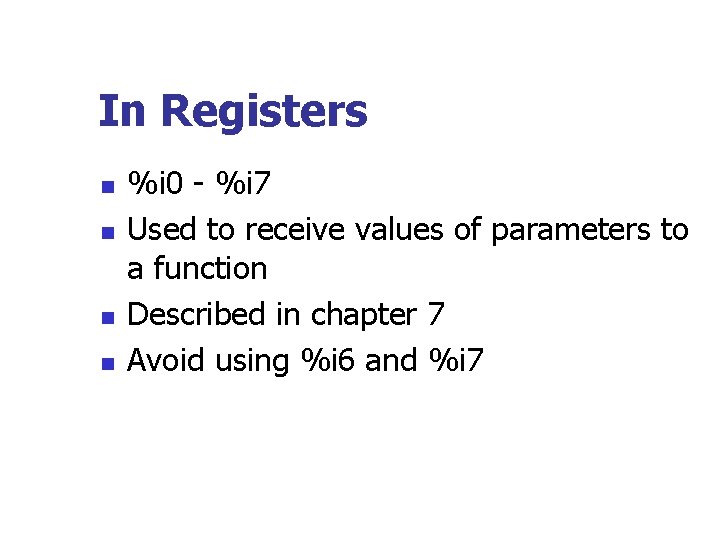
In Registers n n %i 0 - %i 7 Used to receive values of parameters to a function Described in chapter 7 Avoid using %i 6 and %i 7
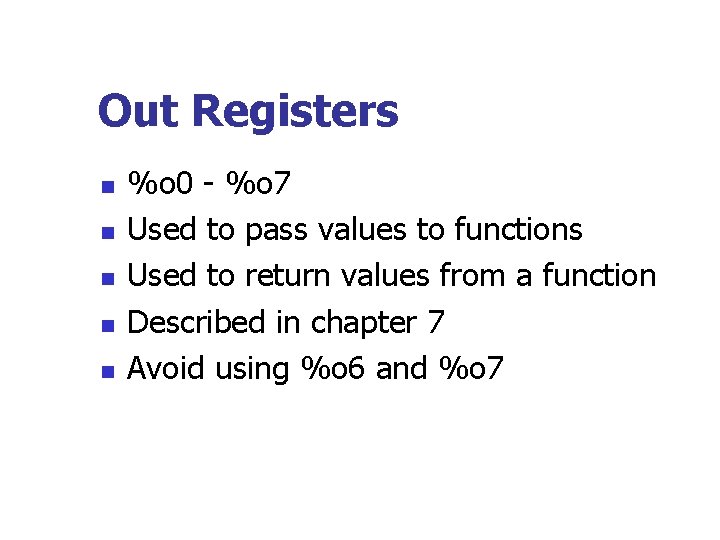
Out Registers n n n %o 0 - %o 7 Used to pass values to functions Used to return values from a function Described in chapter 7 Avoid using %o 6 and %o 7
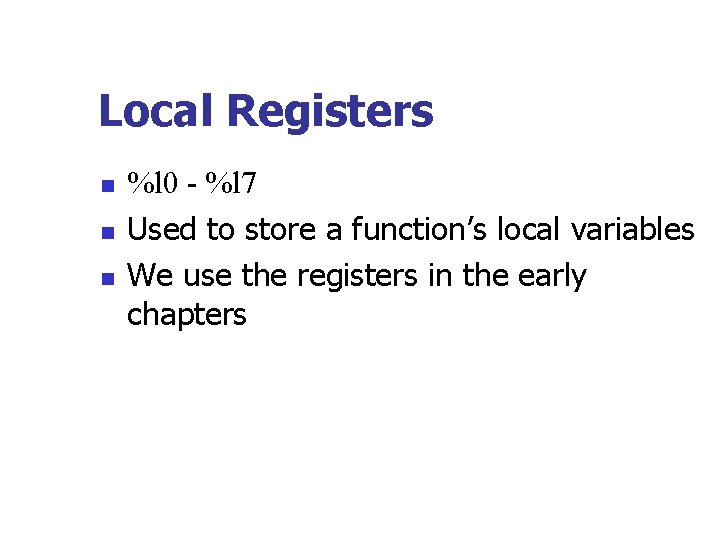
Local Registers n n n %l 0 - %l 7 Used to store a function’s local variables We use the registers in the early chapters
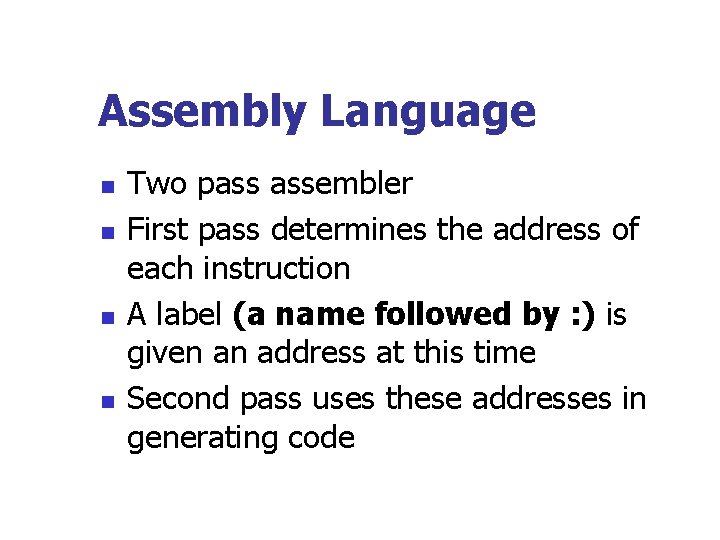
Assembly Language n n Two pass assembler First pass determines the address of each instruction A label (a name followed by : ) is given an address at this time Second pass uses these addresses in generating code
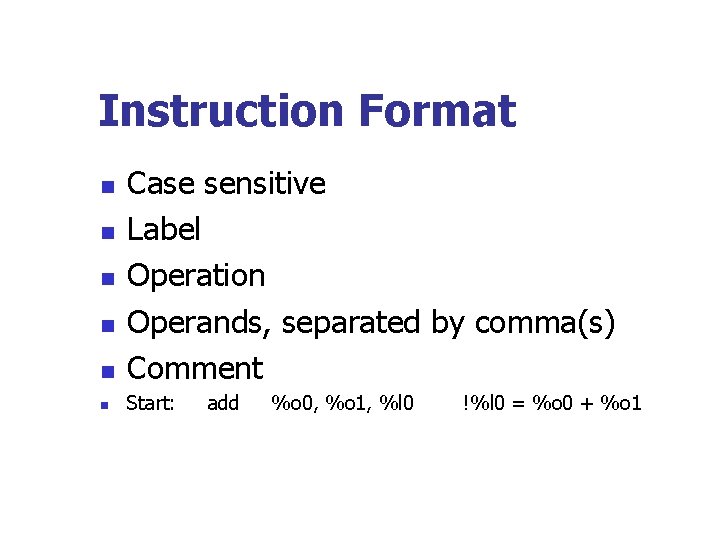
Instruction Format n Case sensitive Label Operation Operands, separated by comma(s) Comment n Start: n n add %o 0, %o 1, %l 0 !%l 0 = %o 0 + %o 1
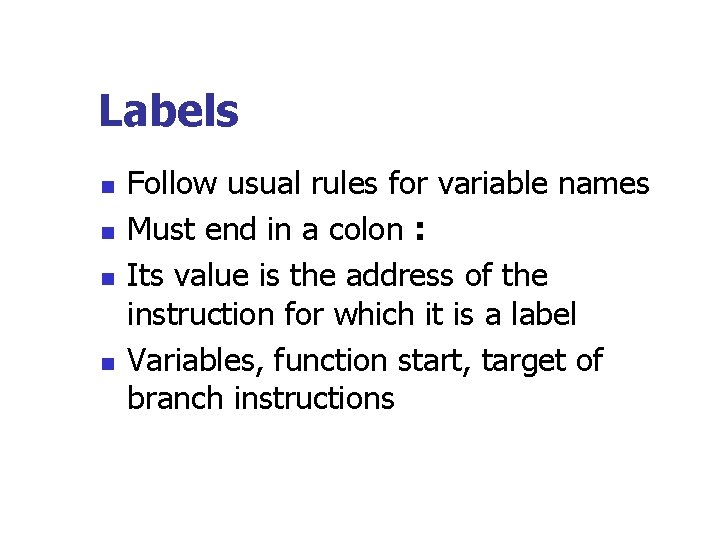
Labels n n Follow usual rules for variable names Must end in a colon : Its value is the address of the instruction for which it is a label Variables, function start, target of branch instructions
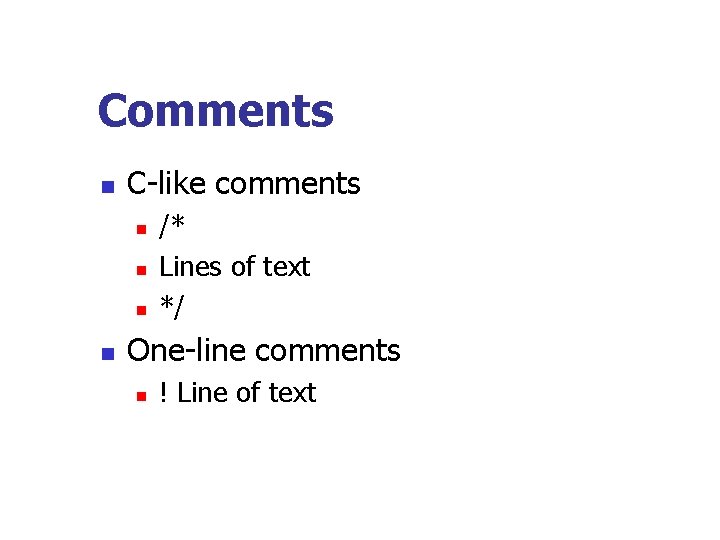
Comments n C-like comments n n /* Lines of text */ One-line comments n ! Line of text
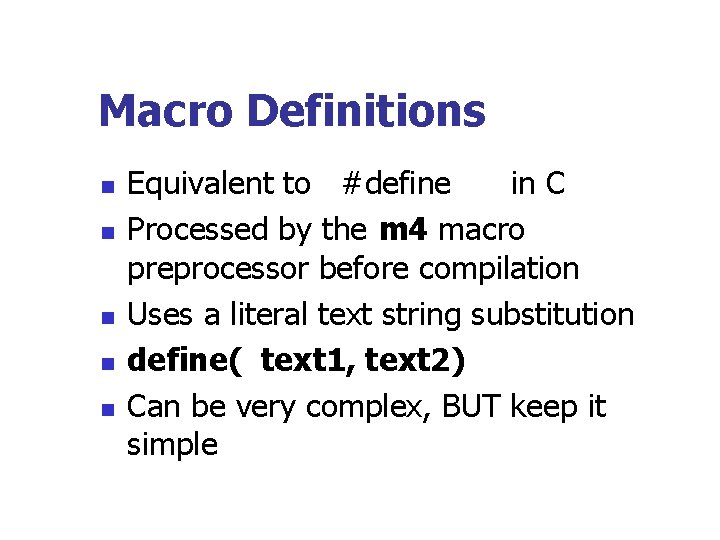
Macro Definitions n n n Equivalent to #define in C Processed by the m 4 macro preprocessor before compilation Uses a literal text string substitution define( text 1, text 2) Can be very complex, BUT keep it simple
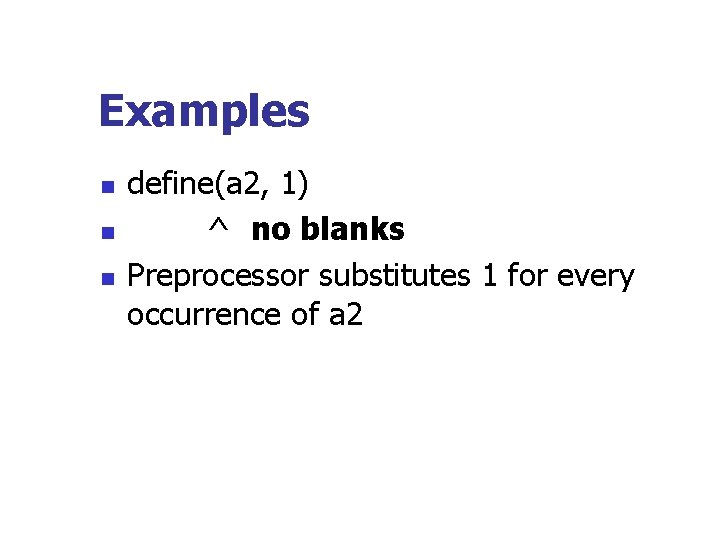
Examples n n n define(a 2, 1) ^ no blanks Preprocessor substitutes 1 for every occurrence of a 2
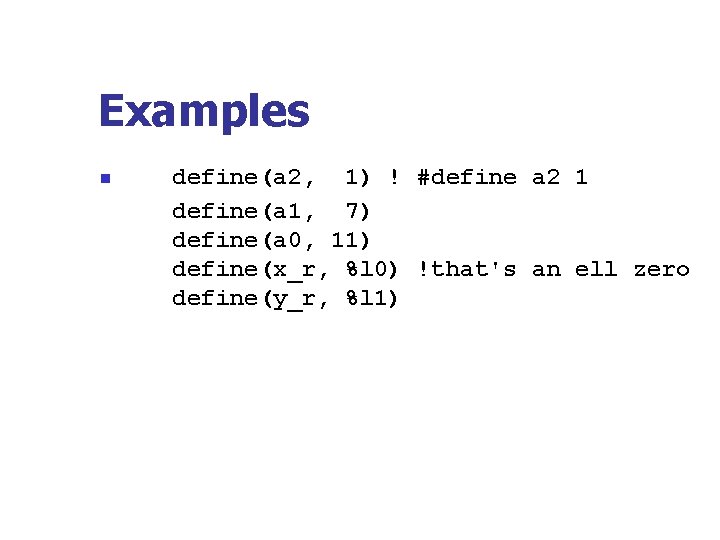
Examples n define(a 2, 1) ! #define a 2 1 define(a 1, 7) define(a 0, 11) define(x_r, %l 0) !that's an ell zero define(y_r, %l 1)
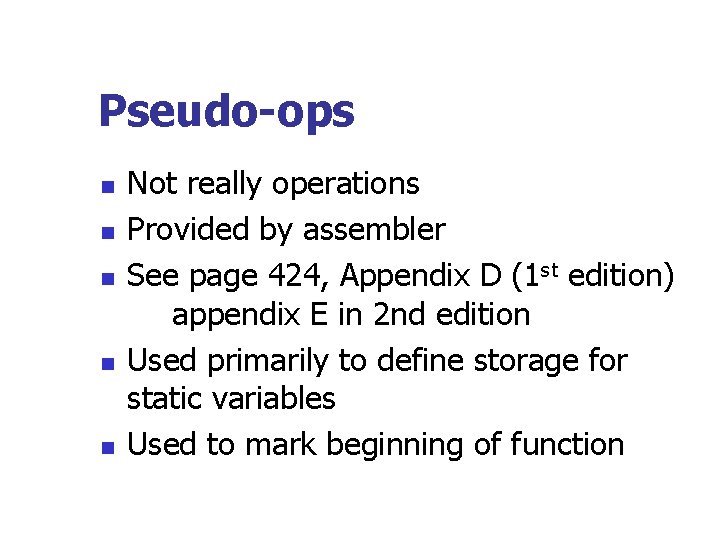
Pseudo-ops n n n Not really operations Provided by assembler See page 424, Appendix D (1 st edition) appendix E in 2 nd edition Used primarily to define storage for static variables Used to mark beginning of function
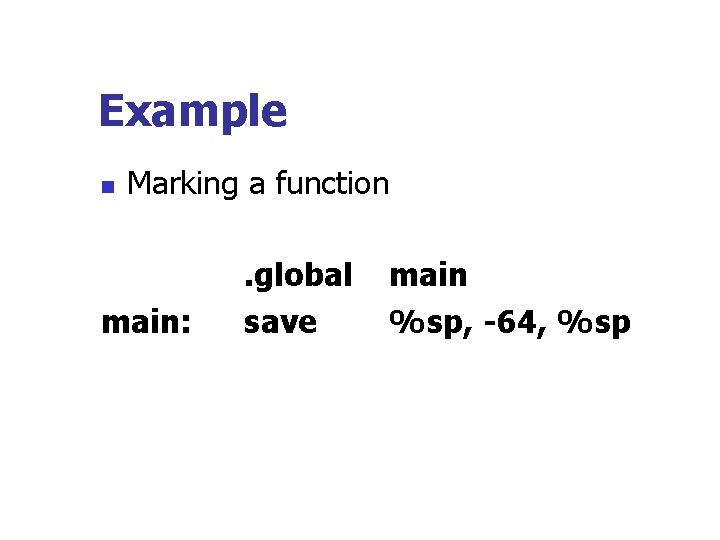
Example n Marking a function main: . global save main %sp, -64, %sp
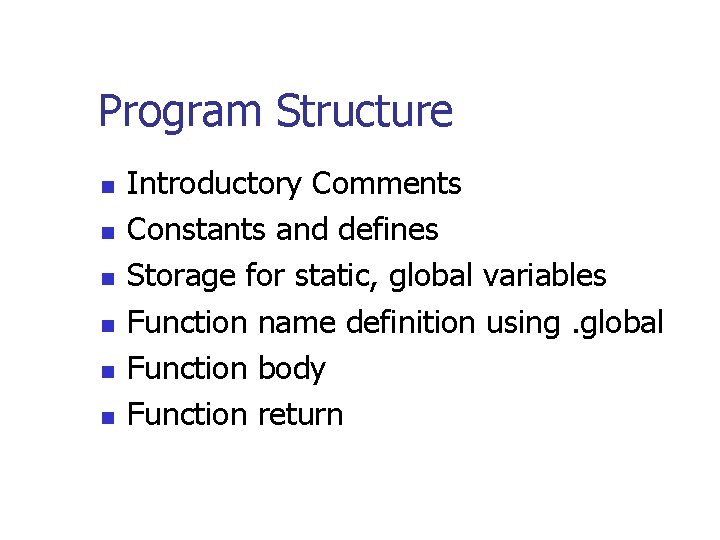
Program Structure n n n Introductory Comments Constants and defines Storage for static, global variables Function name definition using. global Function body Function return
Pipeline n n n Most computers today use pipeline techniques Provides faster execution Execution cycle more complicated Need to undo because of branches in code See Figure 2. 1 and 2. 2
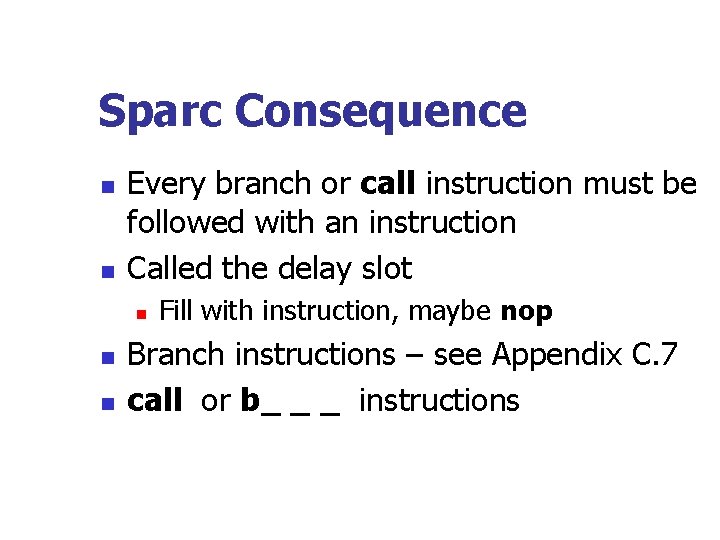
Sparc Consequence n n Every branch or call instruction must be followed with an instruction Called the delay slot n n n Fill with instruction, maybe nop Branch instructions – see Appendix C. 7 call or b_ _ _ instructions
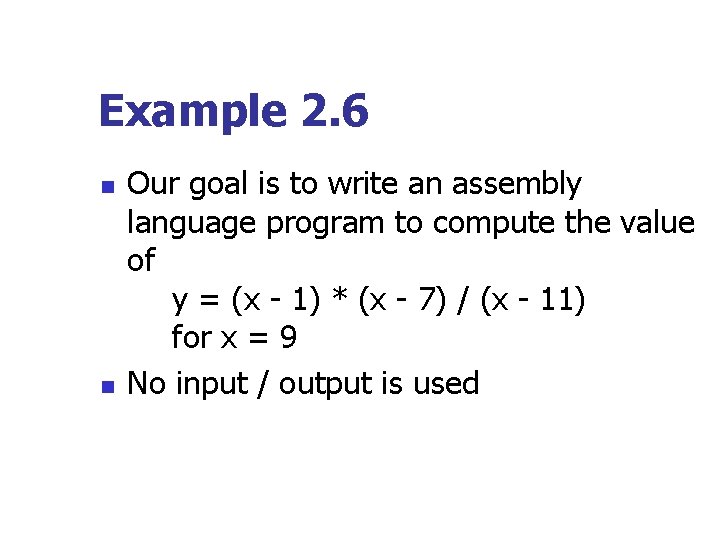
Example 2. 6 n n Our goal is to write an assembly language program to compute the value of y = (x - 1) * (x - 7) / (x - 11) for x = 9 No input / output is used
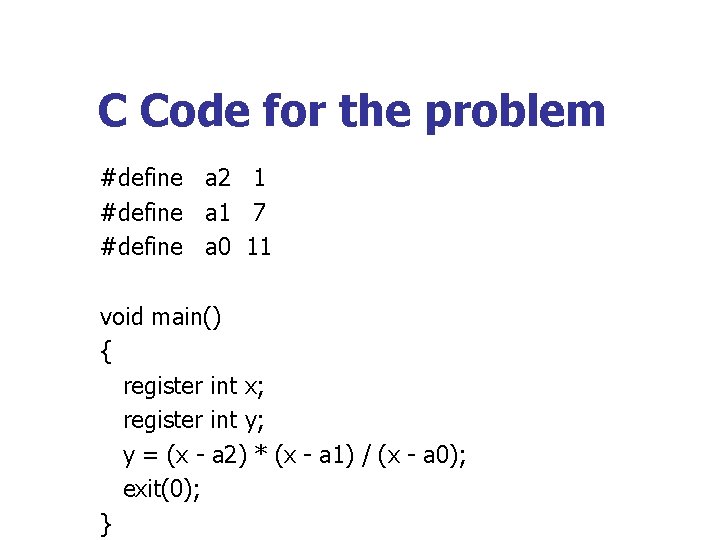
C Code for the problem #define a 2 1 #define a 1 7 #define a 0 11 void main() { register int x; register int y; y = (x - a 2) * (x - a 1) / (x - a 0); exit(0); }
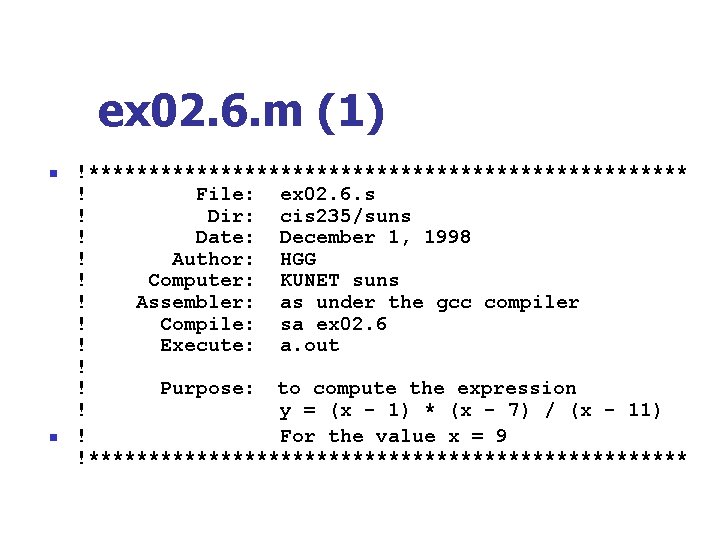
ex 02. 6. m (1) n n !************************* ! File: ex 02. 6. s ! Dir: cis 235/suns ! Date: December 1, 1998 ! Author: HGG ! Computer: KUNET suns ! Assembler: as under the gcc compiler ! Compile: sa ex 02. 6 ! Execute: a. out ! ! Purpose: to compute the expression ! y = (x - 1) * (x - 7) / (x - 11) ! For the value x = 9 !*************************
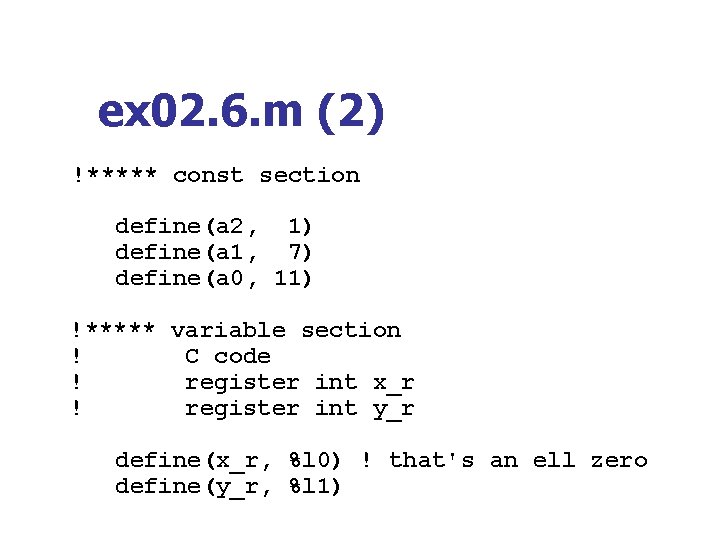
ex 02. 6. m (2) !***** const section define(a 2, 1) define(a 1, 7) define(a 0, 11) !***** variable section ! C code ! register int x_r ! register int y_r define(x_r, %l 0) ! that's an ell zero define(y_r, %l 1)
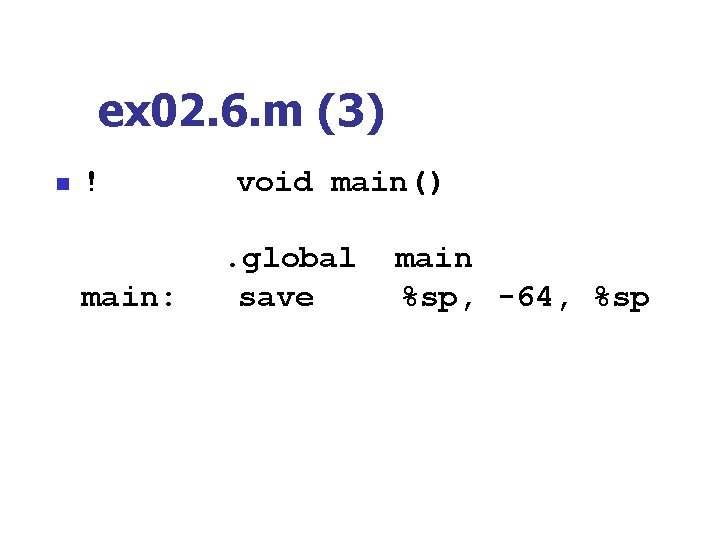
ex 02. 6. m (3) n ! main: void main(). global save main %sp, -64, %sp
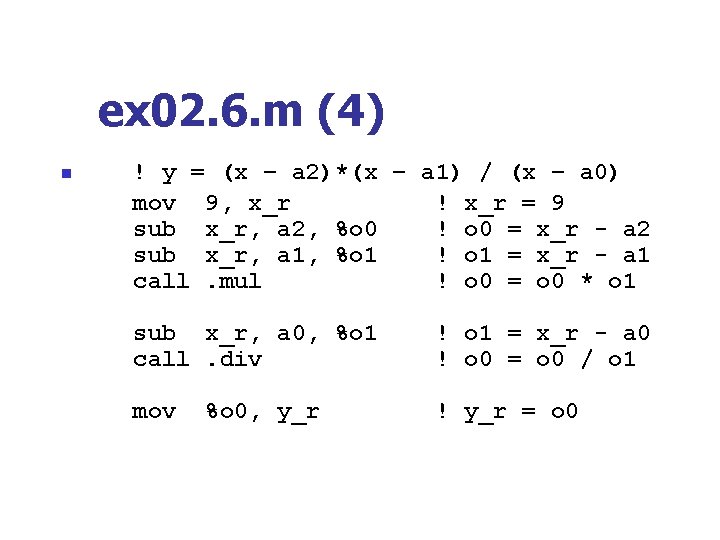
ex 02. 6. m (4) n ! y = (x – a 2)*(x – a 1) / (x – a 0) mov 9, x_r ! x_r = 9 sub x_r, a 2, %o 0 ! o 0 = x_r - a 2 sub x_r, a 1, %o 1 ! o 1 = x_r - a 1 call. mul ! o 0 = o 0 * o 1 nop sub x_r, a 0, %o 1 ! o 1 = x_r - a 0 call. div ! o 0 = o 0 / o 1 nop mov %o 0, y_r ! y_r = o 0
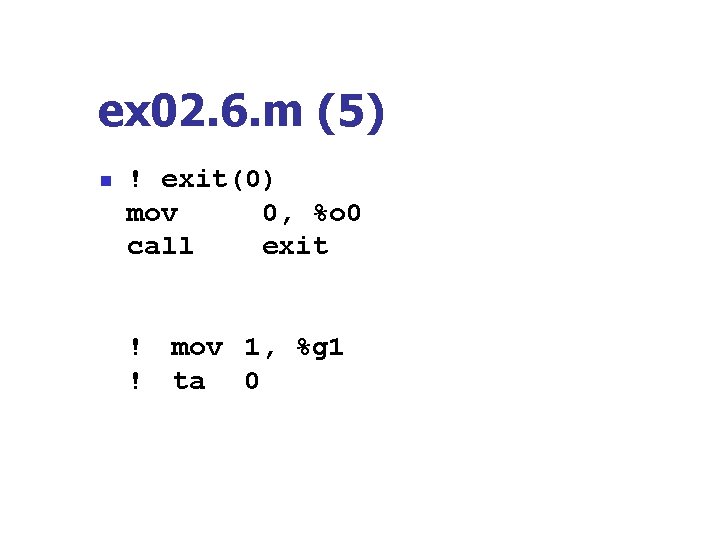
ex 02. 6. m (5) n ! exit(0) mov 0, %o 0 call exit nop ! ! mov 1, %g 1 ta 0
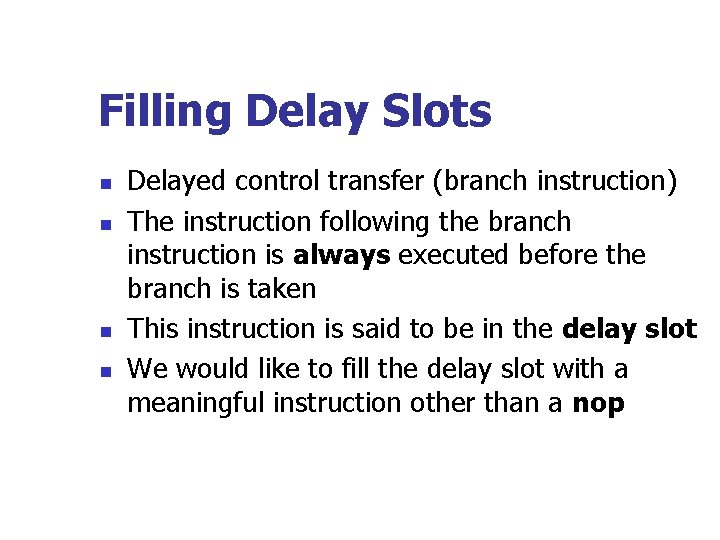
Filling Delay Slots n n Delayed control transfer (branch instruction) The instruction following the branch instruction is always executed before the branch is taken This instruction is said to be in the delay slot We would like to fill the delay slot with a meaningful instruction other than a nop
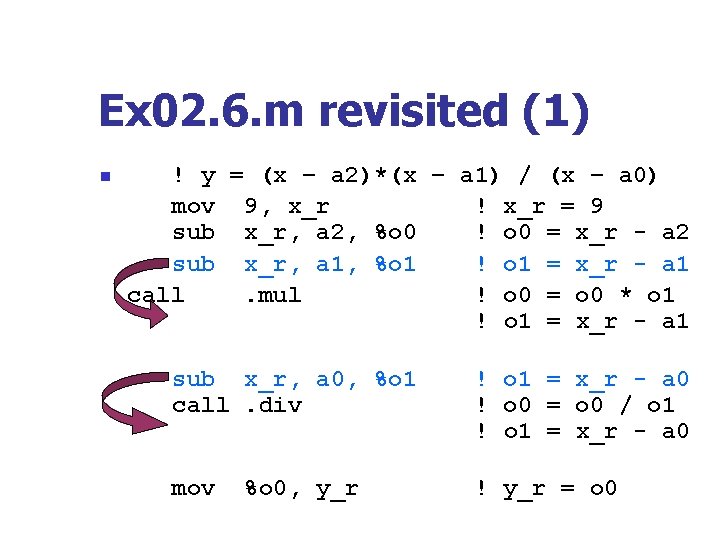
Ex 02. 6. m revisited (1) n ! y = (x – a 2)*(x – a 1) / (x – a 0) mov 9, x_r ! x_r = 9 sub x_r, a 2, %o 0 ! o 0 = x_r - a 2 sub x_r, a 1, %o 1 ! o 1 = x_r - a 1 call. mul ! o 0 = o 0 * o 1 sub x_r, a 1, %o 1 ! o 1 = x_r - a 1 sub x_r, a 0, %o 1 call. div sub x_r, a 0, %o 1 ! o 1 = x_r - a 0 ! o 0 = o 0 / o 1 ! o 1 = x_r - a 0 mov ! y_r = o 0 %o 0, y_r
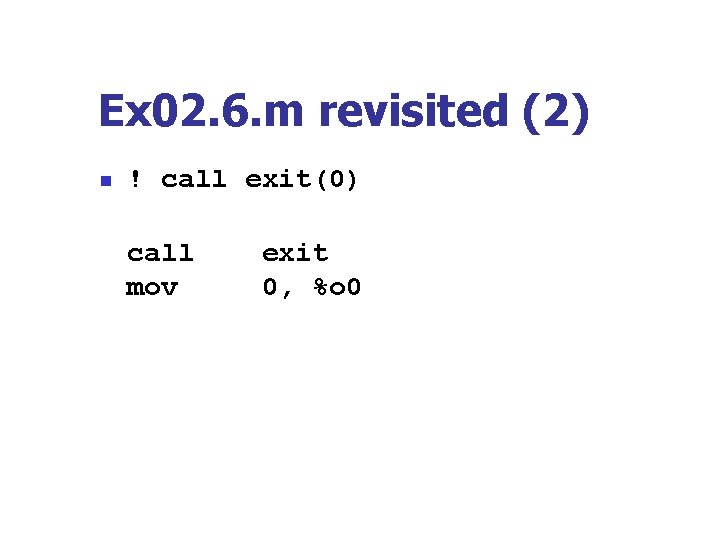
Ex 02. 6. m revisited (2) n ! call exit(0) call mov exit 0, %o 0
Summary n n We can now add, subtract, multiply, and divide We can define constants We can define mnemonics to allow us to use more meaningful names We know how to exit to the OS
The Debugger gdb (Cf. 2. 7) n n n Learning how to use the debugger is useful for C/C++ program development as well as for the assembler File must be compiled with –g option Called by the command gdb a. out or gdb executable_file
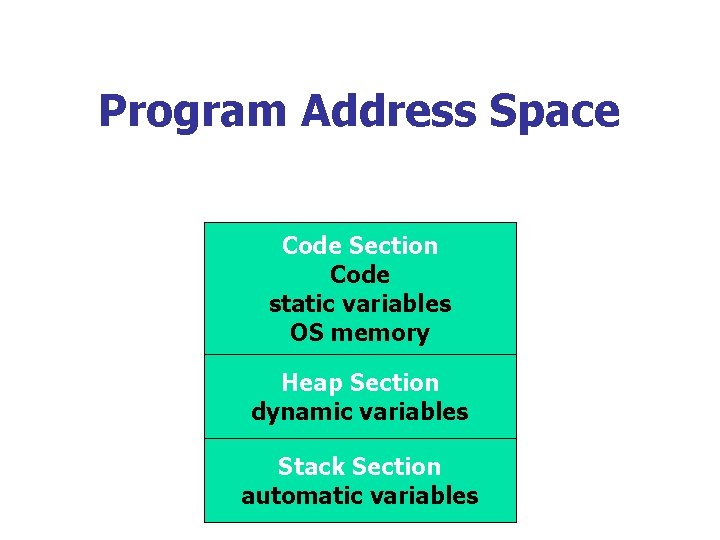
Program Address Space Code Section Code static variables OS memory Heap Section dynamic variables Stack Section automatic variables
Code section n Contains storage for n n n Code Operating System information Static variables – global and local
Stack section n n Contains automatic variables of the functions Contains frame information for each call of a function
Heap section n Contains dynamic variables – those objects created by the new function in C++ or the malloc function in C and destroyed by the delete function.
Defining Static Global Variables n n n Static global variables in C/C++ are those variables defined outside of a function Contrast to automatic variables They are created and compiled
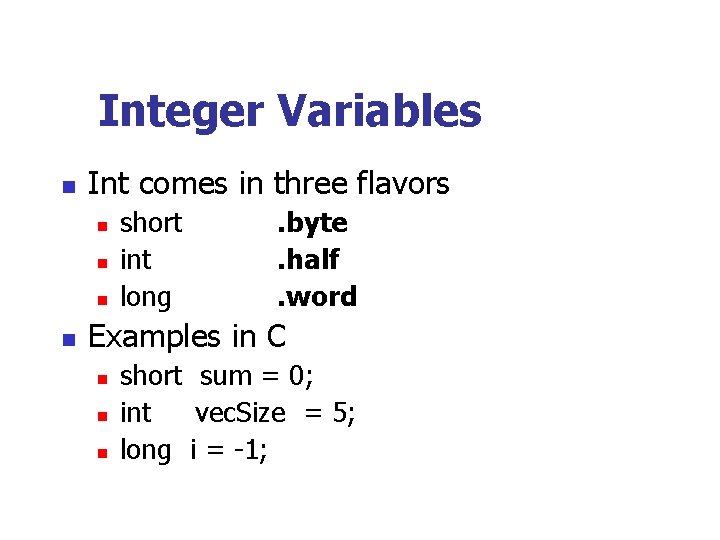
Integer Variables n Int comes in three flavors n n short int long . byte. half. word Examples in C n n n short sum = 0; int vec. Size = 5; long i = -1;
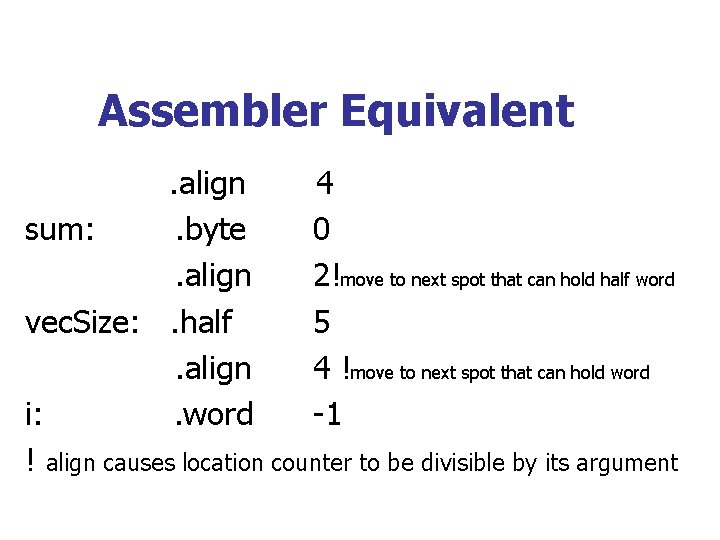
Assembler Equivalent. align 4 sum: . byte 0. align 2!move to next spot that can hold half word vec. Size: . half 5. align 4 !move to next spot that can hold word i: . word -1 ! align causes location counter to be divisible by its argument
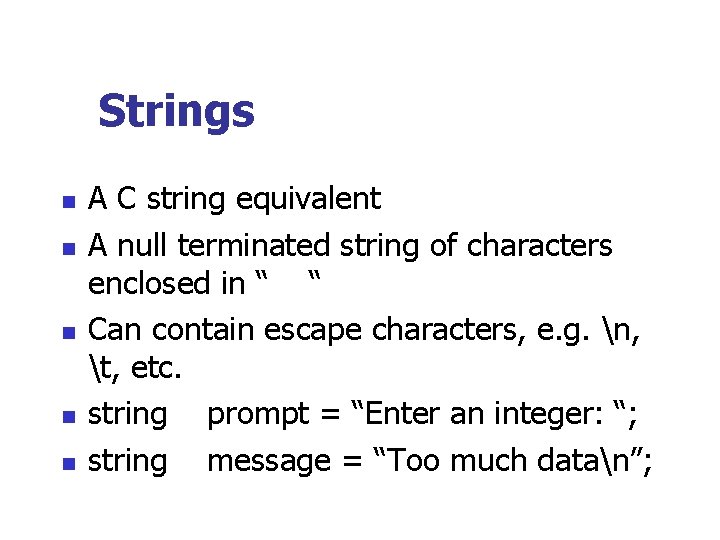
Strings n n n A C string equivalent A null terminated string of characters enclosed in “ “ Can contain escape characters, e. g. n, t, etc. string prompt = “Enter an integer: “; string message = “Too much datan”;
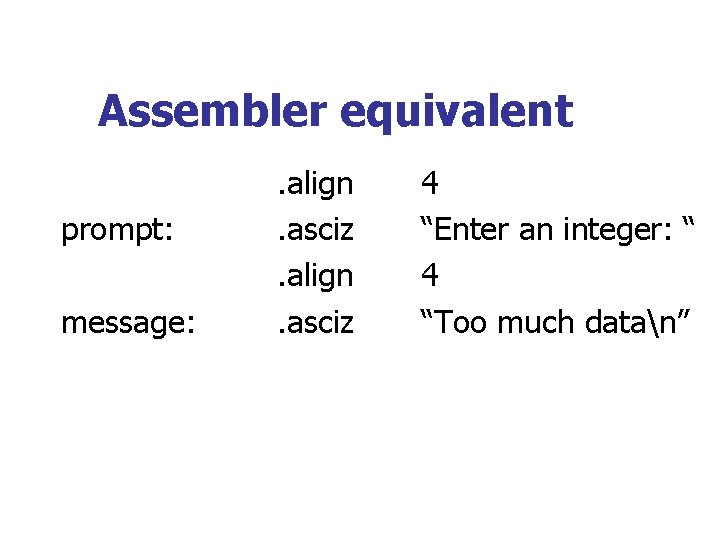
Assembler equivalent prompt: message: . align. asciz 4 “Enter an integer: “ 4 “Too much datan”
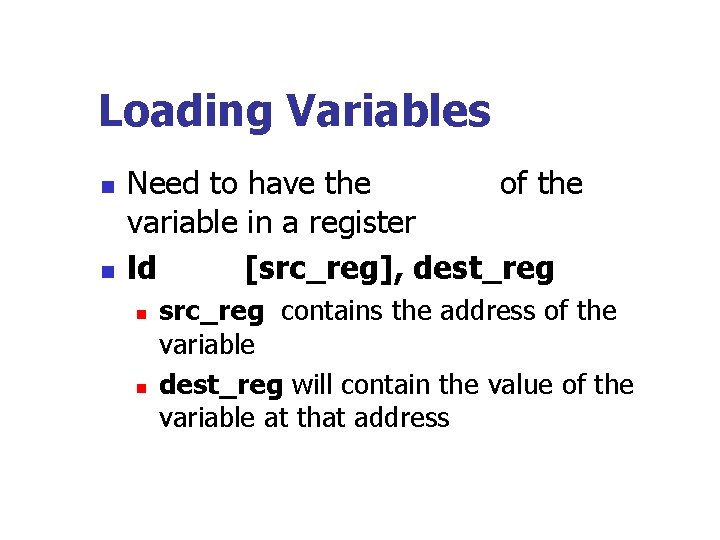
Loading Variables n n Need to have the address of the variable in a register ld [src_reg], dest_reg n n src_reg contains the address of the variable dest_reg will contain the value of the variable at that address
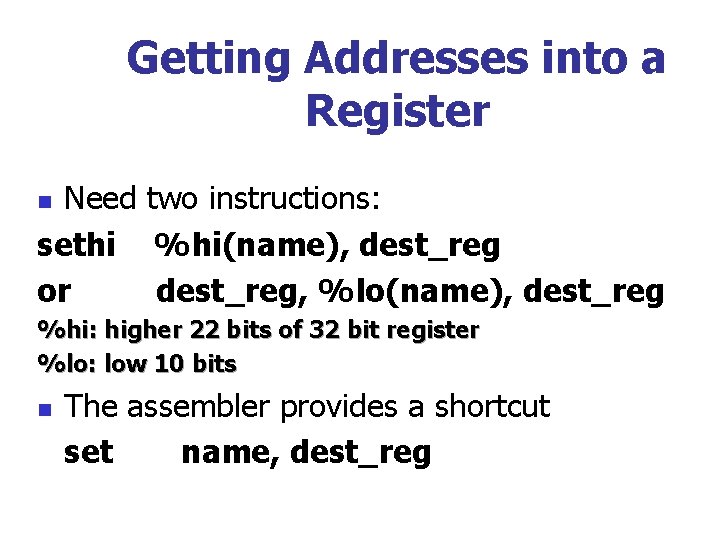
Getting Addresses into a Register Need two instructions: sethi %hi(name), dest_reg or dest_reg, %lo(name), dest_reg n %hi: higher 22 bits of 32 bit register %lo: low 10 bits n The assembler provides a shortcut set name, dest_reg
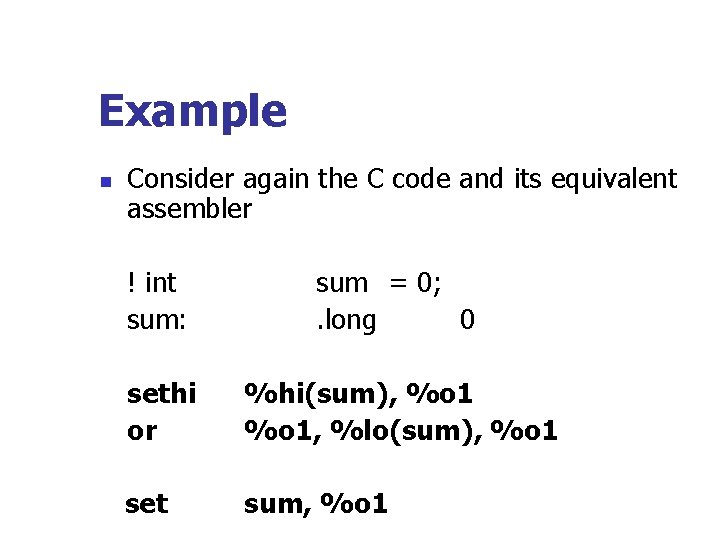
Example n Consider again the C code and its equivalent assembler ! int sum: sum = 0; . long 0 sethi or or set %hi(sum), %o 1, %lo(sum), %o 1 sum, %o 1
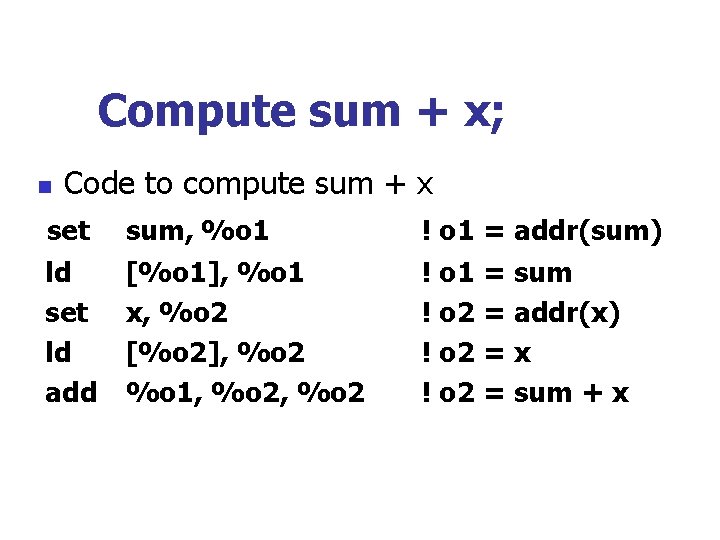
Compute sum + x; n Code to compute sum + x set ld add sum, %o 1 [%o 1], %o 1 x, %o 2 [%o 2], %o 2 %o 1, %o 2 ! o 1 = addr(sum) ! o 1 = sum ! o 2 = addr(x) ! o 2 = x ! o 2 = sum + x
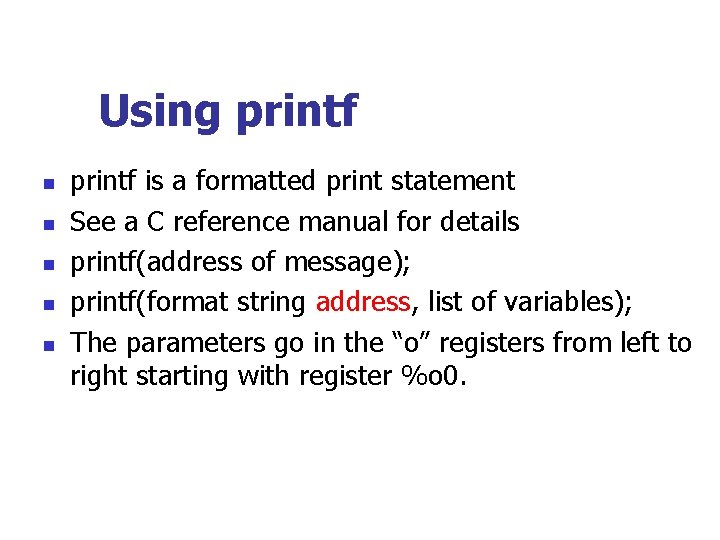
Using printf n n n printf is a formatted print statement See a C reference manual for details printf(address of message); printf(format string address, list of variables); The parameters go in the “o” registers from left to right starting with register %o 0.
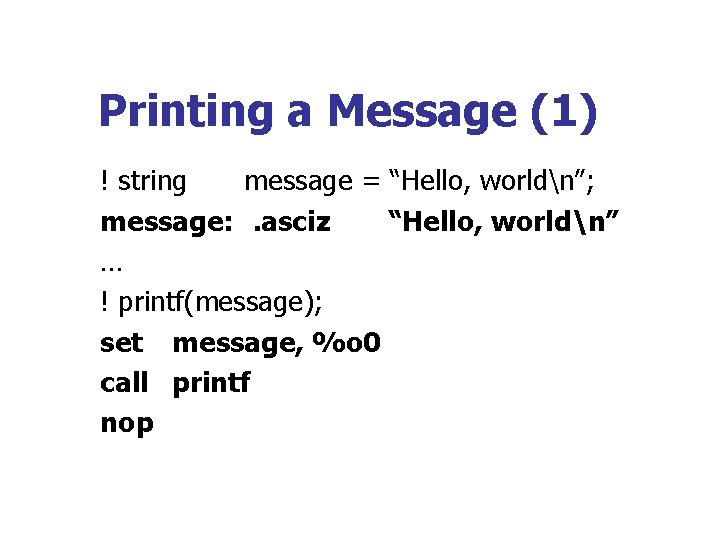
Printing a Message (1) ! string message = “Hello, worldn”; message: . asciz “Hello, worldn” … ! printf(message); set message, %o 0 call printf nop
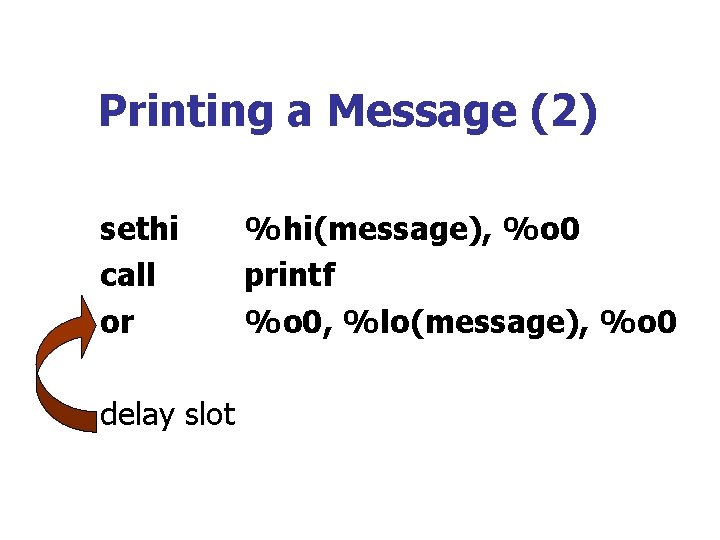
Printing a Message (2) sethi call or delay slot %hi(message), %o 0 printf %o 0, %lo(message), %o 0
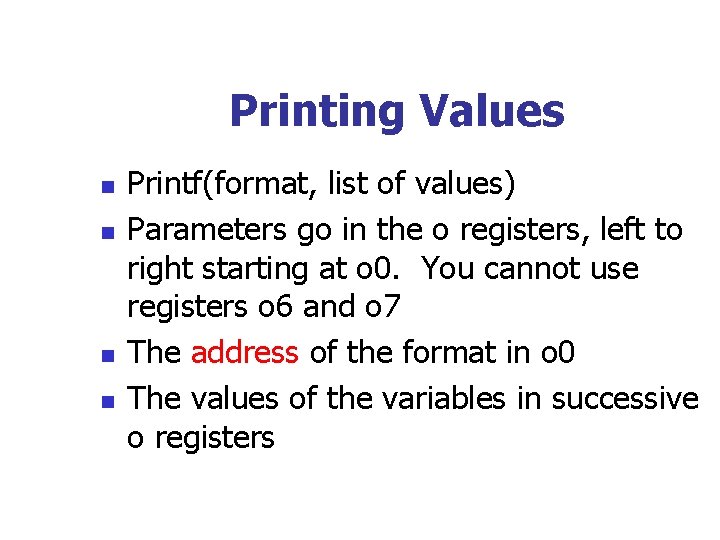
Printing Values n n Printf(format, list of values) Parameters go in the o registers, left to right starting at o 0. You cannot use registers o 6 and o 7 The address of the format in o 0 The values of the variables in successive o registers
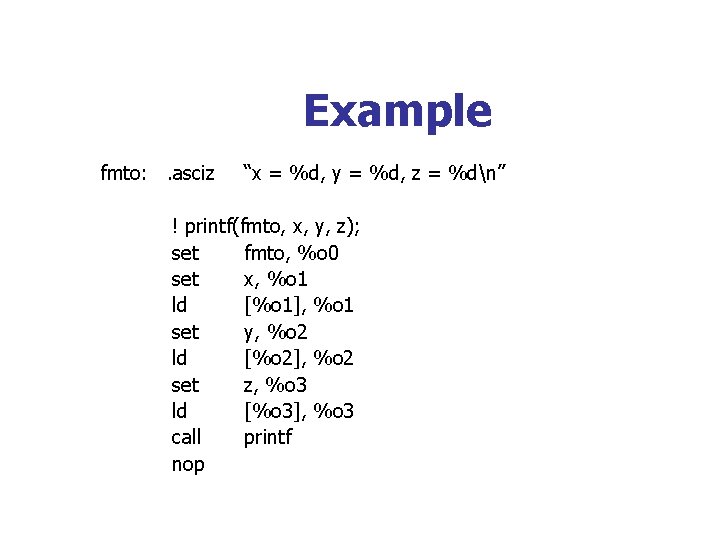
Example fmto: . asciz “x = %d, y = %d, z = %dn” ! printf(fmto, x, y, z); set fmto, %o 0 set x, %o 1 ld [%o 1], %o 1 set y, %o 2 ld [%o 2], %o 2 set z, %o 3 ld [%o 3], %o 3 call printf nop
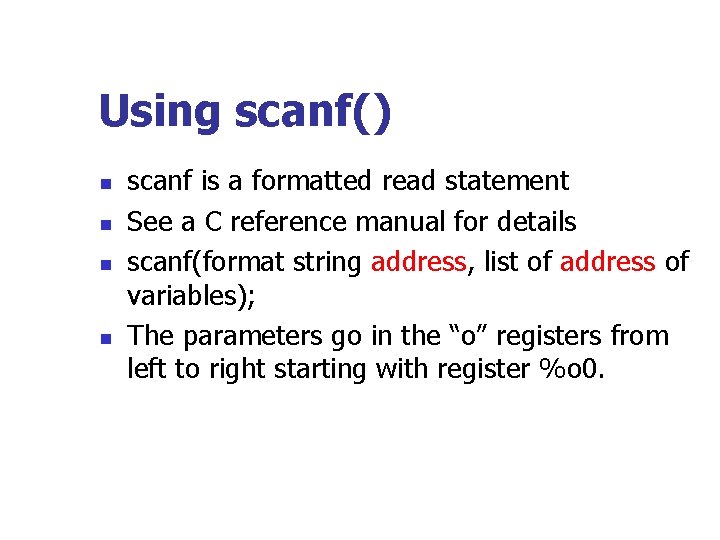
Using scanf() n n scanf is a formatted read statement See a C reference manual for details scanf(format string address, list of address of variables); The parameters go in the “o” registers from left to right starting with register %o 0.
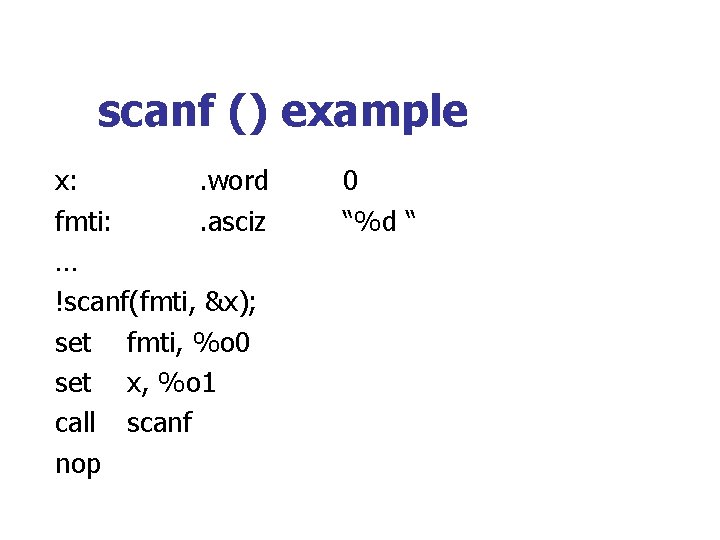
scanf () example x: . word fmti: . asciz … !scanf(fmti, &x); set fmti, %o 0 set x, %o 1 call scanf nop 0 “%d “
- Slides: 51