
Sounds Key Word Vocabulary During this lesson you
Sounds
Key Word Vocabulary During this lesson you will hear the following key words. Make sure you listen carefully to the lesson as you may be asked questions at the end. Atmosphere Effects Music Narration EOS Enhance Emotion
Purpose Recap! IS THE TOPIC SERIOUS OR FUN? PURPOSE WILL AFFECT OUR CHOICE OF COLOURS PURPOSE HAS AN IMPACT ON THE Why is it important that we DESIGN think about the purpose of the presentation before we begin to design it? PURPOSE WILL AFFECT OUR CHOICE OF IMAGES EOS THE CONTENT PURPOSE WILL (Serious purpose should AFFECT THE have serious content) WORDS WE USE
Audience Recap! FUN STYLE OF EYE CATCHING COLOURS FONT SIMPLE DESIGN (but not too many) How can we make sure that our Power. Point Presentations are suitable NOT TOO MANY NOT TOO CRAMPED for children? EASY TO GET WORDS AROUND THE CARTOONY CHOICE OF IMAGES (VECTORS / CLIPART) EOS PRESENTATION
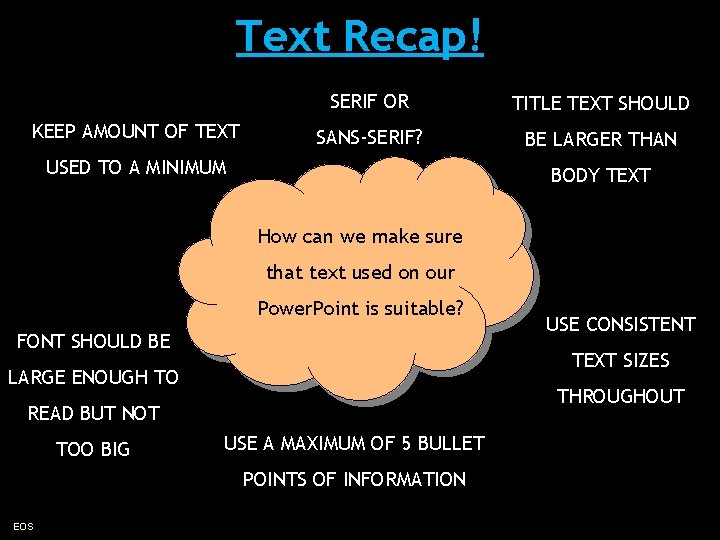
Text Recap! KEEP AMOUNT OF TEXT SERIF OR TITLE TEXT SHOULD SANS-SERIF? BE LARGER THAN USED TO A MINIMUM BODY TEXT How can we make sure that text used on our Power. Point is suitable? FONT SHOULD BE TEXT SIZES LARGE ENOUGH TO THROUGHOUT READ BUT NOT TOO BIG USE A MAXIMUM OF 5 BULLET POINTS OF INFORMATION EOS USE CONSISTENT
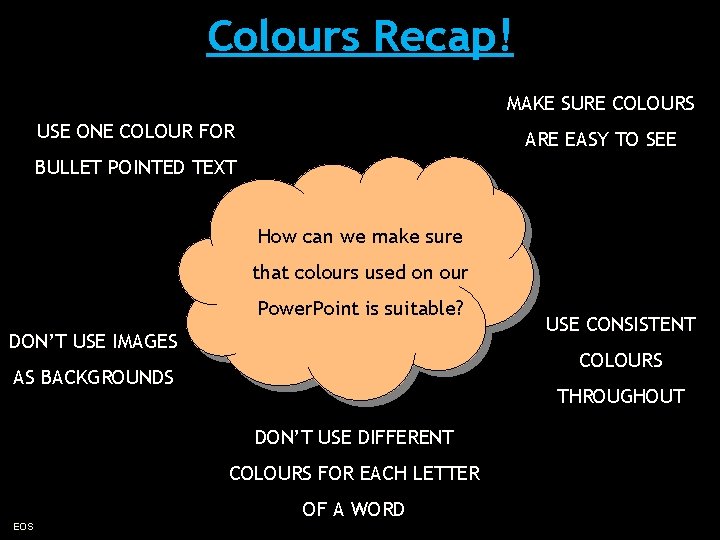
Colours Recap! MAKE SURE COLOURS USE ONE COLOUR FOR ARE EASY TO SEE BULLET POINTED TEXT How can we make sure that colours used on our Power. Point is suitable? DON’T USE IMAGES COLOURS AS BACKGROUNDS THROUGHOUT DON’T USE DIFFERENT COLOURS FOR EACH LETTER EOS USE CONSISTENT OF A WORD
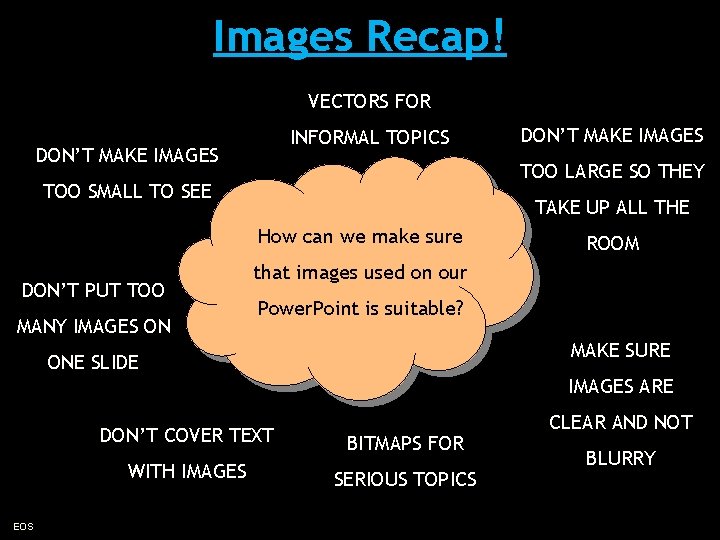
Images Recap! VECTORS FOR INFORMAL TOPICS DON’T MAKE IMAGES TOO LARGE SO THEY TOO SMALL TO SEE TAKE UP ALL THE How can we make sure DON’T PUT TOO MANY IMAGES ON DON’T MAKE IMAGES ROOM that images used on our Power. Point is suitable? MAKE SURE ONE SLIDE IMAGES ARE EOS DON’T COVER TEXT BITMAPS FOR WITH IMAGES SERIOUS TOPICS CLEAR AND NOT BLURRY
Discussion Time • We are going to look at a selection of slides that contain sounds. • You need to listen to each sound very closely to see if you can guess what image will follow. EOS
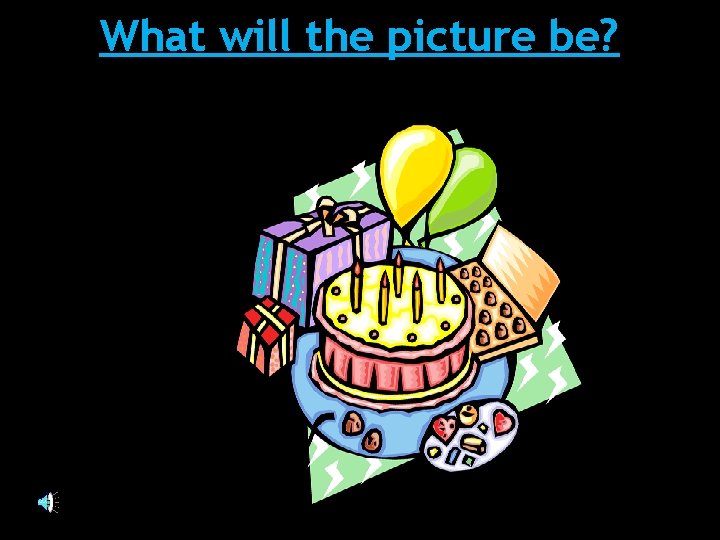
What will the picture be?
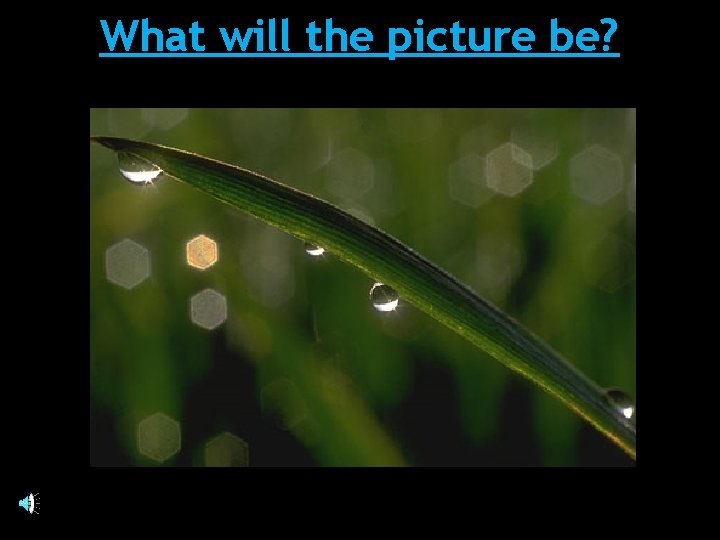
What will the picture be?

Which image?
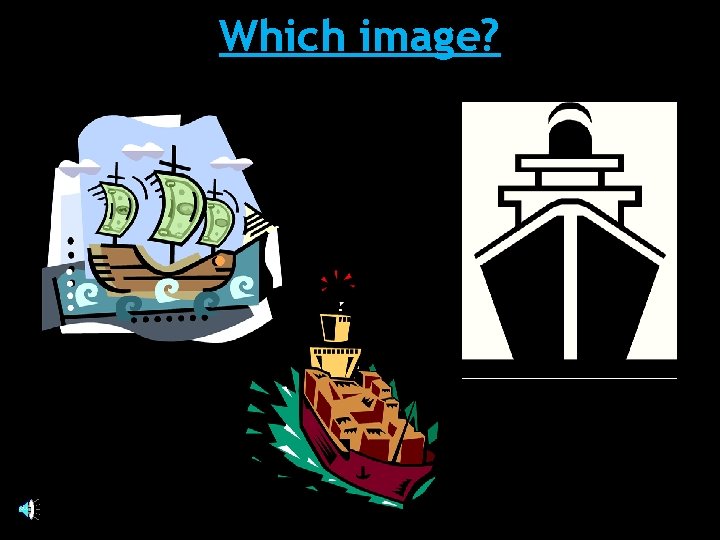
Which image?
Discussion Time • Look at the following situations. • You need to decide what sounds would be best in order to enhance the atmosphere. EOS
Which type of sounds would you use to create: 1. A spooky atmosphere 2. A party atmosphere 3. A seaside atmosphere 4. A busy street or shopping centre
Close your eyes while I play some sounds. While you are listening to the sounds think really hard about how they make you feel. What emotions do they bring out of you?
Using sounds – the options • To illustrate – e. g. music • To enhance – e. g. effects • To provide alternative – e. g. narration
Sounds Recap! MAKE SURE THAT THE USE SOUND TO SOUND MATCHES THE ILLUSTRATE THE SLIDE CONTENT INFORMATION How can we make sure DON’T JUST USE that sounds used on our SOUND FOR THE Power. Point is suitable? CREATE AN ATMOSPHERE SAKE OF IT USE SOUND EFFECTS TO ENHANCE A SLIDE EOS USE MUSIC TO USE SOUND THAT IS MATCHED TO TARGET AUDIENCE (DON’T USE SCARY SOUNDS FOR SMALL CHILDREN)
Task Time - Sounds • Look at the next slide for advice on how to add sounds to your e-safety presentation. NOTE: There are some links to free websites where you can download sounds on part 5 of the ictlounge. I have also left a link to a video tutorial which will show you how to add sounds within Power. Point. EOS
Add Sounds to your Presentation • You should now add sounds to your presentation in order to enhance what is happening on your slides. YOU MUST HAVE THE FOLLOWING DOCUMENTS OPEN: The presentation criteria (link) Your E-safety research sheet (link) Your hand drawn design Any tutorials you may need (hyperlinks, animations etc) Things to remember: • Work from the presentation criteria • Save work on a regular basis • Take into account anything mentioned during this lesson about good use of images. EOS
Homework Continue to gather sounds that you can use to enhance your E-Safety Power. Point. Remember to select sounds that match the content of your Power. Point slides. Bring at least 3 new sounds into school on a memory stick.
- Slides: 20