
SOUNDING BOARD What Is It Sounding Board helps
SOUNDING BOARD
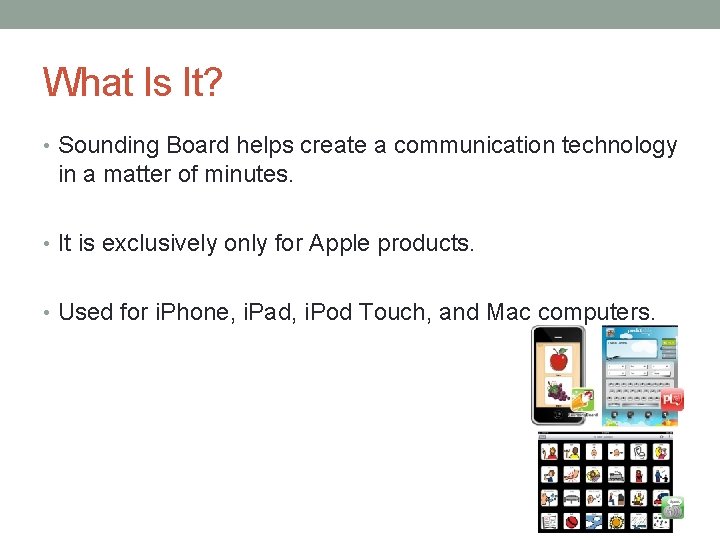
What Is It? • Sounding Board helps create a communication technology in a matter of minutes. • It is exclusively only for Apple products. • Used for i. Phone, i. Pad, i. Pod Touch, and Mac computers.
How Do I Use It? • Sounding Board allows users to create their own personal boards and edit current boards. • Buy extras for $. 99 • App has boards already installed, all you have to do is record and put in your own pictures in order to personalize! • Boards range from social, workplace, school, reading, emergency information, entertainment, expressions, and many more.
Where Do I Use It? • Sounding Board can be used in all settings for a student or person with a disability needing a voice. • I would recommend making many different boards having to do with that particular person’s life so they can use it for every day, all day use. • In special education and classroom settings it would be beneficial to personalize boards by: • Recording paraprofessional or special educators voice and putting in personalized pictures for student to make it more “theirs. ” • All data is stored such as, most popular symbols and most popular boards.
How Can I Get It? • Sounding Board can be downloaded in the Apple App Store on any Apple Product. • Produced by Able. Net • It is free of charge, but extra communication boards can be bought for $. 99 through the app and App Store. • Easily accessible and could be used as a trial before buying something more expensive!
Anything Special? • Sounding Board can be activated through switches. • Switches will have to be plugged into device and student will have to be prompted with which board they want to go into, as well as given a choice as to what to choose within that board. • There also options for switches such as, scanning, how long it will scan and how many it will scan. • These can also be viewed in the User Data
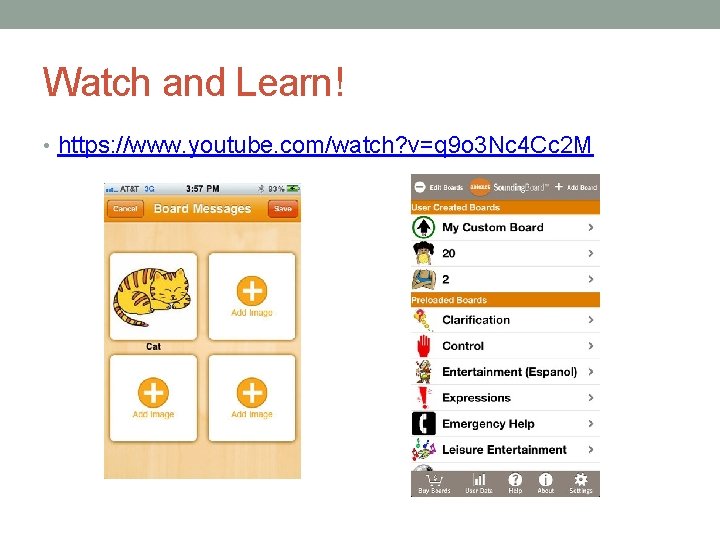
Watch and Learn! • https: //www. youtube. com/watch? v=q 9 o 3 Nc 4 Cc 2 M
- Slides: 7