
Sorting Bubble Sort Selection Sort Week03 Lecture02 Course
Sorting Bubble Sort, Selection Sort. Week-03, Lecture-02 Course Code: CSE 221 Course Title: Algorithms Program: B. Sc. in CSE Course Teacher: Designation: Email: Masud Rabbani Lecturer masud. cse@diu. edu. bd

Bubble sort
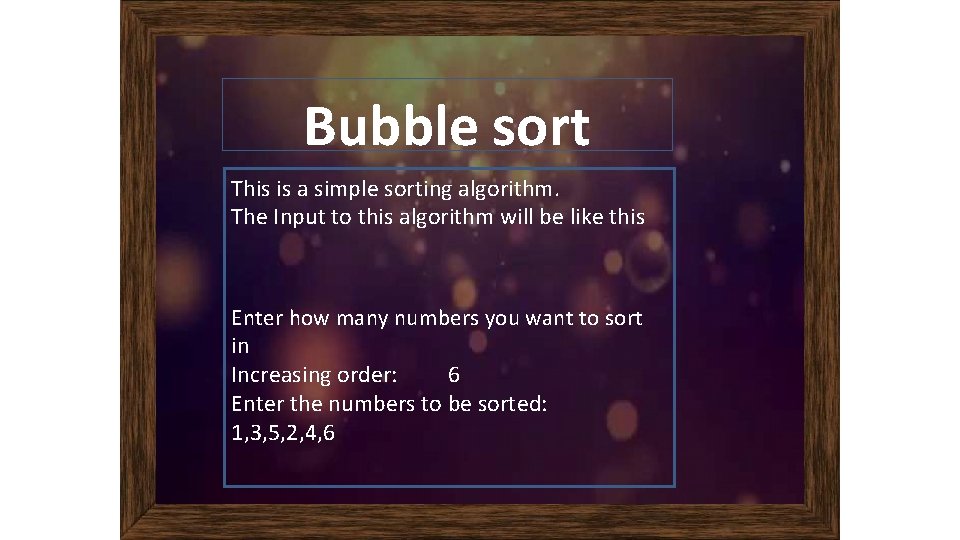
Bubble sort This is a simple sorting algorithm. The Input to this algorithm will be like this Enter how many numbers you want to sort in Increasing order: 6 Enter the numbers to be sorted: 1, 3, 5, 2, 4, 6
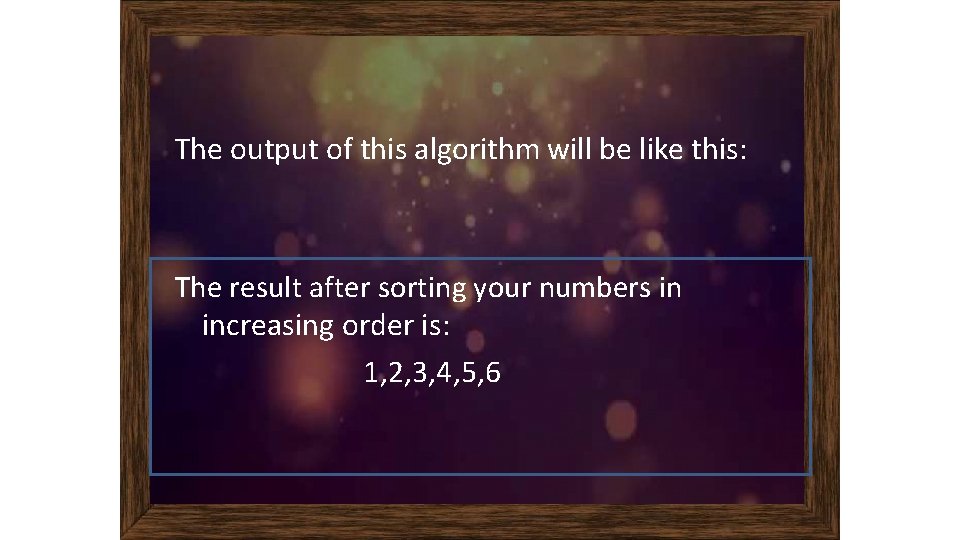
The output of this algorithm will be like this: The result after sorting your numbers in increasing order is: 1, 2, 3, 4, 5, 6
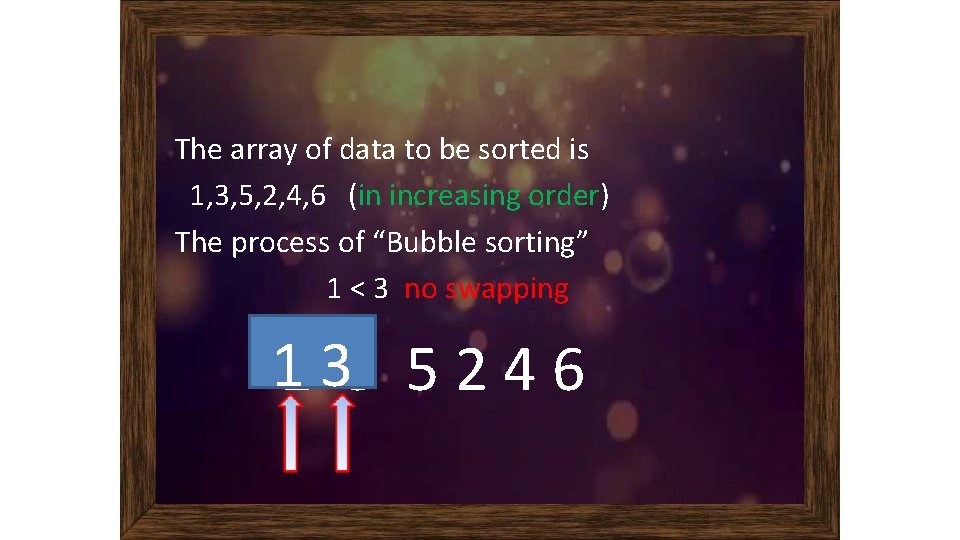
The array of data to be sorted is 1, 3, 5, 2, 4, 6 (in increasing order) The process of “Bubble sorting” 1 < 3 no swapping 11 33 5 2 4 6
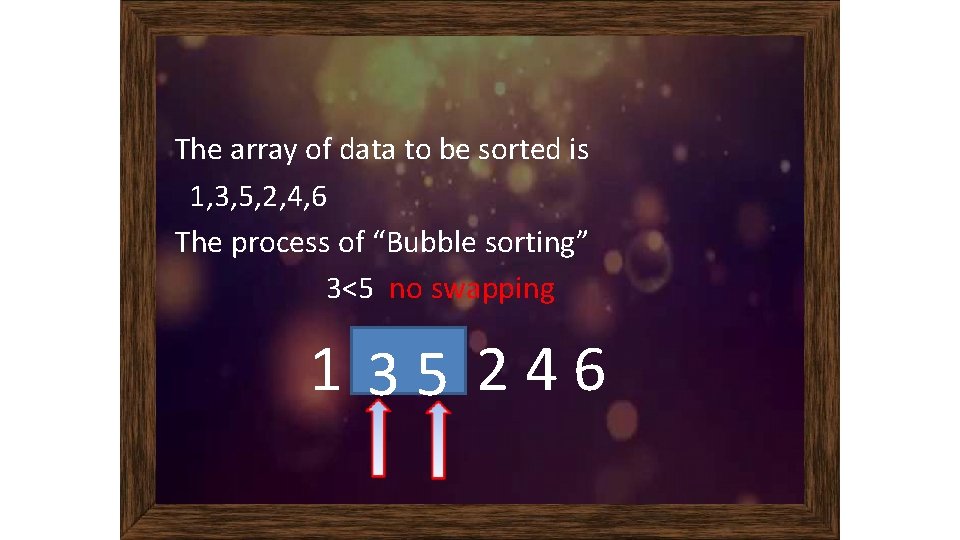
The array of data to be sorted is 1, 3, 5, 2, 4, 6 The process of “Bubble sorting” 3<5 no swapping 1 35 246
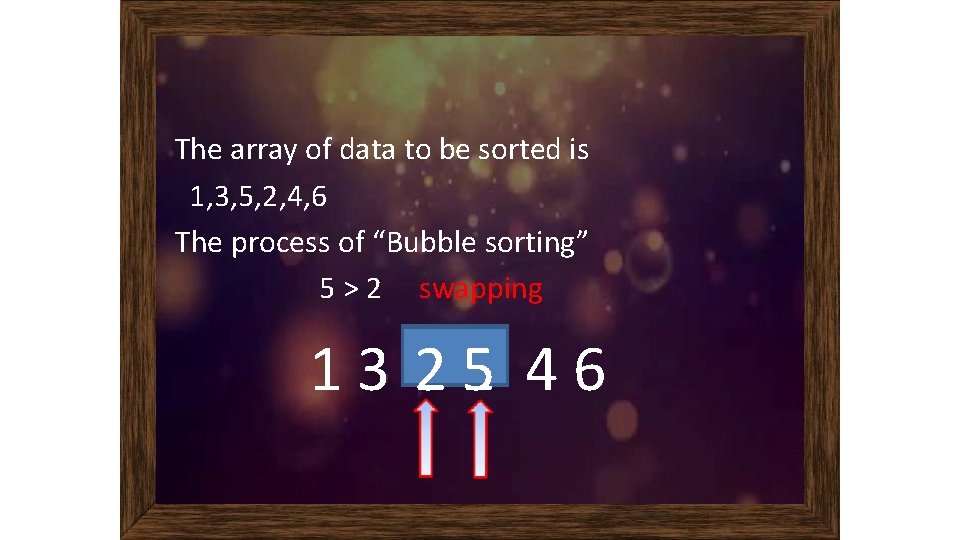
The array of data to be sorted is 1, 3, 5, 2, 4, 6 The process of “Bubble sorting” 5 > 2 swapping 13 2 55 2 46
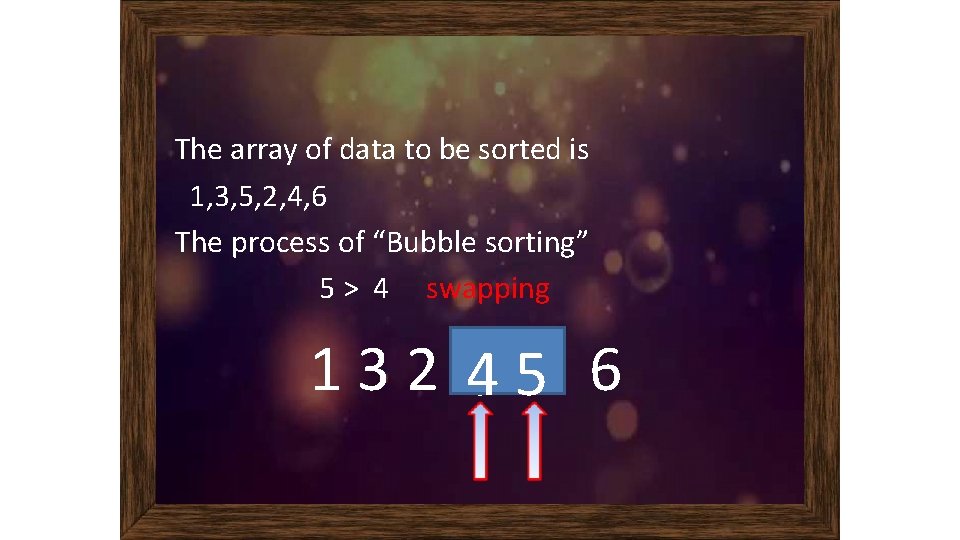
The array of data to be sorted is 1, 3, 5, 2, 4, 6 The process of “Bubble sorting” 5 > 4 swapping 132 4 55 4 6
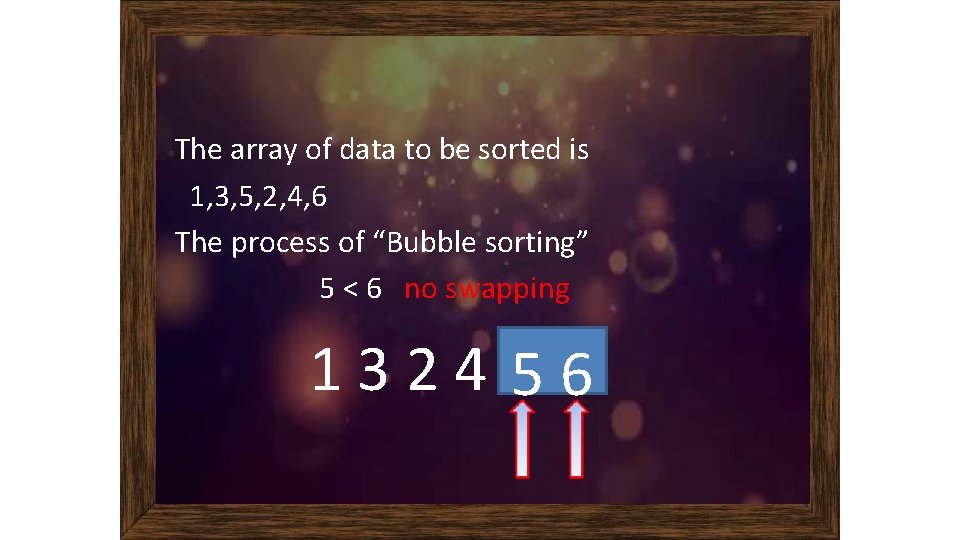
The array of data to be sorted is 1, 3, 5, 2, 4, 6 The process of “Bubble sorting” 5 < 6 no swapping 1324 56
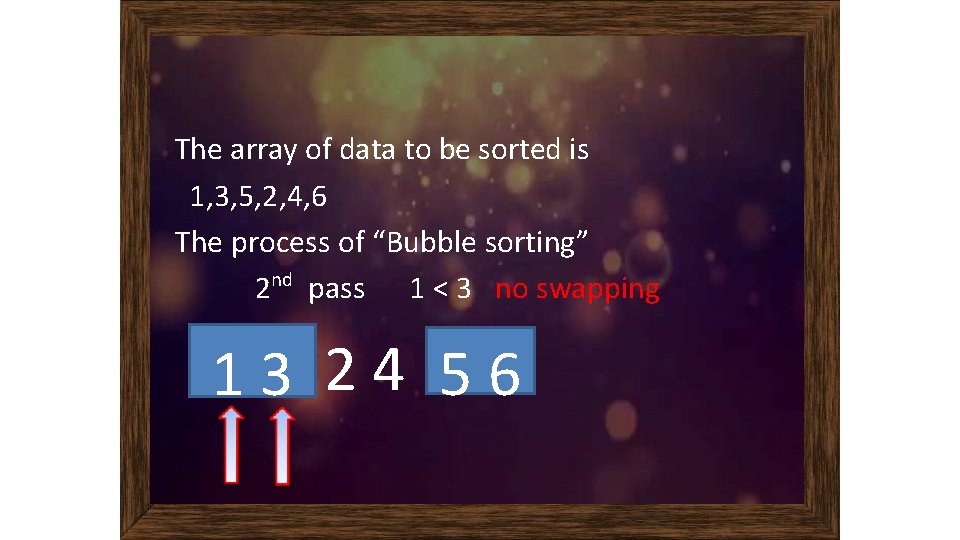
The array of data to be sorted is 1, 3, 5, 2, 4, 6 The process of “Bubble sorting” 2 nd pass 1 < 3 no swapping 13 24 56
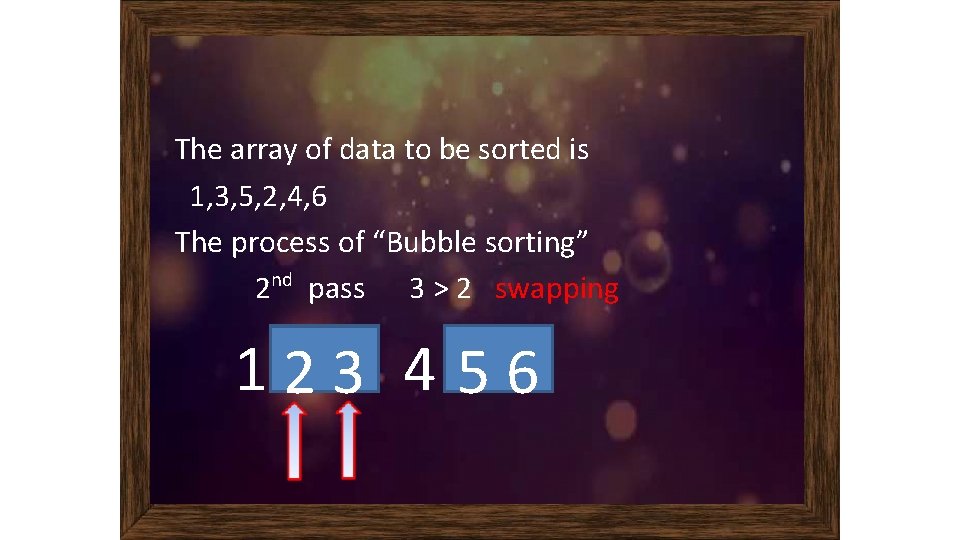
The array of data to be sorted is 1, 3, 5, 2, 4, 6 The process of “Bubble sorting” 2 nd pass 3 > 2 swapping 12 33 2 4 56
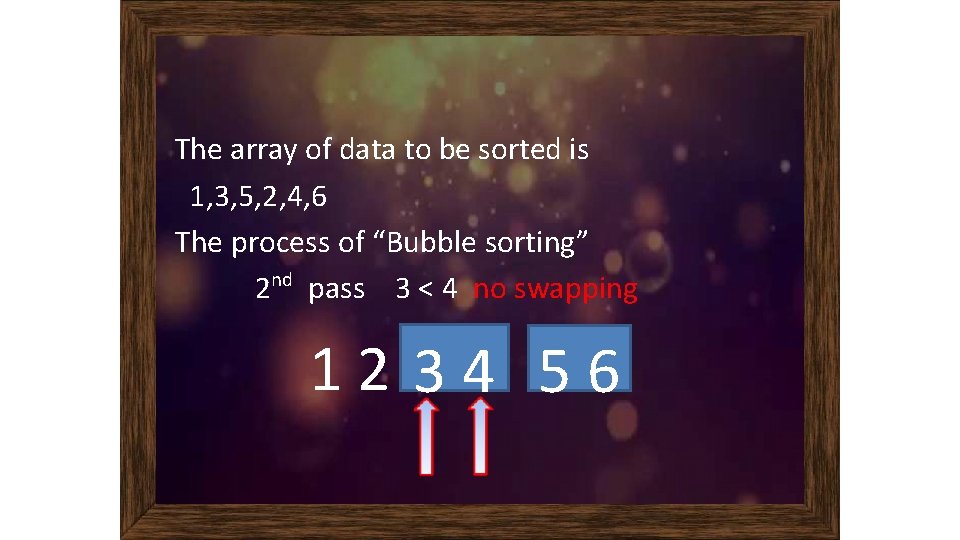
The array of data to be sorted is 1, 3, 5, 2, 4, 6 The process of “Bubble sorting” 2 nd pass 3 < 4 no swapping 12 34 56
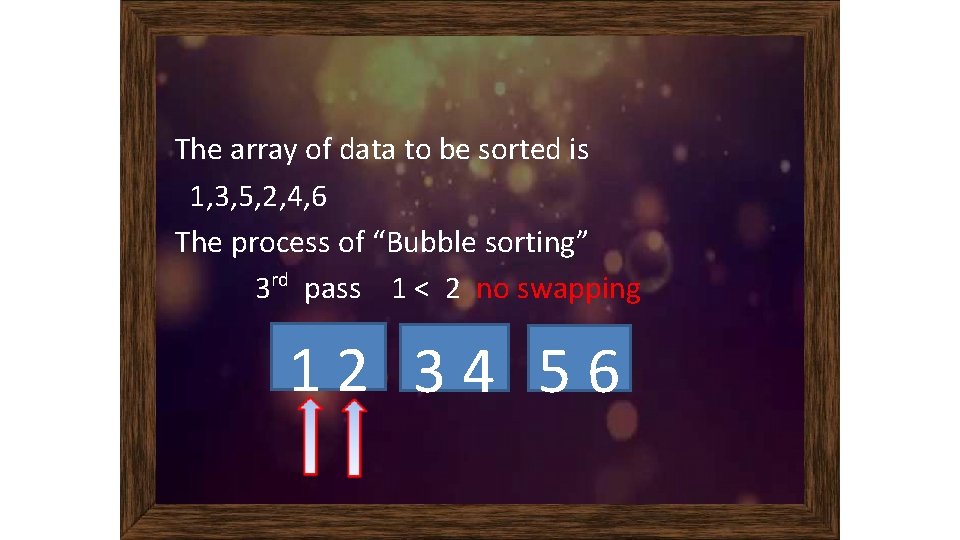
The array of data to be sorted is 1, 3, 5, 2, 4, 6 The process of “Bubble sorting” 3 rd pass 1 < 2 no swapping 12 34 56
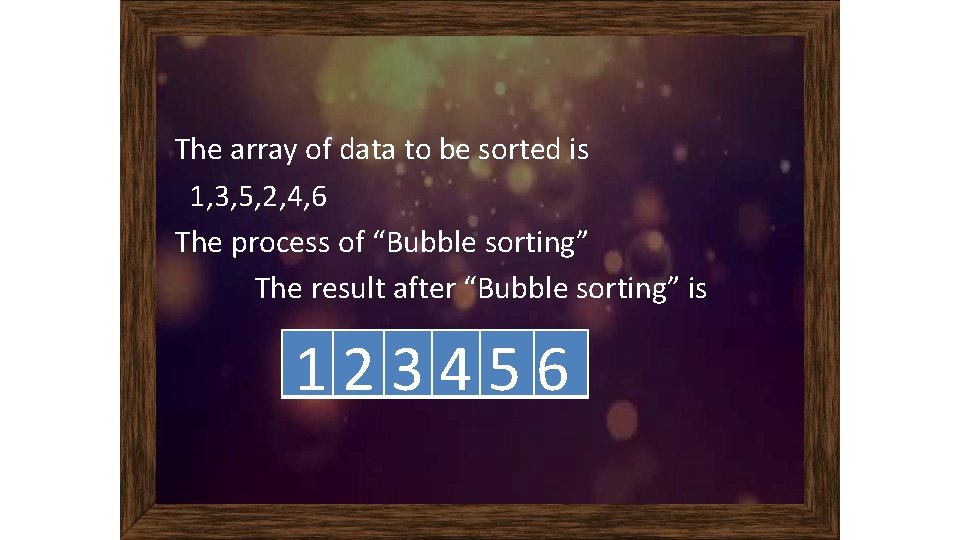
The array of data to be sorted is 1, 3, 5, 2, 4, 6 The process of “Bubble sorting” The result after “Bubble sorting” is 123456
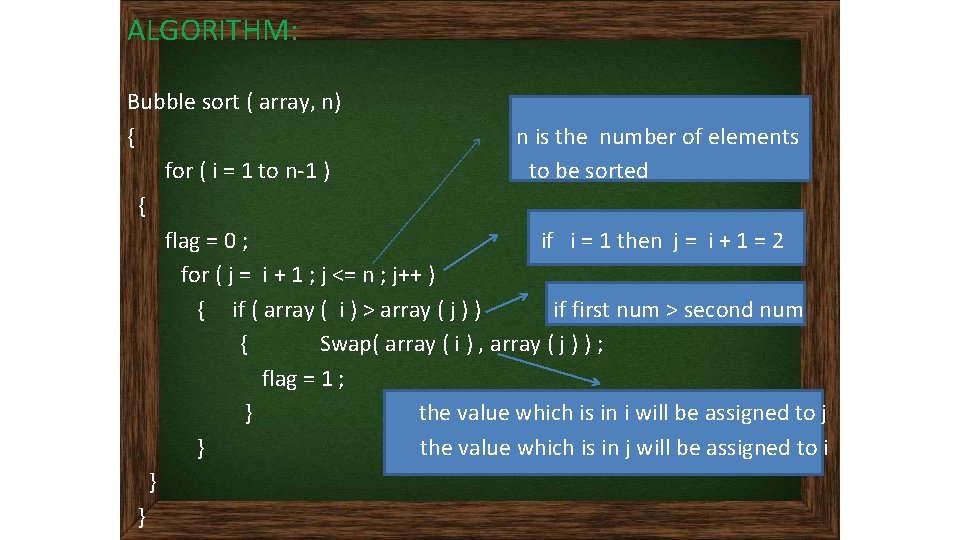
ALGORITHM: Bubble sort ( array, n) { n is the number of elements for ( i = 1 to n-1 ) to be sorted { flag = 0 ; if i = 1 then j = i + 1 = 2 for ( j = i + 1 ; j <= n ; j++ ) { if ( array ( i ) > array ( j ) ) if first num > second num { Swap( array ( i ) , array ( j ) ) ; flag = 1 ; } the value which is in i will be assigned to j } the value which is in j will be assigned to i } }
SELECTION SORT
Description A sorting technique that is typically used for sequencing small lists.
� The Selection Sort searches (linear search) all of the elements in a list until it finds the smallest element. It “swaps” this with the first element in the list. Next it finds the smallest of the remaining elements, and “swaps” it with the second element.
The Selection Sort Algorithm � For each index position i – Find the smallest data value in the array from positions i through length - 1, where length is the number of data values stored. – Exchange (swap) the smallest value with the value at position i.
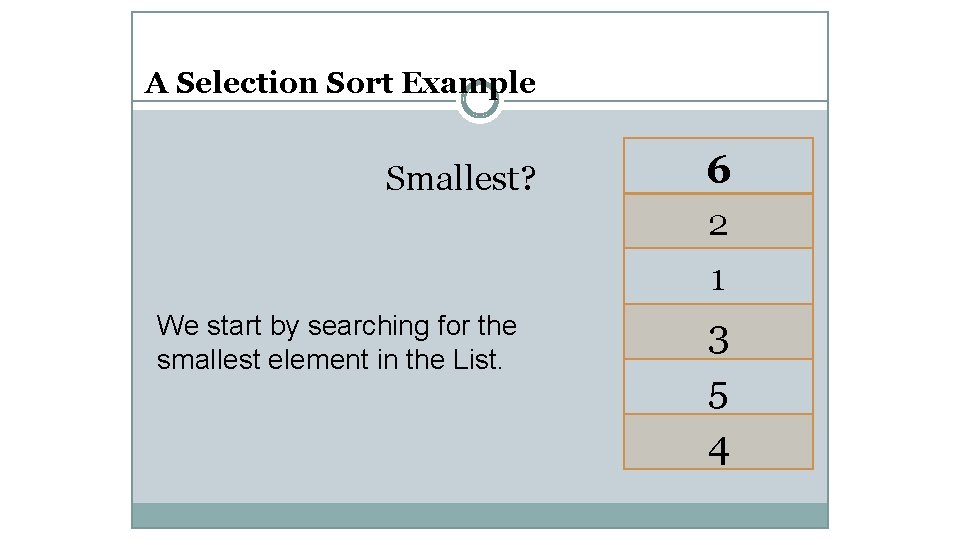
A Selection Sort Example Smallest? 6 2 1 We start by searching for the smallest element in the List. 3 5 4
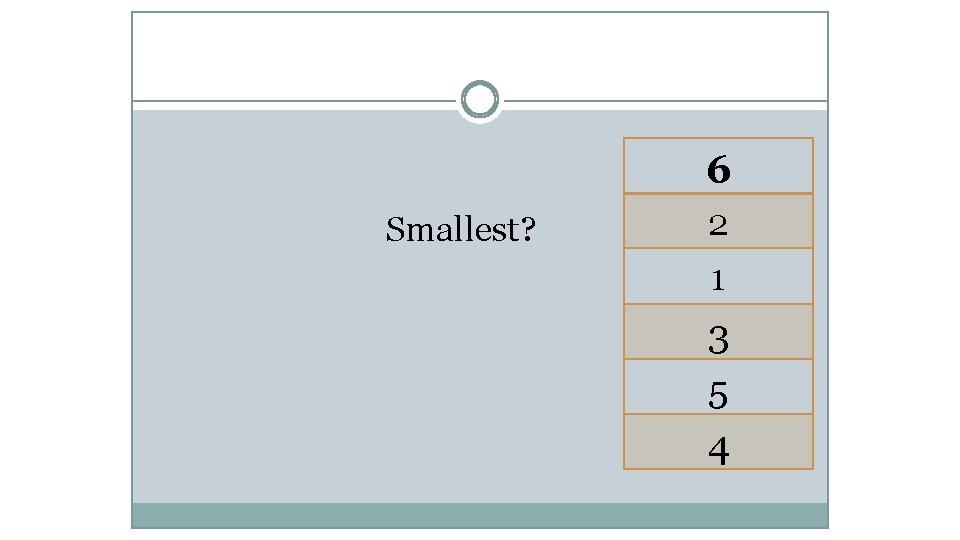
6 Smallest? 2 1 3 5 4
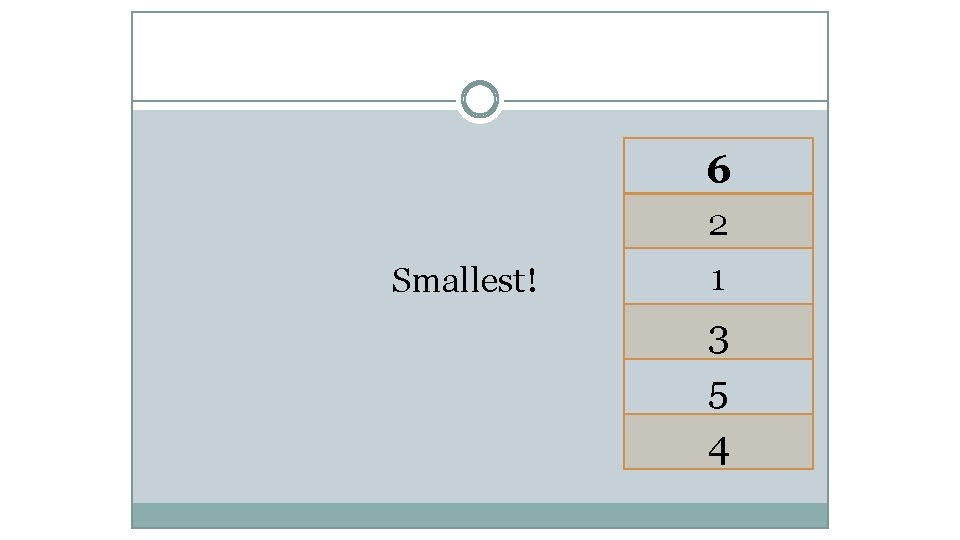
6 Smallest! 2 1 3 5 4

6 Swap! 2 1 3 5 4
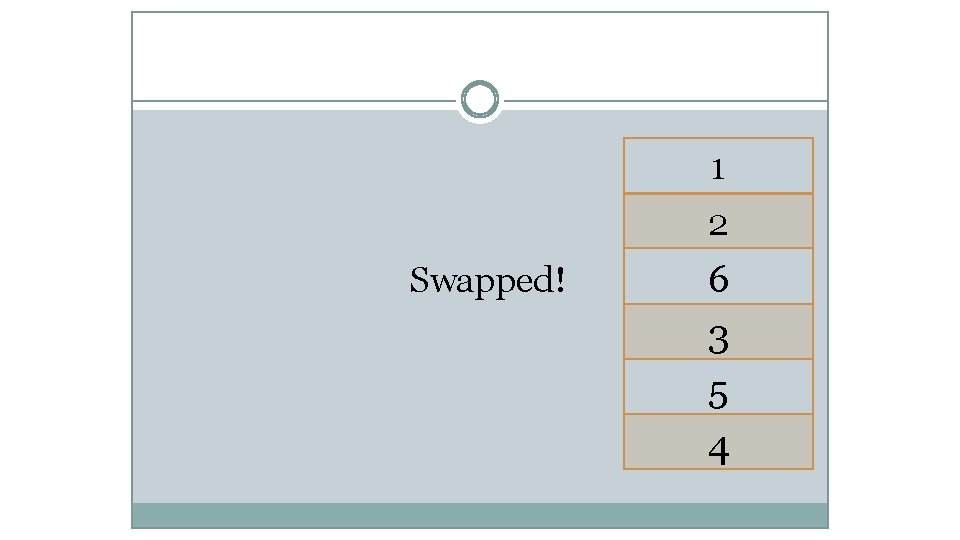
1 2 Swapped! 6 3 5 4
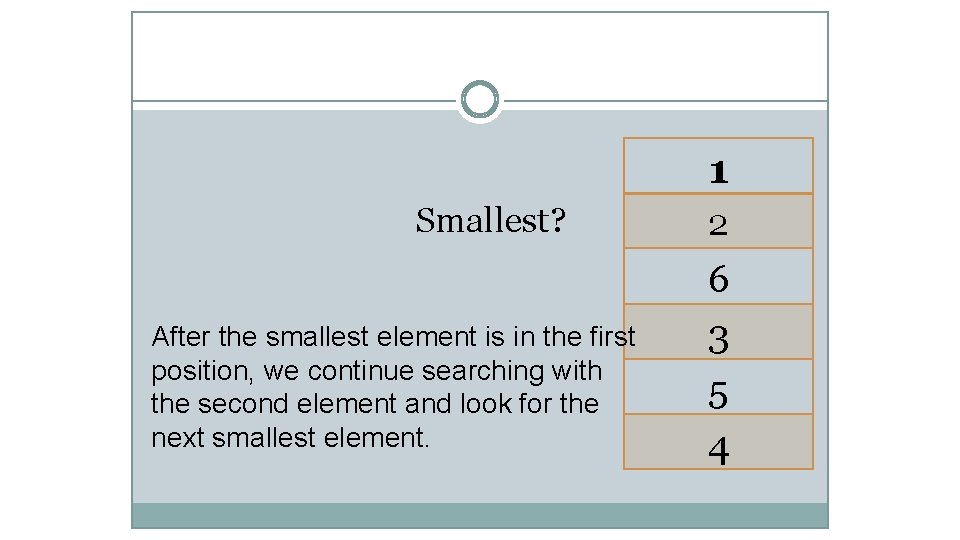
1 Smallest? After the smallest element is in the first position, we continue searching with the second element and look for the next smallest element. 2 6 3 5 4
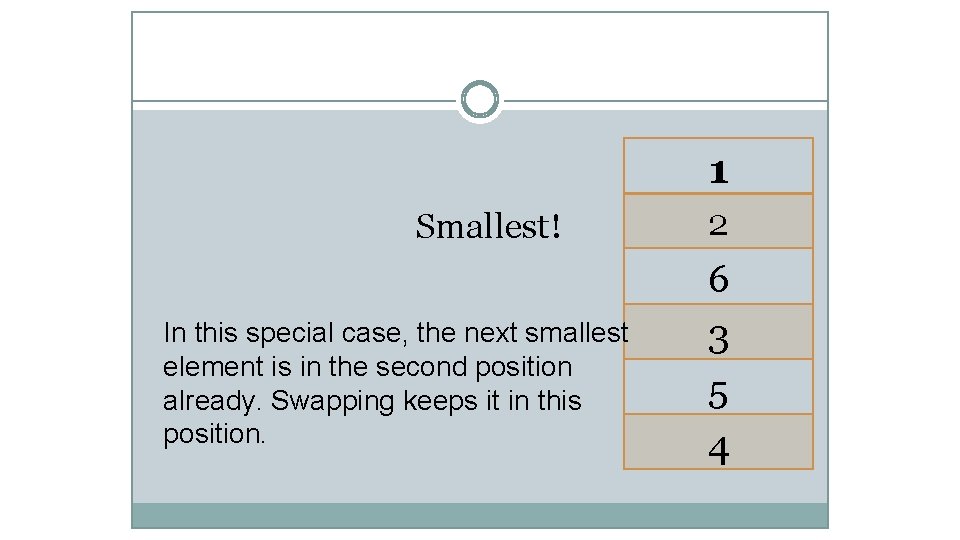
1 Smallest! In this special case, the next smallest element is in the second position already. Swapping keeps it in this position. 2 6 3 5 4
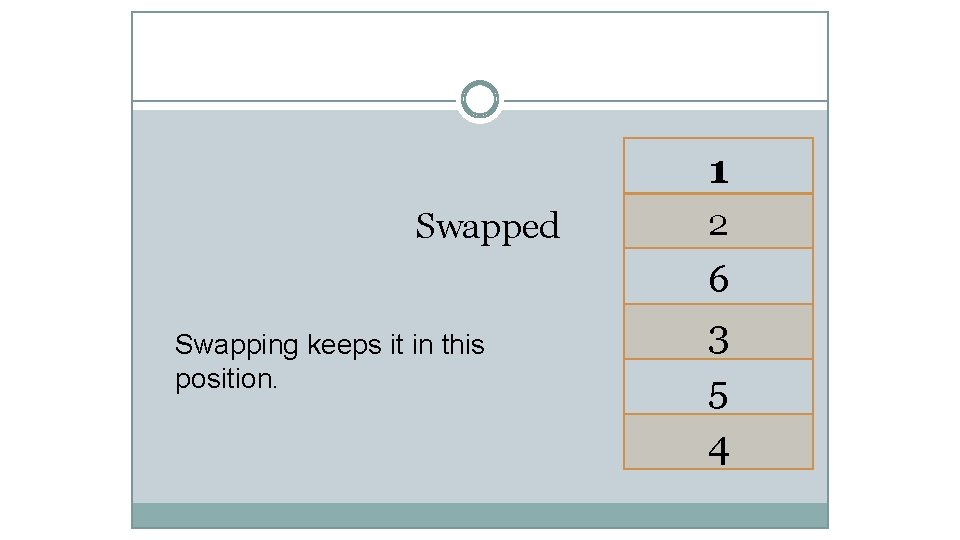
1 Swapped Swapping keeps it in this position. 2 6 3 5 4
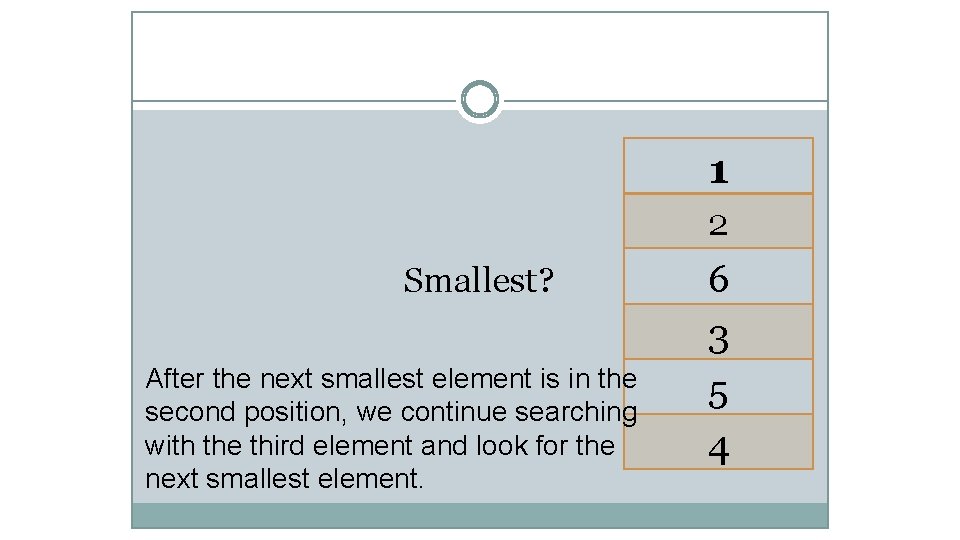
1 2 Smallest? After the next smallest element is in the second position, we continue searching with the third element and look for the next smallest element. 6 3 5 4
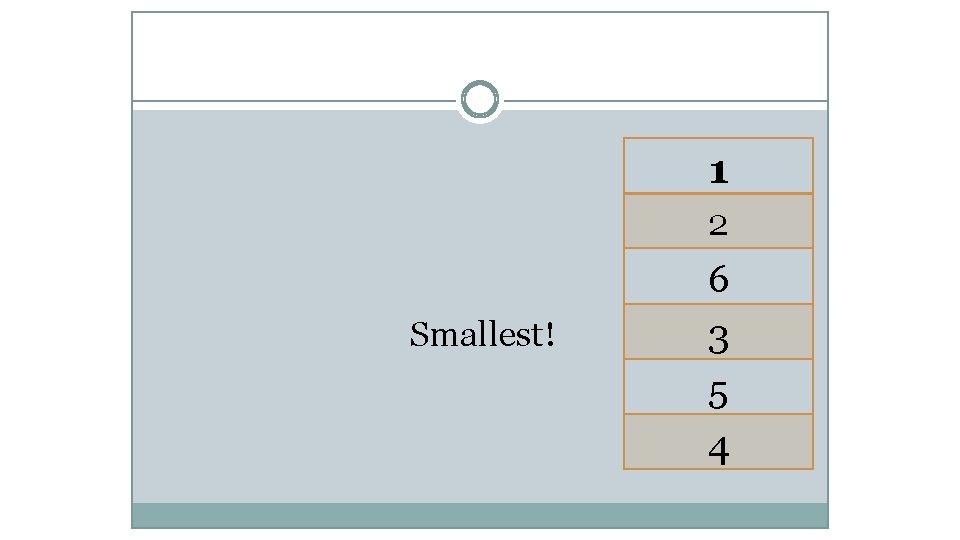
1 2 Smallest! 6 3 5 4

1 2 Swap! 6 3 5 4
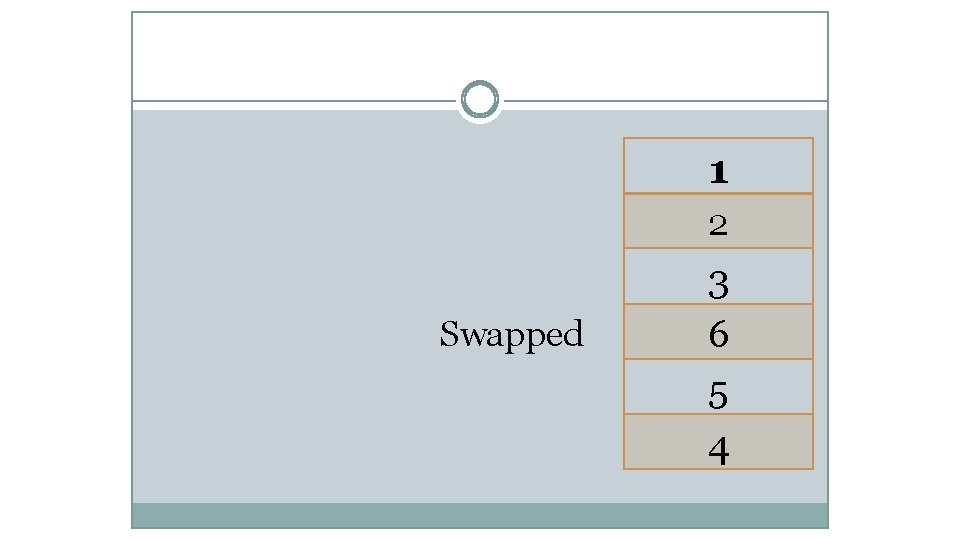
1 2 Swapped 3 6 5 4
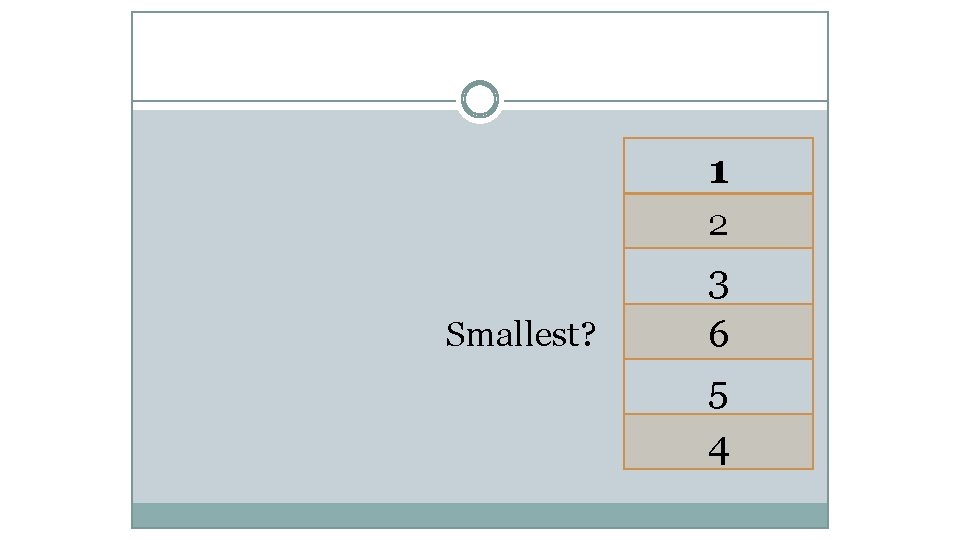
1 2 Smallest? 3 6 5 4
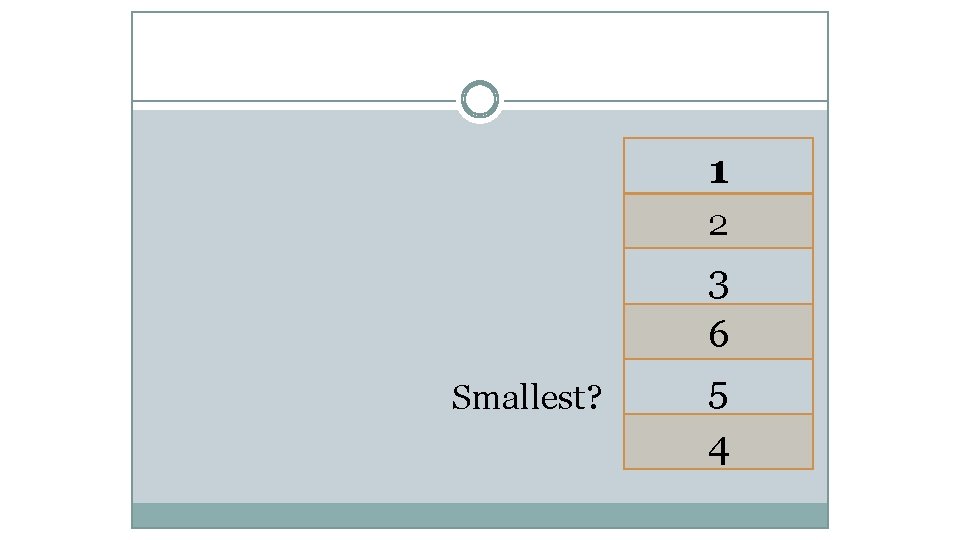
1 2 Smallest? 3 6 5 4
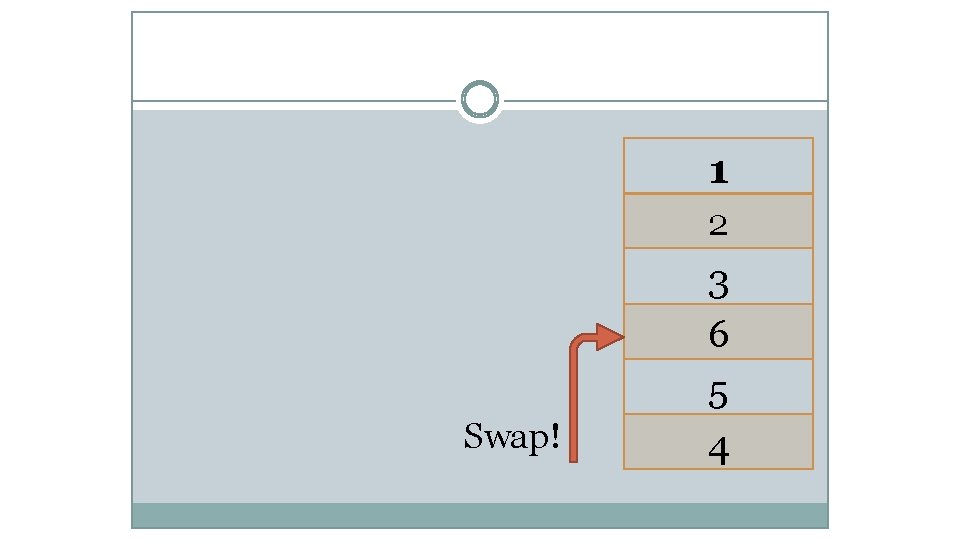
1 2 Swap! 3 6 5 4
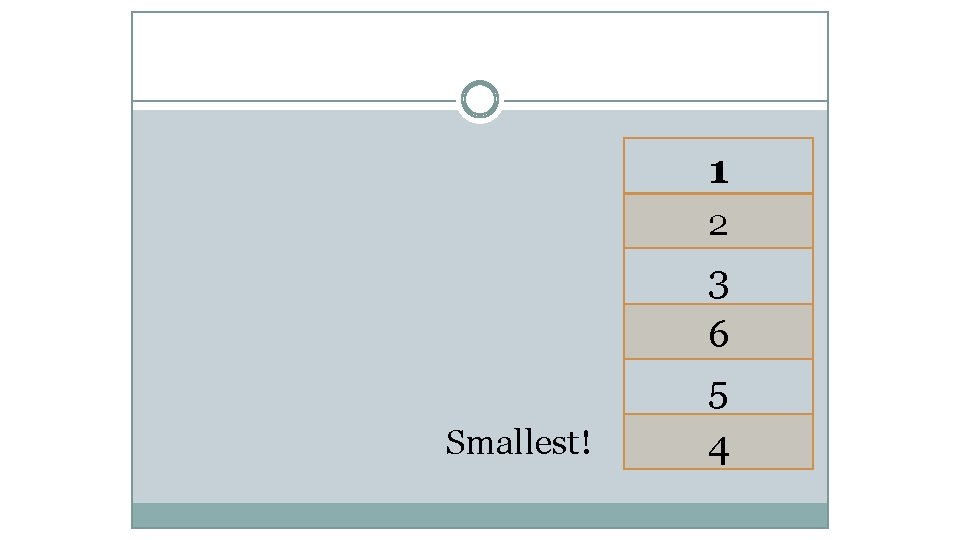
1 2 Smallest! 3 6 5 4
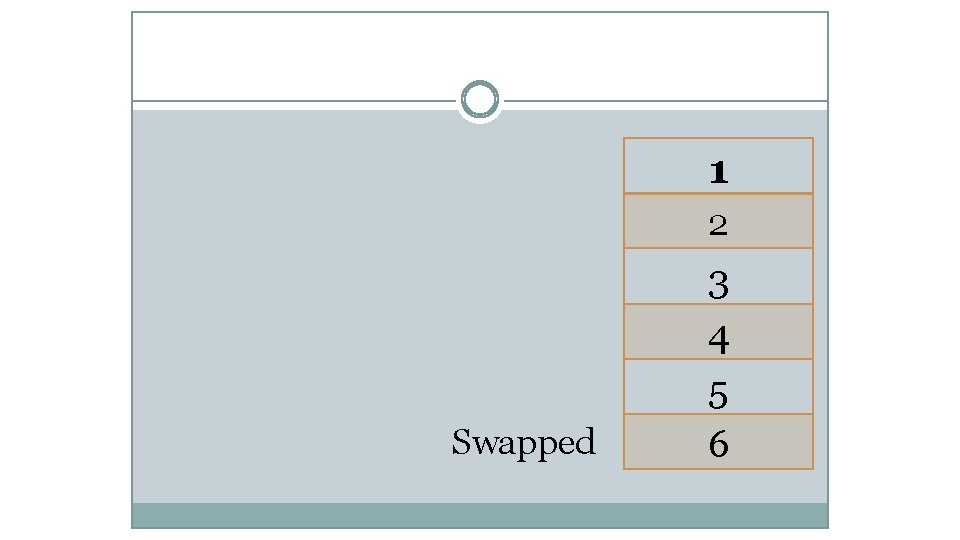
1 2 Swapped 3 4 5 6
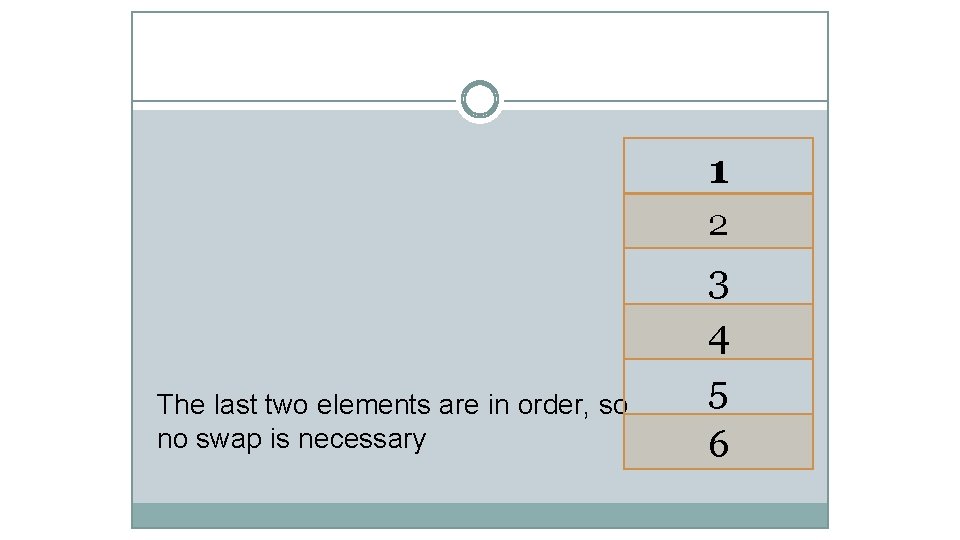
1 2 The last two elements are in order, so no swap is necessary 3 4 5 6
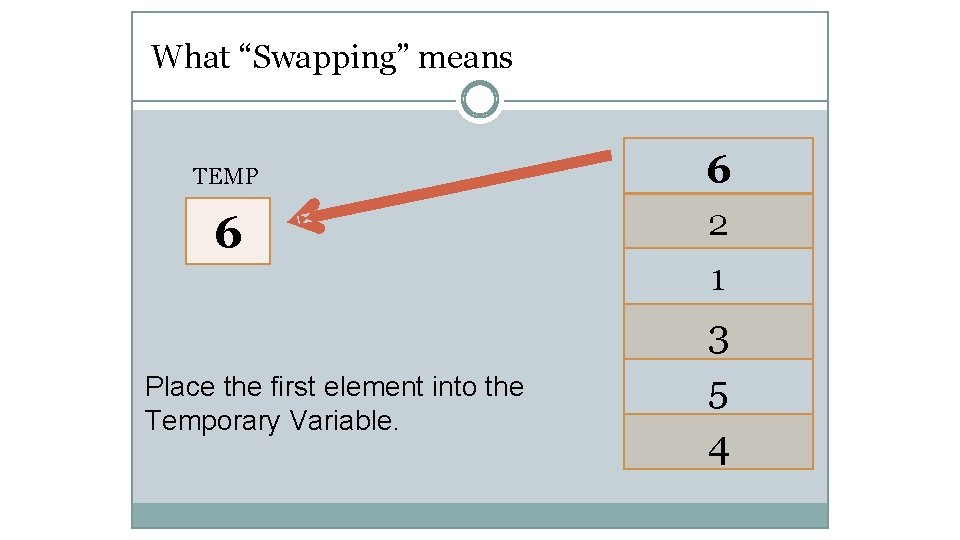
What “Swapping” means TEMP 6 Place the first element into the Temporary Variable. 6 2 1 3 5 4
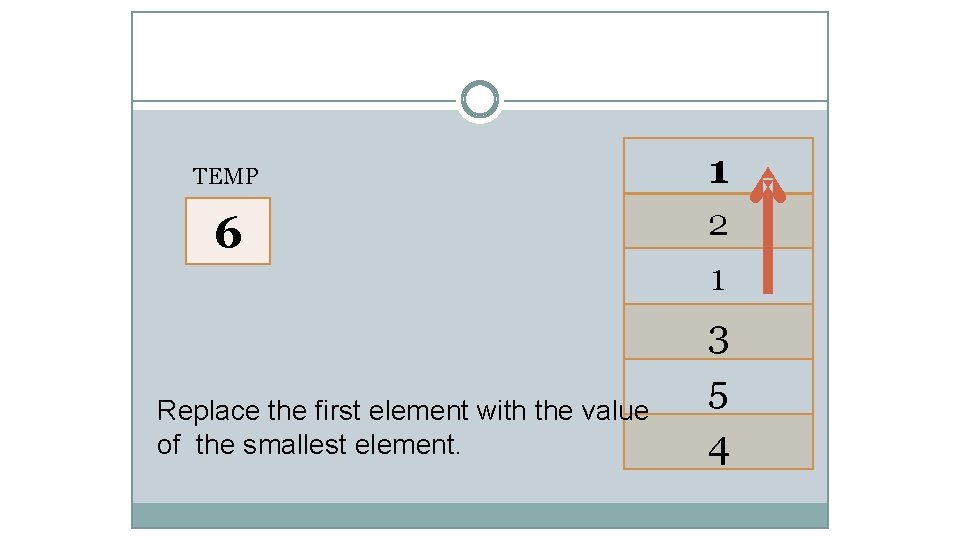
TEMP 6 Replace the first element with the value of the smallest element. 1 2 1 3 5 4
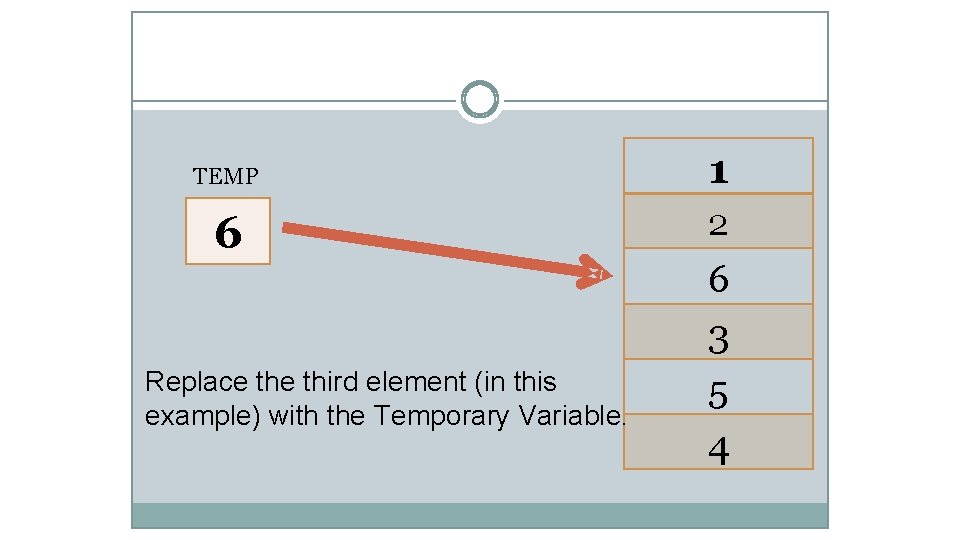
TEMP 1 6 2 Replace third element (in this example) with the Temporary Variable. 6 3 5 4
Textbooks & Web References • Reference book iii (Chapter 10) • www. visualgo. net
Thank you & Any question?
- Slides: 42