
Solid Works Enterprise PDM Data Loading Strategies Marc
- Slides: 29
Solid. Works Enterprise PDM Data Loading Strategies Marc Young, CEO x. LM Solutions, LLC
Solid. Works Enterprise PDM Data Loading Strategies With diligent planning and thorough testing, Loading, or migrating, data into EPDM can be Strategies to ease the migration pain… the process can go smoothly a daunting task…
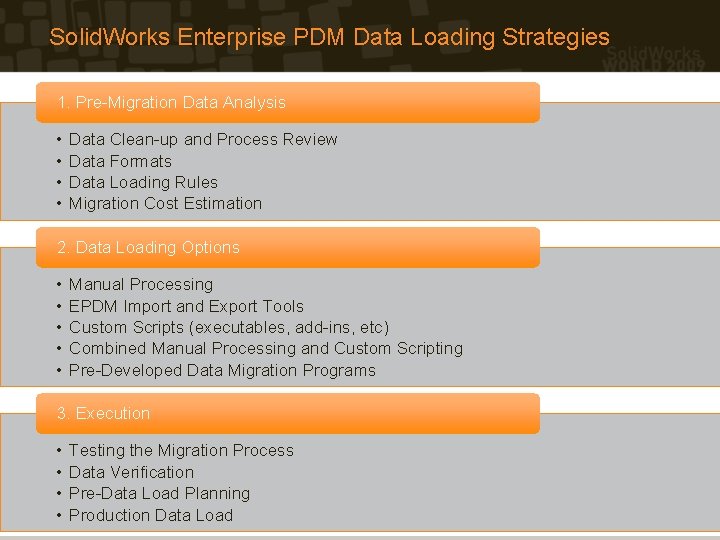
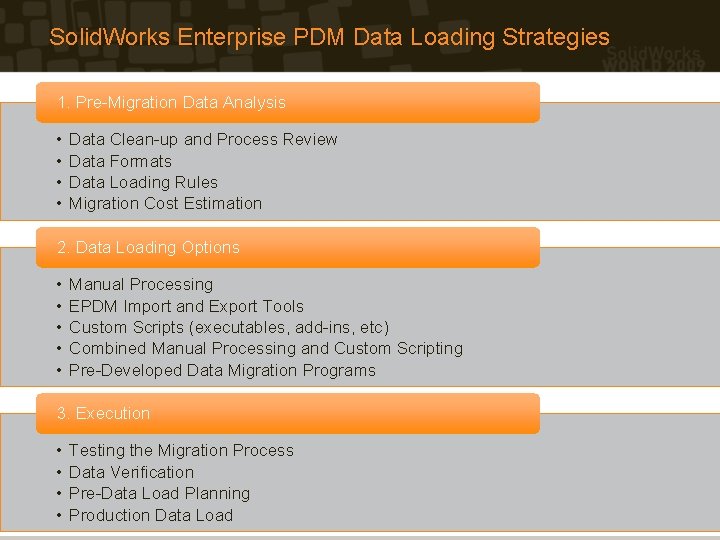
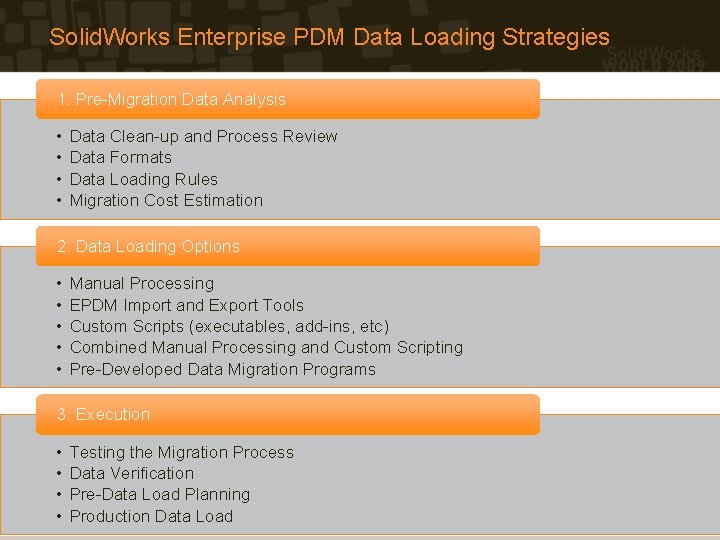
Solid. Works Enterprise PDM Data Loading Strategies 1. Pre-Migration Data Analysis • • Data Clean-up and Process Review Data Formats Data Loading Rules Migration Cost Estimation 2. Data Loading Options • • • Manual Processing EPDM Import and Export Tools Custom Scripts (executables, add-ins, etc) Combined Manual Processing and Custom Scripting Pre-Developed Data Migration Programs 3. Execution • • Testing the Migration Process Data Verification Pre-Data Load Planning Production Data Load
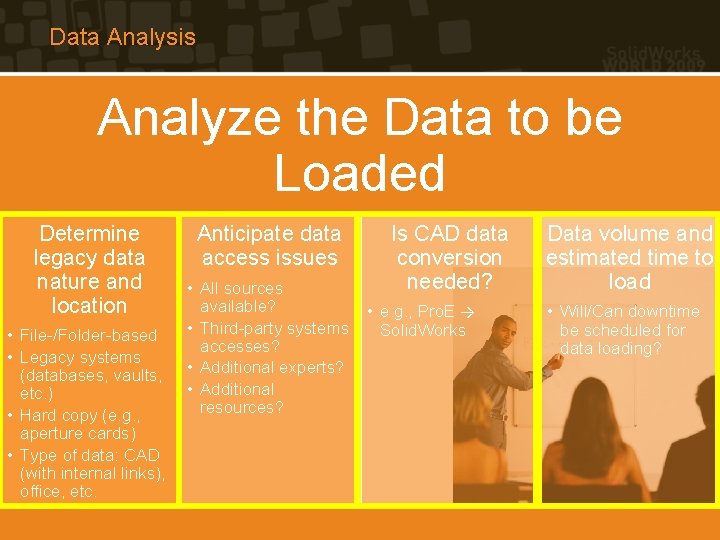
Data Analysis Analyze the Data to be Loaded Determine legacy data nature and location • File-/Folder-based • Legacy systems (databases, vaults, etc. ) • Hard copy (e. g. , aperture cards) • Type of data: CAD (with internal links), office, etc. Anticipate data access issues Is CAD data conversion needed? • All sources available? • e. g. , Pro. E → • Third-party systems Solid. Works accesses? • Additional experts? • Additional resources? Data volume and estimated time to load • Will/Can downtime be scheduled for data loading?
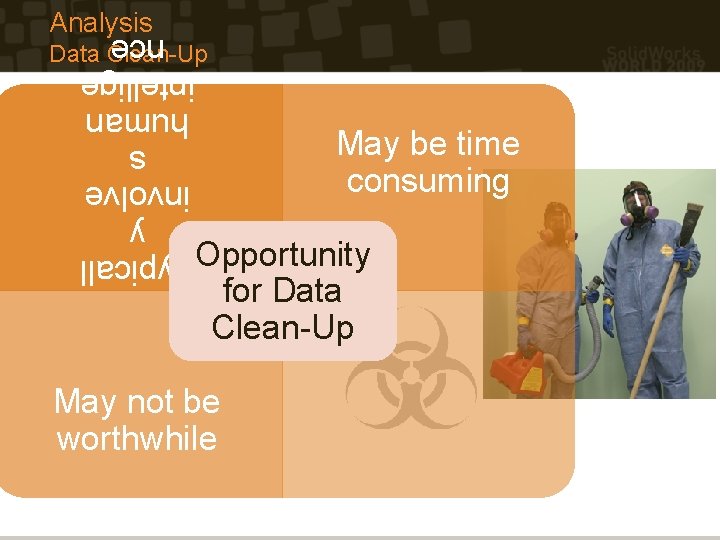
Analysis Typicall y involve s human intellige nce Data Clean-Up May be time consuming Opportunity for Data Clean-Up May not be worthwhile
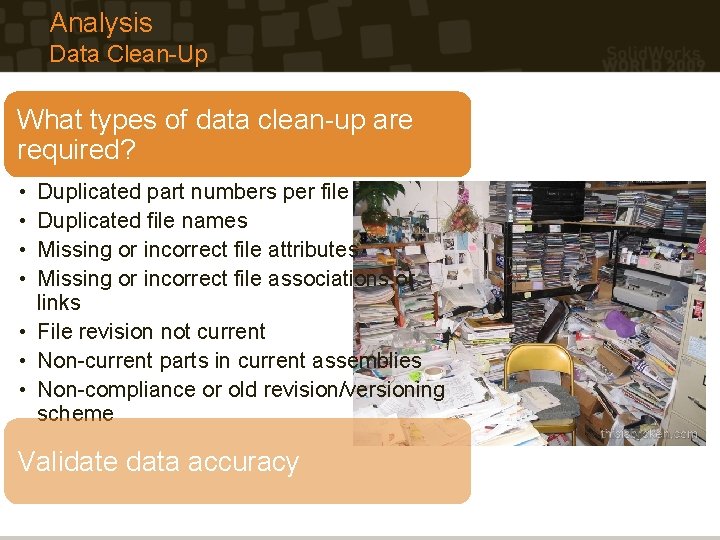
Analysis Data Clean-Up What types of data clean-up are required? • • Duplicated part numbers per file Duplicated file names Missing or incorrect file attributes Missing or incorrect file associations or links • File revision not current • Non-current parts in current assemblies • Non-compliance or old revision/versioning scheme Validate data accuracy
Analysis Process Reviews and Updates • An opportunity to review business processes • Opportunity to evaluate and update user experiences • Important: new changes to the underlying data model must be verified with the migration processes
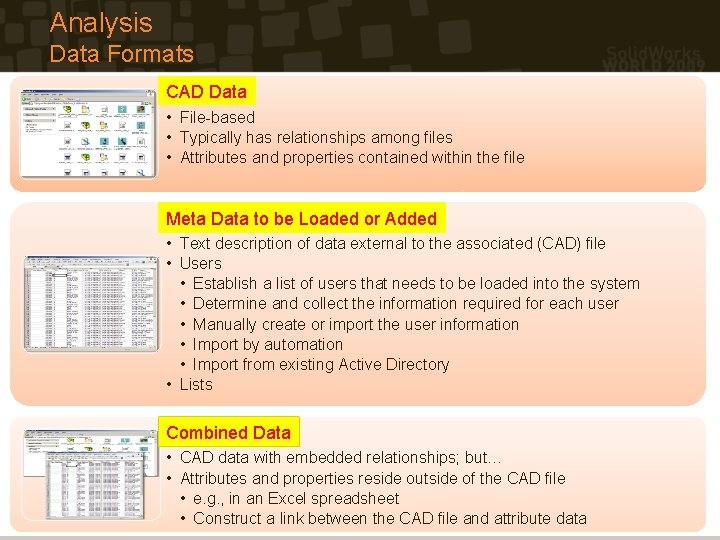
Analysis Data Formats CAD Data • File-based • Typically has relationships among files • Attributes and properties contained within the file Meta Data to be Loaded or Added • Text description of data external to the associated (CAD) file • Users • Establish a list of users that needs to be loaded into the system • Determine and collect the information required for each user • Manually create or import the user information • Import by automation • Import from existing Active Directory • Lists Combined Data • CAD data with embedded relationships; but… • Attributes and properties reside outside of the CAD file • e. g. , in an Excel spreadsheet • Construct a link between the CAD file and attribute data
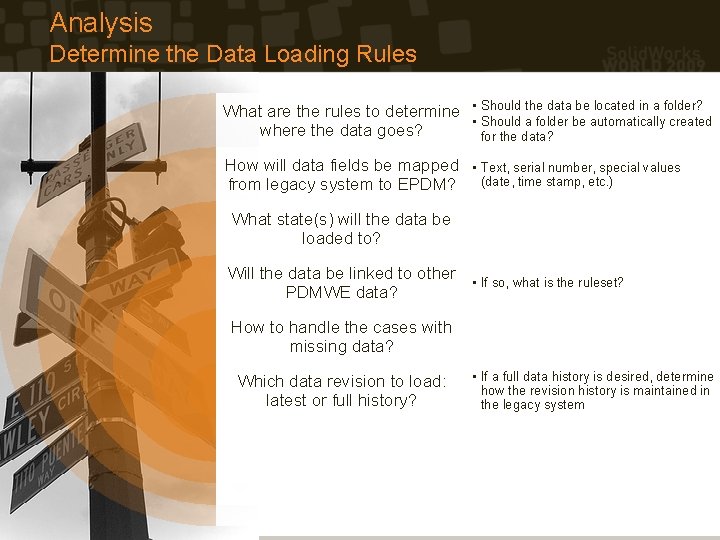
Analysis Determine the Data Loading Rules What are the rules to determine where the data goes? • Should the data be located in a folder? • Should a folder be automatically created for the data? How will data fields be mapped from legacy system to EPDM? • Text, serial number, special values (date, time stamp, etc. ) What state(s) will the data be loaded to? Will the data be linked to other PDMWE data? • If so, what is the ruleset? How to handle the cases with missing data? Which data revision to load: latest or full history? • If a full data history is desired, determine how the revision history is maintained in the legacy system
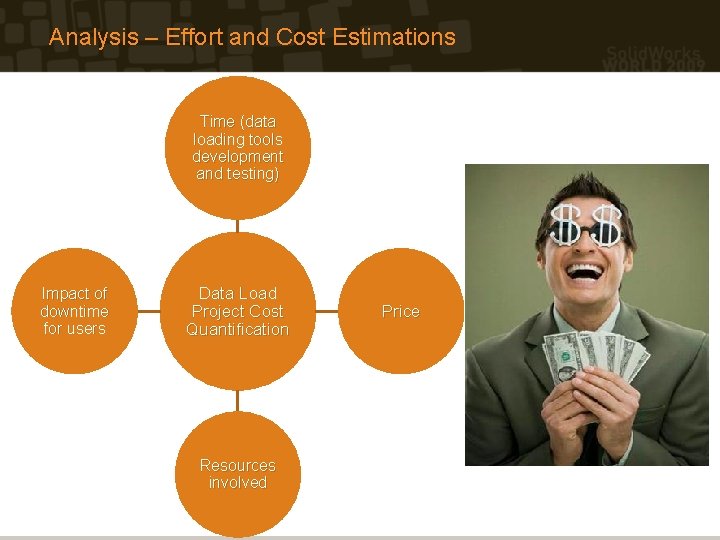
Analysis – Effort and Cost Estimations Time (data loading tools development and testing) Impact of downtime for users Data Load Project Cost Quantification Resources involved Price
Solid. Works Enterprise PDM Data Loading Strategies 1. Pre-Migration Data Analysis • • Data Clean-up and Process Review Data Formats Data Loading Rules Migration Cost Estimation 2. Data Loading Options • • • Manual Processing EPDM Import and Export Tools Custom Scripts (executables, add-ins, etc) Combined Manual Processing and Custom Scripting Pre-Developed Data Migration Programs 3. Execution • • Testing the Migration Process Data Verification Pre-Data Load Planning Production Data Load
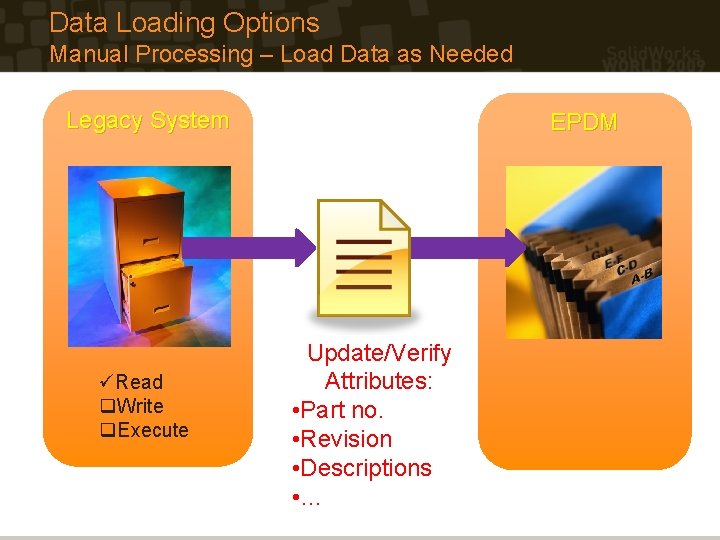
Data Loading Options Manual Processing – Load Data as Needed Legacy System üRead q. Write q. Execute EPDM Update/Verify Attributes: • Part no. • Revision • Descriptions • …
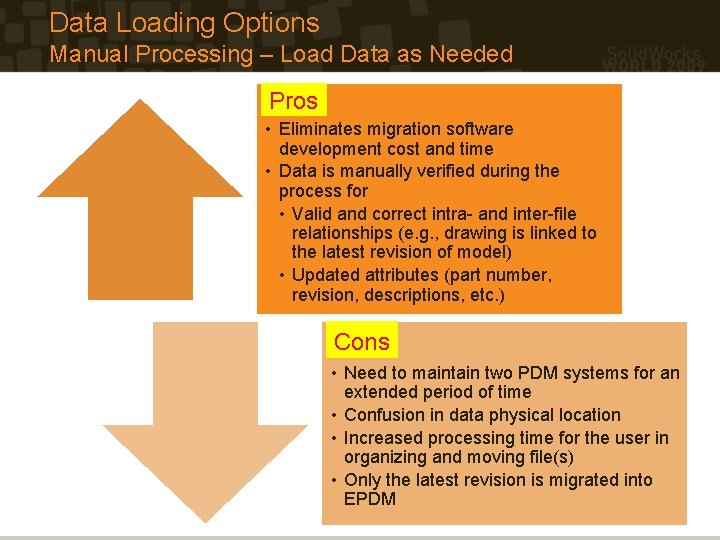
Data Loading Options Manual Processing – Load Data as Needed Pros • Eliminates migration software development cost and time • Data is manually verified during the process for • Valid and correct intra- and inter-file relationships (e. g. , drawing is linked to the latest revision of model) • Updated attributes (part number, revision, descriptions, etc. ) Cons • Need to maintain two PDM systems for an extended period of time • Confusion in data physical location • Increased processing time for the user in organizing and moving file(s) • Only the latest revision is migrated into EPDM
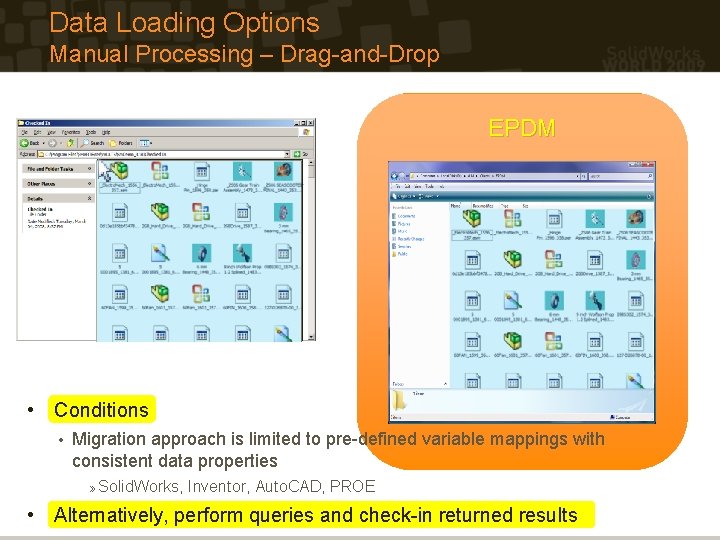
Data Loading Options Manual Processing – Drag-and-Drop EPDM • Conditions • Migration approach is limited to pre-defined variable mappings with consistent data properties » Solid. Works, Inventor, Auto. CAD, PROE • Alternatively, perform queries and check-in returned results
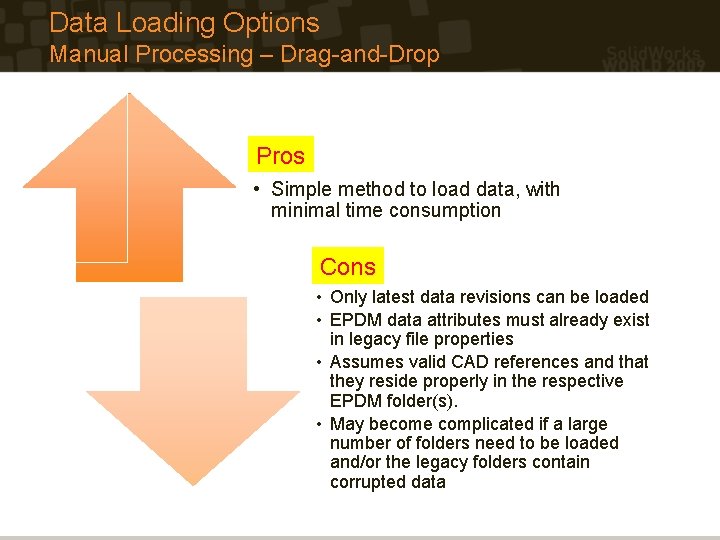
Data Loading Options Manual Processing – Drag-and-Drop Pros • Simple method to load data, with minimal time consumption Cons • Only latest data revisions can be loaded • EPDM data attributes must already exist in legacy file properties • Assumes valid CAD references and that they reside properly in the respective EPDM folder(s). • May become complicated if a large number of folders need to be loaded and/or the legacy folders contain corrupted data
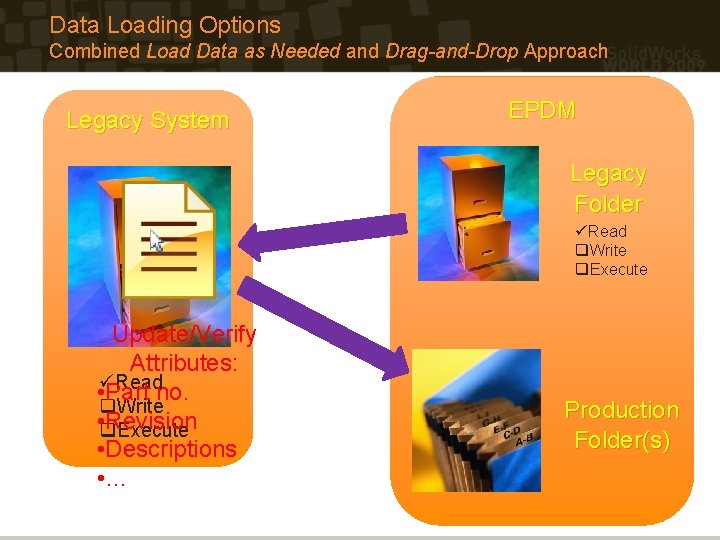
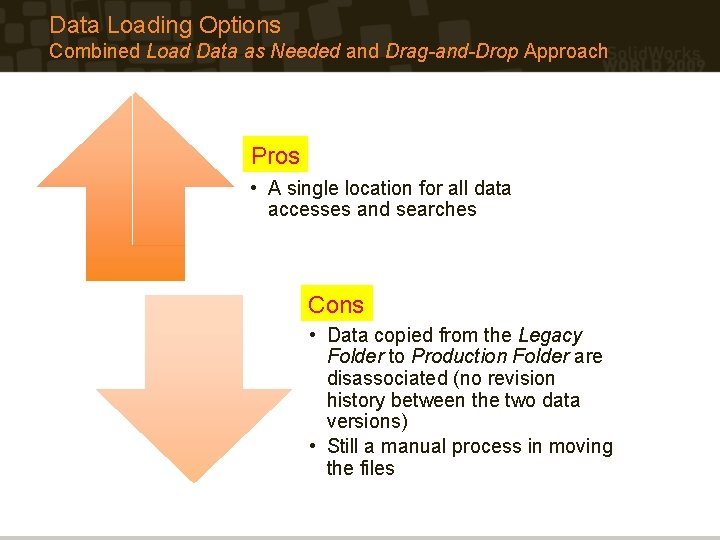
Data Loading Options Combined Load Data as Needed and Drag-and-Drop Approach Legacy System EPDM Legacy Folder üRead q. Write q. Execute Update/Verify Attributes: Read • üPart no. q. Write • q. Revision Execute • Descriptions • … Production Folder(s)
Data Loading Options Combined Load Data as Needed and Drag-and-Drop Approach Pros • A single location for all data accesses and searches Cons • Data copied from the Legacy Folder to Production Folder are disassociated (no revision history between the two data versions) • Still a manual process in moving the files
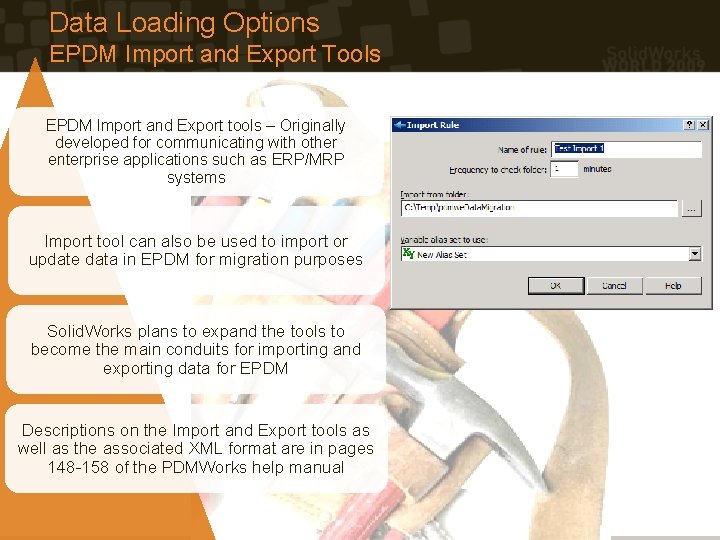
Data Loading Options EPDM Import and Export Tools EPDM Import and Export tools – Originally developed for communicating with other enterprise applications such as ERP/MRP systems Import tool can also be used to import or update data in EPDM for migration purposes Solid. Works plans to expand the tools to become the main conduits for importing and exporting data for EPDM Descriptions on the Import and Export tools as well as the associated XML format are in pages 148 -158 of the PDMWorks help manual
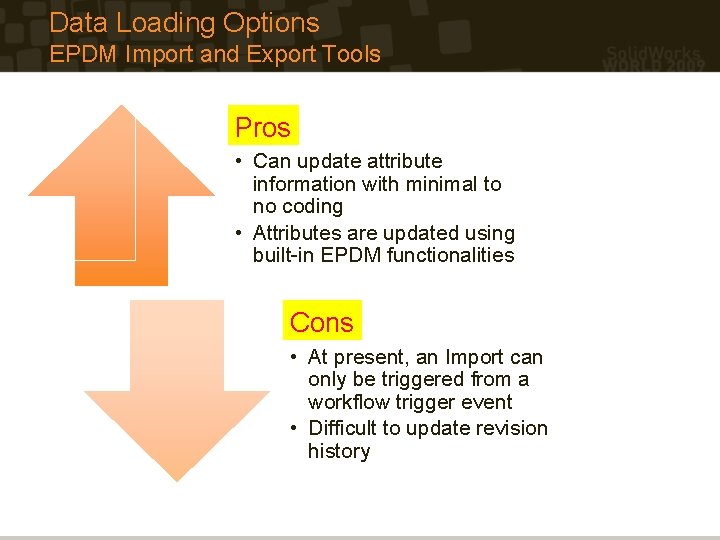
Data Loading Options EPDM Import and Export Tools Pros • Can update attribute information with minimal to no coding • Attributes are updated using built-in EPDM functionalities Cons • At present, an Import can only be triggered from a workflow trigger event • Difficult to update revision history
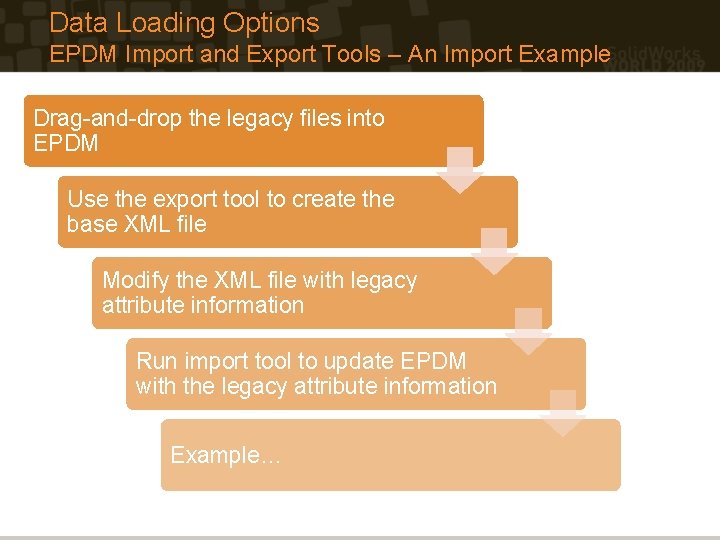
Data Loading Options EPDM Import and Export Tools – An Import Example Drag-and-drop the legacy files into EPDM Use the export tool to create the base XML file Modify the XML file with legacy attribute information Run import tool to update EPDM with the legacy attribute information Example…
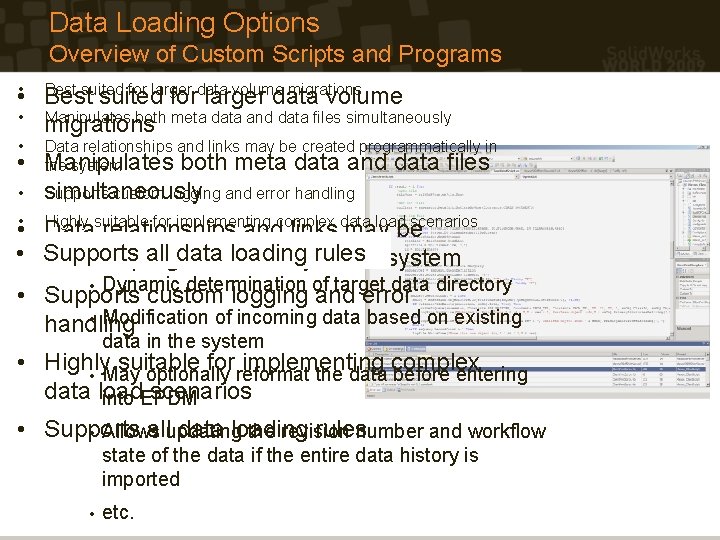
Data Loading Options Overview of Custom Scripts and Programs Best suited for larger data volume migrations • • Best suited for larger data volume • Manipulates both meta data and data files simultaneously migrations • • Data relationships and links may be created programmatically in Manipulates both meta data and data files the system • simultaneously Supports custom logging and error handling Highly suitable for implementing complex data load scenarios • • Data relationships and links may be Supports all data • • Supports allloading data rules loading rules created programmatically in the system • Dynamic determination of target data directory • Supports custom logging and error • Modification of incoming data based on existing handling data in the system • Highly suitable for implementing complex • May optionally reformat the data before entering data load scenarios into EPDM • Supports allupdating data loading rulesnumber and workflow • Allows the revision state of the data if the entire data history is imported • etc.
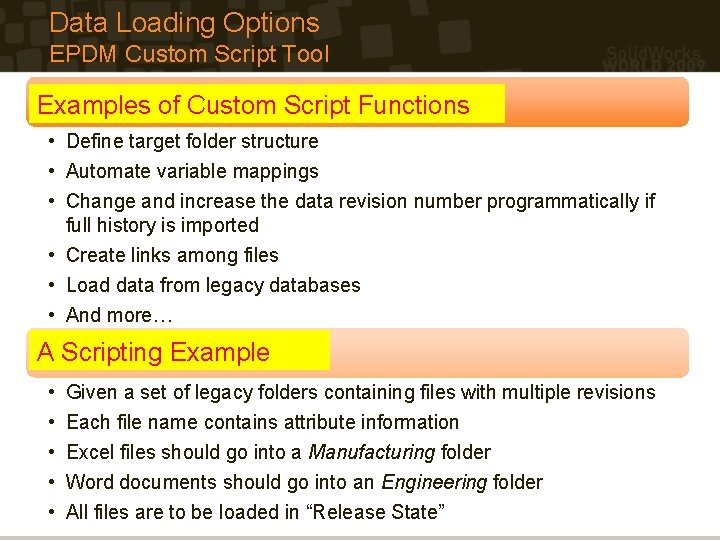
Data Loading Options EPDM Custom Script Tool Examples of Custom Script Functions • Define target folder structure • Automate variable mappings • Change and increase the data revision number programmatically if full history is imported • Create links among files • Load data from legacy databases • And more… A Scripting Example • • • Given a set of legacy folders containing files with multiple revisions Each file name contains attribute information Excel files should go into a Manufacturing folder Word documents should go into an Engineering folder All files are to be loaded in “Release State”
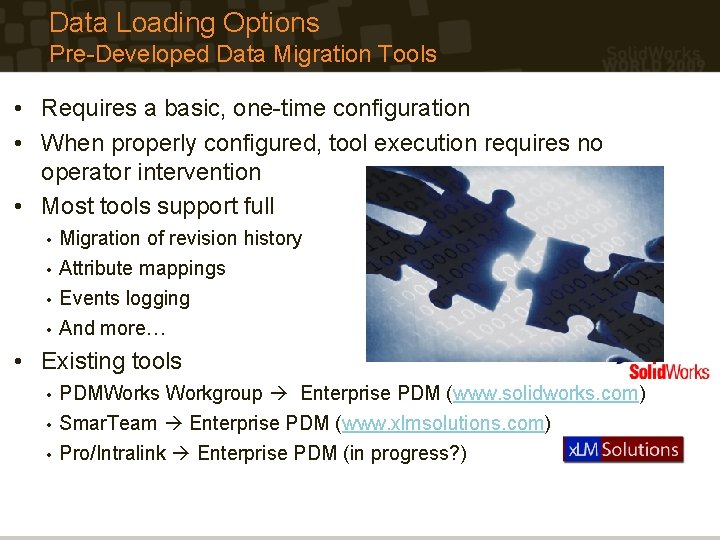
Data Loading Options Pre-Developed Data Migration Tools • Requires a basic, one-time configuration • When properly configured, tool execution requires no operator intervention • Most tools support full Migration of revision history • Attribute mappings • Events logging • And more… • • Existing tools PDMWorks Workgroup Enterprise PDM (www. solidworks. com) • Smar. Team Enterprise PDM (www. xlmsolutions. com) • Pro/Intralink Enterprise PDM (in progress? ) •
Solid. Works Enterprise PDM Data Loading Strategies 1. Pre-Migration Data Analysis • • Data Clean-up and Process Review Data Formats Data Loading Rules Migration Cost Estimation 2. Data Loading Options • • • Manual Processing EPDM Import and Export Tools Custom Scripts (executables, add-ins, etc) Combined Manual Processing and Custom Scripting Pre-Developed Data Migration Programs 3. Execution • • Testing the Migration Process Data Verification Pre-Data Load Planning Production Data Load
Execution Testing the Migration Process • Legacy data issuesprocess!!! • Test the migration » Missing data files • Mitigate all discovered issues » Orphan links and/or blank fields » Inconsistent legacy data such as revision schema » Bad formats – E. g. , Attempts to load characters into integer fields – Class determination rules fail » Repairing the legacy data – Manual clean-up – Change data load rules (i. e. , change the code) – Modify the EPDM data model to better accommodate the legacy data • Bug(s) in the migration tool code • Document the procedural migrationissues procedure or update • Data loading the tool to failure automate migration process » e. g. , to deletethe all files with a creation date before 12/31/1999 • Test again!!!
Execution Data Verification q Crucial to implement a data verification strategy q Analyze migration process log files q Spot-check data q Randomly verify the data objects loaded q Check at least 10% of data q User validation (done through testing with the pilot system) – an important part of the verification process q User validations >> IT/CAD administrators sign-offs q Develop a tool to compare and analyze the data in EPDM and legacy system(s) q Verify the number of records between systems Ensure pertinent fields and data are preserved in both systems q
Execution Pre-Data Load Planning • When will the legacy system be turned off? • How long will it take to load the data? • Will the data loading occur during nonbusiness hours? • Specify the data load process: o What are the required pre-data loading activities/events? » e. g. , legacy data clean-up o Document the data load sequence » Populate » Import the lookup tables users before documents » Import projects and documents, followed by the associated links » Create • references to class data Identify personnel responsible for the various parts of the data load process
Execution Final Data Load • With proper planning and testing, the final data load process “should” go smoothly • Advices: • Follow the documented procedures • Allocate buffer time for unexpected issues • Prepare to support users in the new system
Solid. Works Enterprise PDM Data Loading Strategies Thank Question s ? you! Script example shown is available at: http: //www. xlmsolutions. com/sww 2009/example. zip Marc Young x. LM Solutions, LLC. 248 -926 -5932 myoung@xlmsolutions. com