
Solid Works Enterprise PDM and Microsoft Share Point

- Slides: 34
Solid. Works Enterprise PDM and Microsoft Share. Point Interoperability Marc Young x. LM Solutions, LLC. , www. xlmsolutions. com
Contents • Share. Point on the Rise § Usages and Advantages § Document Management and Data Presentation • EPDM in Collaborative Environment • Integration: the Best of Both Worlds • EPDM-Share. Point Integration (Data Presentation) Approaches § Share. Point Data. View Control § Microsoft Office Share. Point Server (MOSS) with Business Data Catalog § Custom Integration Web Part Solution • Application Scenarios • Integration Examples (Demonstrations) • Considerations • Integration Benefits • Conclusions 2
Share. Point on the Rise Companies are… • Deploying Microsoft Windows Share. Point as cost-effective and simple internet and intranet solutions: § WSS (Windows Share. Point Services): included in Windows 2003 and 2008 (no additional licensing costs) § MOSS (Microsoft Office Share. Point Server) 2007 contains additional corporate level support and templates § Share. Point 2010 • Increasing demand for accessing PLM/PDM data and functionalities from within Share. Point 3
Why Share. Point? • Provides focused and integrated browser-based workspaces for § Facilitating collaborations within and across units, departments, and sites § Sharing documents and other essential information § Implementing business processes and intelligences § Searching for and utilizing information on organizational and technical resources § Adding values to existing Office and PLM/PDM applications • A set of services and tools for easy construction and management of purpose-specific web sites and collaboration portals • A cost-effective platform for building scalable and robust web-based applications 4
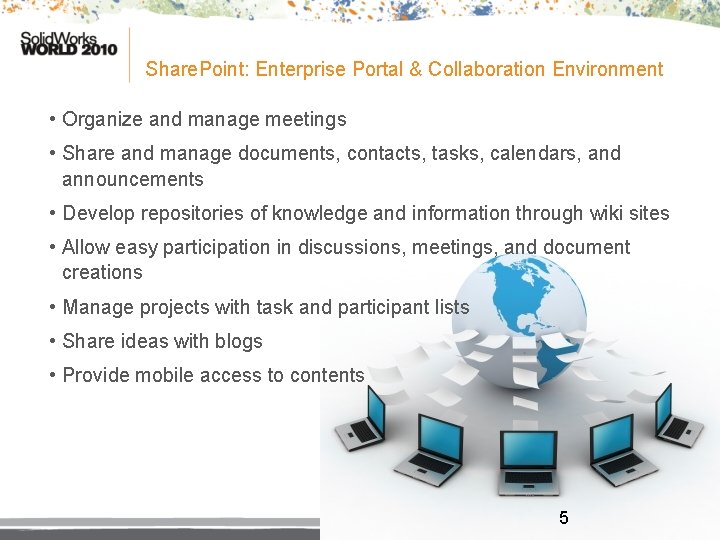
Share. Point: Enterprise Portal & Collaboration Environment • Organize and manage meetings • Share and manage documents, contacts, tasks, calendars, and announcements • Develop repositories of knowledge and information through wiki sites • Allow easy participation in discussions, meetings, and document creations • Manage projects with task and participant lists • Share ideas with blogs • Provide mobile access to contents 5
The Share. Point Advantage • Present data- and user-centric experiences similar to other Office system products § Already familiar with and preferred by most users • Web sites may be easily created for long or short term applications: § Corporate internet and intranet portals § Individual-, meeting-, project-, team-, and division-based, or other special purpose web sites § Custom web parts may be developed to provide specific functionality or feature 6
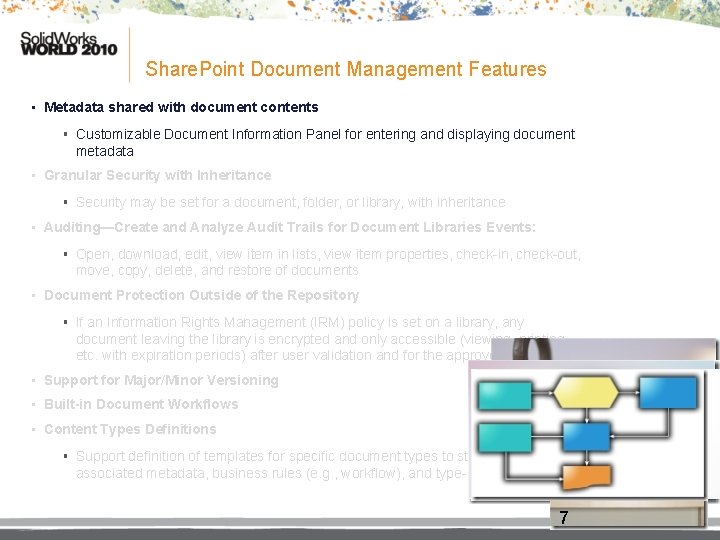
Share. Point Document Management Features • Metadata shared with document contents § Customizable Document Information Panel for entering and displaying document metadata • Granular Security with Inheritance § Security may be set for a document, folder, or library, with inheritance • Auditing—Create and Analyze Audit Trails for Document Libraries Events: § Open, download, edit, view item in lists, view item properties, check-in, check-out, move, copy, delete, and restore of documents • Document Protection Outside of the Repository § If an Information Rights Management (IRM) policy is set on a library, any document leaving the library is encrypted and only accessible (viewing, printing, etc. with expiration periods) after user validation and for the approved action. • Support for Major/Minor Versioning • Built-in Document Workflows • Content Types Definitions § Support definition of templates for specific document types to standardize associated metadata, business rules (e. g. , workflow), and type-specific actions 7
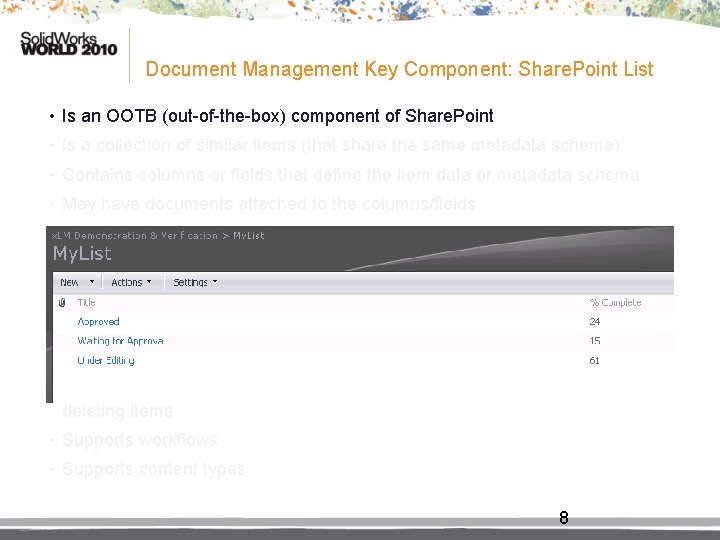
Document Management Key Component: Share. Point List • Is an OOTB (out-of-the-box) component of Share. Point • Is a collection of similar items (that share the same metadata schema) • Contains columns or fields that define the item data or metadata schema • May have documents attached to the columns/fields • Resembles a database table in structure and behavior • Supports various fields or data types • Provides various methods of visualization in entering, editing, and displaying of item data • May be queried--supports filtering, sorting or grouping based on item data or properties • May have triggers that react to list events such as creating, updating or deleting items • Supports workflows • Supports content types 8
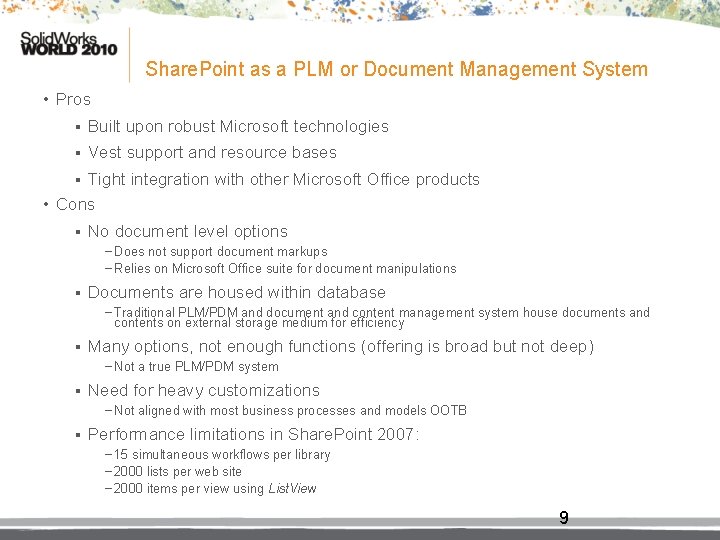
Share. Point as a PLM or Document Management System • Pros § Built upon robust Microsoft technologies § Vest support and resource bases Tight integration with other Microsoft Office products • Cons § § No document level options − Does not support document markups − Relies on Microsoft Office suite for document manipulations § Documents are housed within database − Traditional PLM/PDM and document and content management system house documents and contents on external storage medium for efficiency § Many options, not enough functions (offering is broad but not deep) − Not a true PLM/PDM system § Need for heavy customizations − Not aligned with most business processes and models OOTB § Performance limitations in Share. Point 2007: − 15 simultaneous workflows per library − 2000 lists per web site − 2000 items per view using List. View 9
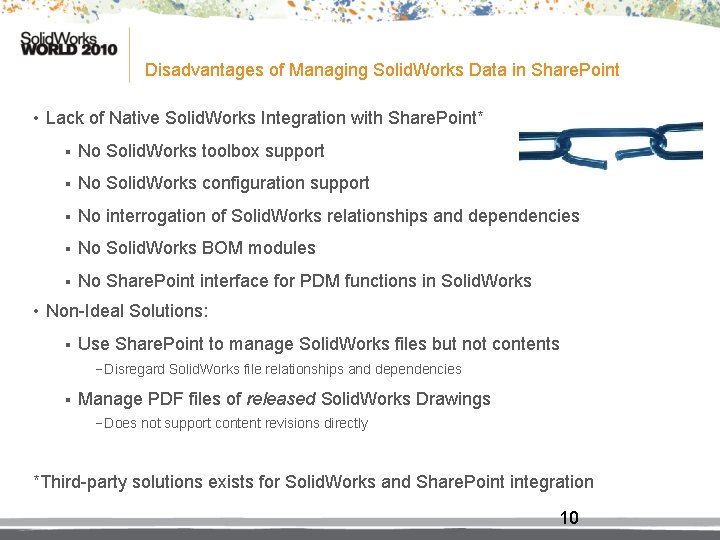
Disadvantages of Managing Solid. Works Data in Share. Point • Lack of Native Solid. Works Integration with Share. Point* § No Solid. Works toolbox support § No Solid. Works configuration support § No interrogation of Solid. Works relationships and dependencies § No Solid. Works BOM modules § No Share. Point interface for PDM functions in Solid. Works • Non-Ideal Solutions: § Use Share. Point to manage Solid. Works files but not contents − Disregard Solid. Works file relationships and dependencies § Manage PDF files of released Solid. Works Drawings − Does not support content revisions directly *Third-party solutions exists for Solid. Works and Share. Point integration 10
Customer Requirements • Customers with EPDM and Share. Point environments are seeking solutions to: § Provide customer-specific EPDM functionalities in Share. Point § Ensure data consistency and document lifecycle integrity § Eliminate redundancy and potential complications from user ad-hoc solutions 11
Integration…The Best of Both Worlds! • Provide selected and focused EPDM features in the Share. Point environment • Easily extend EPDM to Share. Point users § Familiar, intuitive, and customizable browser-based user experience § Minimal EPDM concepts and skill set required • Add values to both investments 12
Integration Advantages • Excellent access and utilization of EPDM and Share. Point data: § Expose side-by-side data previously available only in separate environments § Facilitate business and engineering processes by combining data from both platforms in a single business process, while maintaining data integrity § Preserve and utilize existing data—no need for large-scale data migration or duplication across platforms § Exposes EPDM data to mobile users 13
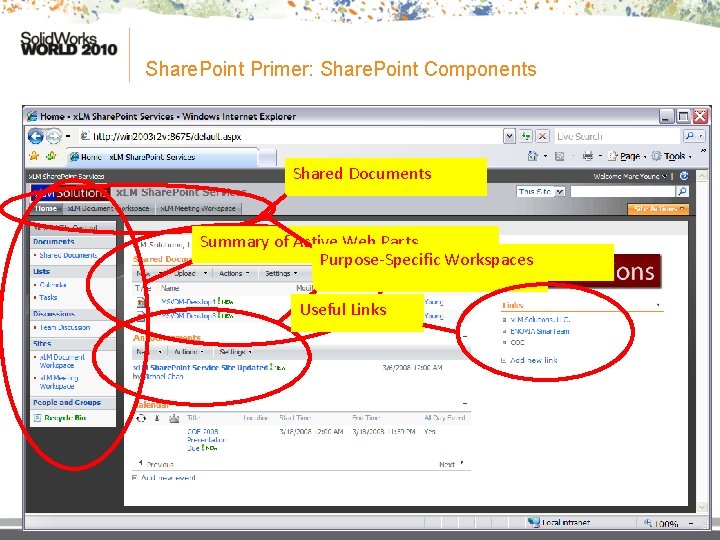
Share. Point Primer: Share. Point Components Shared Documents Summary of Active Web Parts Purpose-Specific Workspaces Team Announcements Useful Links 14 14
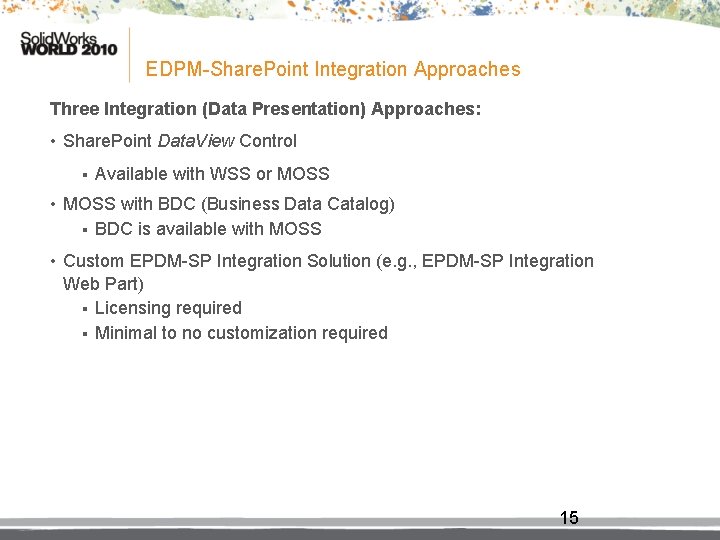
EDPM-Share. Point Integration Approaches Three Integration (Data Presentation) Approaches: • Share. Point Data. View Control § Available with WSS or MOSS • MOSS with BDC (Business Data Catalog) § BDC is available with MOSS • Custom EPDM-SP Integration Solution (e. g. , EPDM-SP Integration Web Part) § Licensing required § Minimal to no customization required 15
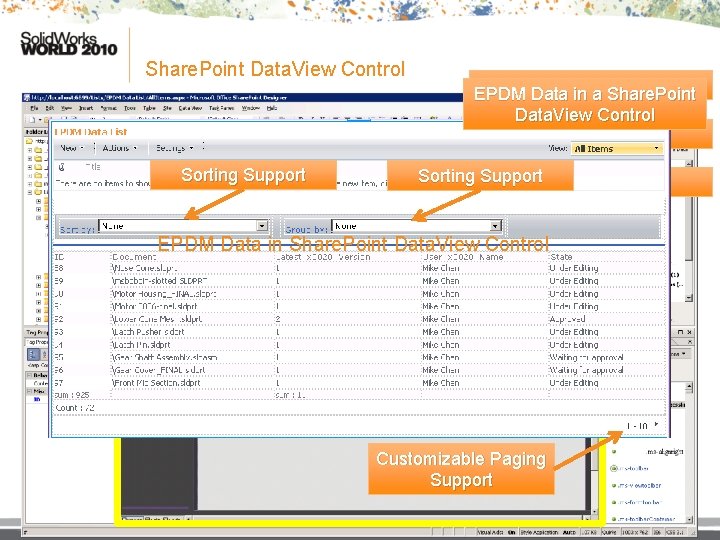
Share. Point Data. View Control • Share. Point Data. View Control § No addition cost or licensing requirements § Requires editing Share. Point content in XML; or § Use Microsoft Share. Point Designer 2007 (free download at: http: //www. microsoft. com/downloads, keyword: Share. Point Designer) § Requires extensive customization 16
Share. Point Data. View Control Sorting Support Share. Point Designer 2007 EPDM Data in a Share. Point Data. View Control WSS Site Sorting Support Data. View Control EPDM Data in Share. Point Data. View Control Customizable Paging Support 17
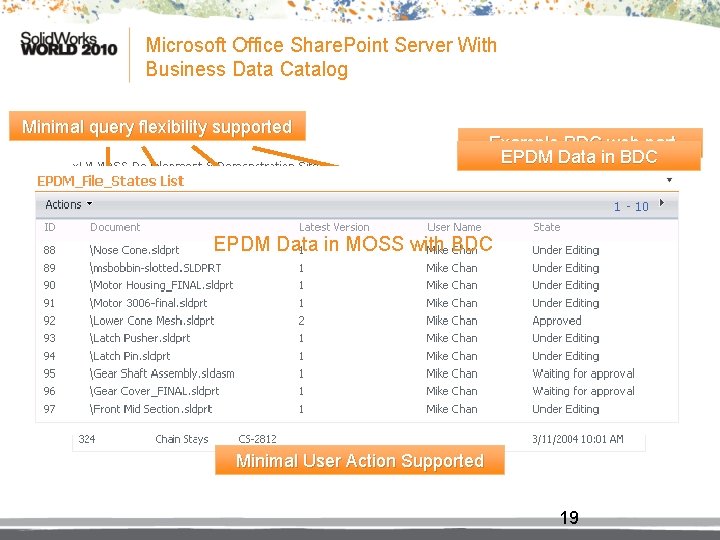
MOSS With BDC • MOSS with BDC (Business Data Catalog) § MOSS requires licensing § BDC is available as part of MOSS § Required extensive customization § Administrative action is needed to setup the data source as a shared data provider in Share. Point 18
Microsoft Office Share. Point Server With Business Data Catalog Minimal query flexibility supported Example BDC web part EPDM Data in BDC EPDM Data in MOSS with BDC Minimal User Action Supported 19
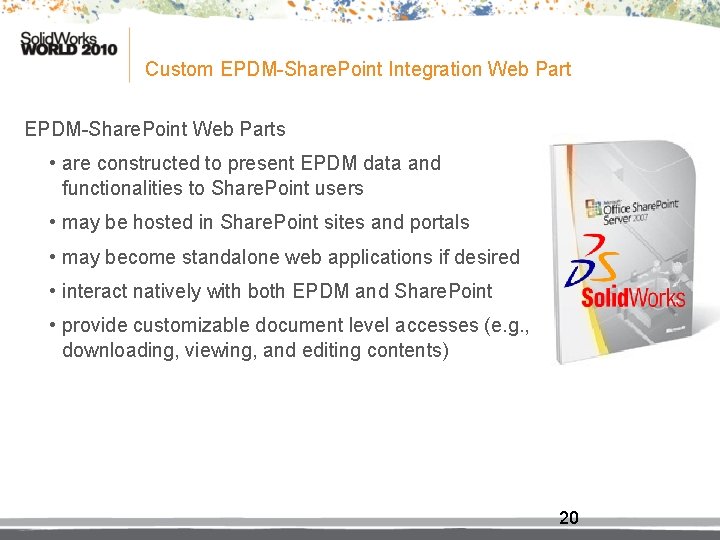
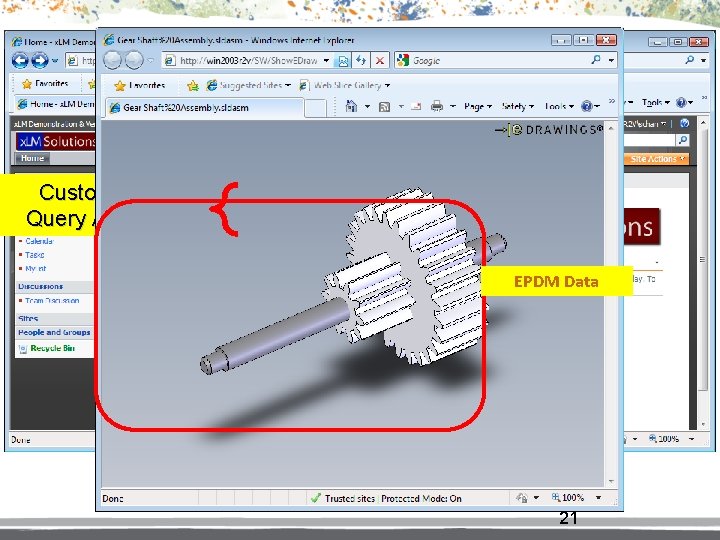
Custom EPDM-Share. Point Integration Web Part EPDM-Share. Point Web Parts • are constructed to present EPDM data and functionalities to Share. Point users • may be hosted in Share. Point sites and portals • may become standalone web applications if desired • interact natively with both EPDM and Share. Point • provide customizable document level accesses (e. g. , downloading, viewing, and editing contents) 20
Customizable Query Attributes EPDM-Share. Point Integration Web Part Sortable Columns EPDM Data Multi-page query results 21
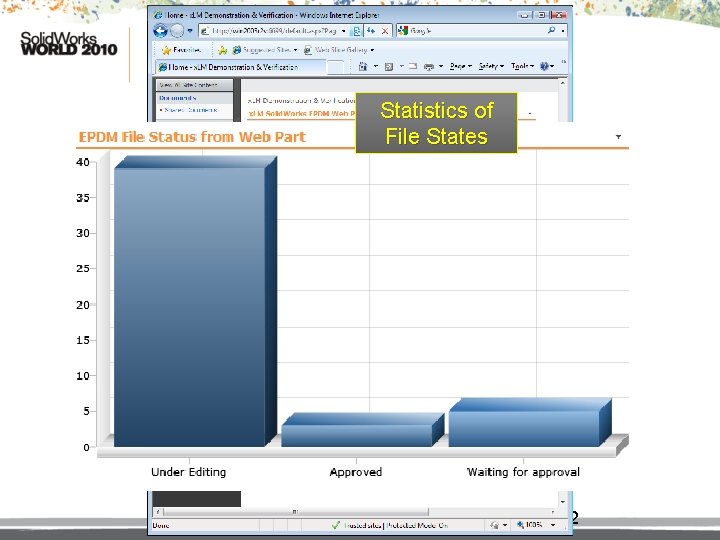
Statistics of File States 22
Summary of Integration Advantages: Centralized Data Access • Exposing a list of selected documents from EPDM in Share. Point • The document list is formed from the results of a EPDM query • The site administrator governs the syntax of the query, thus the contents of the Share. Point web part • The document list is invalidated and refreshed according to a policy set forth by the administrator • EPDM data statistics may be exported and displayed in a graphical web part Additionally Advantages of a Custom EPDM-SP Web Part Solution: • When the user selects a document, it is retrieved from the EPDM vault and optionally displayed using an appropriate viewer (e. g. , e. Drawings Viewer) • The menu of functions supported on an EPDM Document may be customized and expanded 23
Application Scenarios
Application Scenario I: A Joint Meeting Between Engineering and Sales • A Share. Point Meeting Workspace is created as the centralized resource repository for the meeting • A web site is set up for participants to view the agenda, previous meeting minutes, and all related technical and business documents • PLM data from EPDM is referenced in the portal § EPDM data is live: data changes (revisions) are reflected immediately • The web site and shared workspace may persist to support future meetings and collaboration projects, or may be removed when no longer needed 25
Application Scenario II: Centralized Data Access • EPDM is tightly integrated into product development and other business processes • Corporate IT Department deploys Share. Point Services to support manufacturing, business , and other non-technical collaborations • Non-technical departments may require access to technical data • For example, the Purchasing Department may require access to EPDM (as well as other ERP) data from a central location or application • PLM data access across the two systems is inefficient, time-consuming, tedious, and may jeopardize data integrity and consistency (e. g. , when copying data across systems) • The EPDM-SP integration solution allows user accesses to selected EPDM data and functionalities in Share. Point without requiring extensive EPDM knowledge • The solution provides a familiar, easy-to-use web-based experience for the Share. Point users • The integration increases efficiency while maintaining data consistency 26
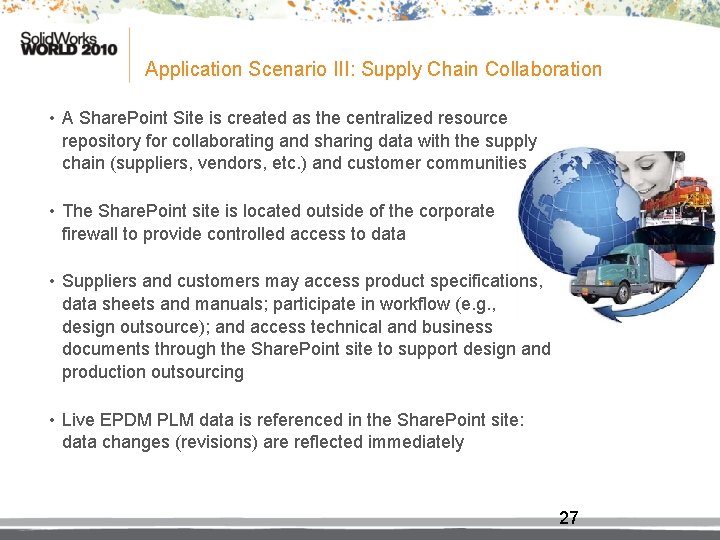
Application Scenario III: Supply Chain Collaboration • A Share. Point Site is created as the centralized resource repository for collaborating and sharing data with the supply chain (suppliers, vendors, etc. ) and customer communities • The Share. Point site is located outside of the corporate firewall to provide controlled access to data • Suppliers and customers may access product specifications, data sheets and manuals; participate in workflow (e. g. , design outsource); and access technical and business documents through the Share. Point site to support design and production outsourcing • Live EPDM PLM data is referenced in the Share. Point site: data changes (revisions) are reflected immediately 27
Application Scenario IV: Project/Upper Management data access • Share. Point Web Parts are configured to access various project- and datarelated information in EPDM • For each web part, a custom query is created to expose the data of interest (e. g. , the status of documents for a project, the duration of the workflow stages) • Data may be exported and shared with other web parts or Microsoft Office applications • Data may also be displayed visually using a graphing web part 28
Other EPDM-Share. Point User Scenarios • Solution can be expanded to many other corporate-specific scenarios… 29
EPDM-Share. Point Data Presentation Demonstrations
Considerations • Generic vs. Specific Solutions § Data. View/BDC − View data only—no file access support − Difficult to change view contents − (BDC) Requires administrative action to instigate site-wide shared data resource changes − Requires knowledge of XML and familiarity of additional authoring tool(s) § EDPM-SP Web Part − Supports item/file access for viewing, editing, printing, etc. − Easy to update view contents − Customized item-level actions through configurable menus • Automatic Notifications § Share. Point Users § EPDM Users • Licenses § Data. View (free), MOSS/BDC (required), EPDM-SP Web Part (required) 31
Integration Benefits • Extends the reach of product lifecycle and document collaboration across boundaries • Leverages existing IT strategy and infrastructure • Connect people, resources, and knowledge base for better and faster accesses • Optimizes team performance and synergy for maximum project, product, and program achievements 32
Conclusions • A EPDM—Share. Point integration harnesses the powerful features from two complementary collaboration systems to provide a rich user experience • The integration facilitates the adoption of EPDM by Share. Point users • The integration also expands product and document management options and ultimately simplifies both engineering and business processes • The EPDM-Share. Point web part provides the most practical, flexible and powerful solution—the best ROI 33
For More Information… Thank Question s ? You! Marc Young x. LM Solutions, LLC 248 -926 -5932 myoung@xlmsolutions. com