
Solarization Experimental Photography Also Called the Sabatier Effect
Solarization Experimental Photography

Also Called the Sabatier Effect • Solarization is the process of reexposing photographic paper during the development process. The result is an eerie silver image which contains light lines between the shadows and the highlighted areas.
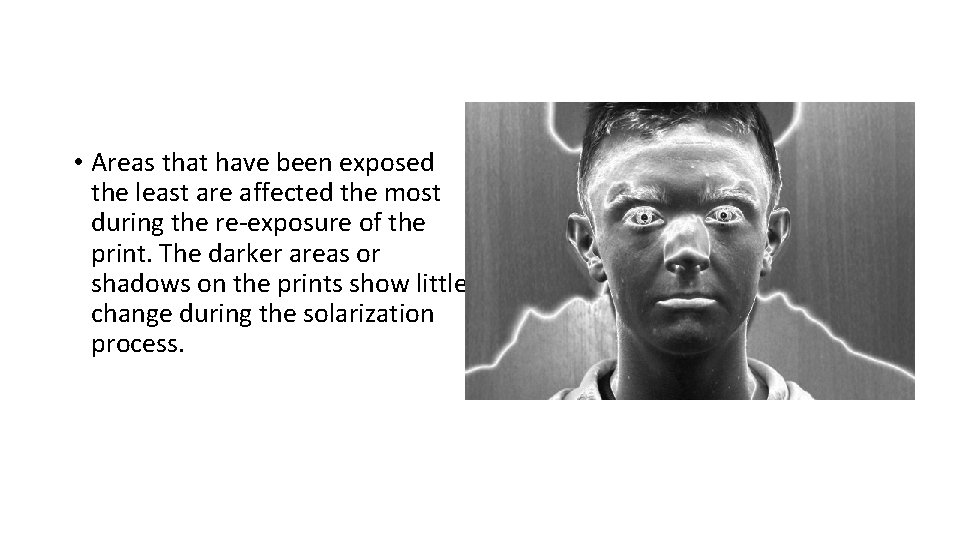
• Areas that have been exposed the least are affected the most during the re-exposure of the print. The darker areas or shadows on the prints show little change during the solarization process.
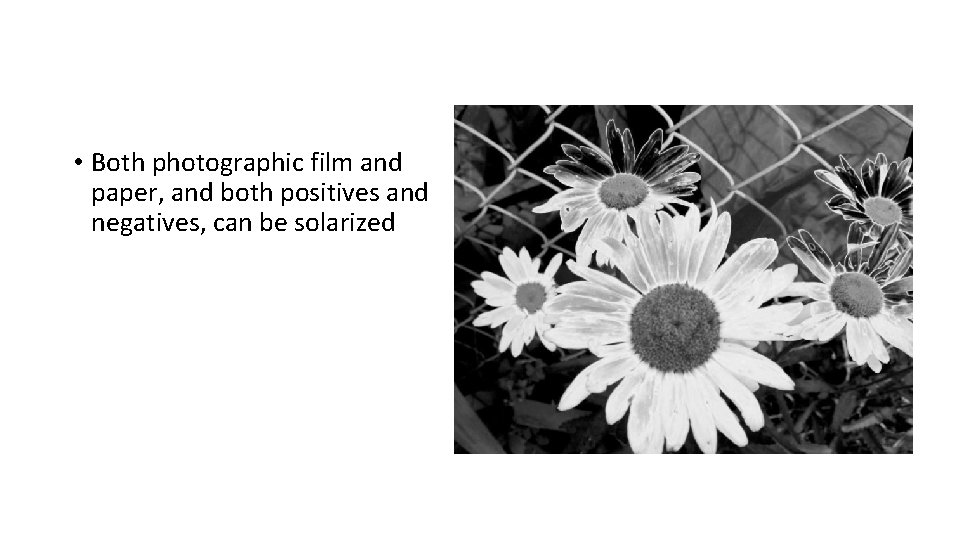
• Both photographic film and paper, and both positives and negatives, can be solarized
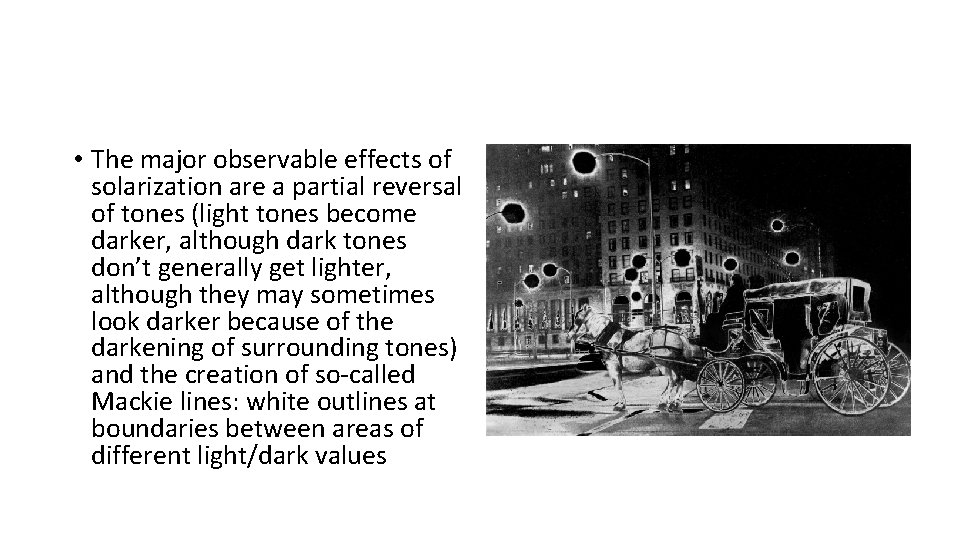
• The major observable effects of solarization are a partial reversal of tones (light tones become darker, although dark tones don’t generally get lighter, although they may sometimes look darker because of the darkening of surrounding tones) and the creation of so-called Mackie lines: white outlines at boundaries between areas of different light/dark values
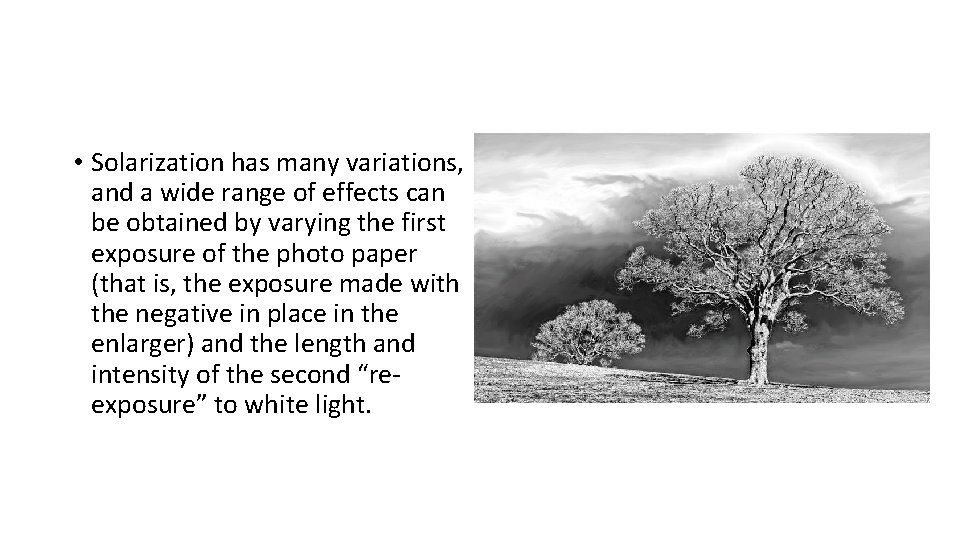
• Solarization has many variations, and a wide range of effects can be obtained by varying the first exposure of the photo paper (that is, the exposure made with the negative in place in the enlarger) and the length and intensity of the second “reexposure” to white light.
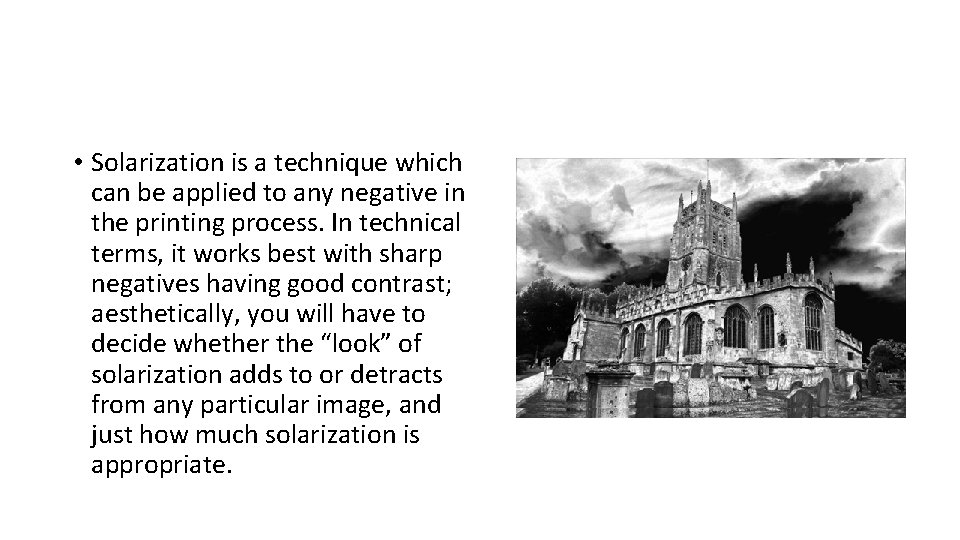
• Solarization is a technique which can be applied to any negative in the printing process. In technical terms, it works best with sharp negatives having good contrast; aesthetically, you will have to decide whether the “look” of solarization adds to or detracts from any particular image, and just how much solarization is appropriate.
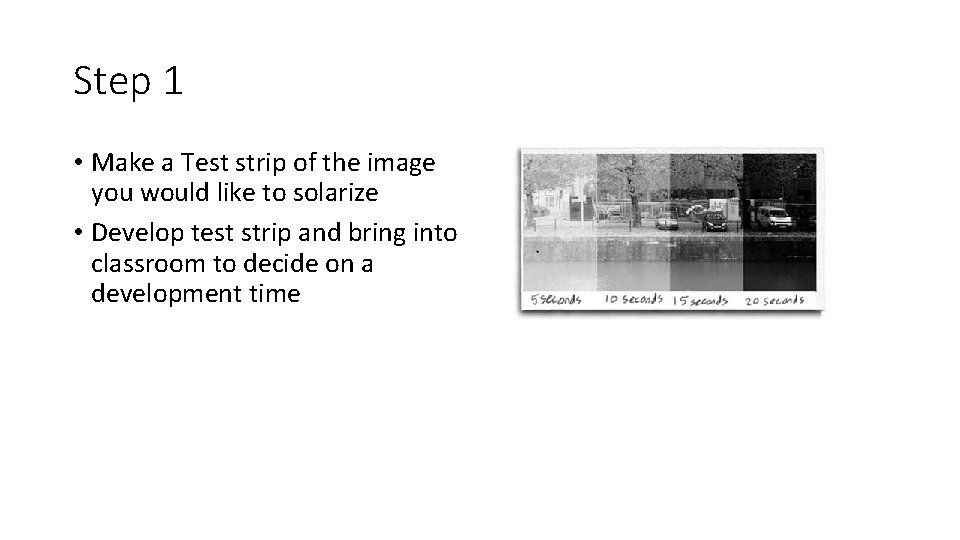
Step 1 • Make a Test strip of the image you would like to solarize • Develop test strip and bring into classroom to decide on a development time
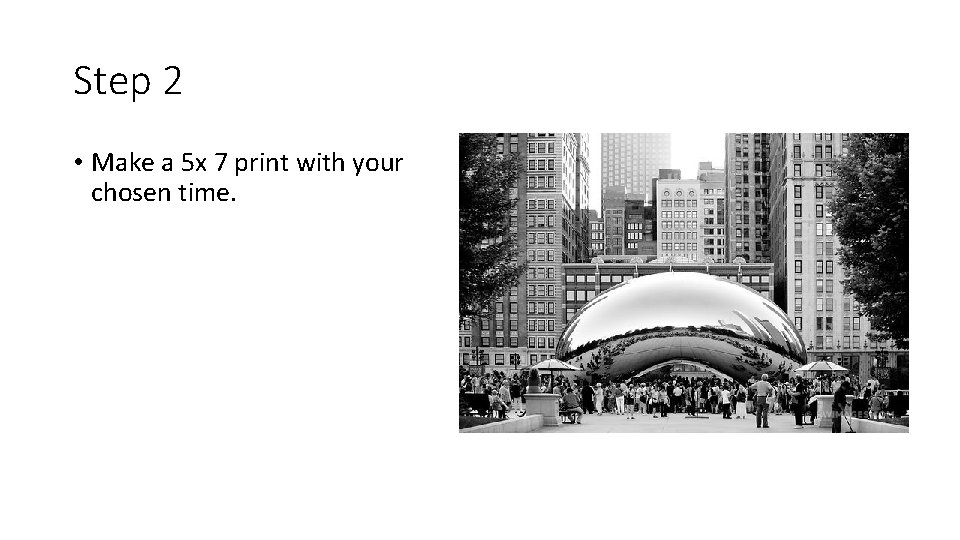
Step 2 • Make a 5 x 7 print with your chosen time.
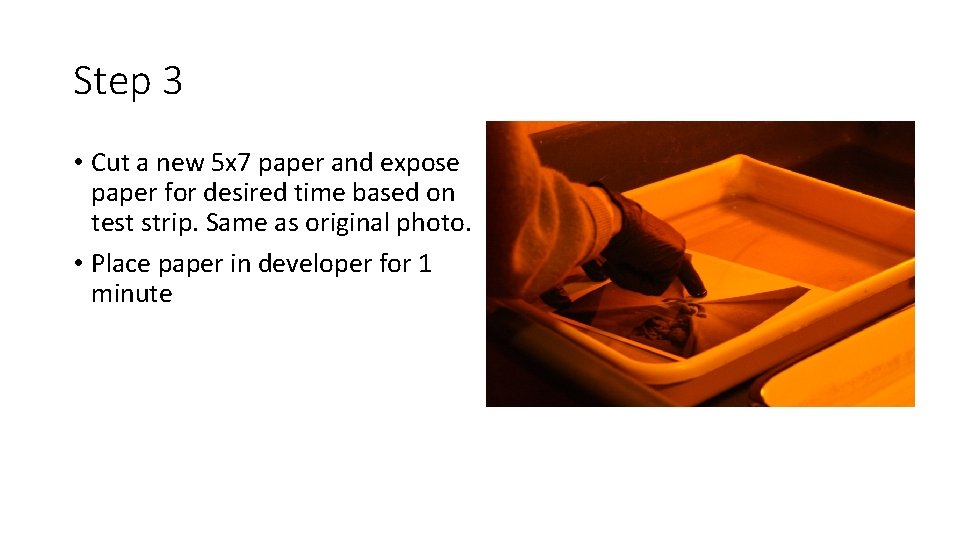
Step 3 • Cut a new 5 x 7 paper and expose paper for desired time based on test strip. Same as original photo. • Place paper in developer for 1 minute
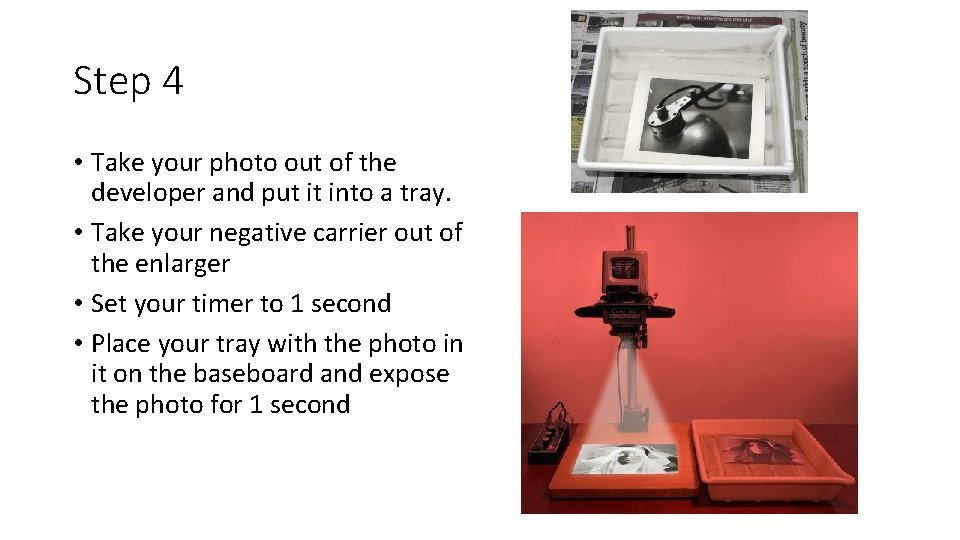
Step 4 • Take your photo out of the developer and put it into a tray. • Take your negative carrier out of the enlarger • Set your timer to 1 second • Place your tray with the photo in it on the baseboard and expose the photo for 1 second
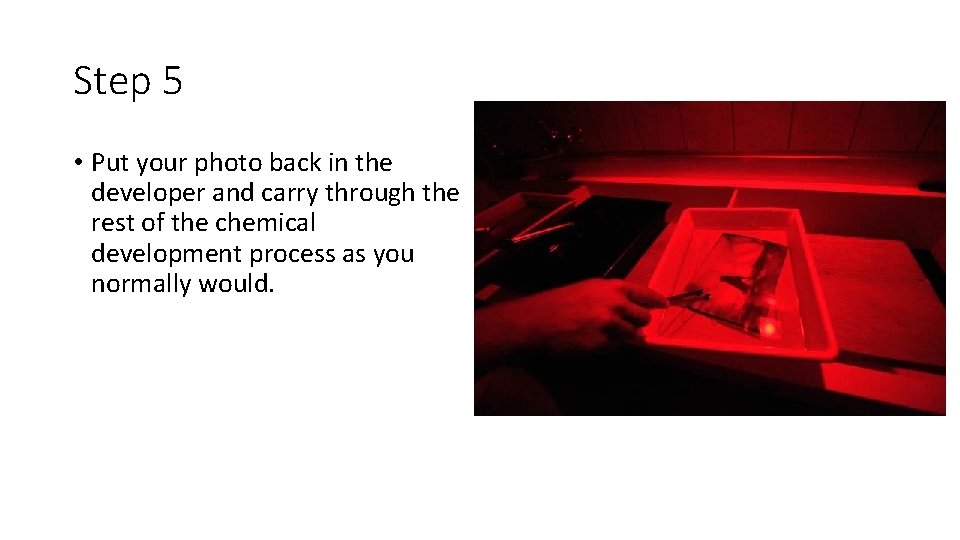
Step 5 • Put your photo back in the developer and carry through the rest of the chemical development process as you normally would.
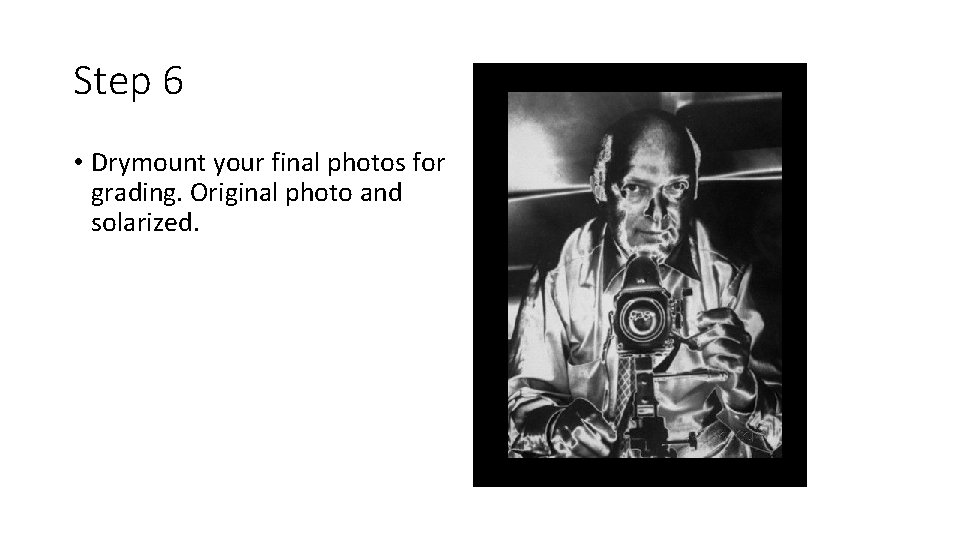
Step 6 • Drymount your final photos for grading. Original photo and solarized.
Final Project • Mount the two images together on one board. • Original • Solarized
- Slides: 14